Get 20% OFF All Premium 3D & STL Models!

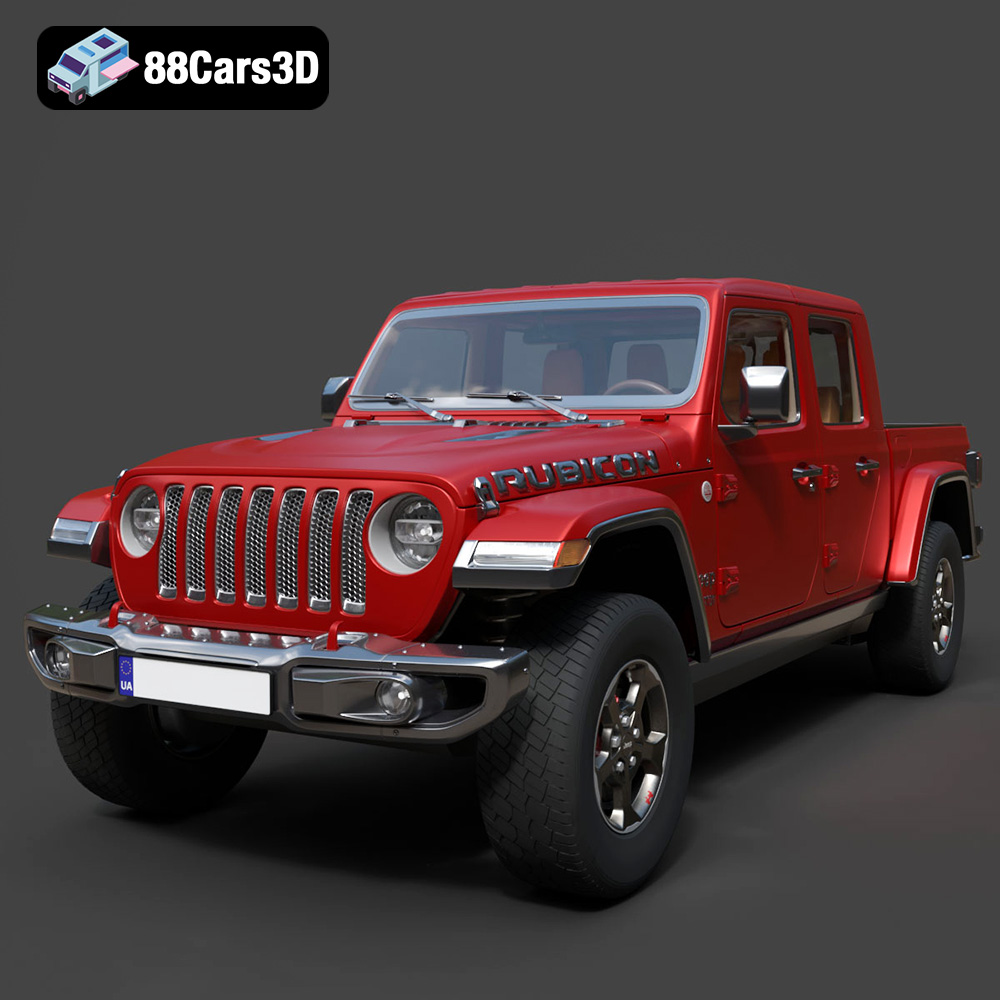
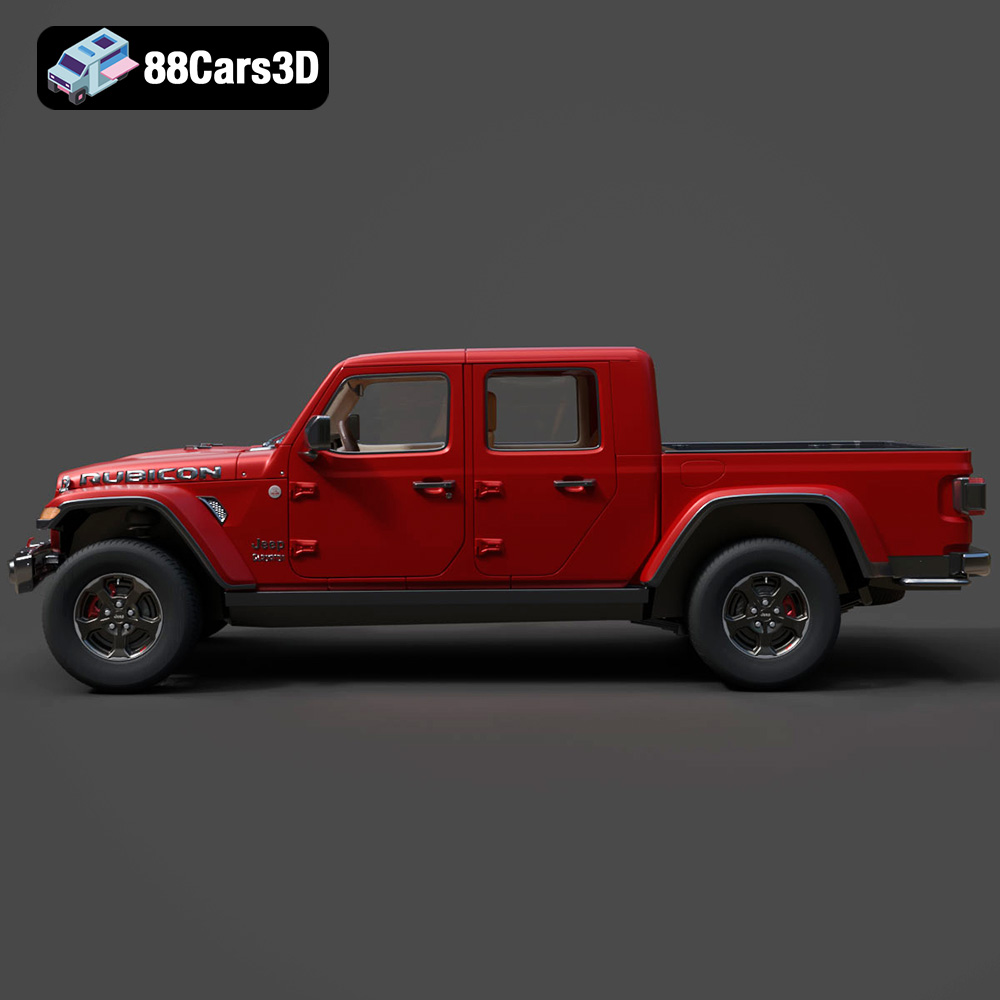
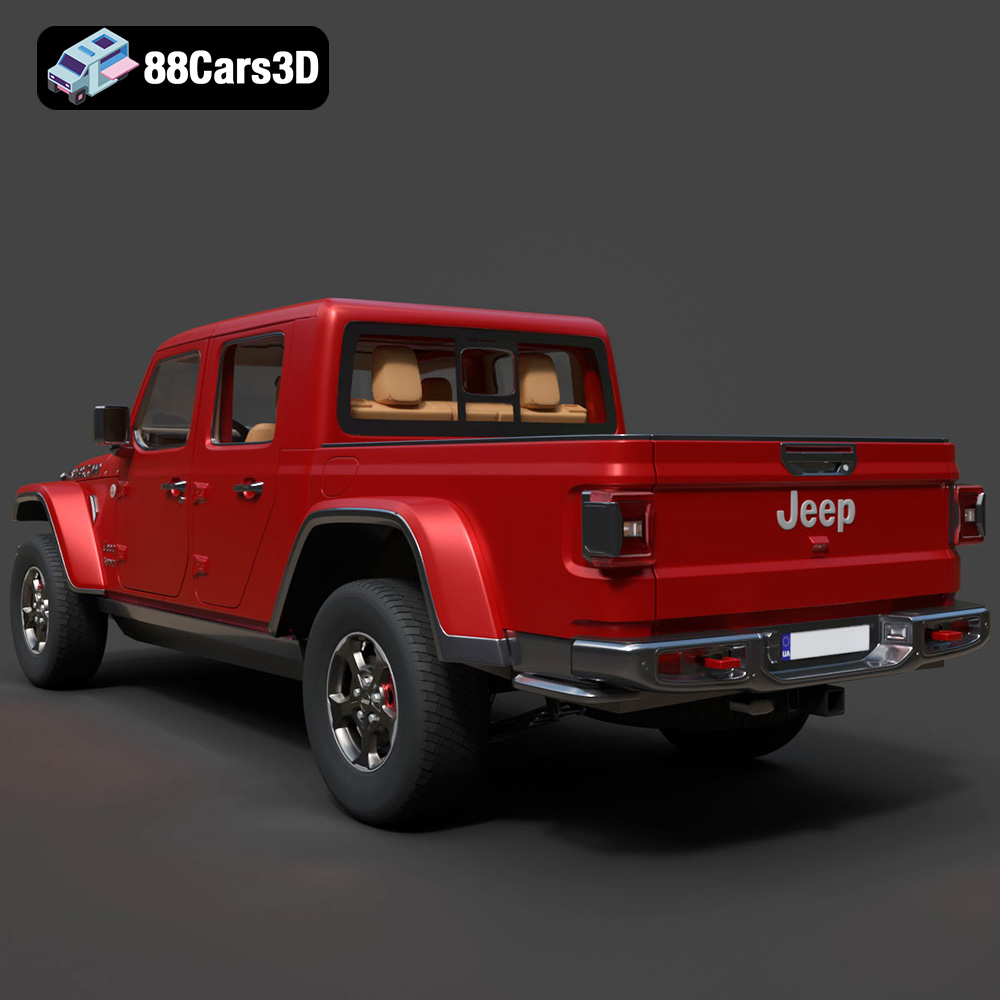
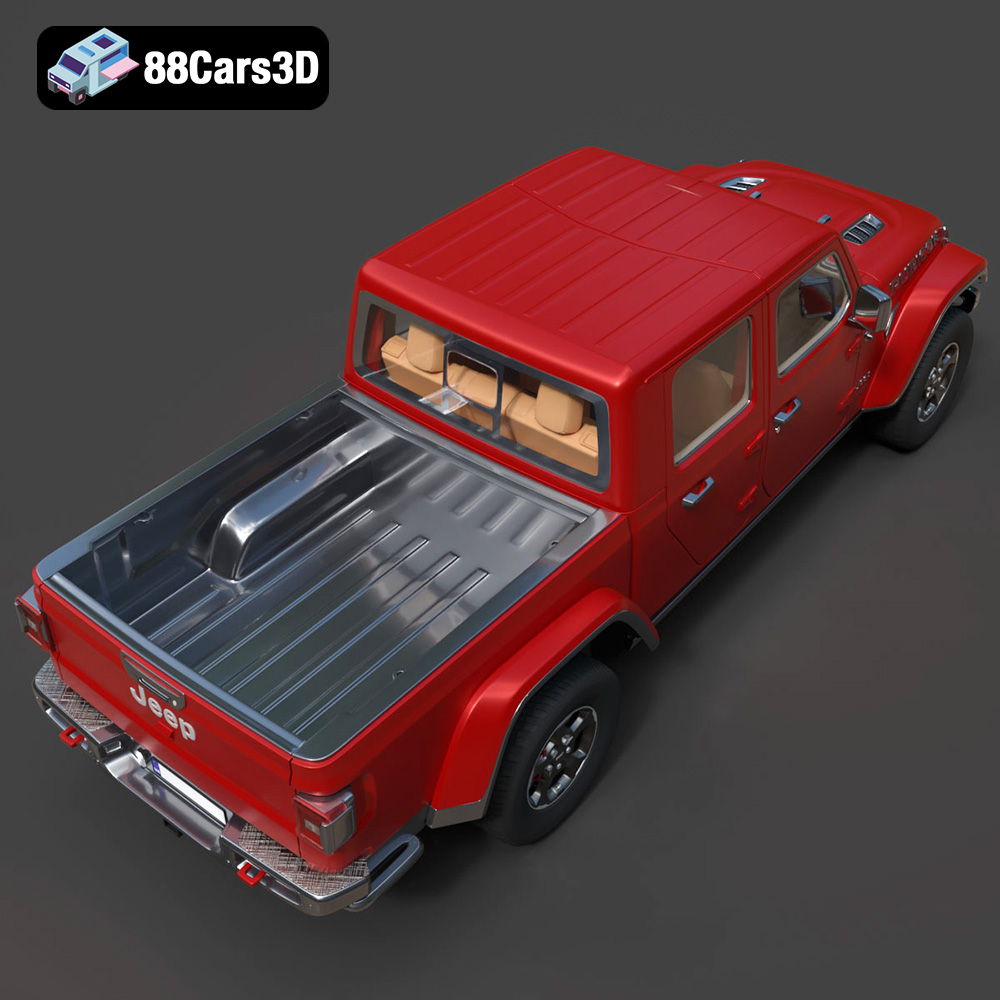
The Jeep Gladiator Rubicon 2020, a symbol of off-road prowess and rugged capability, is now available as a highly detailed 3D model. Whether you’re a 3D printing enthusiast, a scale model collector, or simply a fan of this iconic vehicle, bringing this digital creation to life through additive manufacturing is an exciting endeavor. This guide will walk you through the essential steps for successfully 3D printing your own Jeep Gladiator Rubicon 2020 model, covering everything from file preparation to post-processing. Many high-quality 3D car models, including the Jeep Gladiator Rubicon 2020, are available as STL files optimized for 3D printing on sites like 88cars3d.com.
The success of your 3D print hinges heavily on the preparation stage. This involves inspecting the 3D model, making any necessary repairs, choosing the right orientation, and configuring your slicing software.
* Check for Errors: Before even loading the STL file into your slicing software, use a mesh analysis tool (like MeshLab or the built-in tools in PrusaSlicer or Cura) to identify potential issues such as non-manifold edges, holes, or intersecting faces. These errors can lead to printing failures.
* Repairing the Mesh: Most slicing software includes automatic repair tools. Experiment with these, but for more complex issues, dedicated mesh editing software might be necessary. Ensure the model is a closed, single, and valid solid.
* Optimal Orientation: The orientation in which you print the Jeep Gladiator Rubicon 2020 model will significantly impact the print quality, support requirements, and overall aesthetics. Consider printing the body of the car with the roof facing upwards. This minimizes the number of supports needed on visible surfaces. Smaller, detailed components like wheels, mirrors, and the grille may benefit from being printed separately and oriented to minimize support structures.
* Support Structures: Support structures are critical for overhangs and bridging sections. Experiment with different support patterns (linear, zig-zag, tree supports) and densities within your slicing software. Tree supports are often a good choice for complex geometries like car models, as they use less material and are easier to remove. For the Jeep Gladiator model, pay special attention to the wheel arches, the underside of the chassis, and any intricate details of the grille.
Choosing the right file format is critical for a smooth and successful 3D printing experience. While several formats exist, each has its strengths and weaknesses in the context of additive manufacturing. Here’s a breakdown of common 3D model file formats and their suitability for 3D printing:
* Description: STL (Stereolithography) is the workhorse of 3D printing. It represents a 3D object’s surface as a collection of triangles, defining the shape without any color, texture, or material information.
* Advantages: Universally supported by almost all 3D printers and slicing software. Simple and lightweight, making it easy to handle and process, even for complex models. The Jeep Gladiator Rubicon 2020 model, like many on 88cars3d.com, is available in .STL format, ensuring broad compatibility.
* Disadvantages: Lacks color and texture information, rendering it unsuitable for full-color prints. The mesh-only format can sometimes result in faceted surfaces, especially on curved geometries, depending on the model’s resolution.
* Slicing Compatibility: STL files work seamlessly with all major slicing programs, including Cura, PrusaSlicer, Simplify3D, and others.
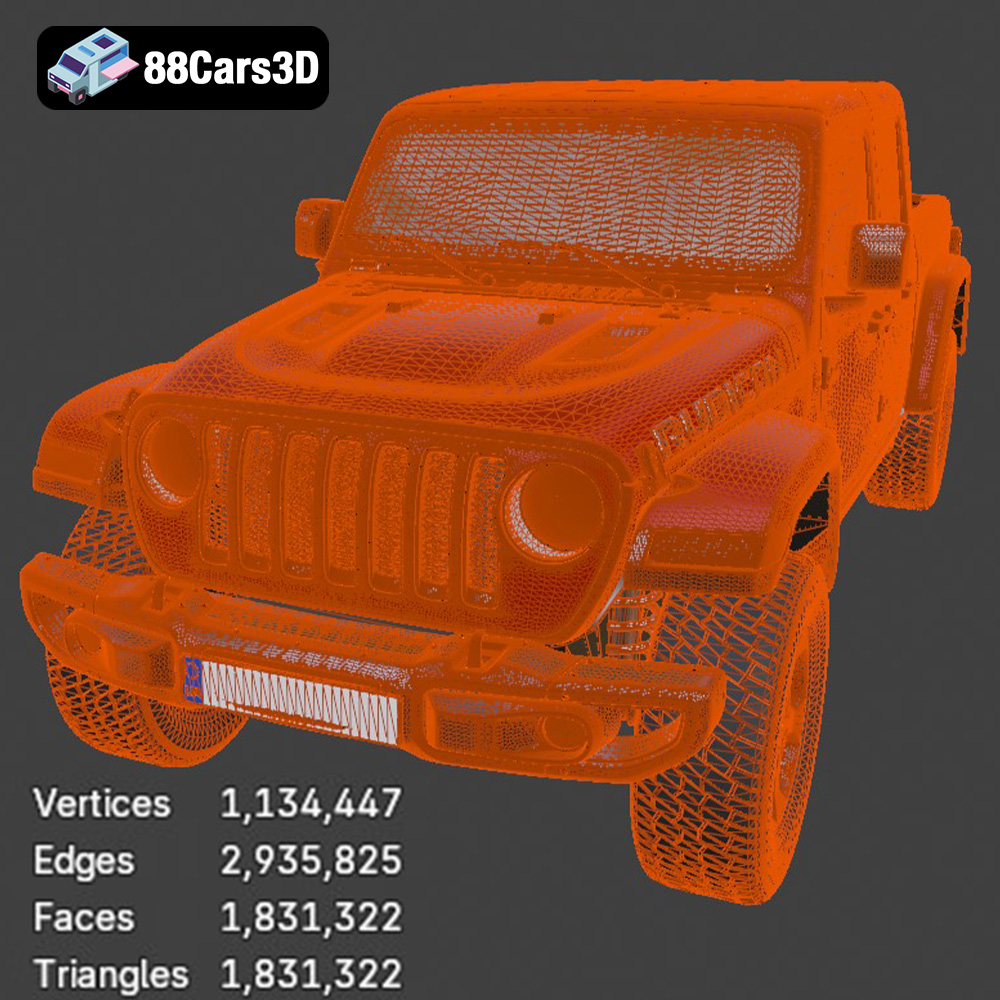
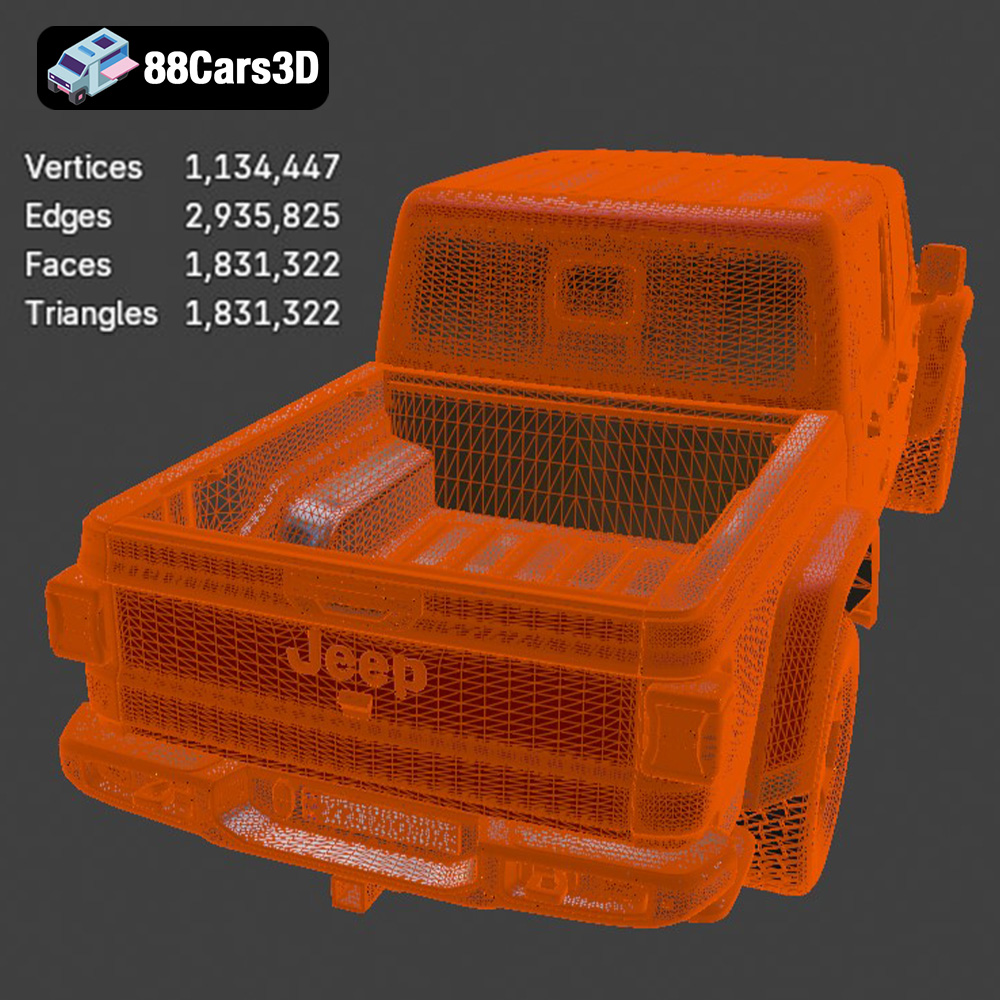
* Mesh Quality: The quality of an STL file depends on the number of triangles used to represent the model. A higher triangle count results in smoother surfaces but also increases file size and processing time. Optimize the triangle count to strike a balance between visual fidelity and printability.
* Description: OBJ is a more versatile format than STL, capable of storing color, texture, and material information alongside the geometry.
* Advantages: Supports color and texture, enabling the creation of visually richer 3D printed models. Widely compatible with 3D modeling software.
* Disadvantages: Can be more complex to process than STL files, especially when dealing with large textures. Not as universally supported by 3D printers as STL.
* Slicing Compatibility: While many slicing programs can import OBJ files, the color and texture information may not always be fully utilized, especially on single-extrusion 3D printers.
* Mesh Quality: Similar to STL, OBJ files rely on polygons to represent the surface. High polygon counts are crucial for smooth surfaces, especially when texture mapping is involved.
* Description: PLY (Polygon File Format) is designed for storing 3D data acquired from scanning devices. It can store color, normals, and other properties per vertex, allowing for highly detailed representations.
* Advantages: Excellent for capturing and preserving fine details. Supports various data types, making it suitable for specialized applications.
* Disadvantages: Less common than STL or OBJ in the 3D printing world. Can result in very large file sizes.
* Slicing Compatibility: Support for PLY files varies across slicing programs. Check your software’s documentation for compatibility information.
* Mesh Quality: PLY files are often used to represent complex and intricate geometries, requiring a dense mesh for accurate representation.
These formats are generally used for design and rendering, and are not directly used for 3D printing. .blend and .max are editable project files for Blender and 3ds Max, respectively. .fbx is used for game engine import, and .glb is for AR/VR previewing. To 3D print, you will need to export the model to STL.
In conclusion, while several file formats exist, STL remains the preferred and most reliable choice for 3D printing due to its simplicity, universal compatibility, and widespread support. Ensure that your model is properly prepared and optimized for 3D printing before exporting it as an STL file.
Choosing the correct printer settings and material is crucial for achieving a high-quality 3D printed Jeep Gladiator Rubicon 2020 model.
* Layer Height: A lower layer height (e.g., 0.1mm or 0.15mm) will result in finer details and smoother surfaces. However, it will also increase the print time. For the Jeep Gladiator, a layer height of 0.15mm is a good compromise between detail and speed.
* Print Speed: Slower print speeds generally improve print quality. Reduce the print speed for external perimeters (outer walls) to enhance surface finish. A speed of 40-50mm/s is a reasonable starting point, with slower speeds for detailed sections.
* PLA: PLA is a biodegradable thermoplastic polymer derived from renewable resources. It’s easy to print with, doesn’t require a heated bed (although it benefits from one), and produces relatively low warping. It’s a great choice for beginners and for models where heat resistance isn’t a primary concern.
* PETG: PETG offers a good balance of strength, flexibility, and temperature resistance. It’s more durable than PLA and less prone to warping than ABS. PETG is an excellent choice for parts that need to withstand some stress or outdoor conditions.
* Resin: Resin printing offers exceptional detail and smooth surfaces, making it ideal for highly detailed models like the Jeep Gladiator Rubicon 2020. However, resin prints are typically more brittle than FDM prints and require careful post-processing (washing and curing). If you prioritize detail over strength, resin is the way to go.
Your slicing software is the bridge between the 3D model and your 3D printer. Proper configuration is essential for a successful print.
* Infill Density: Infill provides internal support and rigidity. A higher infill density increases the model’s strength but also increases print time and material consumption. For a decorative model of the Jeep Gladiator, an infill density of 15-20% is generally sufficient. For functional parts (e.g., wheels that need to bear weight), consider increasing the infill density to 30-40%.
* Infill Pattern: Choose an infill pattern that balances strength and print time. Gyroid, honeycomb, and rectilinear patterns are good options.
* Brim or Raft: A brim or raft can improve adhesion to the build plate, especially for models with a small footprint or prone to warping. A brim adds a single-layer outline around the base of the model, while a raft creates a multi-layer platform underneath the model. For the Jeep Gladiator Rubicon 2020, a brim is usually sufficient.
Post-processing is the process of cleaning, refining, and enhancing your 3D print after it comes off the printer.
* Support Removal: Carefully remove the support structures using pliers, cutters, or a deburring tool. Take your time to avoid damaging the model.
* Sanding: Sanding smooths out imperfections and layer lines. Start with a coarse grit sandpaper (e.g., 220 grit) to remove large bumps and then gradually move to finer grits (e.g., 400, 600, 800 grit) for a smooth finish. Wet sanding can further improve the results.
* Priming: Apply a primer to the model to create a uniform surface for painting.
* Painting: Use acrylic paints or spray paints to achieve the desired color scheme. Masking tape can be used to create clean lines and separate different color areas.
* Detailing: Add fine details with paint brushes or markers. Consider using washes to accentuate panel lines and add depth.
Even with careful preparation, 3D printing can sometimes present challenges. Here are some common issues and their solutions:
* Cause: Warping occurs when the plastic cools and shrinks unevenly, causing the corners of the model to lift off the build plate.
* Solution: Increase bed temperature, use a brim or raft, ensure proper bed adhesion, and reduce cooling fan speed. An enclosure can also help maintain a more consistent temperature.
* Cause: Stringing is when thin strands of plastic are left between different parts of the model.
* Solution: Reduce printing temperature, increase retraction distance and speed, and ensure the filament is dry.
* Cause: Layer shifting is when the layers of the print are misaligned.
* Solution: Tighten belts, reduce print speed, and ensure the printer is stable and not vibrating excessively.
Successfully 3D printing the Jeep Gladiator Rubicon 2020 3D model requires attention to detail, careful planning, and a bit of experimentation. By following this comprehensive guide, you’ll be well-equipped to bring this iconic vehicle to life in stunning 3D printed form. Remember, the resources at 88cars3d.com are a great place to find optimized 3D printed models.
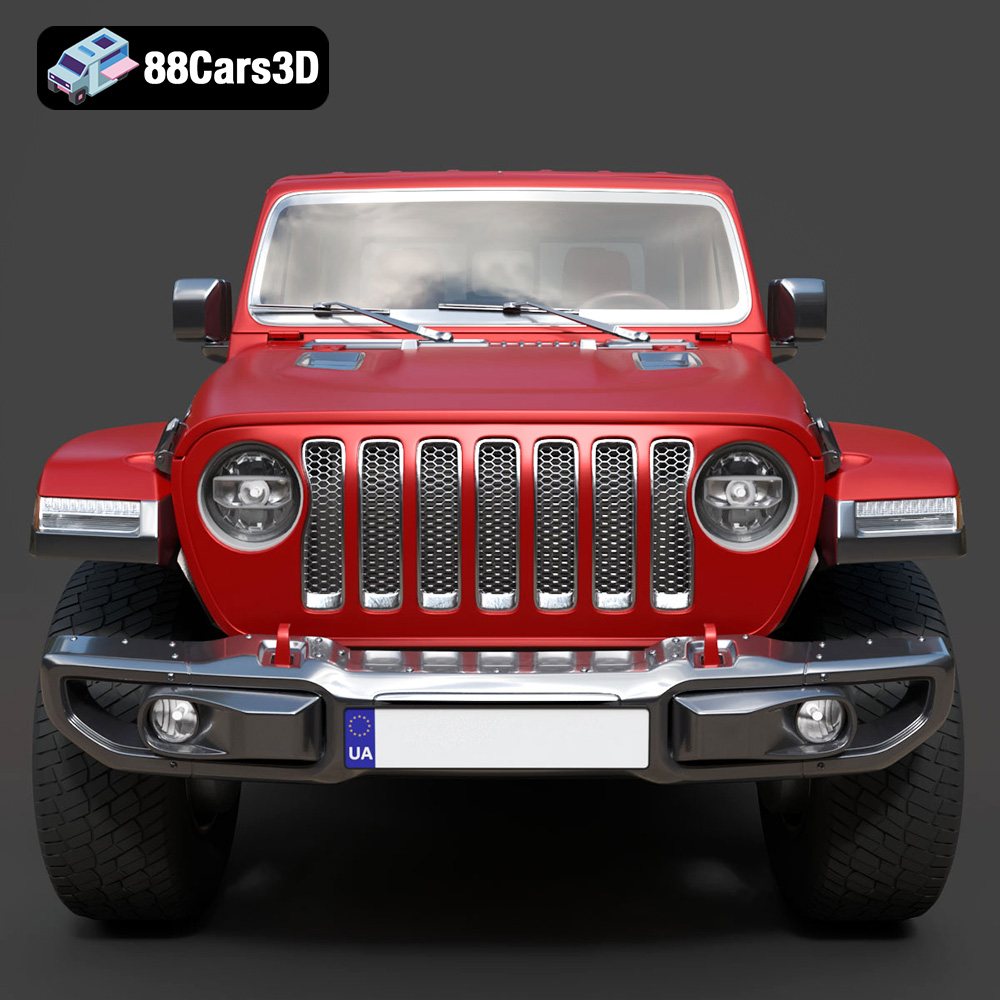
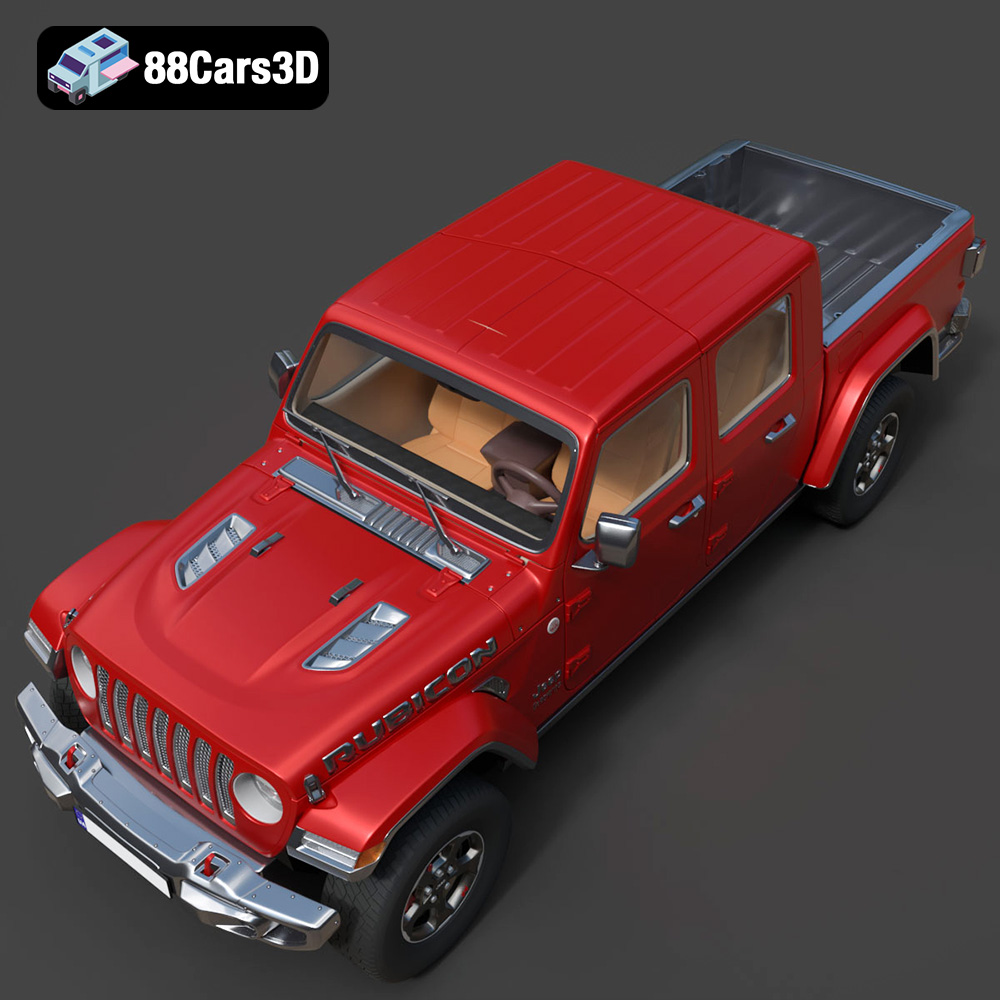
Discover the realistic digital representation of the Jeep Gladiator Rubicon 2020 3D Model, meticulously crafted to deliver an authentic digital twin of this rugged off-road vehicle. This model captures the iconic exterior styling and intricate structural details, making it an ideal asset for professional digital projects.
$39.99
.4×4
.arvr
.blend
.car3dmodel
.fbx
.gameasset
.gladiator
.glb
.jeep
.jt
.max
.obj
.offroad
.pickup
.ply
.rendering
.rubicon
.simulation
.stl
.truck
.unreal