Get 20% OFF All Premium 3D & STL Models!

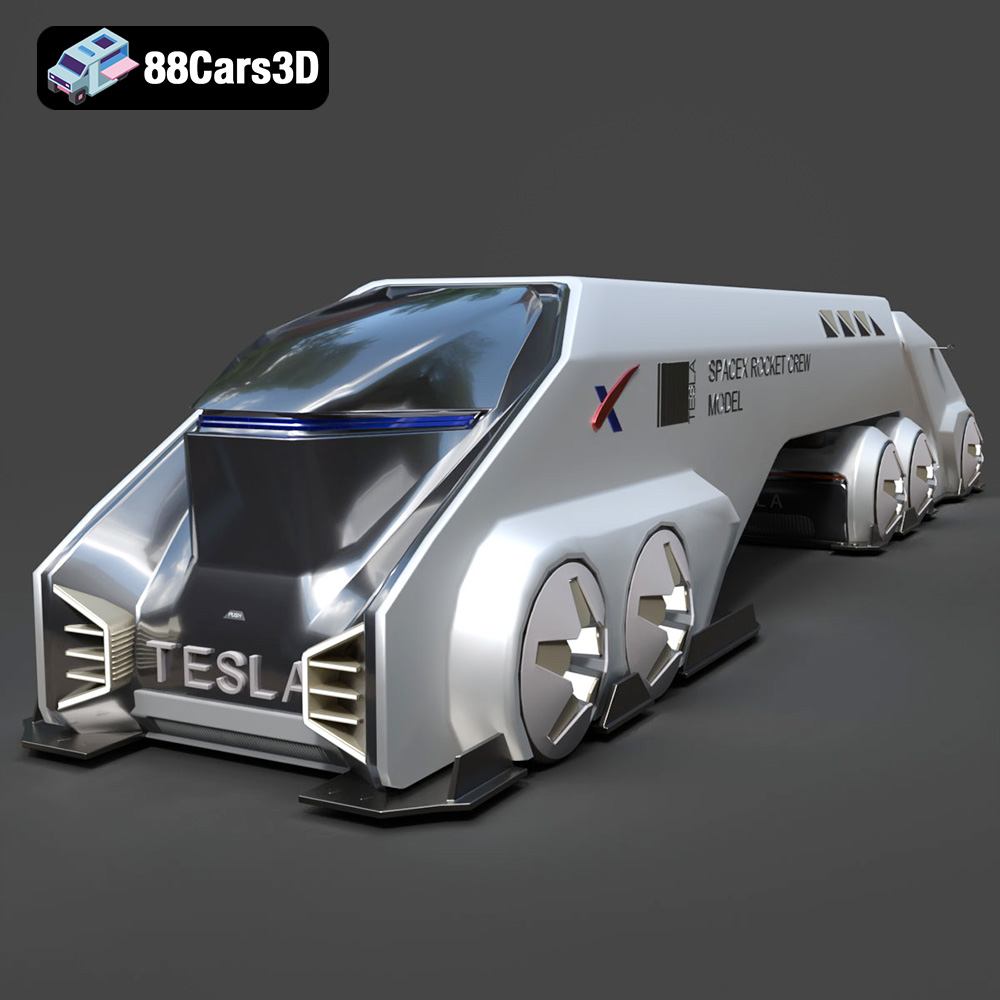
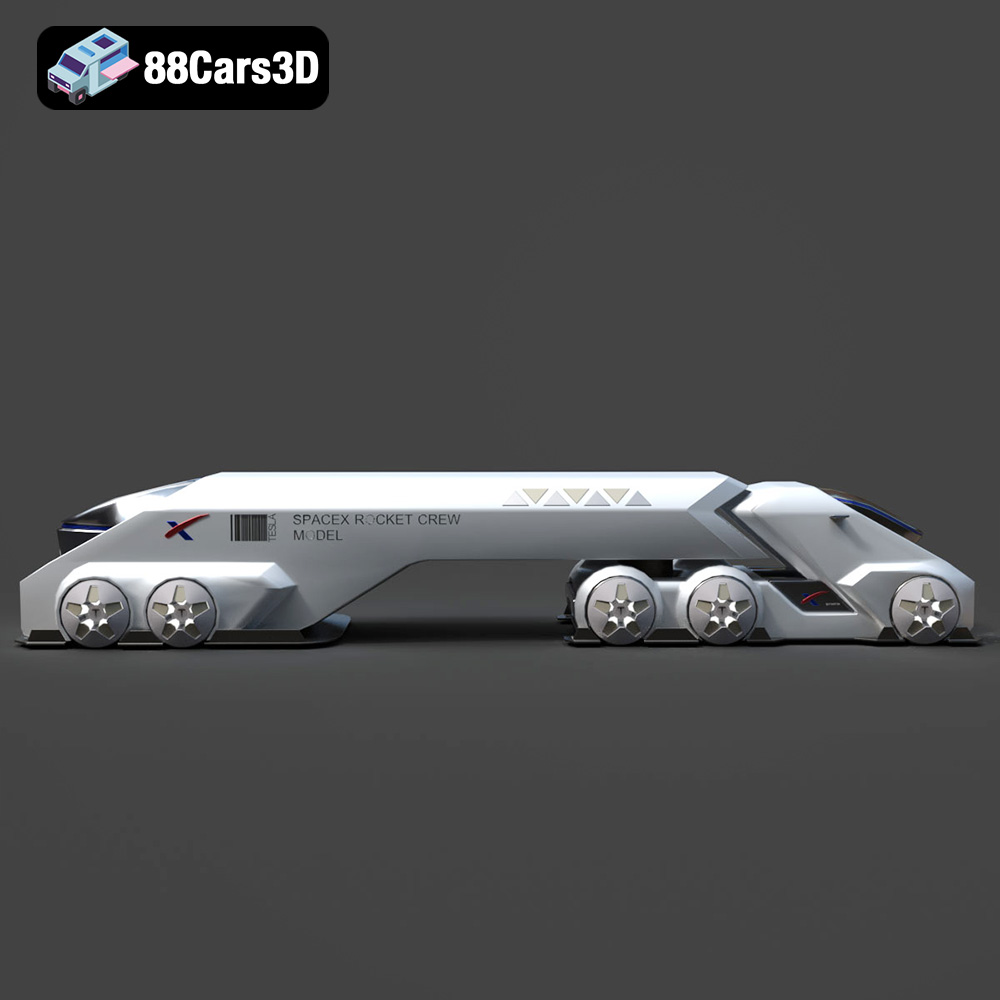
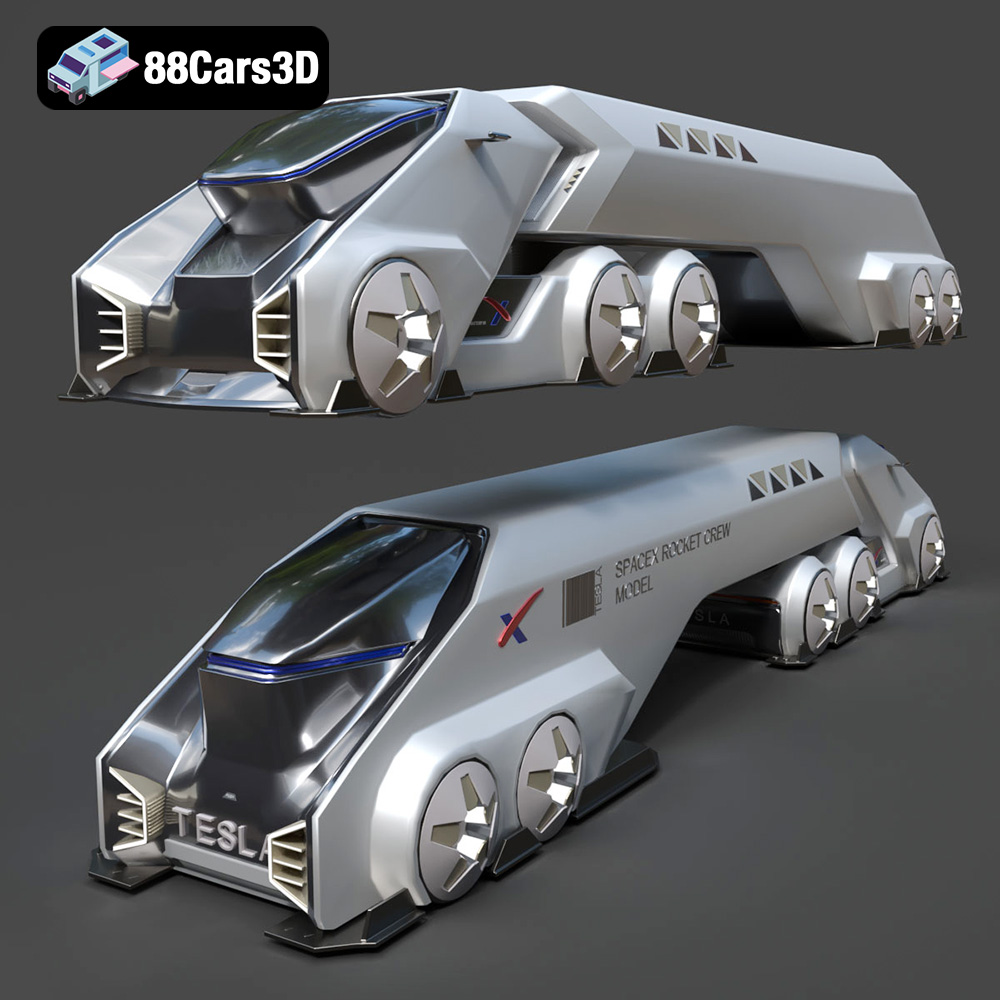
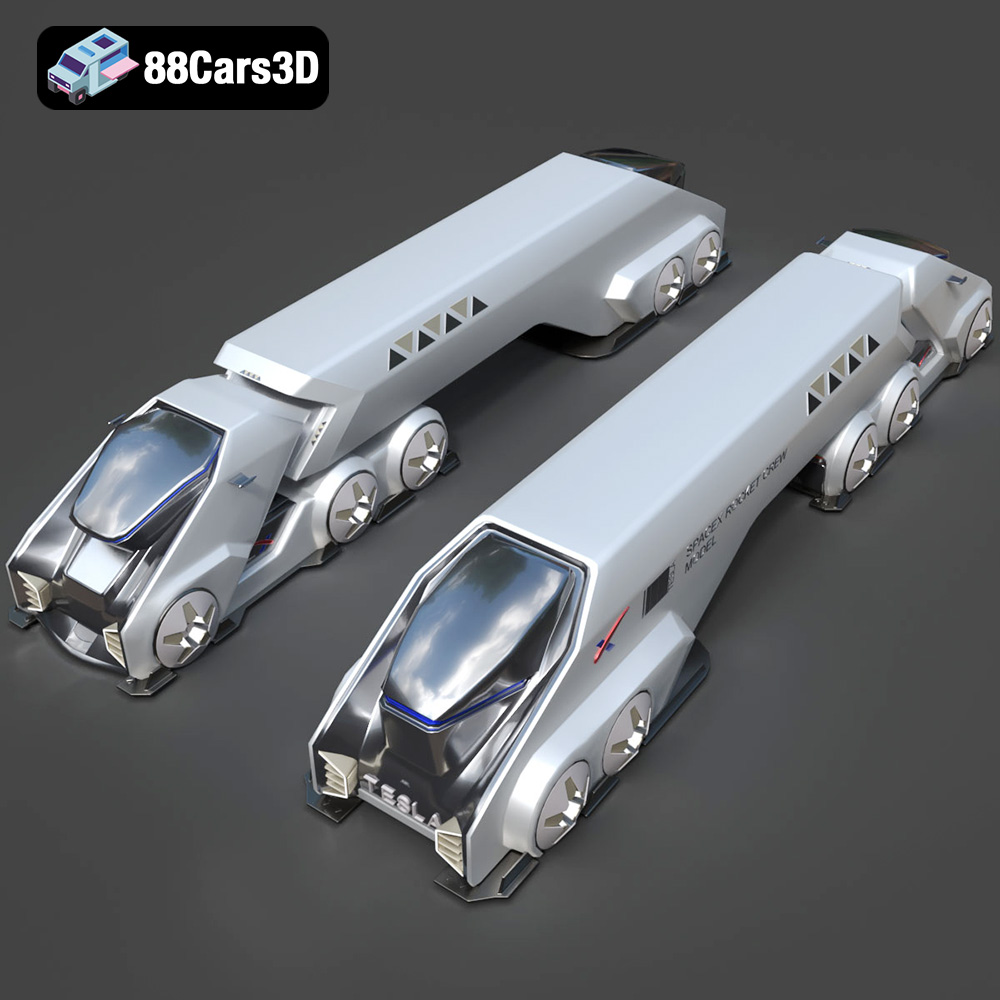
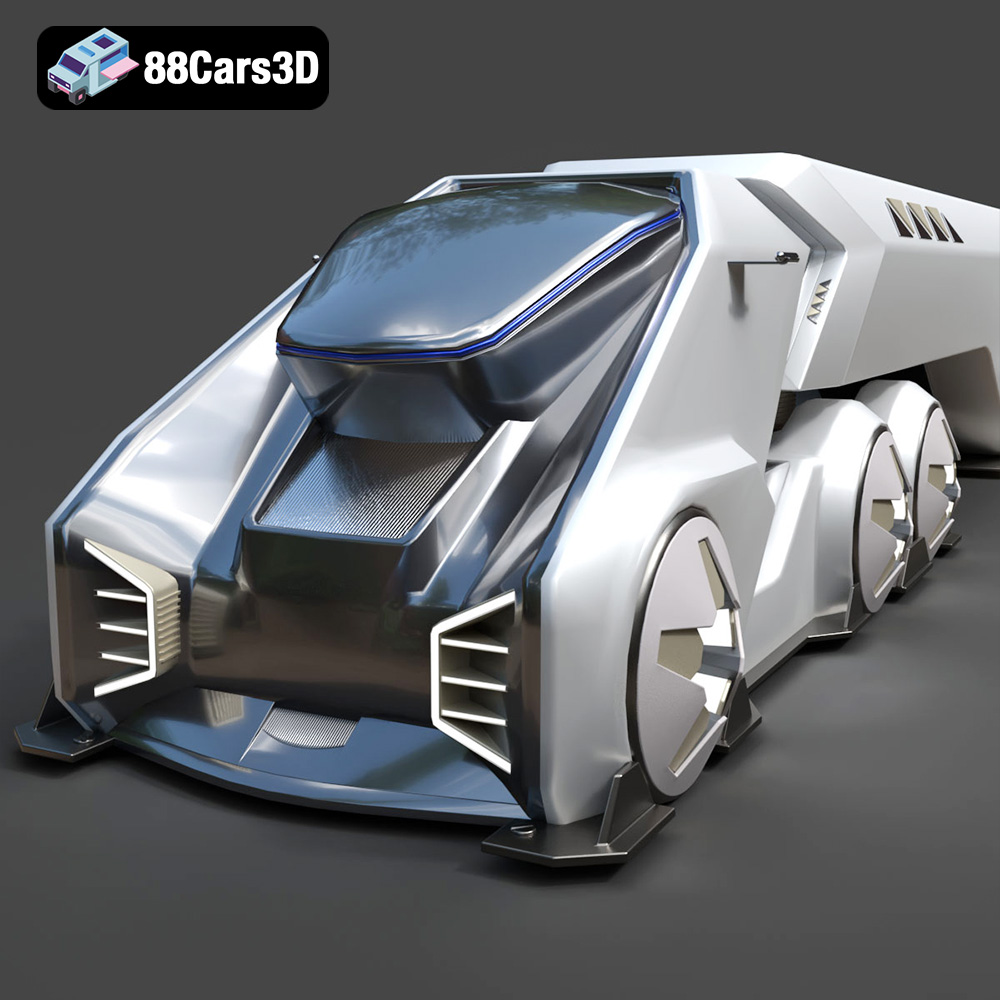
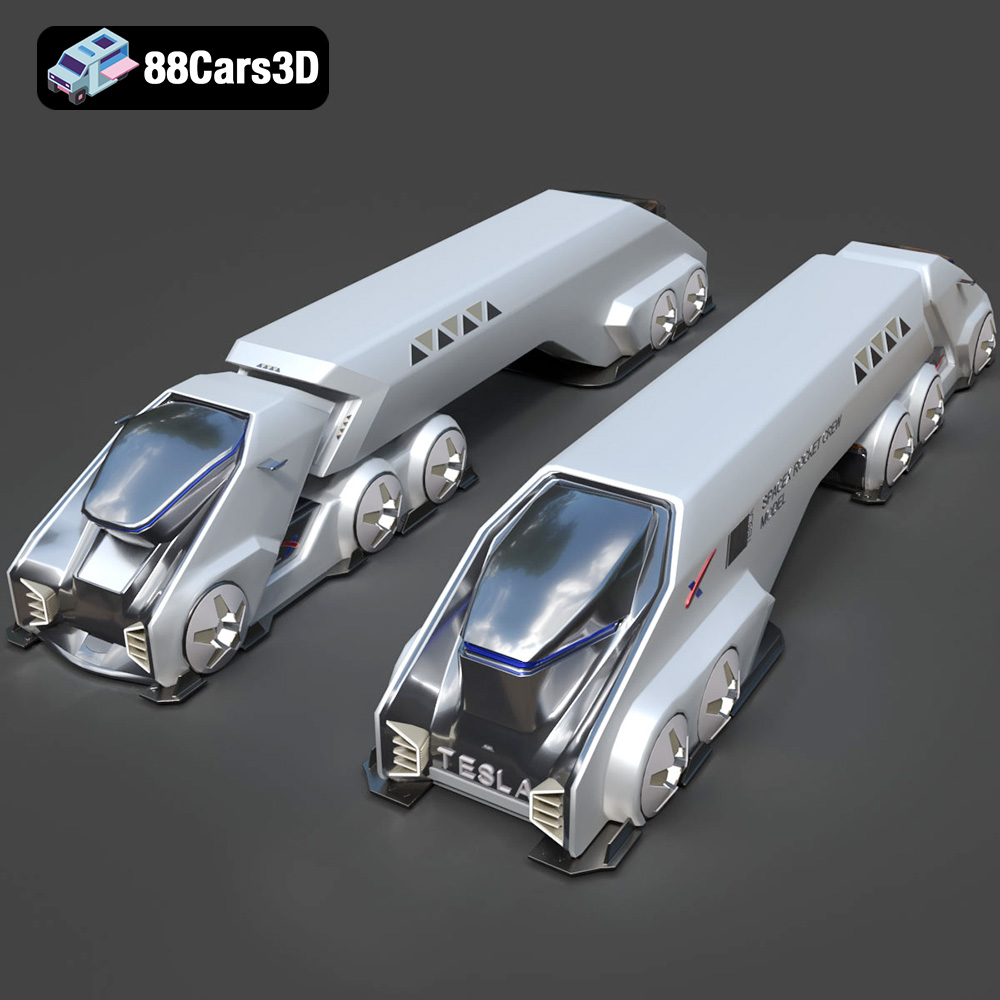
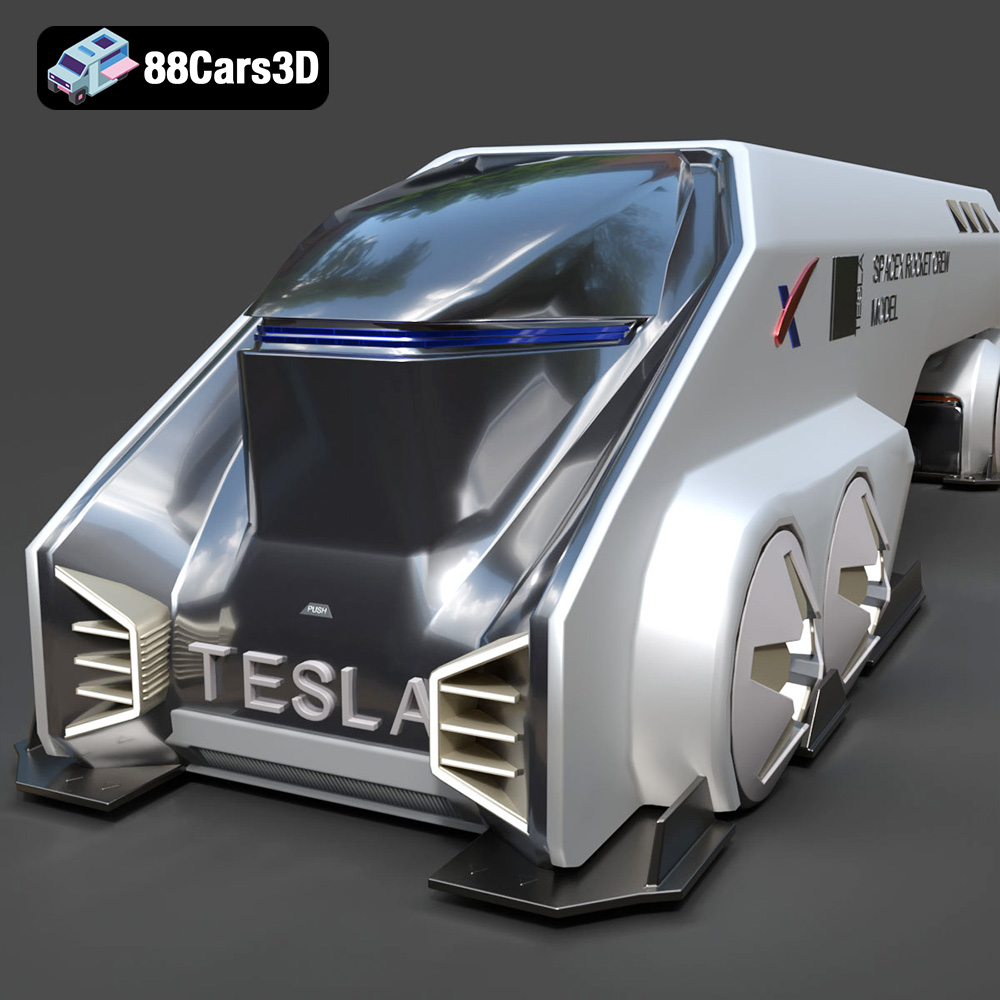
The Tesla Space Rocket-001 3D model, available at 88cars3d.com, isn’t just a stunning digital asset; it’s a gateway to a fascinating 3D printing project. This high-quality model, meticulously designed with clean geometry and realistic details, presents a unique opportunity to explore the capabilities of additive manufacturing. Whether you’re a seasoned 3D printing enthusiast or a beginner looking for an exciting challenge, this guide will walk you through the entire process, from pre-print preparation to post-processing, ensuring a successful and rewarding 3D printing experience. Get ready to transform a digital dream into a tangible reality, right in your own workshop!
Before diving into the specifics of printing the Tesla Space Rocket-001, it’s crucial to understand the different file formats in which the model is available and how they relate to 3D printing. While the product description mentions several formats optimized for rendering and game development, the .stl format is the undisputed king when it comes to 3D printing.
The .stl (Stereolithography) file format is the industry standard for 3D printing. It represents the surface geometry of a 3D object using a mesh of triangles. This simplicity is its strength, making it universally compatible with slicing software and 3D printers across various technologies (FDM, SLA, SLS, etc.). However, it’s important to understand that .stl files only contain geometric data; they don’t store information about color, texture, or materials. For the Tesla Space Rocket-001, the .stl file provides the essential blueprint for your 3D printer to create the physical object layer by layer.
The .obj (Wavefront Object) format is a more versatile format that, unlike .stl, can store color and texture information. While this makes it suitable for colored 3D prints (if your printer supports it), the primary application of .obj files is in rendering and visualization. When using an .obj file for 3D printing, ensure your slicing software properly interprets the geometry and doesn’t introduce errors. Most slicing software prioritizes the mesh data, effectively ignoring the color and texture information unless your printer is capable of multi-material or full-color printing.
The .ply (Polygon File Format or Stanford Triangle Format) is designed for storing 3D data acquired from 3D scanners. It’s capable of representing more complex geometry with higher precision than .stl. However, this increased detail can also translate to larger file sizes and potentially more processing overhead for your slicing software. When working with a .ply file for the Tesla Space Rocket-001, verify that your slicing software can handle the file size and that the resulting G-code (the printer instructions) doesn’t overwhelm your printer’s processor.
The .blend (Blender), .fbx (Filmbox), .glb (GL Transmission Format), and .max (3ds Max) formats are primarily for editing and previewing the model before printing. These formats contain scene data, materials, lighting, and other information relevant to their respective software packages. They are not directly used for 3D printing. If you want to modify the Tesla Space Rocket-001 model before printing (e.g., adding custom details, splitting it into smaller parts), you would do so in Blender, 3ds Max or another suitable 3D modeling program and then export it as an .stl file for printing. The .glb file can be helpful for augmented reality previews before you commit to printing.
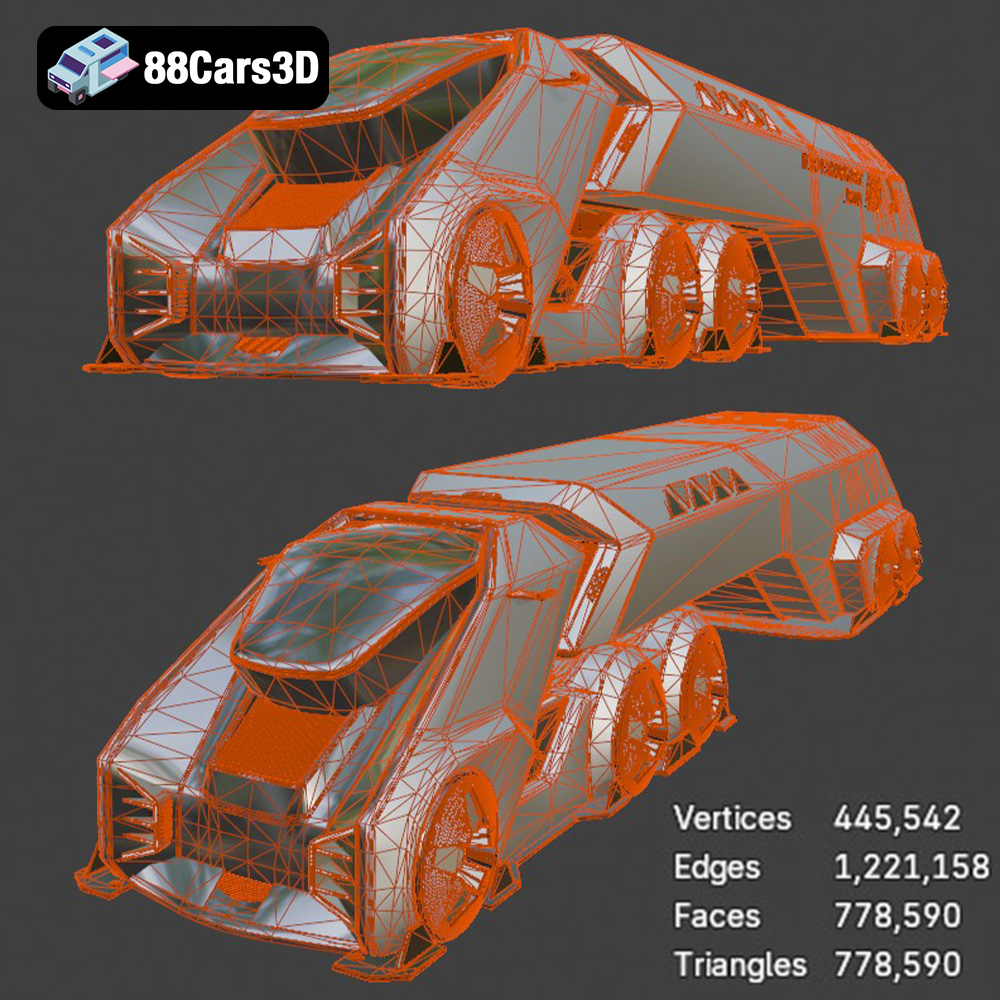
Regardless of the file format you start with (after converting if necessary), the quality of the mesh within the file is paramount for successful 3D printing. A poorly constructed mesh with holes, self-intersections, or non-manifold geometry will lead to printing errors. Slicing software will attempt to repair these issues, but the results are not always perfect. Therefore, it’s essential to inspect the .stl file in a mesh editing program like MeshLab or Netfabb Basic before slicing. These programs can identify and automatically repair common mesh errors, ensuring a clean and printable model. The Tesla Space Rocket-001 model from 88cars3d.com is designed with clean geometry to minimize such issues, but a quick check is always recommended.
Selecting the appropriate 3D printing technology and material is crucial for achieving the desired aesthetic and structural properties of your 3D printed Tesla Space Rocket-001. The two most common technologies for hobbyist and prosumer 3D printing are Fused Deposition Modeling (FDM) and Stereolithography (SLA), each with its own strengths and weaknesses.
FDM (Fused Deposition Modeling) is a cost-effective and widely accessible 3D printing technology that involves extruding a thermoplastic filament through a heated nozzle and depositing it layer by layer onto a build platform. For the Tesla Space Rocket-001, FDM offers a good balance of affordability, ease of use, and material choices.
* Material Recommendations:
* PLA (Polylactic Acid): PLA is a biodegradable thermoplastic derived from renewable resources. It’s easy to print with, has low warping, and produces relatively smooth surfaces, making it an excellent choice for beginners. However, PLA has lower heat resistance and impact strength compared to other materials.
* PETG (Polyethylene Terephthalate Glycol-modified): PETG offers improved strength, flexibility, and heat resistance compared to PLA. It’s also more resistant to moisture and chemicals. PETG can be slightly more challenging to print than PLA, requiring higher temperatures and careful tuning of retraction settings to avoid stringing.
* ABS (Acrylonitrile Butadiene Styrene): ABS is a strong and durable thermoplastic with good heat resistance, commonly used in automotive parts and consumer electronics. However, ABS is prone to warping and requires a heated build platform and an enclosed build chamber to maintain a consistent temperature.
SLA (Stereolithography) uses ultraviolet (UV) light to cure liquid resin layer by layer, resulting in parts with exceptionally fine detail and smooth surfaces. Resin printing is best suited for smaller versions of the Tesla Space Rocket-001 where intricate details are paramount.
* Material Recommendations:
* Standard Resin: Standard resin offers excellent detail and a smooth surface finish. It’s ideal for display models and prototypes. However, standard resin is typically brittle and not suitable for functional parts.
* Tough Resin: Tough resin is formulated to be more impact-resistant and durable than standard resin. It’s a good choice for parts that need to withstand some stress or handling.
* Flexible Resin: Flexible resin can be used to create parts with rubber-like properties. This could be used for certain cosmetic components or flexible elements within the rocket.
Proper pre-print preparation is critical for a successful 3D printing outcome. This involves using slicing software to convert the 3D model into instructions for the 3D printer and optimizing the model’s orientation on the build platform.
Slicing software takes your .stl file and divides it into thin layers, generating the G-code instructions that the 3D printer follows. Popular slicing software options include Cura, PrusaSlicer, Simplify3D, and Chitubox (for resin printing).
* Layer Height: Layer height determines the thickness of each layer. A smaller layer height (e.g., 0.1mm) results in smoother surfaces and finer detail, but it also increases print time. A larger layer height (e.g., 0.2mm) prints faster but sacrifices some surface quality. For the Tesla Space Rocket-001, a layer height of 0.15mm to 0.2mm is a good starting point for FDM printing, and 0.05mm for resin printing.
* Infill Density: Infill density determines the internal structure of the printed part. A higher infill density (e.g., 20%) makes the part stronger and heavier but also increases print time and material consumption. A lower infill density (e.g., 10%) is sufficient for display models. Consider using a gyroid infill pattern for a good balance of strength and material usage.
* Print Speed: Print speed affects both print quality and print time. Slower print speeds generally result in better surface finish and dimensional accuracy, but they also increase print time. Experiment with different print speeds to find the optimal balance for your printer and material.
* Support Structures: Support structures are necessary to support overhanging features of the model during printing. Choose a support pattern (e.g., tree supports, linear supports) and density that provides adequate support without being too difficult to remove.
The orientation of the Tesla Space Rocket-001 on the build platform significantly affects print quality, support requirements, and overall print time.
* Minimize Overhangs: Orient the model to minimize the amount of overhanging features that require support.
* Strategic Placement: Position the model on the build plate to take advantage of the printer’s strengths. For example, if your printer has better cooling from one side, orient the model accordingly.
* Support Optimization: Use support blockers in your slicing software to prevent supports from being generated in areas where they are not needed or where they would be difficult to remove. For instance, consider the engine nozzles and rear fins – optimal orientation can dramatically reduce support material.
Post-processing involves cleaning up and refining the 3D printed part to achieve a professional look and feel.
* Support Removal: Carefully remove support structures using pliers, a sharp knife, or specialized support removal tools. Take care not to damage the surface of the model.
* Sanding: Sand the surface of the model to remove layer lines and smooth out imperfections. Start with coarse sandpaper (e.g., 220 grit) and gradually move to finer grits (e.g., 400, 600, 800 grit) for a smooth finish. For resin prints, wet sanding is often preferred.
* Priming: Apply a primer coat to the model to create a uniform surface for painting. Primer also helps the paint adhere better to the plastic.
* Painting: Use acrylic paints or spray paints to color the model. Apply multiple thin coats for a smooth and even finish. Consider using stencils or masking tape to create intricate details or color separations. Research the actual color schemes of Tesla and SpaceX rockets for maximum realism.
* Clear Coating: Apply a clear coat to protect the paint and give the model a glossy or matte finish.
Even with careful preparation, 3D printing can sometimes present challenges. Here are some common issues and their solutions:
* Problem: The corners of the model lift off the build platform during printing, causing warping.
* Solution:
* Ensure the build platform is level and clean.
* Increase the bed temperature.
* Apply an adhesive (e.g., glue stick, hairspray) to the build platform.
* Use a brim or raft to increase the surface area in contact with the build platform.
* Problem: Thin strands of plastic (stringing) appear between different parts of the model. Blobs of plastic accumulate on the surface.
* Solution:
* Reduce the printing temperature.
* Increase retraction distance and speed.
* Enable coasting or wiping settings in your slicing software.
* Ensure the filament is dry.
* Problem: Layers are misaligned, resulting in a stepped appearance.
* Solution:
* Tighten belts and pulleys on the printer.
* Reduce printing speed.
* Ensure the printer is stable and not subject to vibrations.
The estimated print time and material costs for the Tesla Space Rocket-001 will vary depending on the size of the model, the chosen print settings, and the material used. A smaller model printed with PLA and low infill can be completed in a few hours, while a larger model printed with ABS and high infill can take several days. Material costs can range from a few dollars for a small PLA print to several tens of dollars for a larger ABS or resin print. Experiment with different settings and materials to optimize for print time and cost while maintaining the desired quality.
3D printing the Tesla Space Rocket-001 3D model from 88cars3d.com is a rewarding project that combines technology, creativity, and craftsmanship. By understanding the different 3D model file formats, selecting the right printing technology and material, optimizing print settings, and mastering post-processing techniques, you can transform a digital asset into a stunning physical representation of this futuristic spacecraft. Remember to pay close attention to bed adhesion, support optimization, and surface finishing for the best possible results. Embrace the challenges, learn from your experiences, and enjoy the journey of bringing this incredible model to life.
Discover the Tesla Space Rocket-001 3D Model, a highly detailed digital asset crafted for professional visual projects. This model accurately captures the futuristic design and structural elements of the Tesla Space Rocket-001, providing a robust foundation for dynamic rendering and interactive environments. Engineered with precision, this model features clean geometry, realistic materials, and optimized topology. The fully textured components ensure that it stands up to close-up renders and complex lighting setups while maintaining optimal system performance across different engines. Ideal for diverse applications, this model is perfectly suited for video game development, architectural rendering, immersive AR/VR experiences, and detailed technical visualization.
$39.99
.arvr
.blend
.car3dmodel
.concept
.fbx
.gameasset
.glb
.max
.obj
.ply
.rendering
.rocket
.simulation
.spacecraft
.spacerocket
.stl
.tesla
.unreal