Get 20% OFF All Premium 3D & STL Models!

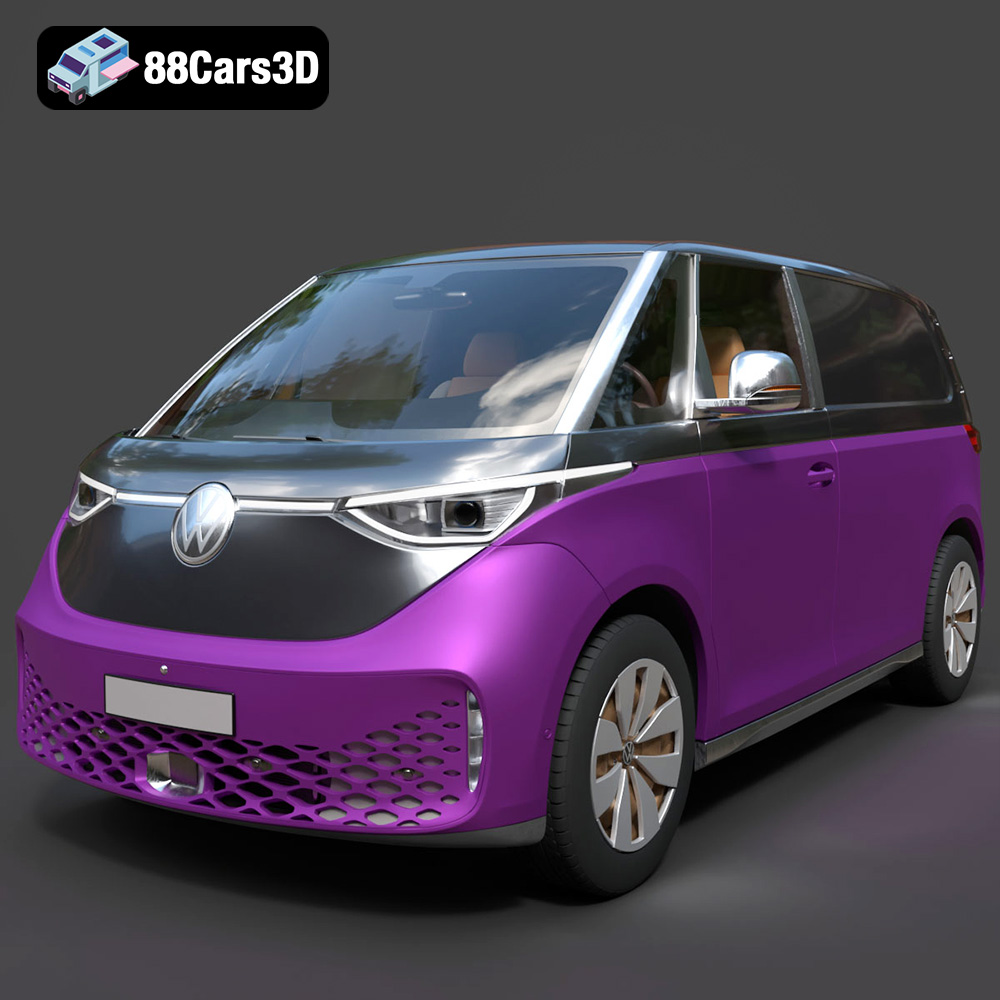
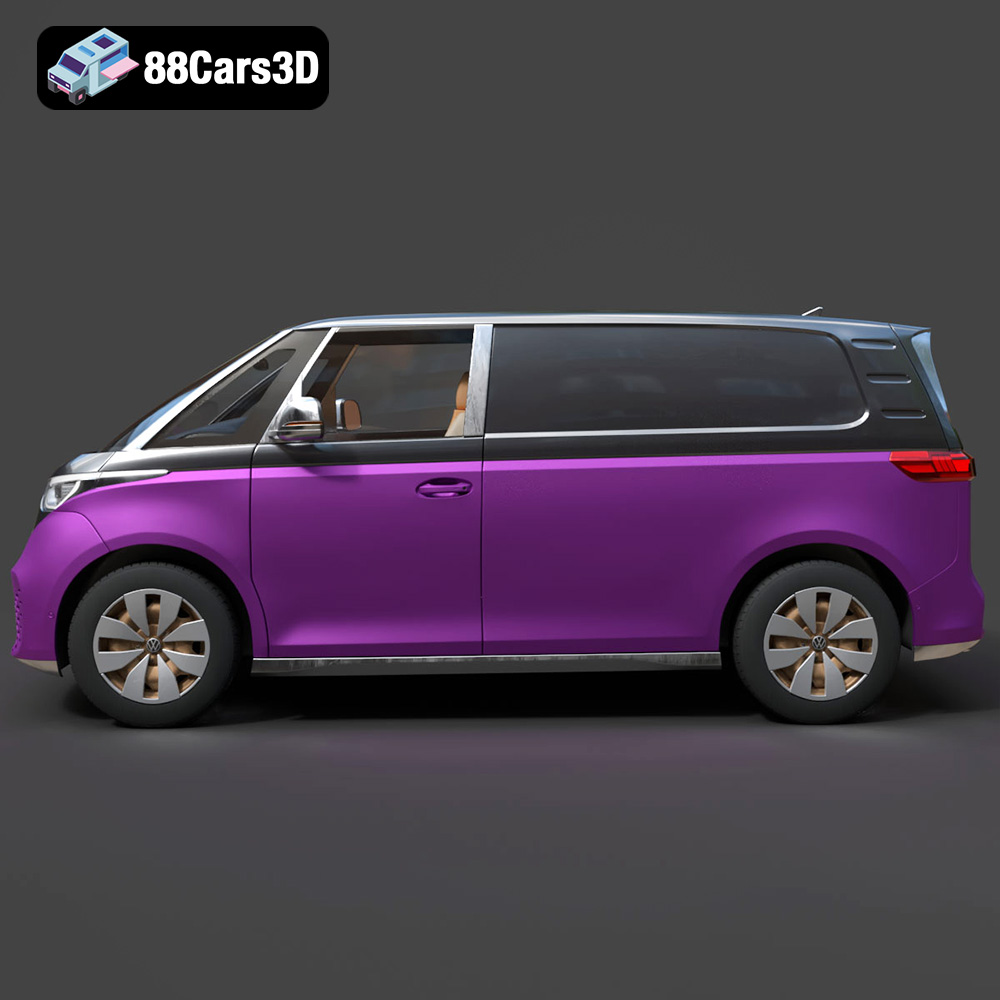
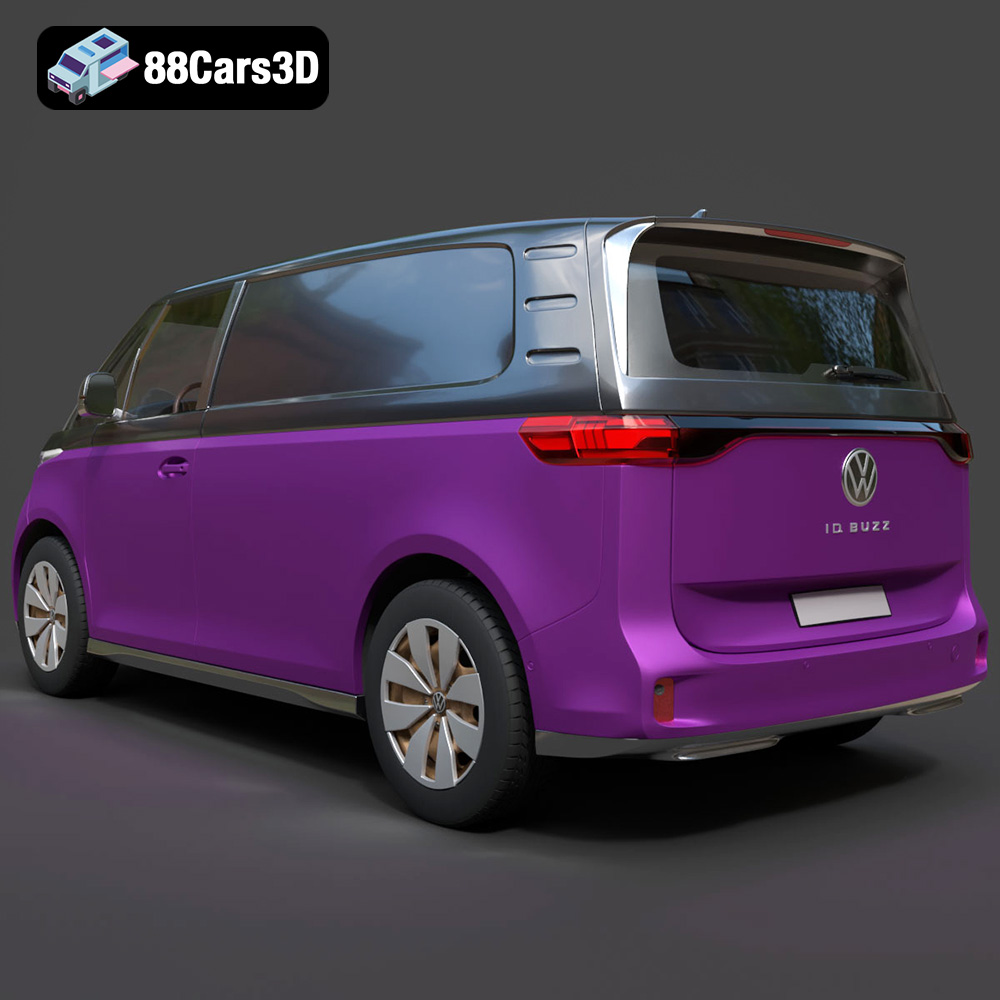
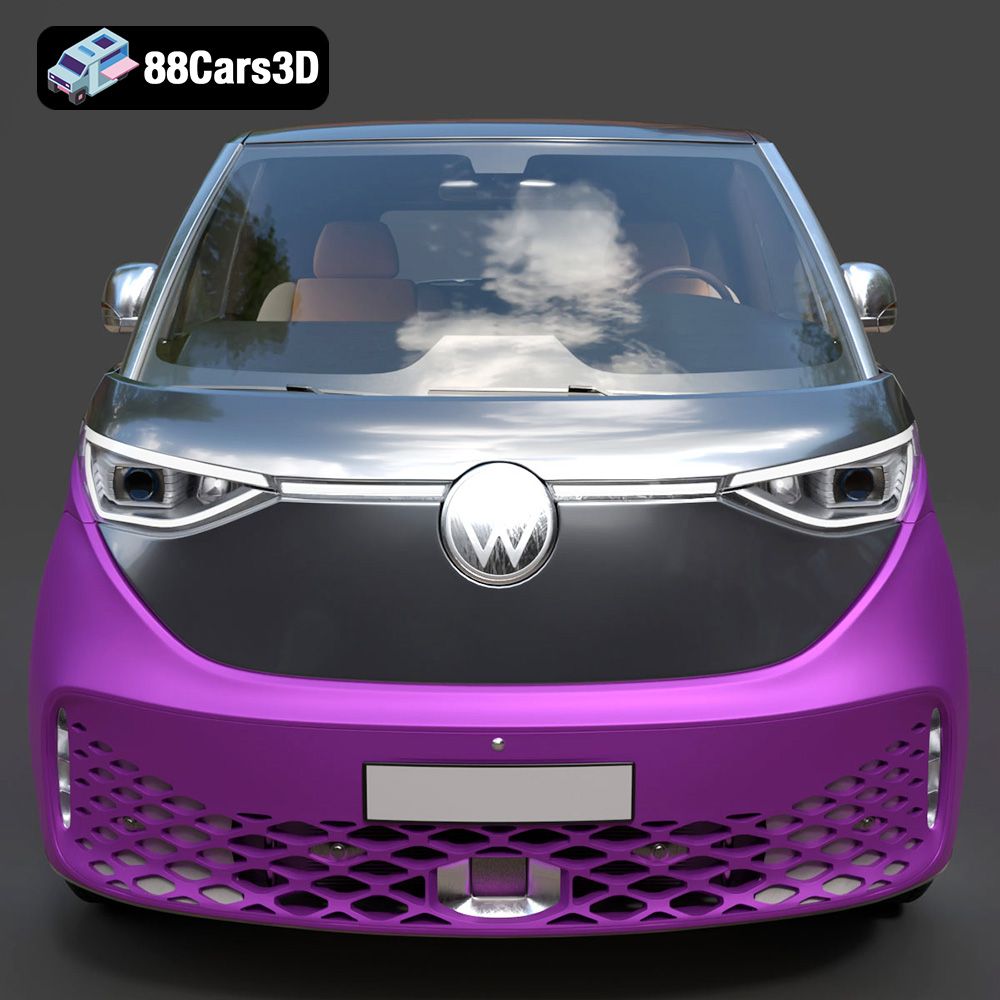
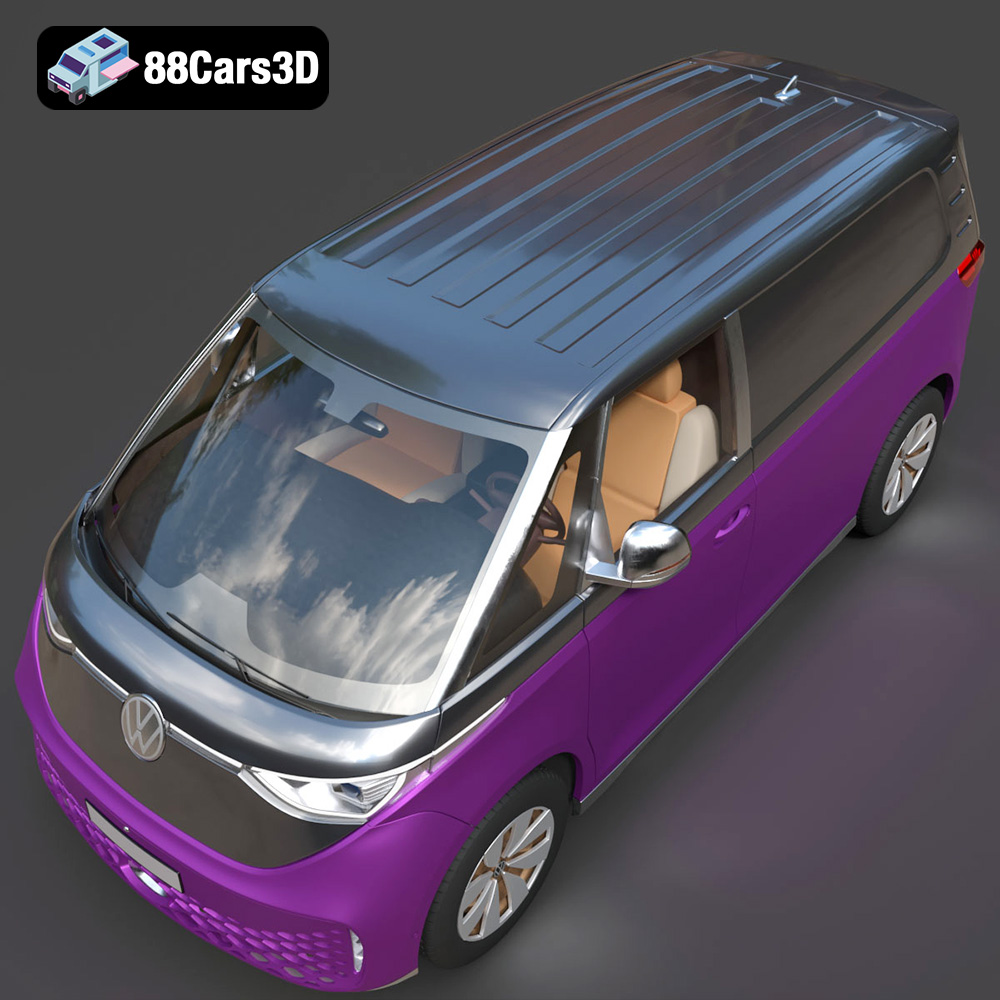
The Volkswagen ID. Buzz Cargo 2023 is an exciting vehicle, and thanks to 88cars3d.com, you can now bring a piece of that electric future into your home through the power of 3D printing. This blog post serves as your comprehensive guide to successfully 3D printing the meticulously crafted Volkswagen ID. Buzz Cargo 2023 3D model, covering everything from printer settings to post-processing techniques. We will explore the best approaches to bring this model to life, highlighting optimal materials, print settings, and techniques to overcome potential challenges in additive manufacturing. Whether you’re a seasoned 3D printing enthusiast or a beginner, this guide will equip you with the knowledge to create a stunning replica of this iconic electric van.
Selecting the correct file format is crucial for a successful 3D printing experience. The Volkswagen ID. Buzz Cargo 2023 3D model from 88cars3d.com is provided in multiple formats, each serving a different purpose. Understanding these formats will empower you to choose the most suitable one for your specific needs.
The .stl (Stereolithography) file format is the industry standard for 3D printing. It represents the surface geometry of a 3D object as a collection of triangles. This simplicity makes it universally compatible with slicing software, the programs that convert 3D models into instructions for your 3D printer. While .stl files excel in representing geometry, they do not store color or texture information. When preparing the Volkswagen ID. Buzz Cargo model for 3D printing, the .stl format is your primary choice. Ensure the .stl file is free of errors, such as non-manifold edges or flipped normals. These errors can lead to printing failures. Use mesh repair tools available in most slicing software or dedicated programs like MeshLab or Netfabb to fix any issues before proceeding.
While .stl is the workhorse for 3D printing, other formats offer unique capabilities:
* **.obj:** This format is more versatile than .stl and can store color and texture information. This makes it suitable for printing multi-colored models, although this often requires specialized 3D printers.
* **.ply:** Known for its ability to store high-detail mesh data, .ply is useful for models with intricate details. However, the larger file size can sometimes pose challenges for older slicing software or printers.
* **.blend:** This is the native file format for Blender, a popular open-source 3D modeling software. It allows you to modify the model before exporting it to a printable format like .stl. You can use this to cut the model into smaller parts to fit your 3D printer’s build volume.
* **.fbx:** Primarily used in game development, .fbx files retain information about materials and animations. While not directly used for 3D printing, you might use it to transfer the model between different software before creating the final .stl for printing.
* **.glb:** Optimized for AR/VR applications, .glb files are not typically used for 3D printing but can be helpful for previewing the model in augmented reality before committing to a print.
* **.max:** The native format for 3ds Max, similar to .blend, this file type is for editing the model if you use 3ds Max, and then exporting as STL for printing.
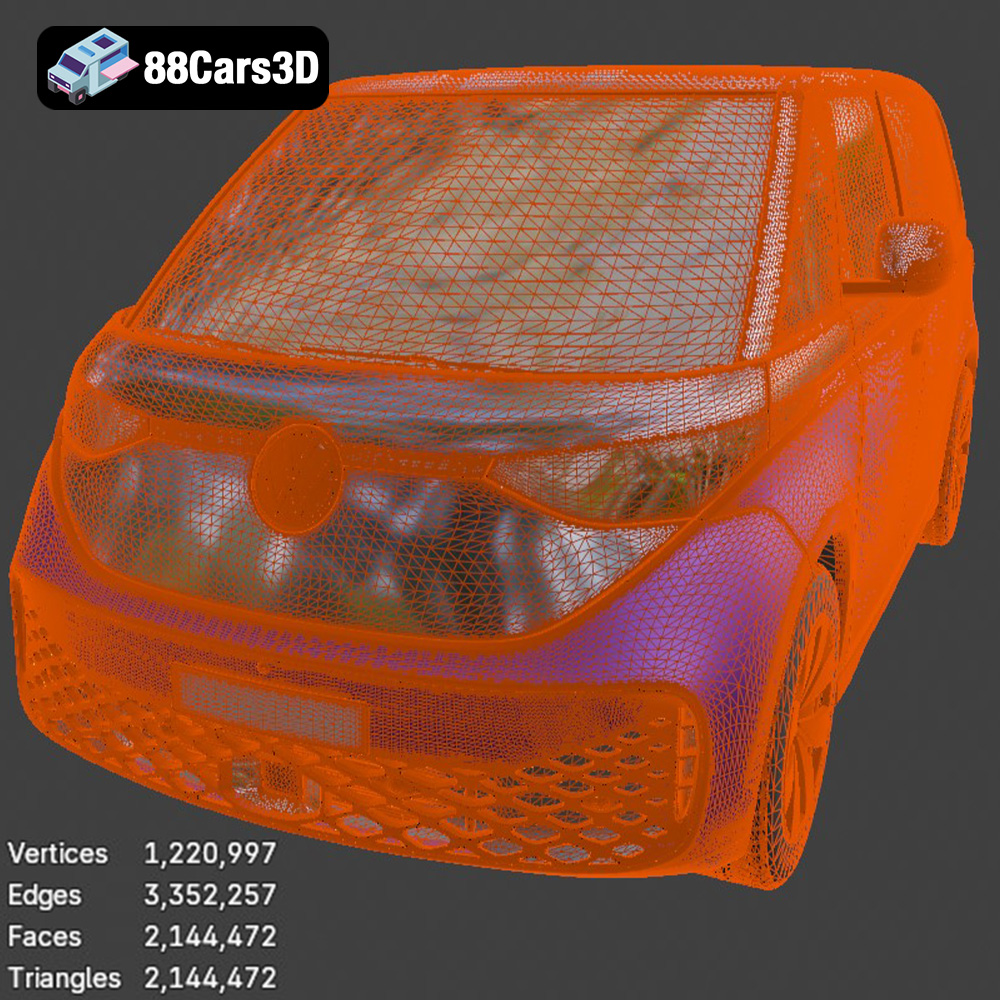
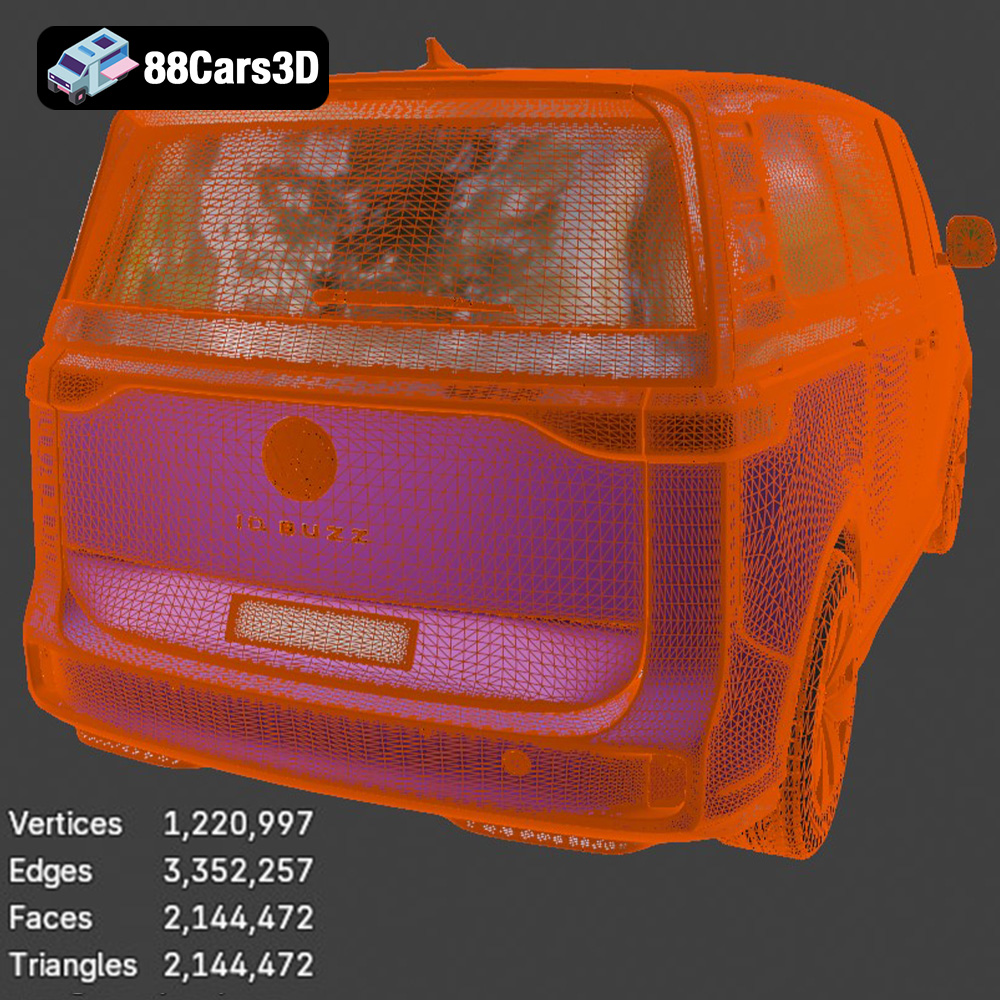
The quality of the mesh in your .stl file directly impacts the final print quality. A high-resolution mesh will capture finer details but will result in a larger file size and potentially longer slicing times. Conversely, a low-resolution mesh will print faster but may sacrifice detail. Most slicing software allows you to adjust the mesh resolution during import or slicing. Experiment with different settings to find the right balance between detail and performance for the Volkswagen ID. Buzz Cargo 2023 model. Popular slicing software options include Ultimaker Cura, PrusaSlicer, Simplify3D, and IdeaMaker. Each software offers different features and algorithms for generating toolpaths, so try a few to find the one that best suits your printer and workflow.
The material you choose for 3D printing the Volkswagen ID. Buzz Cargo 2023 significantly impacts the final product’s appearance, strength, and durability. Here’s a breakdown of popular materials and their suitability for this project:
PLA is a biodegradable thermoplastic derived from renewable resources like cornstarch or sugarcane. It’s a popular choice for 3D printing due to its ease of use, low printing temperature, and minimal warping. PLA is ideal for creating visually appealing models with fine details, making it a good option for the Volkswagen ID. Buzz Cargo if you’re primarily concerned with aesthetics. However, PLA has lower heat resistance and impact strength compared to other materials, so it may not be suitable for functional parts or models exposed to high temperatures.
* Recommended Settings: Print temperature: 200-220°C, Bed temperature: 60°C, Print speed: 40-60 mm/s.
* Advantages: Easy to print, low odor, biodegradable, excellent surface finish.
* Disadvantages: Low heat resistance, brittle, can warp in direct sunlight.
PETG combines the ease of printing of PLA with improved strength and durability. It has better heat resistance and impact resistance than PLA, making it a more versatile material for the Volkswagen ID. Buzz Cargo 2023 model, especially if you plan to handle the model frequently or expose it to moderate temperatures. PETG is also food-safe, although this is generally not a major consideration for car models.
* Recommended Settings: Print temperature: 220-250°C, Bed temperature: 70-80°C, Print speed: 40-50 mm/s.
* Advantages: Stronger and more durable than PLA, good chemical resistance, lower warping than ABS.
* Disadvantages: Can be stringy, requires careful temperature calibration.
ABS is a strong and heat-resistant thermoplastic commonly used in automotive parts and other demanding applications. While it offers superior durability compared to PLA and PETG, ABS is more challenging to print due to its higher printing temperature and tendency to warp. Printing ABS requires a heated bed and an enclosure to maintain a stable temperature and prevent warping. If you’re looking for the most durable 3D printed Volkswagen ID. Buzz Cargo 2023 and have experience with ABS printing, it can be a good choice.
* Recommended Settings: Print temperature: 230-260°C, Bed temperature: 90-110°C, Enclosure recommended, Print speed: 40-50 mm/s.
* Advantages: High strength and heat resistance, durable.
* Disadvantages: Prone to warping, requires a heated bed and enclosure, strong odor.
Achieving a high-quality 3D print of the Volkswagen ID. Buzz Cargo 2023 requires careful attention to print settings. These settings directly influence the final product’s resolution, strength, and overall appearance.
Layer height determines the vertical resolution of your print. A lower layer height (e.g., 0.1mm) results in smoother surfaces and finer details but increases print time. A higher layer height (e.g., 0.2mm) prints faster but sacrifices some surface smoothness. For the Volkswagen ID. Buzz Cargo 2023, a layer height of 0.1-0.15mm is recommended for capturing its intricate details while maintaining a reasonable print time. Experiment with different layer heights to find the best balance for your printer and desired level of detail.
Infill density determines the amount of material inside the model. A higher infill density increases strength and weight but also consumes more filament and increases print time. For a display model like the Volkswagen ID. Buzz Cargo 2023, a moderate infill density of 15-25% is generally sufficient. Choose an infill pattern that provides adequate support without adding unnecessary weight or material. Common infill patterns include grid, honeycomb, and gyroid. Gyroid infill offers excellent strength-to-weight ratio and is a good option for complex models.
Support structures are necessary for printing overhangs and intricate geometries. The Volkswagen ID. Buzz Cargo 2023 model will likely require supports under the roof, bumpers, and other overhanging features. Choose a support type that is easy to remove without damaging the model’s surface. Tree supports are often a good option as they minimize contact with the model. Ensure good bed adhesion to prevent warping or detachment during printing. Use a brim or raft if necessary, especially when printing with ABS or materials prone to warping. Cleaning the build plate with isopropyl alcohol before each print is also essential for good adhesion.
Proper pre-print preparation is vital for a successful outcome. This involves slicing the model using appropriate software and carefully considering the model’s orientation on the build plate.
Import the .stl file of the Volkswagen ID. Buzz Cargo 2023 into your chosen slicing software. Configure the settings based on the material you’ve selected and the desired print quality. Ensure that the software is correctly configured for your specific 3D printer model. Double-check the layer height, infill density, support settings, and bed adhesion settings before generating the G-code.
The orientation of the model on the build plate significantly impacts print time, support requirements, and surface finish. Consider orienting the Volkswagen ID. Buzz Cargo 2023 model with the flattest side down to minimize support material. However, this might not always be the best approach. Evaluate the model carefully and consider the placement of critical details. If surface finish is a priority, orient the model to minimize the visibility of layer lines on prominent surfaces. You may need to experiment with different orientations to find the optimal balance between print time, support requirements, and surface quality.
Before slicing, inspect the model for any errors or imperfections. Use the mesh repair tools in your slicing software or dedicated programs to fix any issues. If the Volkswagen ID. Buzz Cargo 2023 model is too large or too small for your printer, you can scale it in the slicing software. Ensure that the scaling is uniform in all directions to maintain the model’s proportions. Consider printing a small test piece to verify the size and fit before printing the entire model.
Post-processing enhances the appearance and feel of your 3D printed Volkswagen ID. Buzz Cargo 2023. Several techniques can elevate the print from a raw prototype to a polished replica.
Carefully remove the support structures using pliers, cutters, or a sharp knife. Be gentle to avoid damaging the model’s surface. Use sandpaper to smooth any imperfections or remaining support marks. Start with coarse-grit sandpaper (e.g., 220 grit) and gradually move to finer grits (e.g., 400, 600, 800 grit) for a smooth finish. Wet sanding can further improve the surface finish.
Painting can transform the appearance of your 3D printed Volkswagen ID. Buzz Cargo 2023. Prime the model with a plastic primer to ensure good paint adhesion. Use acrylic paints or spray paints to apply the desired colors. Consider using masking tape to create clean lines and multi-color schemes. Add fine details using paintbrushes or paint markers. Clear coating the painted model protects the paint and adds a glossy finish.
If the Volkswagen ID. Buzz Cargo 2023 model is printed in multiple parts, assemble them using glue or fasteners. Ensure that the parts fit together properly before gluing. Add any final touches, such as decals, stickers, or custom-made parts, to personalize your model.
Even with careful preparation, 3D printing can present challenges. Here are some common issues and their solutions:
Warping occurs when the printed part detaches from the build plate due to uneven cooling. To prevent warping, ensure good bed adhesion by cleaning the build plate and using a brim or raft. Use a heated bed and, if printing with ABS, an enclosure.
Stringing is when thin strands of filament are left between different parts of the print. Reduce stringing by adjusting the retraction settings in your slicing software. Increase the retraction distance and speed, and lower the printing temperature.
Layer delamination is when the layers of the print separate due to poor adhesion. Increase the printing temperature and reduce the printing speed to improve layer adhesion. Ensure that the nozzle is properly calibrated and that the filament is dry.
The print time and material cost for the Volkswagen ID. Buzz Cargo 2023 model depend on the size of the model, the chosen material, and the print settings. A typical print at a moderate size (e.g., 20cm long) with PLA or PETG could take 12-24 hours and consume 100-200 grams of filament. The material cost could range from $5 to $10. Larger models or higher infill densities will increase print time and material costs. Before starting the print, estimate the print time and material usage in your slicing software to plan accordingly.
Enhance your digital projects with the meticulously crafted Volkswagen ID. Buzz Cargo 2023 3D Model. Designed to meet professional standards, this model delivers exceptional realism, making it an excellent choice for a wide variety of 3D applications.
$39.99
.arvr
.blend
.car3dmodel
.commercialvehicle
.electricvan
.ev
.fbx
.gameasset
.glb
.idbuzzcargo
.max
.obj
.ply
.rendering
.simulation
.stl
.unreal
.van
.volkswagen