Get 20% OFF All Premium 3D & STL Models!

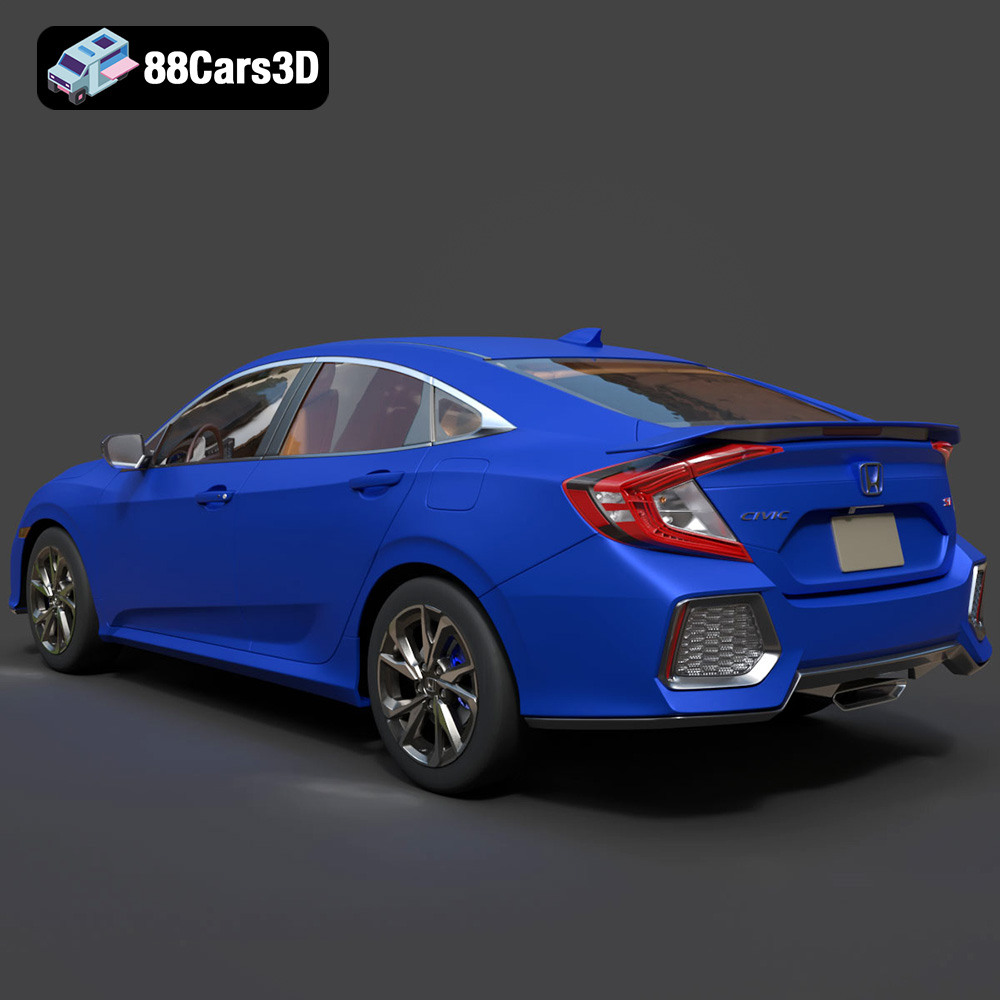
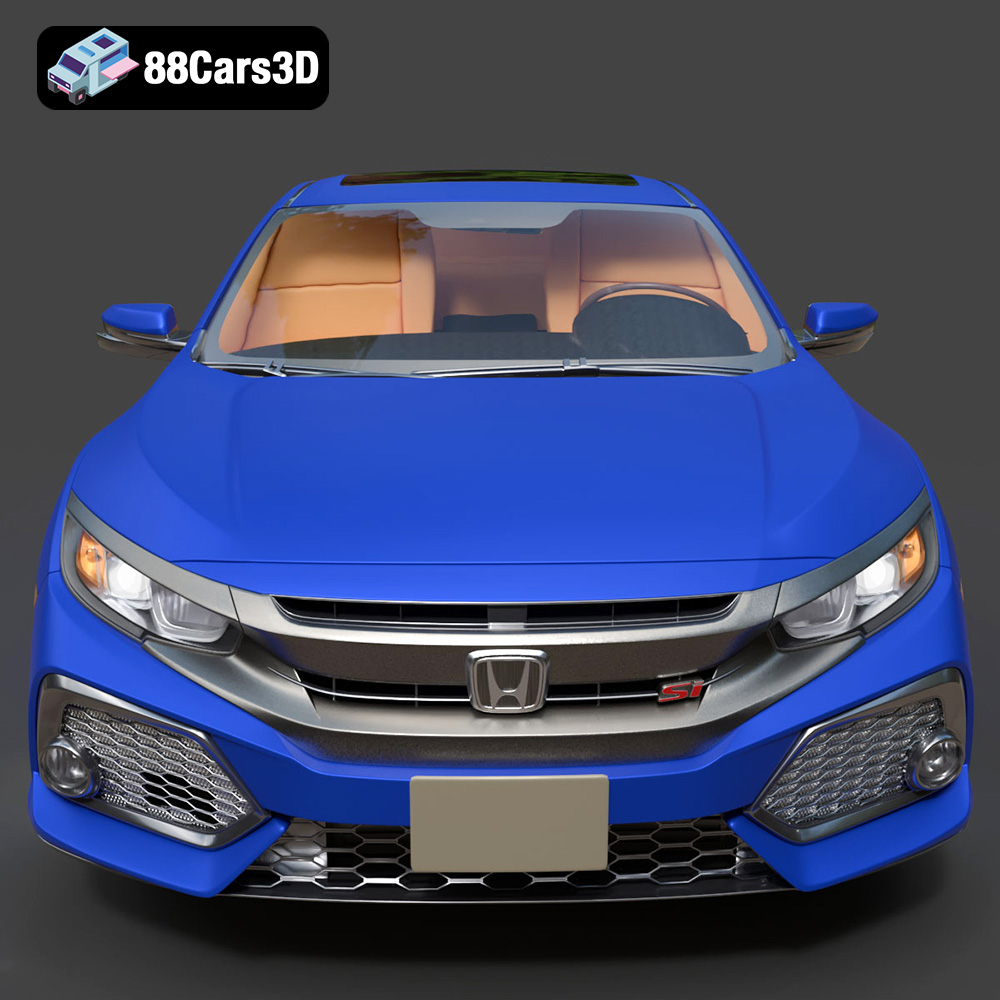
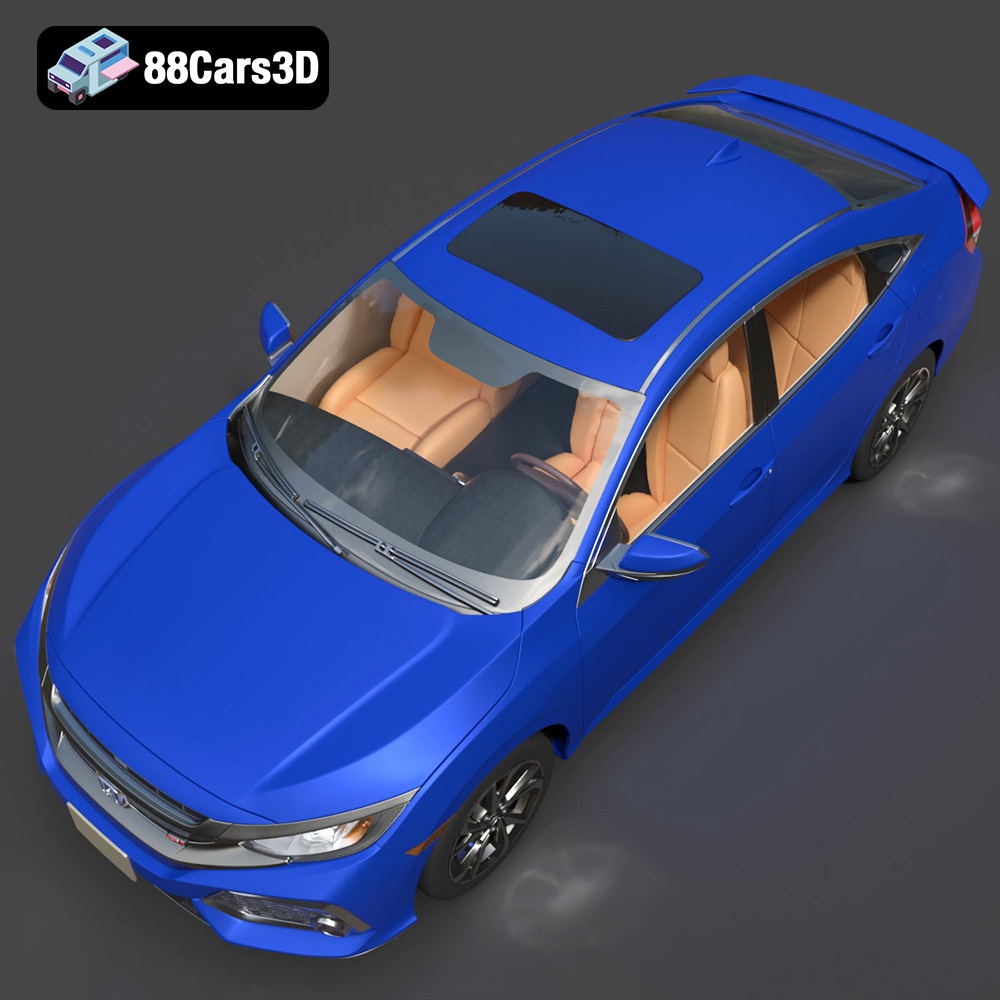
The Honda Civic Si Sedan 2017 is an iconic vehicle, representing a blend of sporty performance and everyday practicality. Now, thanks to advancements in 3D printing, you can bring this automotive legend to life in miniature form. This blog post serves as a comprehensive guide to successfully 3D printing the Honda Civic Si Sedan 2017 model, available from 88cars3d.com. We’ll cover everything from choosing the right materials and optimizing printer settings to post-processing techniques that will elevate your 3D printed model to the next level. Whether you’re a seasoned 3D printing enthusiast or a newcomer to the world of additive manufacturing, this guide will provide the knowledge and techniques you need to create a stunning replica of this beloved car.
Before diving into the specifics of 3D printing the Honda Civic Si Sedan 2017, it’s crucial to understand the different file formats available and their suitability for additive manufacturing. The model from 88cars3d.com comes with a variety of formats, each designed for different purposes. Let’s break down the most common ones:
The STL (Stereolithography) file format is the industry standard for 3D printing. It represents the surface geometry of a 3D object as a collection of triangles. This simplicity makes it universally compatible with slicing software and 3D printers. However, STL files only store the mesh data; they don’t include color, texture, or material information. This means that STL files are ideal for single-color 3D prints. When preparing your Honda Civic Si Sedan 2017 model for 3D printing, the STL format will likely be your primary choice. Ensure the STL file you’re using is optimized for 3D printing, meaning it has a closed, manifold mesh with no intersecting faces or holes.
The OBJ file format is another widely used 3D model format. Unlike STL, OBJ supports color and texture information, making it suitable for creating multi-colored 3D prints (if your printer supports it). However, OBJ files can be larger and more complex than STL files. Slicing software usually supports OBJ files, but ensure your chosen software is optimized to handle them efficiently. For the Honda Civic Si Sedan 2017, you might use the OBJ format if you plan on applying different textures and colors to individual parts of the model.
The PLY (Polygon File Format) is designed for storing 3D data acquired from 3D scanners. It can store color, transparency, surface normals, and other properties. PLY files are often used for high-detail models where precision is paramount. While less common for general 3D printing compared to STL, the PLY format could be useful if you have a highly detailed scan of the Honda Civic Si Sedan 2017 and want to preserve all the intricate details during printing.
The .blend file is the native format for Blender, a popular open-source 3D modeling software. It contains the entire Blender scene, including the model, materials, textures, lighting, and camera settings. This format is invaluable if you want to customize the Honda Civic Si Sedan 2017 model before 3D printing. You can modify the geometry, add details, or even create variations of the model within Blender. Once you’re satisfied with your changes, you can export the model as an STL file for 3D printing.
The FBX (Filmbox) format is a proprietary format developed by Autodesk. It’s widely used in the game development and animation industries. FBX files can store 3D models, animations, textures, and materials. Some advanced slicing software can import FBX files and retain material information, allowing for more sophisticated 3D printing workflows.
The GLB format is a binary file format that represents 3D models using the glTF (GL Transmission Format) standard. GLB files are optimized for web-based viewing and augmented reality (AR) applications. This format allows you to preview the Honda Civic Si Sedan 2017 model in AR before printing, giving you a sense of its size and appearance in the real world. While not directly used for 3D printing, it’s a useful format for visualization and presentation.
The .max file is the native format for 3ds Max, another industry-leading 3D modeling software. Similar to .blend, it contains the entire scene, allowing for extensive customization of the Honda Civic Si Sedan 2017 model. If you have access to 3ds Max, you can use this format to modify the model and export it as an STL file for 3D printing.
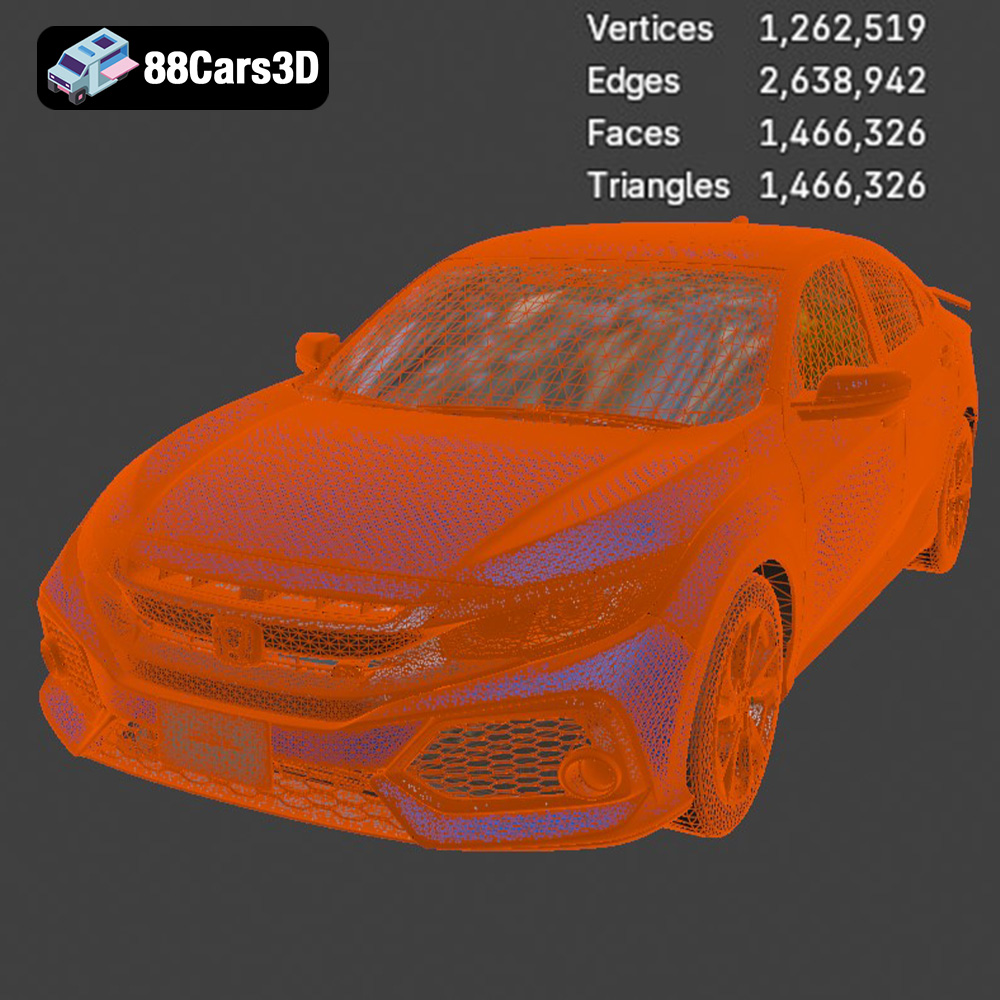
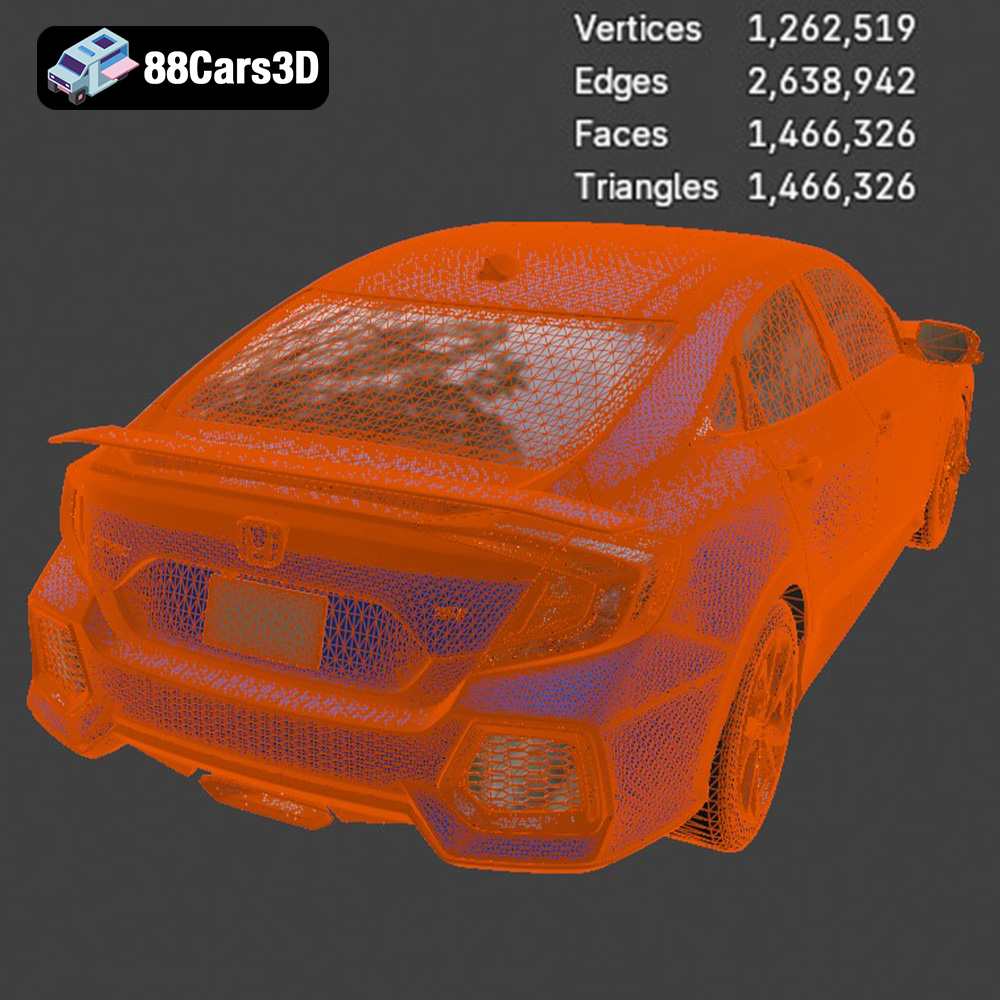
For 3D printing, the STL format is generally the most reliable and widely supported. Ensure that the STL file you use is clean, watertight, and optimized for your specific 3D printer and slicing software. Pay attention to the mesh quality – a higher polygon count will result in a smoother print, but it will also increase the file size and processing time.
Before you hit print, careful preparation is crucial for a successful outcome. This stage involves slicing the 3D model and optimizing settings for your specific printer and material.
Slicing software converts the 3D model (typically an STL file) into a series of layers that the 3D printer can understand. Popular options include Ultimaker Cura, PrusaSlicer, Simplify3D, and Chitubox (for resin printing). Each slicer offers a range of settings to control print quality, speed, and material usage. For the Honda Civic Si Sedan 2017 model, consider using Cura or PrusaSlicer for their ease of use and comprehensive feature sets.
The orientation of the model on the print bed significantly impacts print quality and the need for support structures. For the Honda Civic Si Sedan 2017, consider printing the body with the roof facing upwards to minimize the need for supports on the exterior surfaces. However, this may require more supports inside the car’s cabin. Experiment with different orientations to find the optimal balance between support usage and surface finish.
Support structures are necessary for overhangs and unsupported areas of the model. Choose support settings that provide adequate support without being too difficult to remove after printing. Consider using tree supports or light supports to minimize the impact on the model’s surface.
The original size of the Honda Civic Si Sedan 2017 model may not be ideal for 3D printing. Depending on your printer’s build volume and desired level of detail, you may need to scale the model up or down. Be mindful that scaling down too much can result in loss of detail, especially in intricate areas like the wheels and headlights.
The choice of material plays a significant role in the final appearance and durability of your 3D printed Honda Civic Si Sedan 2017. Here are some popular options:
PLA is a biodegradable thermoplastic derived from renewable resources. It’s easy to print, produces minimal warping, and comes in a wide range of colors. PLA is a great choice for beginners and for models where high strength is not required. However, PLA is not as heat-resistant as other materials and can soften in high temperatures.
PETG is a strong, flexible, and heat-resistant material. It’s more durable than PLA and offers better resistance to impacts and chemicals. PETG is a good option for parts that need to withstand some stress or wear. It’s slightly more challenging to print than PLA, but with proper settings, it can produce excellent results.
ABS is a strong and durable thermoplastic commonly used in automotive parts and consumer electronics. It’s more heat-resistant than PLA and PETG, but it’s also more prone to warping during printing. ABS requires a heated bed and an enclosure to maintain a consistent temperature.
For exceptionally detailed models, resin 3D printing (SLA or DLP) is an excellent choice. Resin printers use liquid resin that is cured by UV light. Resin prints offer incredible resolution and smooth surfaces, making them ideal for intricate details like the car’s badges and trim. However, resin prints tend to be more brittle than filament-based prints.
For the Honda Civic Si Sedan 2017, PETG would likely be the best balance of printability, durability, and aesthetics. If detail is your primary concern, then explore using a resin printer to capture the complex curves and fine features of the car.
Achieving a high-quality 3D print requires careful attention to printer settings. Here are some recommended settings for printing the Honda Civic Si Sedan 2017 model:
A smaller layer height results in smoother surfaces and finer details but increases print time. For PLA or PETG, a layer height of 0.1mm to 0.2mm is a good starting point. For resin printing, a layer height of 0.05mm or even 0.025mm can produce incredibly detailed results.
Infill density determines the internal structure of the 3D print. A higher infill density results in a stronger but heavier model. For the Honda Civic Si Sedan 2017, an infill density of 15% to 25% should provide adequate strength without adding excessive weight.
Print speed affects both print quality and print time. A slower print speed generally results in better quality but takes longer. For PLA or PETG, a print speed of 40mm/s to 60mm/s is a good starting point.
The optimal temperature settings depend on the material you’re using. For PLA, a nozzle temperature of 200°C to 220°C and a bed temperature of 60°C to 70°C are typically recommended. For PETG, a nozzle temperature of 230°C to 250°C and a bed temperature of 70°C to 80°C are common. Always refer to the filament manufacturer’s recommendations for specific temperature settings.
Adjust support settings to minimize support material usage while ensuring adequate support for overhangs. Experiment with different support patterns and densities to find the optimal balance.
Once the 3D print is complete, post-processing can significantly enhance the appearance and durability of the model.
Carefully remove support structures using pliers, cutters, or a hobby knife. Take your time to avoid damaging the model’s surface.
Sanding smooths out layer lines and imperfections on the surface of the 3D print. Start with coarse sandpaper (e.g., 220 grit) and gradually move to finer grits (e.g., 400 grit, 600 grit, 800 grit) for a smooth finish. Wet sanding can help to reduce dust and improve the sanding process.
Priming creates a smooth, uniform surface for painting. Apply multiple thin coats of primer, allowing each coat to dry completely before applying the next. Sand the primer lightly between coats to remove any imperfections.
Use acrylic paints or automotive paints to add color and detail to the model. Apply thin coats of paint, allowing each coat to dry completely before applying the next. Consider using masking tape to create clean lines and separate different colors.
If the Honda Civic Si Sedan 2017 model is printed in multiple parts, carefully assemble the parts using glue or epoxy. Ensure that the parts are aligned correctly before the glue sets.
Even with careful preparation, 3D printing can sometimes present challenges. Here are some common issues and their solutions:
Warping occurs when the corners of the 3D print lift off the print bed. This is often caused by temperature differences between the print and the surrounding environment. To prevent warping, use a heated bed, an enclosure, and bed adhesion aids like hairspray or glue stick.
Stringing occurs when thin strands of filament are left between different parts of the 3D print. This is often caused by excessive retraction settings or a nozzle temperature that is too high. To reduce stringing, adjust retraction settings, lower the nozzle temperature, and ensure that the filament is dry.
Layer shifting occurs when the layers of the 3D print are misaligned. This can be caused by loose belts, stepper motor issues, or vibrations. To prevent layer shifting, tighten belts, check stepper motor drivers, and ensure that the printer is placed on a stable surface.
By understanding these common issues and their solutions, you can overcome challenges and achieve consistently high-quality 3D prints of the Honda Civic Si Sedan 2017 model.
Experience unparalleled realism with the Honda Civic Si Sedan 2017 3D Model. This exceptionally detailed asset has been accurately modeled to represent the iconic exterior styling, dynamic lines, and precise proportions of the original vehicle. Engineered with clean geometry, professional topology, and realistic materials, this model delivers outstanding performance across various digital environments.
$39.99
.arvr
.blend
.car3dmodel
.civic
.compactcar
.fbx
.gameasset
.glb
.honda
.max
.obj
.ply
.rendering
.sedan
.si
.simulation
.stl
.unreal