Get 20% OFF All Premium 3D & STL Models!

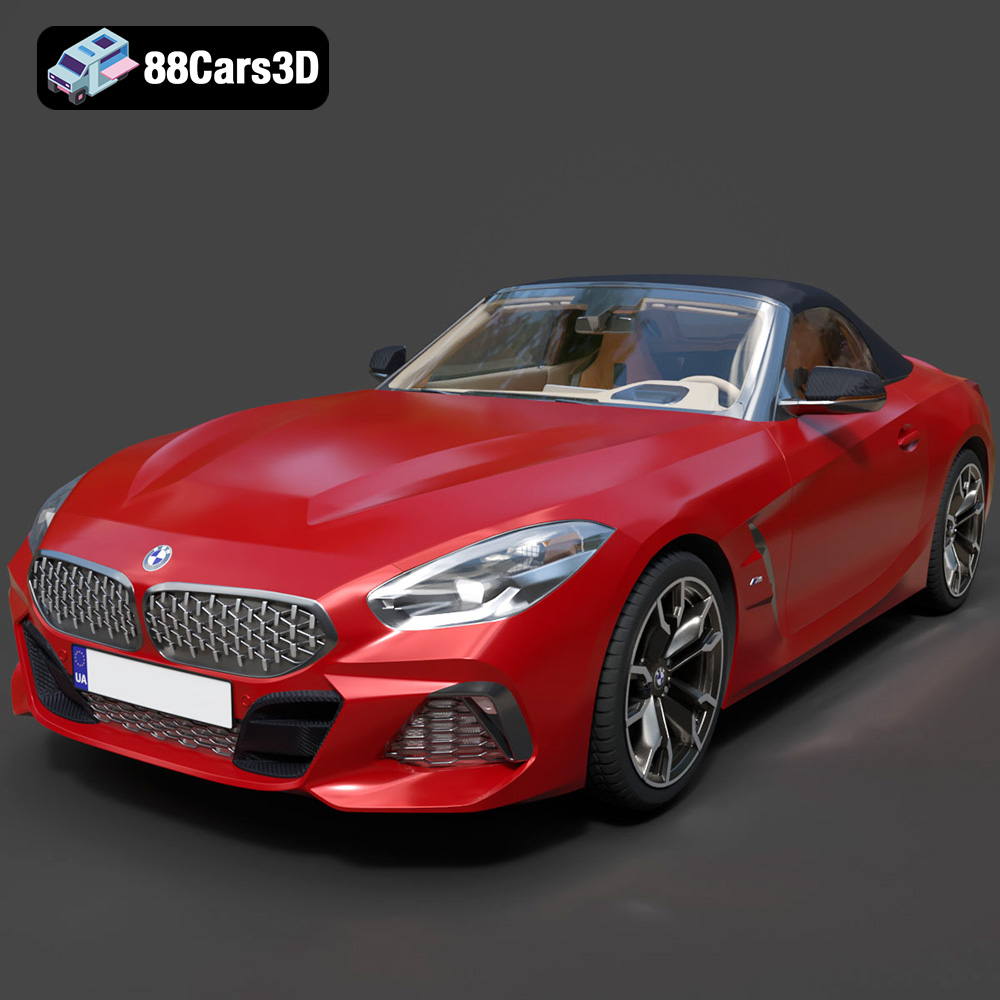
The BMW Z4 Mk3 G29 Roadster M40i 2019 – a symbol of open-top driving pleasure and German engineering prowess. Now, thanks to the detailed 3D model available at 88cars3d.com, you can bring this iconic car to life with the power of 3D printing. This guide will walk you through every step of the process, from selecting the right materials and optimizing printer settings to post-processing techniques that will make your 3D printed Z4 stand out. Whether you’re a seasoned 3D printing enthusiast or a beginner looking to tackle a challenging project, this comprehensive article will provide the knowledge and techniques you need to succeed. Get ready to transform digital blueprints into a tangible masterpiece!
The world of 3D printing offers a variety of technologies, each with its strengths and weaknesses. For a detailed model like the BMW Z4 Mk3 G29, two technologies are particularly well-suited: Fused Deposition Modeling (FDM) and Stereolithography (SLA).
FDM, or Fused Deposition Modeling, is the most common type of 3D printing. It works by extruding a heated thermoplastic filament layer by layer to build the model. FDM printers are relatively affordable and can print with a wide range of materials, including PLA, ABS, PETG, and even more exotic filaments like carbon fiber-infused materials. For the Z4, PLA is a good starting point due to its ease of use and biodegradability. PETG offers increased durability and heat resistance, making it a better choice for models that might be exposed to sunlight or higher temperatures. ABS, while requiring more controlled printing conditions, provides excellent strength and impact resistance, ideal for a robust finished product.
SLA, or Stereolithography, utilizes a liquid resin that is cured by a UV laser or projector. This technology is known for its exceptional detail and smooth surface finish, making it an excellent choice for intricate models like the Z4. SLA printers are capable of capturing fine details that FDM printers might struggle with, such as the intricate grilles and complex curves of the car’s body. However, SLA resins can be more brittle than FDM filaments and often require more extensive post-processing.
Choosing the right file format is crucial for successful 3D printing. The BMW Z4 Mk3 G29 model from 88cars3d.com is available in several formats, each catering to different applications. While some are better suited for rendering or game development, others are specifically designed for additive manufacturing. Understanding the nuances of each format ensures seamless integration with your slicing software and optimal print quality.
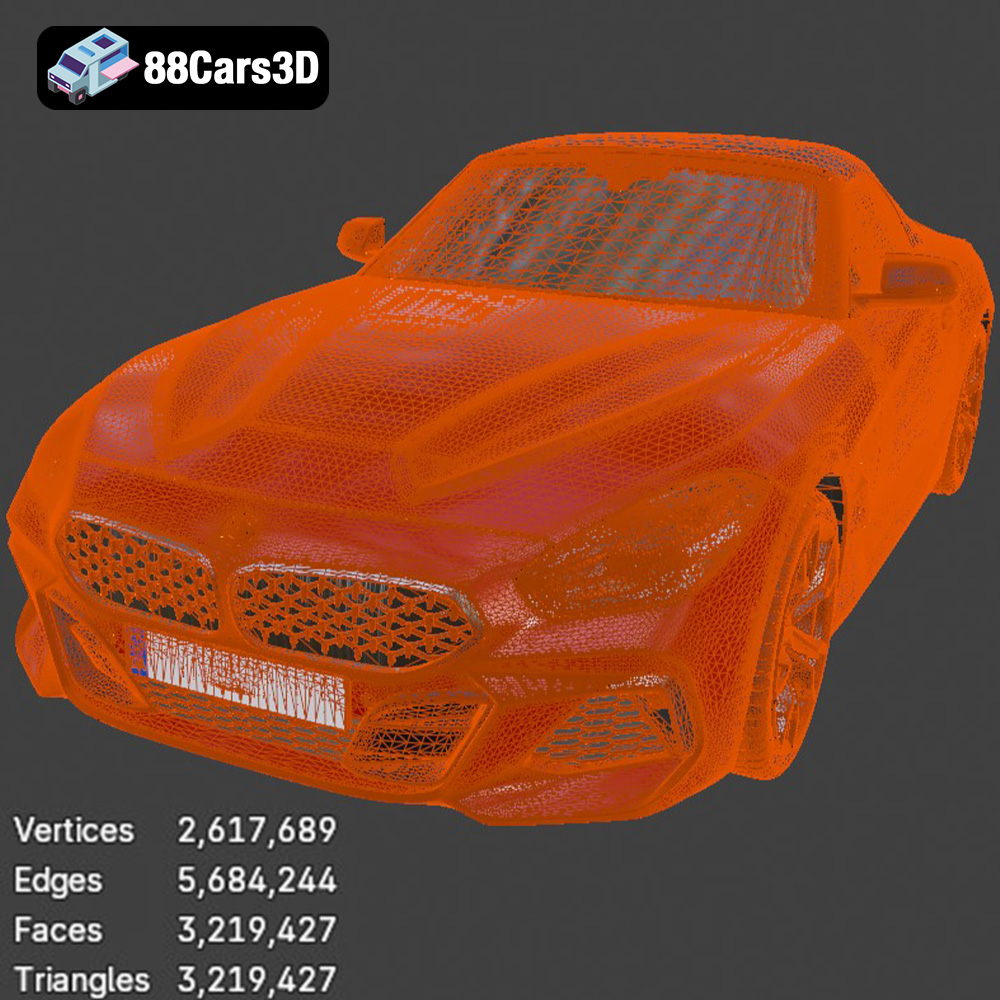
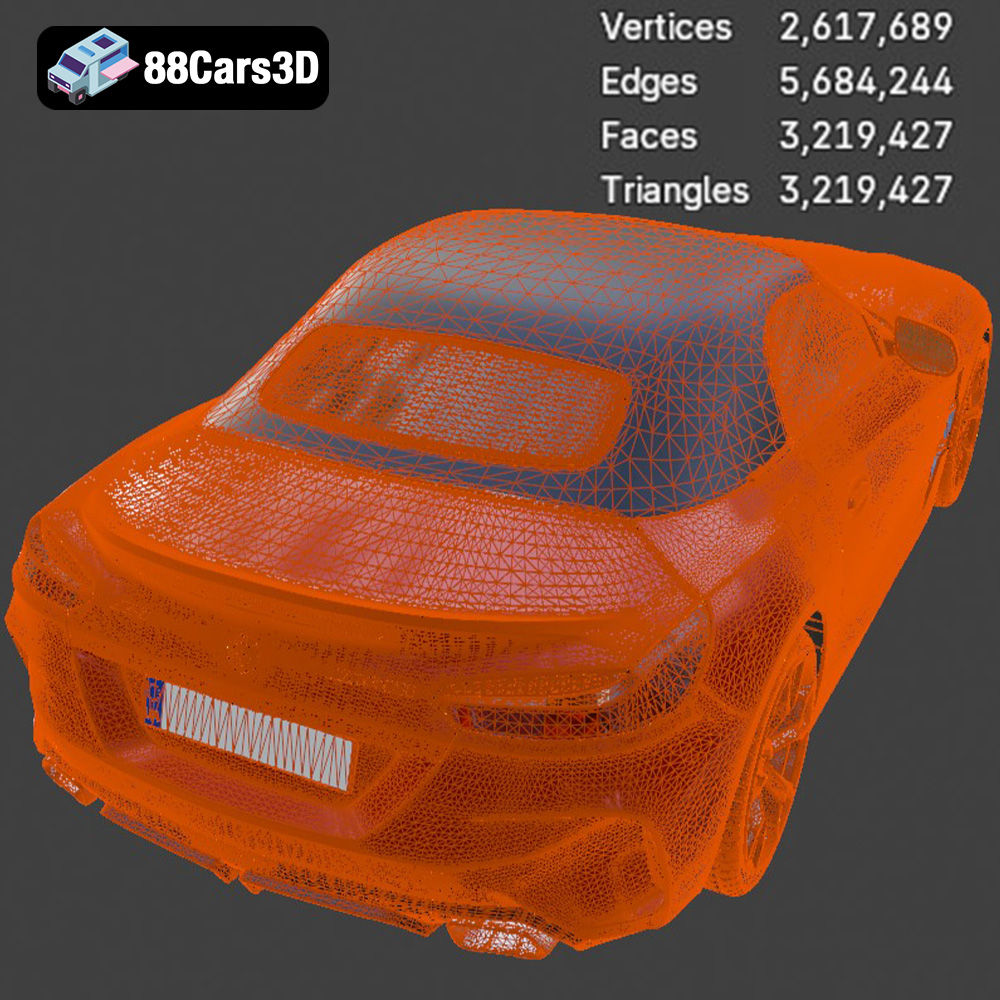
The .stl (stereolithography) format is the industry standard for 3D printing. It represents the model’s surface geometry as a mesh of triangles. This simplicity makes it universally compatible with virtually all slicing software and 3D printers. When preparing the BMW Z4 for printing, the .stl file is the recommended starting point. It focuses solely on the model’s shape, without carrying any color, texture, or material information. For optimal results, ensure the .stl file has a high enough resolution to accurately capture the Z4’s intricate details. A higher resolution means more triangles, leading to a smoother surface finish on the printed model. However, excessively high resolution can increase file size and processing time, so finding a balance is key.
* **.obj:** A more versatile format than .stl, .obj supports color and texture information, making it suitable for colored prints or rendering applications. However, it can be more complex to handle in some slicing software compared to .stl.
* **.ply:** The .ply format is known for its ability to store high-detail mesh data, including color and surface normals. It’s often used in 3D scanning and applications requiring precise geometric representation.
* **.blend:** This is the native file format for Blender, a popular open-source 3D modeling software. It contains the entire Blender scene, including the model, materials, lighting, and animations. While not directly used for 3D printing, it’s valuable for users who want to customize the model before exporting it as an .stl file.
* **.fbx:** A common format for exchanging 3D data between different software applications, particularly in game development. It supports animation, textures, and materials.
* **.glb:** A binary file format that stores 3D models in a compact and efficient manner, making it ideal for AR/VR applications and web-based visualization. It preserves textures, materials, and animations.
* **.max:** The native file format for 3ds Max, another professional 3D modeling and animation software. Similar to .blend, it’s used for editing and customizing the model before exporting it for 3D printing.
Most slicing software readily accepts .stl files. Popular options include Cura, PrusaSlicer, Simplify3D, and Chitubox (for resin printing). These programs convert the 3D model into a series of instructions (G-code) that the 3D printer can understand. The quality of the mesh in the .stl file directly impacts the final print. A well-defined mesh with sufficient polygons ensures smooth curves and accurate details. If the mesh is too low-resolution, the printed model may exhibit faceting or a blocky appearance. Before slicing, it’s often necessary to repair any mesh errors in the .stl file. Software like MeshMixer or Netfabb can identify and fix issues such as non-manifold edges, holes, and flipped normals.
Before sending the BMW Z4 model to your 3D printer, careful preparation is essential to ensure a successful and high-quality print. This involves using slicing software to convert the 3D model into a series of layers, optimizing the model’s orientation, and adding supports if necessary.
Choosing the right slicing software is the first step. Cura and PrusaSlicer are excellent choices for FDM printing, offering a wide range of customizable settings. Chitubox is a popular option for SLA printing. Key settings to consider include:
* **Layer Height:** A lower layer height results in a smoother surface finish but increases print time. A layer height of 0.1mm to 0.2mm is generally recommended for FDM printing the Z4 model. For SLA printing, a layer height of 0.05mm or even 0.025mm can produce exceptional detail.
* **Infill Density:** Infill density determines the internal structure of the print. A higher infill density increases strength and weight but also consumes more material and time. For the Z4 model, an infill density of 15% to 25% is usually sufficient for structural integrity.
* **Print Speed:** Slower print speeds generally improve print quality, especially for intricate details. A print speed of 40mm/s to 60mm/s is recommended for FDM printing.
* **Support Structures:** Support structures are necessary for overhangs and complex geometries. Use support settings that are easily removable without damaging the model’s surface.
The orientation of the model on the print bed significantly affects print quality and the need for support structures. Experiment with different orientations to minimize overhangs and optimize surface finish. For the BMW Z4, orienting the model with the roof facing down might reduce the need for supports on the body. However, this could require more supports for the chassis and wheels. Intelligent placement of supports is crucial. Focus on supporting overhangs and delicate features while minimizing their impact on visible surfaces.
The choice of material dramatically impacts the final appearance, durability, and functionality of your 3D printed BMW Z4. The ideal material depends on your specific goals and the intended use of the model.
PLA (Polylactic Acid) is a biodegradable thermoplastic derived from renewable resources like cornstarch or sugarcane. It’s easy to print with, has low warping, and produces minimal odor. PLA is an excellent choice for beginners and for creating display models of the Z4. However, PLA is not as heat-resistant or durable as other materials and is not suitable for functional parts or outdoor use.
PETG (Polyethylene Terephthalate Glycol-modified) combines the ease of printing of PLA with the strength and heat resistance of ABS. It’s a versatile material that’s suitable for a wide range of applications. PETG is a good choice for 3D printing the Z4 if you want a model that’s both durable and aesthetically pleasing. It’s also more resistant to UV light than PLA, making it a better option for models that will be displayed in sunlight.
For unmatched detail and surface finish, resin-based 3D printing (SLA or DLP) is the way to go. Resins come in various formulations, including standard resins, tough resins, and flexible resins. Standard resins are ideal for creating highly detailed models with smooth surfaces. Tough resins offer increased impact resistance and durability. Flexible resins can be used to create parts that need to bend or flex, such as tires.
Post-processing is the key to transforming a raw 3D print into a polished and professional-looking model. This involves removing support structures, sanding, filling, and painting.
Carefully remove support structures using pliers or a sharp knife. Take your time to avoid damaging the model’s surface. Once the supports are removed, use sandpaper to smooth any imperfections and layer lines. Start with a coarse grit (e.g., 220 grit) and gradually work your way up to finer grits (e.g., 400, 600, 800, and even 1000 grit) for a super-smooth finish.
Once the model is smooth, it’s time to paint it. Apply a primer coat to ensure proper adhesion of the paint. Use acrylic paints or automotive spray paints for a realistic finish. Consider using stencils or masking tape to create intricate details and paint different parts of the model separately. After painting, apply a clear coat to protect the paint and add shine.
Even with careful preparation, you might encounter some challenges during the 3D printing process. Here are some common issues and their solutions:
Warping occurs when the corners of the print lift off the print bed due to uneven cooling. To prevent warping, ensure the print bed is clean and level. Use a bed adhesive like glue stick or hairspray to improve adhesion. Enclosing the printer can also help to maintain a more consistent temperature and reduce warping.
Stringing occurs when the printer extrudes filament while moving between different parts of the print. Blobs are small accumulations of excess filament. To prevent stringing and blobs, adjust the retraction settings in your slicing software. Increase the retraction distance and speed to pull the filament back more effectively. Lowering the printing temperature can also help.
Layer shifting occurs when the layers of the print are misaligned. This can be caused by loose belts, stepper motor issues, or vibrations. Ensure all belts are properly tensioned and that the printer is placed on a stable surface. Reduce the print speed and acceleration to minimize vibrations.
Estimating print time and material cost is essential for planning your 3D printing project. The print time depends on the size of the model, layer height, infill density, and print speed. Slicing software typically provides an estimate of the print time after you’ve configured the settings. Material cost depends on the type of filament or resin you use and the amount consumed during the print. Most slicing software also provides an estimate of the material usage. For the BMW Z4 Mk3 G29, a detailed print could take anywhere from 20 to 50 hours on an FDM printer, using approximately 200-500 grams of filament. On an SLA printer, a similar level of detail could take 10-30 hours, consuming a comparable volume of resin. These are only estimates and can vary significantly.
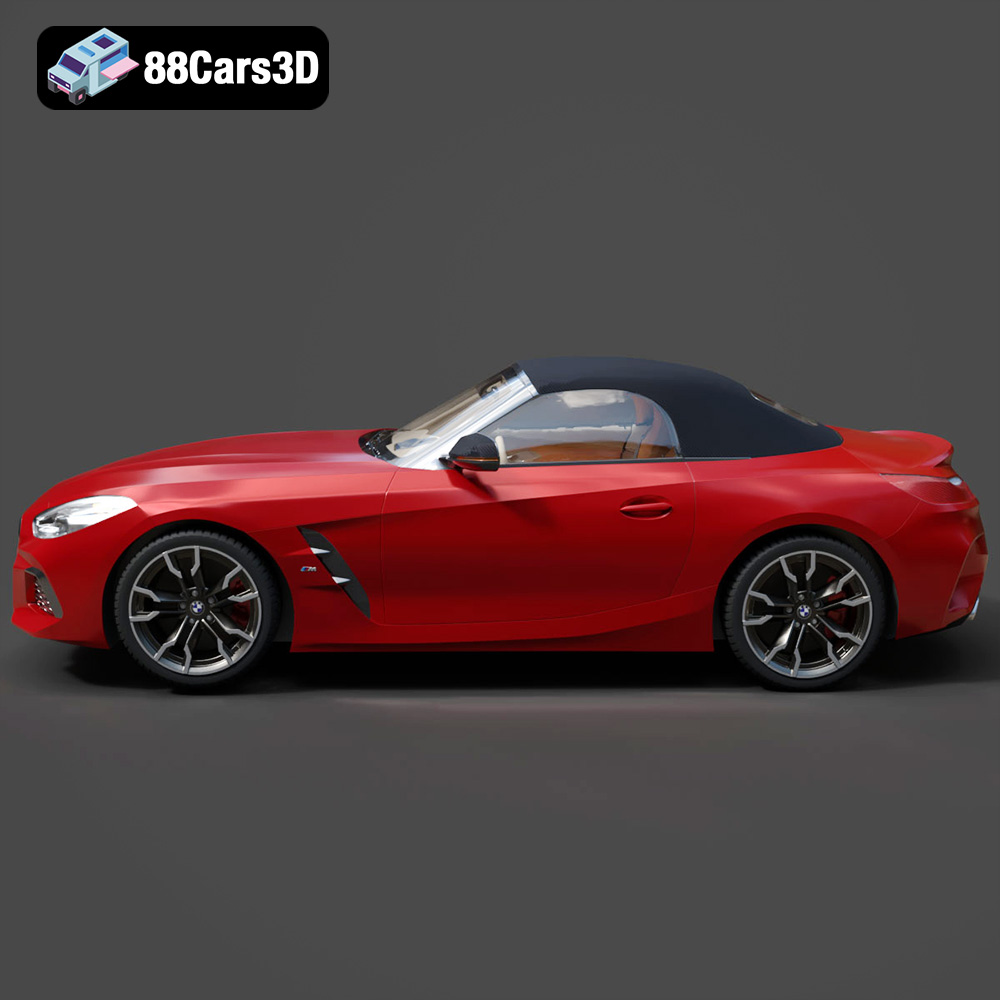
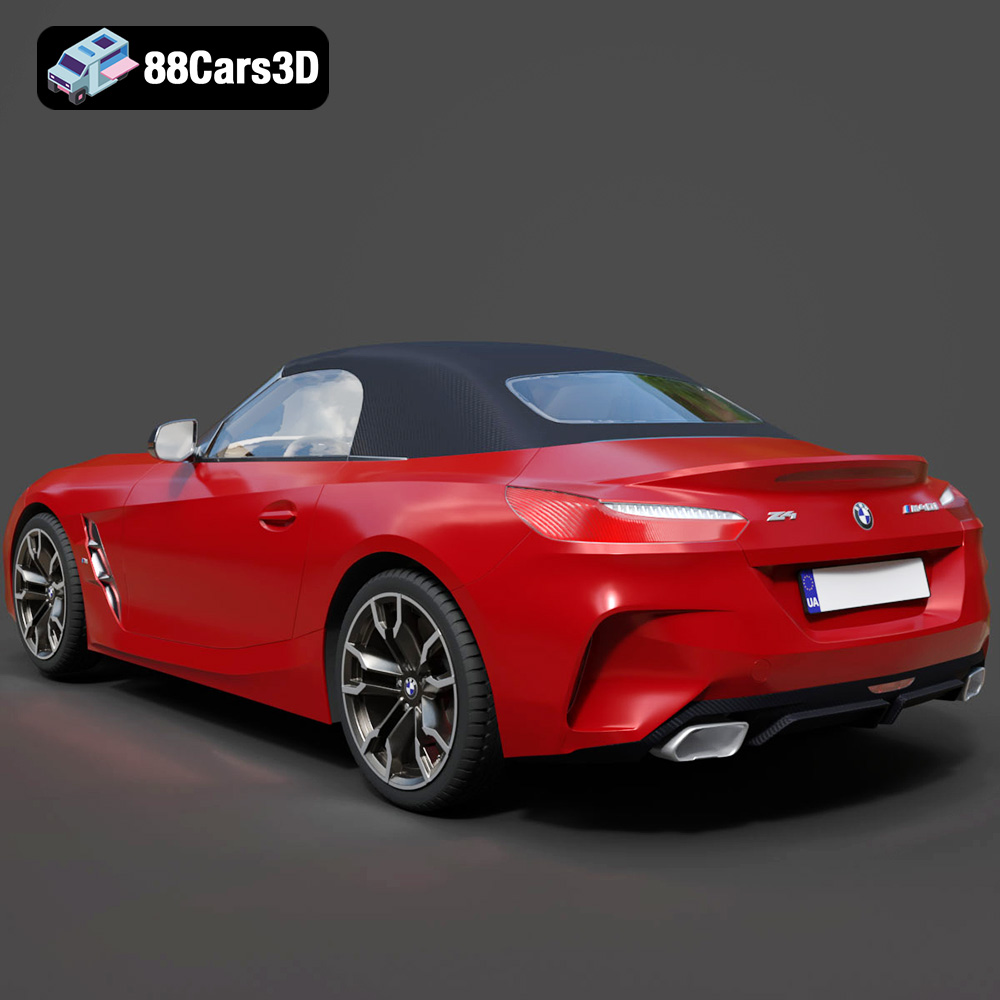
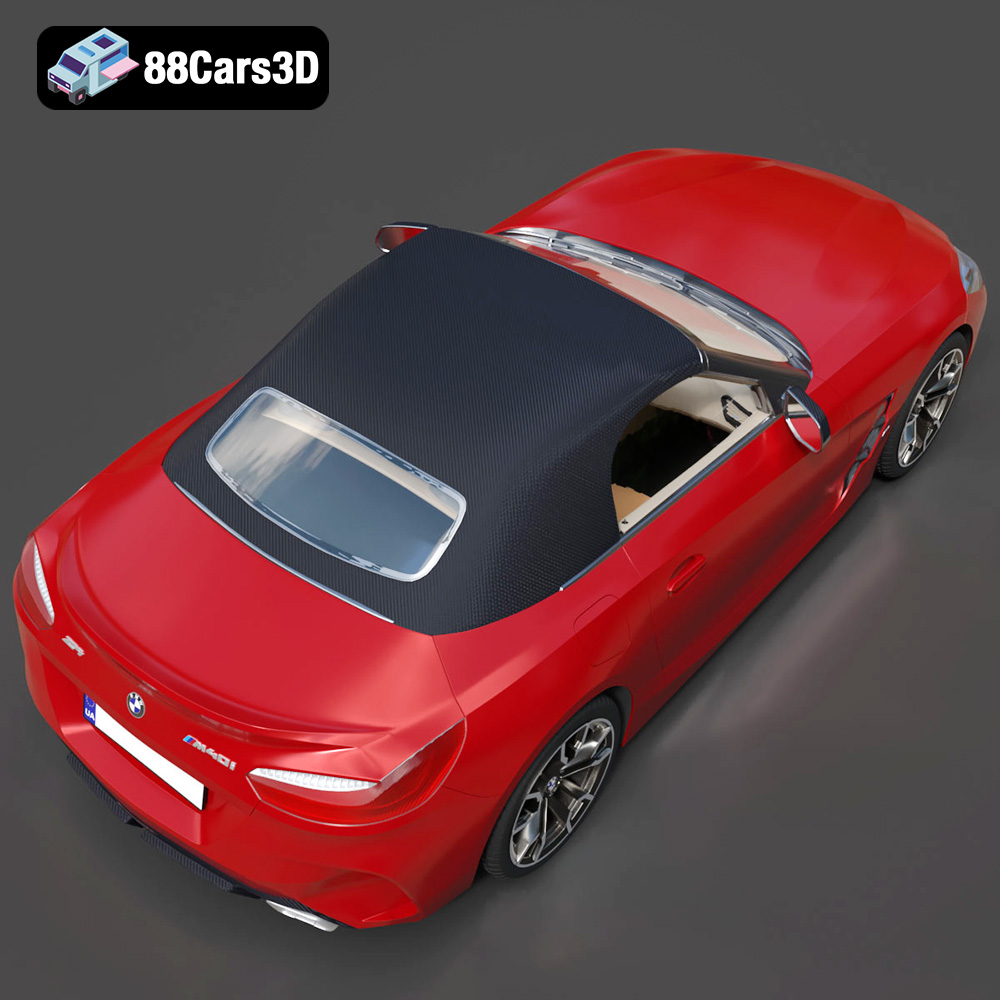
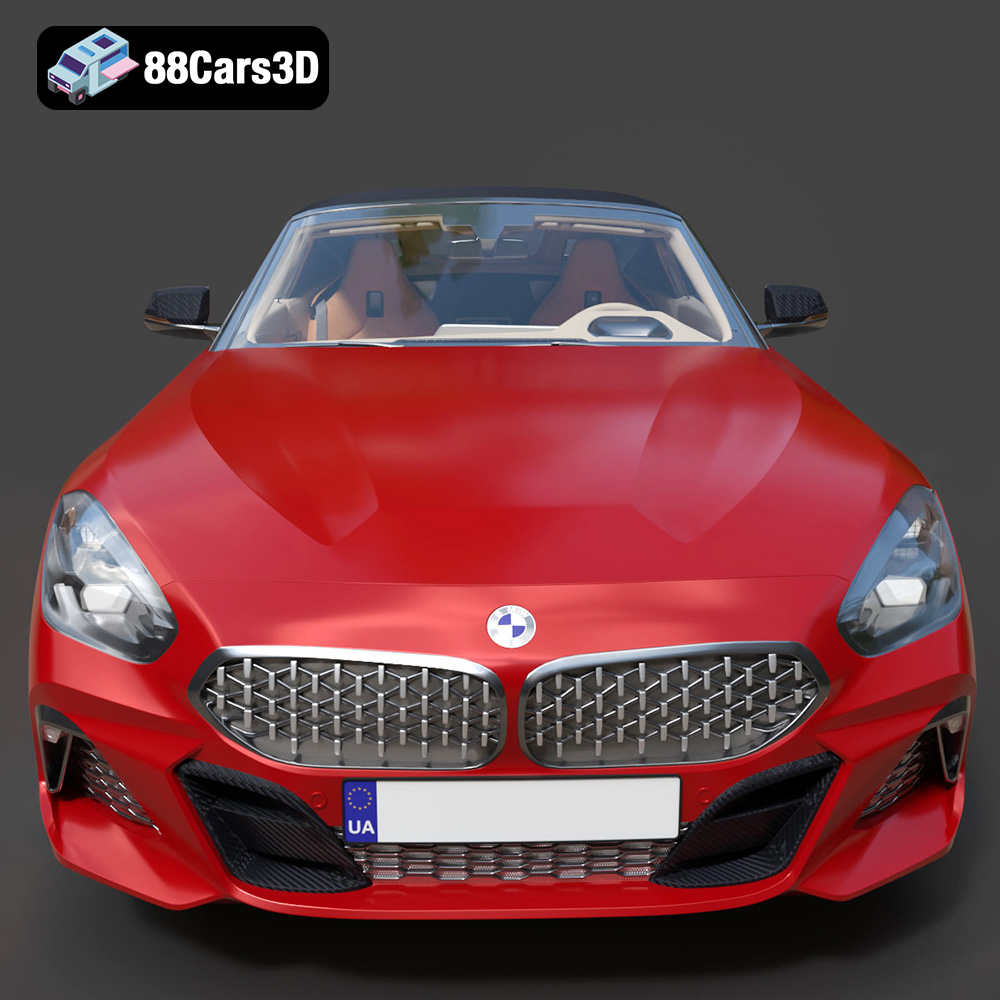
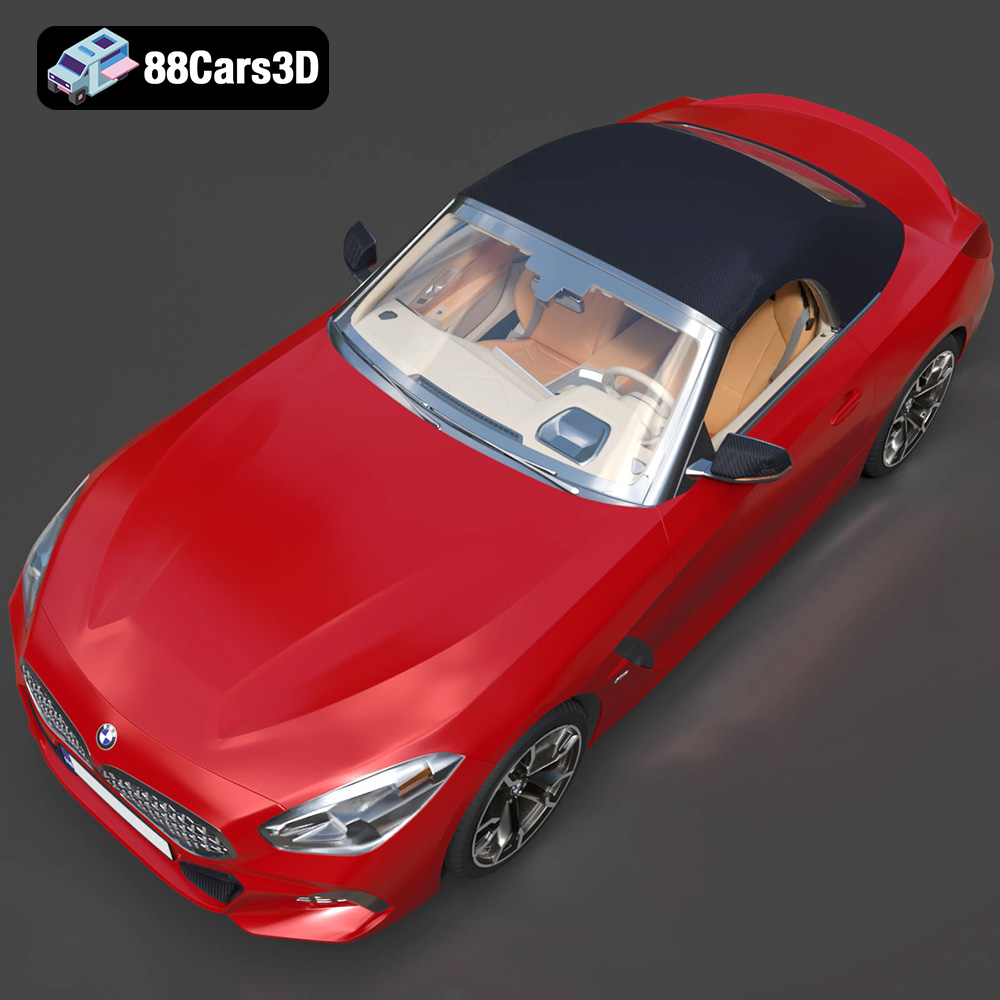
Experience true realism with the BMW Z4 Mk3 G29 Roadster M40i 2019 3D Model. Crafted with precision, this model perfectly captures the dynamic lines, aggressive stance, and elegant curves of the iconic roadster. This premium 3D model features clean geometry, realistic materials, and professional-grade detailing. Ideal for game development, detailed rendering, AR/VR experiences and more!
$39.99
3D printing the BMW Z4 Mk3 G29 Roadster M40i 2019 3D model from 88cars3d.com is a rewarding project that combines technical skill with automotive passion. By carefully selecting your 3D printing technology, optimizing your slicing settings, choosing the right materials, and mastering post-processing techniques, you can create a stunning replica of this iconic roadster. Remember to pay attention to detail, take your time, and don’t be afraid to experiment. Happy printing, and enjoy the thrill of bringing your dream car to life!
.arvr
.blend
.bmw
.car3dmodel
.convertible
.fbx
.g29
.gameasset
.glb
.m40i
.max
.mk3
.obj
.ply
.rendering
.roadster
.simulation
.sportsCar
.stl
.unreal
.z4