Get 20% OFF All Premium 3D & STL Models!

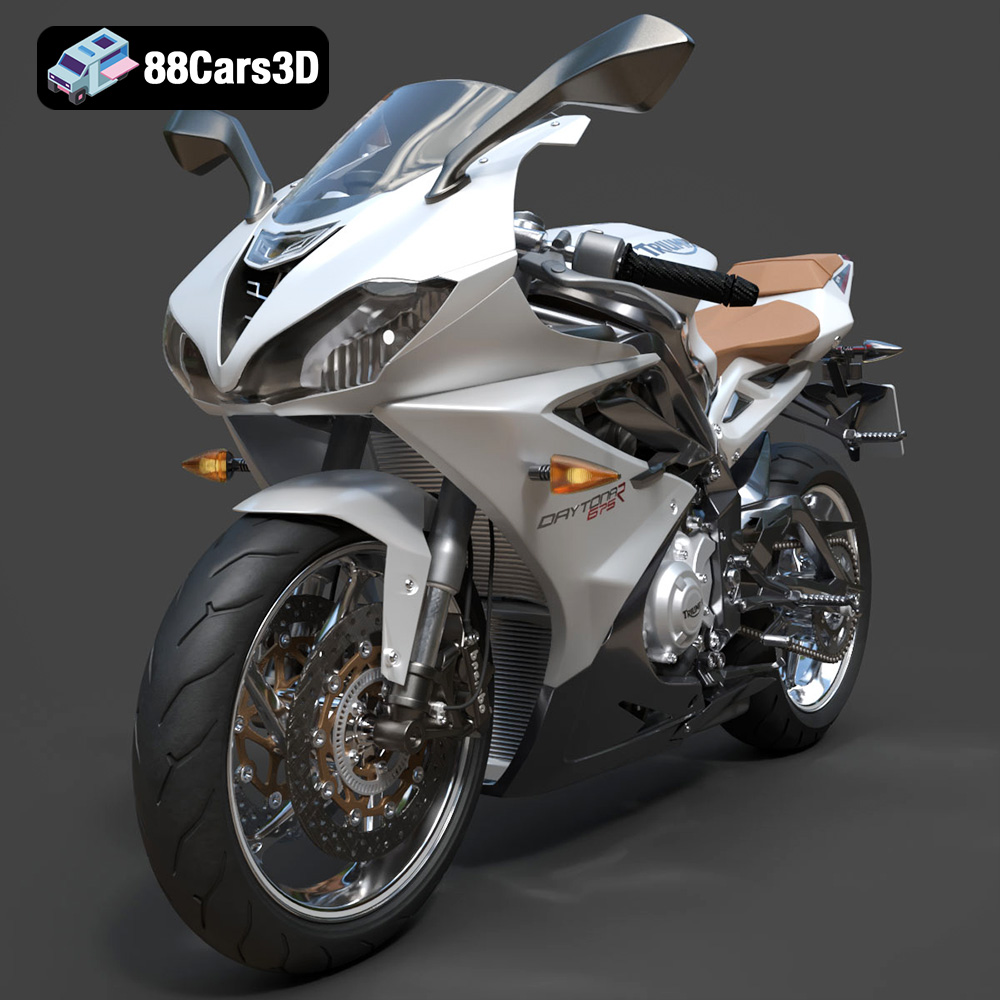
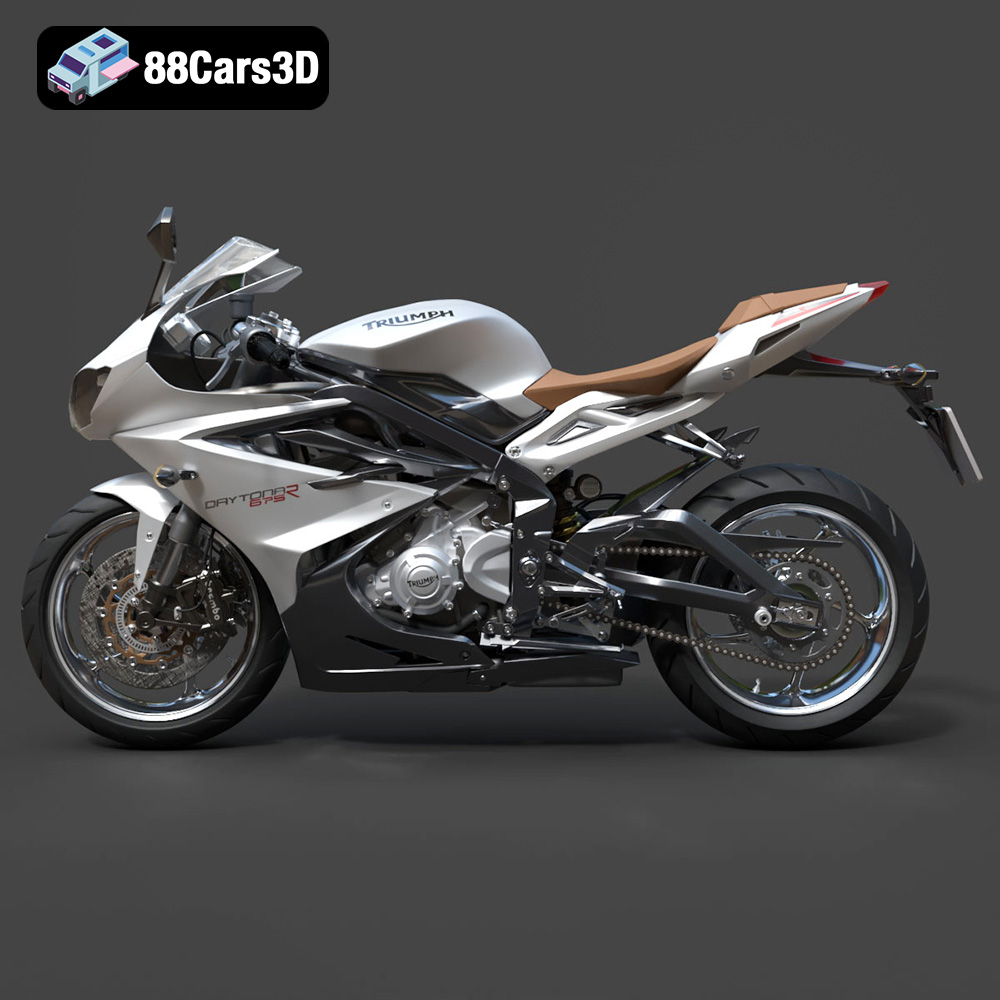
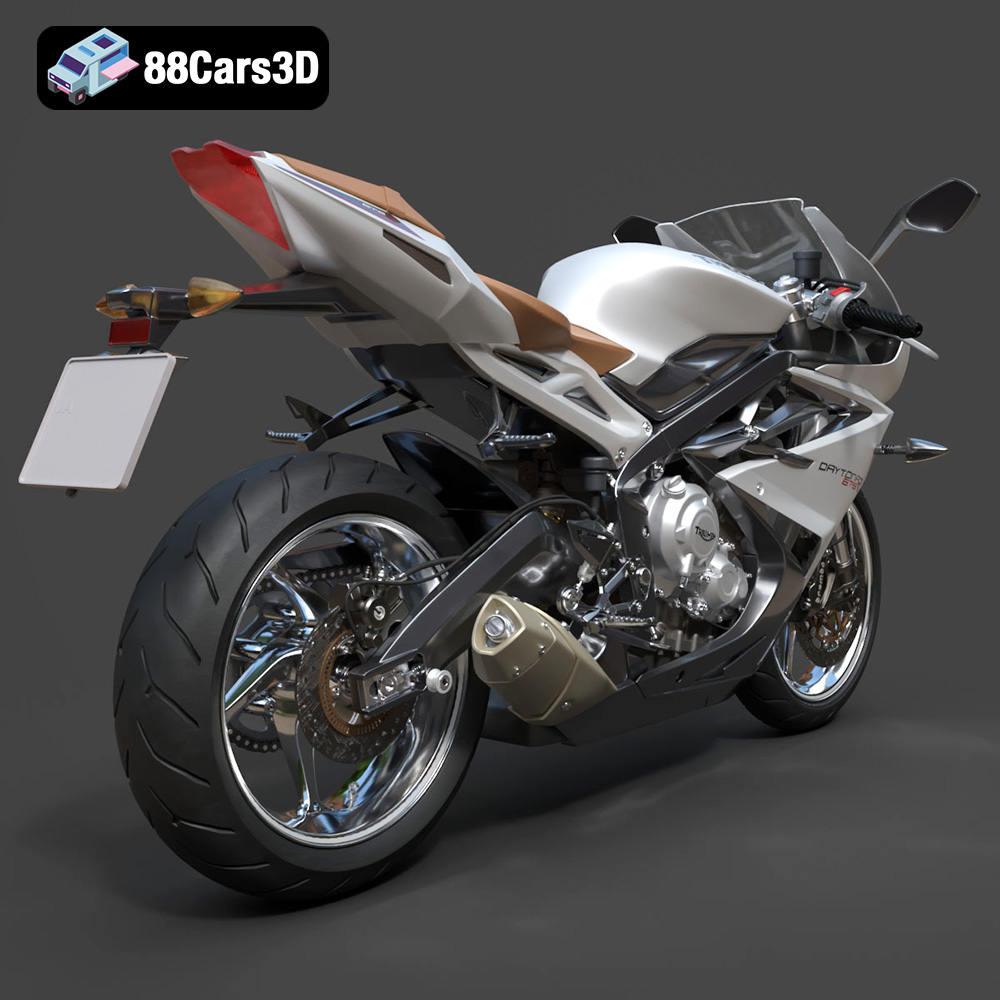
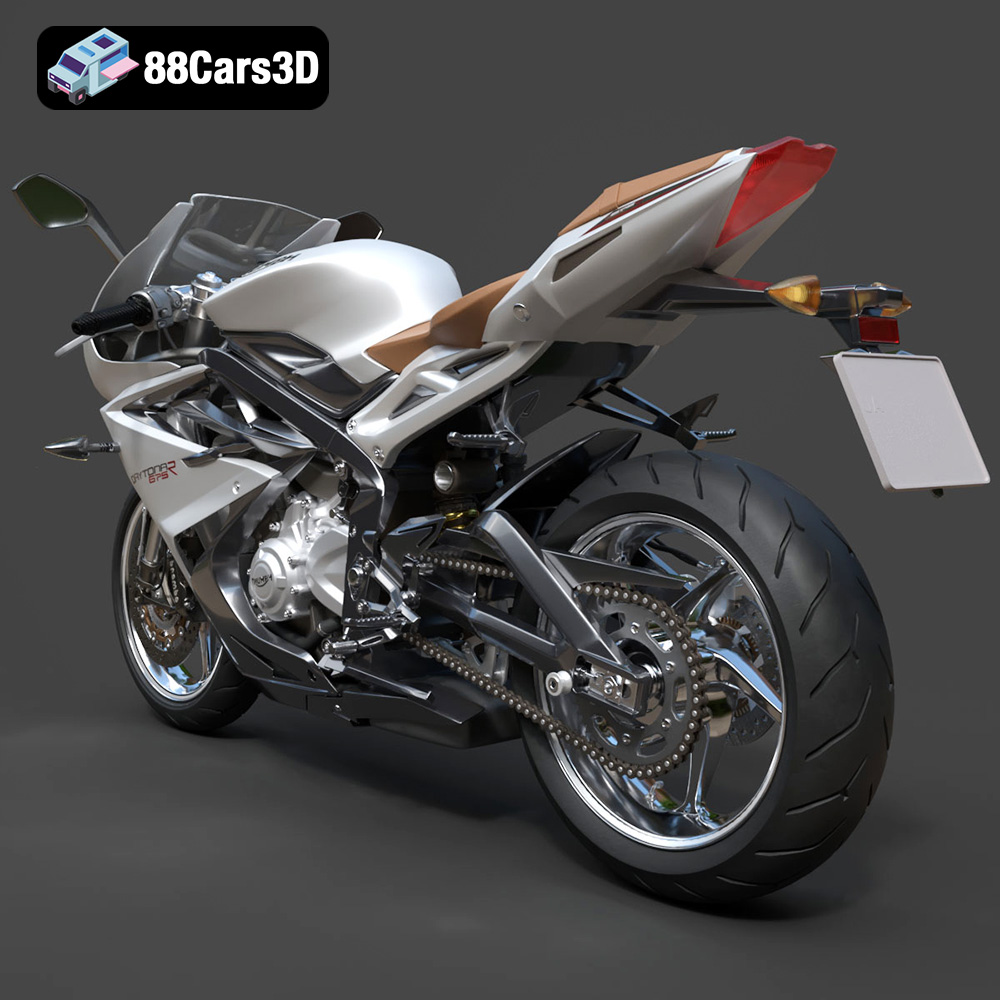
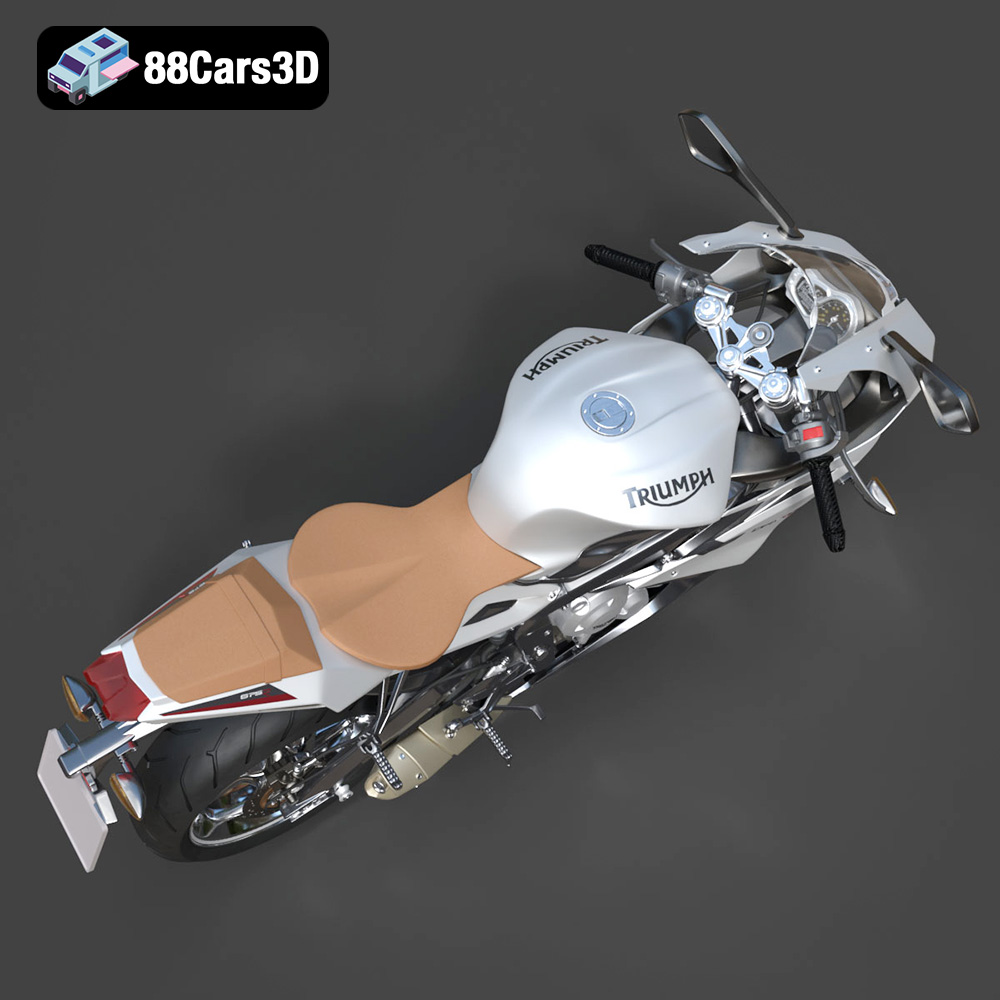
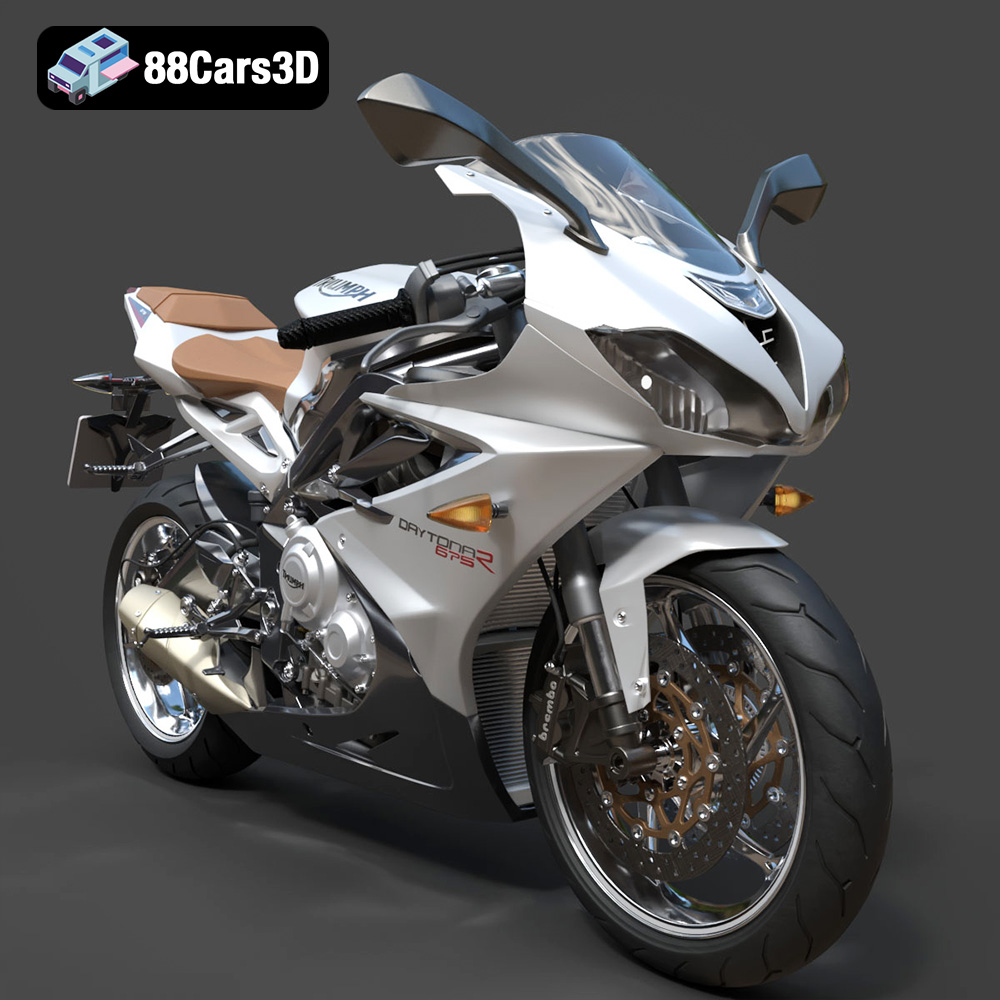
The Triumph Daytona 675R ABS 2015 is an icon, a symphony of engineering and aesthetics that resonates with motorcycle enthusiasts worldwide. Now, thanks to the detailed 3D model available at 88cars3d.com, you can bring this legendary machine to life in your own home through the power of 3D printing. This comprehensive guide will walk you through the process, covering everything from selecting the right materials and printer settings to post-processing techniques that will transform your 3D print into a stunning replica. Whether you’re a seasoned 3D printing veteran or a newcomer to the world of additive manufacturing, this guide will provide you with the knowledge and confidence to create a museum-worthy 3D printed Triumph Daytona 675R ABS 2015.
Choosing the correct file format is a crucial first step in ensuring a successful 3D printing experience. While numerous formats exist, not all are created equal when it comes to additive manufacturing. Understanding the nuances of each format will allow you to select the best option for the Triumph Daytona 675R ABS 2015 3D model and your specific printing needs.
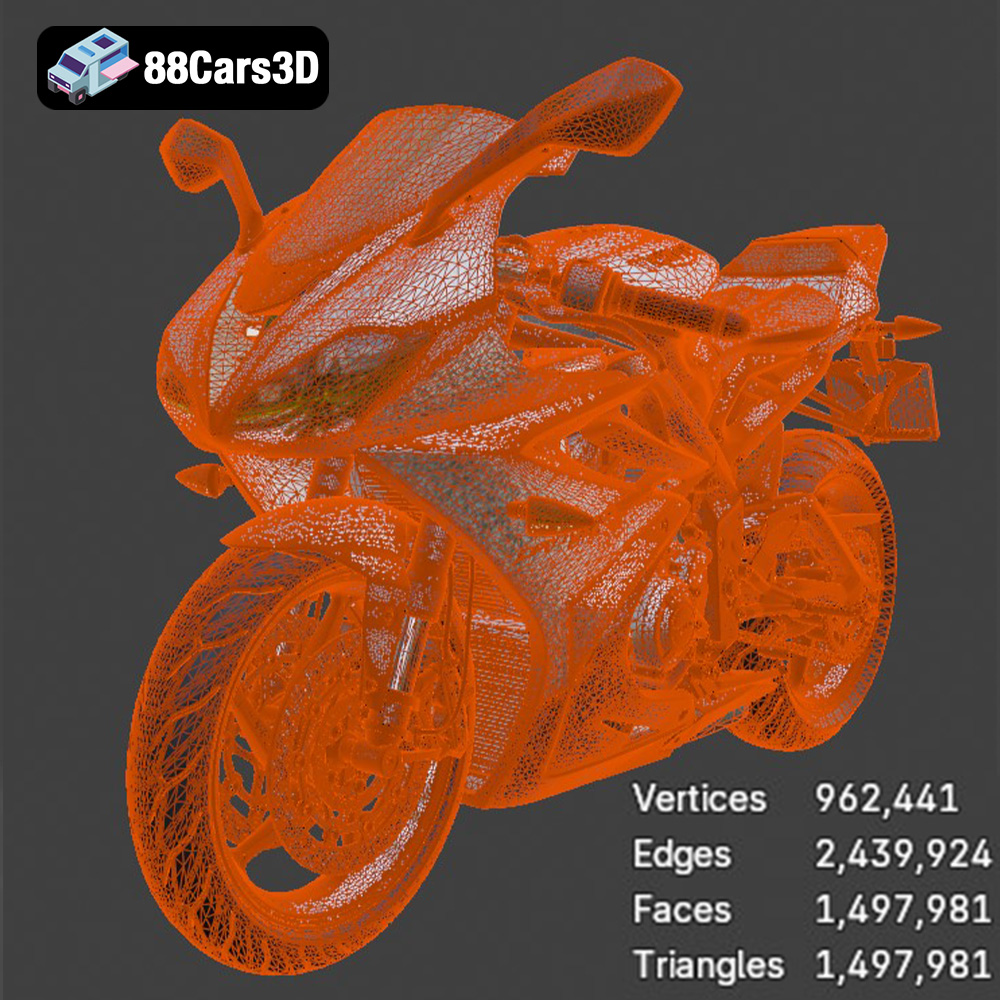
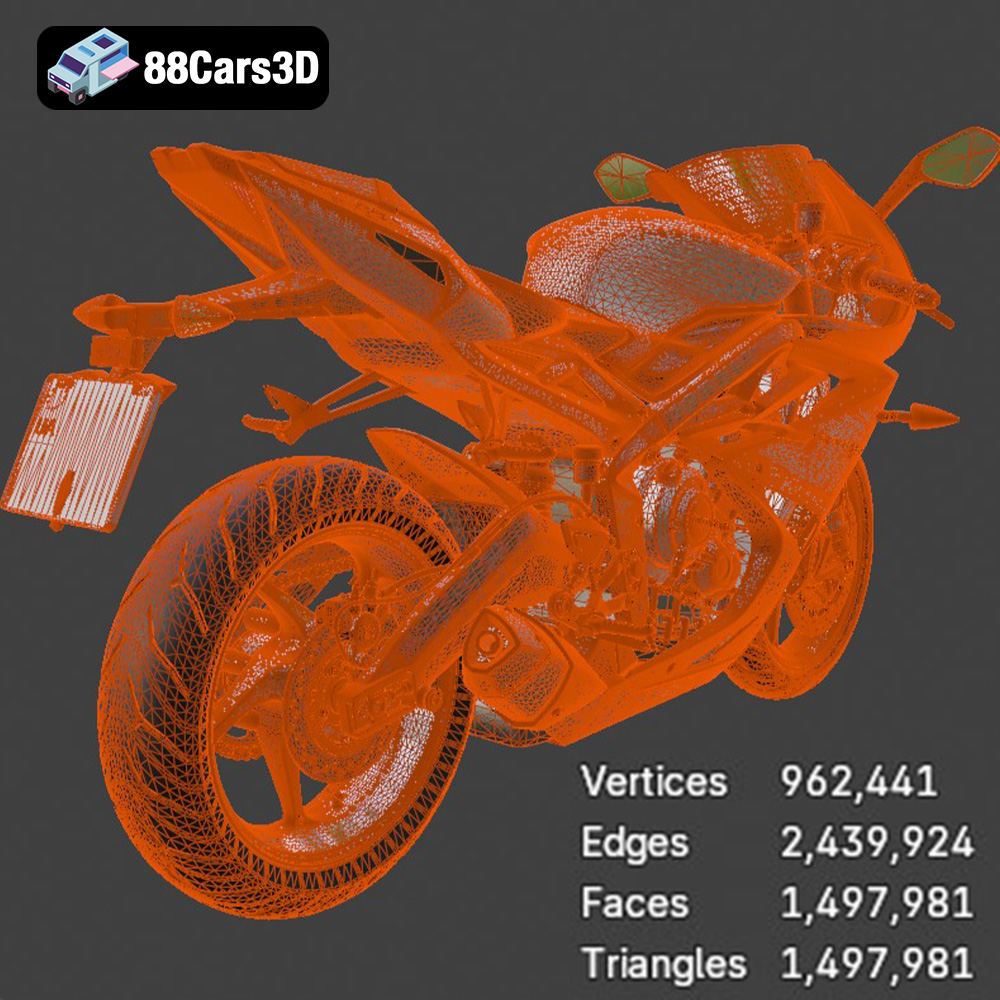
The .stl (stereolithography) format is the undisputed king of 3D printing. It represents a 3D object’s surface geometry using a mesh of triangles. This simplicity makes it universally compatible with virtually all 3D printers and slicing software. The .stl format focuses solely on the shape of the object, devoid of color, texture, or material information. This is why you’ll often need to add color during post-processing. When downloading from 88cars3d.com, prioritize the .stl file for 3D printing. Ensure the model’s triangle count is sufficient to capture the Daytona 675R’s intricate details, but not so high as to bog down your slicing software. A balanced triangle count, as mentioned in the product description, is key.
The .obj (Wavefront Object) format is another popular choice, particularly when color and texture information are important. Unlike .stl, .obj files can store vertex colors and texture coordinates, allowing for potentially multi-colored 3D prints (if your printer supports it). However, the added complexity of .obj files can sometimes lead to compatibility issues with certain slicing programs. For the Daytona 675R, the .obj file could be useful if you intend to digitally apply custom paint schemes before exporting to a 3D printable format.
The .ply (Polygon File Format) is designed for storing 3D data acquired from 3D scanners. It can represent surfaces using polygons, typically triangles, and store additional information such as color, normals, and texture coordinates. The .ply format is known for its precision and ability to capture high-detail meshes. If you’re looking for the highest possible fidelity in your 3D print, the .ply format might be worth considering, although it may require more computational power during slicing.
The .blend file is the native format for Blender, a free and open-source 3D creation suite. This format contains the entire Blender scene, including the model, materials, textures, lighting, and animation data. If you’re familiar with Blender, the .blend file provides the greatest flexibility for customizing the Daytona 675R model before 3D printing. You can modify the geometry, add details, or even create variations of the design. Once you’re satisfied with your modifications, you can export the model as an .stl file for 3D printing.
The .fbx (Filmbox) format is a proprietary file format developed by Autodesk for interoperability between different 3D software packages. It supports the transfer of geometry, materials, textures, and animation data. While not directly used for 3D printing, the .fbx file can be useful for importing the Daytona 675R model into certain slicing software that supports material properties, allowing you to assign different printing parameters to different parts of the model.
The .glb (GL Transmission Format Binary) is a binary file format that represents 3D models in a compact and efficient manner. It’s commonly used for displaying 3D models in web browsers and augmented reality (AR) applications. The .glb file allows you to preview the Daytona 675R model in AR on your smartphone or tablet before 3D printing, giving you a better sense of its size and appearance in the real world.
Similar to .blend, the .max file is the native format for 3ds Max, another professional 3D modeling and animation software. If you’re a 3ds Max user, this file provides the same level of customization flexibility as the .blend file, allowing you to modify the Daytona 675R model before exporting it as an .stl file for 3D printing.
Ultimately, for most 3D printing applications, the .stl format will be your go-to choice. It’s the most widely supported and reliable format. Focus on ensuring the mesh quality is high enough to capture the details of the Daytona 675R, and you’ll be well on your way to a successful print.
The material you choose for 3D printing your Triumph Daytona 675R ABS 2015 will significantly impact the final product’s appearance, strength, and durability. Several options are available, each with its own pros and cons.
PLA (Polylactic Acid) is a biodegradable thermoplastic derived from renewable resources like corn starch or sugarcane. It’s known for its ease of use, low printing temperature, and minimal warping. PLA is an excellent choice for beginners due to its forgiving nature and relatively low cost. However, PLA is not as strong or heat-resistant as other materials, making it less suitable for functional parts that will be subjected to stress or high temperatures. For a display model of the Daytona 675R, PLA is a good starting point.
PETG (Polyethylene Terephthalate Glycol-modified) is a modified version of PET, the plastic commonly used in water bottles. PETG offers a good balance of strength, flexibility, and ease of printing. It’s more durable and heat-resistant than PLA, making it a better choice for parts that need to withstand some wear and tear. PETG also has good layer adhesion, resulting in stronger prints. For the Daytona 675R, PETG would be a suitable option if you want a more robust model that can handle some handling.
ABS (Acrylonitrile Butadiene Styrene) is a strong and heat-resistant thermoplastic commonly used in injection molding. It’s known for its durability, impact resistance, and ability to withstand higher temperatures than PLA or PETG. However, ABS is more challenging to print with, as it requires higher printing temperatures and is prone to warping. It also emits fumes during printing, so proper ventilation is essential. If you’re an experienced 3D printer and want a durable and long-lasting Daytona 675R model, ABS is a good choice, but be prepared for a more demanding printing process.
For resin printing, the detail is exceptional. Using a resin printer allows for significantly finer details than FDM printing with plastic filaments. Given the intricate nature of a motorcycle model like the Daytona 675R ABS 2015, resin printing is highly recommended for creating the most accurate and visually stunning replica possible. When using resin, ensure proper ventilation and wear gloves to avoid skin contact.
* **Frame:** PETG or ABS for strength and structural integrity. Resin for ultimate detail (if resin printing the entire model)
* **Wheels:** PETG or ABS for durability. Consider using flexible filament for the tires for a more realistic feel.
* **Fairings:** PLA or PETG for ease of printing and good surface finish. Resin for ultimate detail.
* **Small Details (mirrors, handlebars):** Resin for capturing the fine details.
Before you can start 3D printing your Triumph Daytona 675R ABS 2015, you need to prepare the model using slicing software. This software converts the 3D model into a series of instructions that your 3D printer can understand.
Several excellent slicing software options are available, both free and paid. Some popular choices include Cura, PrusaSlicer, Simplify3D, and Chitubox (for resin printing). Each slicer has its own strengths and weaknesses, so experiment to find one that suits your needs and preferences. Regardless of the software you choose, familiarize yourself with its basic functions, such as importing models, adjusting settings, and generating G-code (the language your printer speaks).
The product description recommends scaling the Daytona 675R model to 1:12, 1:18, or 1:24. These scales are common for model vehicles and offer a good balance of detail and print size. Experiment with different scales to find one that fits your printer’s build volume and your desired level of detail. Remember that scaling the model up will increase print time and material consumption, while scaling it down may result in a loss of fine details.
Before slicing, it’s essential to check the model for any errors or imperfections. Sometimes, 3D models can contain non-manifold geometry, intersecting faces, or other issues that can cause problems during printing. Fortunately, most slicing software includes built-in repair tools that can automatically fix these issues. You can also use dedicated mesh repair software like MeshMixer or Netfabb. Repairing the model before slicing will help ensure a smooth and successful print.
The orientation in which you print the Daytona 675R model will affect its strength, surface finish, and the amount of support material required. The product description recommends printing the frame at an angle for structural integrity and printing the wheels separately. Experiment with different orientations to find the best compromise between these factors. For parts with intricate details, such as the exhaust system and handlebars, consider orienting them to minimize the need for supports in those areas.
Once you’ve prepared the model in your slicing software, it’s time to adjust the printer settings. These settings will determine the quality, speed, and strength of your 3D print.
Layer height is the thickness of each layer of plastic that your printer deposits. Lower layer heights result in smoother surfaces and finer details but increase print time. Higher layer heights print faster but sacrifice some surface quality. The product description recommends a layer height of 0.04–0.12 mm. Start with a layer height in the middle of this range and adjust it based on your desired level of detail and print speed. For resin printing, even finer layer heights are possible, allowing for incredible detail.
Infill is the internal structure of your 3D print. It determines the strength and weight of the part. Higher infill percentages result in stronger and heavier parts, while lower infill percentages print faster and use less material. The product description recommends an infill of 20–30%. This is a good starting point for the Daytona 675R model. If you need a particularly strong frame, you can increase the infill percentage.
Supports are temporary structures that your printer creates to support overhanging features, such as the exhaust system and handlebars. Without supports, these features would collapse during printing. Your slicing software will automatically generate supports based on the model’s geometry and your printer settings. Experiment with different support settings to find the optimal balance between support strength and ease of removal. The product description notes that supports are required for detailed parts like the exhaust, mirrors, and handlebars.
Print speed determines how fast your printer moves while depositing plastic. Higher print speeds print faster but can sacrifice some print quality. Lower print speeds result in smoother surfaces and finer details but increase print time. The optimal print speed will depend on your printer, material, and desired print quality. Consult your printer’s manual and material recommendations for guidance.
Once your 3D print is complete, it’s time to post-process it. This involves removing supports, sanding the surface, and painting the model to achieve the desired appearance.
Carefully remove the supports from your 3D print. Use a sharp knife, pliers, or specialized support removal tools to avoid damaging the model. Take your time and be patient, especially when removing supports from delicate areas.
Sanding is essential for achieving a smooth surface finish. Start with a coarse grit sandpaper (e.g., 220 grit) and gradually work your way up to finer grits (e.g., 400, 600, 800 grit). Wet sanding can help prevent the sandpaper from clogging and produce a smoother finish.
Apply a coat of primer to the sanded model. Primer helps to fill in any remaining imperfections and provides a uniform surface for paint to adhere to. Choose a primer that is compatible with your chosen paint.
Painting is where you can truly bring your Daytona 675R model to life. Research the authentic factory colors of the 2015 Daytona 675R ABS and choose paints that accurately replicate them. Use masking tape to create clean lines and apply multiple thin coats of paint for the best results. Consider using an airbrush for a professional-looking finish. The product description mentions authentic factory colors with metallic finishes, so be sure to use metallic paints where appropriate.
If you printed the model in multiple parts, such as the frame and wheels, you’ll need to assemble them. Use a strong adhesive, such as super glue or epoxy, to join the parts together. Be careful to align the parts correctly and allow the adhesive to fully cure before handling the model.
Even with careful preparation, 3D printing can sometimes present challenges. Here are some common issues and their solutions.
Warping occurs when the corners of your 3D print lift off the build plate. This is often caused by poor bed adhesion or temperature fluctuations. To prevent warping, ensure your build plate is clean and level, use a heated bed, and consider using a brim or raft.
Stringing is when thin strands of plastic are left between different parts of your 3D print. This is often caused by excessive retraction distance or temperature. To reduce stringing, adjust your retraction settings, lower your printing temperature, and ensure your filament is dry.
Layer delamination is when the layers of your 3D print separate from each other. This is often caused by poor layer adhesion or insufficient printing temperature. To prevent layer delamination, increase your printing temperature, reduce your print speed, and ensure your printer is properly calibrated.
Elephant’s foot is when the bottom layer of your 3D print is wider than the rest of the print. This is often caused by the nozzle being too close to the build plate. To correct elephant’s foot, adjust your Z-offset or reduce the flow rate for the first layer.
By understanding these common issues and their solutions, you’ll be well-equipped to overcome any challenges you encounter while 3D printing your Triumph Daytona 675R ABS 2015.
The Triumph Daytona 675R ABS 2015 is a legendary middleweight supersport motorcycle celebrated for its track-focused performance, iconic triple-cylinder engine, and razor-sharp handling. Distinctive features include its aggressively styled aerodynamic fairings, sleek side-mounted exhaust system, striking red subframe, premium Öhlins suspension components, and high-performance Brembo brakes.
$39.99
.blend
.fbx
.glb
.max
.obj
.ply
.rendering
.sportbike
.stl
.supersport
.triumph
.unreal
daytona-675r
daytona-675r-abs-2015
game asset
game-ready
low-poly
motorcycle-3d-model
optimized
VR/AR