Get 20% OFF All Premium 3D & STL Models!

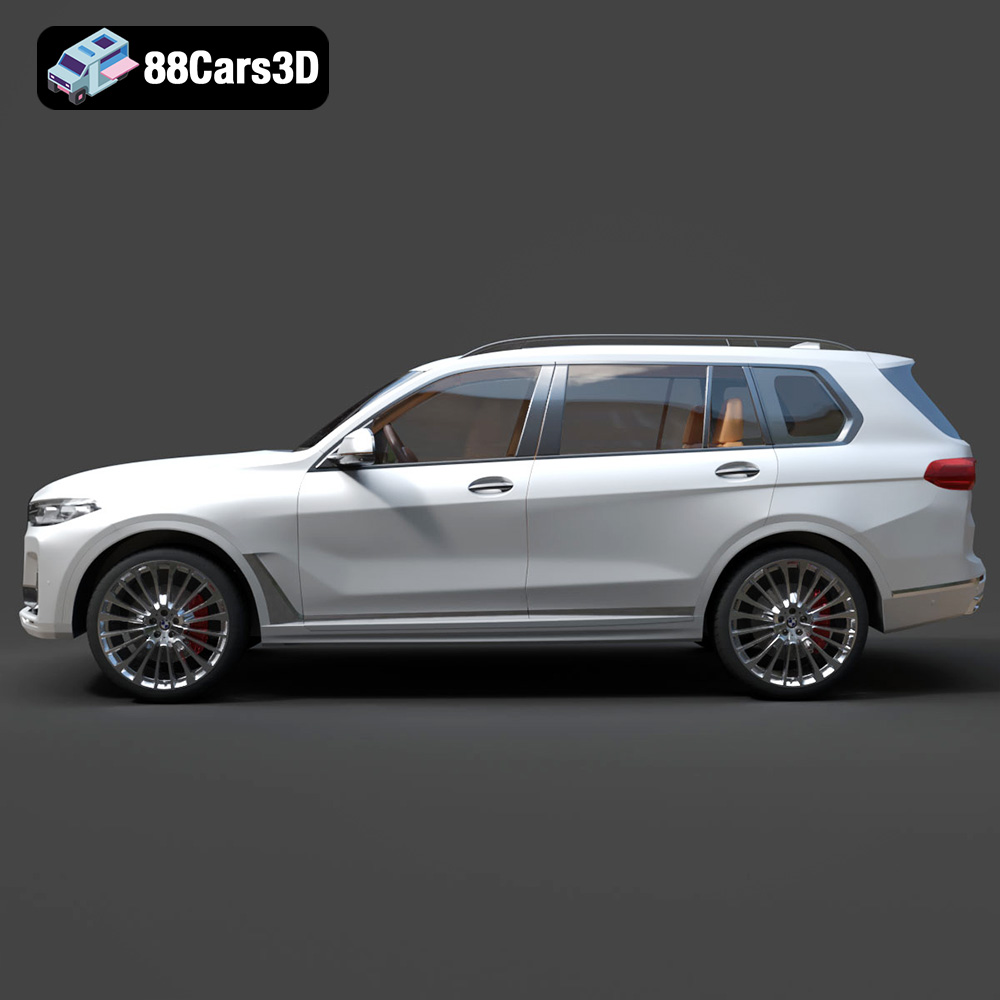
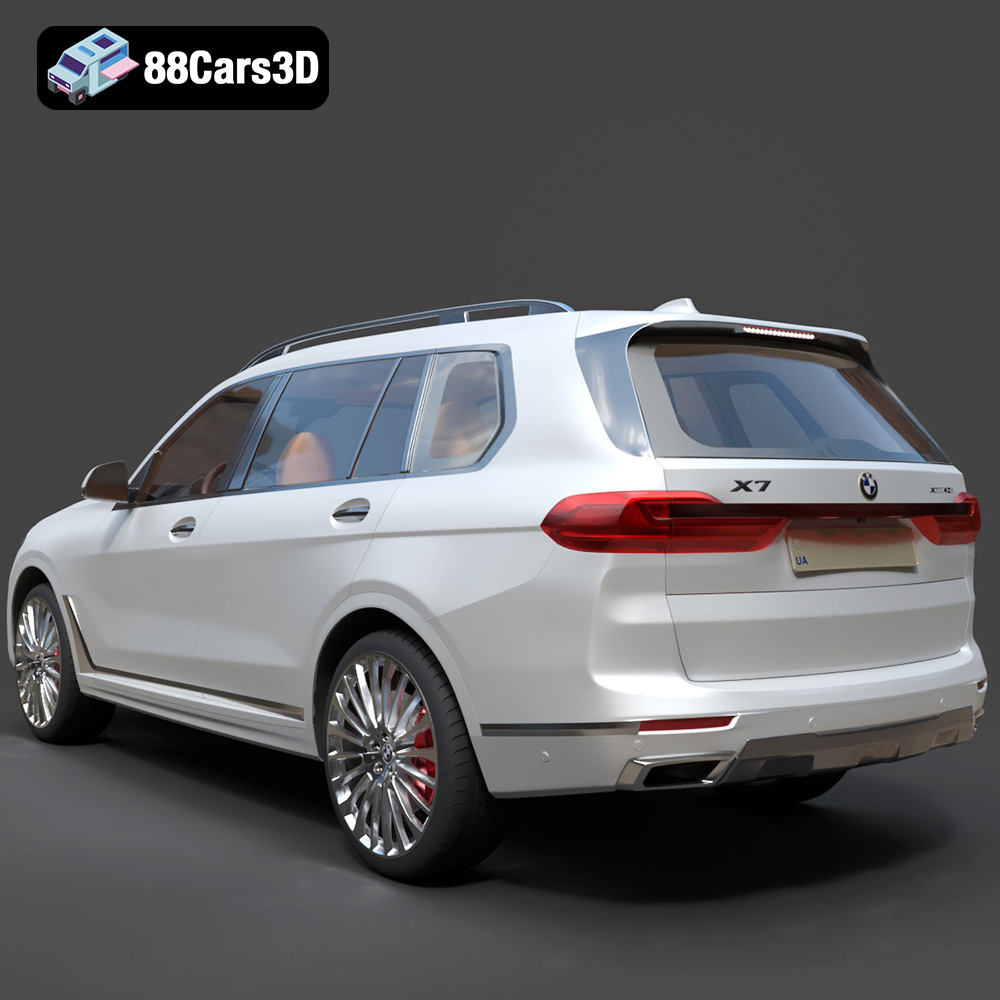
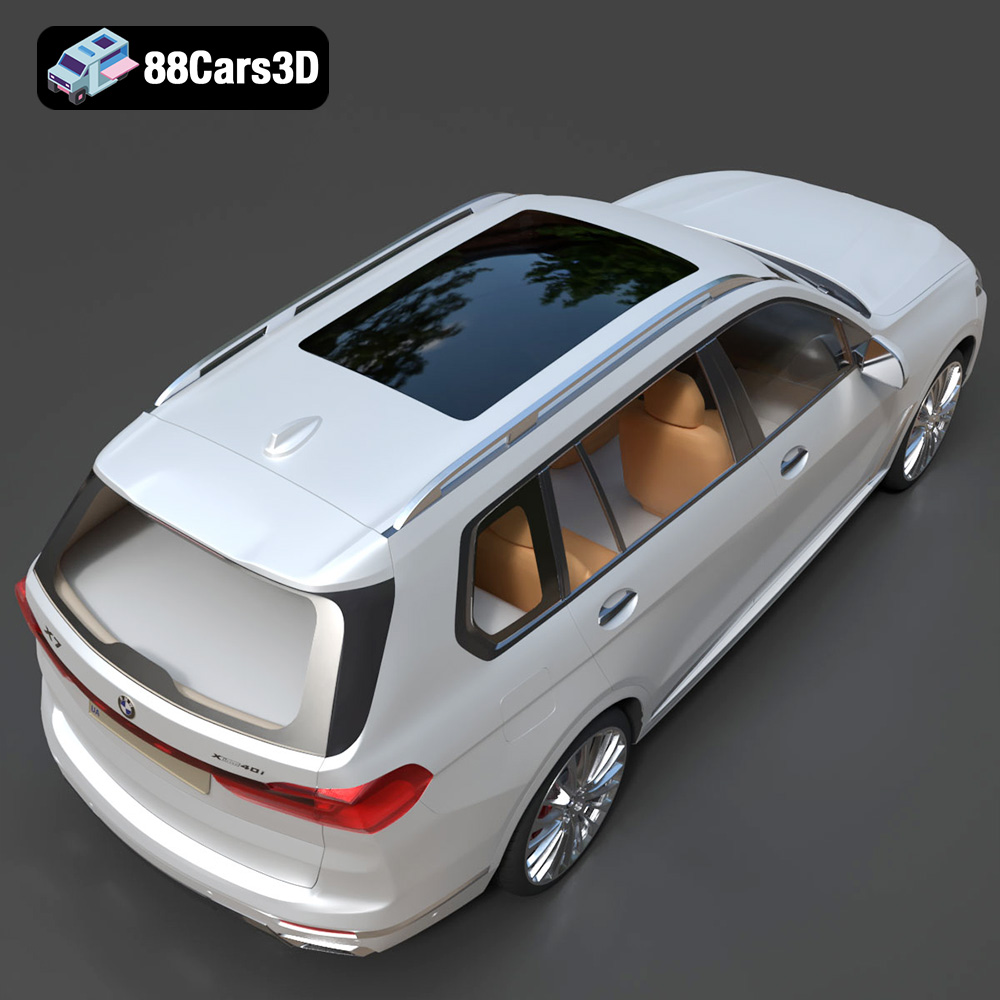
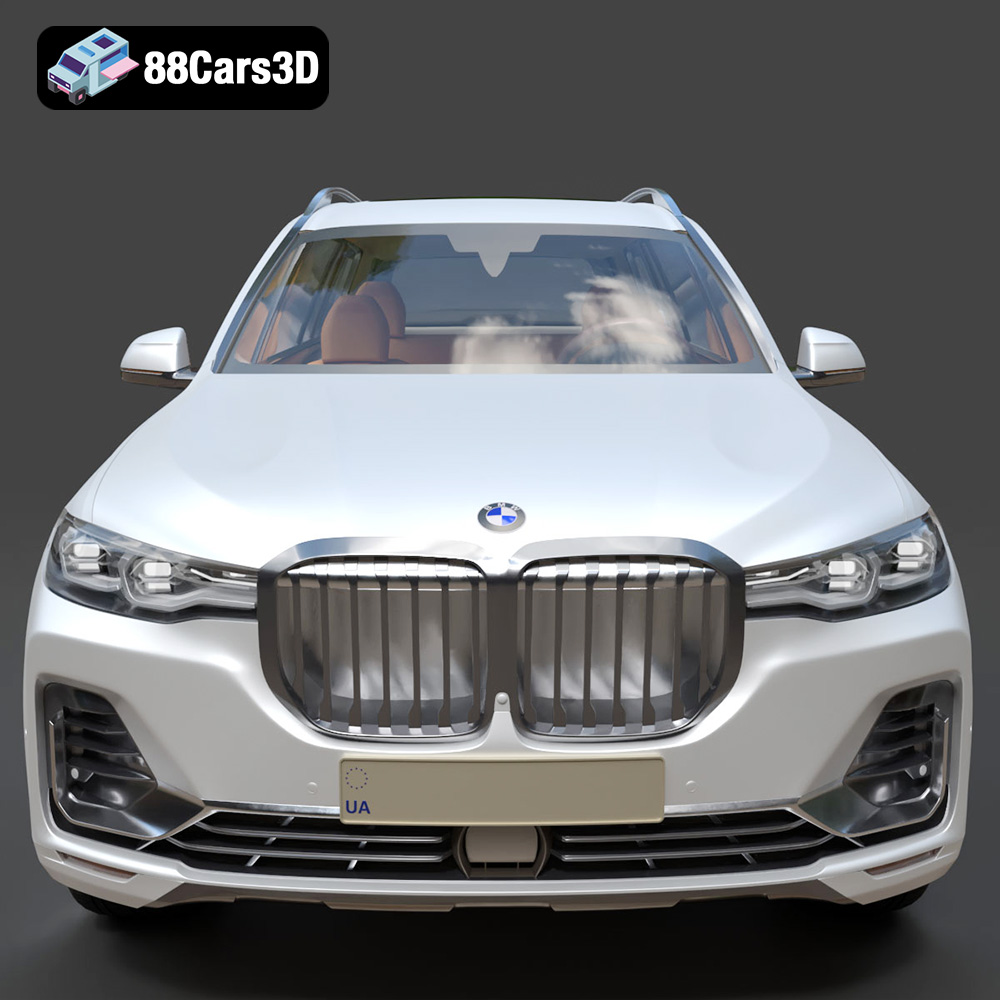
The BMW X7 G07 2019, a symbol of luxury and engineering prowess, can now grace your desk or collection thanks to the power of 3D printing. This guide provides a comprehensive breakdown of how to successfully 3D print the BMW X7 G07 2019 3D model available on 88cars3d.com, covering everything from pre-print preparation to post-processing techniques. Whether you’re a seasoned 3D printing enthusiast or just starting out, this article will equip you with the knowledge to transform a digital file into a tangible masterpiece. The detailed 3D model from 88cars3d.com ensures a fantastic starting point for your additive manufacturing journey.
Before diving into the specifics of printing the BMW X7 G07 2019, it’s crucial to understand the different file formats that make up the world of 3D models. Knowing the strengths and weaknesses of each format will help you choose the right one for your project and avoid potential compatibility issues. Let’s break down the most common file formats, with a particular focus on the ubiquitous .stl format.
The STL (Stereolithography) format is the workhorse of 3D printing. It represents the surface geometry of a 3D object as a collection of triangles. While simple in its design, STL files are universally accepted by slicing software, making them the go-to choice for 3D printing. The BMW X7 G07 2019 3D model from 88cars3d.com includes an STL file, ready for immediate use.
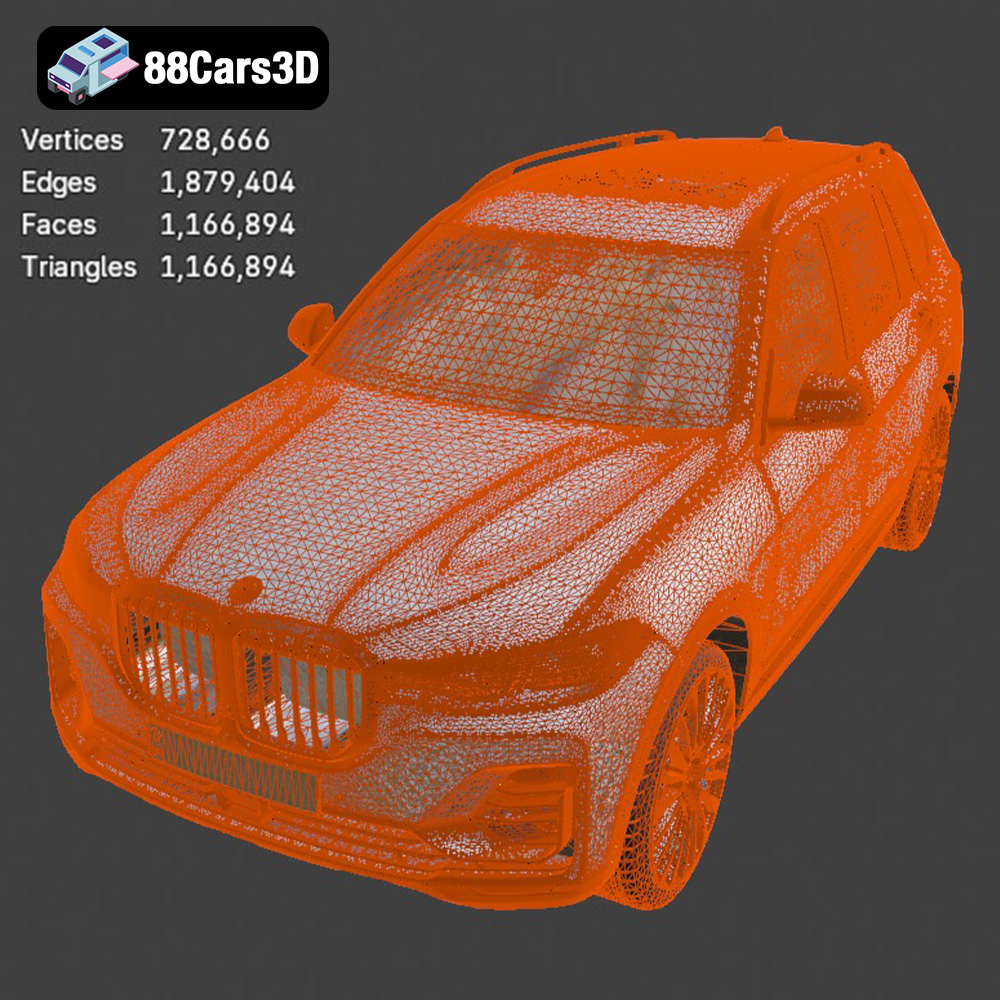
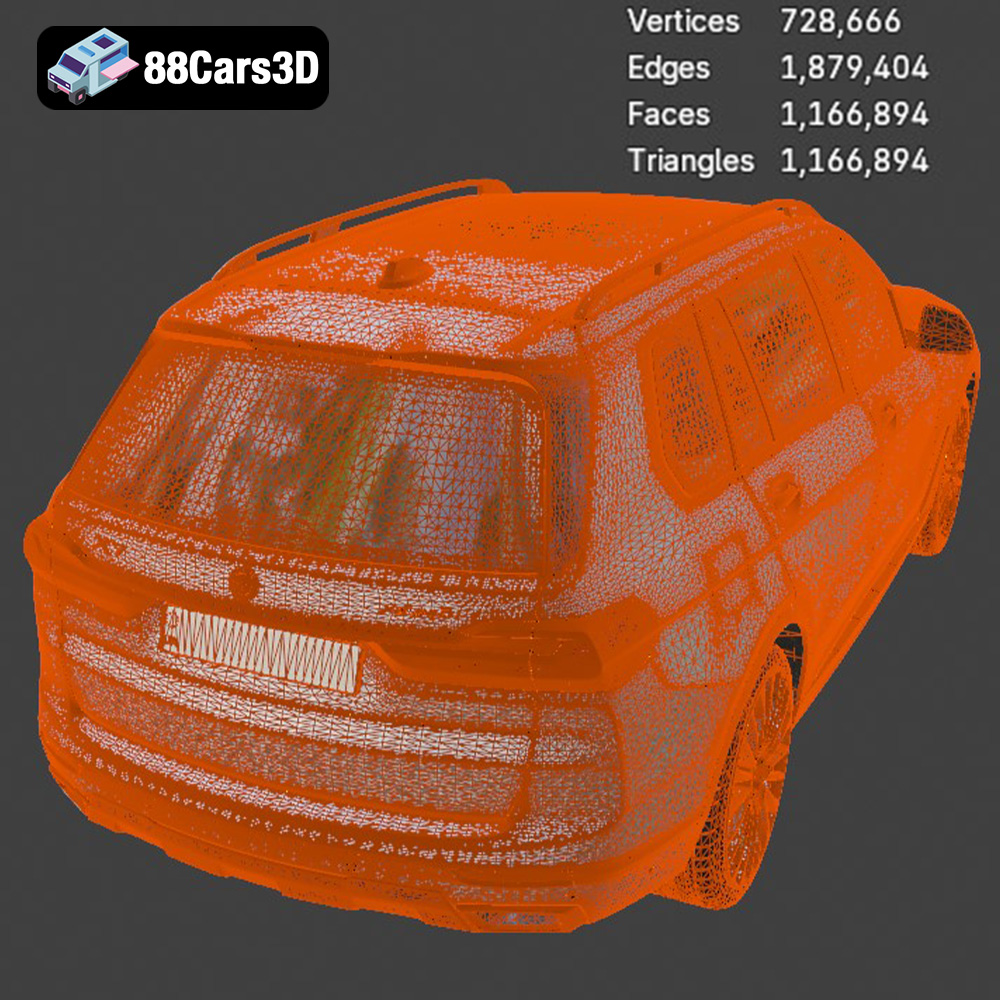
It’s important to note that STL files only store the surface geometry, lacking color or texture information. The resolution of an STL file is determined by the density of the triangles used to represent the object. A higher triangle count results in a smoother surface, but also a larger file size. When preparing the BMW X7 G07 2019 model for printing, ensure that the STL file has sufficient resolution to capture the car’s complex curves and details. Slicing software often allows you to adjust the resolution before generating the g-code.
OBJ files are more versatile than STL, as they can store color and texture information in addition to geometry. This makes them suitable for colored 3D prints, although the BMW X7 G07 2019 model is likely intended for painting rather than multi-color printing. OBJ files are supported by most 3D modeling and slicing software.
PLY files are designed for storing high-resolution 3D data, making them ideal for capturing intricate details. While not as widely used as STL, PLY files can be useful for 3D printing models with complex geometries, such as the BMW X7 G07 2019. Ensure your slicing software supports PLY files before using them.
The .blend file format is specific to Blender, a popular open-source 3D modeling software. This format contains the entire Blender scene, including the model, materials, lighting, and camera settings. If you want to customize the BMW X7 G07 2019 model before printing, the .blend file provides the most flexibility. However, you’ll need Blender installed to open and edit it.
FBX is a widely used format for exchanging 3D data between different software applications. It supports geometry, materials, textures, and animation. While primarily used in game development and animation, FBX files can sometimes be imported into slicing software, particularly if you want to preserve material information (though this is less relevant for standard 3D printing where painting is the norm).
GLB is a binary file format that is commonly used for displaying 3D models in augmented reality (AR) and virtual reality (VR) applications. It’s an efficient format for transmitting and rendering 3D data on the web and mobile devices. While not directly used for 3D printing, the GLB file allows you to preview the BMW X7 G07 2019 model in a real-world environment before committing to a print.
Similar to .blend for Blender, .max files are specific to 3ds Max, another professional 3D modeling software. This format contains the complete 3ds Max project, allowing for extensive customization of the BMW X7 G07 2019 model.
For 3D printing, the STL format remains the most practical and widely supported option. The BMW X7 G07 2019 model from 88cars3d.com is supplied with an STL file ready to be sliced and printed. While other formats like OBJ and PLY can be used, STL offers the best balance of compatibility and ease of use. When working with STL files, always ensure that the mesh quality is adequate for your desired level of detail. Insufficient mesh density can result in a blocky or faceted appearance, while excessive density can lead to unnecessarily large file sizes and longer processing times.
The slicing process is where your digital 3D model gets translated into instructions your 3D printer can understand. This involves choosing the right slicer software, setting print parameters, and adding necessary supports.
Popular slicers include Cura, Simplify3D, PrusaSlicer, and others. Cura is a free and open-source option that’s user-friendly and offers a wide range of settings. Simplify3D is a commercial slicer known for its advanced features and customization options. PrusaSlicer is another excellent free option favored by many in the 3D printing community. The choice depends on your experience level and the features you require. Import the BMW X7 G07 2019’s STL file into your chosen slicer to begin.
Model orientation dramatically impacts print quality, support requirements, and print time. For the BMW X7 G07 2019, consider orienting the model with the roof facing upwards. This minimizes the need for supports on visible surfaces like the hood and doors. However, this orientation may require more supports inside the car’s cabin and undercarriage. Experiment with different orientations within your slicer to find the optimal balance.
Adding supports is crucial for overhangs and complex geometries. Slicing software automatically generates supports, but you can often customize them to reduce material usage and improve surface finish. Consider using tree supports or light supports for easier removal and minimal scarring. In the case of the BMW X7 G07 2019, pay close attention to supporting the wheel wells and the underside of the bumpers.
Layer height determines the vertical resolution of your print. A lower layer height (e.g., 0.1mm) produces smoother surfaces but increases print time. A higher layer height (e.g., 0.2mm) prints faster but may result in visible layer lines. For the BMW X7 G07 2019, a layer height of 0.15mm to 0.2mm offers a good balance between quality and speed.
Infill density affects the internal strength and weight of the print. A higher infill density (e.g., 20%) makes the print stronger but uses more material. A lower infill density (e.g., 10%) saves material but reduces strength. For a display model of the BMW X7 G07 2019, 15% infill is generally sufficient. Use a rectilinear or gyroid infill pattern for good strength and printability.
Other important settings include printing temperature, print speed, and retraction settings. Refer to your filament manufacturer’s recommendations for optimal temperature settings. A moderate print speed (e.g., 50-60 mm/s) is recommended for detailed models like the BMW X7 G07 2019. Adjust retraction settings to minimize stringing, especially when printing the car’s intricate details.
The choice of filament significantly affects the final appearance, strength, and durability of your 3D printed BMW X7 G07 2019.
PLA (Polylactic Acid) is a biodegradable thermoplastic known for its ease of use and wide availability. It’s an excellent choice for beginners due to its low printing temperature and minimal warping. PLA is ideal for creating display models of the BMW X7 G07 2019. However, it’s not as strong or heat-resistant as other materials, so avoid placing the printed model in direct sunlight or high-temperature environments.
PETG (Polyethylene Terephthalate Glycol-modified) offers a good balance of strength, flexibility, and heat resistance. It’s more durable than PLA and can withstand higher temperatures. PETG is a good option if you plan to handle or display the BMW X7 G07 2019 model frequently. It requires slightly higher printing temperatures than PLA and may be more prone to stringing, so fine-tune your retraction settings accordingly.
For the highest level of detail and a smooth surface finish, consider using a resin 3D printer. Resin printers use liquid resin that is cured by UV light, resulting in incredibly fine details and virtually no layer lines. If you want to capture every intricate detail of the BMW X7 G07 2019 model, resin printing is the way to go. However, resin printing requires more post-processing, including washing and curing the printed part.
Other materials like ABS, ASA, and nylon can also be used for 3D printing the BMW X7 G07 2019, but they require more advanced printing skills and equipment. ABS is known for its high strength and heat resistance, but it’s prone to warping. ASA is similar to ABS but offers better UV resistance. Nylon is incredibly strong and durable, but it’s hygroscopic and requires careful drying before printing.
Post-processing is the final step in transforming your 3D printed BMW X7 G07 2019 from a raw print to a polished masterpiece.
Carefully remove the support structures from the printed model using pliers or cutters. Take your time to avoid damaging the surface. Once the supports are removed, sand down any imperfections or remaining support marks using sandpaper. Start with a coarse grit (e.g., 220) and gradually move to finer grits (e.g., 400, 600, 800) to achieve a smooth surface. Wet sanding can help reduce dust and improve the sanding process.
Apply a primer to the sanded model to create a smooth and even surface for painting. Use multiple thin coats of primer rather than one thick coat to avoid drips and runs. Once the primer is dry, sand it lightly with fine-grit sandpaper.
Choose your desired paint colors and apply them in thin, even coats using spray paint or an airbrush. Automotive paints provide a durable and realistic finish. Allow each coat of paint to dry completely before applying the next.
Consider using masking tape to create sharp lines and details, such as the BMW X7 G07 2019’s iconic kidney grille.
If the BMW X7 G07 2019 model consists of multiple parts, assemble them using glue or screws. Ensure a precise fit and alignment before permanently attaching the parts.
Even with careful preparation, 3D printing can sometimes present challenges. Here are some common issues and their solutions.
Warping occurs when the printed part lifts off the build plate, particularly with materials like ABS. To prevent warping, ensure that your build plate is properly leveled and heated. Use a brim or raft to increase adhesion to the build plate.
Stringing is caused by filament oozing out of the nozzle during travel moves. To reduce stringing, adjust your retraction settings, decrease the printing temperature, and increase travel speed.
Layer shifting occurs when the printed layers are misaligned. This can be caused by loose belts, stepper motor issues, or vibrations. Check and tighten your printer’s belts, ensure that the stepper motors are properly calibrated, and place your printer on a stable surface.
Under-extrusion happens when the printer doesn’t extrude enough filament. This can be caused by a clogged nozzle, insufficient printing temperature, or incorrect extrusion multiplier settings. Clear any nozzle clogs, increase the printing temperature, and adjust the extrusion multiplier in your slicer.
To achieve the best possible results when 3D printing the BMW X7 G07 2019 model from 88cars3d.com, consider these optimization tips:
* **Scale the model appropriately:** Depending on your printer’s build volume and desired level of detail, you may need to scale the model up or down.
* **Simplify complex features:** If certain features are too small or intricate to print reliably, consider simplifying them in a 3D modeling software like Blender.
* **Hollow out the model:** Hollowing out the model can significantly reduce material usage and print time, especially for larger prints. Remember to add drainage holes to allow resin to escape if printing with resin.
* **Split the model into multiple parts:** For large or complex prints, splitting the model into multiple parts can improve print quality and reduce the need for supports.
By following these guidelines, you can successfully 3D print the BMW X7 G07 2019 and create a stunning replica of this iconic SUV.
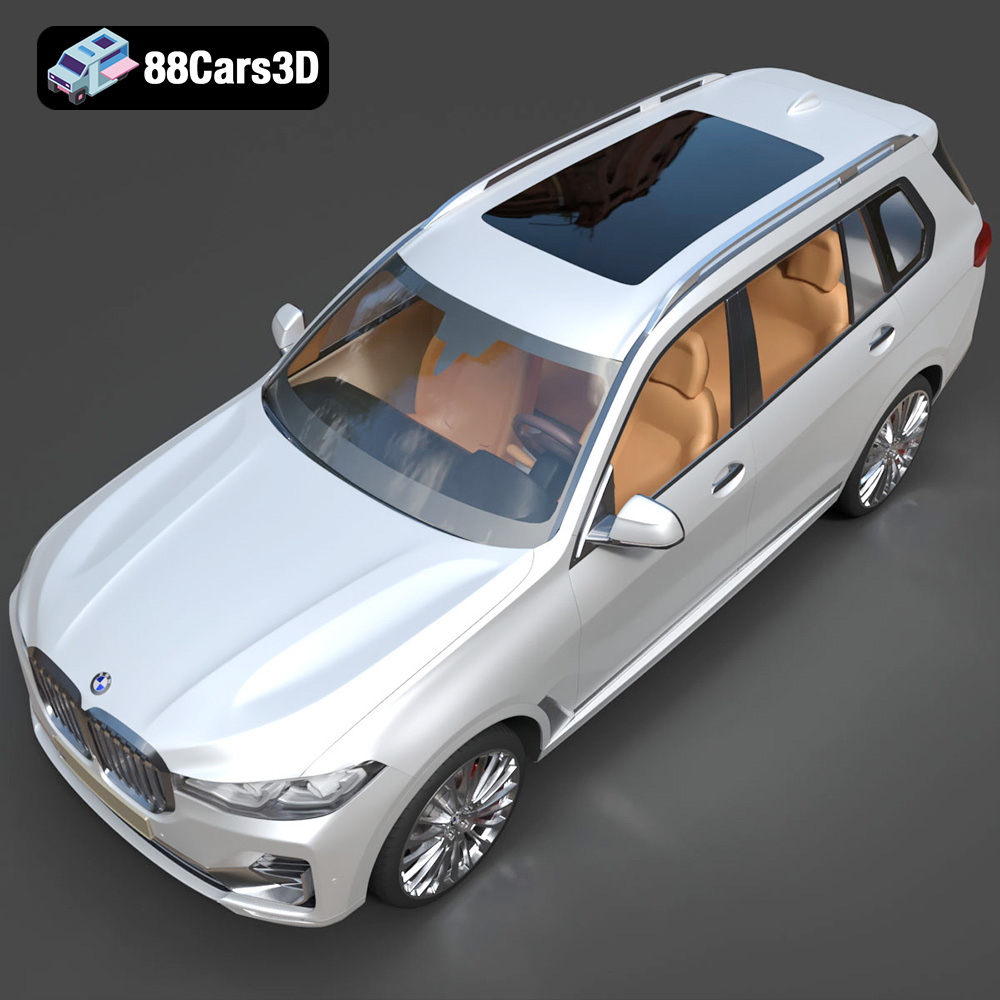
The BMW X7 G07 2019 3D model is a meticulously crafted digital replica capturing the luxurious and commanding presence of the flagship SUV. This highly realistic model is designed for professionals seeking exceptional accuracy and visual fidelity in their digital projects. Built with clean geometry and realistic materials, this professional-grade asset ensures exceptional detailing across all surfaces. Its optimized mesh topology allows for seamless integration into various digital environments without compromising performance. This versatile 3D vehicle is designed for a wide range of applications, including game development, automotive rendering, AR/VR experiences, architectural visualization, and dynamic simulations.
$39.99
.arvr
.blend
.bmw
.car3dmodel
.fbx
.g07
.gameasset
.glb
.luxurycar
.max
.obj
.ply
.rendering
.simulation
.stl
.unreal
.x7
SUV