Get 20% OFF All Premium 3D & STL Models!

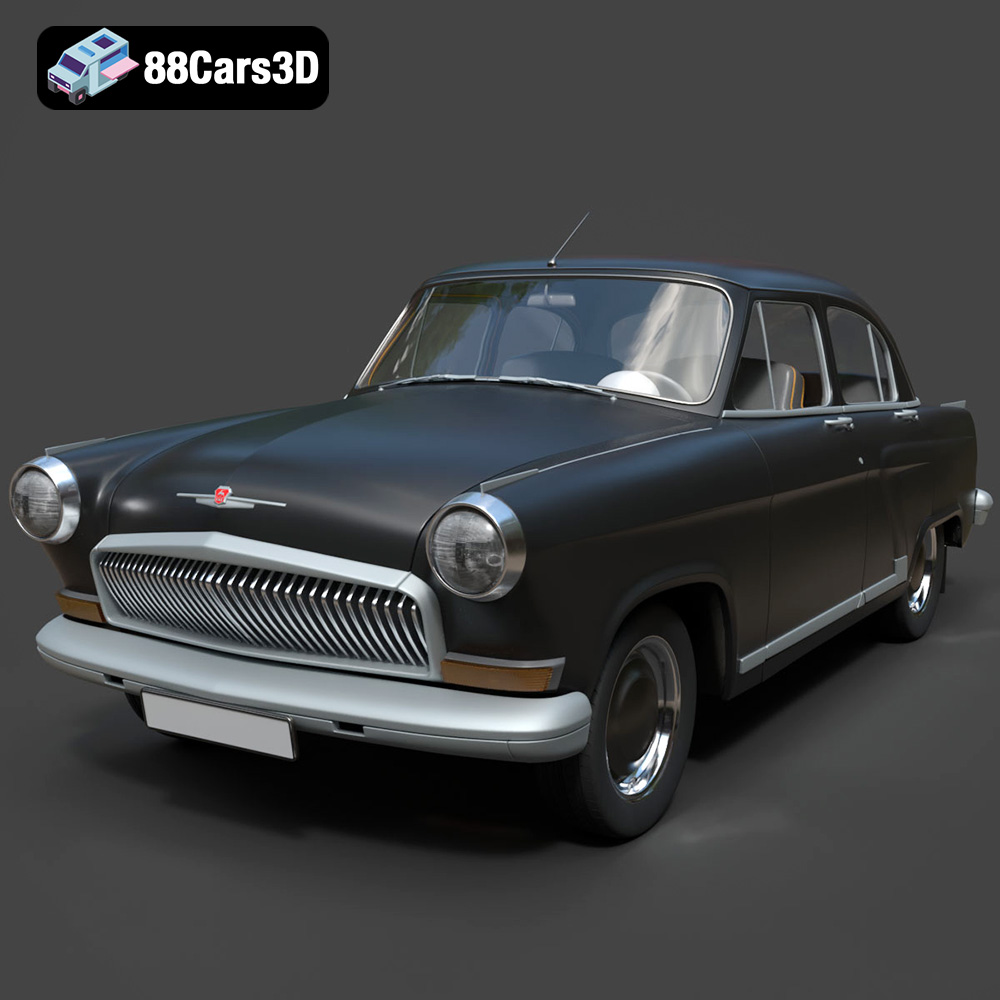
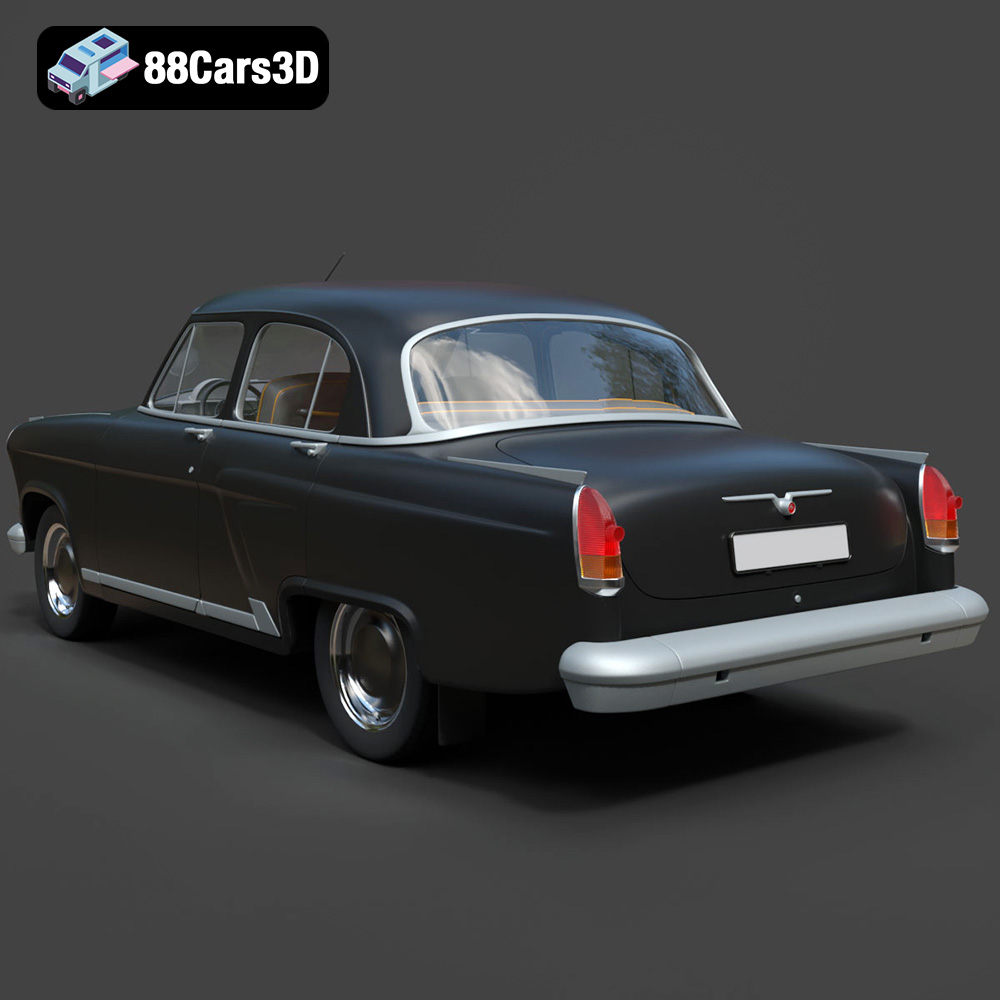
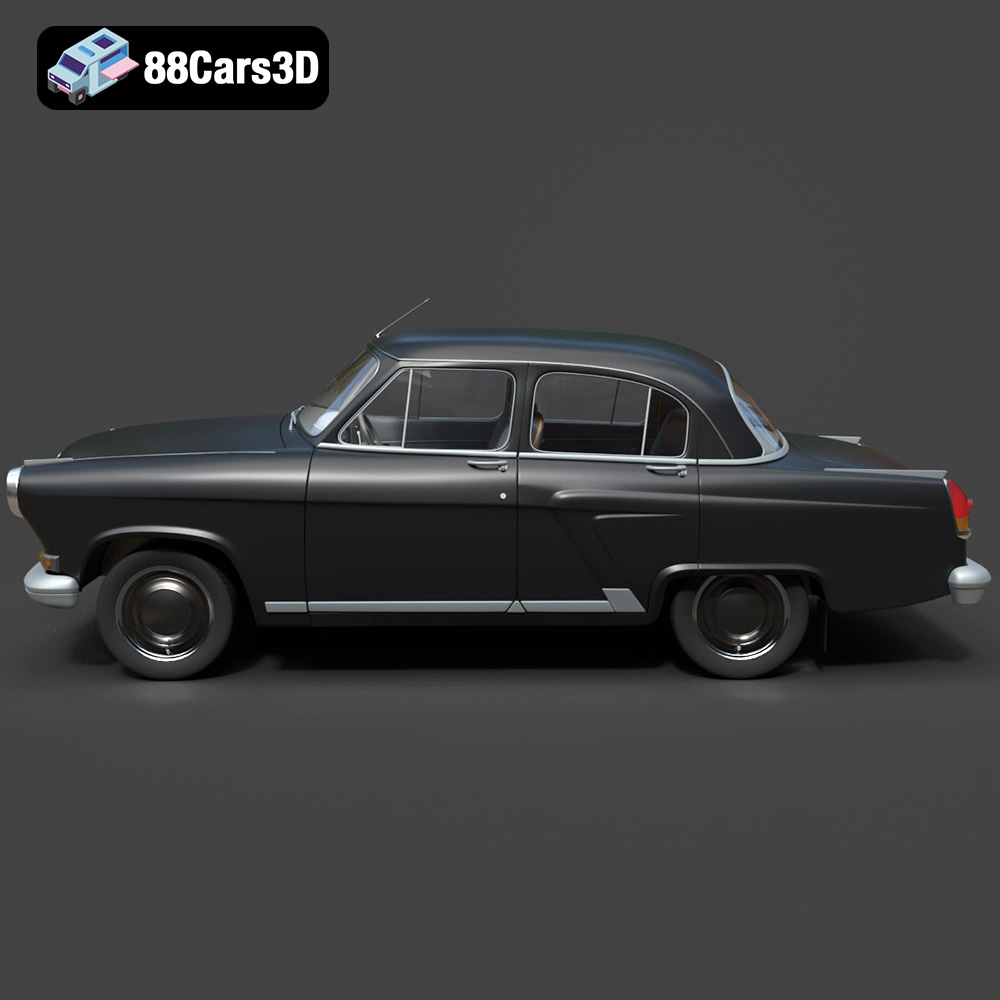
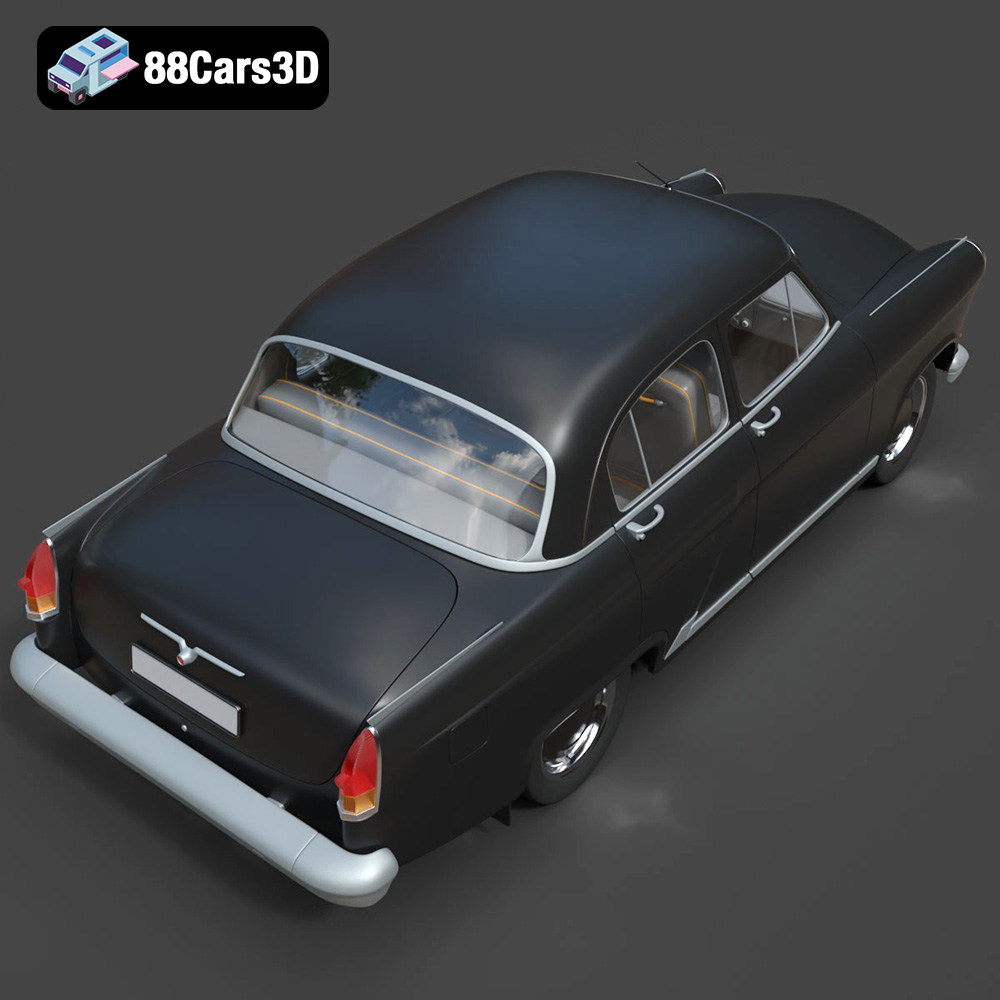
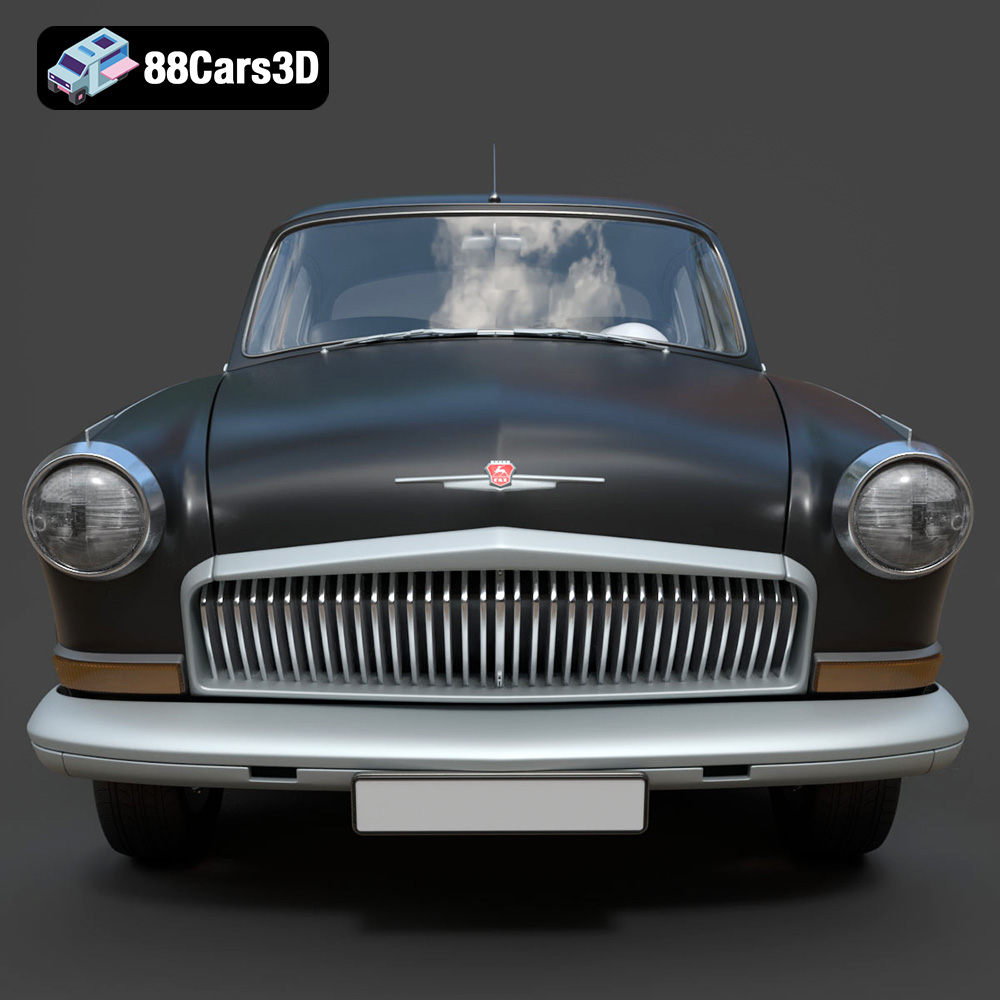
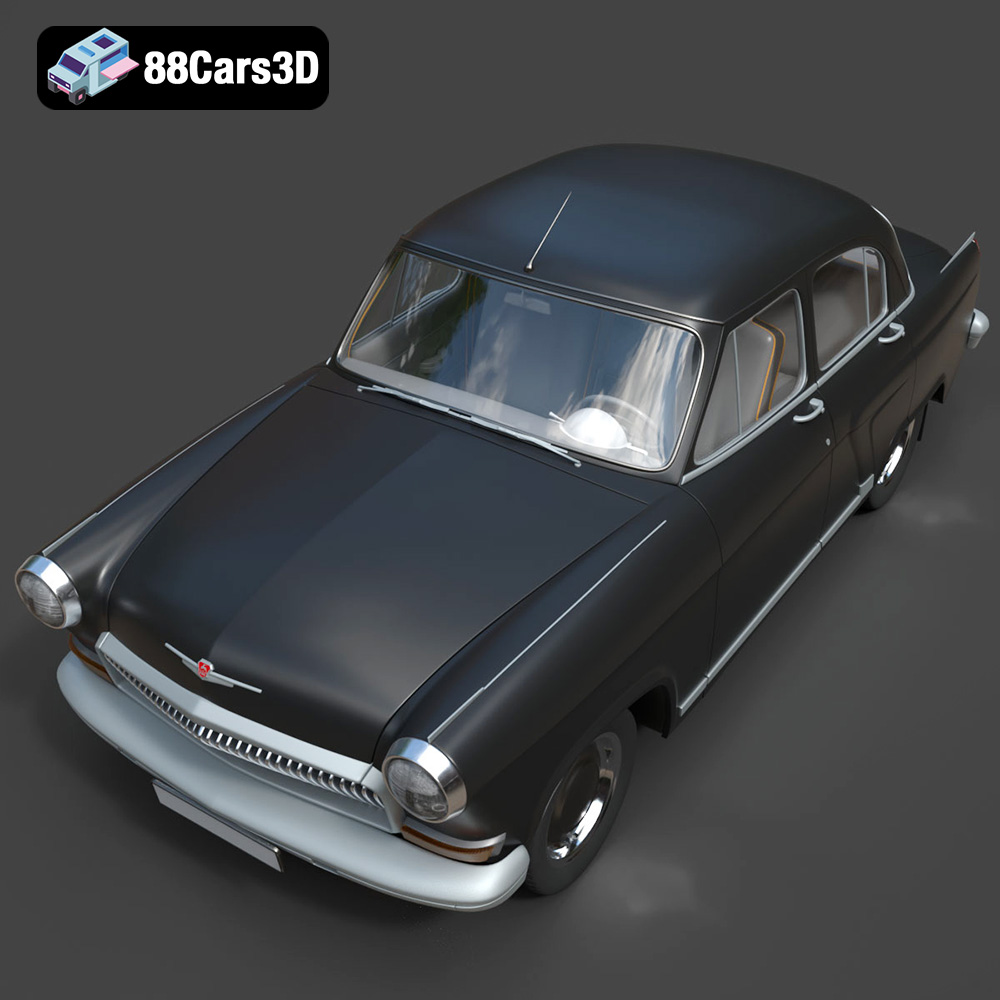
The GAZ 21-001, a symbol of Soviet automotive history, can now grace your desk or become a centerpiece in your collection thanks to the power of 3D printing. This guide provides a detailed walkthrough on successfully 3D printing the GAZ 21-001 3D Model available on 88cars3d.com, covering everything from pre-print preparation to post-processing techniques. Whether you’re a seasoned 3D printing enthusiast or a newcomer to the world of additive manufacturing, this guide will equip you with the knowledge needed to bring this iconic vehicle to life.
Before diving into the technical aspects of 3D printing, it’s crucial to understand the characteristics of the GAZ 21-001 3D Model. The model from 88cars3d.com is designed with a focus on accuracy and detail, making it ideal for various applications, including 3D printing. Knowing the model’s intended purpose and features will help you make informed decisions throughout the printing process.
The GAZ 21-001 model likely features intricate details such as panel lines, door handles, and the distinct front grille. These details are essential for replicating the classic car’s aesthetic but can pose challenges during printing. Consider the limitations of your 3D printer and choose appropriate settings to capture these fine features.
Determine the desired scale of your 3D printed model. Are you aiming for a small desk ornament or a larger display piece? The scale will influence your choice of printer, material, and printing parameters. Also, consider the model’s intended use. If it’s meant for display, prioritize aesthetics. If it’s intended for functional purposes, such as a toy, durability becomes more critical.
Choosing the right file format is paramount for successful 3D printing. While the GAZ 21-001 3D Model on 88cars3d.com comes in various formats, some are better suited for additive manufacturing than others. Understanding the nuances of each format is key to avoiding potential issues during slicing and printing.
The STL (Stereolithography) format is the de facto standard for 3D printing. It represents the 3D model’s surface geometry as a collection of triangles. This format is widely supported by slicing software and 3D printers, making it a reliable choice for 3D printing the GAZ 21-001. The STL format stores only the mesh data, meaning it does not contain information about color, texture, or materials. This simplicity makes it highly compatible but also limits its capabilities for colored or multi-material prints.
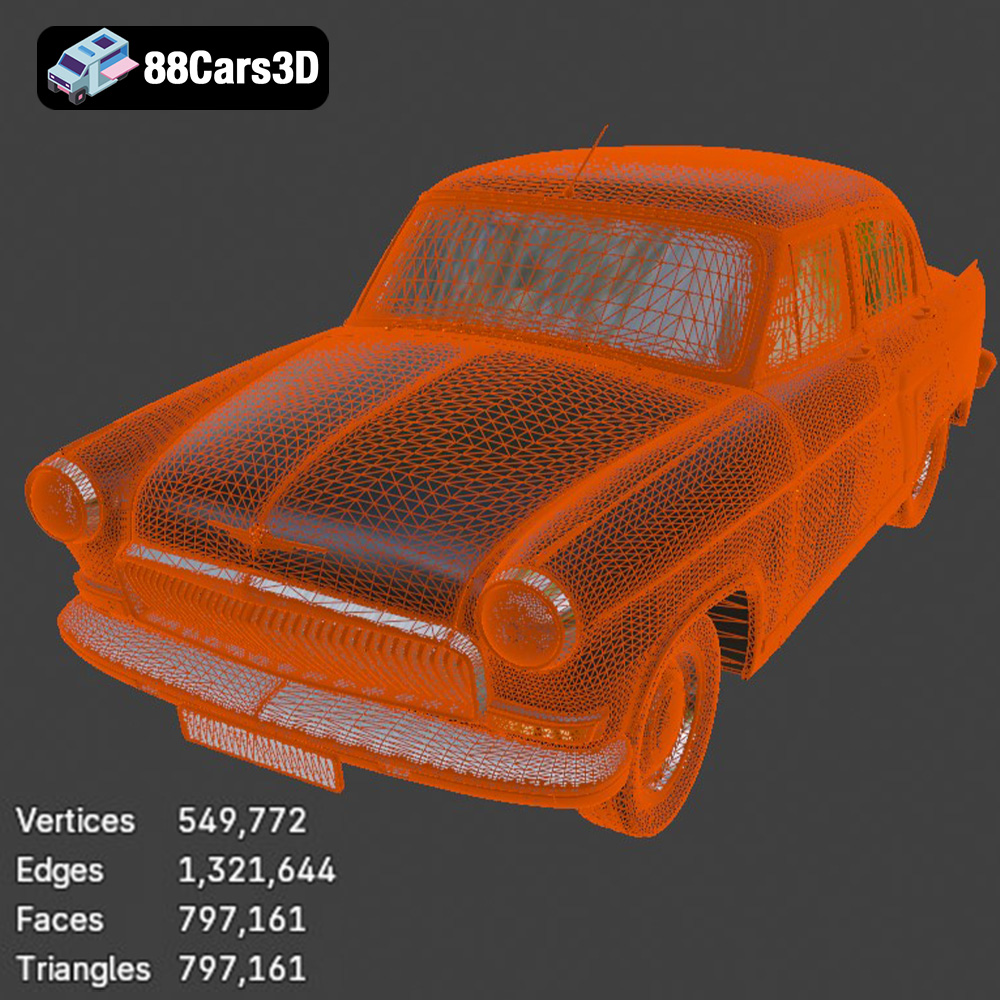
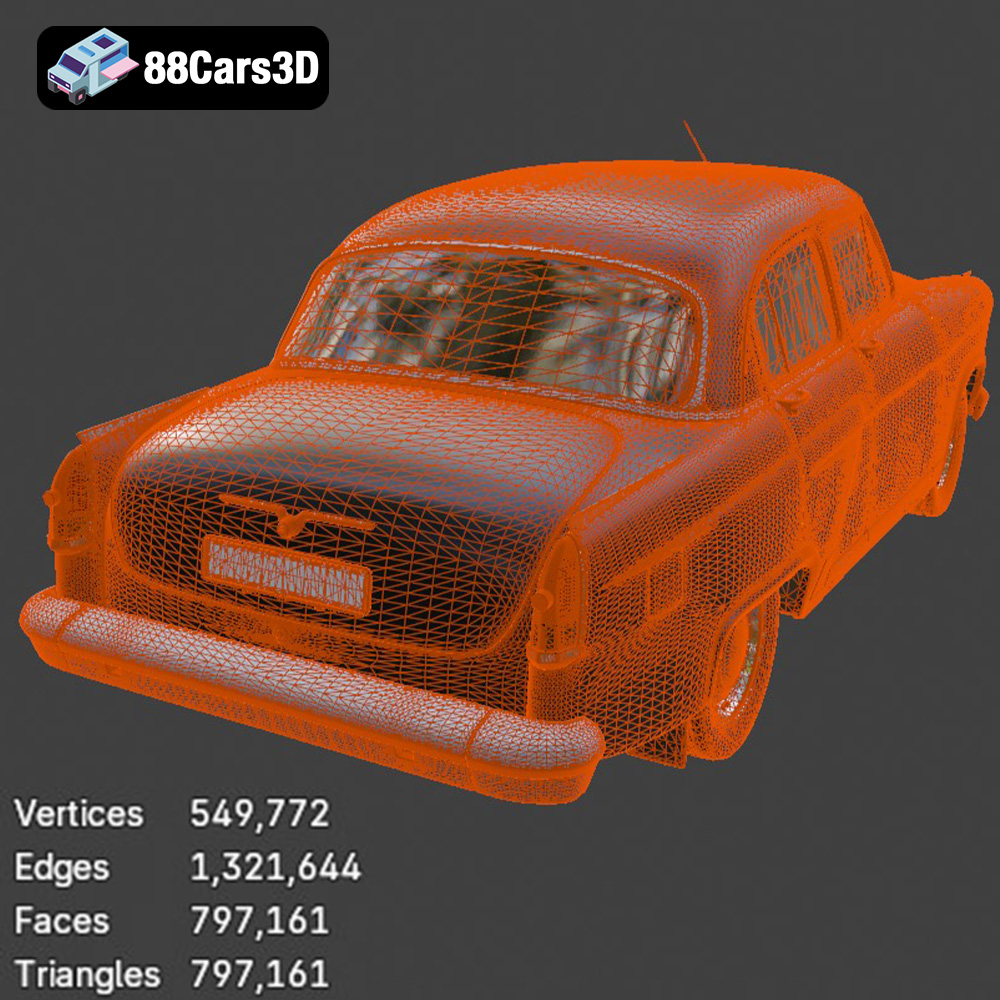
When working with STL files, pay close attention to mesh quality. A poorly constructed STL file can have gaps, flipped normals, or self-intersections, which can lead to printing errors. Before slicing, it’s advisable to use mesh repair tools within your slicing software or dedicated software like MeshMixer or Netfabb to fix any potential issues. The resolution of the STL mesh also affects print quality; a higher resolution results in smoother surfaces but also increases file size and processing time. Aim for a balance between detail and manageability. The STL format is your best bet for reliable, straightforward 3D printing of the GAZ 21-001. Its simplicity and widespread compatibility ensure a smooth workflow from model download to final print.
OBJ is a more versatile format that supports both geometry and texture information. This allows for colored 3D prints, provided your printer has the capability. However, OBJ files can be larger and more complex than STL files, which might impact slicing performance.
PLY is a format designed for storing 3D data acquired from 3D scanners. It’s capable of representing highly detailed meshes with color information, making it suitable for reproducing intricate details of the GAZ 21-001.
The .blend format is the native file format for Blender, a popular open-source 3D modeling software. If you intend to customize the GAZ 21-001 model before printing, having access to the .blend file gives you complete control over the model’s geometry, materials, and textures.
FBX is a proprietary format developed by Autodesk. It’s commonly used in game development and animation. While it can store geometry, materials, and animation data, its compatibility with slicing software varies.
GLB is a binary file format that stores 3D models and scenes in a compact and efficient manner. It’s often used for AR/VR applications and web-based visualization. You can use it to preview the GAZ 21-001 model in augmented reality before committing to a print.
Similar to .blend, the .max format is specific to Autodesk 3ds Max. It allows for complete customization of the model within the 3ds Max environment.
Preparing the GAZ 21-001 3D model for printing involves several crucial steps within your chosen slicing software. This includes scaling, orientation optimization, support generation, and choosing appropriate print settings. Proper pre-print preparation is critical for maximizing print quality and minimizing potential failures.
As mentioned earlier, determine the desired scale of your 3D printed GAZ 21-001. Most slicing software allows you to scale the model uniformly or along specific axes. Ensure that the scale you choose is appropriate for your printer’s build volume and the level of detail you want to achieve. Remember that smaller scales might require finer print settings to capture details accurately.
The orientation of the GAZ 21-001 on the print bed significantly impacts print quality, support requirements, and overall success. Consider the following factors when choosing the orientation:
* **Minimize Support Material:** Position the model to reduce the amount of support material needed. Overhanging features require support, which adds to material usage and post-processing effort.
* **Hide Layer Lines:** Orient the model so that layer lines are less visible on prominent surfaces. For example, angling the car body slightly can make layer lines less noticeable.
* **Maximize Bed Adhesion:** Ensure a stable base for the print by orienting the model with a large, flat surface in contact with the build plate.
* **Consider Feature Direction:** Orient the model to align critical features along the Z-axis, which typically offers better resolution and accuracy.
Support structures are necessary to print overhanging features and prevent them from collapsing during the printing process. Your slicing software offers various support generation options, including:
* **Linear Supports:** Simple vertical supports that are easy to remove but might not provide sufficient support for complex overhangs.
* **Tree Supports:** Branching supports that use less material and are easier to remove than linear supports.
* **Hybrid Supports:** A combination of linear and tree supports, offering a balance between strength and ease of removal.
Experiment with different support settings to find the optimal balance between support strength, material usage, and ease of removal. Increase support density for critical overhangs and reduce it for less demanding areas.
The choice of material significantly impacts the final appearance, strength, and durability of your 3D printed GAZ 21-001. Different materials offer varying properties, making them suitable for specific applications.
PLA is a popular, biodegradable thermoplastic known for its ease of use and affordability. It’s a good choice for beginners and for printing models intended for display. PLA offers good detail resolution and comes in a wide range of colors. However, it’s not as strong or heat-resistant as other materials.
PETG offers a good balance of strength, flexibility, and ease of printing. It’s more durable and heat-resistant than PLA, making it suitable for models that might be exposed to higher temperatures or mechanical stress.
ABS is a strong and heat-resistant thermoplastic commonly used in automotive and consumer product applications. However, it’s more challenging to print than PLA or PETG, as it’s prone to warping and requires a heated bed and enclosure.
Resin 3D printing offers exceptional detail resolution and smooth surfaces. It’s ideal for printing highly detailed models like the GAZ 21-001. However, resin prints are often more brittle than FDM prints and require careful post-processing.
For the GAZ 21-001, PETG or a high-quality PLA would be the ideal choices to balance ease of printing with a durable and appealing final product. If you are looking for the best possible detail and have experience with resin printing, that is an excellent option too.
Achieving a high-quality 3D print of the GAZ 21-001 requires careful tuning of your printer settings. These settings will vary depending on your printer, material, and desired outcome.
Layer height determines the vertical resolution of your print. Lower layer heights result in smoother surfaces and finer details but increase print time. A layer height of 0.1mm to 0.15mm is recommended for the GAZ 21-001 to capture its intricate details.
Infill density affects the internal strength and weight of your print. For a display model, a lower infill density (15-20%) is sufficient. For a more durable model, increase the infill density to 30-50%. Choose an infill pattern that provides good strength in all directions, such as gyroid or honeycomb.
Print speed affects both print quality and print time. Slower print speeds generally result in better detail and fewer errors. Start with a print speed of 40-50 mm/s and adjust as needed based on your printer’s capabilities and the material you’re using.
Refer to your material manufacturer’s recommendations for optimal temperature settings. PLA typically requires a nozzle temperature of 200-220°C and a bed temperature of 50-60°C. PETG requires a nozzle temperature of 230-250°C and a bed temperature of 70-80°C.
Proper cooling is essential for preventing warping and ensuring good layer adhesion, especially with PLA. Ensure that your printer’s cooling fan is فعال and that it’s providing adequate cooling to the printed layers.
After the print is complete, post-processing techniques can enhance the appearance and functionality of your GAZ 21-001 3D model.
Carefully remove the support structures using pliers, cutters, or a sharp knife. Take your time to avoid damaging the model. For difficult-to-reach supports, consider using specialized support removal tools.
Sanding removes layer lines and imperfections, resulting in a smoother surface. Start with a coarse grit sandpaper (e.g., 220 grit) and gradually move to finer grits (e.g., 400, 600, 800 grit) to achieve a polished finish. Wet sanding can help prevent the sandpaper from clogging and produce a smoother result.
Priming provides a uniform surface for painting and helps the paint adhere better. Apply multiple thin coats of primer, allowing each coat to dry completely before applying the next. Once the primer is dry, you can paint the model using acrylic paints, spray paints, or airbrushing techniques. Consider using masking tape to create clean lines and multi-color designs.
If the GAZ 21-001 model consists of multiple parts, carefully assemble them using glue or fasteners. Ensure that the parts fit together properly and that the assembly is strong and durable.
3D printing can be challenging, and it’s common to encounter issues along the way. Here are some common problems and their solutions:
Warping occurs when the printed part lifts off the build plate due to uneven cooling. To prevent warping:
* Use a heated bed and ensure it’s properly calibrated.
* Apply an adhesive, such as glue stick or hairspray, to the build plate.
* Print with an enclosure to maintain a consistent temperature.
Stringing occurs when the nozzle oozes material while moving between parts. To reduce stringing:
* Increase retraction distance and speed.
* Decrease nozzle temperature.
* Enable coasting or wiping in your slicing software.
Layer shifting occurs when the print head suddenly shifts position, resulting in misaligned layers. To fix layer shifting:
* Tighten belts and pulleys.
* Reduce print speed.
* Ensure that the printer is stable and not vibrating excessively.
Poor bed adhesion can cause the print to detach from the build plate. To improve bed adhesion:
* Level the build plate properly.
* Clean the build plate with isopropyl alcohol.
* Adjust the Z-offset to ensure the nozzle is close enough to the build plate.
By understanding these common issues and their solutions, you can troubleshoot problems effectively and improve your 3D printing success rate.
Experience precision and realism with the GAZ 21-001 3D Model. This meticulously modeled digital asset delivers an accurate representation of the iconic classic vehicle, offering realistic materials, accurate proportions, and professional detailing suitable for a wide variety of digital projects.
$39.99
.21001
.arvr
.blend
.car3dmodel
.classiccar
.fbx
.gameasset
.gaz
.glb
.max
.obj
.ply
.rendering
.sedan
.simulation
.stl
.unreal
.vintagecar