Get 20% OFF All Premium 3D & STL Models!

“`html
For 3D printing enthusiasts, model makers, and automotive aficionados, the allure of recreating intricate car interiors is undeniable. The level of detail achievable through modern 3D printing technology, especially when using high-quality STL files, allows for stunningly realistic results. However, successfully printing detailed car interiors requires a keen understanding of various factors, including STL file preparation, 3D printer settings, slicing techniques, and post-processing methods. This comprehensive guide will walk you through the essential steps and provide expert tips to help you master the art of 3D printing detailed car interiors.
From choosing the right materials to optimizing support structures, we’ll cover the critical aspects that determine the success of your project. Whether you’re aiming for a pristine showroom finish or a weathered, realistic look, the techniques outlined in this guide will equip you with the knowledge and skills to achieve exceptional results. Platforms like 88cars3d.com offer print-ready STL files that are specifically designed for optimal 3D printing, saving you valuable time and effort in file preparation. Let’s dive in and explore the world of 3D-printed car interiors!
The foundation of any successful 3D print lies in the quality of the STL file. For detailed car interiors, this is especially critical, as even minor imperfections can be magnified during the printing process. Ensure your STL file is manifold (watertight) and free from errors such as non-manifold edges, flipped normals, and intersecting faces. These issues can lead to print failures, gaps, and other undesirable artifacts. Many software options are available to help you inspect and repair STL files before printing.
Software like Meshmixer, Netfabb, and Blender are invaluable tools for inspecting and repairing STL files. These programs can automatically detect and fix common mesh errors. In Meshmixer, for instance, the “Make Solid” function is particularly useful for creating a watertight mesh. Netfabb offers advanced repair capabilities, including surface wrapping and hole filling. Using these tools, you can ensure your STL file is print-ready and capable of producing a high-quality interior.
Optimizing your STL file involves reducing the polygon count without sacrificing critical details. High polygon counts can increase processing time and memory usage, potentially slowing down your 3D printer. However, reducing the polygon count too aggressively can lead to a loss of detail. Tools like Blender’s “Decimate” modifier allow you to selectively reduce the polygon count in areas where detail is less critical, while preserving the intricate features of the car interior. A good starting point is aiming for a polygon count that is high enough to capture the necessary details but low enough to be efficiently processed by your slicing software. Aim to keep file sizes manageable (under 100MB is a good target for complex interiors).
Slicing software transforms your STL file into a series of instructions for your 3D printer. The settings you choose in your slicer can have a profound impact on the quality of your printed car interior. Carefully consider factors such as layer height, print speed, infill density, and support structures. Experimentation and fine-tuning are key to achieving optimal results. Specific settings will vary depending on your printer, material, and the desired level of detail, but some general guidelines apply.
Layer height is a critical parameter that directly affects the resolution of your print. Lower layer heights result in smoother surfaces and finer details, but also increase print time. For detailed car interiors, a layer height of 0.1mm to 0.05mm is generally recommended. This range strikes a balance between detail and print time. For FDM printing, a smaller nozzle (0.25mm or 0.4mm) can further enhance resolution when using these lower layer heights. In resin printing, layer heights can often go even lower (0.025mm or less), leading to incredible detail. Be aware that extremely low layer heights can increase the risk of print failures, so ensure your printer is properly calibrated and your material is well-suited to the chosen layer height.
Support structures are necessary to hold up overhanging features during printing. For complex car interiors, strategic placement of support structures is crucial to minimize their impact on the final surface finish. Use your slicing software to carefully analyze the model and identify areas that require support. Consider using tree-like supports or light supports, which are easier to remove and leave fewer marks. In Cura, the “Support Placement” setting allows you to choose between “Everywhere” and “Touching Buildplate,” giving you control over where supports are generated. In PrusaSlicer, the “Paint-on Supports” feature allows you to manually add or remove supports with precision. Experiment with different support densities and overhang angles to find the optimal balance between support strength and ease of removal. Pre-supported models from sources like 88cars3d.com can greatly simplify this process.
The choice of material significantly influences the appearance, strength, and overall quality of your 3D-printed car interior. Common materials include PLA, PETG, ABS, and various types of resin. Each material has its own set of properties, advantages, and disadvantages. Consider the specific requirements of your project when selecting a material. For example, if you need a heat-resistant interior for a model car that will be displayed in direct sunlight, ABS or a high-temperature resin may be a better choice than PLA.
PLA (Polylactic Acid) is a popular choice for beginners due to its ease of printing and biodegradability. It’s relatively strong and offers good detail, but it’s not very heat-resistant and can warp in hot environments. PETG (Polyethylene Terephthalate Glycol) is more durable and heat-resistant than PLA, making it a good all-around choice. It’s also more flexible, which can be beneficial for parts that need to withstand some stress. ABS (Acrylonitrile Butadiene Styrene) is a strong, heat-resistant material that’s commonly used in automotive applications. However, it’s more difficult to print than PLA and PETG, as it requires a heated bed and an enclosed chamber to prevent warping. When using ABS, ensure proper ventilation to avoid inhaling fumes. Typical printing temperatures: PLA (200-220°C), PETG (230-250°C), ABS (230-260°C). Bed temperatures: PLA (60°C), PETG (70-80°C), ABS (90-110°C).
Resin printing, using technologies like SLA (Stereolithography) and DLP (Digital Light Processing), offers unparalleled detail and surface finish. Resin is ideal for intricate car interiors with fine features. However, resin prints are often more brittle than FDM prints and may require post-curing to achieve optimal strength. There are also different types of resin available, including standard resin, tough resin, and flexible resin. Choose a resin that’s appropriate for the intended use of your car interior. Standard resins offer excellent detail but can be brittle. Tough resins are more impact-resistant, while flexible resins can bend without breaking. Layer heights for resin printing can range from 0.025mm to 0.05mm for optimal detail.
The orientation of your model on the print bed can significantly impact print quality, support requirements, and bed adhesion. Choose an orientation that minimizes the need for support structures and maximizes the surface area in contact with the build plate. Proper bed adhesion is essential to prevent warping and print failures. Techniques such as using a heated bed, applying adhesive (e.g., glue stick or hairspray), and using a brim or raft can improve bed adhesion.
Consider the geometry of your car interior when choosing a print orientation. Orienting the model so that the largest flat surface is in contact with the build plate can improve bed adhesion and reduce warping. However, this may require more support structures. Alternatively, orienting the model at an angle can reduce the need for support structures, but it may also increase the risk of warping. Experiment with different orientations to find the optimal balance between support requirements and bed adhesion. For complex interiors, printing in multiple parts and assembling them later can often yield better results than printing the entire interior in one piece. Try to hide seams along existing design lines.
Poor bed adhesion is a common cause of print failures. To improve bed adhesion, ensure your build plate is clean and level. Use isopropyl alcohol to remove any grease or residue. Apply a thin layer of adhesive, such as glue stick or hairspray, to the build plate. A brim or raft can also help to increase the surface area in contact with the build plate. A brim is a single-layer outline around the base of the model, while a raft is a multi-layer platform that the model is printed on. Adjust the bed temperature to the recommended setting for your chosen material. If you’re still experiencing bed adhesion issues, try increasing the initial layer height or flow rate. For FDM printing, the initial layer height is often set to 120-150% of the normal layer height to improve adhesion.
Post-processing is an essential step in achieving a flawless finish on your 3D-printed car interior. This involves removing support structures, sanding down any imperfections, and applying paint or other coatings to enhance the appearance. The specific post-processing techniques you use will depend on the material and the desired level of detail. Patience and attention to detail are key to achieving professional-looking results.
Carefully remove support structures using pliers, cutters, or a sharp knife. Take care not to damage the surface of the model. After removing the supports, sand down any remaining imperfections using progressively finer grits of sandpaper. Start with a coarse grit (e.g., 220 grit) to remove larger imperfections, then gradually move to finer grits (e.g., 400, 600, 800 grit) to smooth the surface. For resin prints, you may need to use wet sanding to achieve a smooth finish. Be patient and take your time, as rushing this step can lead to scratches and other imperfections. For hard-to-reach areas, consider using small files or rotary tools.
Painting can significantly enhance the appearance of your 3D-printed car interior. Prime the model with a suitable primer to create a smooth surface for the paint to adhere to. Apply multiple thin coats of paint, allowing each coat to dry completely before applying the next. Use high-quality paints designed for model making or automotive applications. Consider using masking tape to create clean lines and separate different colors. After painting, apply a clear coat to protect the paint and add a glossy or matte finish. Polishing compounds can further enhance the shine and smoothness of the surface. Pay attention to detail, especially when painting small features such as buttons and switches. When downloading models from marketplaces such as 88cars3d.com, you can often find color guides and painting recommendations from other users.
Even with careful planning and preparation, you may encounter problems during the 3D printing process. Common issues include warping, bed adhesion problems, stringing, and layer separation. Troubleshooting these issues requires a systematic approach and a good understanding of the underlying causes. By identifying the problem and implementing the appropriate solution, you can improve the success rate of your 3D prints.
Warping occurs when the corners or edges of the model lift off the build plate. This is often caused by temperature differences between the model and the surrounding environment. To prevent warping, ensure your build plate is properly heated and that your printer is in a stable environment. Use a brim or raft to increase the surface area in contact with the build plate. If you’re printing with ABS, consider using an enclosed chamber to maintain a consistent temperature. Bed adhesion problems can also be caused by a dirty or uneven build plate. Clean the build plate with isopropyl alcohol before each print and level the bed carefully. If you’re still experiencing bed adhesion issues, try increasing the initial layer height or flow rate.
Stringing occurs when strands of plastic are left between different parts of the model. This is often caused by the nozzle oozing plastic while traveling between different points. To prevent stringing, reduce the nozzle temperature and increase the retraction distance. Retraction is the amount of plastic that the extruder pulls back when traveling between different points. Layer separation occurs when the layers of the print don’t adhere properly to each other. This can be caused by a variety of factors, including insufficient bed adhesion, low nozzle temperature, and improper cooling. Ensure your bed is properly heated and leveled, and that your nozzle temperature is set to the recommended value for your chosen material. Adjust cooling settings to ensure layers cool evenly.
For highly complex car interiors, printing the model in multiple parts and assembling them afterward can often yield better results than printing the entire interior in one piece. This allows you to optimize the print orientation of each part and reduce the need for support structures. It also makes it easier to access and post-process individual components. However, multi-part printing requires careful planning and precise assembly techniques.
Use 3D modeling software, such as Blender or Meshmixer, to divide the car interior into separate parts. Consider the geometry of the model and the support requirements when deciding how to divide it. Try to divide the model along existing design lines to minimize the visibility of seams. Add alignment features, such as pegs and holes, to make assembly easier and more precise. Ensure the parts fit together snugly without requiring excessive force. Consider the orientation of each part when printing to minimize support requirements and maximize surface finish. A good rule of thumb is to keep individual parts relatively simple in shape to optimize print success rates.
Use a strong adhesive, such as super glue or epoxy, to assemble the parts. Apply the adhesive sparingly to avoid creating a mess. Use clamps or tape to hold the parts together while the adhesive dries. Align the parts carefully and ensure they are properly aligned before the adhesive sets. For larger parts, consider using a two-part epoxy for a stronger bond. After the adhesive has dried, sand down any seams or imperfections. Fill any gaps with putty or filler. Prime and paint the assembled model to create a seamless finish. Consider using automotive fillers designed to blend well with plastics, allowing for seamless sanding and painting.
3D printing detailed car interiors from STL files is a rewarding and challenging endeavor. By mastering the techniques outlined in this guide, you can create stunningly realistic models that capture the intricate details of your favorite automobiles. Remember to carefully prepare your STL files, optimize your slicer settings, choose the right materials, and pay attention to print orientation and bed adhesion. Post-processing is an essential step in achieving a flawless finish. When you encounter problems, don’t be discouraged. Use the troubleshooting tips provided to identify the cause and implement the appropriate solution. And remember that resources like 88cars3d.com are invaluable for finding high-quality, print-ready STL files.
Now it’s time to put your knowledge into practice. Experiment with different materials, settings, and techniques to find what works best for you. Start with simpler models and gradually work your way up to more complex projects. Don’t be afraid to try new things and push the boundaries of what’s possible. With patience, persistence, and a little bit of creativity, you can create truly exceptional 3D-printed car interiors that will impress even the most discerning automotive enthusiasts. Happy printing!
“`

Texture: Yes | Material: Yes
Download the highly detailed, game-ready Toyota Camry 2018 3D Model. Features an aggressive aerodynamic body, distinct LED lighting signature, and precise interior detailing. Includes .blend, .fbx, .obj, .glb, .stl, .ply, .unreal, and .max formats for game development, AR/VR, and rendering.
Price: $19.99
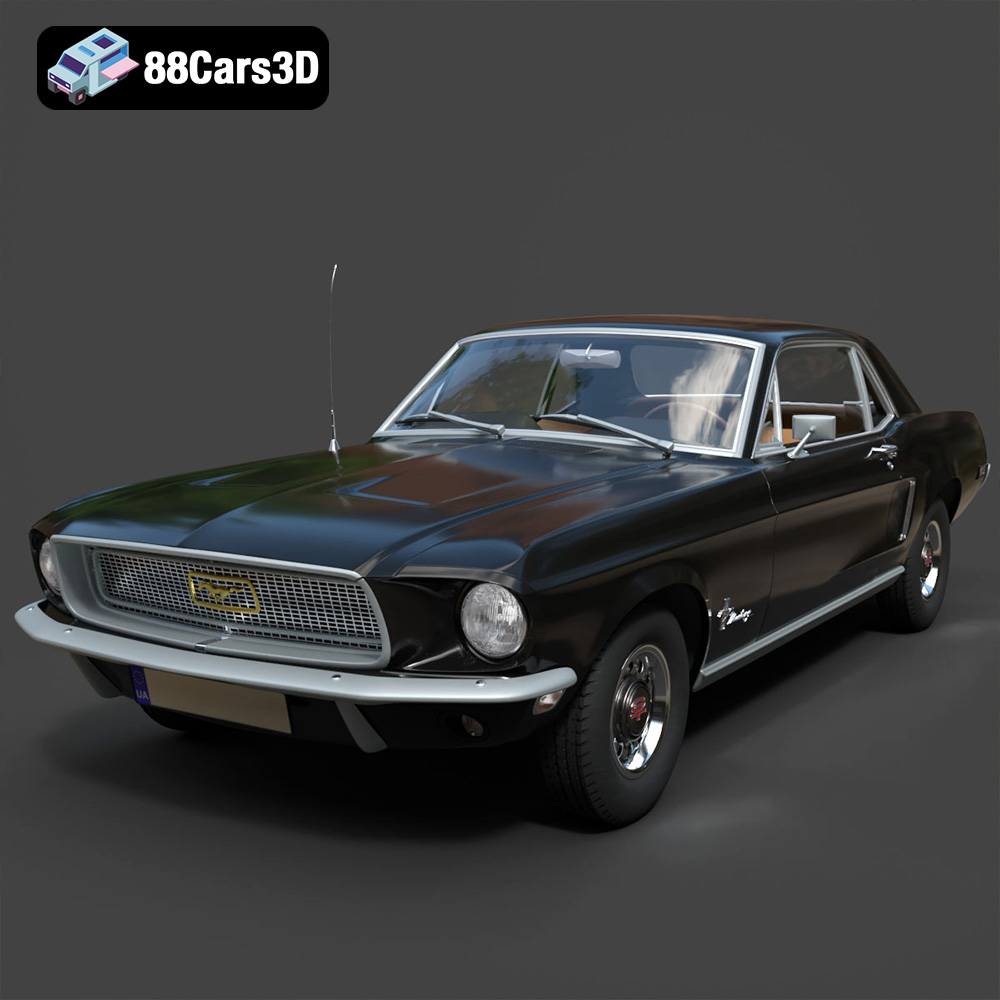
Texture: Yes | Material: Yes
Download the highly detailed, game-ready Ford Mustang Hardtop 1968 3D Model. Features the iconic galloping pony grille, signature tri-bar taillights, and an authentic vintage interior. Includes .blend, .fbx, .obj, .glb, .stl, .ply, .unreal, and .max formats for game development, AR/VR, and rendering.
Price: $19.99
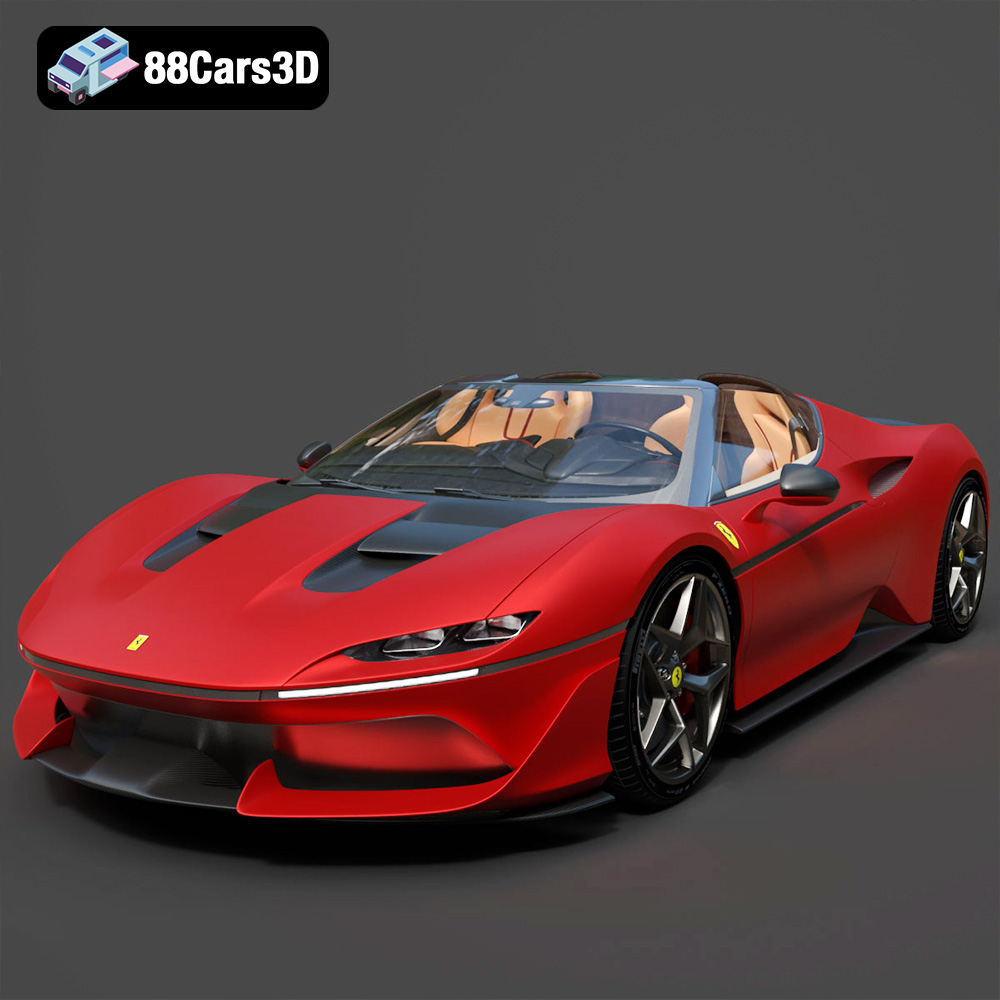
Texture: Yes | Material: Yes
Download the highly detailed, game-ready Ferrari J50 2017 3D Model. Features aggressive aerodynamic styling, twin-turbo V8 engine details, and targa top design. Includes .blend, .fbx, .obj, .glb, .stl, .ply, .unreal, and .max formats for game development, AR/VR, and rendering.
Price: $19.99
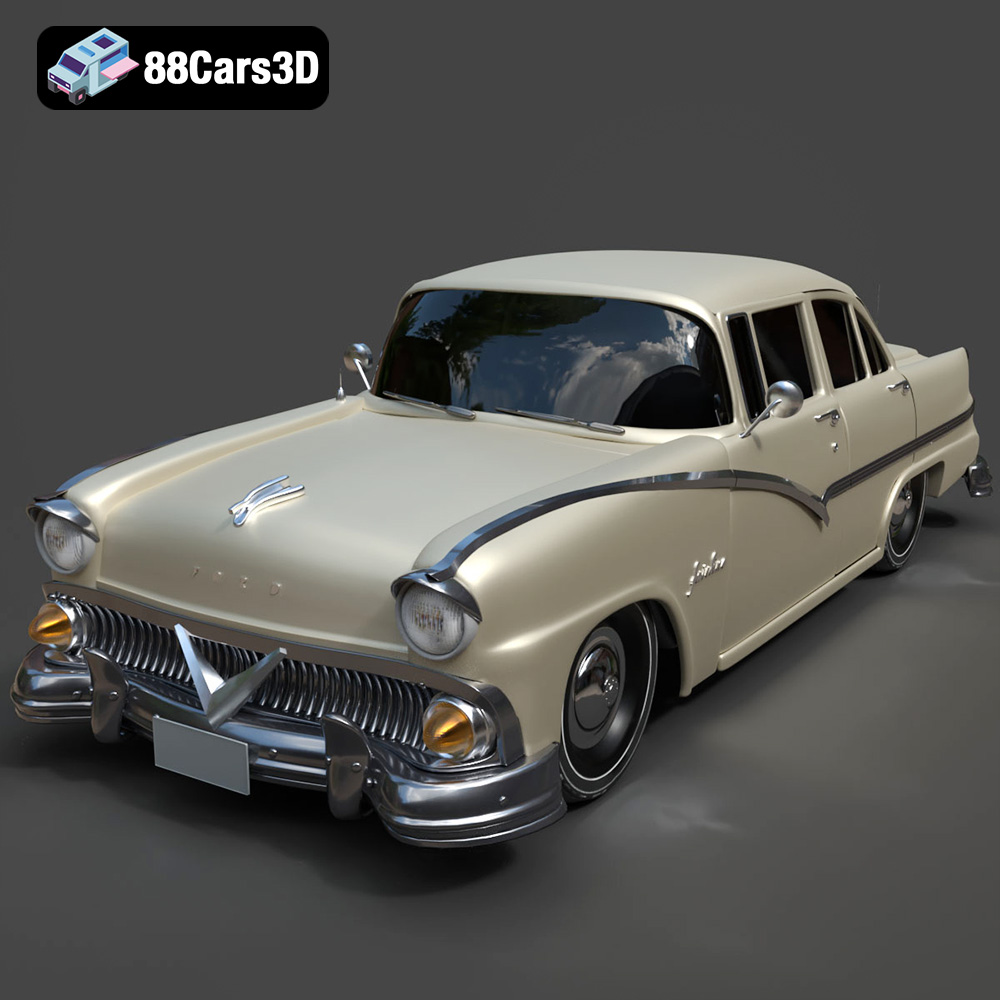
Texture: Yes | Material: Yes
Download the highly detailed, game-ready Ford Fairlin 3D Model. Features iconic classic styling, sweeping bodylines, and an accurate vintage interior. Includes .blend, .fbx, .obj, .glb, .stl, .ply, .unreal, and .max formats for game development, AR/VR, and rendering.
Price: $19.99
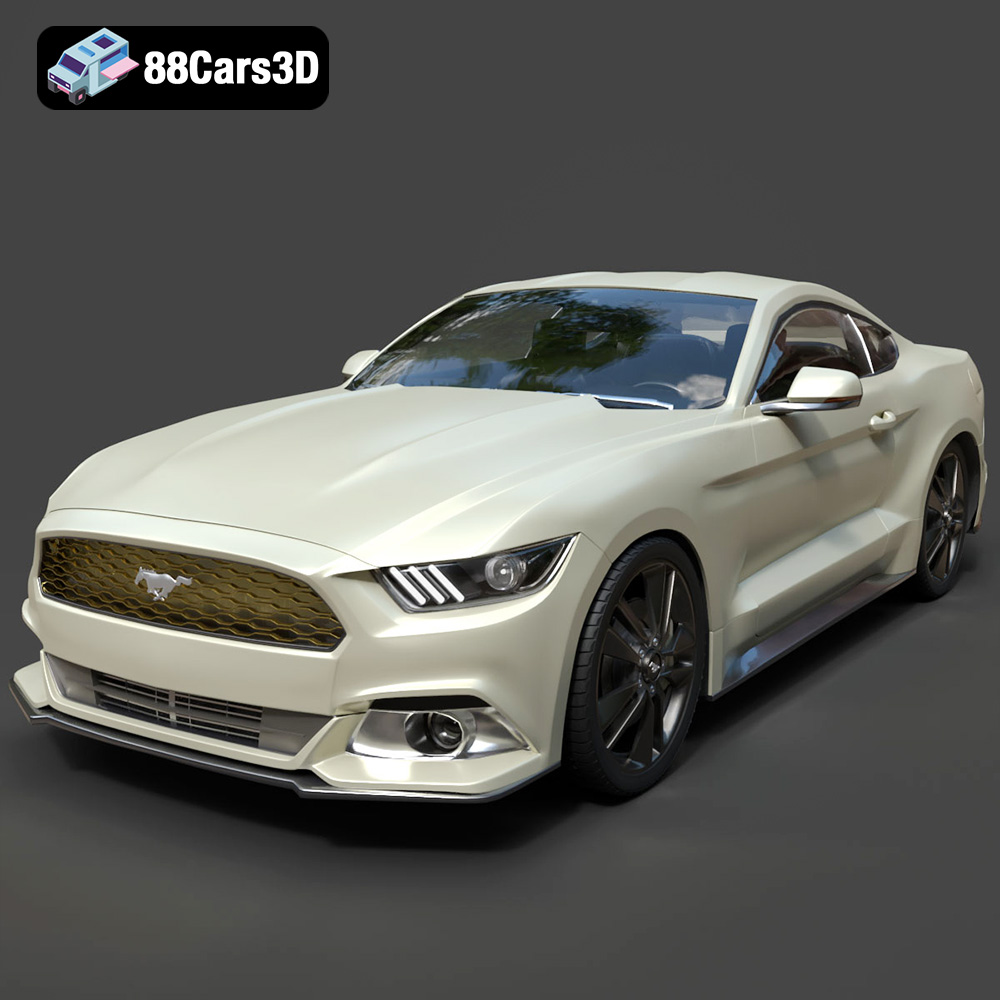
Texture: Yes | Material: Yes
Download the highly detailed, game-ready Ford Mustang GT 3D Model. Features aggressive muscle car styling, a highly detailed V8 engine bay, and accurate interior cockpit. Includes .blend, .fbx, .obj, .glb, .stl, .ply, .unreal, and .max formats for game development, AR/VR, and rendering.
Price: $19.99

Texture: Yes | Material: Yes
Download the highly detailed, game-ready Renault Megane CC 2011 3D Model. Features an accurately modeled folding glass roof, sleek aerodynamic body lines, and a detailed interior. Includes .blend, .fbx, .obj, .glb, .stl, .ply, .unreal, and .max formats for game development, AR/VR, and rendering.
Price: $19.99

Texture: Yes | Material: Yes
Download the highly detailed, game-ready Ford GT 2005 3D Model. Features signature aerodynamic bodylines, mid-mounted supercharged V8 detailing, and iconic racing stripes. Includes .blend, .fbx, .obj, .glb, .stl, .ply, .unreal, and .max formats for game development, AR/VR, and rendering.
Price: $19.99

Texture: Yes | Material: Yes
Download the highly detailed, game-ready Yamaha YZF-R125 EU 3D Model. Features an aggressive aerodynamic fairing, twin LED headlights, and a detailed 125cc engine block. Includes .blend, .fbx, .obj, .glb, .stl, .ply, .unreal, and .max formats for game development, AR/VR, and rendering.
Price: $19.99

Texture: Yes | Material: Yes
Download the highly detailed, game-ready Yamaha R1 3D Model. Features aggressive aerodynamic fairings, a detailed crossplane inline-4 engine, and track-focused suspension geometry. Includes .blend, .fbx, .obj, .glb, .stl, .ply, .unreal, and .max formats for game development, AR/VR, and rendering.
Price: $19.99

Texture: Yes | Material: Yes
Download the highly detailed, game-ready Yamaha XV950 Racer 3D Model. Features an aggressive cafe-racer front cowl, detailed air-cooled V-twin engine, and classic retro styling. Includes .blend, .fbx, .obj, .glb, .stl, .ply, .unreal, and .max formats for game development, AR/VR, and rendering.
Price: $19.99

