Get 20% OFF All Premium 3D & STL Models!

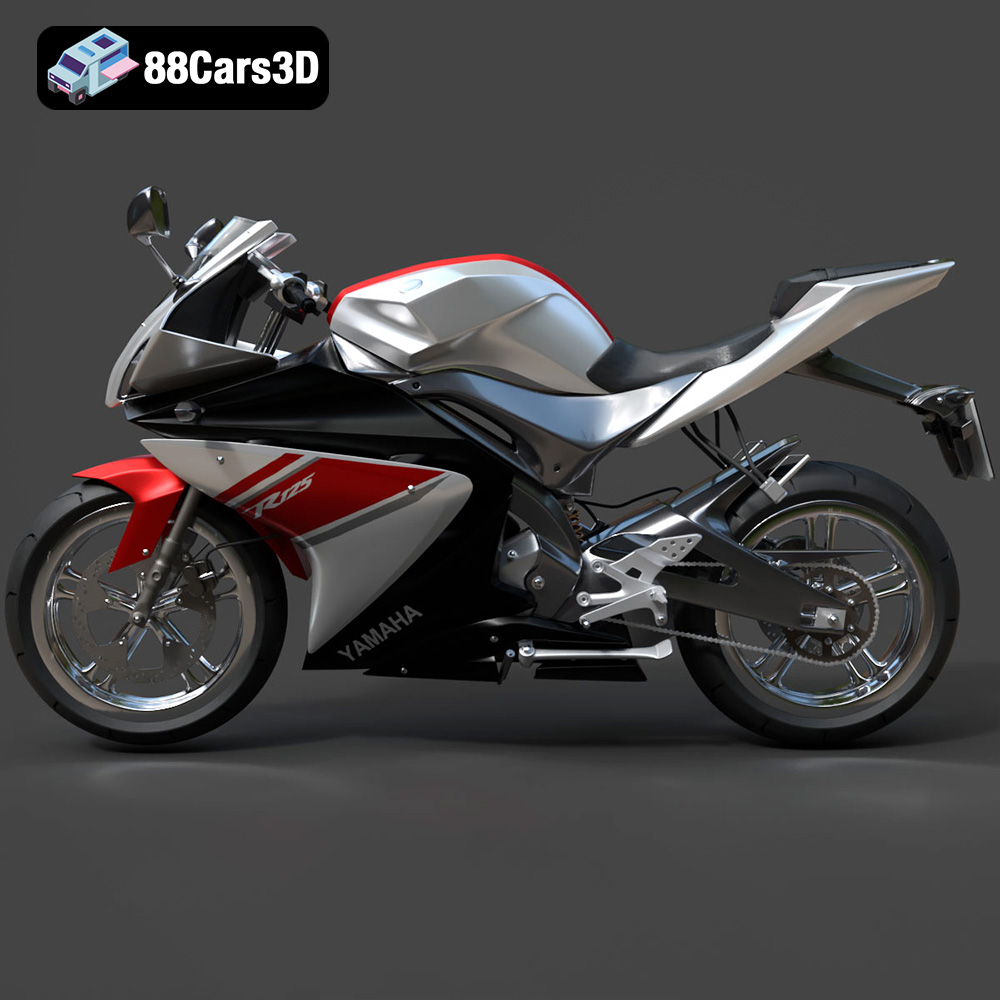
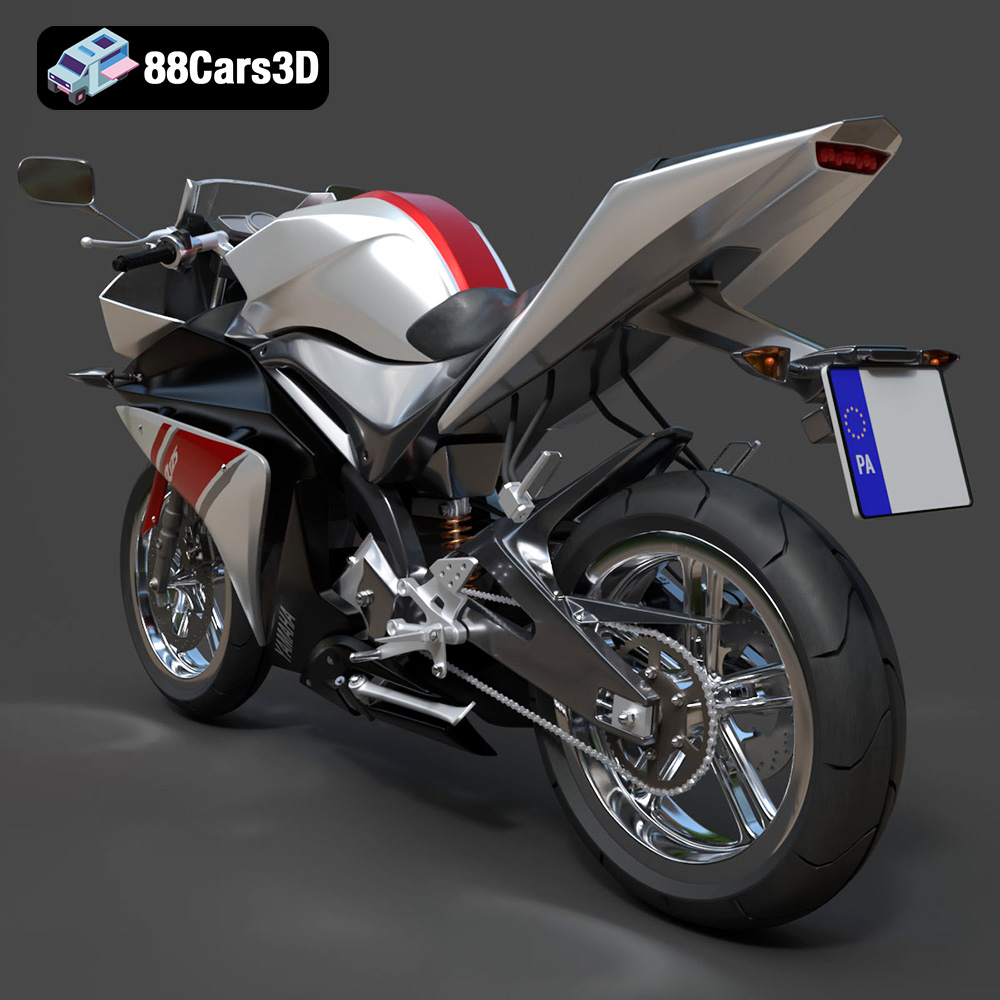
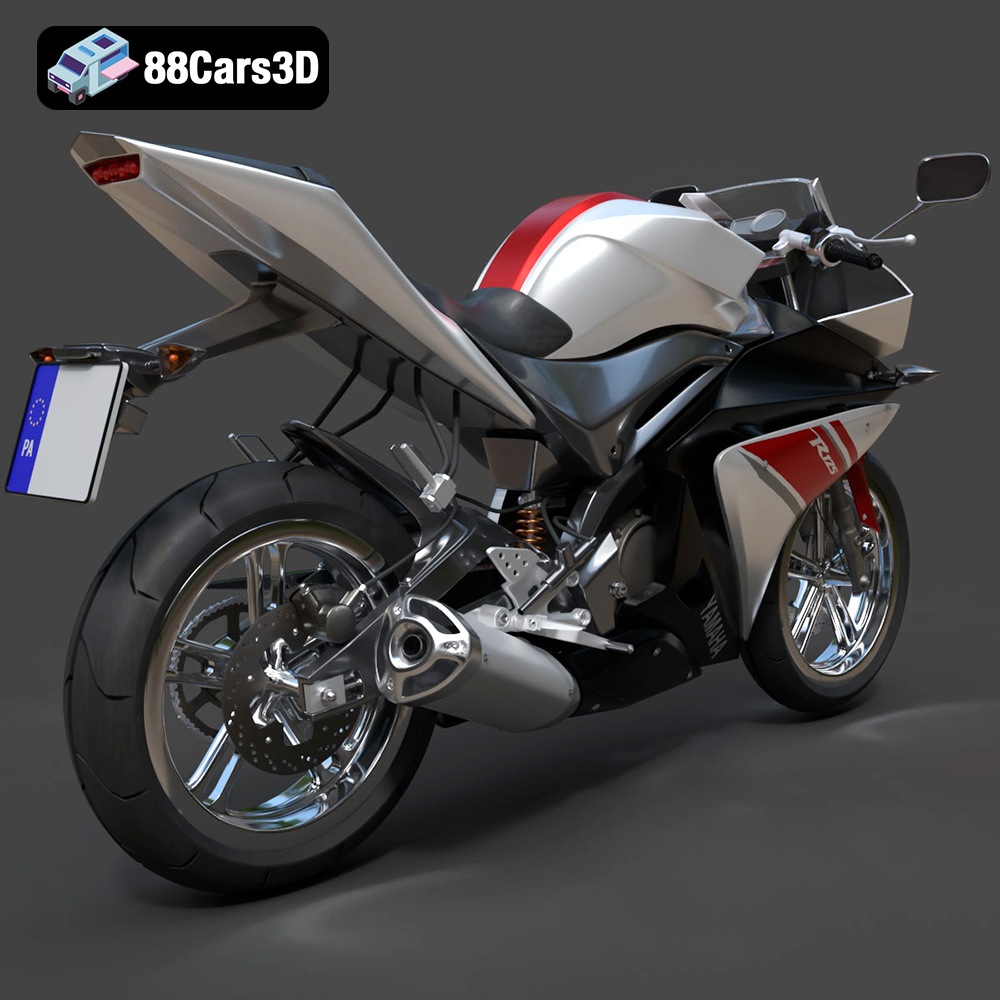
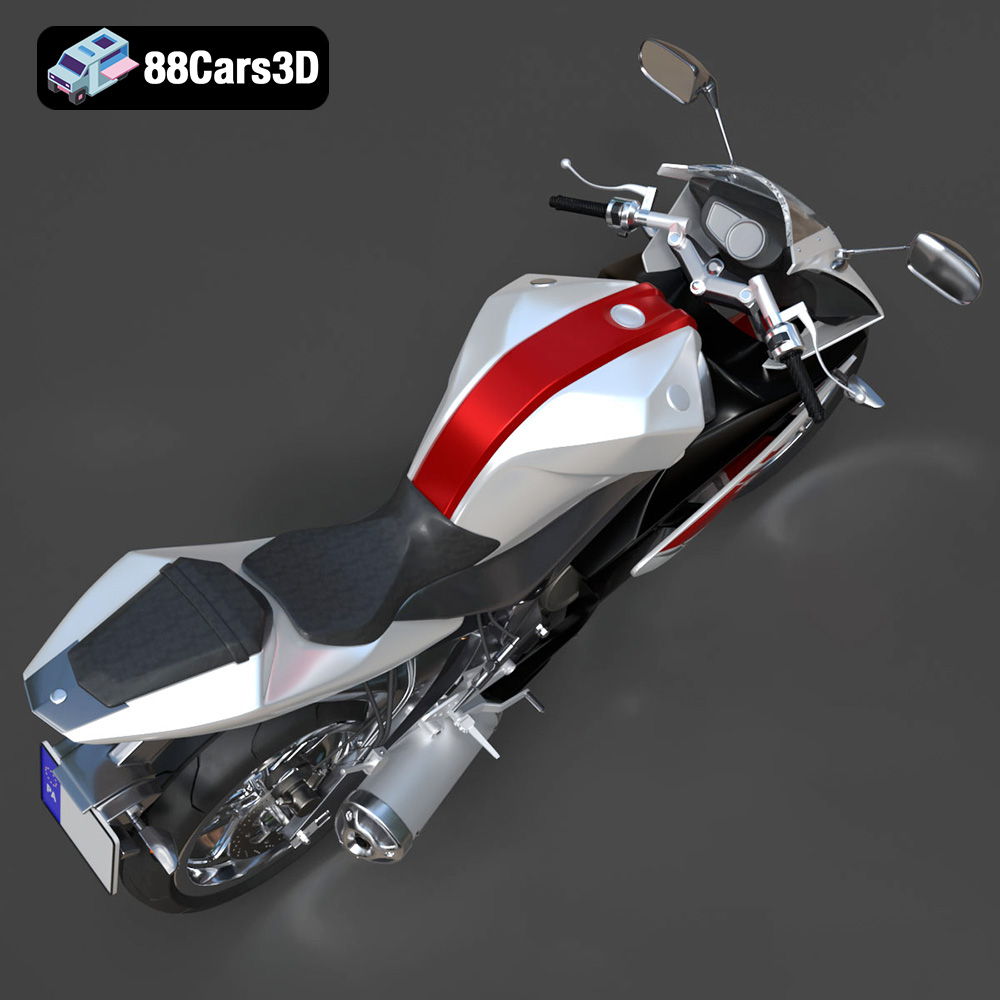
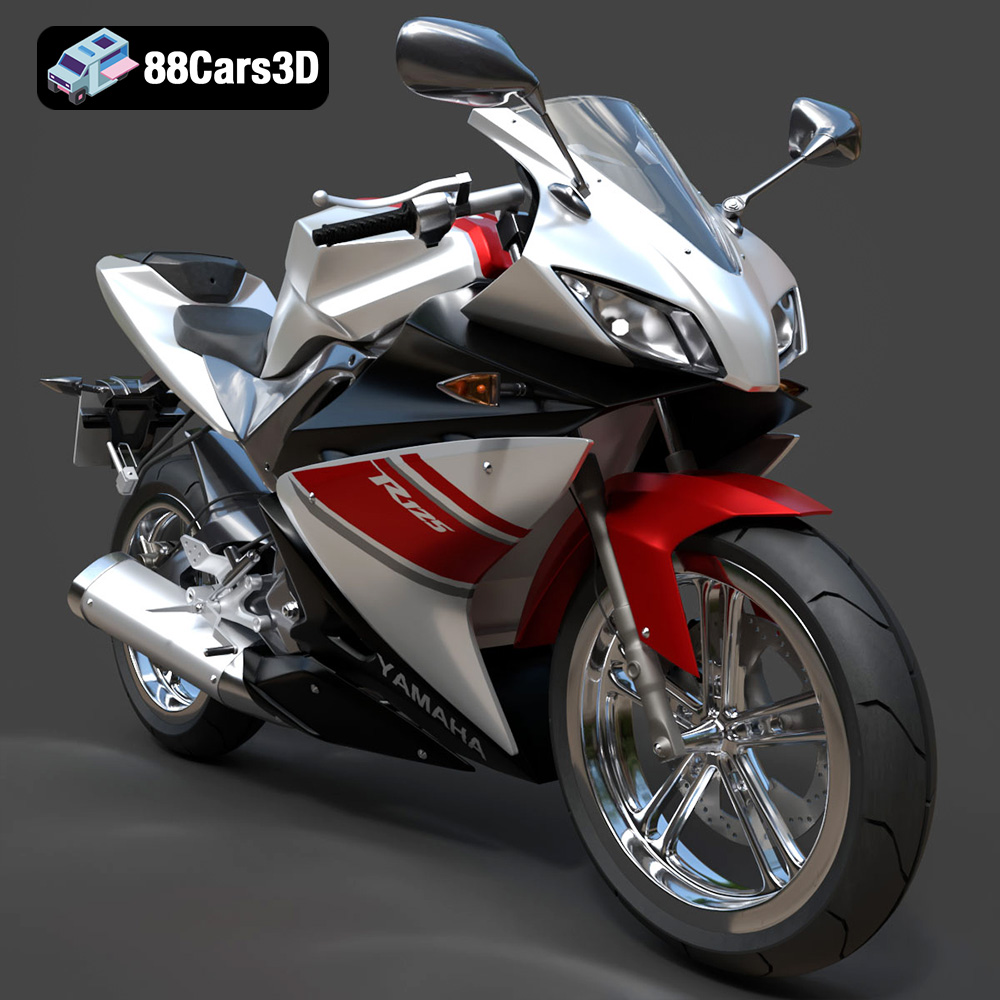
The Yamaha YZF-R125 EU is a stunning piece of machinery, a testament to performance and design in the world of sportbikes. Now, thanks to advancements in 3D printing technology, you can bring this iconic motorcycle to life in miniature form. This blog post will guide you through the process of 3D printing the Yamaha YZF-R125 EU model, covering everything from choosing the right materials and settings to post-processing techniques that will elevate your finished product. Whether you’re a seasoned 3D printing enthusiast or just starting out, this comprehensive guide will provide you with the knowledge and techniques to create a stunning replica of this legendary motorcycle. The high-quality 3D models available at 88cars3d.com make this project accessible to everyone.
Before diving into the specifics of printing the Yamaha YZF-R125 EU, it’s crucial to understand the different file formats available and their implications for 3D printing. The 3D model is available in a variety of formats, each with its strengths and weaknesses depending on the intended use.
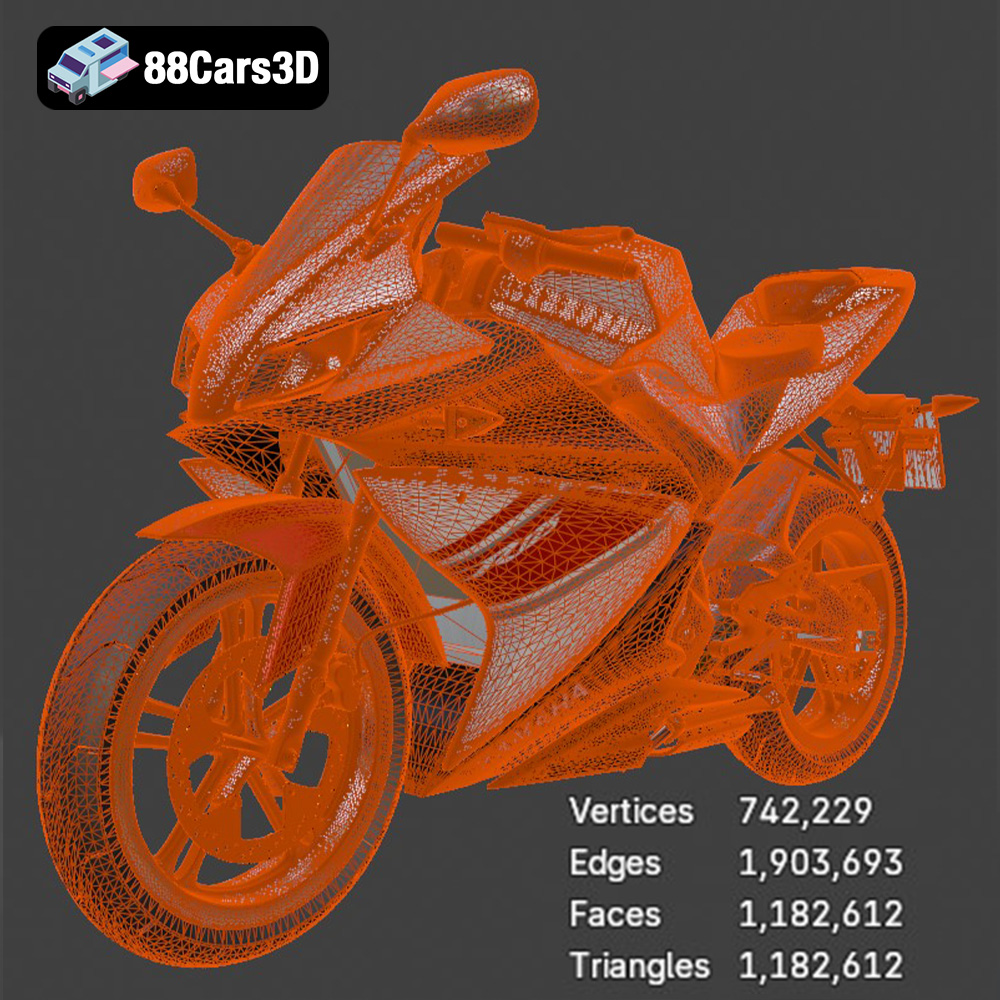
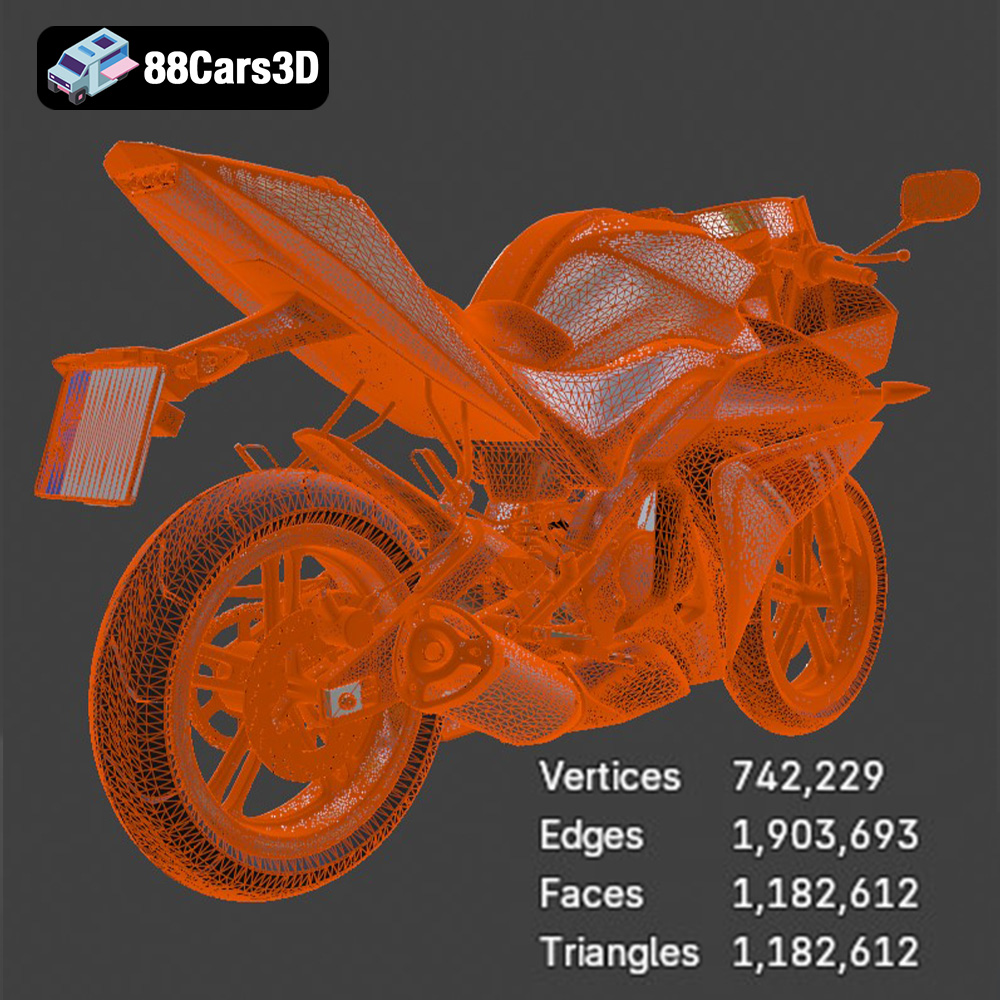
The STL (Stereolithography) file format is the workhorse of 3D printing. It represents the surface geometry of a 3D object as a collection of triangles. This simplicity makes it universally compatible with nearly all 3D printers and slicing software. However, STL files only store information about the shape, lacking color, texture, or material properties. For 3D printing, an STL file is the most common starting point. Slicing software interprets the triangular mesh and generates the instructions (G-code) that the printer uses to build the object layer by layer. The resolution of the STL mesh significantly impacts the quality of the final print. A higher triangle count results in a smoother surface, but also increases file size and processing time. Finding the right balance is key for optimal results.
OBJ (Object) files are a more versatile format than STL, as they can store color and texture information alongside the geometric data. This makes them suitable for 3D printing with multi-material or color printers, although support for color 3D printing is still relatively limited in the consumer market. OBJ files are also widely used in computer graphics and animation. When preparing an OBJ file for 3D printing, ensure that the mesh is closed (watertight) and that the normals are correctly oriented.
PLY (Polygon File Format) is designed to store 3D data acquired from 3D scanners. It can represent color, texture, normals, and other properties. PLY files are well-suited for capturing high-detail scans of real-world objects. While not as universally supported as STL, PLY files can be converted to STL for 3D printing using appropriate software.
BLEND files are native to Blender, a popular open-source 3D creation suite. This format contains the entire Blender scene, including the model, materials, lighting, and other settings. While BLEND files cannot be directly 3D printed, they offer the greatest flexibility for modifying and customizing the 3D model before exporting it to a 3D printable format like STL. This is an excellent option if you want to add details, optimize the mesh, or split the model into separate parts for easier printing.
FBX (Filmbox) is a proprietary file format developed by Autodesk for interoperability between 3D software packages. It supports a wide range of data, including geometry, materials, textures, animations, and skeletal rigging. While FBX files are not directly 3D printable, they can be imported into some advanced slicing software that supports material information, allowing for more control over printing parameters based on material properties.
GLB (GL Transmission Format Binary) is a binary file format representing 3D models, designed for efficient transmission and loading in applications like augmented reality (AR) and virtual reality (VR). GLB files are compact and self-contained, including all necessary resources like textures and animations. They’re ideal for previewing the Yamaha YZF-R125 EU model in an AR environment before committing to a 3D print. This helps visualize the model’s size and appearance in the real world.
MAX files are native to 3ds Max, a professional 3D modeling, animation, and rendering software. Similar to BLEND files, MAX files contain the complete project scene, offering extensive editing capabilities. If you have access to 3ds Max, this format is ideal for making detailed modifications to the Yamaha YZF-R125 EU model before exporting it for 3D printing.
For 3D printing the Yamaha YZF-R125 EU, the STL format is the most practical and widely supported. Ensure that the STL file is optimized for 3D printing with a reasonable triangle count to balance detail and file size. You can use software like MeshLab or Blender to repair any mesh errors and ensure that the model is manifold (watertight) before slicing.
Before you even think about hitting the “print” button, meticulous preparation is essential for a successful 3D printing endeavor. This involves everything from inspecting the model to choosing the right slicing software and optimizing the orientation for printing.
The first step is to thoroughly inspect the STL file of the Yamaha YZF-R125 EU for any potential issues. Common problems include non-manifold edges, holes in the mesh, and self-intersecting faces. These flaws can lead to printing errors and a compromised final product. Software like MeshLab, Netfabb Basic (free version), or even the built-in repair tools in many slicing programs can automatically detect and fix these issues. A clean, watertight mesh is crucial for successful 3D printing.
Slicing software is the bridge between the 3D model and the 3D printer. It converts the STL file into a series of instructions (G-code) that the printer can understand. Popular slicing software options include Cura, Simplify3D, PrusaSlicer, and ideaMaker. Each program has its strengths and weaknesses, so choose one that suits your needs and printer capabilities. Within the slicer, you’ll need to configure several key settings:
* **Layer Height:** Lower layer heights (e.g., 0.04mm-0.12mm as recommended for resin printing) result in smoother surfaces and finer details, but also increase print time.
* **Infill Density:** Infill determines the internal structure of the print. A higher infill percentage (20-30% as recommended) increases strength but also consumes more material and increases print time.
* **Support Structures:** Complex models like the Yamaha YZF-R125 EU often require support structures to prevent overhangs from collapsing during printing. The placement and type of supports can significantly impact print quality and post-processing effort.
* **Print Speed:** Slower print speeds generally lead to better accuracy and surface finish.
* **Temperature Settings:** Proper nozzle and bed temperatures are crucial for material adhesion and preventing warping. These settings will vary depending on the material you choose.
The orientation of the Yamaha YZF-R125 EU model on the print bed is a critical factor in determining print quality, support requirements, and structural integrity. Consider the following:
* **Minimizing Support Requirements:** Orient the model to reduce the amount of overhanging areas that require support structures.
* **Structural Strength:** For parts that need to withstand stress, orient them so that the layers are aligned along the direction of the force. As recommended, printing the frame angled can increase its structural integrity.
* **Surface Finish:** The bottom layer of the print will typically have a different surface finish than the other layers. Choose an orientation that places less critical surfaces on the bottom. For the wheels, printing them separately can ensure a cleaner finish.
* **Print Bed Adhesion:** Ensure that the model has adequate contact with the print bed to prevent warping or detachment during printing.
The material you choose for 3D printing the Yamaha YZF-R125 EU will significantly impact the final product’s appearance, strength, and durability. Both filament-based (FDM) and resin-based (SLA/DLP) printing technologies offer a variety of material options.
Fused Deposition Modeling (FDM) printers use filaments of thermoplastic materials. Common options include:
* **PLA (Polylactic Acid):** PLA is a biodegradable thermoplastic derived from renewable resources. It’s easy to print, has low warping, and is available in a wide range of colors. PLA is a good choice for the Yamaha YZF-R125 EU model if you prioritize ease of printing and aesthetics.
* **PETG (Polyethylene Terephthalate Glycol-modified):** PETG is a more durable and heat-resistant alternative to PLA. It has good layer adhesion and is less prone to warping than ABS. PETG is a good choice if you need a slightly stronger and more durable model.
* **ABS (Acrylonitrile Butadiene Styrene):** ABS is a strong and heat-resistant plastic commonly used in injection molding. However, it’s more difficult to print than PLA and PETG, as it’s prone to warping and requires a heated bed. ABS might be suitable for parts requiring high-impact resistance but is generally not recommended for this model due to its complexity.
Stereolithography (SLA) and Digital Light Processing (DLP) printers use liquid resins that are cured by UV light. Resin printing offers significantly higher resolution and finer details compared to FDM printing.
* **Standard Resin:** Standard resins are relatively inexpensive and offer good detail. They are suitable for creating display models of the Yamaha YZF-R125 EU.
* **Tough Resin:** Tough resins are formulated to be more durable and impact-resistant. They are a good choice for parts that need to withstand handling or stress.
* **Flexible Resin:** Flexible resins can be used to create parts with rubber-like properties. They might be suitable for tires or other flexible components of the model.
For the Yamaha YZF-R125 EU, resin printing is generally recommended for achieving the finest details, especially for small parts like the exhaust, mirrors, and handlebars. However, FDM printing with PLA or PETG can also produce satisfactory results with proper settings and post-processing.
When choosing a material, consider the following factors:
* **Strength and Durability:** How much stress will the model be subjected to?
* **Heat Resistance:** Will the model be exposed to high temperatures?
* **Detail Level:** How important is it to capture fine details?
* **Post-Processing Requirements:** Some materials are easier to sand, paint, or glue than others.
* **Cost:** Material costs can vary significantly.
Achieving a high-quality 3D print of the Yamaha YZF-R125 EU requires careful optimization of your printer settings. The optimal settings will depend on your printer, material, and desired level of detail.
As mentioned previously, layer height is a critical setting that affects both print quality and print time. Lower layer heights result in smoother surfaces and finer details, but also increase print time. For resin printing, a layer height of 0.04-0.12mm is recommended for capturing the intricate details of the Yamaha YZF-R125 EU. For FDM printing, a layer height of 0.1-0.2mm is a good starting point.
Infill density determines the internal structure of the print. A higher infill percentage increases strength but also consumes more material and increases print time. For a display model of the Yamaha YZF-R125 EU, an infill density of 20-30% is generally sufficient. The infill pattern can also affect strength and print time. Common patterns include rectilinear, grid, and gyroid. Gyroid infill provides a good balance of strength and print time.
Support structures are necessary for printing overhangs and bridging gaps in the model. There are several types of support structures available in slicing software, including:
* **Linear Supports:** Simple vertical supports.
* **Tree Supports:** Branching supports that minimize material usage and support scarring.
* **Raft Supports:** A solid layer printed beneath the model to improve bed adhesion.
Careful placement of support structures is crucial for minimizing their impact on surface finish and post-processing effort. Consider the following:
* **Placement:** Place supports only where they are absolutely necessary to prevent overhangs from collapsing.
* **Density:** Reduce support density in areas where strength is not critical.
* **Interface Layer:** Use an interface layer between the supports and the model to make them easier to remove.
Print speed and temperature settings are crucial for material adhesion and preventing warping. The optimal settings will vary depending on the material you choose. Consult the material manufacturer’s recommendations for guidance.
* **Print Speed:** Slower print speeds generally lead to better accuracy and surface finish. A print speed of 40-60mm/s is a good starting point for FDM printing.
* **Nozzle Temperature:** The nozzle temperature should be high enough to melt the filament properly but not so high that it causes stringing or warping.
* **Bed Temperature:** The bed temperature should be high enough to ensure good bed adhesion but not so high that it causes warping.
Post-processing is the final stage of the 3D printing process, where you refine the printed model to achieve a professional look. This typically involves removing support structures, sanding, priming, and painting.
The first step is to carefully remove any support structures from the printed model. Use a sharp hobby knife or pliers to gently detach the supports, being careful not to damage the model. After removing the supports, you’ll need to sand the surface to remove any imperfections and smooth out the layer lines. Start with coarse sandpaper (e.g., 220 grit) and gradually move to finer grits (e.g., 400, 600, 800 grit) for a smooth finish. Wet sanding can help to reduce dust and improve the sanding process.
Priming is essential for creating a smooth and uniform surface for painting. Apply several thin coats of primer, allowing each coat to dry completely before applying the next. After the primer has dried, you can begin painting the model. Use high-quality acrylic paints designed for model making. Research the authentic factory colors of the Yamaha YZF-R125 EU and try to match them as closely as possible. Metallic finishes can add a realistic touch.
The Yamaha YZF-R125 EU model may consist of several separate parts that need to be assembled. Use a strong adhesive, such as super glue or epoxy, to bond the parts together. Pay close attention to the alignment of the parts during assembly. Add any final details, such as decals, wires, or other small components, to complete the model.
Even with careful preparation and optimized settings, you may encounter some common 3D printing issues. Here are some solutions:
* **Warping:** Warping occurs when the corners of the print lift off the bed. Ensure that the bed is properly leveled and heated. Use a raft or brim to improve bed adhesion.
* **Stringing:** Stringing occurs when the printer extrudes filament while moving between parts. Increase retraction distance and speed. Lower the nozzle temperature.
* **Layer Separation:** Layer separation occurs when the layers of the print do not adhere properly. Increase the nozzle temperature. Decrease print speed.
* **Overhang Collapse:** Overhang collapse occurs when overhanging areas of the model are not properly supported. Add more support structures. Reduce print speed.
* **Elephant’s Foot:** An elephant’s foot is an over-expansion of the first layer. Reduce the initial layer temperature or increase the distance between the nozzle and the bed.
By understanding these common issues and their solutions, you can troubleshoot problems and improve the quality of your 3D prints. Remember to experiment with different settings and techniques to find what works best for your printer and material.
The detailed 3D models available at 88cars3d.com, like the Yamaha YZF-R125 EU, are a fantastic starting point for any 3D printing project.
3D printing the Yamaha YZF-R125 EU is a rewarding project that combines technical skill with artistic expression. By carefully preparing the model, choosing the right materials and settings, and mastering post-processing techniques, you can create a stunning replica of this iconic motorcycle. Remember to pay close attention to detail, experiment with different settings, and don’t be afraid to troubleshoot problems along the way. With practice and patience, you can master the art of 3D printing and bring your favorite models to life. You can find a wide range of high-quality 3D models optimized for printing at 88cars3d.com.
The Yamaha YZF-R125 EU is a lightweight supersport motorcycle that brings authentic R-Series DNA to the A1 license class. Renowned for its aggressive styling inspired by the iconic R1, this dynamic sportbike features a high-revving 125cc liquid-cooled engine with Variable Valve Actuation (VVA), a sculpted aerodynamic fairing, and a lightweight twin-spar Deltabox frame. This high-quality 3D model features optimized game-ready topology, ensuring a perfect balance between high-end visual fidelity and real-time performance. Convertible to .stl format for display-scale hobbyists.
$19.99
.blend
.fbx
.glb
.max
.obj
.ply
.rendering
.stl
.supersport
.unreal
.yamaha
game asset
game-ready
low-poly
motorcycle-3d-model
optimized
sports-bike
VR/AR
yzf-r125
yzf-r125-eu