Get 20% OFF All Premium 3D & STL Models!

The Volkswagen Schwimmwagen Typ 166, a symbol of ingenuity and military might, can now be brought to life on your 3D printer. This iconic amphibious vehicle, renowned for its rugged design and historical significance, presents a fascinating project for 3D printing enthusiasts. This comprehensive guide will walk you through the process of 3D printing the Volkswagen Schwimmwagen Typ 166 model, available from 88cars3d.com, covering everything from printer settings to post-processing techniques. Whether you’re a seasoned 3D printing veteran or a passionate hobbyist, this guide will provide the knowledge and tips needed to successfully create a stunning replica.
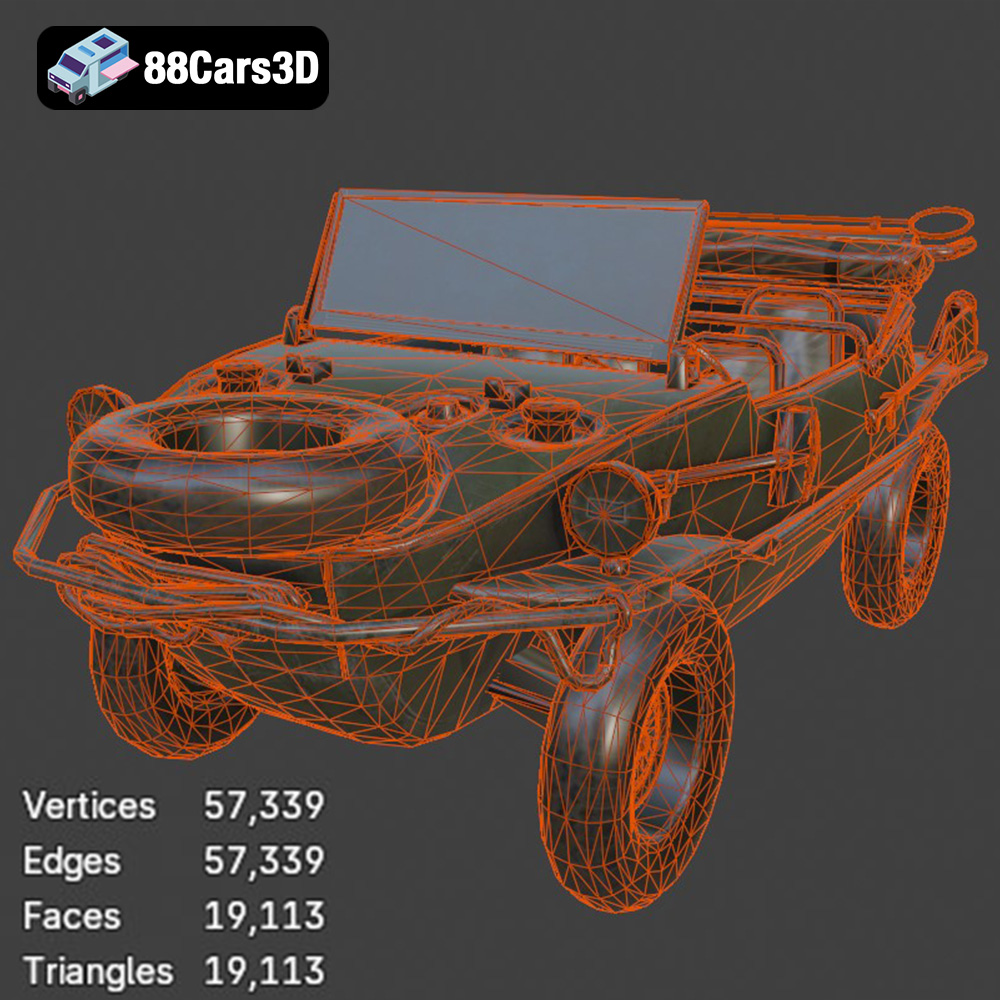
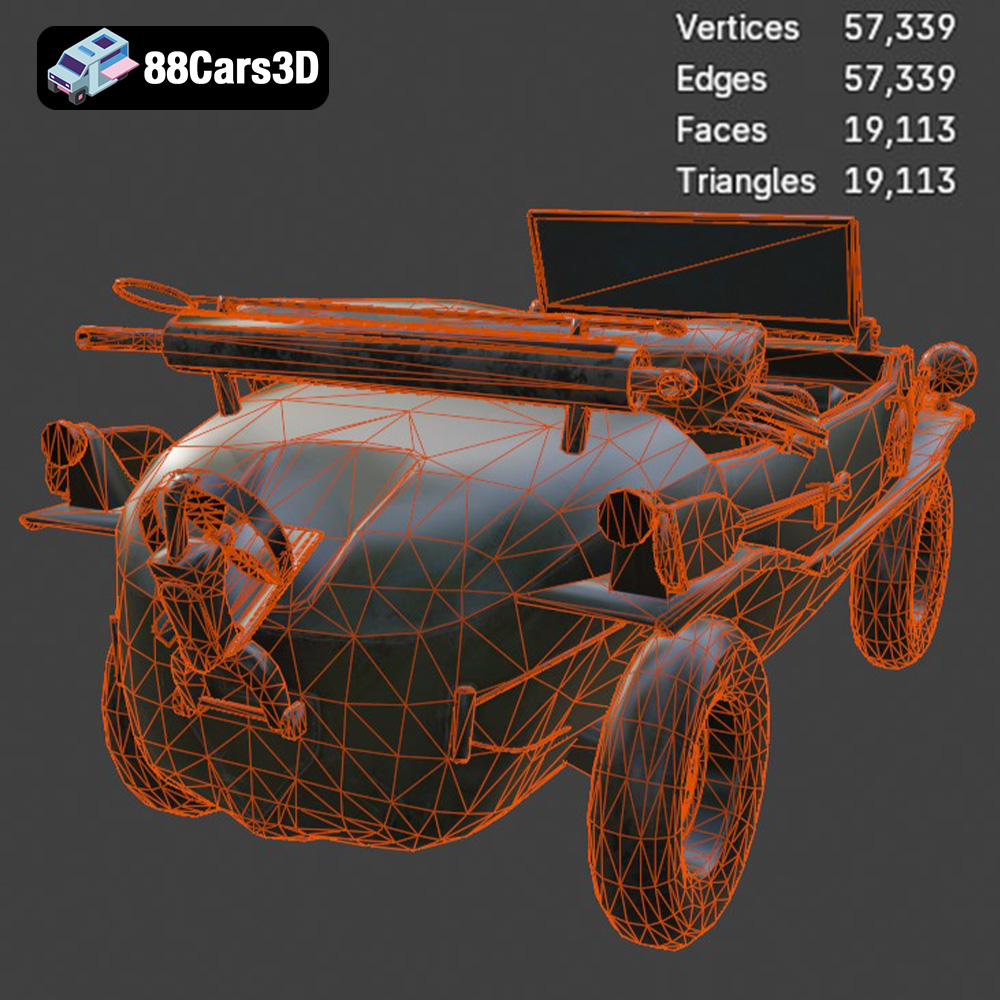
Before diving into the printing process, proper preparation of the 3D model is crucial for a successful outcome. The Volkswagen Schwimmwagen Typ 166 model from 88cars3d.com comes in various file formats, each serving a specific purpose.
* **Visual Inspection:** Start by visually inspecting the 3D model in your preferred 3D viewing software. Look for any obvious errors, such as holes, gaps, or intersecting faces. These imperfections can lead to printing failures.
* **Mesh Analysis:** Utilize mesh analysis tools available in software like MeshMixer, Netfabb, or even within your slicing software. These tools can automatically detect and repair common mesh errors, ensuring a watertight model suitable for 3D printing.
* **Orientation Considerations:** Determine the best orientation for printing. This is critical for minimizing support material and maximizing detail.
* **Choosing a Scale:** The product description recommends scales of 1:16, 1:35, or 1:24, which align with military modeling standards. Select a scale that suits your printer’s build volume and desired level of detail.
* **Orientation for Detail:** For the Schwimmwagen, printing the frame angled can improve structural integrity. Print wheels, the propeller, and other detailed parts separately for optimal resolution and ease of post-processing.
* **Reducing Support Structures:** Orient the model to minimize the need for support structures, especially in areas with intricate details. This will save on material and reduce post-processing effort.
The world of 3D modeling and additive manufacturing is filled with various file formats, each designed with specific functionalities and applications in mind. When it comes to preparing your Volkswagen Schwimmwagen Typ 166 model for 3D printing, understanding the nuances of these formats is critical for a successful and efficient workflow.
The .stl (stereolithography) format has long been the cornerstone of 3D printing. It represents the geometry of a 3D object as a collection of triangles, forming a mesh that defines the object’s surface. While simple and widely compatible, the .stl format has limitations. It only stores information about the surface geometry, lacking color, texture, or material properties. This makes it ideal for 3D printing, where the focus is primarily on the object’s shape. Slicing software readily accepts .stl files, interpreting the triangular mesh to generate instructions for the 3D printer. The resolution of the .stl file (the number of triangles used to represent the object) directly impacts the smoothness of the printed object; a higher triangle count results in a smoother surface but also a larger file size.
The .obj format is more versatile than .stl, as it can store information about color, texture, and material properties in addition to the geometric data. This makes it suitable for applications beyond 3D printing, such as rendering and animation. While some 3D printers can handle .obj files with color information, especially those using multi-material printing technology, it’s important to note that most standard 3D printers will only print the object’s geometry, ignoring the color and texture data. When using an .obj file for 3D printing, ensure that your slicing software can properly interpret the file and that your printer is capable of utilizing any color or material information it contains.
The .ply (polygon file format) is designed for storing 3D data acquired from 3D scanners. It can represent models with high precision and detail, making it suitable for applications like reverse engineering and digital archiving. While .ply files can be used for 3D printing, they often require significant processing and optimization before they are compatible with slicing software. The high level of detail in .ply files can also lead to large file sizes and increased processing times.
.blend files are native to Blender, a popular open-source 3D modeling software. This format stores the entire Blender scene, including the object’s geometry, materials, textures, lighting, and animation data. While you cannot directly 3D print a .blend file, it provides the greatest flexibility for customization and modification before exporting to a 3D printable format like .stl. You can use Blender to adjust the model’s geometry, add details, or optimize the mesh for 3D printing.
The .fbx (Filmbox) format is primarily used for exchanging 3D data between different software applications, especially in the entertainment industry. It can store information about geometry, animation, materials, and textures. While some slicing software can import .fbx files, it’s important to ensure that the software properly interprets the file’s contents. In most cases, the slicing software will only use the geometric data from the .fbx file, ignoring any animation or advanced material properties.
The .glb format is a binary file format that represents 3D models in the GL Transmission Format (glTF). It’s designed to be compact and efficient, making it ideal for web-based applications and augmented reality (AR) experiences. While .glb files are not directly used for 3D printing, they can be useful for previewing the model in AR before you commit to printing it. This allows you to visualize the model in a real-world context and ensure that it meets your expectations.
.max files are the native format for Autodesk 3ds Max, a professional 3D modeling, animation, and rendering software. Similar to .blend files, .max files store the entire 3ds Max scene, including all the object’s data and settings. You cannot directly 3D print a .max file, but it allows for extensive editing and customization of the 3D model before exporting it to a printable format like .stl.
For 3D printing the Volkswagen Schwimmwagen Typ 166, the **.stl format is the most suitable choice** due to its wide compatibility with slicing software and its focus on geometric data. Other formats like .obj, .fbx, or .ply might be useful if you need to incorporate color or texture information (if your printer supports it) or if you require a higher level of detail. However, always ensure that your slicing software can properly interpret these formats and that you optimize the model for 3D printing before generating the G-code.
The choice of 3D printing technology and material significantly impacts the final quality and appearance of your 3D printed Volkswagen Schwimmwagen Typ 166.
* **Materials:** PLA, PETG, ABS are common choices. PLA is easy to print and biodegradable, making it a good starting point. PETG offers improved strength and heat resistance, while ABS provides excellent durability but requires a heated bed and enclosure.
* **Considerations:** FDM printing is cost-effective but may result in visible layer lines, especially on curved surfaces. Post-processing, such as sanding and filling, can mitigate this.
* **Print Settings:** Layer height: 0.1-0.2mm, Infill: 20-30%, Supports: Required for overhanging features.
* **Materials:** Standard resin, tough resin, flexible resin. Resin printing offers exceptional detail and smooth surfaces.
* **Considerations:** Resin prints are generally more brittle than FDM prints and require thorough post-processing, including washing and curing.
* **Print Settings:** Layer height: 0.04-0.08mm, Supports: Essential for all resin prints.
* **For Beginners:** PLA is recommended due to its ease of use and wide availability.
* **For Detail:** Resin printing provides the best level of detail, perfect for capturing the intricate features of the Schwimmwagen.
* **For Durability:** PETG or ABS (if your printer setup allows) offer increased strength and heat resistance.
Achieving a high-quality 3D print requires careful adjustment of printer settings. These settings will heavily depend on the type of printer you are using. Here are the settings that are most important to adjust.
* **FDM:** A layer height of 0.1-0.2mm strikes a balance between print speed and detail. Lower layer heights result in smoother surfaces but increase print time.
* **Resin:** Layer heights of 0.04-0.08mm are recommended for resin printing to maximize detail and minimize layer lines.
* **Density:** An infill density of 20-30% provides sufficient strength for most display models. Increase infill for parts that require more structural support.
* **Pattern:** Choose an infill pattern that balances strength and print time. Gyroid, honeycomb, and rectilinear patterns are popular choices.
* **Placement:** Carefully place supports to provide adequate support for overhanging features, such as the exhaust, propeller, and steering wheel.
* **Type:** Consider using tree supports, which minimize material usage and are easier to remove than linear supports.
* **Interface:** Adjust support interface settings to improve adhesion and reduce scarring on the printed surface.
* **FDM:** Start with a print speed of 40-60mm/s and adjust as needed based on your printer’s capabilities and material properties.
* **Resin:** Refer to your resin manufacturer’s recommendations for optimal exposure times and lift speeds.
Post-processing is essential for refining the 3D printed Volkswagen Schwimmwagen Typ 166 and achieving a polished, professional finish.
* **Careful Removal:** Gently remove support structures using pliers, cutters, or a hobby knife. Be careful not to damage the model’s surface.
* **Sanding:** Sand down any remaining support marks or imperfections using progressively finer grits of sandpaper.
* **Filling:** Fill any gaps or imperfections with spot putty or filler and sand smooth.
* **Priming:** Apply a primer coat to the model to create a smooth, uniform surface for painting.
* **Painting:** Use acrylic or enamel paints to replicate the authentic factory colors of the Volkswagen Schwimmwagen Typ 166. Consider using stencils or masking tape for intricate details.
* **Weathering:** Add weathering effects, such as washes and dry brushing, to create a realistic, aged appearance.
* **Clear Coating:** Apply a clear coat to protect the paint and add a glossy or matte finish.
* **Dry Fitting:** Before gluing any parts together, dry fit them to ensure proper alignment and fit.
* **Adhesive:** Use super glue or epoxy to bond the parts together securely.
* **Finishing Touches:** Add any remaining details, such as decals, lights, or accessories.
Even with careful preparation, 3D printing can present challenges. Here are some common issues and their solutions.
* **Cause:** Warping occurs when the printed object detaches from the build plate due to uneven cooling or poor adhesion.
* **Solution:** Ensure the build plate is clean and level. Use a heated bed and adjust the bed temperature for optimal adhesion. Apply an adhesive, such as hairspray or glue stick, to the build plate.
* **Cause:** Stringing occurs when molten filament oozes from the nozzle during travel moves.
* **Solution:** Reduce the printing temperature, increase retraction distance and speed, and enable coasting or wipe settings in your slicing software.
* **Cause:** Layer separation occurs when the layers of the printed object do not adhere properly.
* **Solution:** Increase the printing temperature, reduce the printing speed, and ensure proper bed adhesion.
* **Cause:** Elephant’s foot occurs when the first layer of the print is squished too much due to excessive bed adhesion.
* **Solution:** Adjust the Z-offset to increase the distance between the nozzle and the bed during the first layer. Reduce the bed temperature slightly.
The print time and material cost for the Volkswagen Schwimmwagen Typ 166 will vary depending on the chosen scale, printer settings, and material. As a general estimate:
* **FDM:** A 1:24 scale model printed with PLA could take 20-30 hours and cost $10-20 in material.
* **Resin:** A 1:24 scale model printed with resin could take 10-15 hours and cost $20-30 in material.
These are rough estimates, and actual values may vary. Using a slicing software’s estimation tools will provide more accurate predictions.
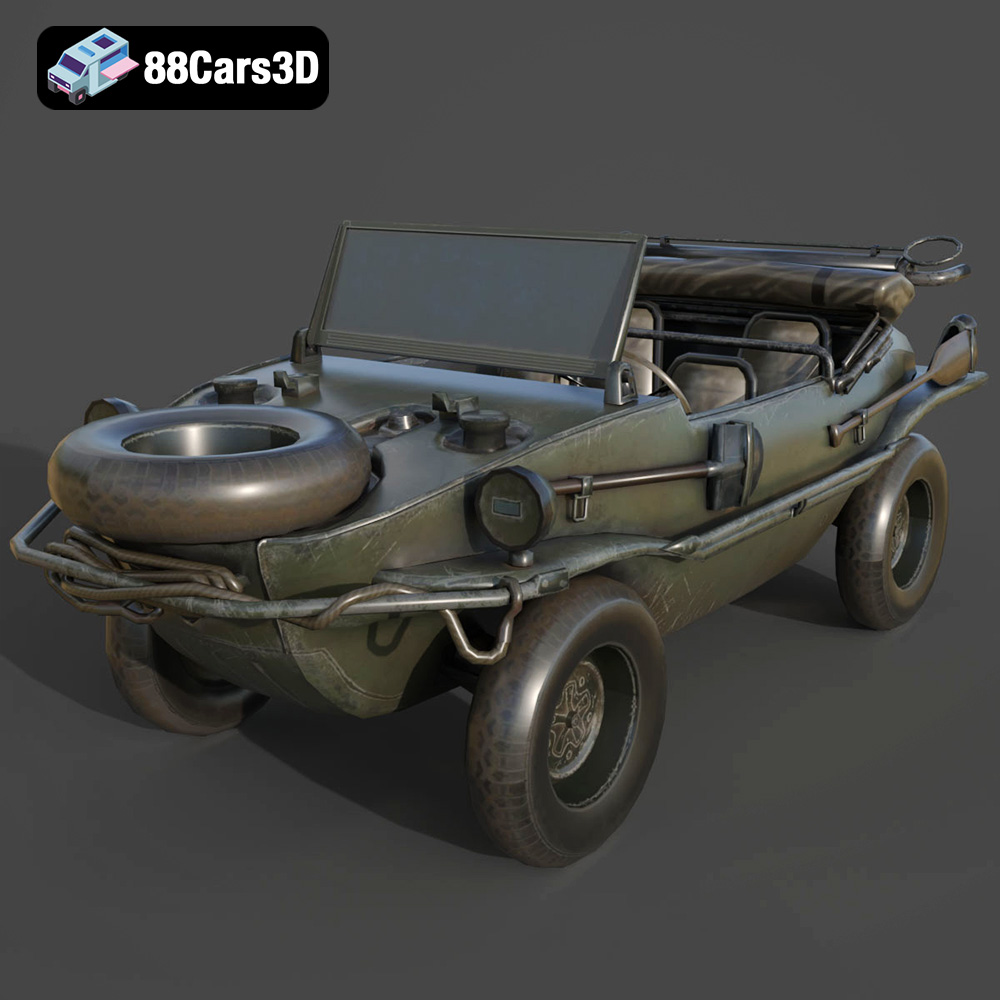
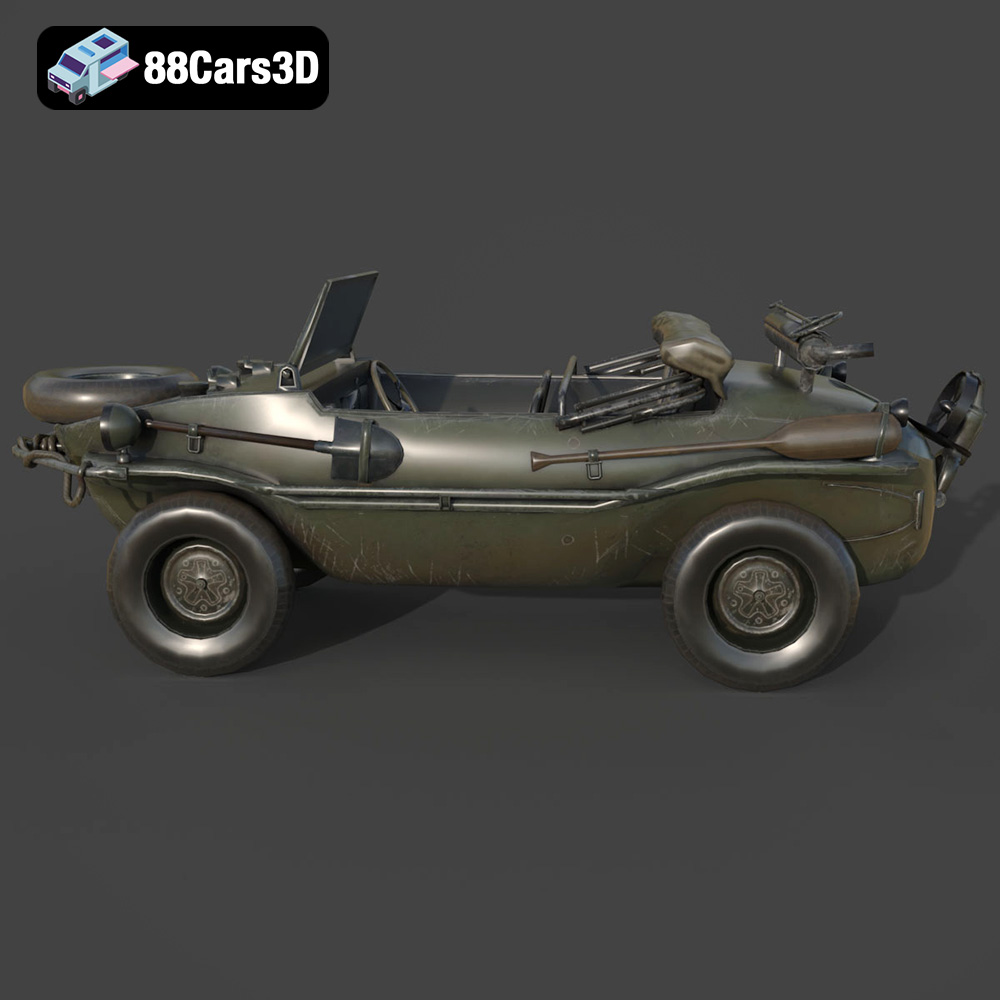
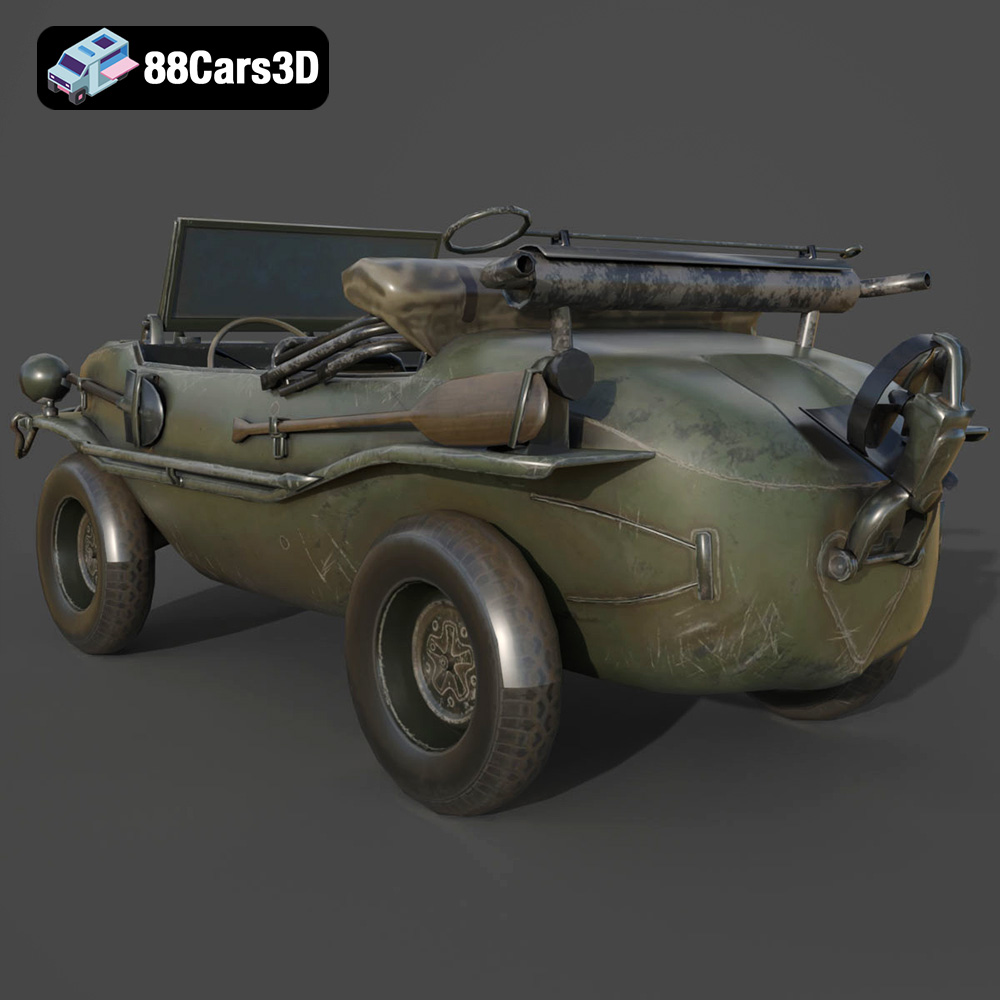
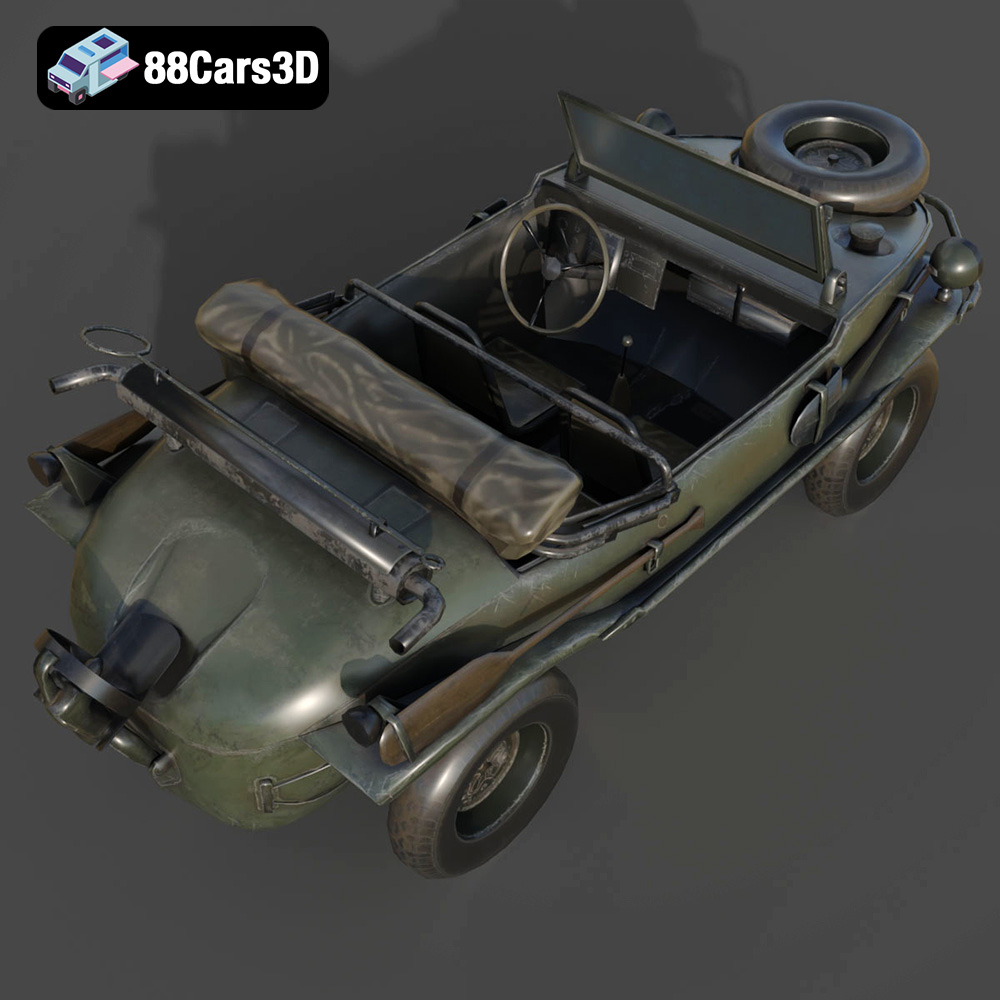
The Volkswagen Schwimmwagen Typ 166 is an iconic World War II amphibious off-road vehicle, celebrated for its rugged durability and unique boat-like hull design. Serving as one of the most mass-produced amphibious cars in history, it features a distinctive rear-mounted air-cooled flat-four engine, a fold-down propeller system, and four-wheel drive capability. This highly accurate 3D model meticulously captures its utilitarian military aesthetics, from the riveted watertight chassis to the spare tire mounted on the sloping front hood.
$39.99
3D printing the Volkswagen Schwimmwagen Typ 166 3D printed model offers a rewarding experience for hobbyists and modelers alike. By carefully preparing the model, selecting the right materials and printer settings, and employing effective post-processing techniques, you can create a stunning replica of this iconic amphibious vehicle. Remember to consult the product details on 88cars3d.com for recommended settings and consider your specific printer’s capabilities when fine-tuning parameters. With patience and attention to detail, you’ll be able to showcase a beautifully 3D printed piece of history.
.blend
.fbx
.glb
.max
.obj
.ply
.rendering
.stl
.unreal
.volkswagen
amphibious-vehicle
car-3d-model
classic-car
game asset
game-ready
low-poly
military-vehicle
off-road
optimized
schwimmwagen-typ-166
VR/AR
ww2-vehicle