Get 20% OFF All Premium 3D & STL Models!

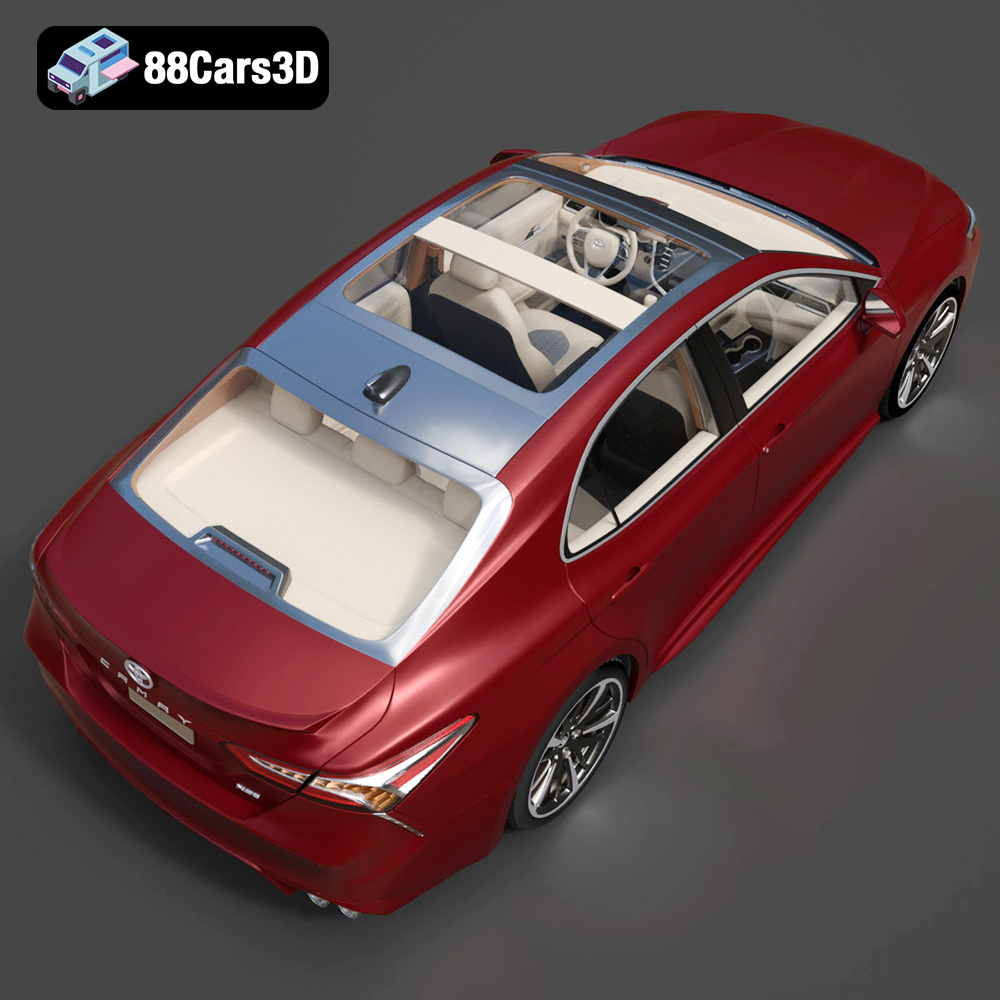
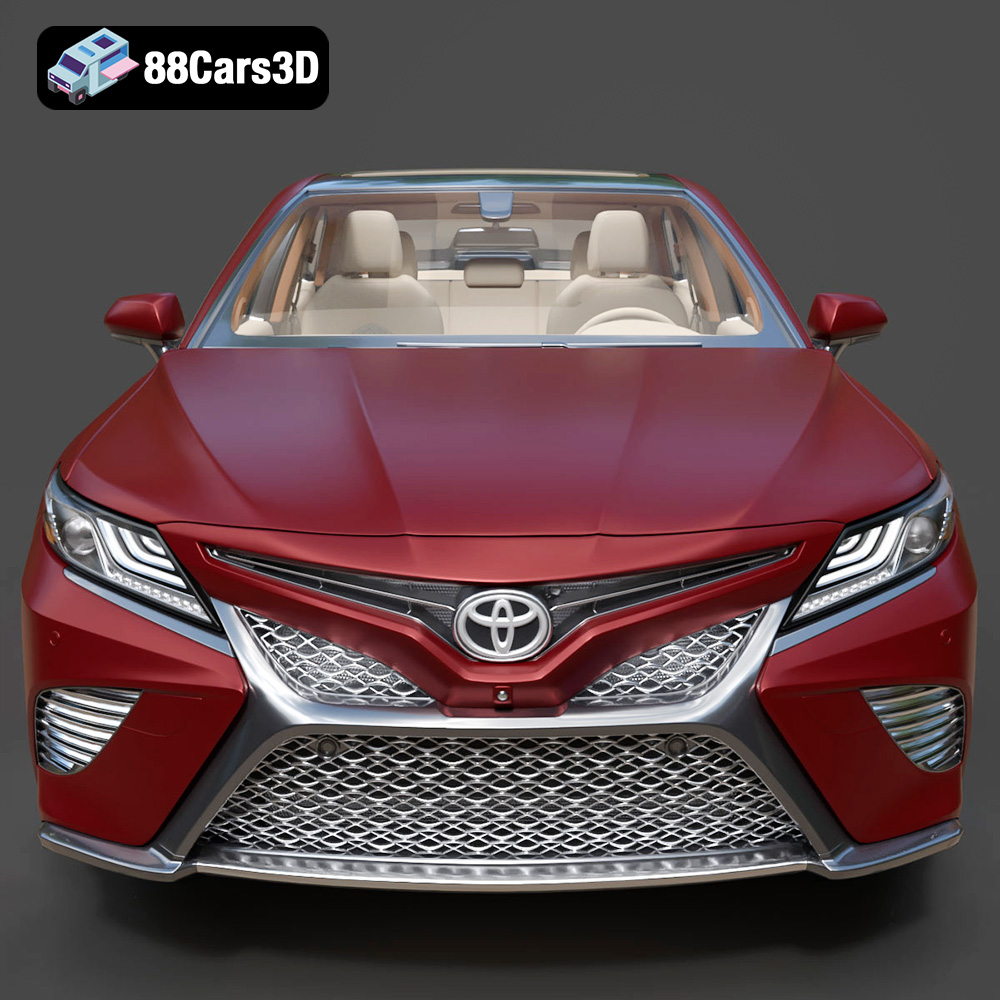
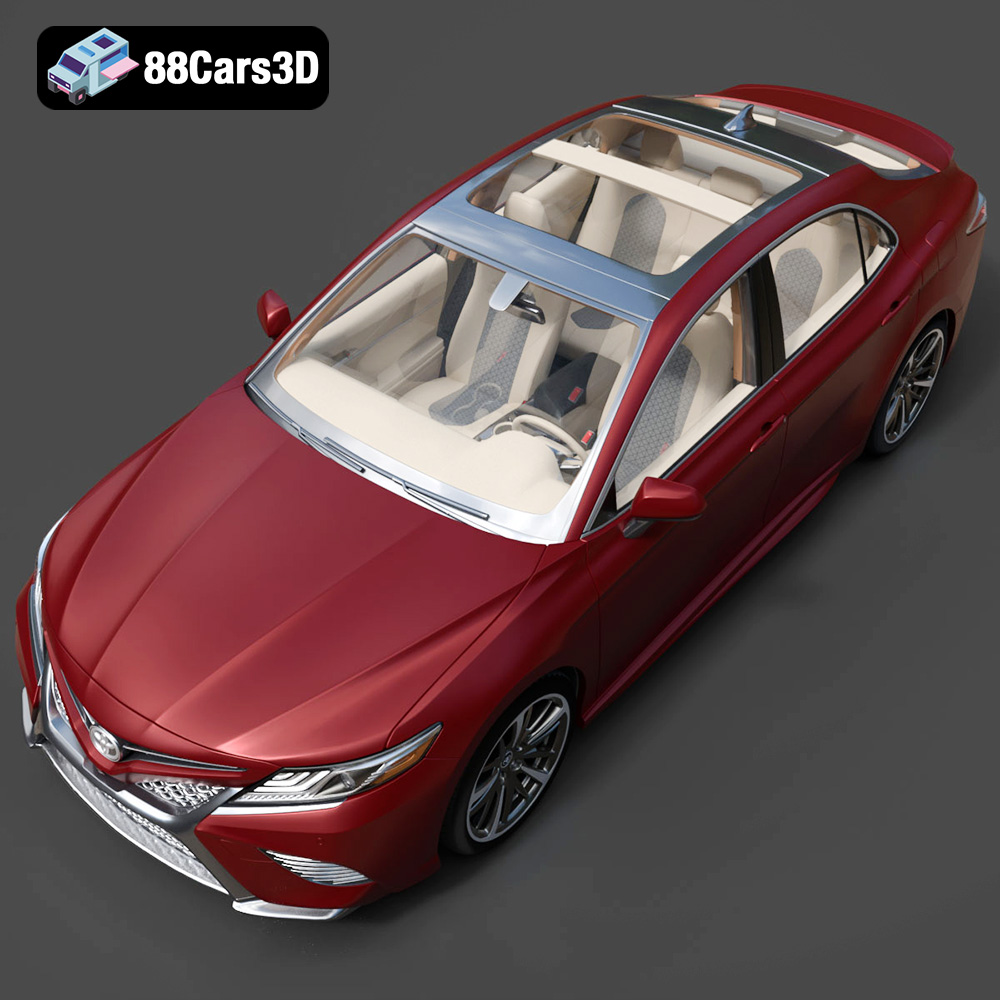
The Toyota Camry 2018 is a modern classic, and now you can bring this iconic sedan to life through the power of 3D printing. The detailed 3D model available at 88cars3d.com offers an exceptional opportunity for hobbyists, model makers, and automotive enthusiasts to create a tangible representation of this popular car. This guide will walk you through the entire 3D printing process, from selecting the right materials and preparing the STL files to post-processing and finishing your model for a showroom-worthy result.
Before diving into the printing process, proper preparation is crucial for a successful outcome. This involves inspecting the model, choosing the right scale, and utilizing slicing software effectively.
* **Mesh Analysis:** Start by opening the downloaded 3D model files (particularly the STL file) in a mesh analysis tool like Meshmixer or Netfabb. These tools can identify and automatically repair common issues such as non-manifold edges, holes, and flipped normals, which can disrupt the 3D printing process.
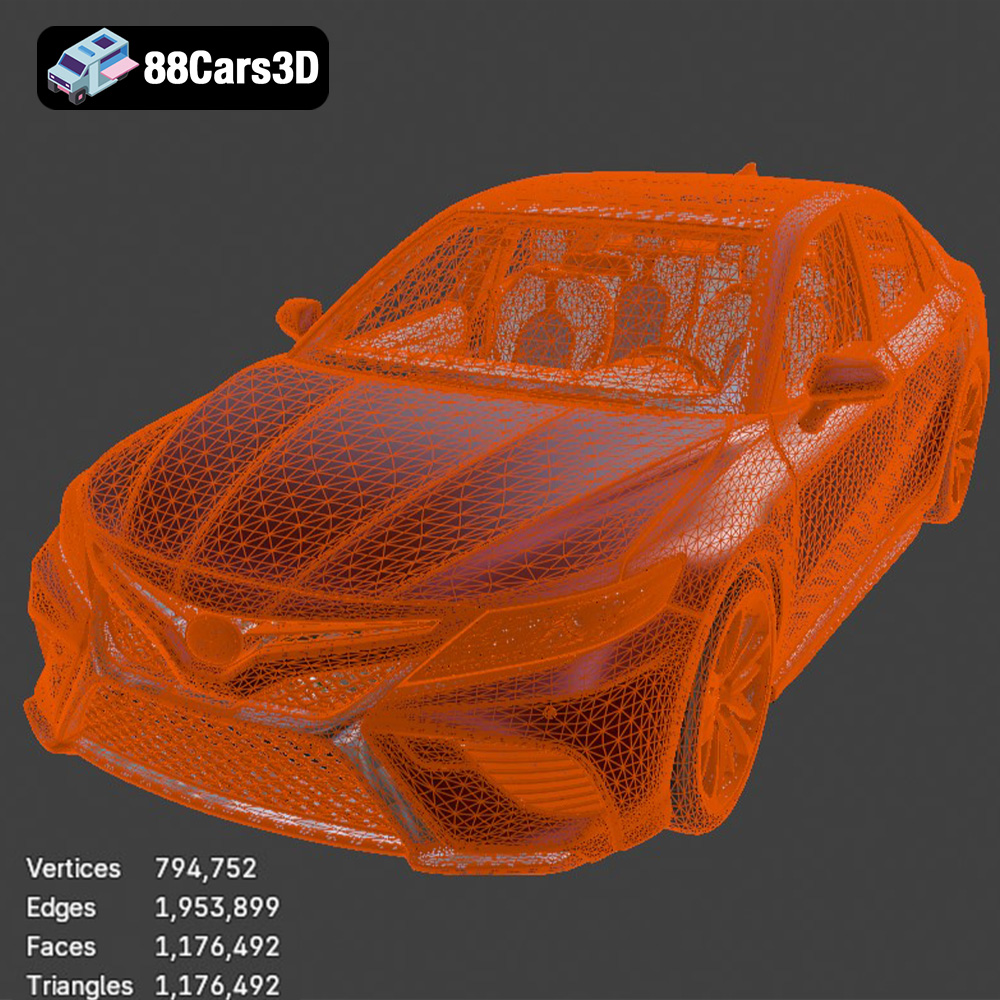
* **Clean Topology:** The Toyota Camry 2018 model from 88cars3d.com is described as having clean topology, which is a huge advantage. However, it’s always good practice to ensure there are no overlapping faces or unnecessary polygons that could complicate slicing.
* **Remeshing (If Necessary):** If the model is too detailed for your desired print size, consider using a remeshing tool to reduce the polygon count while preserving the overall shape. This can be especially helpful for smaller scale prints.
* **Recommended Scales:** The product description suggests scales of 1:12, 1:18, and 1:24. Choose a scale that matches your printer’s build volume and your desired level of detail.
* **Dimensional Accuracy:** Be aware that scaling down the model can amplify any imperfections or fine details, potentially leading to printing challenges. Larger scales generally produce more accurate results but require more material and print time.
* **Software Scaling:** Utilize your slicing software to accurately scale the model. Double-check the dimensions after scaling to ensure they align with your chosen scale.
* **Popular Slicers:** Cura, PrusaSlicer, Simplify3D, and Chitubox (for resin printers) are excellent choices.
* **Importing the STL:** Import the Toyota Camry 2018 STL file into your chosen slicer.
* **Initial Orientation:** Determine the optimal printing orientation to minimize support material and maximize detail in key areas.
Selecting the correct file format is a vital step for ensuring successful 3D printing. Different formats store model data in various ways, impacting compatibility and print quality. Here’s a breakdown of common formats and their suitability for 3D printing the Toyota Camry 2018 model.
The STL (Stereolithography) file format is the workhorse of 3D printing. It represents the surface geometry of a 3D object as a collection of triangles. Its simplicity and widespread support make it compatible with virtually all 3D printers and slicing software. The Camry 2018 model is supplied in STL format, making it readily printable. STL files only store the mesh data, excluding color or texture information. For printing, this means the printed object will be a single color unless you apply post-processing techniques like painting. When exporting to STL, ensure your software settings prioritize fine tessellation to maintain the model’s curves and details.
OBJ (Wavefront Object) is a more versatile format than STL. It not only stores mesh data but can also include color and texture information. This makes it suitable for printing objects with multiple colors, though this typically requires specialized multi-material 3D printers. While OBJ is supported by many slicing programs, it is less commonly used for basic 3D printing than STL. The Camry 2018 model, in OBJ format, might contain additional data that could be useful for rendering or texture application in post-processing.
PLY (Polygon File Format) is designed to store 3D data acquired from 3D scanners. It can handle complex meshes with high precision, including color and texture information. While PLY can represent complex geometries accurately, it’s less widely supported by consumer-grade 3D printing software compared to STL or OBJ. This format is beneficial when very fine details from the original model need to be preserved during printing.
.blend files are native to Blender, a popular open-source 3D creation suite. The Camry 2018 model available in .blend format provides the advantage of allowing complete customization and modification of the model before exporting it to a printable format like STL. Users can adjust the geometry, add details, or even create variations of the model within Blender. Before printing, the .blend file must be exported to STL, OBJ, or another compatible format.
FBX (Filmbox) is a proprietary format developed by Autodesk. It’s designed for interoperability between different 3D software packages. It supports mesh data, textures, materials, and animations. While FBX can be imported into some slicing software, it’s primarily used for transferring 3D assets between different stages of a design workflow rather than for direct 3D printing. The FBX version of the Camry 2018 model is most valuable for importing the model into other 3D applications for further editing or integration into larger projects.
GLB (GL Transmission Format Binary) is a binary file format representing 3D models, typically used for transmitting and loading 3D content in applications like web browsers and AR viewers. It is a compact format designed for efficient delivery and loading of 3D scenes and models. With the Camry 2018 available in GLB format, users can easily preview the model in augmented reality on their mobile devices or through web browsers before committing to the printing process.
.max files are native to 3ds Max, another professional 3D modeling software. This format, similar to .blend, allows for complete editing and customization of the Camry 2018 model within 3ds Max. Users can refine the model, add details, or create variations before exporting it to a printable format. Working with the .max file requires access to 3ds Max software.
For 3D printing the Toyota Camry 2018 model, the **STL format is the most suitable** due to its simplicity, wide compatibility with slicing software, and ability to accurately represent the model’s geometry. Ensure the STL file is properly prepared with clean topology and sufficient resolution for your desired print quality.
The choice of 3D printing technology and material significantly impacts the final result. Fused Deposition Modeling (FDM) and Stereolithography (SLA) are two common technologies, each with its pros and cons.
* **PLA (Polylactic Acid):** This is a beginner-friendly material known for its ease of printing and biodegradability. It’s a good choice for the Toyota Camry 2018 model, especially for larger scale prints where fine details are less critical. However, PLA is not very heat-resistant, so avoid placing the finished model in direct sunlight or high-temperature environments.
* **PETG (Polyethylene Terephthalate Glycol-modified):** PETG offers a balance of strength, flexibility, and heat resistance. It’s a more durable alternative to PLA and can handle slightly higher temperatures. PETG is a good option if you want a more robust model.
* **ABS (Acrylonitrile Butadiene Styrene):** ABS is known for its high strength and heat resistance but can be more challenging to print due to its tendency to warp. While suitable for automotive parts, it’s generally not recommended for intricate models like the Camry unless you have experience with ABS printing and a well-enclosed printer.
* **Resin Advantages:** Resin printing (SLA/DLP) is ideal for achieving exceptional detail and smooth surfaces. This is particularly important for smaller scale models of the Toyota Camry 2018, where fine details like panel lines and trim are critical.
* **Resin Types:** Standard resin is suitable for display models. Tough resin offers increased durability, while flexible resin can be used for parts requiring some give.
* **Post-Processing is Key:** Resin prints require thorough washing in isopropyl alcohol (IPA) and curing under UV light to achieve their final properties.
Proper printer settings are critical for achieving a successful 3D print. These settings will vary depending on your chosen printing technology and material.
* **Layer Height:** A layer height of 0.1-0.2 mm is recommended for a good balance of detail and print time. For finer details, consider a layer height of 0.05-0.1 mm.
* **Infill Density:** An infill density of 15-25% is sufficient for most parts of the Toyota Camry 2018 model. Increase the infill to 30-40% for parts that require more strength, such as the chassis.
* **Wall Thickness:** A wall thickness of 1.2-2.0 mm (3-5 perimeters) is recommended for adequate strength and surface finish.
* **Print Speed:** A print speed of 40-60 mm/s is generally suitable for PLA and PETG. Reduce the speed to 30-40 mm/s for ABS or for printing intricate details.
* **Support Structures:** Use support structures to support overhanging features such as the roof, mirrors, and exhaust system. Experiment with different support patterns and densities to find the optimal balance between support strength and ease of removal.
* **Layer Height:** A layer height of 0.025-0.05 mm is recommended for high-detail resin prints.
* **Exposure Time:** Adjust the exposure time based on the resin manufacturer’s recommendations and your printer’s specifications.
* **Support Structures:** Use support structures to support overhanging features. Pay close attention to the placement and density of supports to minimize damage to the model during removal.
* **Hollowing:** Consider hollowing out the larger parts of the model to reduce resin consumption and print time. Be sure to include drainage holes to allow resin to escape during printing.
Proper support structures and print orientation are crucial for successful 3D printing, especially for complex models like the Toyota Camry 2018.
* **Identifying Overhangs:** Carefully analyze the model to identify all overhanging features that require support. These typically include the roof, mirrors, bumpers, and exhaust system.
* **Support Types:** Choose the appropriate support type for your printing technology and material. Tree supports are often a good choice for FDM printing, as they use less material and are easier to remove than linear supports. For resin printing, fine-tipped supports are essential to minimize damage to the model.
* **Manual vs. Automatic Supports:** While automatic support generation can be convenient, manually placing supports allows for greater control and optimization. Focus on minimizing support contact with visible surfaces to reduce post-processing effort.
* **Minimizing Support Usage:** Orient the model to minimize the amount of support material required. This can often be achieved by printing the car body at an angle.
* **Detail Preservation:** Orient the model to maximize detail in key areas. For example, printing the front of the car facing upwards can improve the resolution of the grille and headlights.
* **Layer Adhesion:** Consider the orientation to promote layer adhesion. Avoid orientations where large, flat surfaces are printed parallel to the build plate, as this can increase the risk of warping.
Post-processing is an essential step in achieving a professional-looking 3D printed model. This involves removing supports, sanding, priming, and painting.
* **Careful Removal:** Gently remove support structures using pliers, cutters, or a sharp knife. Take care not to damage the model’s surface.
* **Sanding:** Start with coarse sandpaper (200-400 grit) to remove any remaining support marks or imperfections. Gradually move to finer grits (600-800 grit) to smooth the surface. Wet sanding can help to minimize dust and achieve a smoother finish.
* **Filling Gaps:** Use filler to fill any gaps or imperfections in the model. Sand the filler smooth after it has dried.
* **Priming:** Apply a thin coat of primer to the model. This will help to create a smooth surface for the paint to adhere to and will also reveal any remaining imperfections that need to be addressed.
* **Painting:** Apply multiple thin coats of paint, allowing each coat to dry completely before applying the next. Use high-quality model paints for the best results.
* **Clear Coat:** Apply a clear coat to protect the paint and give the model a glossy finish.
* **Assembly:** If the model was printed in multiple parts, carefully assemble them using glue or epoxy.
* **Detailing:** Add fine details to the model using paint, decals, or other detailing materials. This can include painting the windows, adding chrome trim, and applying license plates.
Even with careful preparation, 3D printing can sometimes present challenges. Here are some common issues and their solutions:
* **Cause:** Warping occurs when the first layer of the print does not adhere properly to the build plate.
* **Solution:** Ensure the build plate is clean and level. Use a heated build plate (if available) and apply an adhesive such as hairspray or glue stick. Increase the bed temperature.
* **Cause:** Stringing occurs when molten plastic oozes from the nozzle while it is traveling between different parts of the print.
* **Solution:** Reduce the printing temperature and increase retraction settings. Ensure the filament is dry.
* **Cause:** Layer shifting occurs when the printer’s axes lose their position during printing.
* **Solution:** Check the belts and pulleys to ensure they are properly tightened. Reduce the printing speed. Ensure the printer is placed on a stable surface.
* **Cause:** Under-extrusion occurs when the printer is not extruding enough plastic.
* **Solution:** Increase the printing temperature and reduce the printing speed. Check the nozzle for clogs.
The 2018 Toyota Camry, representing the eighth generation of this iconic mid-size sedan, brought a dramatic shift in styling with its aggressive lines, sportier stance, and prominent front grille. Known for its legendary reliability and comfort, this specific generation introduced the TNGA platform, elevating its driving dynamics while boasting striking visual elements like its sweeping roofline, sculpted doors, and modern LED lighting signature.
$19.99
3D printing the Toyota Camry 2018 model from 88cars3d.com is a rewarding project that combines technology and artistry. By carefully preparing the STL files, selecting the right materials and printer settings, and mastering post-processing techniques, you can create a stunning replica of this iconic sedan. Remember to pay close attention to support structures, print orientation, and troubleshooting common issues to achieve the best possible results. Whether you’re a seasoned 3D printing enthusiast or just starting out, this guide provides the knowledge and tools you need to bring the Toyota Camry 2018 to life in three dimensions. Good luck and happy printing!
.blend
.fbx
.glb
.max
.obj
.ply
.rendering
.sedan
.stl
.toyota
.unreal
camry-2018
car-3d-model
family-car
game asset
game-ready
low-poly
mid-size-car
optimized
VR/AR