Get 20% OFF All Premium 3D & STL Models!

The MV Agusta Brutale 1090 R is an iconic motorcycle, a testament to Italian design and engineering. Now, thanks to detailed 3D models available at platforms like 88cars3d.com, you can bring this beauty to life with 3D printing. This guide provides a comprehensive overview of how to successfully 3D print the MV Agusta Brutale 1090 R model, covering everything from pre-print preparation to post-processing techniques. Whether you’re a seasoned 3D printing enthusiast or a beginner, this article will equip you with the knowledge and skills to create a stunning replica of this legendary streetfighter.
Before diving into the specifics of printing the MV Agusta Brutale 1090 R, it’s crucial to understand the different file formats available and their suitability for 3D printing. The model comes in several formats, each designed for different applications. Let’s explore the key formats:
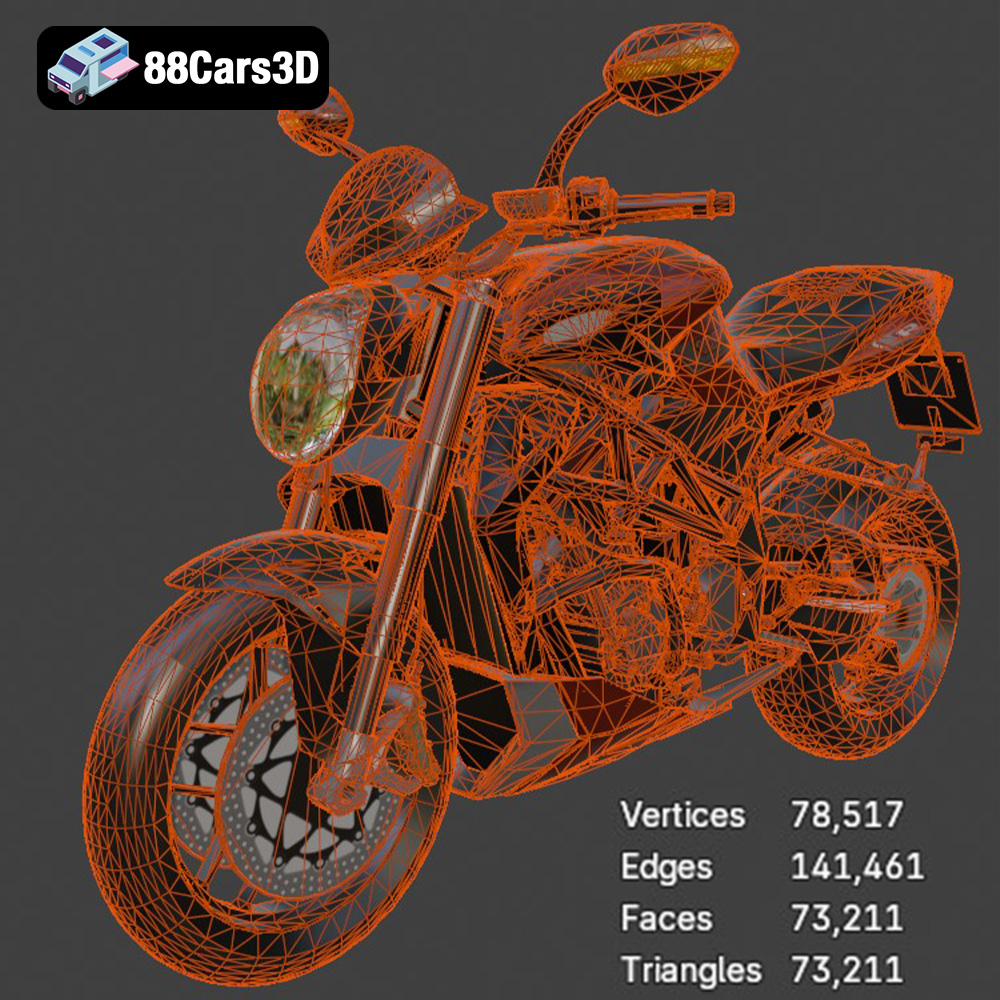
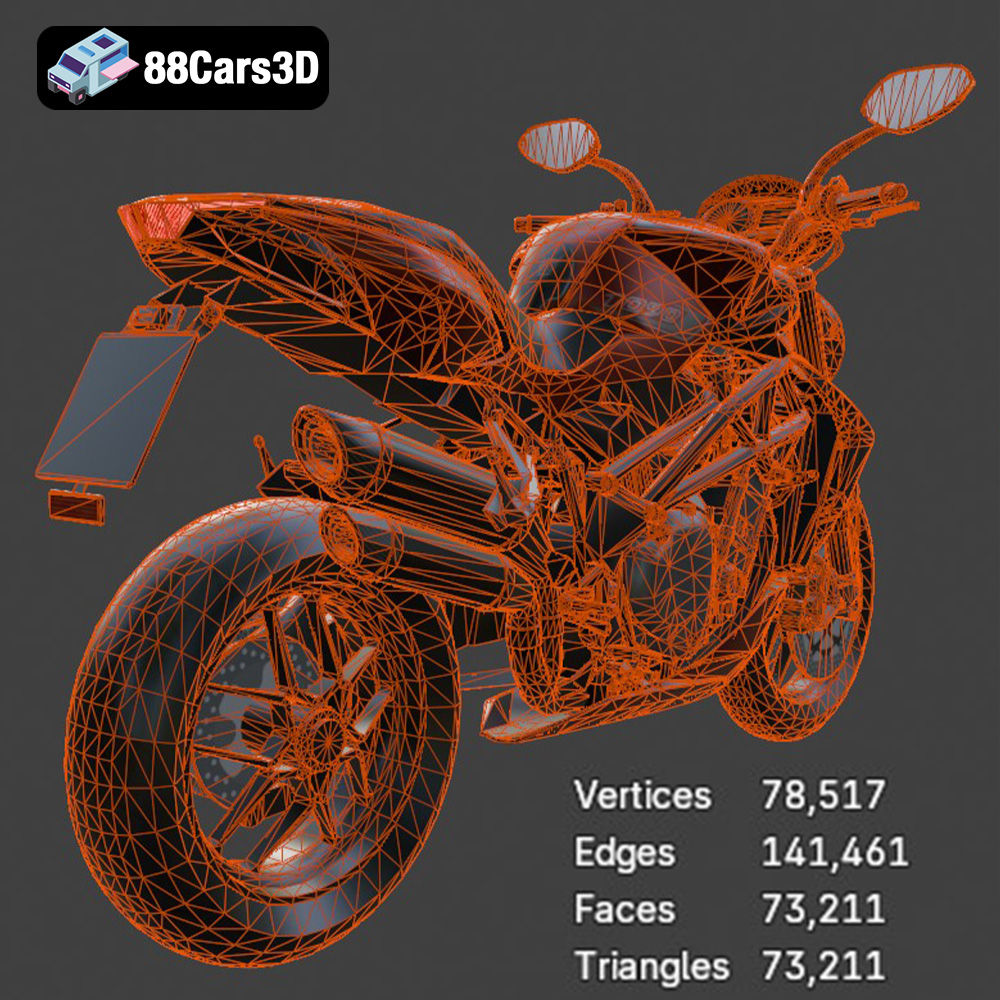
.stl (stereolithography) is the most widely used file format in 3D printing. It represents the surface geometry of a 3D object using a mesh of triangles. STL files are simple and universally compatible with slicing software, making them the go-to choice for most 3D printing projects. The MV Agusta Brutale 1090 R model available as an STL file from 88cars3d.com is specifically designed for 3D printing, ensuring a seamless transition from digital model to physical object. When working with STL files, ensure the mesh quality is high enough to capture fine details. Low-resolution STL files can result in a blocky or faceted final print.
.obj (object) is another common file format that supports both geometry and color/texture information. Unlike STL, OBJ files can define the color of individual vertices, allowing for multi-colored 3D prints if your printer supports it. While OBJ files can be used for 3D printing, they are more frequently used in rendering and animation because of their texture capabilities. If you plan to paint your 3D printed MV Agusta Brutale 1090 R model, the initial file format is less critical, as the STL’s lack of color data won’t be a limitation.
.ply (polygon file format) is designed for storing 3D data acquired from 3D scanners. It can store a variety of properties per vertex, including color, transparency, normals, and texture coordinates. While .ply offers high precision, it’s not as universally supported by slicing software as STL. For printing the Brutale 1090 R, STL is typically the preferred format unless you have specific needs related to scanned data.
.blend files are native to Blender, a popular open-source 3D creation suite. This format contains the entire Blender scene, including the model, materials, textures, lighting, and animations. Using the .blend file allows for extensive customization of the MV Agusta Brutale 1090 R model before exporting it to a 3D printable format like STL. This is ideal if you want to modify the model’s design, add details, or optimize it further for 3D printing.
.fbx (Filmbox) is a proprietary file format developed by Autodesk. It’s primarily used for exchanging data between different 3D software packages, often carrying material and animation data. While some slicing software can import FBX files, the material information is typically not directly used in the 3D printing process (unless you’re using a multi-material printer). Convert to STL for reliable printing.
.glb (GL Transmission Format Binary) is a binary file format that represents 3D models in a compact and efficient way. It’s often used for displaying 3D models in web browsers and AR applications. While .glb is great for previewing the MV Agusta Brutale 1090 R model in augmented reality before printing, it’s not directly suitable for 3D printing itself.
.max files are native to Autodesk 3ds Max, another professional 3D modeling and animation software. Similar to .blend, .max files contain the entire project, allowing for extensive modifications. If you have access to 3ds Max, this format offers the greatest flexibility for customizing the model before exporting it to a 3D printable format.
Key takeaway: For 3D printing the MV Agusta Brutale 1090 R, the .stl format is generally the best choice due to its widespread compatibility and simplicity. Ensure that the STL file has a sufficient level of detail to capture the intricate features of the motorcycle. Slicing software will process the STL file and generate the instructions for your 3D printer.
Before sending the MV Agusta Brutale 1090 R model to your 3D printer, proper preparation is crucial to ensure a successful print. This involves several steps, including model inspection, repair, scaling, and orientation.
Even high-quality 3D models may contain imperfections that can hinder the printing process. Use software like MeshMixer, Netfabb, or the repair tools within your slicing software to inspect the model for issues such as:
Repairing these issues will ensure a watertight model, which is essential for successful 3D printing. These tools automatically detect and fix common problems, ensuring the model is printable.
The MV Agusta Brutale 1090 R model comes with recommended scales of 1:12, 1:18, and 1:24. Choose a scale that suits your printer’s build volume and desired level of detail. Larger scales will capture more intricate features but require more material and print time. The model description available at 88cars3d.com gives guidance on suitable scales. Once you’ve chosen a scale, carefully consider the print orientation. Orientation significantly impacts the need for supports, print time, and surface finish. For the Brutale 1090 R:
Slicing software converts the 3D model into a series of layers that the printer can understand. Popular options include Cura, PrusaSlicer, Simplify3D, and Chitubox (for resin printing). The choice of slicer depends on your printer type and personal preference. Key settings to adjust include:
The choice of material significantly affects the final appearance, strength, and detail of your 3D printed MV Agusta Brutale 1090 R model. Here’s a breakdown of common materials and their suitability:
PLA is a popular, biodegradable thermoplastic known for its ease of use and low printing temperature. It’s a good choice for beginners and general-purpose printing. PLA produces decent detail and is available in a wide range of colors. However, PLA is relatively brittle and not ideal for parts that require high strength or heat resistance. It is also susceptible to warping in larger prints if the printer bed is not properly heated or enclosed.
PETG combines the ease of printing of PLA with improved strength and flexibility. It’s more durable and heat-resistant than PLA, making it a good choice for parts that may experience some stress. PETG also offers good layer adhesion and a glossy finish. PETG can be slightly more challenging to print than PLA, requiring careful adjustment of temperature and retraction settings to avoid stringing.
ABS is a strong, heat-resistant thermoplastic commonly used in injection molding. It’s a good choice for parts that require high strength and durability. However, ABS is more difficult to print than PLA and PETG, requiring a heated bed and enclosure to prevent warping and cracking. It also releases fumes during printing, so adequate ventilation is necessary.
Resin printing (Stereolithography or Digital Light Processing) offers the highest level of detail and surface finish, making it ideal for small, intricate parts like the MV Agusta Brutale 1090 R’s engine components, mirrors, and handlebars. Resin printers use liquid photopolymer resin that is cured by UV light. Resin prints are generally more brittle than FDM prints and require post-curing to achieve their final properties. Resin printing can also be more expensive than FDM printing due to the cost of resin and specialized equipment.
Recommendation: For the MV Agusta Brutale 1090 R, PLA or PETG are suitable for the larger parts like the frame and wheels, while resin printing is highly recommended for the smaller, more detailed components. This hybrid approach combines the cost-effectiveness and ease of use of FDM printing with the high detail capabilities of resin printing.
Achieving a high-quality 3D print of the MV Agusta Brutale 1090 R requires fine-tuning your printer settings based on the chosen material and printer type. Here are some recommended settings:
Regardless of the material, optimize support settings to minimize material usage and ease of removal. Use tree supports or manually placed supports to target specific overhanging features. Adjust support density and interface settings to achieve a balance between support strength and surface finish.
Once the printing is complete, post-processing is essential to achieve a professional-looking finish. This may involve removing supports, sanding, filling, priming, and painting.
Carefully remove supports using pliers or a sharp knife. Be gentle to avoid damaging the model. Use sandpaper to smooth any rough surfaces or support scars. Start with coarse-grit sandpaper (e.g., 220-grit) and gradually move to finer grits (e.g., 400-grit, 600-grit) to achieve a smooth finish.
For larger gaps or imperfections, use a filler like spot putty or Bondo to fill them in. Sand the filler smooth once it has dried. Apply a primer to the entire model to create a uniform surface for painting. Primer also helps to improve paint adhesion.
Painting is where the MV Agusta Brutale 1090 R truly comes to life. Use high-quality acrylic paints or automotive paints for a durable and realistic finish. Apply multiple thin coats for best results. Consider using masking tape to create sharp lines and separate different color areas. Add details like panel lines, rivets, and logos using fine-tipped brushes or paint markers. The detailed model available from 88cars3d.com provides an excellent base for applying accurate paint schemes. Clear coating after painting will protect the finish and add a glossy or matte sheen.
If the model was printed in multiple parts, carefully assemble them using glue or epoxy. Ensure proper alignment and secure bonding. Consider using small metal pins or rods to reinforce joints for added strength.
Even with careful preparation, you may encounter some common printing issues. Here are some troubleshooting tips:
Warping occurs when the corners of the print lift off the build plate. To prevent warping, ensure the build plate is clean and level, use a heated bed (for FDM), and consider using an enclosure to maintain a consistent temperature.
Stringing is caused by excessive filament oozing from the nozzle during travel moves. To reduce stringing, adjust retraction settings, lower the nozzle temperature, and increase travel speed.
Poor layer adhesion can result in weak or delaminated prints. To improve layer adhesion, increase the nozzle temperature, decrease the print speed, and ensure the bed is properly leveled.
Supports that are difficult to remove or leave excessive marks can be frustrating. Optimize support settings to minimize material usage and ease of removal. Consider using tree supports or manually placed supports.
The print time and material cost for the MV Agusta Brutale 1090 R model will vary depending on the scale, material, and printer settings. A 1:12 scale model printed in PLA could take anywhere from 20 to 40 hours to print, depending on the infill and layer height. Material costs could range from $10 to $30. Resin prints, while offering higher detail, may take longer per part and can be more expensive due to the resin cost.
3D printing the MV Agusta Brutale 1090 R is a rewarding project that combines technical skill with artistic expression. By understanding the nuances of file formats, carefully preparing the model, selecting the right materials, optimizing printer settings, and mastering post-processing techniques, you can create a stunning replica of this iconic motorcycle. Remember to leverage the resources available, including the high-quality models from 88cars3d.com, to bring your vision to life. Happy printing!
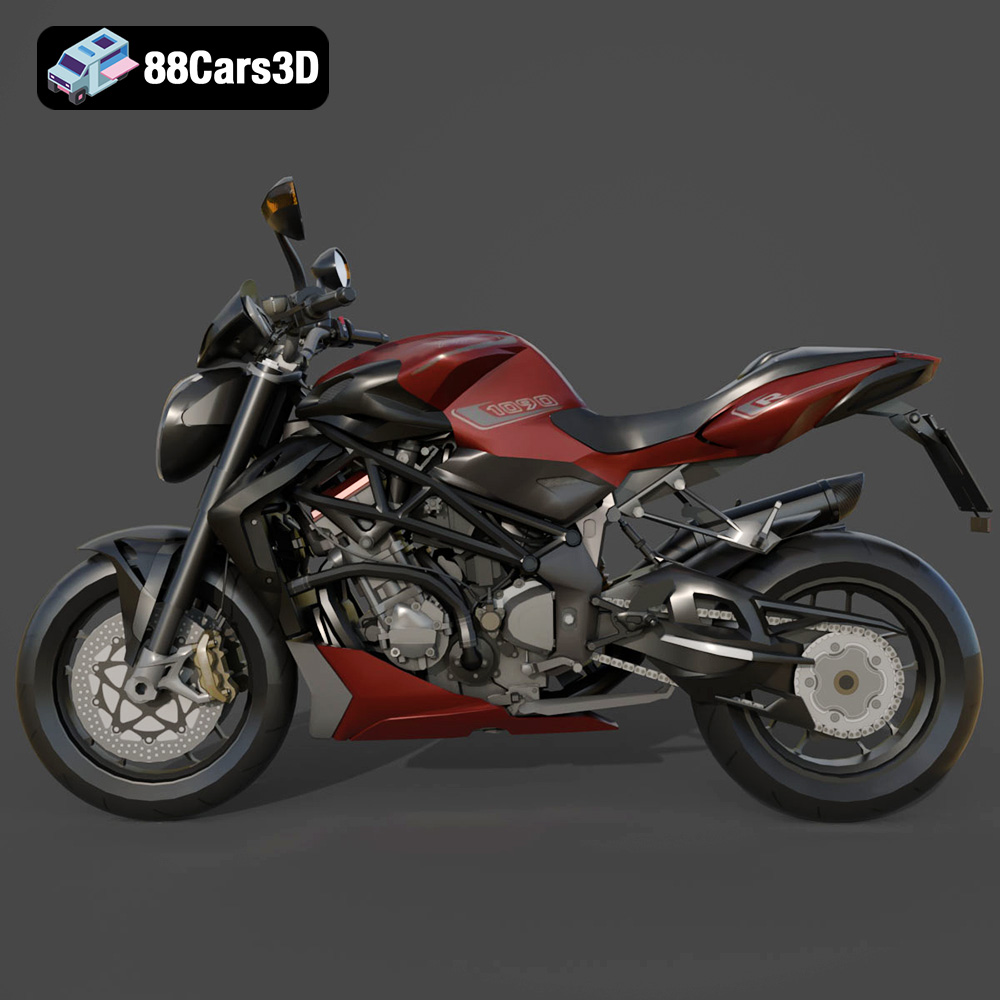
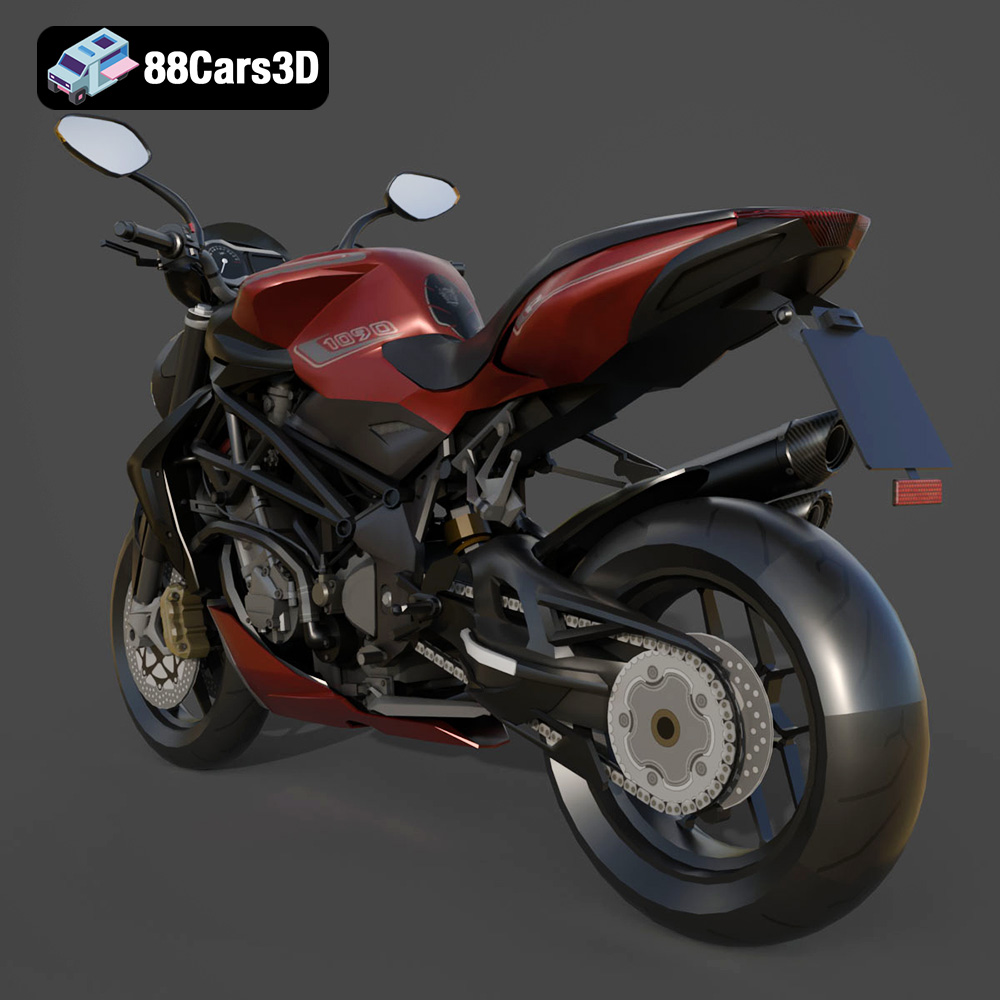
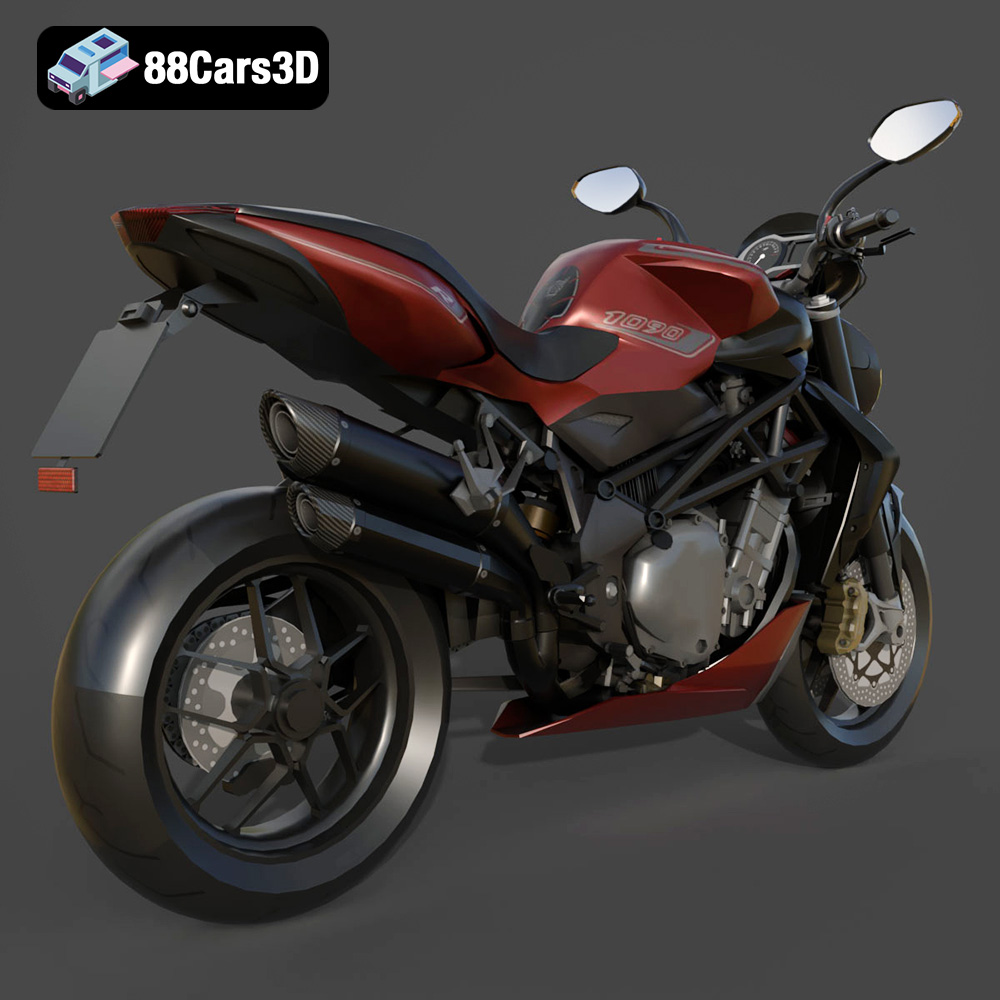
The MV Agusta Brutale 1090 R is a masterpiece of Italian motorcycle engineering, renowned for its aggressive naked bike styling, thrilling performance, and iconic exposed trellis frame. This 3D model perfectly captures the essence of the Brutale lineage, featuring its signature muscular fuel tank, distinctive teardrop headlight assembly, and the raw mechanical beauty of its 1078cc inline-four engine. Perfect for high-speed racing simulations, urban lifestyle visualizations, virtual showroom experiences, and dynamic action animations. Convertible to .stl format for display-scale hobbyists.
$39.99