Get 20% OFF All Premium 3D & STL Models!

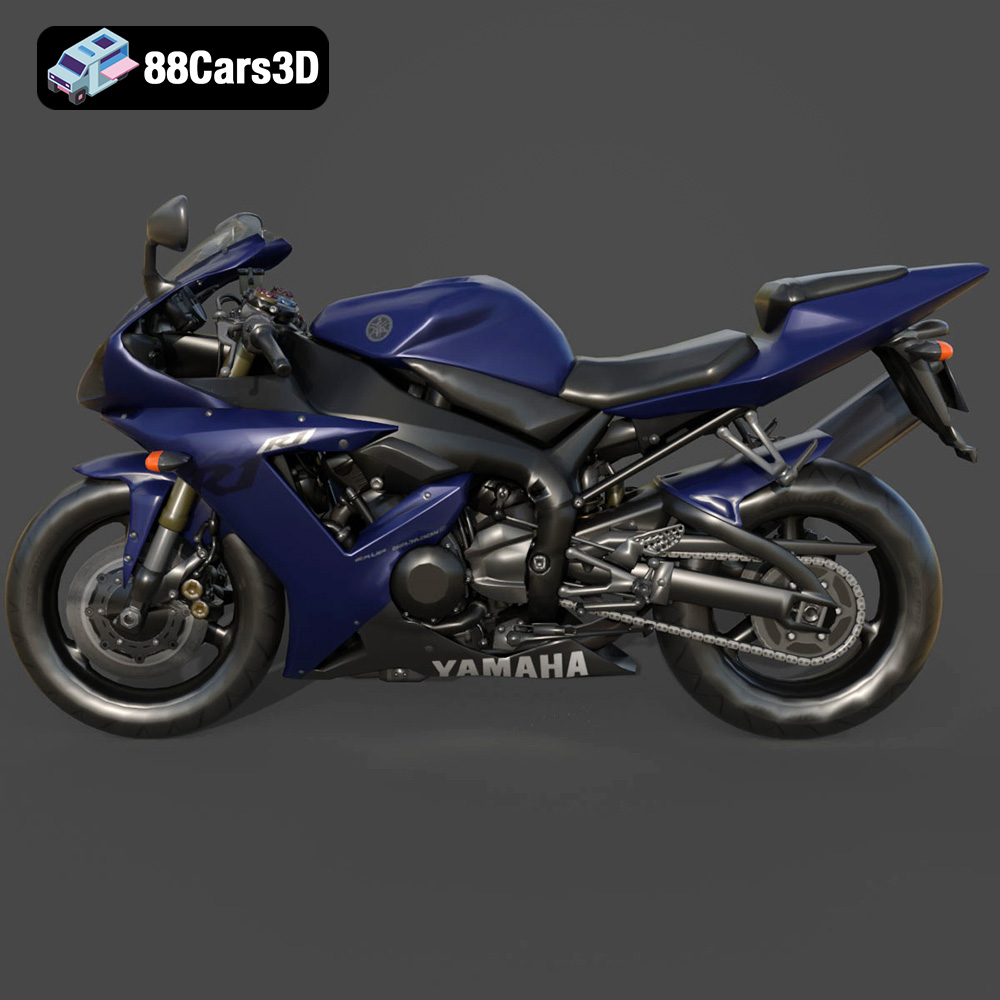
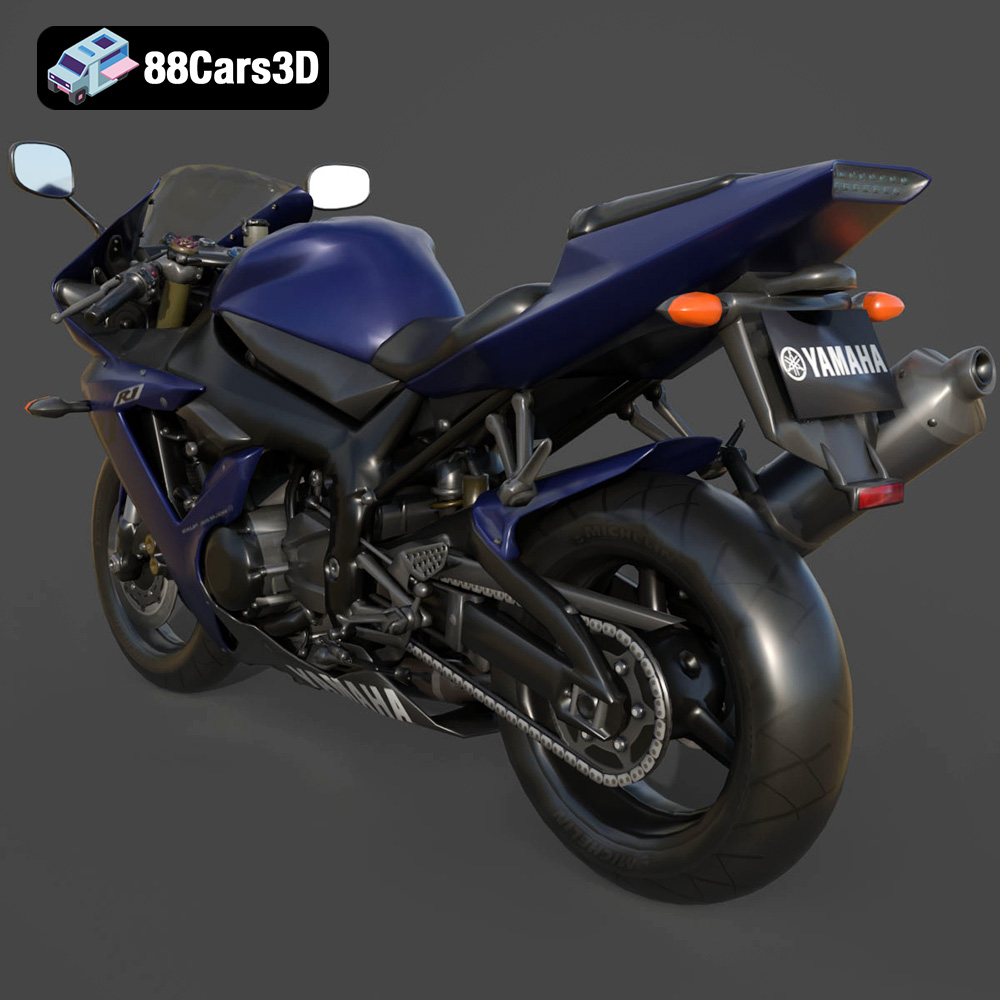
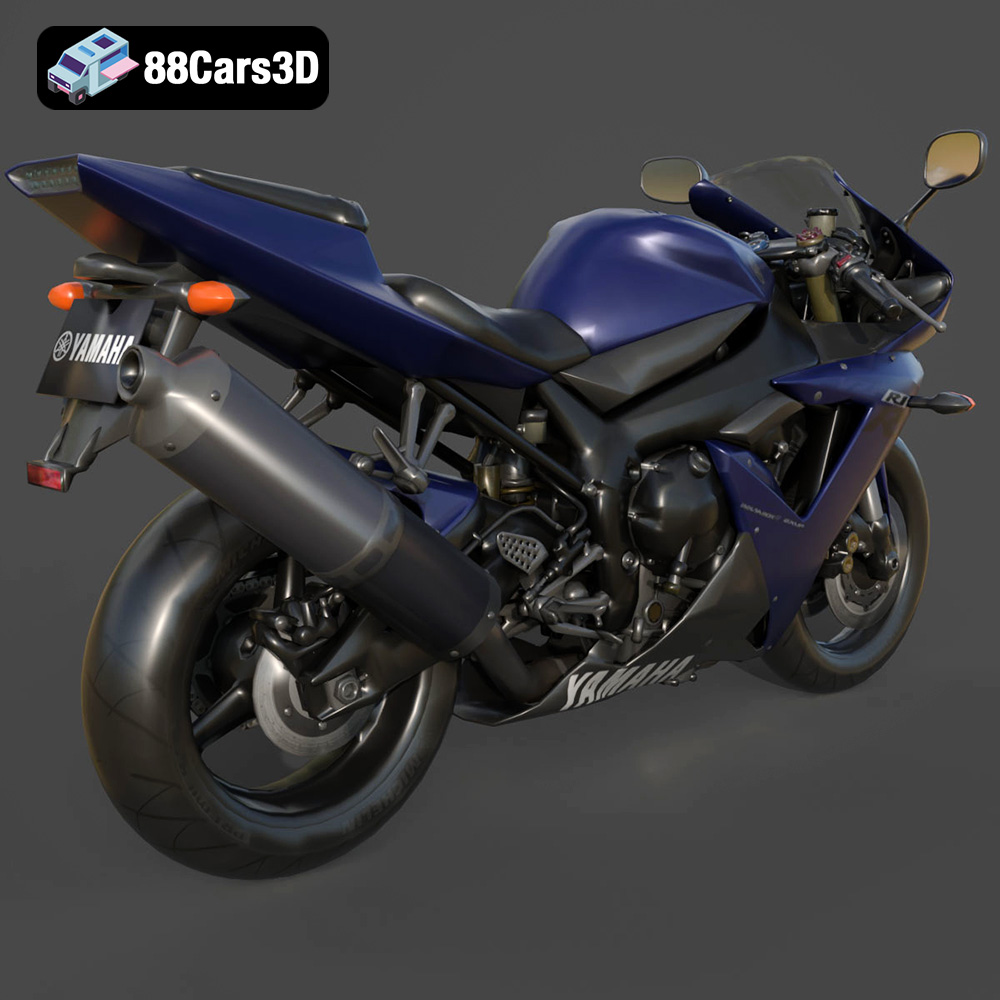
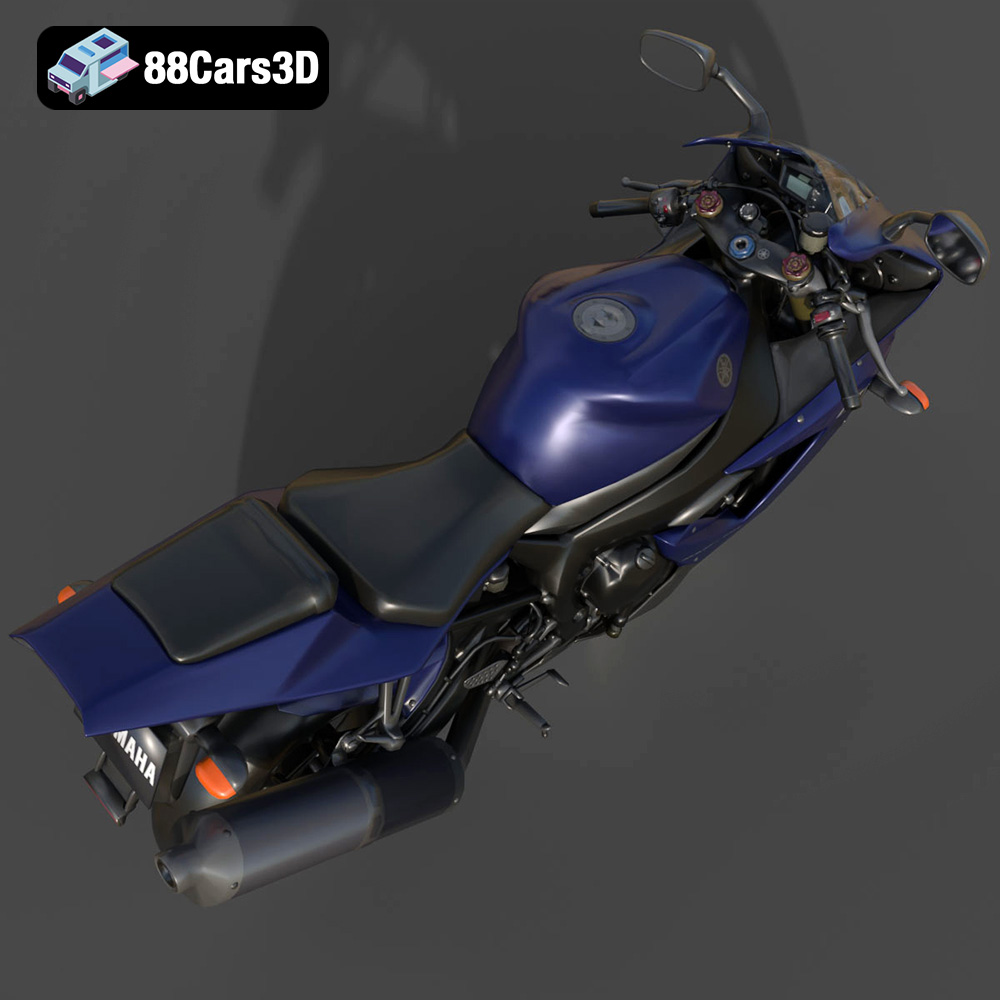
The Yamaha R1. A name synonymous with speed, agility, and cutting-edge motorcycle engineering. Now, thanks to the detailed 3D model available at 88cars3d.com, you can bring this iconic superbike to life with your 3D printer. This blog post will guide you through the entire process of 3D printing the Yamaha R1, from initial model preparation to the final, stunning result. We’ll cover everything from selecting the right materials and printer settings to post-processing techniques that will make your 3D printed R1 a true showstopper. Whether you’re a seasoned 3D printing enthusiast or a beginner, this guide will provide you with the knowledge and confidence to tackle this exciting project.
Before hitting the print button, careful preparation of the 3D model is crucial for a successful outcome. This involves checking the model’s integrity, orienting it correctly for printing, and choosing the right slicing software settings.
Even high-quality 3D models can sometimes have minor imperfections that can cause problems during printing. Before slicing, it’s essential to inspect the model for any errors such as non-manifold edges, holes, or flipped normals. Software like MeshMixer, Netfabb, or even the built-in repair tools in some slicing software can automatically detect and repair these issues. For the Yamaha R1 model from 88cars3d.com, pay close attention to areas like the intricate exhaust system, the thin fairing vents, and the small details on the handlebars, as these are the most susceptible to errors. Run a thorough repair process to ensure a watertight and printable model.
The orientation of the model on the print bed significantly impacts print quality, support material usage, and structural integrity. For the Yamaha R1, consider printing the frame angled, as suggested, to maximize its strength along the longest axis. This also reduces the need for extensive supports under the main body. Wheels should be printed separately, ideally with the tire tread facing upwards to preserve the detail. Critical features such as the exhaust, mirrors, and handlebars will require support structures. Use a slicer like Cura or PrusaSlicer to carefully place supports, prioritizing ease of removal and minimizing scarring on visible surfaces. Consider using tree supports or light supports for delicate areas to reduce the risk of damage during removal.
The product description suggests scales of 1:12, 1:18, or 1:24. Choose a scale that suits your printer’s build volume and desired level of detail. A larger scale (e.g., 1:12) will allow for more intricate features to be printed with greater fidelity, but will also require more material and longer print times. Before scaling, consider the smallest features of the model and ensure they will be printable at your chosen scale. For instance, at a very small scale, the handlebar grips may become too thin to print reliably.
Choosing the correct file format is a fundamental step in the 3D printing workflow. The Yamaha R1 3D model from 88cars3d.com includes several formats, each with its strengths and weaknesses. Understanding these formats is crucial for a smooth and successful printing experience.
The .stl (stereolithography) file format is the de facto standard for 3D printing. It represents the 3D model’s surface as a mesh of triangles. This simplicity makes it universally compatible with slicing software and 3D printers. However, .stl files only store geometric data (the shape of the object) and do not contain information about color, texture, or materials. For 3D printing, especially with FDM (Fused Deposition Modeling) or SLA (Stereolithography) printers, .stl is the most common and reliable choice. The Yamaha R1’s .stl file will provide the necessary geometric data for your slicer to generate toolpaths and instructions for your printer.
The .obj (object) file format is more versatile than .stl, as it can store color and texture information in addition to the geometric data. This makes it suitable for applications like rendering, game development, and AR/VR, where visual appearance is paramount. However, not all 3D printers support color printing, and even those that do may not directly interpret .obj files. You would typically need to convert the .obj file to a printer-specific format or use specialized software to manage color information.
The .ply (polygon) format is designed for storing 3D data acquired from 3D scanners. It can handle very high-resolution meshes and store additional data like vertex normals and colors. While .ply files can be imported into some slicing software, they are generally not the preferred format for 3D printing due to their complexity and potential for large file sizes. The level of detail in a .ply file might be unnecessary for most 3D printing applications, leading to longer processing times and no significant improvement in the final print.
Formats like .blend (Blender), .fbx (Autodesk Filmbox), .glb (GL Transmission Format), and .max (3ds Max) are primarily intended for editing, animation, and real-time rendering. These formats contain complex scene data, including lights, cameras, materials, and animations. While you can open these files in their respective software and potentially export them as .stl for 3D printing, they are not directly compatible with slicing software. These formats are valuable if you wish to modify the Yamaha R1 model before printing, perhaps to add custom details or adapt it for a specific purpose. The .glb format is particularly useful for previewing the model in augmented reality (AR) applications before committing to a print.
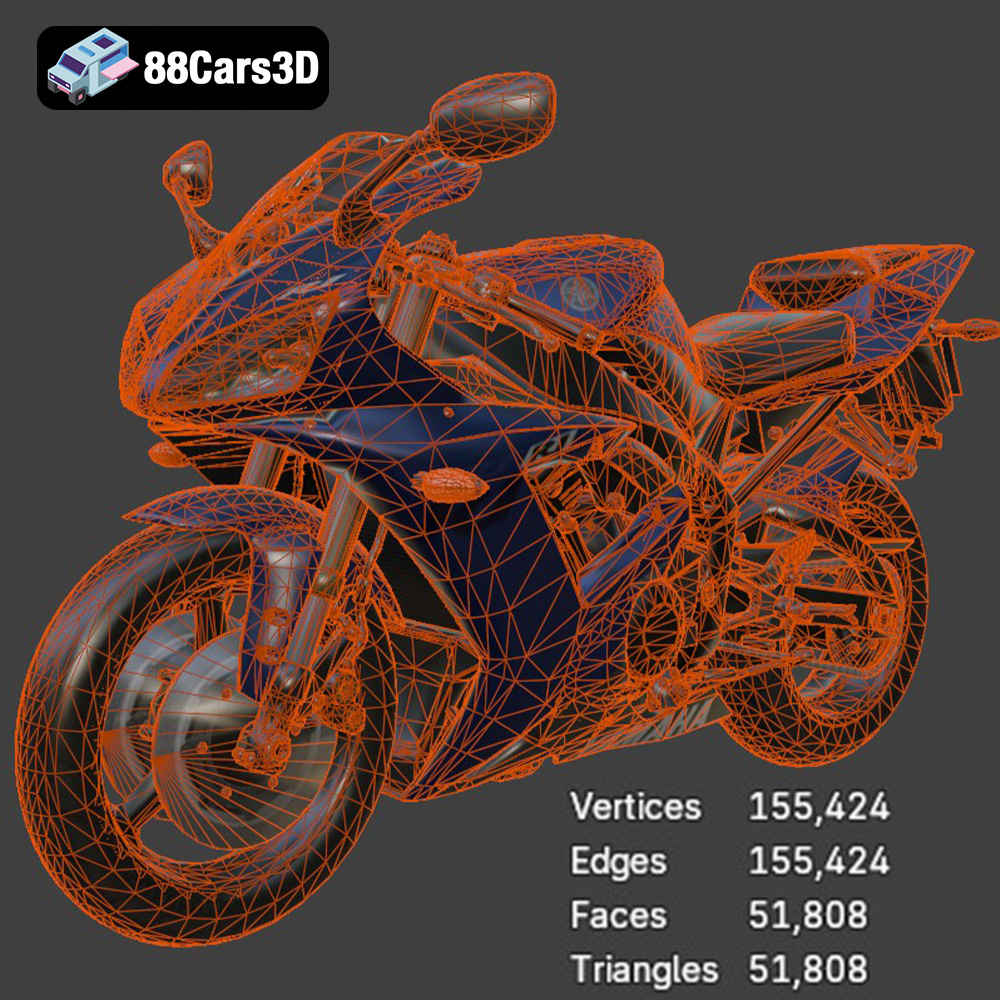
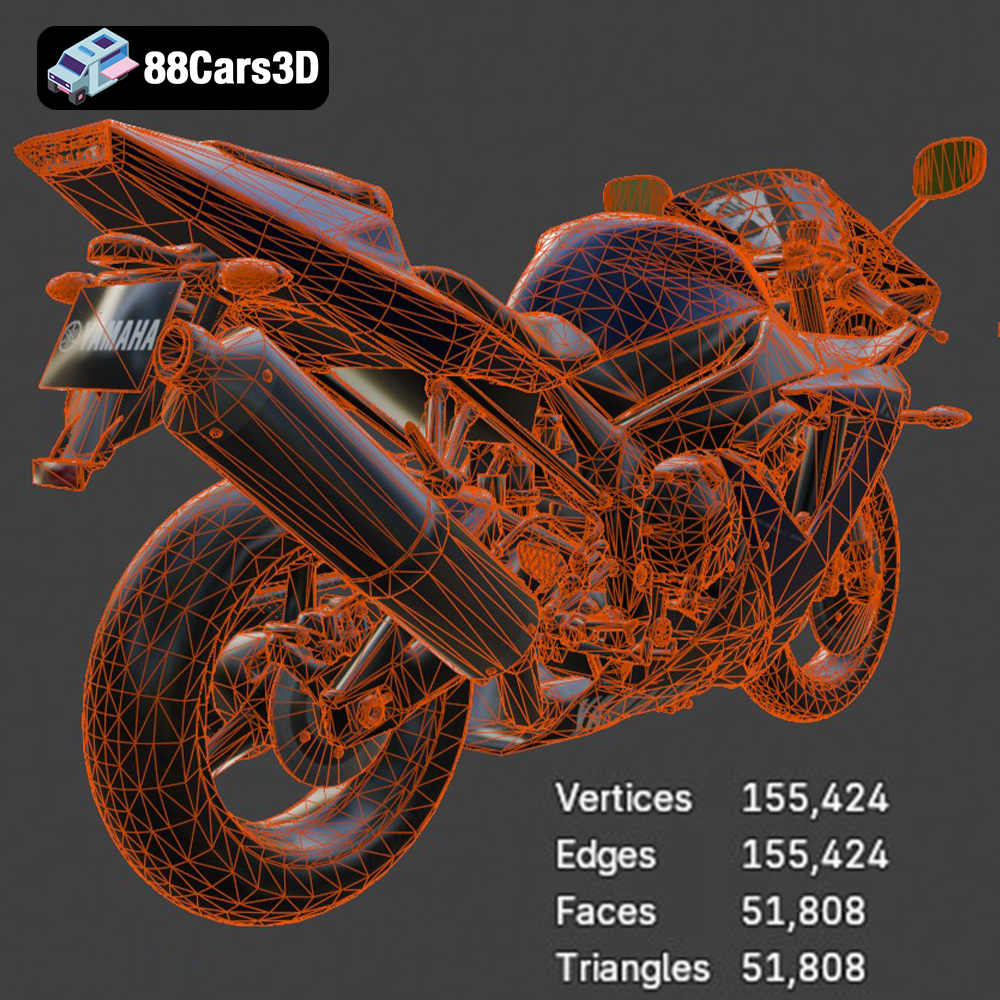
Regardless of the original file format, the ultimate goal is to import a clean, well-defined mesh into your slicing software. Ensure that the imported mesh is free of errors, such as holes, self-intersections, or flipped normals. High-quality meshes generally result in better prints, but excessive detail can lead to unnecessarily large files and longer slicing times. The optimized topology of approximately 180,000 triangles in the Yamaha R1 model from 88cars3d.com strikes a good balance between detail and performance, making it well-suited for 3D printing.
The choice of material greatly influences the appearance, strength, and durability of your 3D printed Yamaha R1. Different materials offer varying levels of detail, impact resistance, and ease of post-processing.
For FDM (Fused Deposition Modeling) printers, PLA (Polylactic Acid) is an excellent starting point. It’s biodegradable, easy to print, and offers good detail. However, PLA is not very heat resistant and can become brittle over time. PETG (Polyethylene Terephthalate Glycol-modified) offers a good balance of strength, flexibility, and temperature resistance. It’s a great choice for parts that need to withstand some stress or outdoor use. ABS (Acrylonitrile Butadiene Styrene) is known for its high strength and heat resistance, but it requires a heated bed and enclosure to prevent warping. It’s suitable for parts that need to be durable and resistant to impact.
Resin printing, using SLA (Stereolithography) or DLP (Digital Light Processing) technology, excels at producing highly detailed parts with smooth surfaces. This makes it ideal for intricate components like the engine block, exhaust system, and fine details on the handlebars of the Yamaha R1. Standard resin is a good option for display models, while tough or engineering resins offer increased strength and impact resistance. Flexible resins can be used for parts like tires or grips, adding a touch of realism.
For a purely aesthetic, display-oriented model, PLA or standard resin are suitable choices. If you intend to handle the model frequently or subject it to some stress, PETG or a tough resin would be more appropriate. For functional parts or areas requiring flexibility, consider using ABS or a flexible resin. Remember to choose materials that are compatible with your specific 3D printer and that meet your project’s requirements.
Fine-tuning your printer settings is crucial for achieving the desired level of detail and strength in your 3D printed Yamaha R1. These settings will vary depending on your printer, material, and desired outcome.
Layer height directly affects the print resolution and surface finish. A lower layer height (e.g., 0.04mm for resin, 0.1mm for FDM) produces smoother surfaces and captures finer details, but it also increases print time. A higher layer height (e.g., 0.12mm for resin, 0.2mm for FDM) results in faster prints but with a less refined surface finish. As the product description suggests layer heights of 0.04–0.12 mm, if printing with resin aim for the lower end of the range to capture the intricate details of the Yamaha R1.
Infill density determines the internal solidity of the print. A higher infill density increases strength but also consumes more material and extends print time. For a display model, a lower infill density (e.g., 20-30%) is usually sufficient. For parts that need to withstand stress, a higher infill density (e.g., 50-70%) or a stronger infill pattern (e.g., gyroid, honeycomb) may be necessary. The suggested 20-30% infill is appropriate for the Yamaha R1 model, as it prioritizes aesthetics over structural strength.
Print speed and temperature are critical for adhesion and preventing warping. Refer to the material manufacturer’s recommendations for optimal settings. Printing too fast or too cold can lead to poor layer adhesion, while printing too hot can cause stringing or warping. Adjust these settings gradually until you achieve a balance between print quality and speed.
Post-processing is the final step in transforming your 3D printed parts into a polished and professional-looking model. This involves removing supports, sanding, priming, painting, and assembling the various components.
Carefully remove support structures using pliers or cutters. Take your time to avoid damaging the model’s surface. Once the supports are removed, use sandpaper of varying grits (e.g., 220, 400, 600) to smooth out any imperfections and layer lines. Start with a coarser grit and gradually move to finer grits for a smooth, paint-ready surface. Pay particular attention to areas where supports were attached, as these are most likely to have blemishes.
Apply a primer coat to the sanded parts to create a uniform surface for painting. Primer also helps the paint adhere better and reveals any remaining imperfections that need further sanding. Once the primer is dry, apply several thin coats of paint, allowing each coat to dry completely before applying the next. The product description recommends using authentic factory colors with metallic finishes to capture the true essence of the Yamaha R1. Consider using masking tape to create intricate paint schemes and separate different colored areas.
After painting, carefully assemble the individual parts using glue or other suitable adhesives. Ensure that all parts fit together properly and align correctly. Add any final details, such as decals or clear coats, to enhance the realism and protect the paint.
Even with careful preparation, you may encounter some challenges during the 3D printing process. Here are some common issues and their solutions:
Warping occurs when the printed part detaches from the print bed due to uneven cooling. Ensure that your print bed is properly leveled and heated. Use a bed adhesive, such as glue stick or hairspray, to improve adhesion. For materials like ABS, use an enclosed printer to maintain a consistent temperature.
Stringing occurs when the printer nozzle oozes material during travel moves. This can be caused by high printing temperatures, slow retraction speeds, or excessive travel distances. Lower the printing temperature, increase retraction speed, and enable travel avoidance settings in your slicing software.
If you’re not achieving the desired level of detail, try reducing the layer height, slowing down the print speed, and increasing the resolution settings in your slicing software. Ensure that your printer is properly calibrated and that your filament or resin is fresh and dry.
The print time and material cost for the Yamaha R1 model will vary depending on the scale, material, printer settings, and printer used. However, you can estimate the print time and material cost using your slicing software. A 1:12 scale model printed in PLA with a 20% infill could take anywhere from 20 to 40 hours to print and consume 200-400 grams of filament. A resin print at the same scale could take 10-20 hours and consume a similar volume of resin. Always factor in the cost of supports and potential failed prints when estimating the total cost.
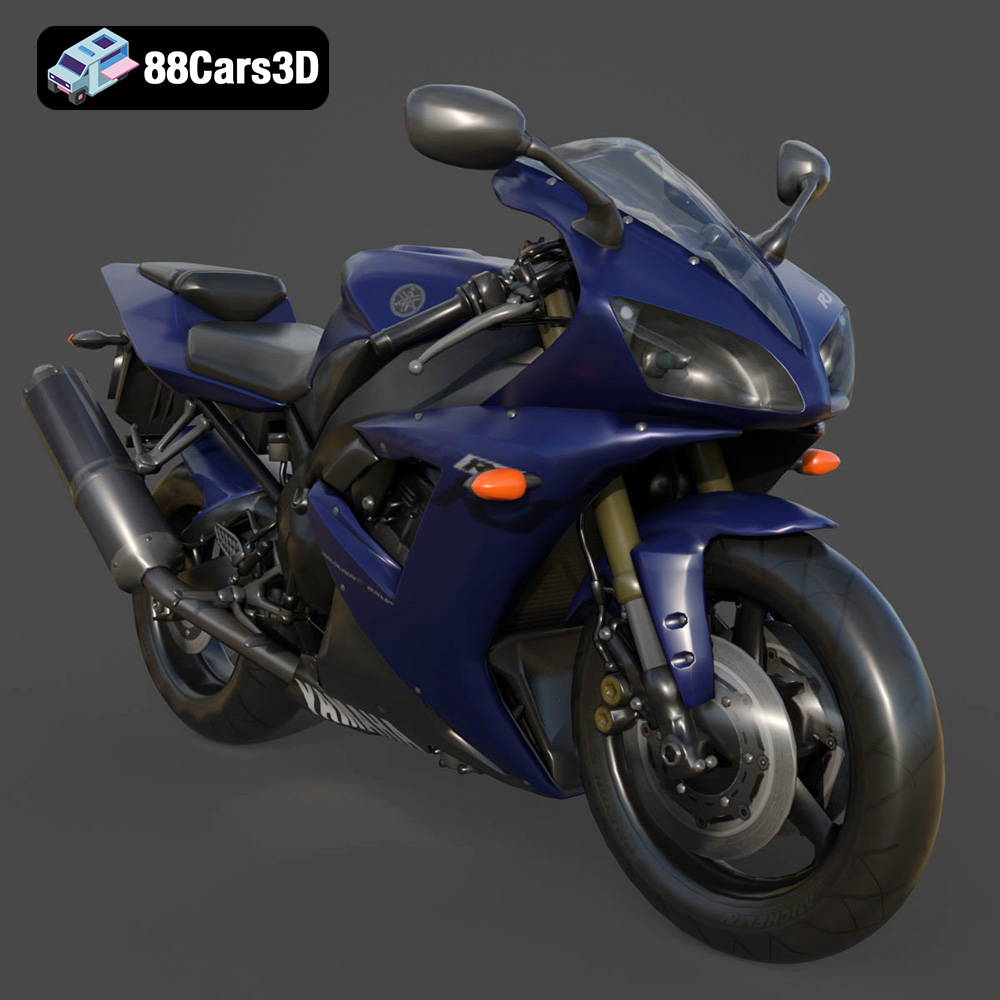
Experience the thrill of the track with this meticulously crafted 3D model of the legendary Yamaha R1. Known for its superbike heritage and uncompromising performance, the R1 features aggressive aerodynamic styling, a commanding Deltabox frame, and the iconic 998cc inline-4 crossplane engine. Perfect for next-gen racing games, mobile AR configurators, brand visualizations, and high-fidelity studio rendering.
$19.99
3D printing the Yamaha R1 model from 88cars3d.com is a rewarding project that combines technical skill with a passion for iconic motorcycles. By carefully preparing the model, selecting the appropriate materials and printer settings, and employing effective post-processing techniques, you can create a stunning replica that captures the essence of this legendary superbike. Remember to experiment with different settings and materials to find what works best for your printer and desired outcome. With patience and attention to detail, you’ll be able to unleash the beast and bring the Yamaha R1 to life in your own home. Happy printing!
.blend
.fbx
.glb
.max
.motorcycle
.obj
.ply
.rendering
.sportbike
.stl
.superbike
.unreal
.yamaha
game asset
game-ready
low-poly
motorcycle-3d-model
optimized
r1
VR/AR
yamaha-r1