Get 20% OFF All Premium 3D & STL Models!

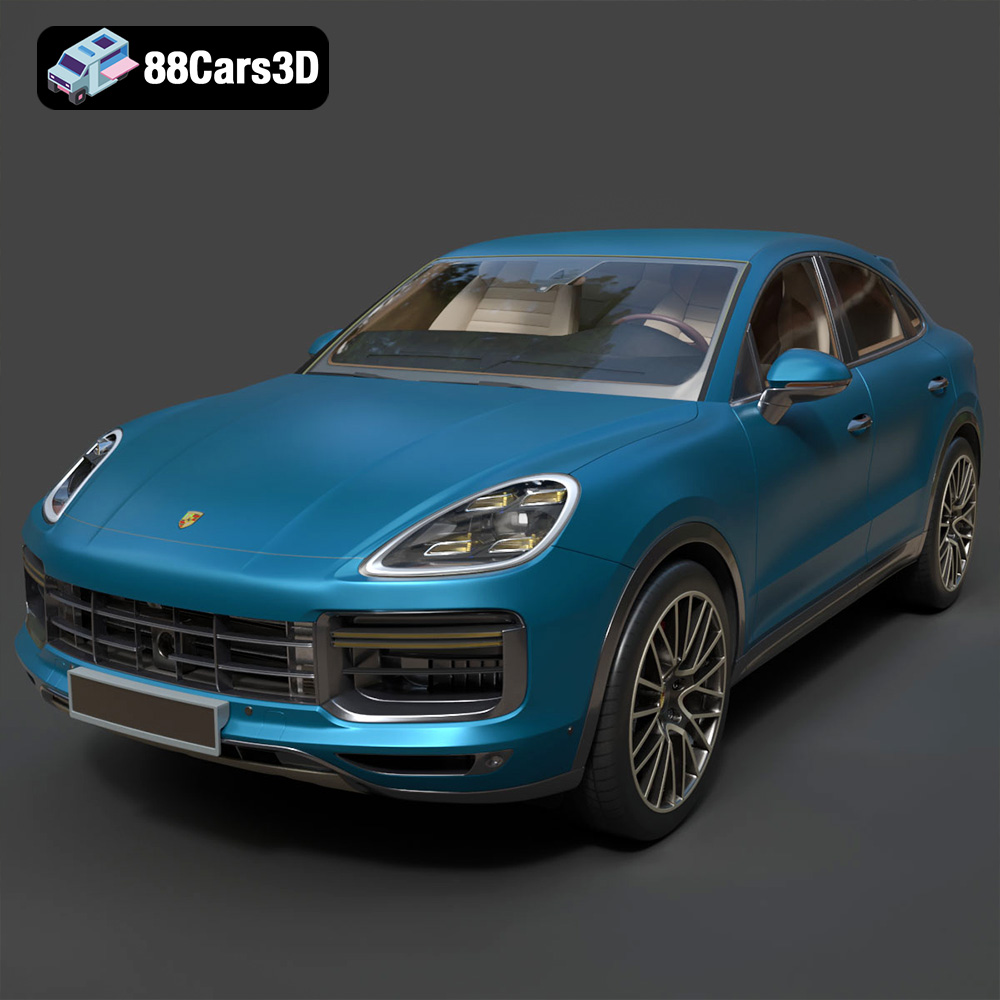
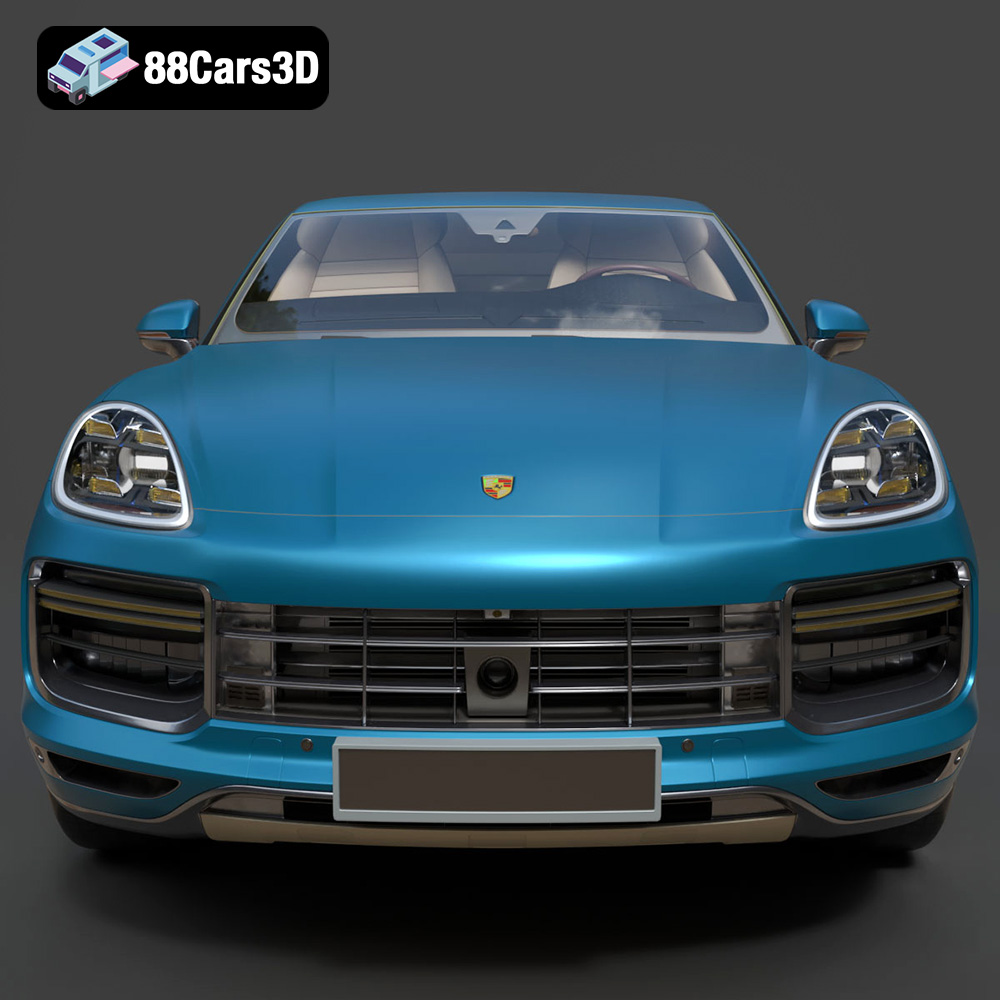
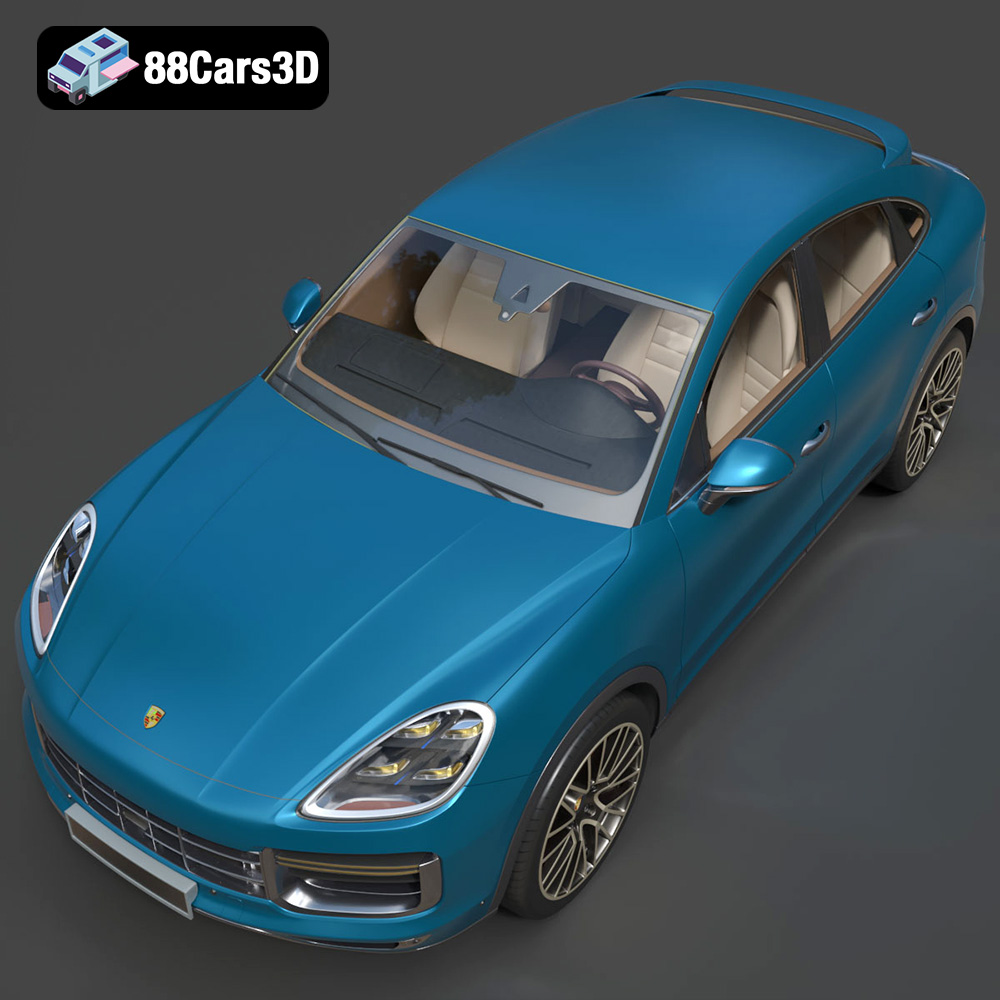
The Porsche Cayenne Turbo Coupe 2020 – a fusion of luxury, performance, and head-turning design. Now, imagine holding that power in your hands, a meticulously crafted replica brought to life through the magic of 3D printing. At 88cars3d.com, you can find detailed 3D models like this one, optimized for various applications, including the increasingly popular realm of 3D printing. This article will guide you through the process of 3D printing this iconic vehicle, covering everything from file preparation to post-processing, ensuring you achieve a stunning result.
The first step in your 3D printing journey is selecting the right printer. Two primary technologies dominate the desktop 3D printing market: Fused Deposition Modeling (FDM) and Stereolithography (SLA) resin printing. Each has its strengths and weaknesses, influencing the final outcome of your 3D printed Porsche Cayenne Turbo Coupe 2020.
FDM printers are known for their affordability and ease of use. They work by melting and extruding thermoplastic filaments like PLA, PETG, and ABS, building the model layer by layer. For the Cayenne Turbo Coupe, FDM printing offers a cost-effective option, especially for larger scale models. However, achieving the fine details present in the model, such as the intricate grilles or the sharp body lines, can be challenging with standard FDM setups. Consider using a smaller nozzle (0.4mm or even 0.25mm) and lower layer heights to improve resolution.
Resin printers utilize light-sensitive liquid resin to create objects. A UV light source cures the resin layer by layer, resulting in incredibly detailed prints. Resin printing is highly recommended for the Porsche Cayenne Turbo Coupe 2020, particularly if you aim to capture its complex exterior features, as mentioned in the product description. The smoother surface finish and higher resolution of resin prints minimize the need for extensive post-processing. While resin printers tend to be more expensive and require more careful handling of materials, the superior quality justifies the investment for detailed models.
Before diving into slicing and printing, it’s crucial to understand the different file formats included with the Porsche Cayenne Turbo Coupe 2020 model. Each format caters to specific applications, and knowing their strengths will help you choose the right one for 3D printing.
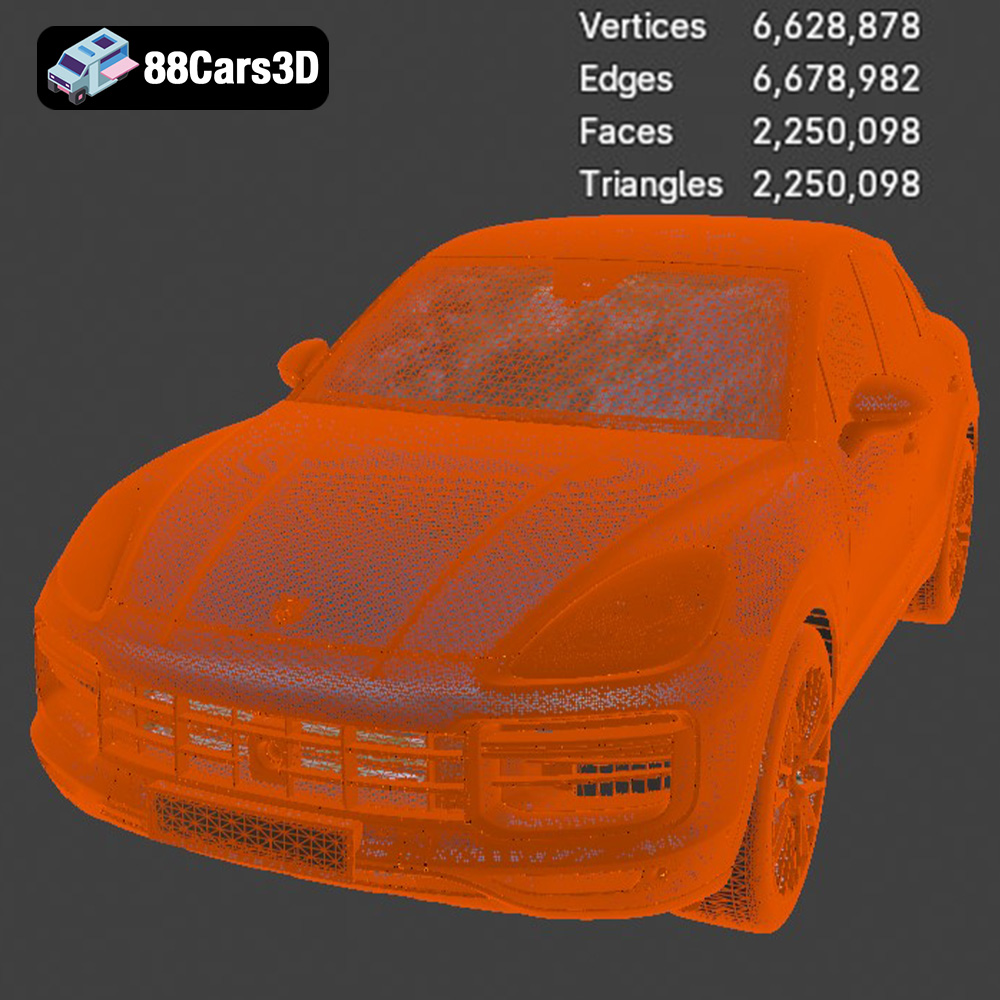
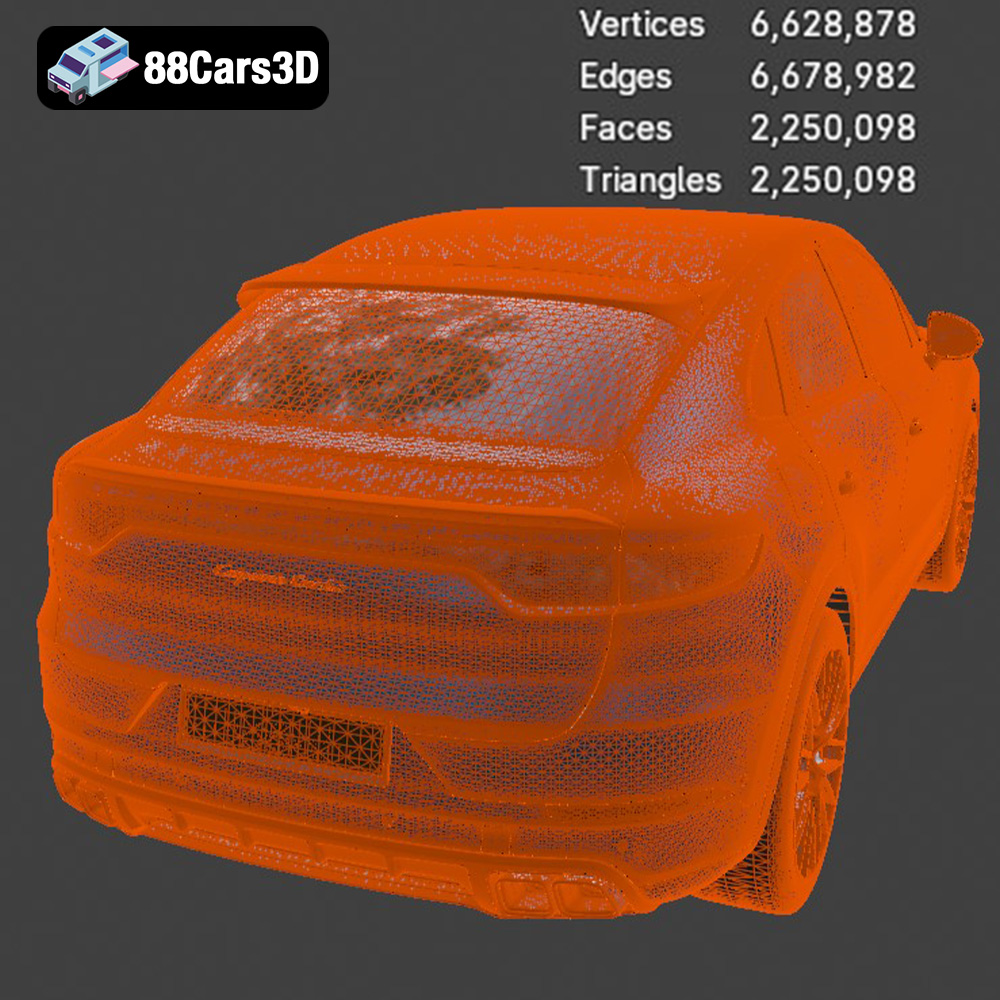
The .stl (Stereolithography) file format is the workhorse of 3D printing. It represents the 3D model’s surface geometry using a mesh of triangles. This format is universally compatible with slicing software and 3D printers, making it the go-to choice for most 3D printing applications. While .stl files don’t contain color or texture information, they efficiently define the shape of the object. For the Porsche Cayenne Turbo Coupe 2020, the .stl file will be your primary format for preparing the model for printing. When exporting to STL, pay close attention to the mesh quality. Higher resolution STL exports will result in smoother prints but will also increase file size and slicing time.
The .obj (Object) file format is another widely used format that, unlike .stl, can store color and texture information. This makes it suitable for applications where visual appearance is crucial, such as rendering and visualization. However, most 3D printers do not support printing in full color directly from an .obj file. You could potentially use this format with specialized multi-material printers or for texture mapping in post-processing.
The .ply (Polygon) file format is known for its ability to store high-detail mesh data, including color and surface normals. It’s often used for 3D scanning and reverse engineering. While .ply can be used for 3D printing, it’s less common than .stl due to its larger file size and potential compatibility issues with some slicing software.
The .blend file is the native format for Blender, a popular open-source 3D modeling software. This format allows you to directly modify the Porsche Cayenne Turbo Coupe 2020 model before exporting it for 3D printing. You can adjust the geometry, add details, or separate parts for easier printing. This is ideal if you wish to customize the model extensively before printing.
The .fbx (Filmbox) file format is a proprietary format developed by Autodesk. It supports a wide range of data, including geometry, textures, materials, and animations. While primarily used for game development and animation, .fbx can sometimes be imported into slicing software, although its use is less common than .stl for 3D printing preparation.
The .glb (GL Transmission Format Binary) is a file format designed for efficient transmission and loading of 3D models in web and AR/VR applications. It’s a binary format that includes geometry, textures, and animations in a single file. Before committing to a print, the .glb format can be used to preview the Cayenne Turbo Coupe in an Augmented Reality environment, helping you visualize the model in real-world scale.
Similar to .blend, the .max file is the native format for Autodesk 3ds Max, another professional 3D modeling software. If you have access to 3ds Max, you can use this file to make detailed modifications to the model before exporting it for 3D printing.
For 3D printing the Porsche Cayenne Turbo Coupe 2020, the .stl format remains the most practical choice. Its universal compatibility, manageable file size, and ease of use make it the ideal starting point for your printing journey. Ensure the mesh quality of the .stl file is sufficient for the desired level of detail. You may need to increase the export resolution from your 3D modeling software to achieve a smooth and detailed print. When importing the STL into your slicing software, carefully inspect the model for any errors or non-manifold geometry, and repair them using the built-in tools or dedicated mesh repair software.
Once you’ve chosen your printer and file format (.stl), the next crucial step is slicing. Slicing software, such as Cura, PrusaSlicer, or Simplify3D, converts the 3D model into a series of layers that your printer can understand. The settings you choose in the slicing software will significantly impact the final quality, strength, and printing time of your Porsche Cayenne Turbo Coupe 2020.
The orientation in which you print the model is critical. For the Cayenne Turbo Coupe, consider printing the frame at an angle to minimize the need for supports on the curved roofline and maximize structural integrity. This might require more supports on the underside, but these are generally easier to remove and less visible on the finished model.
Support structures are essential for printing overhanging features like the side mirrors, exhaust system, and aerodynamic elements. Choose support settings that provide adequate support without being overly dense, as dense supports can be difficult to remove and can damage the model’s surface. Tree supports are often a good option, as they use less material and are easier to remove.
Layer height determines the resolution of your print. Lower layer heights (0.04–0.12 mm for resin, 0.1–0.2 mm for FDM) will result in smoother surfaces and finer details but will also increase printing time. For the Porsche Cayenne Turbo Coupe 2020, a layer height of 0.1mm is a good balance between detail and printing speed for resin, while 0.15mm can work well on a well-tuned FDM printer with a small nozzle.
Infill density affects the strength and weight of the printed model. For a display model, a 20-30% infill is usually sufficient. However, if you intend to handle the model frequently, you may want to increase the infill density for added durability.
Wall thickness determines the thickness of the outer shell of the model. A wall thickness of 1.2–2.0 mm is recommended for the Porsche Cayenne Turbo Coupe 2020. This provides enough strength and rigidity to prevent warping or cracking.
The choice of material impacts the final look, feel, and durability of your 3D printed Porsche Cayenne Turbo Coupe 2020. Both FDM filaments and resin offer various properties to suit different needs.
* **PLA (Polylactic Acid):** PLA is a biodegradable thermoplastic known for its ease of use and wide availability. It’s a good choice for beginners and for printing models that don’t require high heat resistance. PLA is suitable for the Cayenne Turbo Coupe if it will be primarily used for display.
* **PETG (Polyethylene Terephthalate Glycol-modified):** PETG offers improved strength, flexibility, and heat resistance compared to PLA. It’s a good all-around material for 3D printing and is suitable for models that may be subjected to some wear and tear. PETG also provides better layer adhesion than PLA.
* **ABS (Acrylonitrile Butadiene Styrene):** ABS is a strong and durable thermoplastic often used in automotive parts. It offers high heat resistance and impact resistance. However, ABS can be more challenging to print than PLA and PETG, as it requires a heated bed and an enclosed printer to prevent warping.
* **Standard Resin:** Standard resin is the most common type of resin used for 3D printing. It offers good detail and is relatively affordable. However, standard resin can be brittle and prone to cracking.
* **Tough Resin:** Tough resin is formulated to be more durable and impact-resistant than standard resin. It’s a good choice for models that need to withstand some stress or handling.
* **Flexible Resin:** Flexible resin allows you to print models with some flexibility. This can be useful for parts like tires or suspension components on the Porsche Cayenne Turbo Coupe 2020.
Once the printing is complete, post-processing is essential to refine the model and achieve a professional finish. This includes removing supports, sanding, priming, painting, and assembly.
Carefully remove the support structures using pliers, cutters, or a sharp knife. Be patient and avoid applying too much force, as this can damage the model. Once the supports are removed, use sandpaper to smooth any rough edges or blemishes. Start with coarse-grit sandpaper (e.g., 220 grit) and gradually move to finer grits (e.g., 400, 600, 800 grit) for a smooth finish.
Apply a coat of primer to the model to create a smooth and uniform surface for painting. Choose a primer that is compatible with your chosen material (PLA, PETG, ABS, or resin). Once the primer is dry, you can paint the Porsche Cayenne Turbo Coupe 2020 with authentic Porsche factory colors. Use spray paint or an airbrush for a professional finish. Apply multiple thin coats of paint, allowing each coat to dry completely before applying the next. Consider using gloss or metallic finishes to replicate the look of the real vehicle.
The Porsche Cayenne Turbo Coupe 2020 model may consist of multiple parts, such as the wheels, suspension, and active spoiler. Carefully assemble these parts using glue or screws. Ensure that the parts are properly aligned and secured for a seamless and durable assembly.
3D printing can sometimes be challenging, and it’s not uncommon to encounter issues like warping, poor layer adhesion, or stringing. Here are some tips for troubleshooting common printing problems:
* **Warping:** Warping occurs when the printed model lifts off the build plate. This is often caused by poor bed adhesion or temperature fluctuations. To prevent warping, ensure that your build plate is clean and level. Use a bed adhesive, such as glue stick or hairspray, to improve adhesion. Enclose your printer to maintain a consistent temperature.
* **Poor Layer Adhesion:** Poor layer adhesion occurs when the layers of the printed model do not stick together properly. This can be caused by low printing temperature, insufficient cooling, or incorrect layer height. Increase the printing temperature, reduce the cooling fan speed, and adjust the layer height to improve layer adhesion.
* **Stringing:** Stringing occurs when the printer extrudes filament while moving between different parts of the model. This can be caused by high printing temperature, slow retraction speed, or incorrect travel settings. Reduce the printing temperature, increase the retraction speed, and adjust the travel settings to minimize stringing.
Before starting your 3D printing project, it’s helpful to estimate the print time and material costs. This will allow you to plan your resources and budget accordingly. The print time will depend on the size of the model, the layer height, the infill density, and the printing speed. Slicing software typically provides an estimated print time based on your chosen settings. The material cost will depend on the type of filament or resin you use and the amount required to print the model. You can use online calculators to estimate the material cost based on the volume of the model and the price of the material.
For the Porsche Cayenne Turbo Coupe 2020, a 1:18 scale model printed in resin at a layer height of 0.05mm could take anywhere from 15-25 hours. Material costs could range from $10-$30 depending on the type of resin used. Printing the same model in FDM at a 0.15mm layer height could take 10-18 hours with material costs potentially lower, in the $5-$15 range.
3D printing is a constantly evolving field, and there are many resources available to help you learn and improve your skills. Online forums, such as Reddit’s r/3Dprinting, are great places to ask questions, share your experiences, and get feedback from other 3D printing enthusiasts. Websites like Thingiverse and MyMiniFactory offer a vast library of free and paid 3D models, including many automotive models. YouTube channels like CNC Kitchen and Teaching Tech provide valuable tutorials and tips on 3D printing techniques. And of course, 88cars3d.com offers a selection of premium 3D car models ready for your next project.
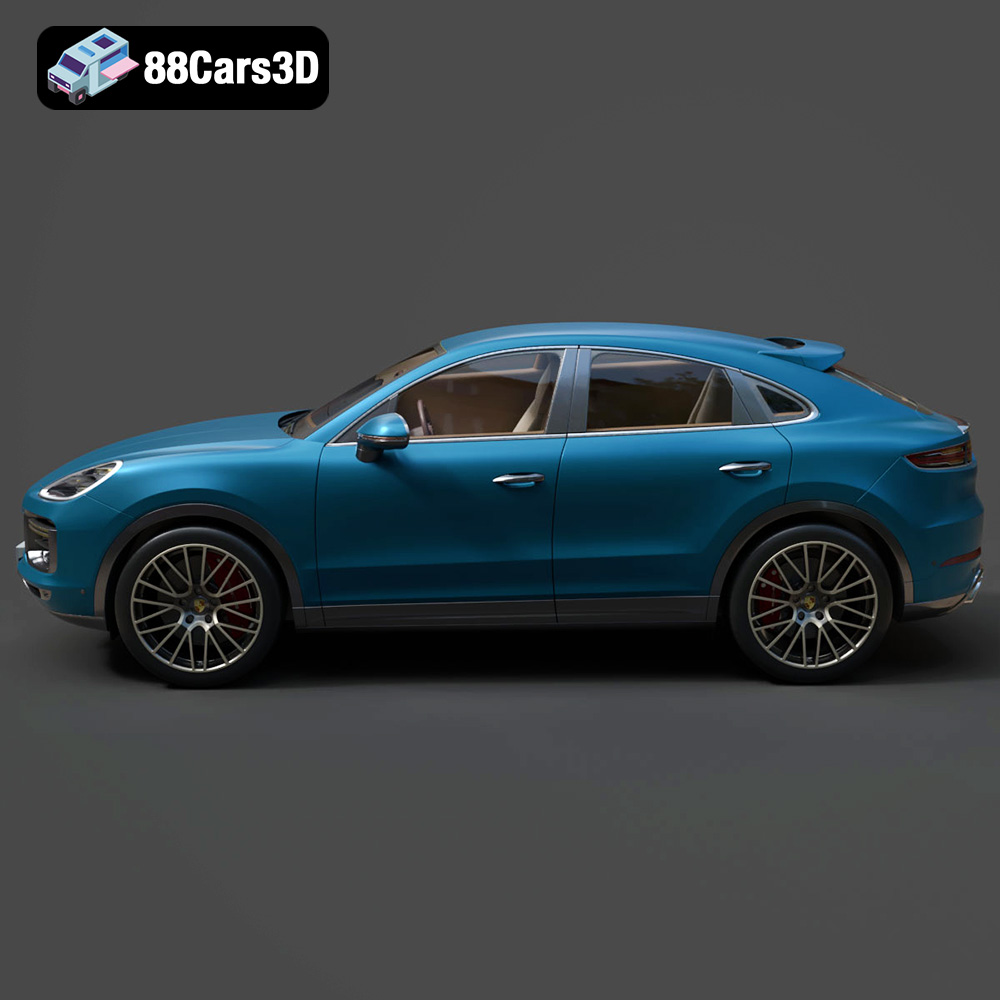
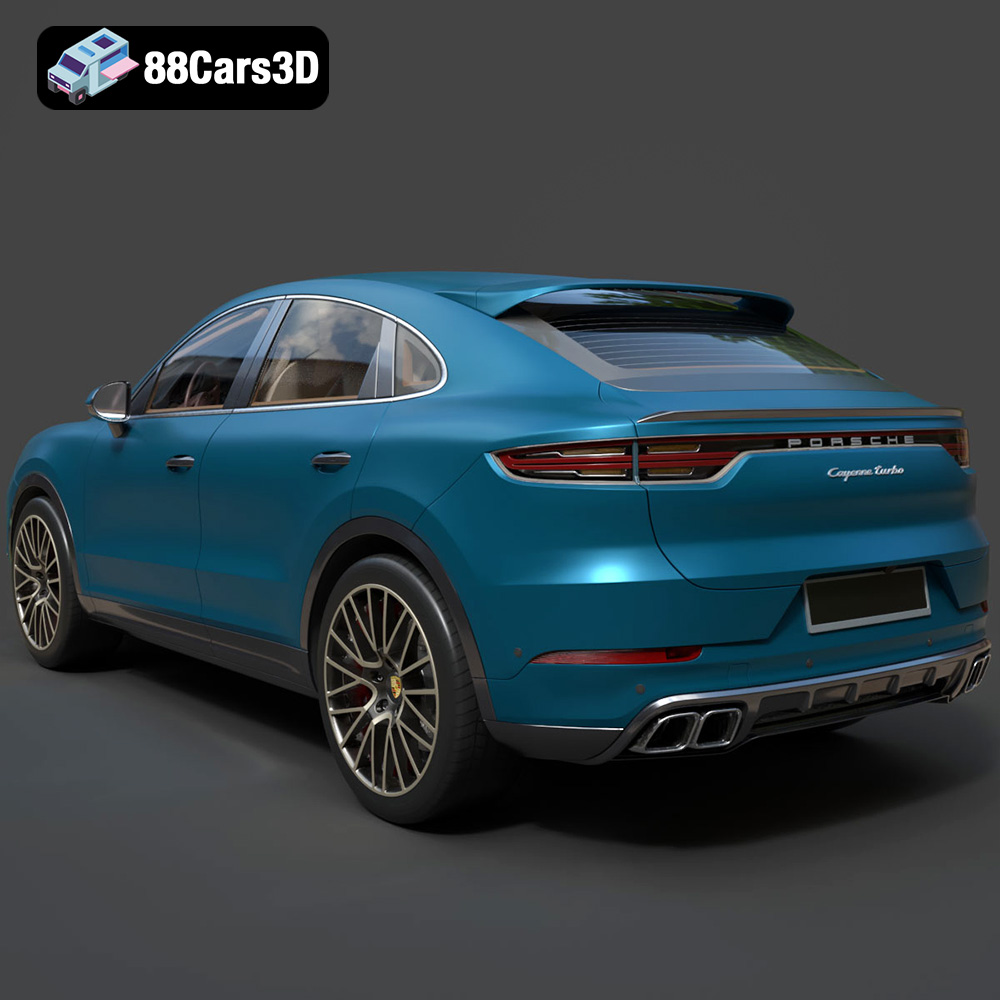
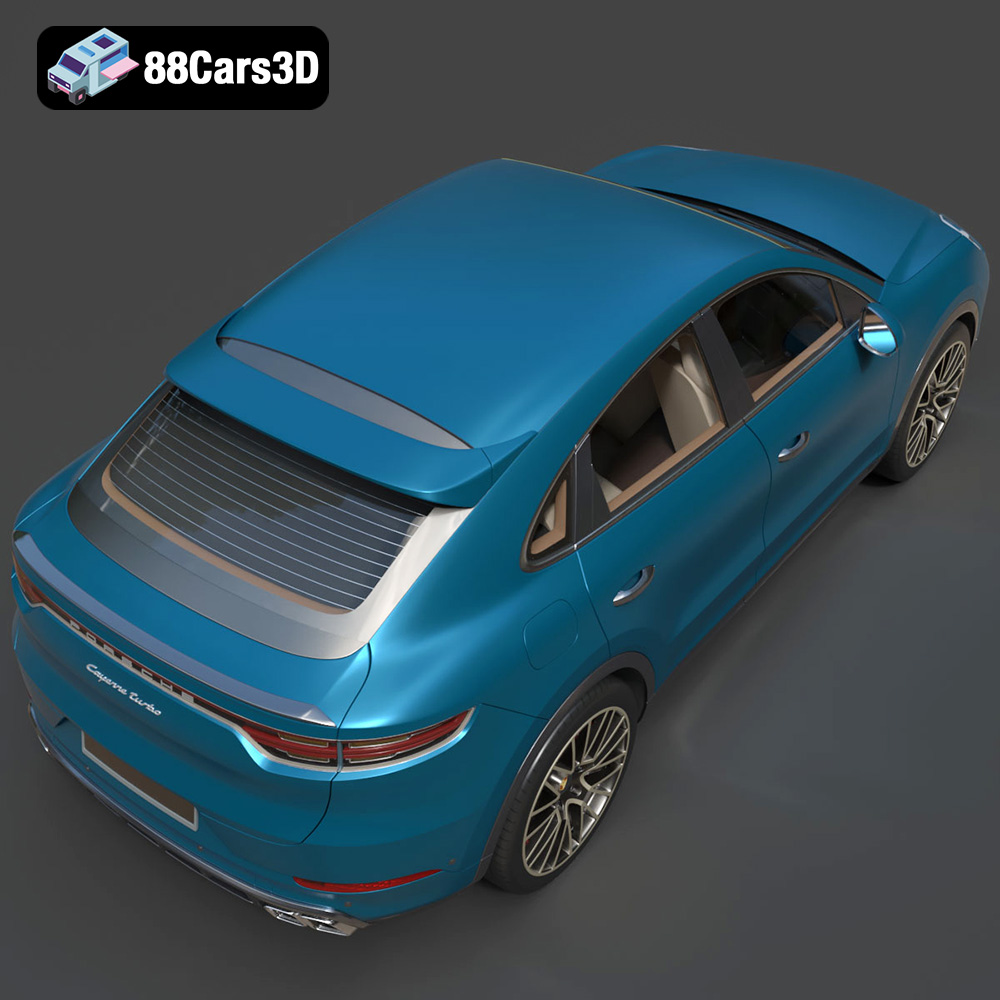
Experience the ultimate fusion of sports car performance and SUV versatility with the Porsche Cayenne Turbo Coupe 2020. This exceptional 3D model captures the striking athletic stance, the dramatically sloping coupe-style roofline, and the legendary Porsche design DNA. From its prominent front air intakes to the dynamic active rear spoiler and signature continuous LED taillight strip, every iconic visual element has been meticulously recreated to honor this high-performance luxury powerhouse.
$39.99
3D printing the Porsche Cayenne Turbo Coupe 2020 is a rewarding project that combines technology, artistry, and a passion for automotive excellence. By carefully selecting your printer, preparing the model with appropriate slicing settings, choosing the right materials, and mastering post-processing techniques, you can create a stunning replica that captures the essence of this iconic vehicle. With the detailed 3D models available at 88cars3d.com, you’re well-equipped to embark on your own 3D printing adventure. Remember to take your time, experiment with different settings, and most importantly, have fun bringing your dream car to life!
.blend
.fbx
.glb
.luxury suv
.max
.obj
.ply
.porsche
.rendering
.stl
.unreal
car-3d-model
cayenne-turbo-coupe-2020
game asset
game-ready
low-poly
optimized
performance suv
VR/AR