Get 20% OFF All Premium 3D & STL Models!

“`html
The allure of 3D printing your own miniature vehicle collection is undeniable. Whether you’re a seasoned hobbyist, a burgeoning engineer, or simply an automotive enthusiast, the ability to bring your favorite cars to life in tangible form is incredibly rewarding. However, the path to a flawless 3D printed vehicle model is paved with careful planning and meticulous execution. Two critical elements in this process are wall thickness and support structure optimization. Get these right, and you’ll be displaying stunning models. Neglect them, and you risk print failures, weak structures, and disappointing results. This comprehensive guide will delve into the technical intricacies of wall thickness and support settings, equipping you with the knowledge to consistently produce high-quality, durable, and visually appealing 3D printed car models. From understanding the nuances of STL files to fine-tuning your slicer settings, we’ll cover everything you need to know.
In this article, you’ll learn how to:
Wall thickness is arguably the most fundamental aspect of a 3D model’s structural integrity. It refers to the distance between the inner and outer surfaces of your model. For vehicle models, especially those intended for display or light handling, adequate wall thickness is crucial to prevent breakage, warping, and overall fragility. An insufficient wall thickness can lead to parts collapsing during printing or easily breaking after completion. Conversely, excessively thick walls can increase print time, material consumption, and potentially reduce the model’s aesthetic appeal by obscuring fine details. Many models available on platforms like 88cars3d.com are already optimized for printability, but understanding the underlying principles is vital for customization or troubleshooting.
The absolute minimum wall thickness you can reliably print depends on several factors, including the 3D printing technology (FDM vs. resin), the material used, and the printer’s resolution. For FDM printing with a standard 0.4mm nozzle, a minimum wall thickness of 0.8mm (two nozzle widths) is generally recommended. This ensures proper adhesion between layers and sufficient structural strength. For resin printing, due to the higher resolution and material properties, you can often get away with thinner walls, typically around 0.4mm to 0.6mm. However, for larger models or those subjected to stress, increasing the wall thickness is always a good practice. Remember to adjust these values based on experimentation with your specific printer and materials.
The scale of your vehicle model significantly influences the appropriate wall thickness. A large, 1:10 scale model requires proportionally thicker walls compared to a smaller, 1:43 scale model. As a general rule, consider scaling the wall thickness along with the overall model dimensions. For example, if you double the size of your model, you should also roughly double the wall thickness. However, there are limits. Extremely thick walls can lead to internal stresses and warping, especially with materials like ABS. Consider using infill patterns to provide internal support for very large models with thicker walls. The models from 88cars3d.com are typically designed with a specific scale in mind, so make adjustments carefully and consider the original design intent.
FDM (Fused Deposition Modeling) printing builds objects layer by layer, extruding molten plastic. This process requires support structures to hold up overhanging features that would otherwise collapse under gravity. For vehicle models, common areas requiring supports include spoilers, side mirrors, wheel arches, and the underside of the chassis. Properly configured supports are essential for achieving accurate and clean prints, but they can also be a source of frustration if not handled correctly. Poorly designed supports can be difficult to remove, damage the model’s surface, or even cause print failures. Slicing software like Cura and PrusaSlicer offer a wide range of options for customizing support structures to suit your specific needs.
Strategic support placement is crucial. Focus on areas where overhangs exceed a 45-degree angle. Avoid placing supports on critical surfaces that will be visible in the final model. Consider using “tree supports,” which are more efficient in material usage and often easier to remove than traditional linear supports. Support density determines the amount of material used to create the supports. Higher density provides more support but also increases print time and removal difficulty. Experiment with different density settings to find the optimal balance between support strength and ease of removal. A density of 15-25% is a good starting point for most FDM prints.
The support interface is the layer that connects the support structure to the model itself. A well-defined interface is critical for easy support removal and minimizing surface damage. Increase the interface density and decrease the interface distance to create a strong connection while still allowing for clean separation. After printing, carefully remove the supports using tools like pliers, tweezers, and hobby knives. Gently twist and pull the supports away from the model, being mindful of delicate features. For stubborn supports, consider using heat from a heat gun or hair dryer to soften the plastic and make removal easier. Always wear appropriate safety gear when using sharp tools or heat.
Resin printing, using technologies like SLA (Stereolithography) and DLP (Digital Light Processing), offers significantly higher resolution and detail compared to FDM printing. However, support structures are still essential for many vehicle models, especially those with complex geometries. In resin printing, supports primarily serve to hold the model in place during the printing process and to counteract the forces exerted by the build platform as each layer is cured. Unlike FDM supports, which are primarily concerned with gravity, resin supports must also withstand the suction forces created as the model separates from the FEP film at the bottom of the resin tank.
The tip diameter of the supports, where they connect to the model, is a critical parameter in resin printing. A smaller tip diameter reduces the visibility of support marks but also weakens the support structure. A larger tip diameter provides more strength but can leave more noticeable marks. Experiment with different tip diameters to find the optimal balance. A starting point of 0.3mm to 0.5mm is generally recommended. Support density in resin printing is often lower than in FDM printing due to the inherent strength of the cured resin. However, for larger or heavier models, increasing the density is necessary to prevent warping or detachment. Consider using a combination of light, medium, and heavy supports strategically placed around the model.
Print orientation plays a crucial role in the success of resin prints. Angling the model minimizes the cross-sectional area of each layer, reducing the suction forces and the risk of print failures. Aim for an angle of 30 to 45 degrees relative to the build plate. Orient the model so that critical surfaces face away from the build plate to minimize support marks. Utilize slicing software features like auto-orientation and island detection to optimize the model’s orientation for printing. Remember to hollow out larger models to reduce resin consumption and printing time. Add drain holes to allow resin to escape from the hollowed interior after printing.
The choice of material significantly impacts the required wall thickness and support settings for your 3D printed vehicle models. Different materials possess varying strengths, flexibilities, and thermal properties, all of which influence their printability and structural integrity. Understanding these material characteristics is essential for achieving optimal results. For FDM printing, common materials include PLA, PETG, and ABS. For resin printing, a wide range of resins are available, each with its own unique properties. When downloading models from marketplaces such as 88cars3d.com, consider the intended material and adjust your settings accordingly.
PLA (Polylactic Acid) is a biodegradable thermoplastic known for its ease of printing and low warping tendency. It’s a good choice for beginners and for models that don’t require high heat resistance. However, PLA is relatively brittle and not ideal for functional parts or those exposed to high stress. PETG (Polyethylene Terephthalate Glycol-modified) offers a good balance of strength, flexibility, and heat resistance. It’s more durable than PLA and less prone to warping than ABS. PETG is a versatile material suitable for a wide range of applications. ABS (Acrylonitrile Butadiene Styrene) is a strong and heat-resistant thermoplastic commonly used in automotive and industrial applications. However, ABS is prone to warping and requires a heated bed and enclosure for successful printing. When using ABS, ensure adequate ventilation due to the fumes produced during printing.
Standard resins are the most common and affordable type of resin used in 3D printing. They offer high resolution and detail but can be brittle and prone to cracking. Tough resins are formulated to be more durable and impact-resistant than standard resins. They are ideal for functional parts and those subjected to stress. Flexible resins offer a degree of flexibility and elasticity, allowing for the creation of parts that can bend or deform without breaking. When choosing a resin, consider the intended use of the model and select a resin with appropriate properties. Experiment with different resin brands and formulations to find the best results for your specific printer and application. Many resins also have specific recommended support settings that should be followed for the best results.
Even with careful planning and meticulous execution, 3D printing is not without its challenges. Issues related to wall thickness and support structures can arise, leading to print failures or suboptimal results. Recognizing these common problems and knowing how to troubleshoot them is essential for achieving consistent success. Addressing these issues will greatly improve your ability to create stunning models from platforms like 88cars3d.com.
Warping occurs when the printed part detaches from the build plate during printing due to thermal stresses. This is particularly common with ABS and other materials that shrink as they cool. Ensure proper bed adhesion by using a heated bed, applying adhesive (e.g., glue stick or hairspray), and using a brim or raft. Delamination is the separation of layers during printing, often caused by insufficient bed adhesion or inadequate layer cooling. Increase the bed temperature, decrease the printing speed, and ensure proper ventilation to prevent delamination. For resin prints, increase exposure time and ensure the resin is thoroughly mixed before printing.
Support failure occurs when the support structures collapse or detach from the model during printing. Increase the support density, adjust the support placement, and ensure the supports are properly connected to the model. Surface damage occurs when supports are difficult to remove and leave noticeable marks on the model’s surface. Reduce the support density, adjust the support interface settings, and use appropriate support removal techniques. Consider using dissolvable supports for complex geometries or areas where surface finish is critical. For resin prints, gently sand or polish the affected areas to smooth out any imperfections.
Once your vehicle model is printed and the supports are removed, post-processing techniques can elevate its appearance to the next level. These techniques include sanding, filling, priming, painting, and applying decals. By carefully executing these steps, you can transform a raw 3D print into a stunningly realistic and detailed replica. The time invested in post-processing is often well worth it, as it can dramatically improve the overall aesthetic quality of your finished model.
Sanding is essential for smoothing out imperfections and layer lines on the printed surface. Start with coarse sandpaper (e.g., 220 grit) and gradually work your way up to finer grits (e.g., 400, 600, 800 grit). Use wet sanding for a smoother finish. Filling is used to fill in gaps, cracks, and other imperfections. Use a putty or filler specifically designed for plastics. Apply the filler in thin layers, allowing each layer to dry completely before sanding it smooth. For resin prints, UV curing the model after sanding and filling can further harden the surface and improve its durability.
Priming provides a smooth and uniform surface for painting. Use a primer specifically designed for plastics. Apply the primer in thin, even coats, allowing each coat to dry completely before applying the next. Painting brings your model to life with color and detail. Use acrylic paints for best results. Apply the paint in thin, even coats, allowing each coat to dry completely before applying the next. Consider using an airbrush for a smoother and more professional finish. Apply clear coat to protect the paint and add a glossy or matte finish. Decals add realistic details such as logos, racing stripes, and license plates. Apply the decals carefully, following the manufacturer’s instructions. Use a decal setting solution to help the decals conform to the surface of the model.
Mastering wall thickness and support settings is paramount to achieving high-quality 3D printed vehicle models. By understanding the nuances of STL files, material properties, slicing parameters, and post-processing techniques, you can consistently produce durable, visually appealing, and highly detailed replicas of your favorite cars. Remember to experiment with different settings and materials to find what works best for your specific printer and application. The knowledge you’ve gained here, combined with the expertly designed models available on platforms like 88cars3d.com, will empower you to create a truly impressive collection.
Take these next steps:
With patience, persistence, and a commitment to continuous learning, you’ll be well on your way to becoming a master of 3D printed vehicle models.
“`

Texture: Yes | Material: Yes
Download the highly detailed, game-ready Toyota Camry 2018 3D Model. Features an aggressive aerodynamic body, distinct LED lighting signature, and precise interior detailing. Includes .blend, .fbx, .obj, .glb, .stl, .ply, .unreal, and .max formats for game development, AR/VR, and rendering.
Price: $19.99

Texture: Yes | Material: Yes
Download the highly detailed, game-ready Ford Mustang Hardtop 1968 3D Model. Features the iconic galloping pony grille, signature tri-bar taillights, and an authentic vintage interior. Includes .blend, .fbx, .obj, .glb, .stl, .ply, .unreal, and .max formats for game development, AR/VR, and rendering.
Price: $19.99

Texture: Yes | Material: Yes
Download the highly detailed, game-ready Ferrari J50 2017 3D Model. Features aggressive aerodynamic styling, twin-turbo V8 engine details, and targa top design. Includes .blend, .fbx, .obj, .glb, .stl, .ply, .unreal, and .max formats for game development, AR/VR, and rendering.
Price: $19.99
Texture: Yes | Material: Yes
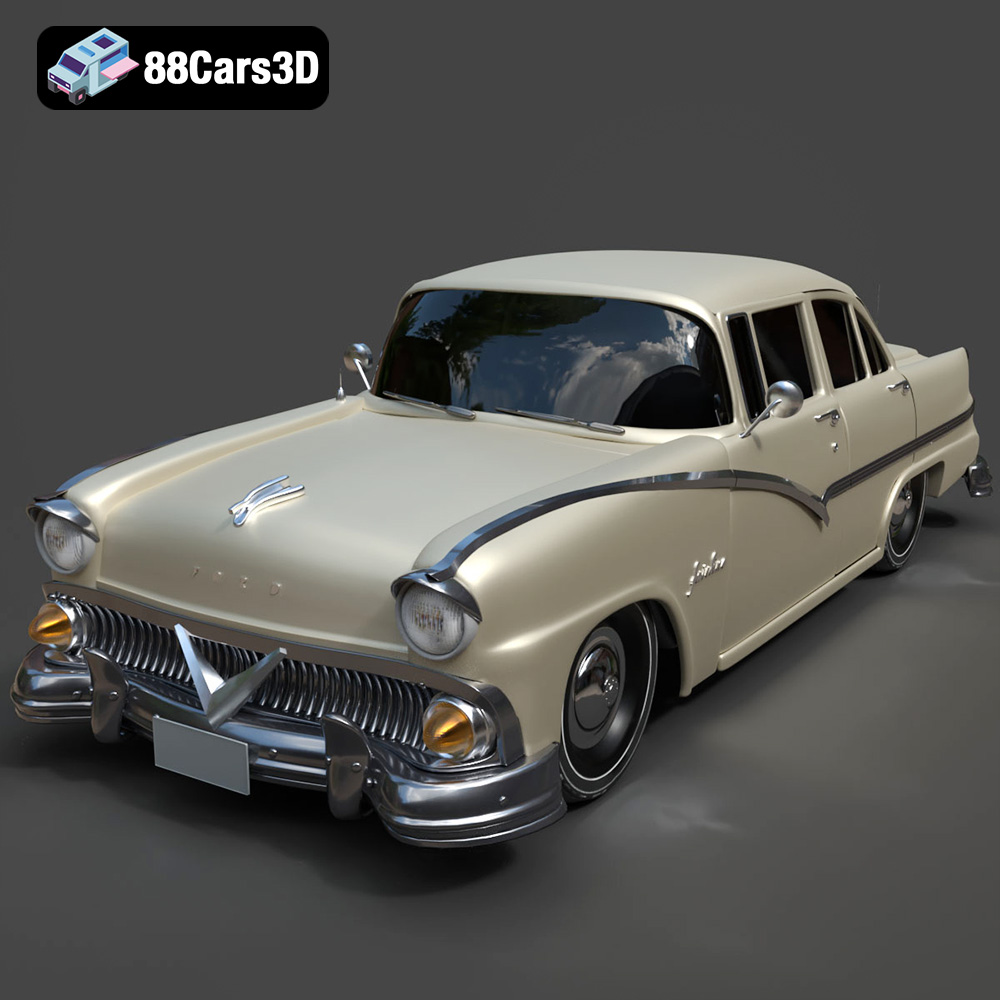
Download the highly detailed, game-ready Ford Fairlin 3D Model. Features iconic classic styling, sweeping bodylines, and an accurate vintage interior. Includes .blend, .fbx, .obj, .glb, .stl, .ply, .unreal, and .max formats for game development, AR/VR, and rendering.
Price: $19.99

Texture: Yes | Material: Yes
Download the highly detailed, game-ready Ford Mustang GT 3D Model. Features aggressive muscle car styling, a highly detailed V8 engine bay, and accurate interior cockpit. Includes .blend, .fbx, .obj, .glb, .stl, .ply, .unreal, and .max formats for game development, AR/VR, and rendering.
Price: $19.99

Texture: Yes | Material: Yes
Download the highly detailed, game-ready Renault Megane CC 2011 3D Model. Features an accurately modeled folding glass roof, sleek aerodynamic body lines, and a detailed interior. Includes .blend, .fbx, .obj, .glb, .stl, .ply, .unreal, and .max formats for game development, AR/VR, and rendering.
Price: $19.99

Texture: Yes | Material: Yes
Download the highly detailed, game-ready Ford GT 2005 3D Model. Features signature aerodynamic bodylines, mid-mounted supercharged V8 detailing, and iconic racing stripes. Includes .blend, .fbx, .obj, .glb, .stl, .ply, .unreal, and .max formats for game development, AR/VR, and rendering.
Price: $19.99

Texture: Yes | Material: Yes
Download the highly detailed, game-ready Yamaha YZF-R125 EU 3D Model. Features an aggressive aerodynamic fairing, twin LED headlights, and a detailed 125cc engine block. Includes .blend, .fbx, .obj, .glb, .stl, .ply, .unreal, and .max formats for game development, AR/VR, and rendering.
Price: $19.99

Texture: Yes | Material: Yes
Download the highly detailed, game-ready Yamaha R1 3D Model. Features aggressive aerodynamic fairings, a detailed crossplane inline-4 engine, and track-focused suspension geometry. Includes .blend, .fbx, .obj, .glb, .stl, .ply, .unreal, and .max formats for game development, AR/VR, and rendering.
Price: $19.99

Texture: Yes | Material: Yes
Download the highly detailed, game-ready Yamaha XV950 Racer 3D Model. Features an aggressive cafe-racer front cowl, detailed air-cooled V-twin engine, and classic retro styling. Includes .blend, .fbx, .obj, .glb, .stl, .ply, .unreal, and .max formats for game development, AR/VR, and rendering.
Price: $19.99

