Get 20% OFF All Premium 3D & STL Models!

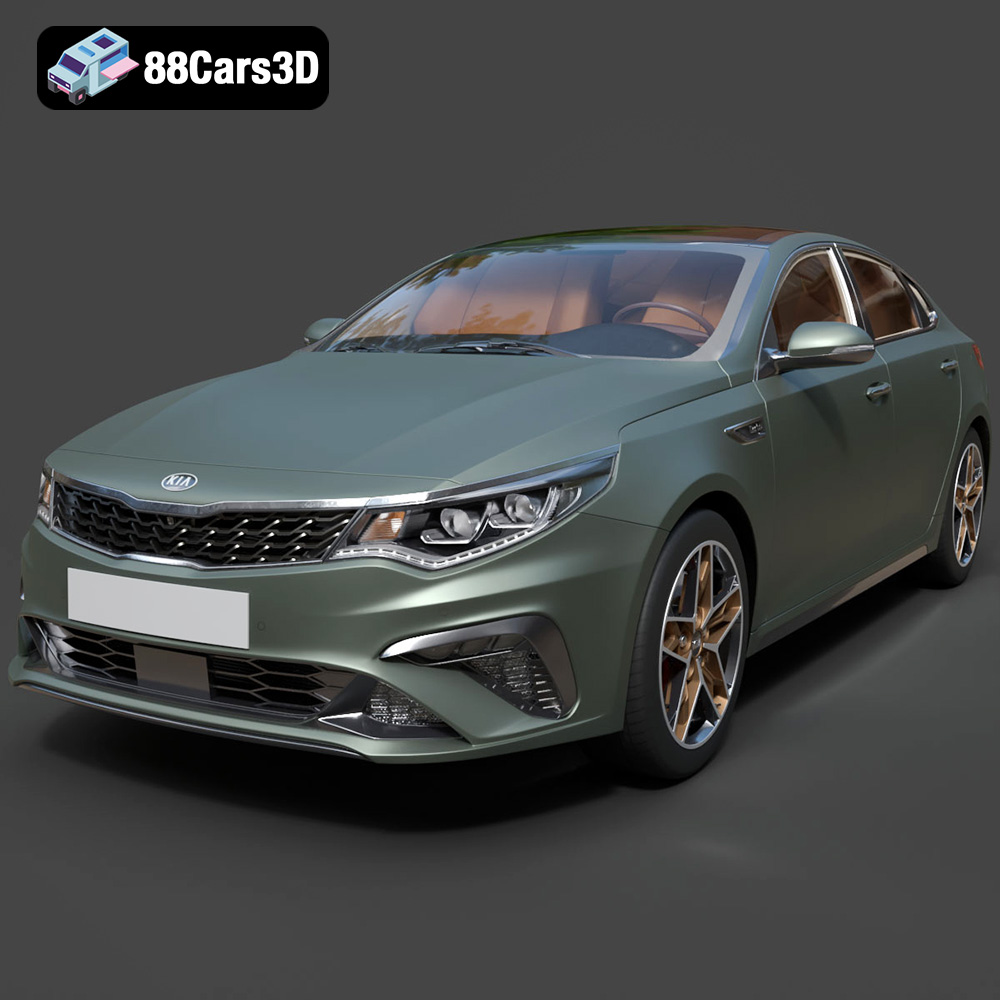
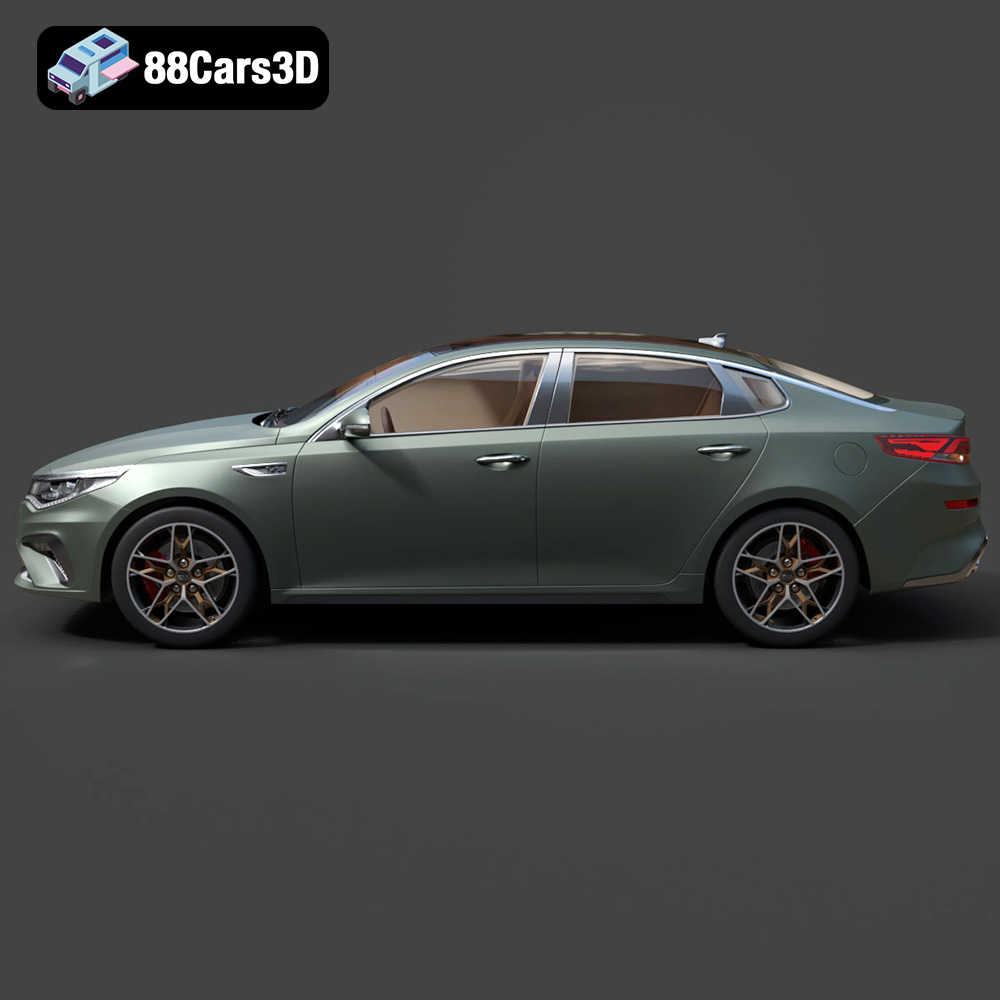
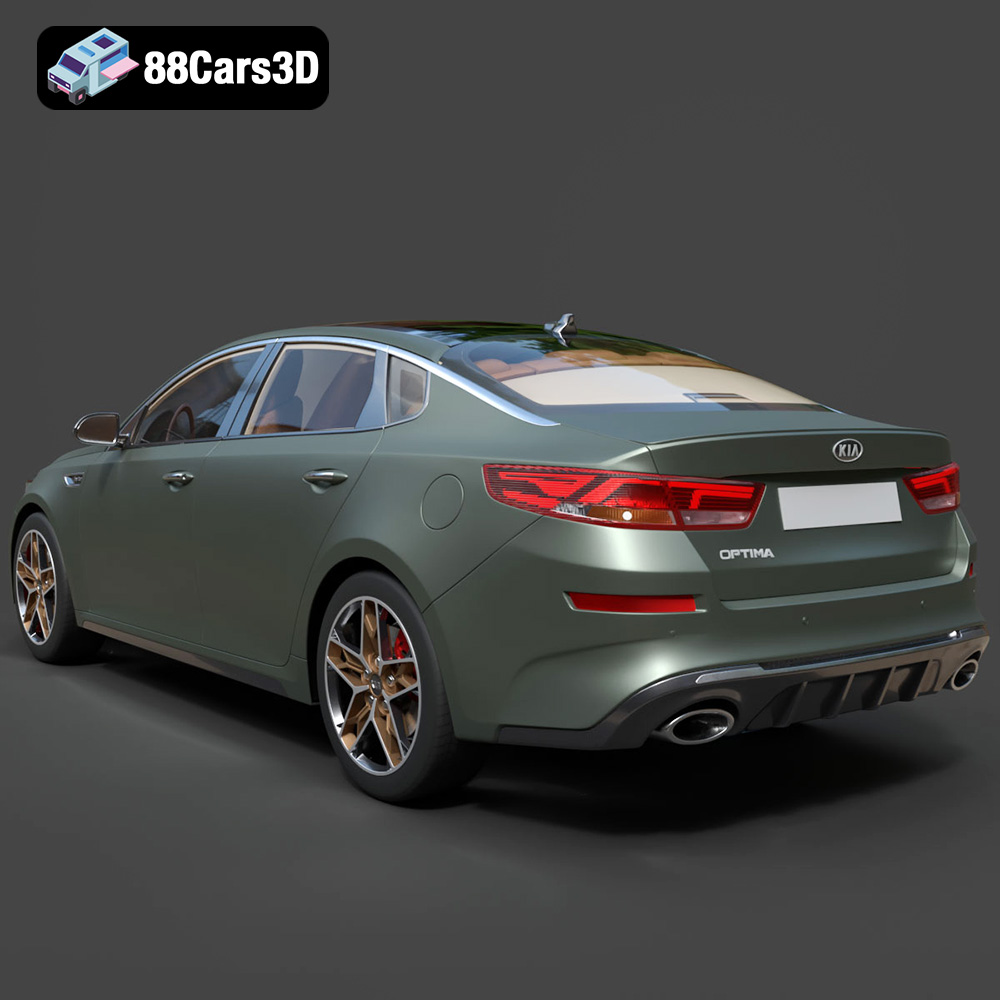
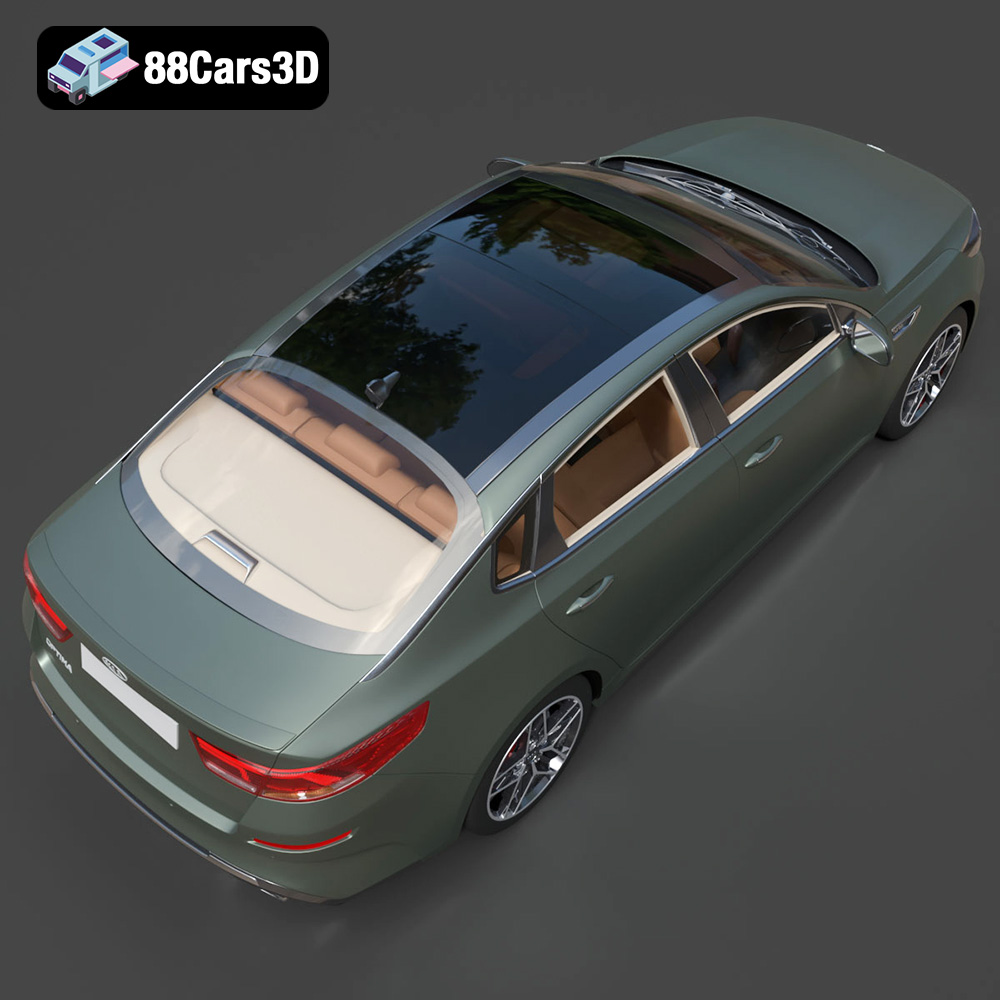
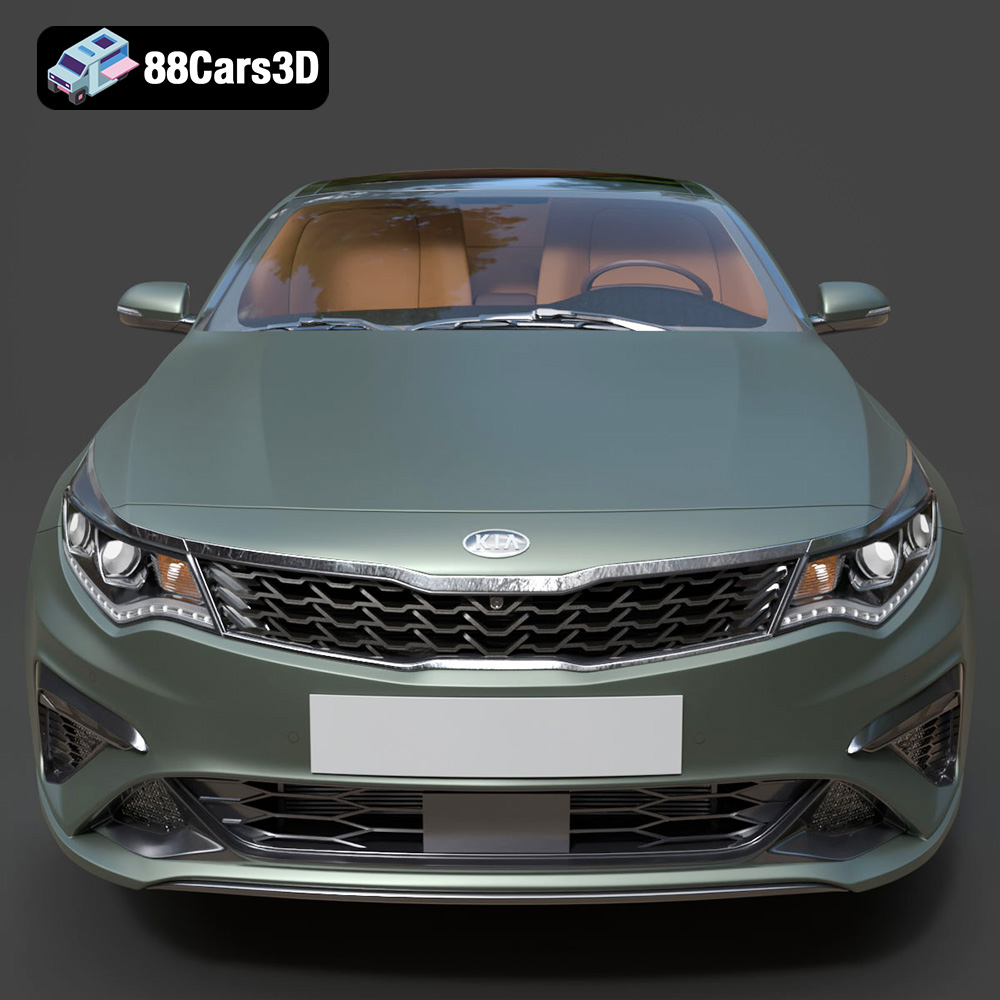
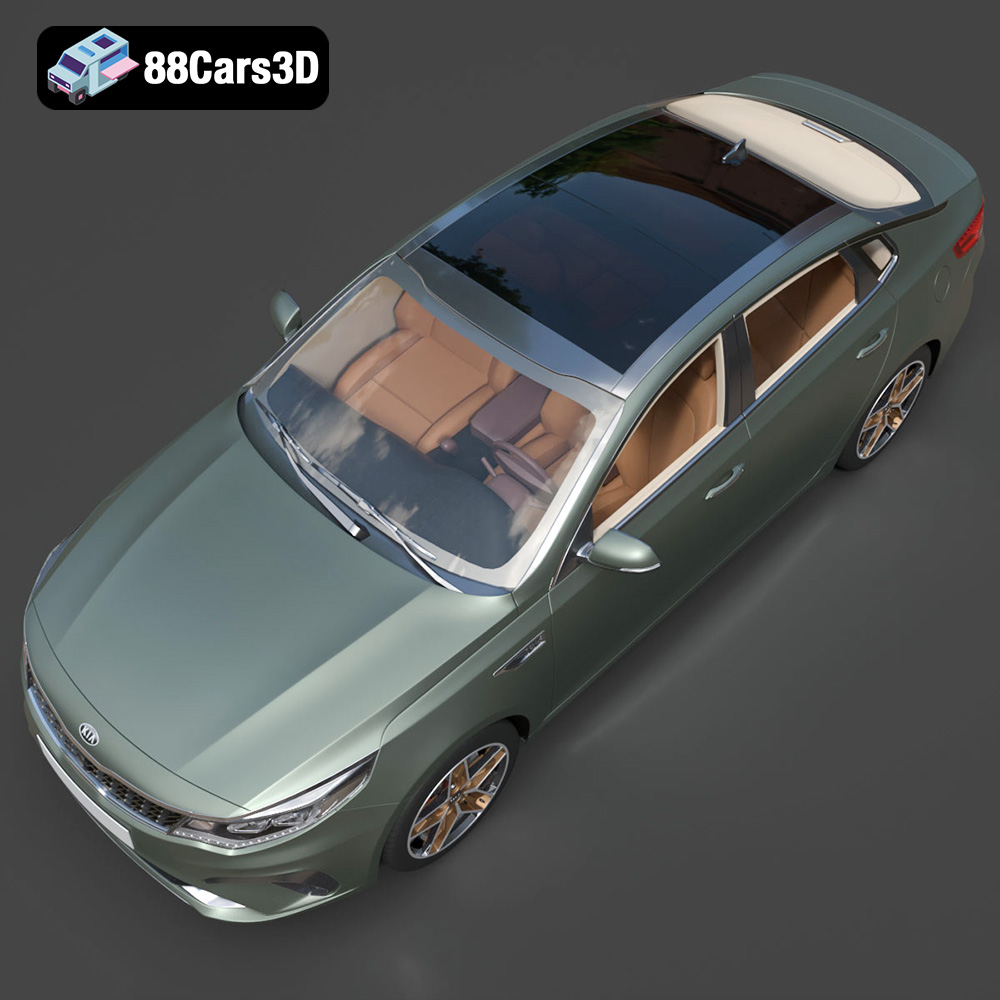
The Kia Optima 2019, a stylish and reliable sedan, is a popular choice for families and commuters alike. Now, thanks to 88cars3d.com, you can bring a piece of that automotive excellence into your home through the magic of 3D printing. This guide will provide a detailed walkthrough of how to successfully 3D print the Kia Optima 2019 3D model, covering everything from pre-print preparation to post-processing techniques. We’ll explore optimal printer settings, material recommendations, and troubleshooting tips to ensure you achieve a stunning and accurate replica of this iconic vehicle.
Before diving into the specifics of 3D printing the Kia Optima 2019 model, it’s crucial to understand the different file formats available and their suitability for additive manufacturing. 88cars3d.com offers a variety of formats to cater to diverse needs, but some are better suited for 3D printing than others.
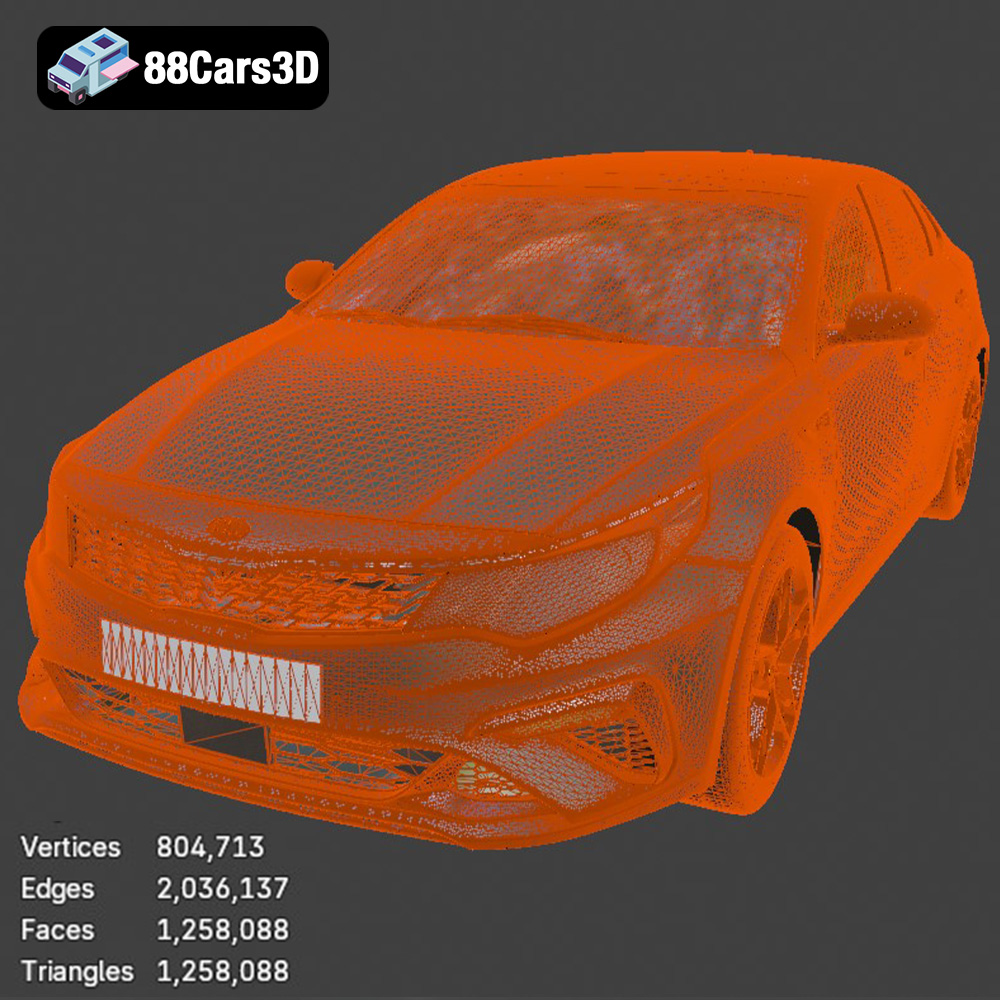
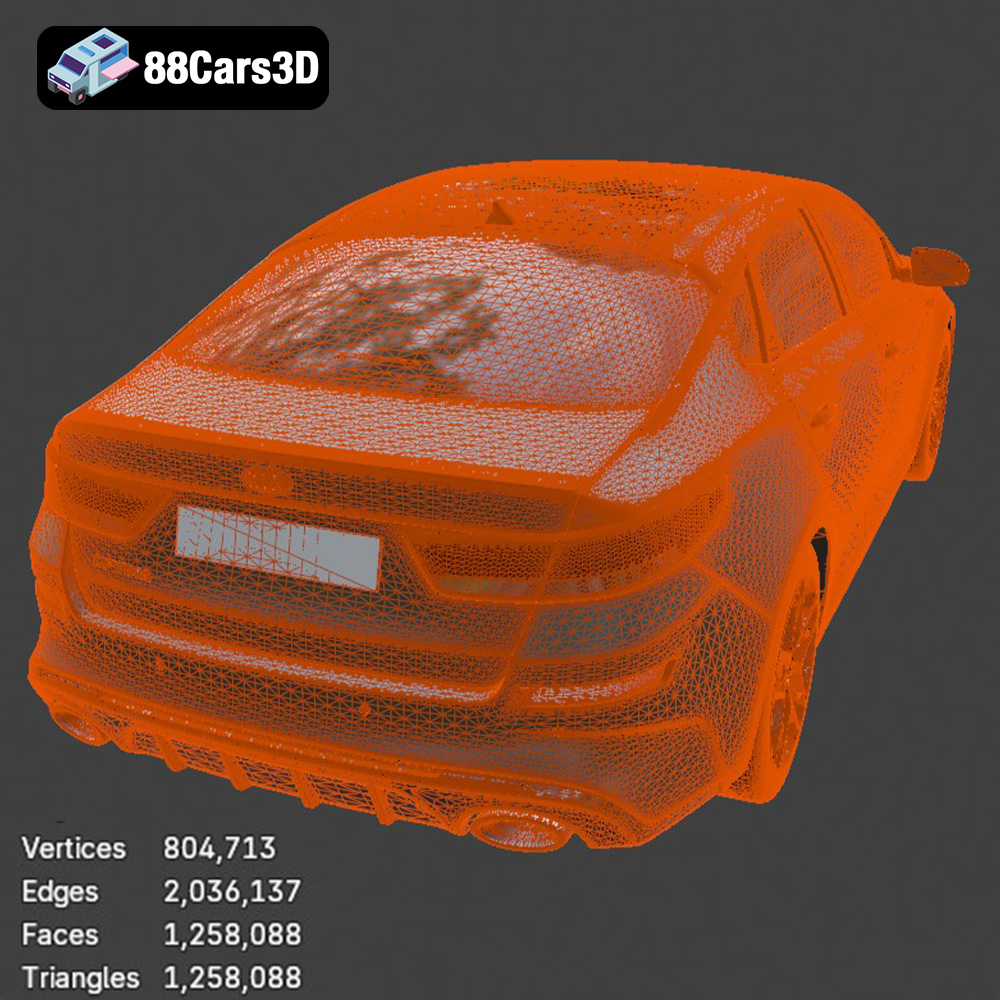
The .stl (stereolithography) file format remains the industry standard for 3D printing. It represents the 3D model’s surface geometry using a mesh of triangles. While .stl files are simple and universally compatible with slicing software, they only contain information about the shape of the object, lacking color, texture, or material properties. The Kia Optima 2019 model available in .stl format from 88cars3d.com is specifically designed for 3D printing, offering a streamlined and optimized mesh for the best possible results. Mesh quality is critical here. A high triangle count yields smoother curves and more accurate details, but also increases file size and processing time. Slicing software compatibility is generally excellent with .stl files, but users should always check for and repair any errors (like holes or self-intersecting triangles) before printing.
.obj (object) files are another widely used format for 3D models. Unlike .stl, .obj files can store color and texture information, making them suitable for colored 3D prints or models intended for rendering. However, printing with color can be complex and often requires specialized printers. For most users focused on single-color prints, the .stl format is preferable due to its simplicity and focus on geometric accuracy.
.ply (polygon) files are designed for storing 3D data acquired from 3D scanners. They excel at capturing highly detailed surface information, making them suitable for applications requiring precise measurements or analysis. While .ply files can be 3D printed, their complex mesh structure can sometimes pose challenges for slicing software, potentially leading to longer processing times and more demanding printer requirements.
.blend files are native to the Blender 3D creation suite. They contain the entire scene, including the model, materials, lighting, and other settings. While .blend files are excellent for customizing the Kia Optima 2019 model before printing, they cannot be directly used by most 3D printers. The model must be exported to a printable format like .stl after any modifications are made in Blender.
.fbx (Filmbox) files are commonly used in game development and animation. They support complex scene data, including meshes, textures, materials, and animations. While some advanced slicing software can import .fbx files, their primary use is not for 3D printing. Converting an .fbx file to .stl is generally necessary for 3D printing purposes.
.glb (GL Transmission Format Binary) files are designed for efficient delivery of 3D models, particularly for web and AR/VR applications. They package the 3D model and its associated textures into a single file, making them easy to share and view. While .glb is excellent for previewing the Kia Optima 2019 model in AR before printing, it’s not a direct 3D printing format and must be converted to .stl.
Similar to .blend, .max files are native to Autodesk 3ds Max. These files contain the complete project data, including the 3D model, textures, materials, lighting, and animation rigs. The .max format allows for extensive customization and rendering within 3ds Max. To prepare the Kia Optima 2019 for 3D printing, the model must be exported as an .stl file after any necessary modifications.
In summary, for 3D printing the Kia Optima 2019 model from 88cars3d.com, the **.stl format is the recommended choice.** It provides a clean, efficient, and universally compatible format specifically tailored for additive manufacturing. While other formats offer additional features like color or material information, they ultimately need to be converted to .stl for printing purposes.
Before you can start printing your Kia Optima 2019 model, proper pre-print preparation is essential. This involves using slicing software to convert the 3D model into instructions that your printer can understand.
Several excellent slicing software options are available, both free and paid. Popular choices include Cura, PrusaSlicer, Simplify3D, and IdeaMaker. Each slicer has its own strengths and weaknesses, so experiment to find one that suits your needs and printer. Consider factors like ease of use, available settings, and community support. Regardless of your chosen software, always import the .stl file of the Kia Optima 2019 model to begin the slicing process.
The orientation of your model on the print bed significantly impacts print quality, support requirements, and print time. For the Kia Optima 2019, consider printing the body with the roof facing upwards. This minimizes the need for supports on the visible exterior surfaces. However, this orientation will require supports inside the car’s cabin and under the chassis. Carefully analyze the model in your slicing software to identify areas that will need support structures. You can then adjust the support settings to optimize their placement and density. Use tree supports for complex overhangs.
Decide on the desired scale of your 3D printed Kia Optima 2019. Keep in mind that smaller scales will result in finer details being lost, while larger scales will increase print time and material consumption. Ensure your printer has sufficient build volume to accommodate the scaled model. Adjust the layer height to control the resolution of your print. Lower layer heights (e.g., 0.1mm) result in smoother surfaces but increase print time. A layer height of 0.2mm is a good starting point for balancing quality and speed.
The choice of filament material is crucial for achieving a successful 3D print of the Kia Optima 2019 model. Different materials offer varying properties in terms of strength, flexibility, and aesthetics.
PLA (Polylactic Acid) is a biodegradable thermoplastic known for its ease of use and low printing temperature. It’s an excellent choice for beginners and for printing models where strength is not a primary concern. PLA produces relatively low warping and good surface finish. It’s readily available in a wide range of colors, allowing you to choose the perfect shade for your Kia Optima 2019.
PETG (Polyethylene Terephthalate Glycol-modified) is a stronger and more durable alternative to PLA. It offers better heat resistance and impact resistance, making it suitable for models that may be subjected to stress or outdoor conditions. PETG can be slightly more challenging to print than PLA, requiring higher printing temperatures and careful adjustment of retraction settings to prevent stringing.
For those seeking exceptional detail and a smooth surface finish, resin 3D printing is the way to go. Resin printers use liquid photopolymer resins that are cured by UV light. Resin prints are typically more brittle than filament prints, but they offer unmatched precision and are ideal for creating highly detailed replicas of the Kia Optima 2019. Resin printing requires more specialized equipment and post-processing steps, such as washing and curing.
Once you’ve chosen your filament, it’s time to fine-tune your printer settings for the best possible results. These settings will vary depending on your printer, filament, and slicing software.
Refer to your filament manufacturer’s recommendations for the optimal printing temperature. Typically, PLA prints at around 200-220°C, while PETG prints at 230-250°C. Adjust the print speed to balance speed and quality. A slower print speed (e.g., 40-60mm/s) will generally result in a smoother surface finish and fewer errors. Increase the speed to reduce print time, but be aware that you may sacrifice some quality.
Infill density determines the amount of material used inside the model. A higher infill density (e.g., 20-30%) will increase the strength of the print but also increase print time and material consumption. For the Kia Optima 2019 model, a moderate infill density is sufficient for most purposes. Experiment with different infill patterns, such as grid, gyroid, or honeycomb, to find one that balances strength and weight.
Proper bed adhesion is crucial for preventing warping and ensuring that the first layer of your print sticks firmly to the build plate. Use a heated bed (typically 60-70°C for PLA and 70-80°C for PETG) and apply a bed adhesion agent, such as glue stick or hairspray, to the build plate. Ensure that your bed is properly leveled before starting the print. An uneven bed can cause adhesion problems and lead to failed prints.
After the 3D printing process is complete, some post-processing is usually necessary to achieve a professional-looking finish for your Kia Optima 2019 model.
Carefully remove any support structures using pliers or a sharp knife. Be gentle to avoid damaging the model’s surface. Use sandpaper with varying grits (e.g., 220, 400, 600) to smooth out any rough areas or imperfections. Start with the coarser grit and gradually move to finer grits for a polished finish.
Once the model is sanded smooth, you can paint it to match the real Kia Optima 2019. Use automotive-grade primer and paint for the best results. Apply multiple thin coats of paint, allowing each coat to dry completely before applying the next. Use masking tape to create clean lines and add details such as windows, lights, and trim. Consider using decals or waterslide transfers to add logos and other intricate details.
If the Kia Optima 2019 model consists of multiple parts, carefully assemble them using glue or screws. Ensure that the parts fit together properly and that the seams are smooth. Consider using filler to fill any gaps or imperfections.
Even with careful preparation, 3D printing can sometimes present challenges. Here are some common issues and their solutions:
Warping occurs when the corners of the print lift off the build plate due to uneven cooling. To prevent warping, ensure that your bed is properly heated and leveled, use a bed adhesion agent, and avoid drafts.
Stringing occurs when thin strands of filament are left between different parts of the print. To prevent stringing, adjust the retraction settings in your slicing software, decrease the printing temperature, and increase the travel speed.
Layer shifting occurs when the print head suddenly shifts position during the print. To prevent layer shifting, ensure that your printer is stable and that the belts are properly tensioned. Also, check for any obstructions that may be interfering with the print head’s movement.
Poor adhesion can cause the print to detach from the build plate. To improve adhesion, clean the build plate with isopropyl alcohol, use a bed adhesion agent, and adjust the Z-offset to ensure that the first layer is properly squished onto the bed.
By following these guidelines and tips, you can successfully 3D print a stunning and accurate replica of the Kia Optima 2019 from 88cars3d.com. Remember to experiment with different settings and materials to find what works best for your printer and your desired results. Happy printing!
Experience precision and realism with the Kia Optima 2019 3D model. Designed to replicate the authentic proportions and dynamic styling of the actual vehicle, this model provides exceptional accuracy for various professional projects. Perfect for a wide range of applications, the Kia Optima 2019 3D model is ready to be utilized in game development, architectural rendering, AR/VR experiences, film production, and automotive visualization.
$39.99
.arvr
.blend
.car3dmodel
.familycar
.fbx
.gameasset
.glb
.kia
.max
.obj
.optima
.ply
.rendering
.sedan
.simulation
.stl
.unreal