Get 20% OFF All Premium 3D & STL Models!

The Volkswagen Schwimmwagen Typ 166, a symbol of ingenuity and resilience, is an excellent subject for 3D printing. Its unique amphibious design and historical significance make it a rewarding project for hobbyists and model enthusiasts. This guide provides a comprehensive overview of how to successfully 3D print this model, covering everything from file preparation to post-processing. You can find a high-quality 3D model of this vehicle, optimized for various applications including 3D printing, at 88cars3d.com.
Selecting the right 3D printer and material is crucial for achieving a high-quality print of the Volkswagen Schwimmwagen Typ 166. Here’s a breakdown of the options:
* **Printers:** FDM printers are a popular choice due to their affordability and ease of use. Look for printers with good resolution and temperature control.
* **Materials:**
* **PLA:** PLA is a biodegradable thermoplastic that’s easy to print with and offers good detail. It’s ideal for display models.
* **PETG:** PETG offers increased durability and heat resistance compared to PLA. It’s a good option if you want a more robust model.
* **Considerations:** Layer lines will be visible with FDM printing, especially on curved surfaces. Post-processing (sanding, filling, and painting) is often necessary to achieve a smooth finish.
* **Printers:** Resin printers offer superior detail and smoother surfaces compared to FDM printers. They are well-suited for intricate models like the Schwimmwagen.
* **Materials:**
* **Standard Resin:** Provides excellent detail and is suitable for display models.
* **Tough Resin:** Offers higher impact resistance, making it ideal for parts that might be handled frequently.
* **Considerations:** Resin printing requires more post-processing, including washing and curing. Resin fumes can be hazardous, so proper ventilation is essential. Resin printers also typically have smaller build volumes compared to FDM printers.
Given the intricate details of the Schwimmwagen, **resin printing is highly recommended** for achieving the best results. If you choose FDM, PETG might be a better choice than PLA for increased durability.
The Volkswagen Schwimmwagen Typ 166 3D model from 88cars3d.com comes in multiple file formats, each with its own strengths and weaknesses. Understanding these formats is crucial for a successful 3D printing experience.
* **.stl – Industry standard for 3D printing, mesh-only format**
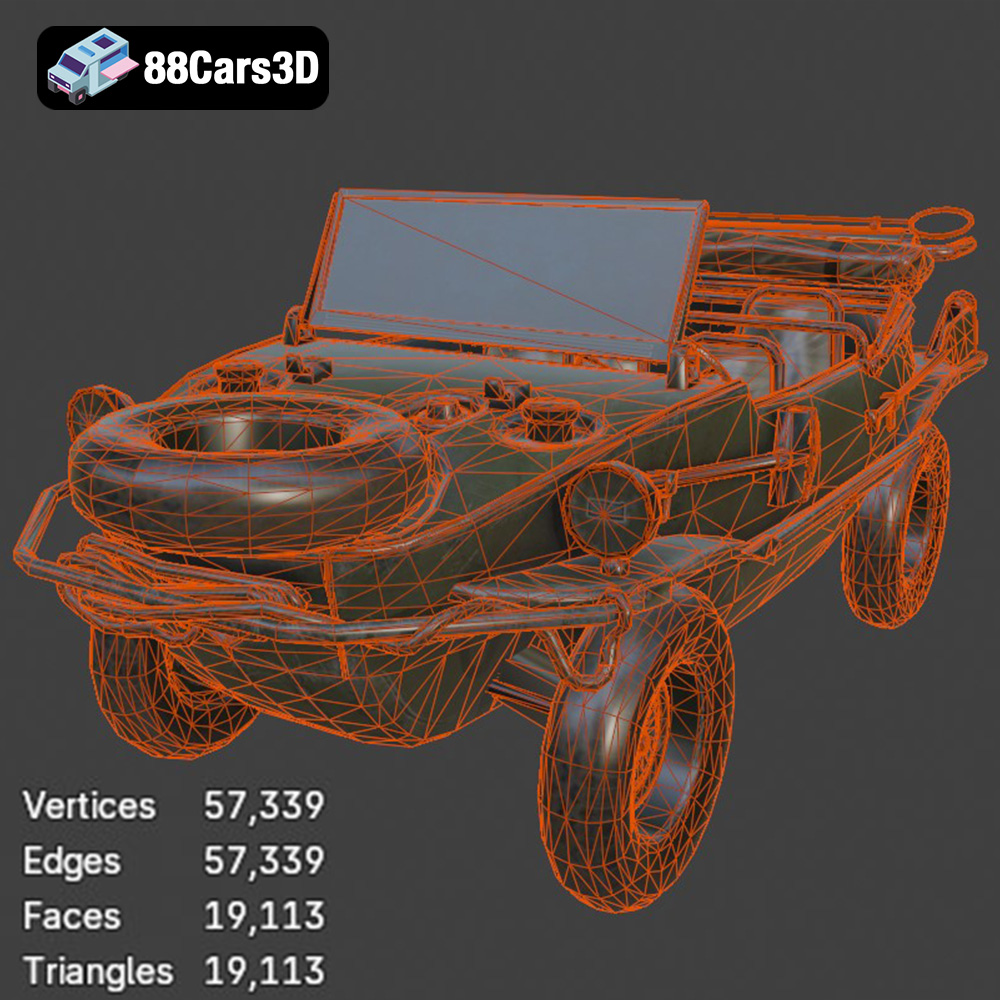
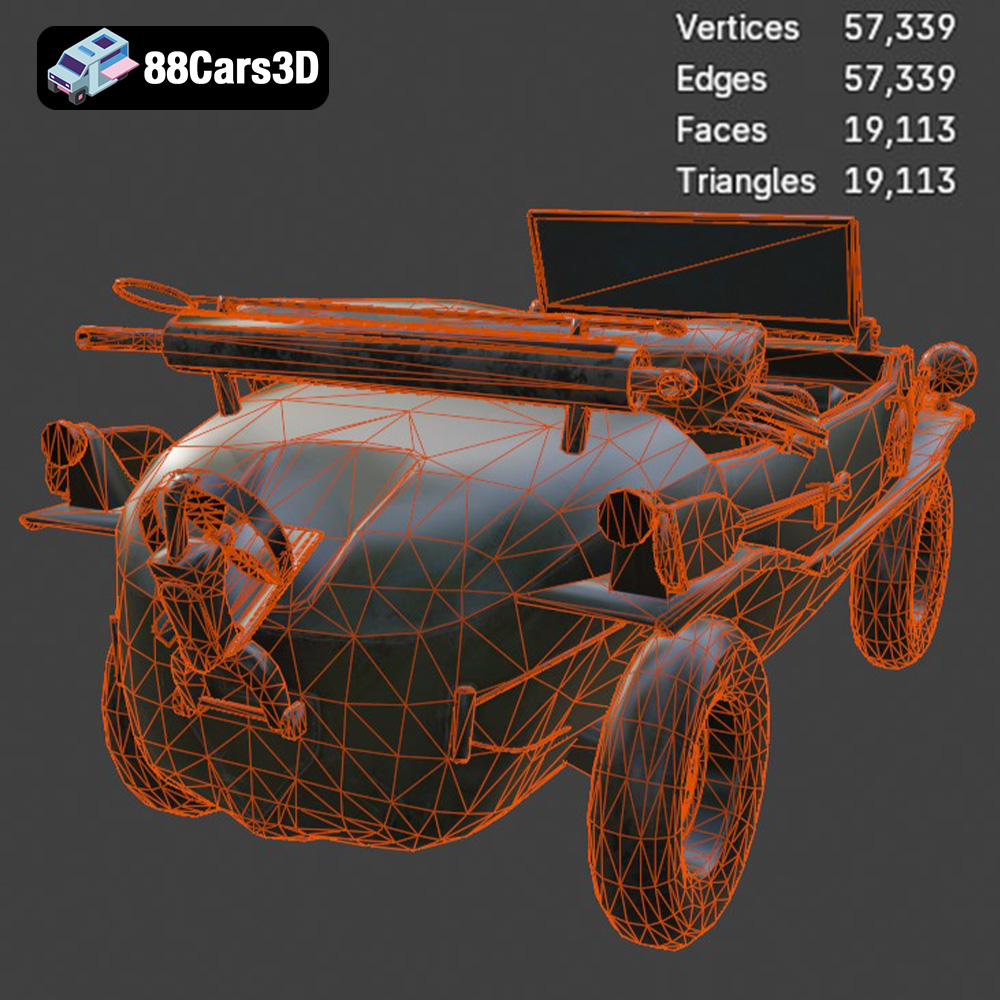
STL (Stereolithography) is the most common and widely supported file format for 3D printing. It represents the 3D model as a collection of triangles, forming a mesh. STL files are simple, containing only geometric data (vertices and normals) and no color or texture information. This makes them universally compatible with slicing software. However, the resolution of the STL file directly impacts the smoothness of the printed object. A low-resolution STL will result in visible facets, while a high-resolution STL will require more processing power and may lead to larger file sizes. For the Schwimmwagen, ensure the STL file has sufficient resolution to capture the fine details of the vehicle’s body and components.
* **.obj – Universal format with texture support for colored prints**
OBJ (Object) files are another popular format that can store both geometry and texture information. Unlike STL, OBJ files can represent color and surface texture, allowing for more visually appealing models. However, this added complexity can sometimes cause issues with slicing software, especially if the textures are not properly formatted or supported. While you could technically print an OBJ file, the color information will be lost in most standard 3D printing processes (unless you’re using a multi-material or full-color 3D printer). For the Schwimmwagen, the OBJ format would be more beneficial for rendering or game development purposes.
* **.ply – Precision mesh format for high-detail prints**
PLY (Polygon File Format) is designed for storing 3D data acquired from 3D scanners. It’s capable of capturing high-resolution mesh data, including color and texture information. PLY files are often used for reverse engineering and creating highly detailed replicas. While PLY can be used for 3D printing, it’s not as widely supported as STL. Slicing software compatibility can be an issue, and the large file sizes associated with high-detail PLY models can strain processing resources.
* **.blend – Editable Blender scene for customization before export**
BLEND files are the native format for Blender, a free and open-source 3D creation suite. These files contain the entire Blender scene, including the model, textures, lighting, and animation data. BLEND files are ideal for users who want to modify the Schwimmwagen model before printing. However, you’ll need Blender to open and edit these files. Before printing, you’ll need to export the model from Blender as an STL file.
* **.fbx – For importing into slicing software with materials**
FBX (Filmbox) is a proprietary format developed by Autodesk. It’s widely used in the game development and animation industries for transferring 3D data between different software packages. FBX files can store geometry, textures, animations, and other scene information. While some slicing software may support FBX import, it’s primarily intended for use with rendering and animation tools.
* **.glb – For previewing models in AR before printing**
GLB (GL Transmission Format Binary) is a binary file format that represents 3D models in a compact and efficient way. It’s designed for use in web and mobile applications, particularly for AR/VR experiences. GLB files can store geometry, textures, and animations. While GLB is not directly used for 3D printing, it’s useful for previewing the model in augmented reality before committing to a print.
* **.max – Editable 3ds Max project for modifications**
MAX files are the native format for 3ds Max, another professional 3D modeling and animation software package. Like BLEND files, MAX files contain the entire scene and are best suited for users who want to heavily customize the model. You’ll need 3ds Max to open and edit these files, and you’ll need to export the model as an STL file for 3D printing.
**Focus on STL for 3D Printing:**
For 3D printing the Volkswagen Schwimmwagen Typ 166, the **STL format is the most suitable and recommended option.** It offers the best compatibility with slicing software and provides a clean representation of the model’s geometry. When exporting from other formats (like BLEND or MAX), ensure the STL export settings are optimized for the desired level of detail and print quality. Pay attention to the “deviation” or “chord height” setting, which controls the accuracy of the STL mesh. Lower values result in higher resolution but larger file sizes.
Once you’ve chosen your printer and material, preparing the 3D model for printing is the next crucial step. This involves using slicing software to convert the 3D model into a set of instructions (G-code) that the printer can understand.
* **Popular Choices:** Cura, Simplify3D, PrusaSlicer, Chitubox (for resin printers)
* **Considerations:** Choose slicing software that is compatible with your printer and offers the features you need, such as support generation, infill control, and advanced settings.
* **Orientation:** The orientation of the model on the print bed significantly affects print quality, support requirements, and print time. For the Schwimmwagen, consider orienting the chassis at an angle (e.g., 45 degrees) to minimize the need for supports on critical surfaces and improve structural integrity. The wheels, propeller, and other small parts should be printed separately and oriented to minimize support usage and maximize detail.
* **Supports:** Supports are necessary for overhanging features, such as the exhaust system, propeller, and steering wheel.
* **FDM:** Use tree supports or adaptive supports to minimize material usage and improve surface finish.
* **Resin:** Use light supports with small contact points to avoid damaging the model during removal.
* **Manual Support Editing:** Manually adding or adjusting supports can improve print quality and reduce the risk of print failures.
* **Infill Density:** Infill density affects the strength and weight of the printed model. For the Schwimmwagen, a 20-30% infill density is generally sufficient for display models. Increase the infill density for parts that require more strength.
* **Infill Pattern:** Choose an infill pattern that provides adequate support for the outer layers of the model. Gyroid or cubic infill patterns are good choices for overall strength.
* **Scaling:** The recommended scales for the Schwimmwagen are 1:16, 1:35, and 1:24, which are common military modeling standards. Choose a scale that suits your needs and printer’s build volume.
* **Model Repair:** Before slicing, check the 3D model for errors, such as non-manifold geometry or holes. Use mesh repair tools in your slicing software or dedicated software like MeshMixer to fix any issues.
Fine-tuning your printer settings is essential for achieving a high-quality print of the Volkswagen Schwimmwagen Typ 166.
* **Layer Height:**
* **FDM:** Use a layer height of 0.1-0.2 mm for a good balance between detail and print time. For finer details, reduce the layer height to 0.05-0.1 mm.
* **Resin:** Use a layer height of 0.025-0.05 mm for optimal detail.
* **Print Speed:**
* **FDM:** Start with a print speed of 40-60 mm/s and adjust as needed. Reduce the print speed for intricate details and overhanging features.
* **Resin:** Follow the manufacturer’s recommendations for exposure time and lift speed.
* **Temperature:**
* **PLA:** Bed temperature: 60°C, Nozzle temperature: 200-220°C
* **PETG:** Bed temperature: 70-80°C, Nozzle temperature: 230-250°C
* **Resin:** Follow the resin manufacturer’s recommendations for exposure time.
* **Bed Adhesion:** Ensure good bed adhesion to prevent warping or detachment during printing. Use a brim or raft for FDM printing, especially for larger parts.
* **Retraction:** Adjust retraction settings to minimize stringing and blobs. Increase the retraction distance and speed as needed.
* **Coasting:** Enable coasting to reduce pressure buildup in the nozzle before the end of a print move.
Post-processing is the final step in bringing your 3D printed Volkswagen Schwimmwagen Typ 166 to life.
* **Support Removal:** Carefully remove supports using pliers or a sharp knife. Take your time to avoid damaging the model.
* **Sanding:** Sand the printed model to remove layer lines and smooth out the surface. Start with coarse sandpaper (e.g., 220 grit) and gradually move to finer grits (e.g., 400, 600, 800 grit). Wet sanding can help to achieve an even smoother finish.
* **Priming:** Apply a primer coat to the sanded model to create a smooth surface for painting. Use a spray primer for best results.
* **Painting:** Paint the model with your desired colors and finishes. Use acrylic paints or enamel paints for durability. Apply multiple thin coats for a smooth and even finish.
* **Authentic Finishes:** Research authentic factory colors and metallic finishes for the Schwimmwagen to create a realistic replica. Consider using weathering techniques to simulate wear and tear.
* **Assembly:** Glue together the printed parts using super glue or epoxy.
* **Detailing:** Add additional details, such as decals, weathering effects, and small parts, to enhance the realism of the model.
Even with careful preparation, 3D printing can sometimes present challenges. Here are some common issues and their solutions:
* **Warping:** Ensure good bed adhesion and use a brim or raft.
* **Stringing:** Adjust retraction settings and lower the printing temperature.
* **Layer Shifting:** Check belt tension and ensure the printer is stable.
* **Print Detachment:** Clean the print bed with isopropyl alcohol and re-level the bed.
* **Support Failures:** Increase support density and contact area.
The print time and material cost will vary depending on the size of the model, printer settings, and material used. Here are some rough estimates:
* **FDM (PLA/PETG):**
* Print Time: 12-36 hours (depending on scale and settings)
* Material Cost: $5-$20
* **Resin:**
* Print Time: 8-24 hours (depending on scale and settings)
* Material Cost: $10-$30
These are just estimates, and the actual values may vary.
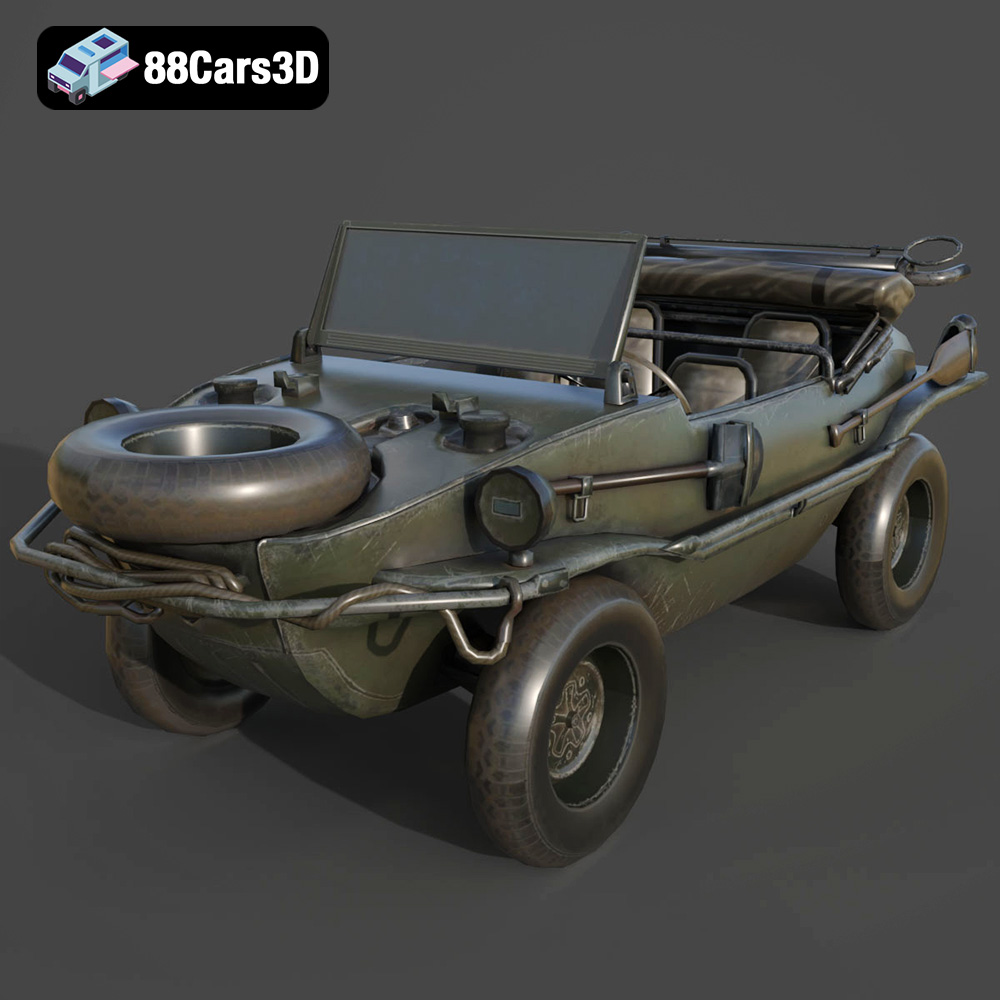
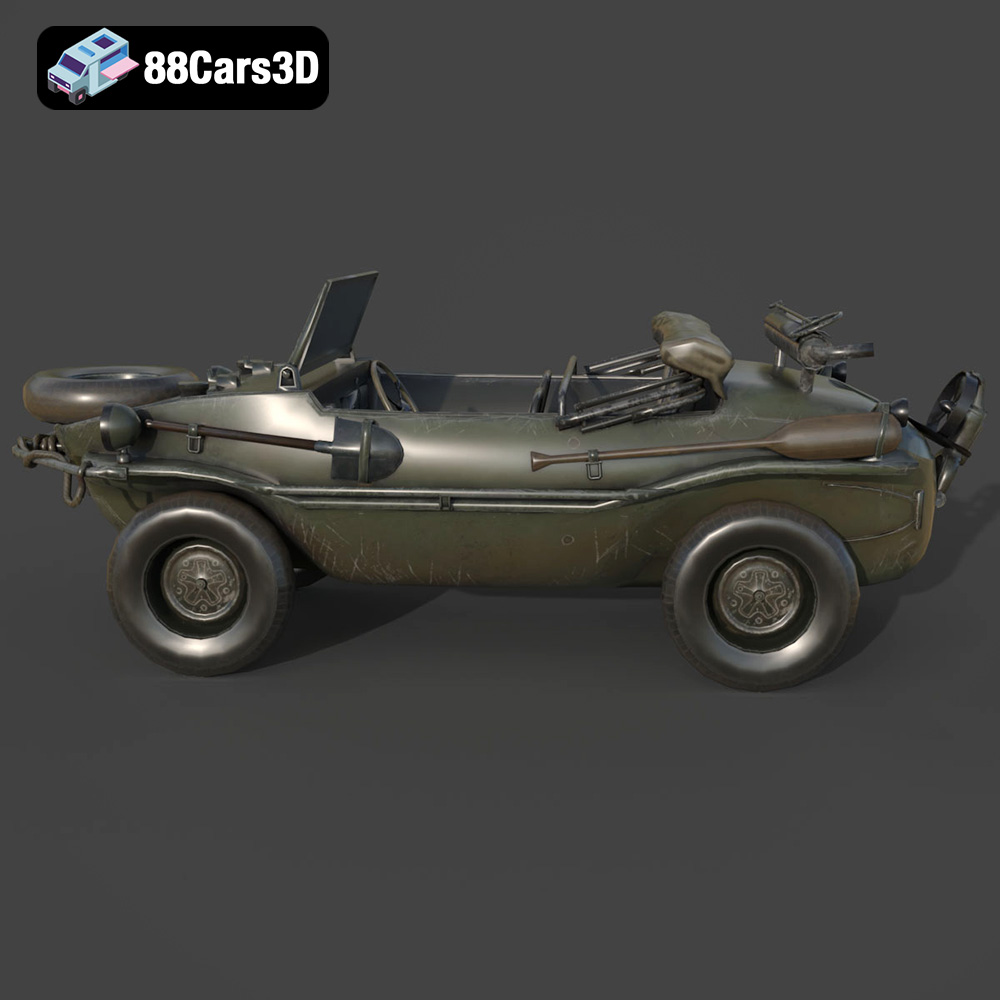
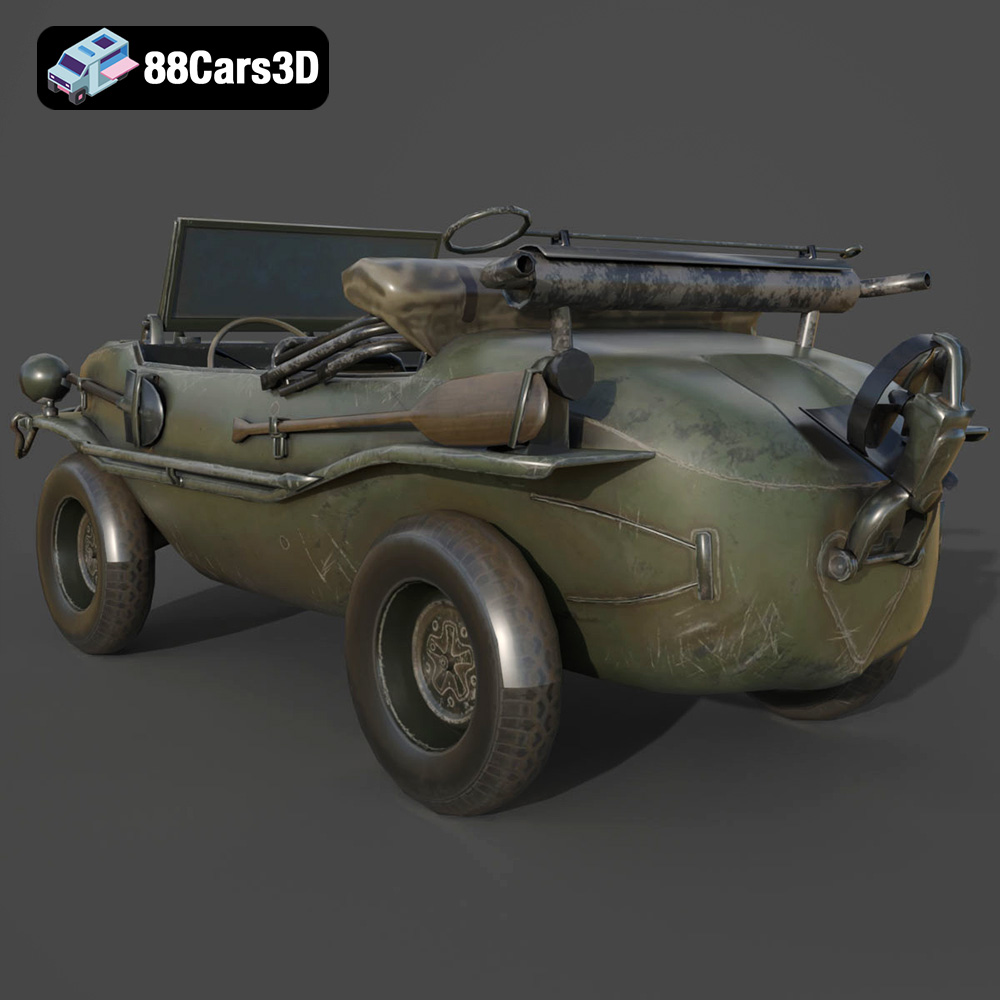
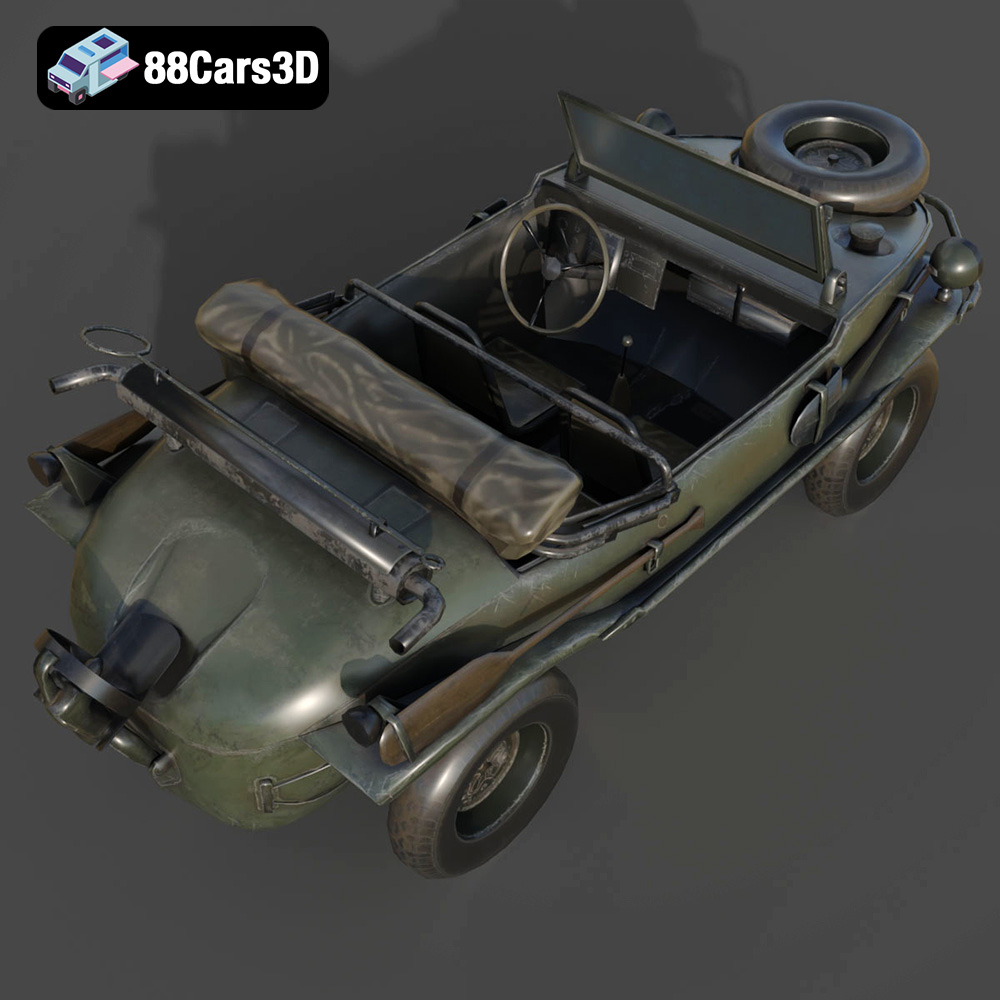
The Volkswagen Schwimmwagen Typ 166 is an iconic World War II amphibious off-road vehicle, celebrated for its rugged durability and unique boat-like hull design. Serving as one of the most mass-produced amphibious cars in history, it features a distinctive rear-mounted air-cooled flat-four engine, a fold-down propeller system, and four-wheel drive capability. This highly accurate 3D model meticulously captures its utilitarian military aesthetics, from the riveted watertight chassis to the spare tire mounted on the sloping front hood.
$39.99
3D printing the Volkswagen Schwimmwagen Typ 166 is a rewarding project that combines historical appreciation with technical skill. By choosing the right printer and material, carefully preparing the 3D model, optimizing printer settings, and applying post-processing techniques, you can create a stunning replica of this iconic vehicle. Remember to download your optimized STL files and other formats from 88cars3d.com for the best possible results. With patience and attention to detail, you can bring the Schwimmwagen to life in your own home workshop, adding a unique and historically significant piece to your collection. Happy printing!
.blend
.fbx
.glb
.max
.obj
.ply
.rendering
.stl
.unreal
.volkswagen
amphibious-vehicle
car-3d-model
classic-car
game asset
game-ready
low-poly
military-vehicle
off-road
optimized
schwimmwagen-typ-166
VR/AR
ww2-vehicle