Get 20% OFF All Premium 3D & STL Models!

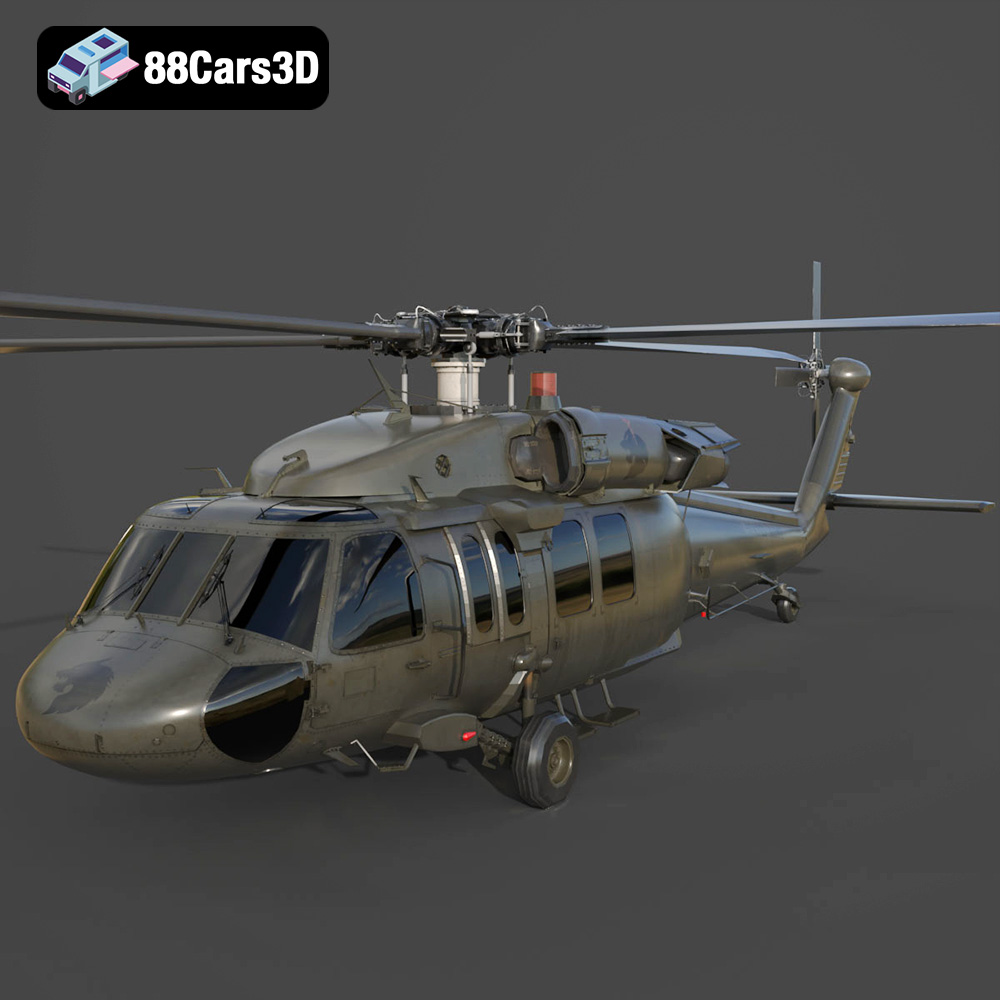
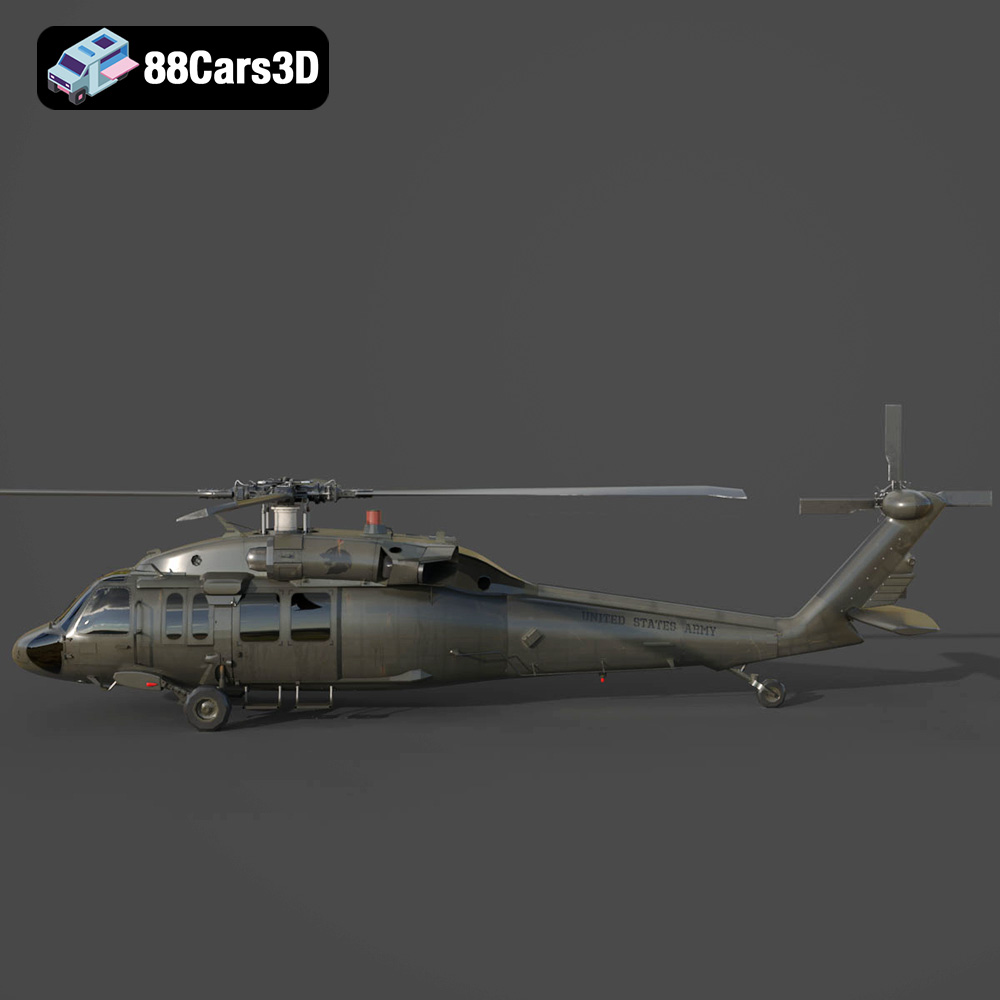
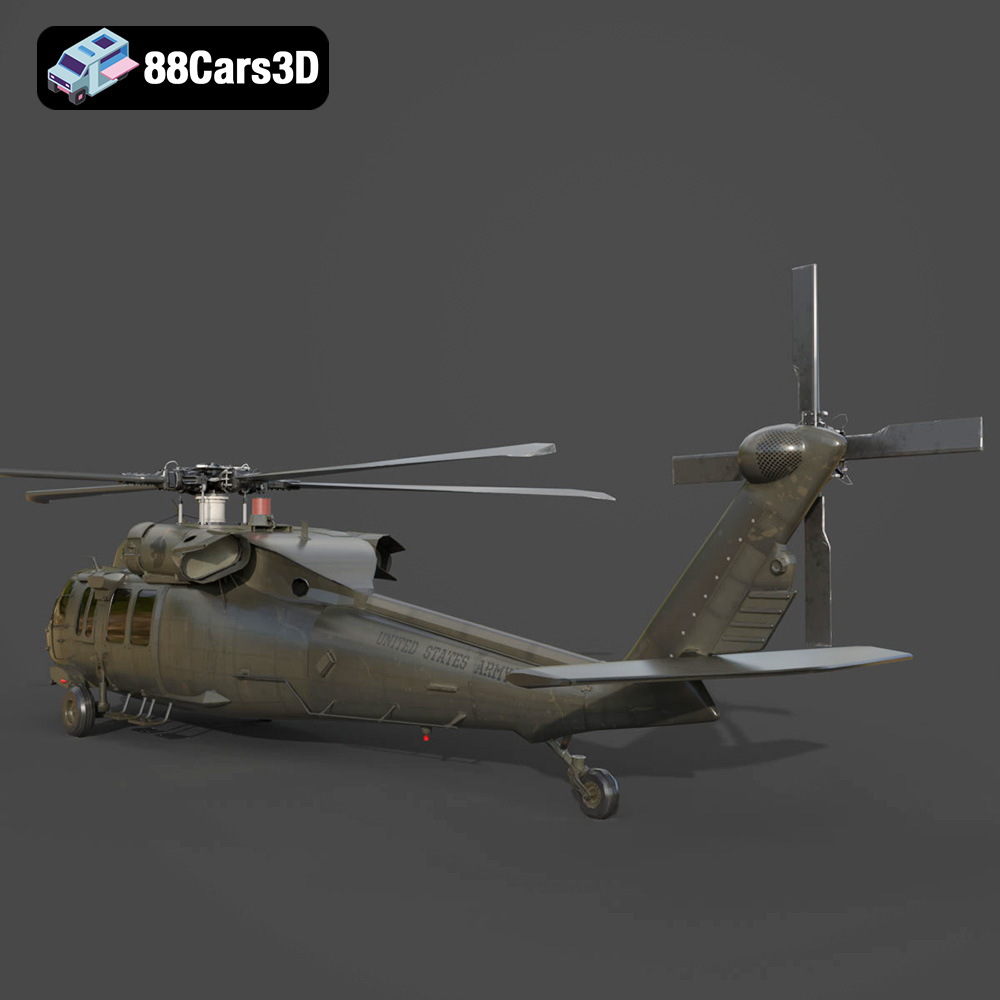
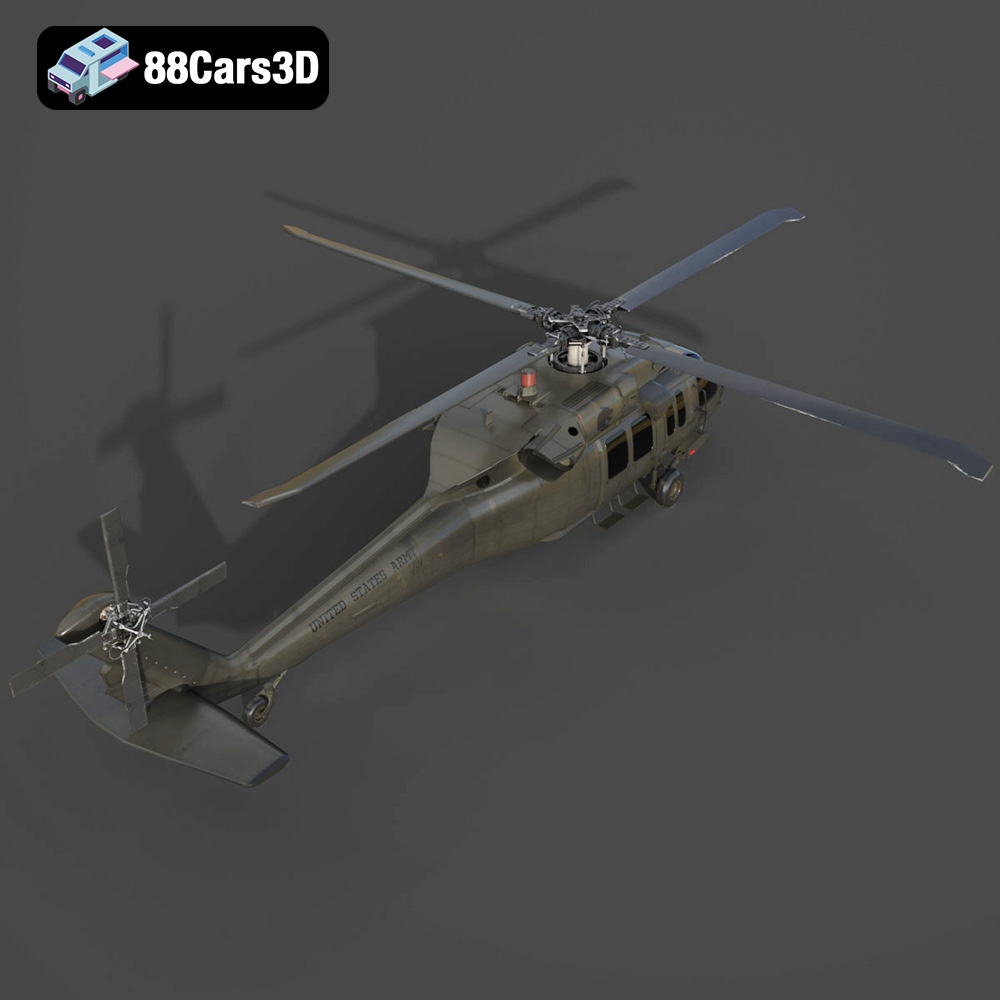
The Sikorsky UH-60 Black Hawk is a legendary aircraft, instantly recognizable and steeped in military history. Now, thanks to advancements in additive manufacturing, you can bring this symbol of American air power to your desk or display shelf. This guide provides a comprehensive overview of 3D printing the detailed Sikorsky UH-60 Black Hawk US 3D Model available on 88cars3d.com, covering everything from printer settings and material choices to post-processing techniques. Whether you’re a seasoned 3D printing enthusiast or a newcomer to the hobby, this guide will equip you with the knowledge to create a stunning 3D printed replica.
Before diving into the specifics of 3D printing the UH-60 Black Hawk, it’s crucial to understand the different file formats available and their suitability for additive manufacturing. The model from 88cars3d.com comes with a variety of formats, but not all are created equal when it comes to 3D printing.
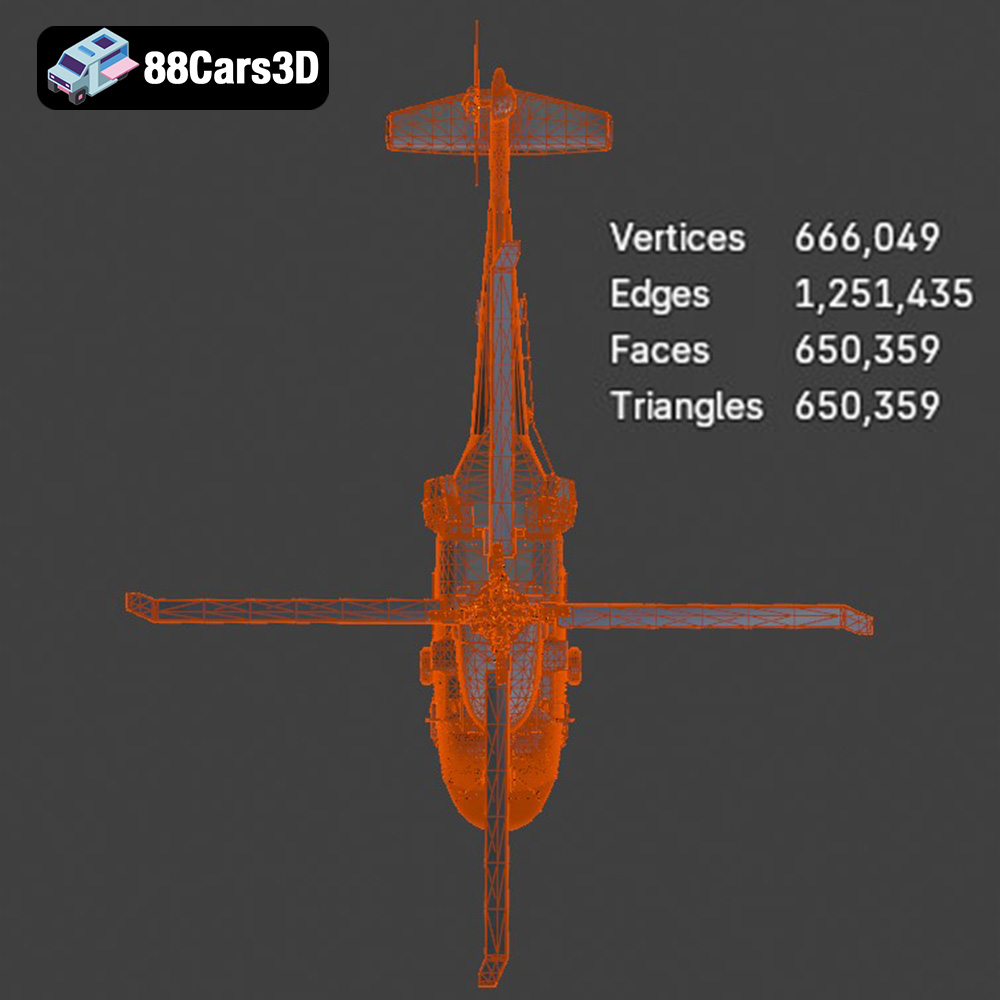
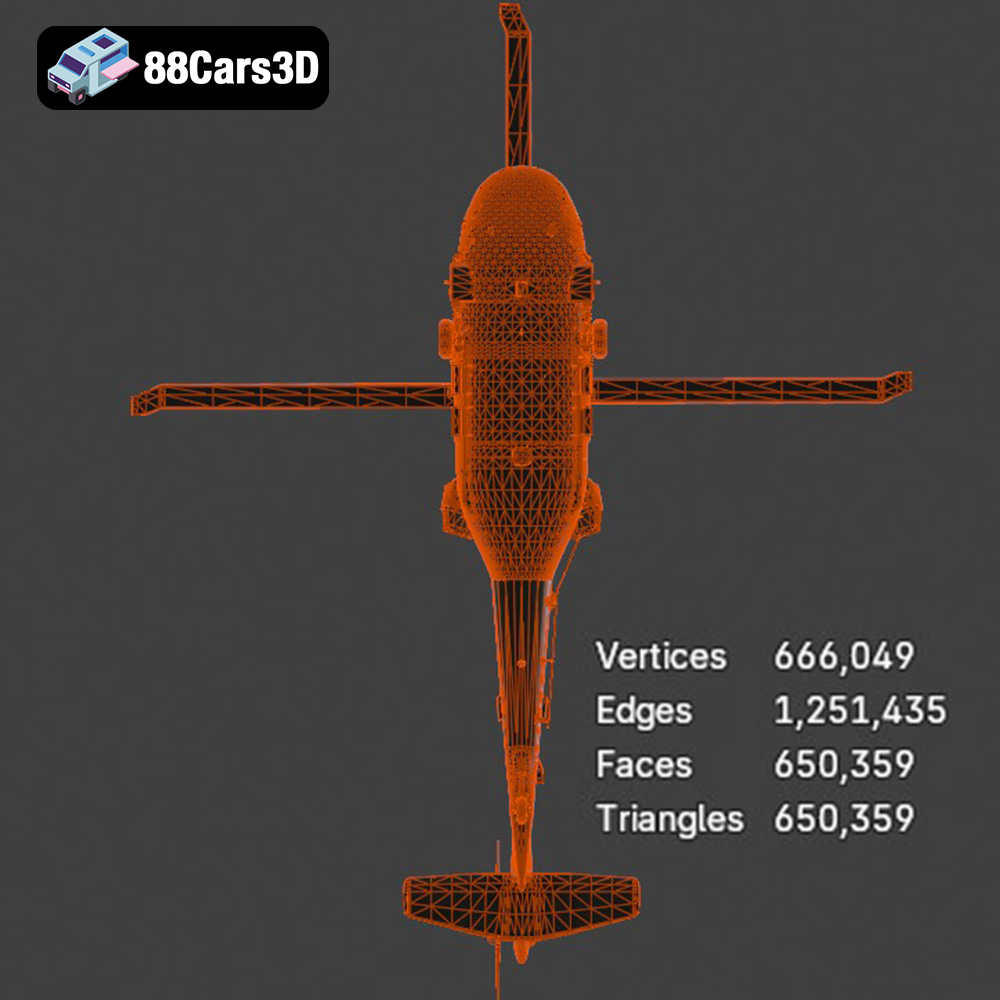
The STL (Stereolithography) file format is the workhorse of 3D printing. It represents a 3D object’s surface geometry as a collection of triangles. This simplicity makes it universally compatible with virtually all slicing software and 3D printers. However, STL files only store the mesh data; they do not contain information about color, texture, or materials. For 3D printing, the STL format is generally the preferred choice because of its wide compatibility. It’s the format your slicer will use to generate the G-code instructions for your printer. The quality of the print depends heavily on the resolution of the STL mesh. A higher resolution (more triangles) will result in a smoother, more detailed print but will also increase the file size and processing time.
OBJ files are another common 3D model format, offering a key advantage over STL: they can store color and texture information alongside the geometry. This is beneficial if you plan to create a multi-colored or textured print (though this requires specialized 3D printing hardware). OBJ files are compatible with many slicing programs, but ensure your chosen slicer fully supports OBJ files with textures. If your slicing software does not support textures, it will ignore the material information and only import the object’s geometry.
PLY (Polygon File Format) is designed for storing 3D data acquired from 3D scanners. It can store color, normals, texture coordinates, and other properties for each vertex in the mesh, resulting in a very detailed and precise representation of the model. For 3D printing, PLY files can be useful for capturing the nuances of the UH-60 Black Hawk. However, the resulting files can be quite large, and not all slicing software supports the PLY format as widely as STL or OBJ. Before attempting to print with a PLY file, ensure that your slicing software can correctly interpret the data and generate a suitable toolpath.
BLEND files are native to Blender, a popular open-source 3D modeling software. This format contains the entire Blender scene, including the model geometry, textures, lighting, and animation data. If you are proficient in Blender, having the BLEND file allows you to fully customize the UH-60 Black Hawk model before exporting it for 3D printing. You can modify the geometry, add details, or create variations of the model. However, BLEND files are not directly compatible with 3D printers. You need to export the model from Blender in a 3D printable format like STL after making your desired changes.
FBX (Filmbox) is a proprietary file format developed by Autodesk for interoperability between different 3D software packages. It supports the transfer of model geometry, textures, materials, and animations. While FBX files can be imported into some slicing software, they are typically used for exchanging data between 3D modeling and animation applications. It’s useful for transferring complex model setups, especially when lighting and materials are important. However, the primary purpose of FBX is not for 3D printing, so stick to STL or OBJ for most printing purposes.
GLB (GL Transmission Format Binary) is a binary file format that represents 3D models, including textures and animations. It is commonly used for displaying 3D models in web browsers and augmented reality (AR) applications. While not directly used for 3D printing, the GLB file allows you to preview the UH-60 Black Hawk model in AR before committing to a print. This can be helpful for visualizing the size and detail of the model in a real-world environment.
The .max file extension is associated with Autodesk 3ds Max, a professional 3D modeling, animation, rendering, and visualization software. Like .blend files, .max files store the entire project, including geometry, textures, lighting, and animation settings specific to 3ds Max. Having access to the .max file allows experienced 3ds Max users to fully customize the UH-60 Black Hawk model before exporting it for 3D printing. You can modify the geometry, add fine details, or create variations of the model. However, similar to .blend, .max files are not directly compatible with 3D printers.
Once you’ve selected your preferred file format (ideally STL), the next step is to prepare the model for 3D printing using slicing software. This software converts the 3D model into a series of instructions (G-code) that your printer can understand. Several slicing software options are available, including Cura, Simplify3D, PrusaSlicer, and others. The choice depends on your printer, operating system, and personal preferences.
Before slicing, it’s crucial to inspect the model for any errors or imperfections that could affect the print quality. Slicing software often includes tools for repairing minor issues, such as non-manifold edges or holes in the mesh. Netfabb Basic is a popular free tool specifically designed for model repair.
The orientation of the model on the print bed significantly impacts the print quality, support requirements, and overall success. For the UH-60 Black Hawk, consider printing the fuselage horizontally or at a slight angle. This minimizes the need for supports on the delicate details and provides better structural integrity. Printing the rotors separately allows for finer details and easier post-processing. Experimenting with different orientations and observing the generated support structures in your slicing software is key to finding the optimal setup.
The 88cars3d.com description suggests scaling the model to 1:35, 1:48, or 1:72. Choose a scale that suits your printer’s build volume and desired level of detail. Keep in mind that smaller scales will require finer printer settings and may be more challenging to print successfully.
Adjust the layer height in your slicing software to balance print time and resolution. A layer height of 0.04-0.12mm is recommended, with resin printing enabling finer layer heights for increased detail. Lower layer heights increase print time but produce smoother surfaces and more accurate representation of the model’s details.
The choice of material depends on your desired finish, strength, and printer type. For the Sikorsky UH-60 Black Hawk, consider these options:
PLA is a biodegradable thermoplastic polymer derived from renewable resources like corn starch or sugarcane. It is one of the most popular materials for 3D printing due to its ease of use, low odor, and wide availability. PLA is a good choice for the UH-60 Black Hawk if you prioritize ease of printing and a smooth surface finish. It’s relatively rigid but can be brittle, so it might not be ideal for parts that require high strength or impact resistance.
PETG offers a good balance of strength, flexibility, and ease of printing. It is more durable and impact-resistant than PLA, making it a better choice for parts that need to withstand stress. PETG also has good chemical resistance and is less prone to warping than ABS. If you want a more robust UH-60 Black Hawk model, PETG is a great option.
Resin printing (using Stereolithography or Digital Light Processing technology) offers the highest level of detail and surface finish. Resin printers use liquid photopolymer resins that are cured by UV light. This allows for very fine layer heights and intricate details, making it ideal for the UH-60 Black Hawk’s complex features. However, resin prints tend to be more brittle than PLA or PETG and require more post-processing, including washing and curing.
Fine-tuning your printer settings is essential for a successful 3D print. Here are some key settings to consider:
As mentioned earlier, a layer height of 0.04-0.12mm is recommended for optimal detail. Match your nozzle size to the layer height. A smaller nozzle (e.g., 0.4mm) is generally preferred for finer details.
Infill refers to the internal structure of the 3D print. A higher infill density increases the strength and weight of the part but also increases print time and material consumption. For the UH-60 Black Hawk, an infill density of 20-30% is generally sufficient. Choose an infill pattern that provides good support without being overly dense, such as gyroid or honeycomb.
Refer to your material manufacturer’s recommendations for optimal print speed and temperature settings. Generally, slower print speeds result in better print quality, especially for detailed models.
Support structures are necessary to support overhanging features during printing. Use your slicing software to generate appropriate support structures for the UH-60 Black Hawk, paying close attention to the rotors, landing gear, and antennas. Consider using tree supports or light supports that are easier to remove without damaging the model.
Once the print is complete, post-processing is necessary to achieve a polished and professional-looking result.
Carefully remove the support structures using pliers, cutters, or a sharp knife. Be patient and avoid damaging the model. Sand the surface of the model to remove any imperfections, layer lines, or support marks. Start with coarse sandpaper and gradually move to finer grits for a smooth finish.
Apply a primer coat to the model to create a uniform surface for painting. Use spray paint or an airbrush to apply the desired color scheme. Research the accurate colors for the UH-60 Black Hawk (e.g., olive drab or matte black) for a realistic finish. Consider using masking tape to create clean lines and separate different color areas. Adding decals and weathering effects can further enhance the realism of the model.
If you printed the rotors and other parts separately, carefully assemble them using glue or other appropriate adhesives. Ensure that the parts are aligned correctly and that the glue is fully cured before handling the model.
Even with careful preparation, 3D printing can sometimes present challenges. Here are some common issues and their solutions:
Warping occurs when the corners of the print lift off the build plate due to uneven cooling. To prevent warping, ensure that your build plate is clean and level, use a heated bed (if available), and apply an adhesive like hairspray or glue stick to the build plate.
Stringing refers to thin strands of plastic that form between different parts of the print. To prevent stringing, reduce the printing temperature, increase retraction distance, and decrease travel speed.
Layer shifting occurs when the printer head suddenly shifts position during printing, resulting in misaligned layers. To prevent layer shifting, ensure that your printer belts are properly tensioned, the stepper motor drivers are correctly calibrated, and the printer is placed on a stable surface.
If the first layer of your print doesn’t stick to the bed, adjust the Z-offset to ensure the nozzle is closer to the bed, clean the bed thoroughly with isopropyl alcohol, or use an adhesion aid like a brim or raft.
By following these guidelines and taking the time to experiment with different settings, you can successfully 3D print a stunning Sikorsky UH-60 Black Hawk model from 88cars3d.com. The result will be a detailed and accurate replica of this iconic aircraft, perfect for display, gaming, or educational purposes. With patience and attention to detail, you’ll be able to showcase a true masterpiece of additive manufacturing.
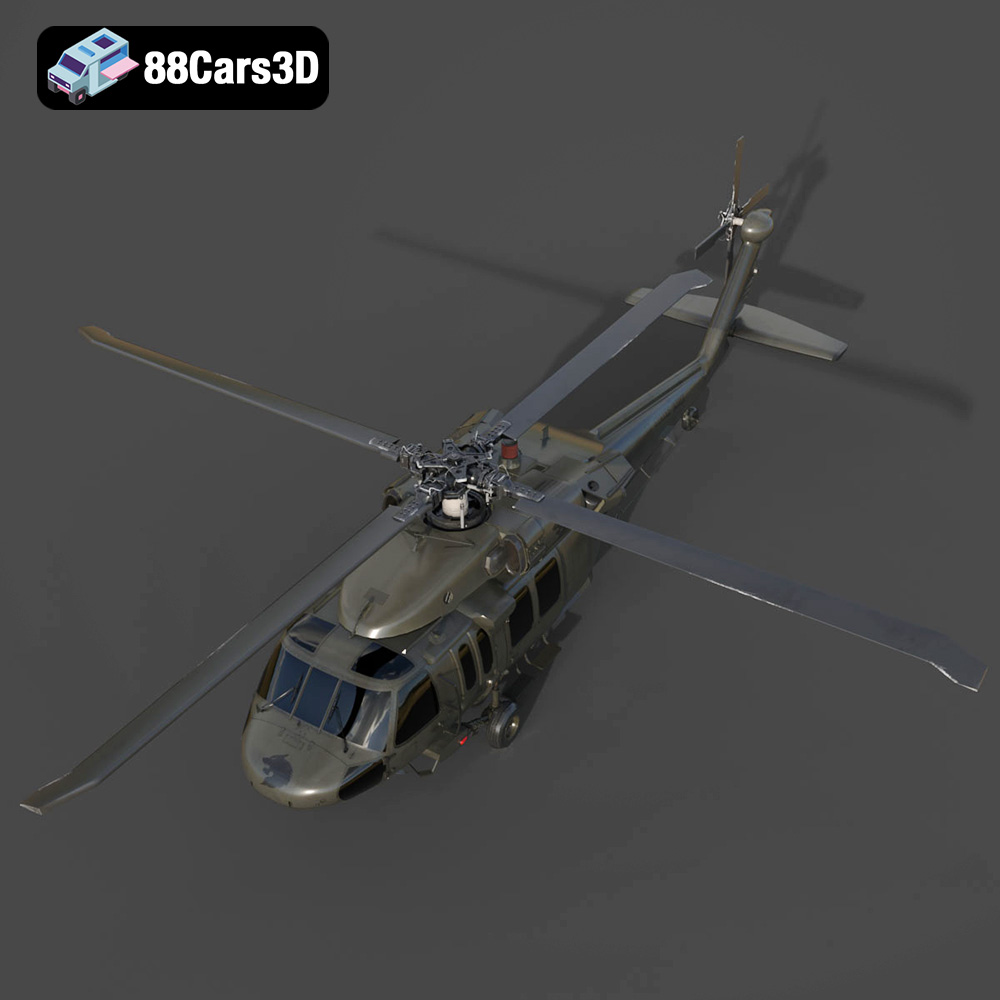
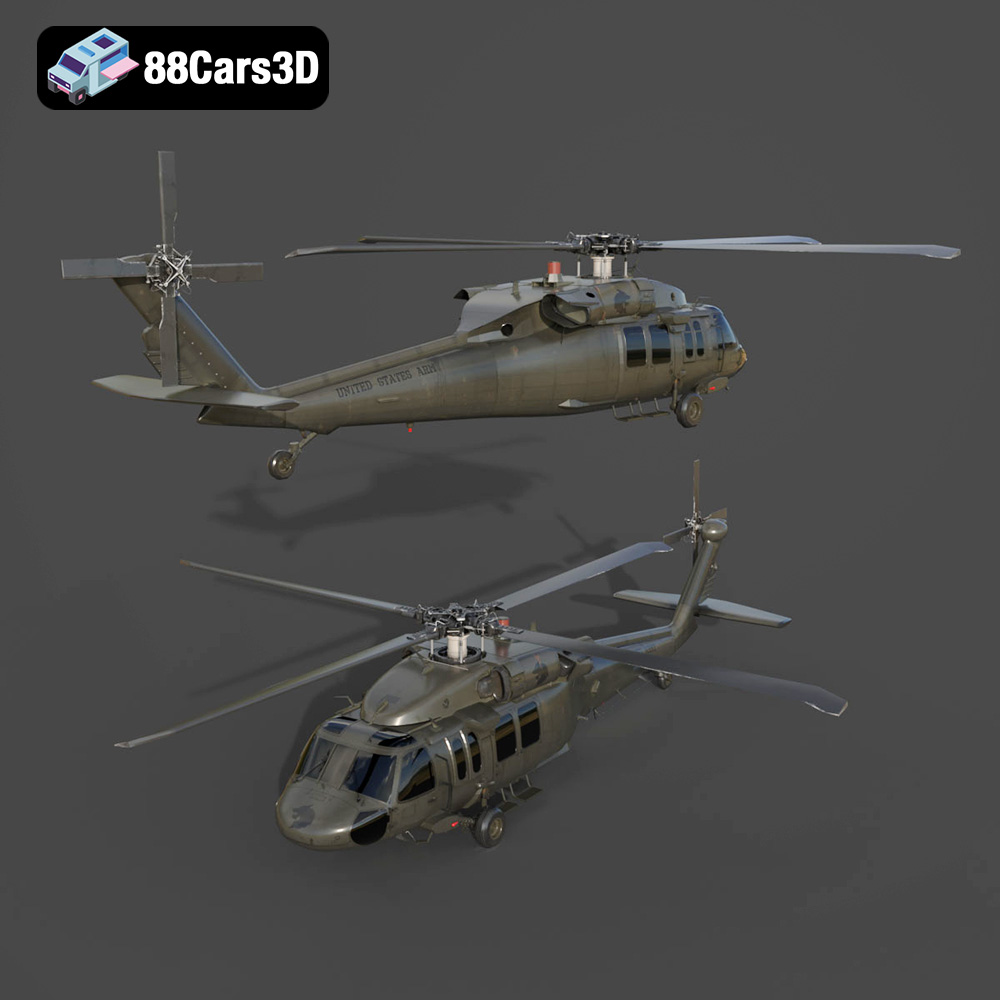
The Sikorsky UH-60 Black Hawk is the backbone of the U.S. Army’s tactical transport fleet, renowned for its versatility, ruggedness, and iconic silhouette. This 3D model meticulously captures the legendary military utility helicopter, featuring its distinct twin-engine housing, formidable four-blade main and tail rotors, and robust military fuselage. Built to reflect its real-world counterpart’s aggressive yet functional military styling, it embodies air assault, medevac, and troop transport readiness.
$39.99
.blend
.fbx
.glb
.max
.obj
.ply
.rendering
.sikorsky
.stl
.unreal
black-hawk
game asset
game-ready
helicopter-3d-model
low-poly
military-helicopter
optimized
uh-60
us-army
VR/AR