Get 20% OFF All Premium 3D & STL Models!

“`html
The world of 3D printing has revolutionized model making, offering enthusiasts the ability to bring their favorite cars to life in stunning detail. From classic vintage automobiles to sleek modern sports cars, the possibilities are endless. This comprehensive guide will walk you through every step of the process, from understanding STL files to perfecting your print settings and post-processing techniques, ensuring you achieve realistic and impressive 3D printed car models. Whether you’re a seasoned 3D printing pro or just starting your journey, this guide will provide you with the knowledge and skills to create miniature automotive masterpieces. We will delve into the nuances of FDM and resin printing, exploring the best practices for each technology to maximize detail and accuracy.
In this article, you’ll learn how to prepare your STL files for optimal printing, choose the right 3D printer settings for your chosen material, master support generation and removal, and apply post-processing techniques to achieve a professional finish. You’ll also gain insights into troubleshooting common printing issues and understanding the importance of printer calibration and maintenance. So, buckle up and get ready to embark on a thrilling journey into the world of 3D printed car models!
The foundation of any successful 3D print lies in the quality of the STL file. STL (stereolithography) is a file format native to stereolithography CAD software created by 3D Systems. It represents the surface geometry of a 3D object using a collection of triangles. Understanding its structure and mesh topology is crucial for achieving high-quality prints. Poorly designed STL files can lead to printing errors, weak spots in the model, and a loss of detail. Platforms like 88cars3d.com offer print-ready STL files specifically designed for optimal 3D printing results.
The number of triangles used to represent the surface directly impacts the level of detail in your model. Higher triangle counts result in smoother surfaces and finer details, but they also increase file size and processing time. Finding the right balance is key. For car models, especially those with complex curves, a higher resolution is generally recommended. However, excessively high resolutions can strain your slicing software and printer, leading to performance issues. When downloading models from marketplaces such as 88cars3d.com, ensure the provided STL resolution matches your desired print quality and printer capabilities. A good starting point is to aim for a triangle size that visually represents the desired level of detail without creating an unnecessarily large file.
A manifold mesh is a closed, watertight surface where every edge is shared by exactly two triangles. This is essential for 3D printing. Non-manifold meshes contain errors such as holes, self-intersections, or disconnected components, which can cause slicing software to fail or produce incorrect toolpaths. Before printing, it’s crucial to inspect your STL file for these errors. Software like MeshMixer and Netfabb can automatically detect and repair non-manifold meshes. A simple test is to load the STL into a slicer; if the slicer struggles to generate a solid model, it’s a sign of a non-manifold issue. Always prioritize fixing these errors before proceeding with printing.
Slicing is the process of converting a 3D model into a series of 2D layers that a 3D printer can understand and execute. The slicing parameters you choose have a significant impact on the quality, strength, and appearance of your printed car model. Key parameters include layer height, infill density, print speed, and temperature. Each parameter interacts with the others, and finding the optimal combination for your specific printer, material, and model is crucial.
Layer height determines the vertical resolution of your print. A smaller layer height (e.g., 0.1mm) produces smoother surfaces and finer details but increases print time. A larger layer height (e.g., 0.2mm) reduces print time but sacrifices detail. For realistic car models, especially those with intricate bodywork, a smaller layer height is generally preferred. Experiment with different layer heights to find the sweet spot between print time and desired detail. For FDM printing, nozzle size also plays a role. A smaller nozzle (e.g., 0.25mm) allows for even finer layer heights and more intricate details. With resin printing, layer height typically ranges from 0.025mm to 0.05mm, allowing for exceptional detail.
Infill refers to the internal structure of your 3D print. Infill density, expressed as a percentage, determines how much of the interior space is filled with material. A higher infill density increases strength and weight but also increases print time and material consumption. The infill pattern also affects the strength and flexibility of the print. Common infill patterns include rectilinear, grid, honeycomb, and gyroid. For car models, an infill density of 15-25% is often sufficient for structural integrity, depending on the size and complexity of the model. For parts that require greater strength, such as axles or suspension components, consider increasing the infill density to 50% or higher. Gyroid infill offers excellent strength-to-weight ratio and is a good choice for complex geometries.
Support structures are temporary additions to your 3D print that provide stability and prevent sagging in overhanging areas. They are essential for printing complex car models with intricate curves and details. However, support structures can also leave marks on the printed surface, so it’s crucial to generate and remove them carefully. The type of support structure, density, and placement all play a role in the final print quality.
For FDM printing, common support types include linear, tree, and zigzag. Linear supports are simple and efficient but can leave noticeable marks. Tree supports are more organic in shape and can be easier to remove, especially in hard-to-reach areas. Zigzag supports offer a good balance between strength and ease of removal. For resin printing, support structures are typically thin and branch-like, designed to minimize contact with the model surface. The key is to use enough supports to prevent sagging but not so many that they are difficult to remove or leave excessive marks. Experiment with different support types and densities to find what works best for your printer and material.
Strategic support placement is crucial for minimizing the impact on the visible surfaces of your car model. Place supports on areas that will be hidden or less visible, such as the underside of the chassis or the interior of the wheel wells. Use a small support interface distance to make removal easier. After printing, carefully remove the supports using tools like pliers, cutters, or a heat gun. For FDM prints, you can soften the support material with a heat gun before removing it. For resin prints, gently snap off the supports, being careful not to damage the model. Sand down any remaining support marks with fine-grit sandpaper to achieve a smooth surface.
The material you choose for 3D printing your car model significantly impacts its appearance, strength, and durability. Common materials include PLA, PETG, ABS, and various types of resins. Each material has its own advantages and disadvantages, so it’s essential to choose the right one for your specific needs.
PLA (polylactic acid) is a biodegradable thermoplastic that is easy to print and produces good surface detail. It’s a good choice for beginners and for models that don’t require high heat resistance. PETG (polyethylene terephthalate glycol) is a more durable and heat-resistant alternative to PLA. It’s also more flexible, making it less prone to cracking. ABS (acrylonitrile butadiene styrene) is a strong and heat-resistant thermoplastic that is commonly used in automotive applications. However, it’s more difficult to print than PLA and PETG, as it requires a heated bed and enclosure to prevent warping. For car models, PETG is often a good compromise between ease of printing and durability. ABS is suitable for parts that need to withstand high temperatures, such as engine components.
Resin printing offers exceptional detail and smooth surfaces, making it ideal for creating highly realistic car models. Common resin types include standard resin, tough resin, and flexible resin. Standard resin is suitable for general-purpose printing but can be brittle. Tough resin is more impact-resistant and durable, making it a good choice for parts that need to withstand stress. Flexible resin is ideal for creating tires or other flexible components. The choice of resin depends on the specific requirements of your car model. Resin printing technologies include SLA (stereolithography), DLP (digital light processing), and LCD (liquid crystal display). Each technology uses a different light source to cure the resin, but the basic principle is the same. Resin printing typically produces stronger and more detailed parts compared to FDM printing, but it also requires more post-processing.
Post-processing is the final stage of the 3D printing process, where you refine the appearance and functionality of your car model. Common post-processing techniques include sanding, painting, and assembly. These techniques can transform a rough 3D print into a polished and professional-looking model.
Sanding is essential for removing layer lines and imperfections from your 3D print. Start with coarse-grit sandpaper (e.g., 220 grit) to remove major imperfections, then gradually move to finer-grit sandpaper (e.g., 400, 600, 800 grit) to achieve a smooth surface. Wet sanding can help prevent the sandpaper from clogging and produce a smoother finish. For resin prints, use a soft-bristled brush to remove any remaining resin residue. After sanding, you can apply a primer to create a uniform surface for painting.
Painting can bring your 3D printed car model to life. Use acrylic or enamel paints specifically designed for model making. Apply thin, even coats of paint to avoid drips and runs. Mask off areas that you don’t want to paint using masking tape. For detailed areas, use fine-tipped brushes or an airbrush. After painting, you can apply a clear coat to protect the paint and add a glossy finish. Consider adding realistic details like decals, badges, and lights to enhance the appearance of your car model.
Even with careful preparation, 3D printing can sometimes present challenges. Understanding common issues and their solutions is crucial for a smooth printing experience. Warping, adhesion problems, and stringing are a few issues that can plague even experienced users.
Warping occurs when the corners of your print lift off the build plate due to uneven cooling. This is more common with materials like ABS that are prone to shrinkage. To prevent warping, ensure your build plate is properly leveled and heated. Use a build plate adhesive like glue stick or hairspray to improve adhesion. Enclosing your printer can also help maintain a consistent temperature and reduce warping. For large prints, consider adding a raft to the base of the model to provide a larger surface area for adhesion.
Stringing occurs when the printer extrudes filament while traveling between different parts of the model, leaving thin strands of plastic. This is often caused by excessive retraction distance or temperature. Reduce the printing temperature and increase the retraction distance to minimize stringing. Blobs are small lumps of plastic that appear on the surface of the print. These can be caused by inconsistent extrusion or nozzle temperature fluctuations. Ensure your extruder is properly calibrated and that your nozzle temperature is stable. Adjusting the coasting settings in your slicer can also help prevent blobs.
3D printing realistic car models from STL files is an exciting and rewarding endeavor. By understanding the fundamentals of STL file preparation, slicing parameters, support generation, material selection, and post-processing techniques, you can create stunning miniature replicas of your favorite automobiles. Remember to experiment with different settings and materials to find what works best for your printer and model. Don’t be afraid to troubleshoot and learn from your mistakes. With practice and patience, you can master the art of 3D printing and bring your automotive dreams to life. The world of 3D printing is constantly evolving, so stay curious and continue to explore new techniques and technologies. Websites and platforms such as 88cars3d.com are excellent resources for finding high-quality STL files and inspiration for your next project. Happy printing!
“`

Texture: Yes | Material: Yes
Download the highly detailed, game-ready Toyota Camry 2018 3D Model. Features an aggressive aerodynamic body, distinct LED lighting signature, and precise interior detailing. Includes .blend, .fbx, .obj, .glb, .stl, .ply, .unreal, and .max formats for game development, AR/VR, and rendering.
Price: $19.99
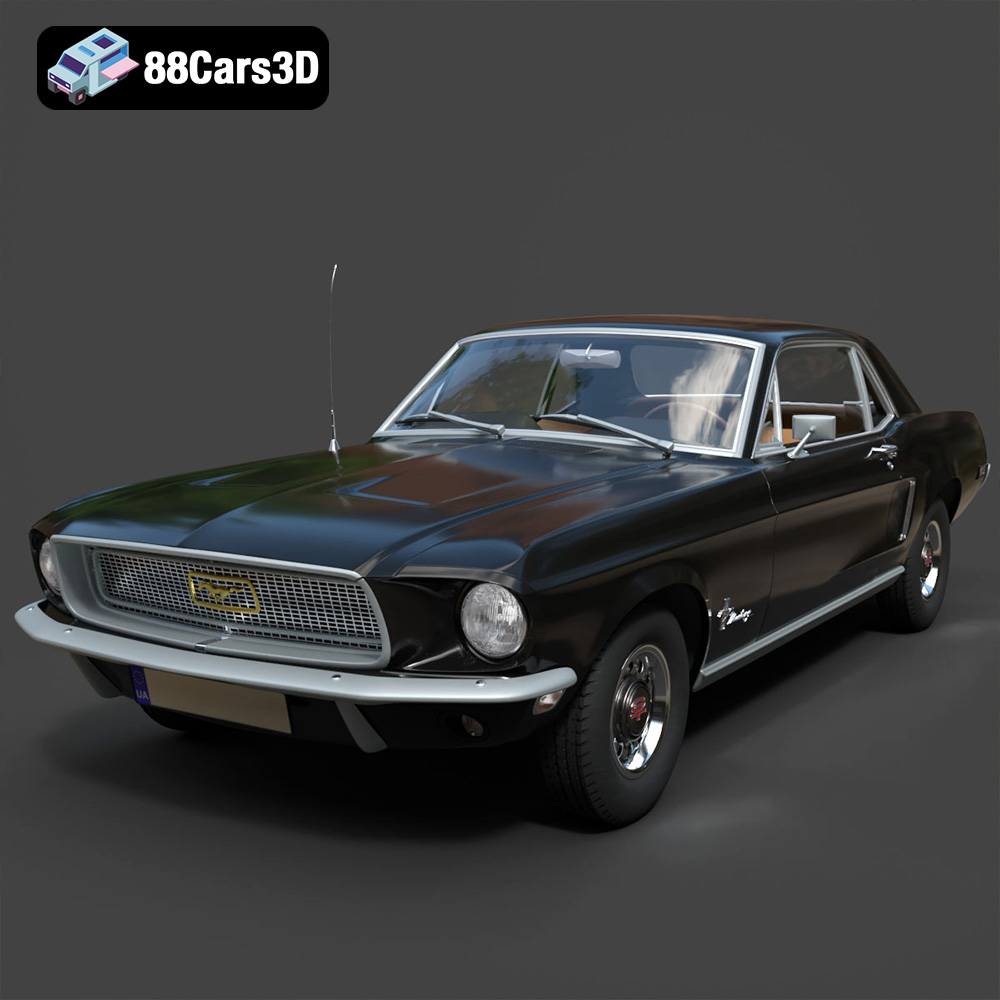
Texture: Yes | Material: Yes
Download the highly detailed, game-ready Ford Mustang Hardtop 1968 3D Model. Features the iconic galloping pony grille, signature tri-bar taillights, and an authentic vintage interior. Includes .blend, .fbx, .obj, .glb, .stl, .ply, .unreal, and .max formats for game development, AR/VR, and rendering.
Price: $19.99
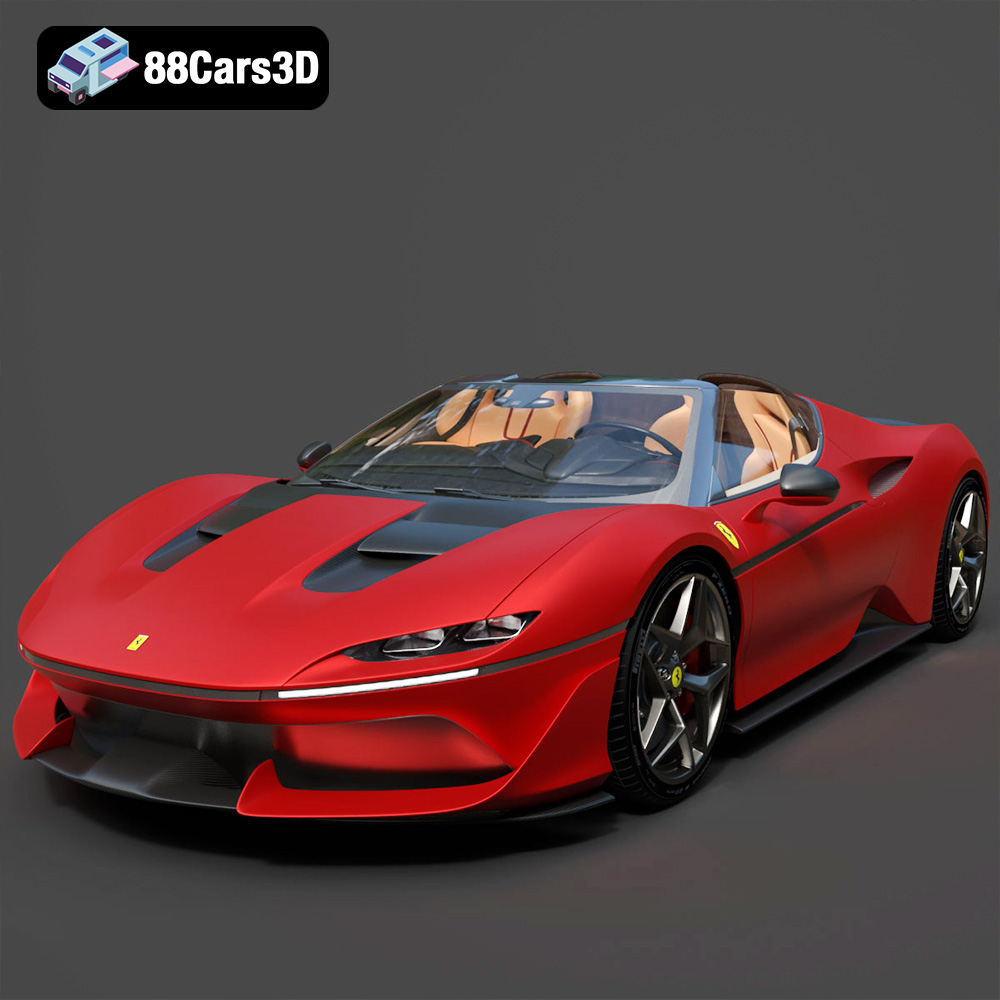
Texture: Yes | Material: Yes
Download the highly detailed, game-ready Ferrari J50 2017 3D Model. Features aggressive aerodynamic styling, twin-turbo V8 engine details, and targa top design. Includes .blend, .fbx, .obj, .glb, .stl, .ply, .unreal, and .max formats for game development, AR/VR, and rendering.
Price: $19.99
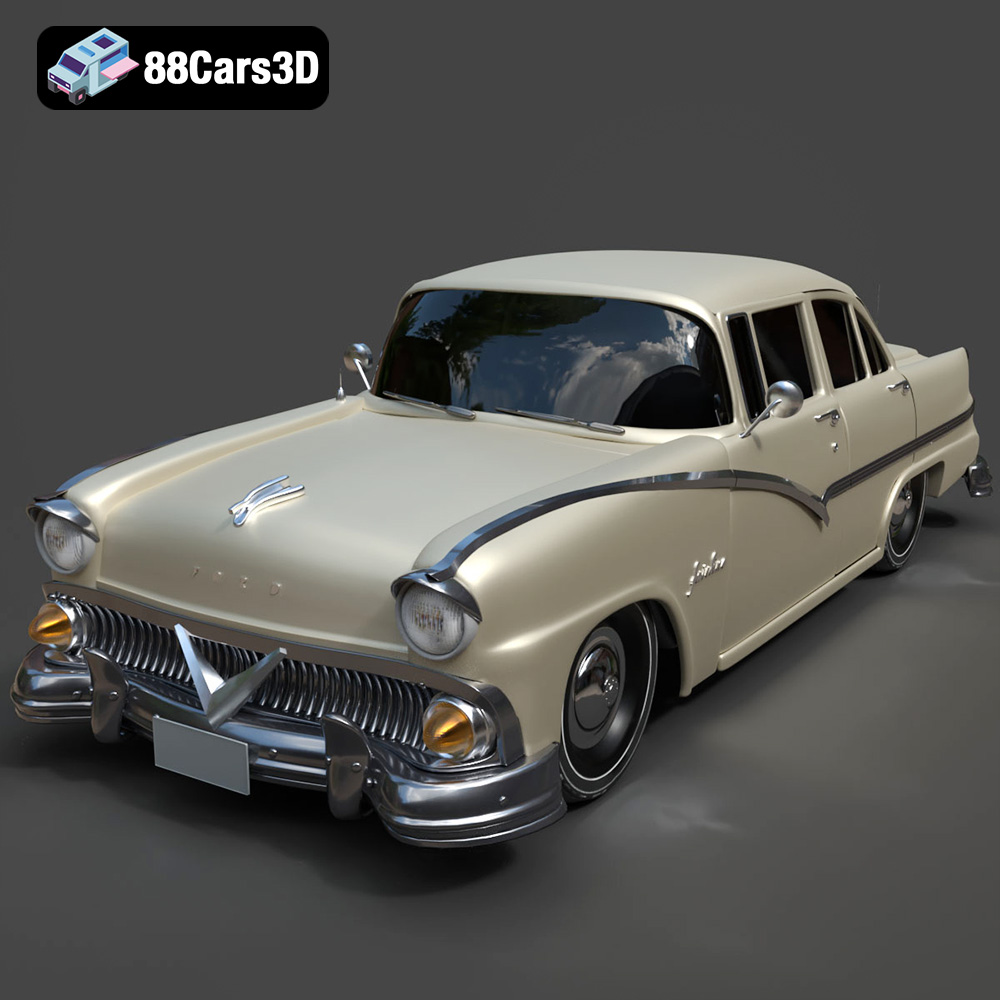
Texture: Yes | Material: Yes
Download the highly detailed, game-ready Ford Fairlin 3D Model. Features iconic classic styling, sweeping bodylines, and an accurate vintage interior. Includes .blend, .fbx, .obj, .glb, .stl, .ply, .unreal, and .max formats for game development, AR/VR, and rendering.
Price: $19.99
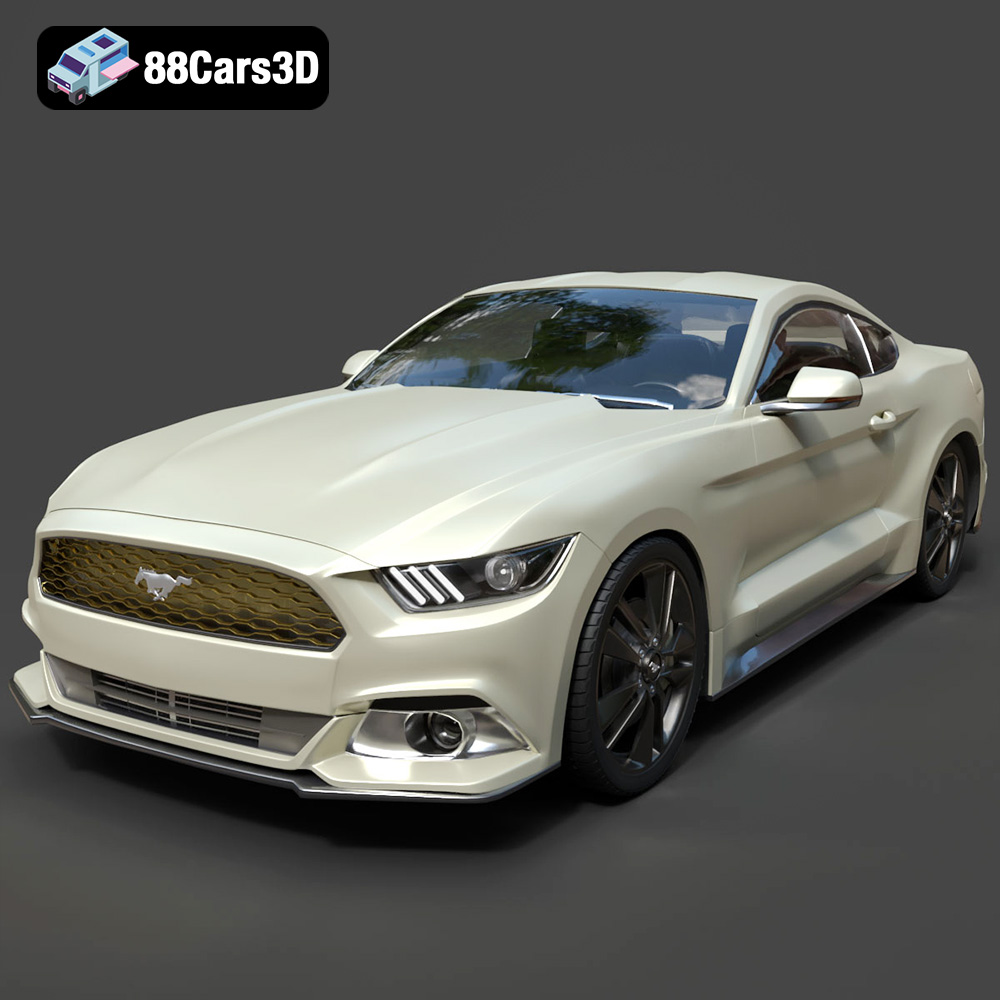
Texture: Yes | Material: Yes
Download the highly detailed, game-ready Ford Mustang GT 3D Model. Features aggressive muscle car styling, a highly detailed V8 engine bay, and accurate interior cockpit. Includes .blend, .fbx, .obj, .glb, .stl, .ply, .unreal, and .max formats for game development, AR/VR, and rendering.
Price: $19.99

Texture: Yes | Material: Yes
Download the highly detailed, game-ready Renault Megane CC 2011 3D Model. Features an accurately modeled folding glass roof, sleek aerodynamic body lines, and a detailed interior. Includes .blend, .fbx, .obj, .glb, .stl, .ply, .unreal, and .max formats for game development, AR/VR, and rendering.
Price: $19.99

Texture: Yes | Material: Yes
Download the highly detailed, game-ready Ford GT 2005 3D Model. Features signature aerodynamic bodylines, mid-mounted supercharged V8 detailing, and iconic racing stripes. Includes .blend, .fbx, .obj, .glb, .stl, .ply, .unreal, and .max formats for game development, AR/VR, and rendering.
Price: $19.99

Texture: Yes | Material: Yes
Download the highly detailed, game-ready Yamaha YZF-R125 EU 3D Model. Features an aggressive aerodynamic fairing, twin LED headlights, and a detailed 125cc engine block. Includes .blend, .fbx, .obj, .glb, .stl, .ply, .unreal, and .max formats for game development, AR/VR, and rendering.
Price: $19.99

Texture: Yes | Material: Yes
Download the highly detailed, game-ready Yamaha R1 3D Model. Features aggressive aerodynamic fairings, a detailed crossplane inline-4 engine, and track-focused suspension geometry. Includes .blend, .fbx, .obj, .glb, .stl, .ply, .unreal, and .max formats for game development, AR/VR, and rendering.
Price: $19.99

Texture: Yes | Material: Yes
Download the highly detailed, game-ready Yamaha XV950 Racer 3D Model. Features an aggressive cafe-racer front cowl, detailed air-cooled V-twin engine, and classic retro styling. Includes .blend, .fbx, .obj, .glb, .stl, .ply, .unreal, and .max formats for game development, AR/VR, and rendering.
Price: $19.99

