Get 20% OFF All Premium 3D & STL Models!

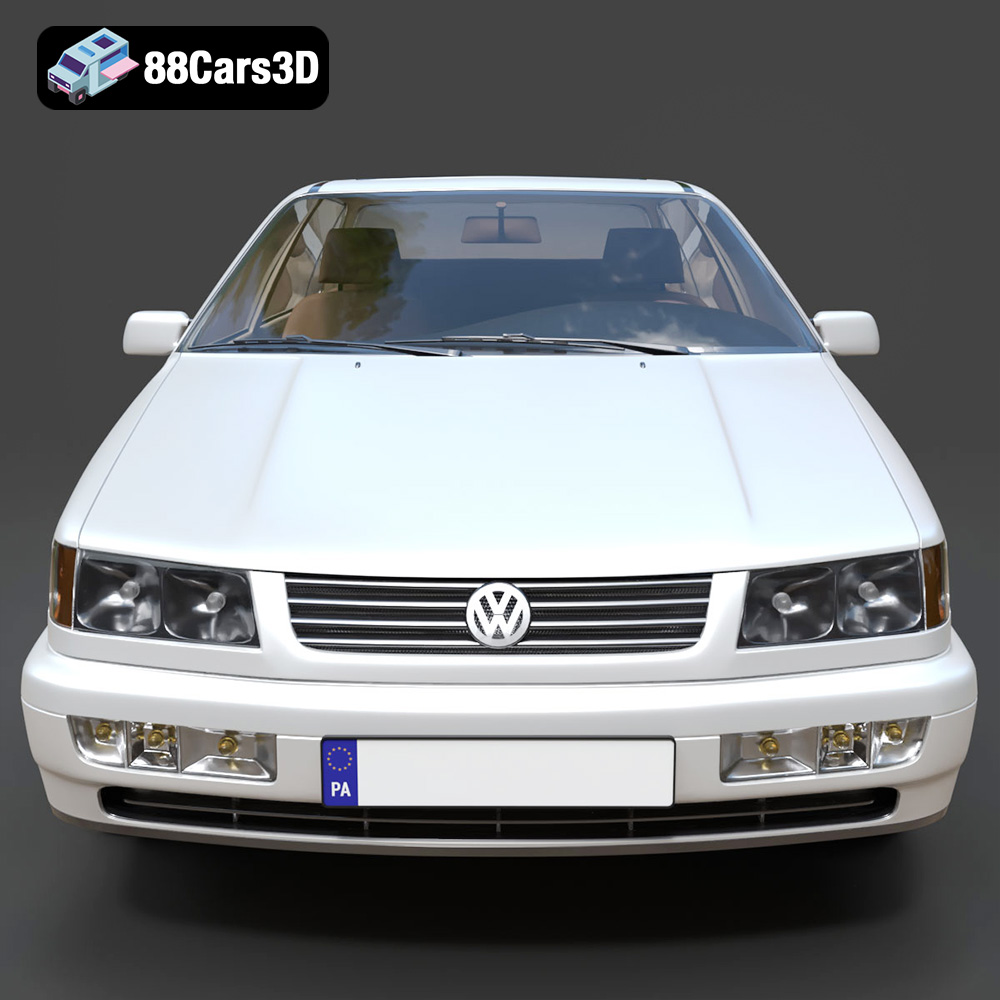
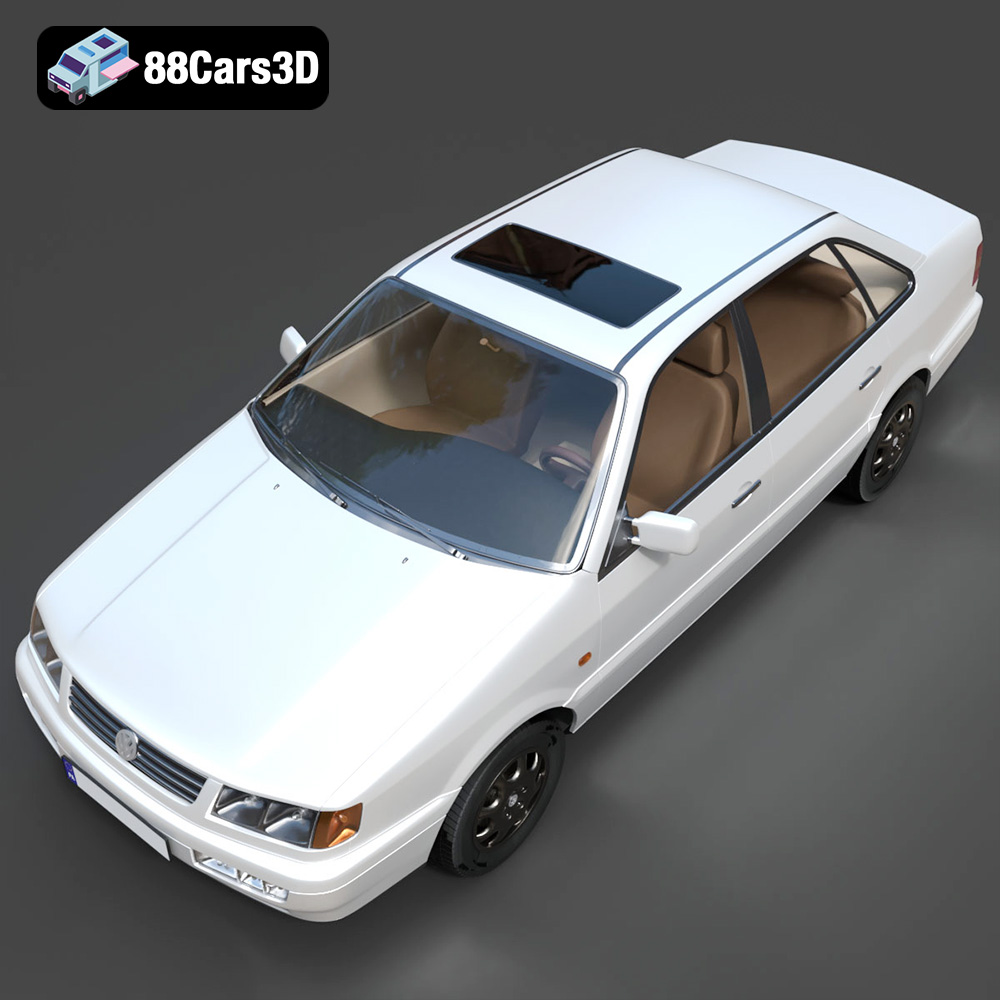
The 1993 Volkswagen Passat Mk4 B4 sedan is a vehicle that evokes a sense of nostalgia for many. Its clean lines and practical design make it a compelling subject for 3D printing enthusiasts. With a meticulously crafted 3D model from 88cars3d.com, you can bring this automotive icon to life on your desktop. This article will guide you through the process of 3D printing the Passat Mk4, covering everything from file preparation to post-processing.
Before diving into the specifics of printing the Volkswagen Passat Mk4 model, it’s crucial to understand the various file formats available and their suitability for 3D printing. The 3D model comes with several formats, but not all are created equal when it comes to additive manufacturing. Let’s break down the key formats:
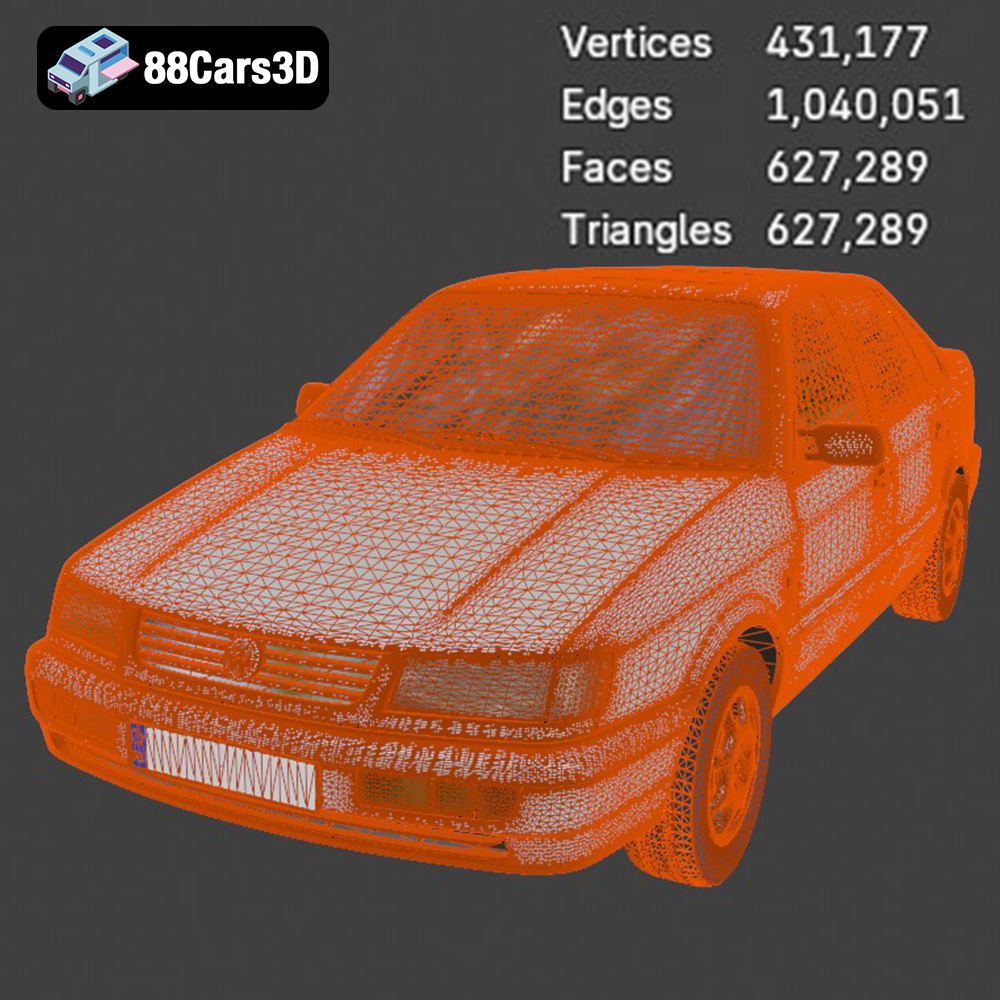
STL (Stereolithography) is the workhorse of 3D printing. It represents the surface geometry of a 3D object as a collection of triangles. Because it only stores the mesh data, STL files are simple and widely compatible with virtually all slicing software. The key to a good STL file lies in its mesh quality. A dense mesh results in a smoother printed surface, but it also increases file size and processing time. Conversely, a sparse mesh can lead to visible facets and a jagged appearance. When working with STL files, always inspect the model for errors like non-manifold edges or holes, which can cause printing failures. Most slicing software includes basic repair tools, or you can use dedicated mesh editing software like MeshMixer or Netfabb. For the Volkswagen Passat Mk4, ensure the STL file has sufficient resolution to capture the details of the body panels, grille, and other intricate features. This is arguably the most important format for 3D printing of the Passat Mk4 model from 88cars3d.com.
OBJ (Object) is a more versatile format than STL, as it can store color and texture information in addition to geometry. This is particularly useful if you want to 3D print a model with multiple colors or apply textures during post-processing. However, not all 3D printers support color printing, and the complexity of OBJ files can sometimes lead to compatibility issues with older slicing software.
PLY (Polygon File Format) is designed for storing 3D data acquired from 3D scanners. It’s capable of capturing highly detailed meshes, making it suitable for printing complex geometries with fine details. However, PLY files can be quite large, and not all slicing software fully supports the format.
BLEND files are native to Blender, a free and open-source 3D creation suite. This format allows you to directly modify the 3D model within Blender, adding custom features, adjusting proportions, or simplifying the mesh for easier printing. If you are comfortable with Blender, the .blend file offers the most flexibility for customizing the Volkswagen Passat Mk4 model before exporting it to a printable format like STL.
FBX (Filmbox) is a proprietary format developed by Autodesk, commonly used in game development and animation. It supports complex data such as animations, textures, and materials. While some slicing software can import FBX files, they are typically converted to a simpler mesh format like STL for printing.
GLB (GL Transmission Format Binary) is a binary file format that represents 3D models in a compact and efficient manner. It is often used for displaying 3D models in web applications and augmented reality (AR) environments. GLB files are not directly used for 3D printing, but they can be helpful for previewing the model and ensuring it meets your expectations before printing.
.max is the native format for Autodesk 3ds Max, a professional 3D modeling, animation, and rendering software. Similar to .blend, it allows for complete modification of the model before exporting for 3D printing. It’s useful for users familiar with 3ds Max.
For 3D printing, **STL is generally the preferred format** due to its simplicity and widespread compatibility. Before printing, it’s always recommended to inspect and repair the STL file using mesh editing software to ensure a successful print. Slicing software compatibility is also essential. Ensure your chosen slicer supports the file format and has the necessary tools for generating toolpaths and supports. When it comes to mesh quality, aim for a balance between detail and file size. Too much detail can lead to long processing times and potential printing errors, while too little detail can result in a loss of fidelity.
Preparing the 3D model for printing is a crucial step that can significantly impact the final result. This involves using slicing software to convert the 3D model into a set of instructions (G-code) that the 3D printer can understand.
Several excellent slicing software options are available, including Cura, Simplify3D, PrusaSlicer, and others. Each slicer has its own strengths and weaknesses, so it’s worth experimenting to find the one that best suits your needs and printer.
Key settings to consider for the Volkswagen Passat Mk4 model include:
* **Layer Height:** A smaller layer height (e.g., 0.1mm or 0.04mm, as recommended in the product description) will result in a smoother surface finish and finer details, but it will also increase print time.
* **Infill Density:** The infill density determines the amount of material used inside the model. A higher infill density (e.g., 20-30%) will make the model stronger but also increase print time and material consumption. For a display model, a lower infill density may be sufficient.
* **Wall Thickness:** Increasing the wall thickness (1.2-2.0mm is suggested) adds to the model’s strength and rigidity, especially important for larger parts.
* **Print Speed:** Experiment with print speeds to find the optimal balance between print time and quality. Slower speeds generally result in better quality prints.
* **Support Structures:** The Volkswagen Passat Mk4 model likely requires support structures for overhanging features such as the bumpers, mirrors, and exhaust. Choose a support structure type that is easy to remove and doesn’t leave excessive scarring on the model’s surface.
Before slicing, it’s essential to inspect the 3D model for errors such as non-manifold edges, holes, or intersecting faces. Most slicing software includes basic repair tools, but dedicated mesh editing software like MeshMixer or Netfabb offers more advanced repair capabilities.
The orientation of the model on the build plate can also significantly impact print quality and support requirements. For the Volkswagen Passat Mk4, consider printing the frame at an angle to improve structural integrity and reduce the need for supports. Wheels should be printed separately to allow for greater detail and easier post-processing.
The product description recommends scales of 1:12, 1:18, or 1:24. Choose a scale that suits your printer’s build volume and desired level of detail. Keep in mind that smaller scales will be more challenging to print and may require finer printer settings.
The choice of material plays a significant role in the appearance, durability, and overall success of your 3D printed Volkswagen Passat Mk4 model. Several materials are suitable, each with its own advantages and disadvantages.
PLA is a biodegradable thermoplastic polymer derived from renewable resources. It is a popular choice for 3D printing due to its ease of use, low printing temperature, and wide availability. PLA is a good option for printing the Passat Mk4 if you prioritize ease of use and don’t require high heat resistance or flexibility. It’s available in a wide array of colors.
PETG is a modified version of PET that is more flexible and durable than PLA. It also has better heat resistance and is less prone to warping. PETG is a good choice for the Volkswagen Passat Mk4 if you need a more robust and durable model.
Resin 3D printing (SLA, DLP, or LCD) offers significantly higher resolution and detail than FDM printing. This makes it an excellent choice for printing intricate parts with fine features, such as the Passat Mk4’s grille, headlight housings, and interior details. Resin prints are typically more brittle than FDM prints and may require careful handling. The product description even specifically recommends Resin printing for finer details.
Achieving a high-quality 3D print of the Volkswagen Passat Mk4 requires careful attention to printer settings. The optimal settings will vary depending on the type of printer, material, and desired level of detail.
The recommended printing temperature will depend on the material you choose. PLA typically prints at temperatures between 190°C and 220°C, while PETG prints at temperatures between 220°C and 250°C. Follow the manufacturer’s recommendations for the specific filament you are using.
Print speed also affects print quality. Slower speeds generally result in better quality prints, especially for intricate details. Experiment with different speeds to find the optimal balance between print time and quality.
As mentioned earlier, the Volkswagen Passat Mk4 model will likely require support structures for overhanging features. Optimize the support settings to minimize material usage and make removal easier. Consider using tree-like supports or manually placing supports in critical areas.
For resin printing, pay close attention to the support settings, as improper support placement can lead to print failures or damage to the model.
Proper bed adhesion is crucial for preventing warping and ensuring a successful print. Ensure the build plate is clean and level. Use a brim or raft to improve adhesion, especially for larger parts.
Once the 3D print is complete, post-processing techniques can enhance the model’s appearance and durability.
Carefully remove support structures using appropriate tools such as pliers, cutters, or a deburring tool. Sand the model to remove any remaining support marks and smooth out the surface. Start with coarse sandpaper and gradually move to finer grits.
Apply a primer coat to the model to create a smooth and uniform surface for painting. Choose a primer that is compatible with the material you used for printing.
Paint the model using acrylic paints or automotive paints. Apply multiple thin coats for a smooth and even finish. Consider using stencils or masking tape to create intricate details. The product description mentions authentic factory colors with metallic finishes.
If you printed the wheels and other components separately, assemble them using glue or epoxy. Add any final details such as decals, badges, or chrome trim to complete the model.
Even with careful preparation and optimized settings, 3D printing can sometimes present challenges. Here are some common issues and their solutions:
* **Warping:** Warping occurs when the printed part detaches from the build plate due to uneven cooling. To prevent warping, ensure proper bed adhesion, use a heated bed, and avoid drafts.
* **Stringing:** Stringing is caused by excessive filament oozing from the nozzle during travel moves. To reduce stringing, adjust the retraction settings, lower the printing temperature, or increase the travel speed.
* **Layer Shifting:** Layer shifting occurs when the printer’s axes lose their position during printing. To prevent layer shifting, ensure the belts are properly tensioned, the stepper motors are functioning correctly, and the printer is stable.
* **Print Failure:** A complete print failure can be caused by various factors such as poor bed adhesion, nozzle clogs, or power outages. Carefully examine the failed print to identify the cause and take corrective action.
By following these guidelines and troubleshooting tips, you can successfully 3D print a stunning replica of the 1993 Volkswagen Passat Mk4 B4 sedan from 88cars3d.com. The attention to detail in the model allows for a truly impressive final product.
The 1993 Volkswagen Passat Mk4 (B4) Sedan represents a pivotal moment in German automotive design, blending practical family hauling capabilities with robust, reliable engineering. Known for its clean, understated aesthetic and the distinct introduction of a traditional front grille compared to its B3 predecessor, this classic sedan has cemented its legacy as an icon of 90s European motoring. The model captures the quintessential utilitarian charm, featuring the accurate sedan roofline, distinctive halogen headlight housings, and classic factory wheel options that defined mid-90s Volkswagen styling.
$39.99
.blend
.fbx
.glb
.max
.obj
.passat
.ply
.rendering
.sedan
.stl
.unreal
.volkswagen
1993
b4
car-3d-model
classic-car
family-car
game asset
game-ready
low-poly
mk4
optimized
VR/AR