Get 20% OFF All Premium 3D & STL Models!

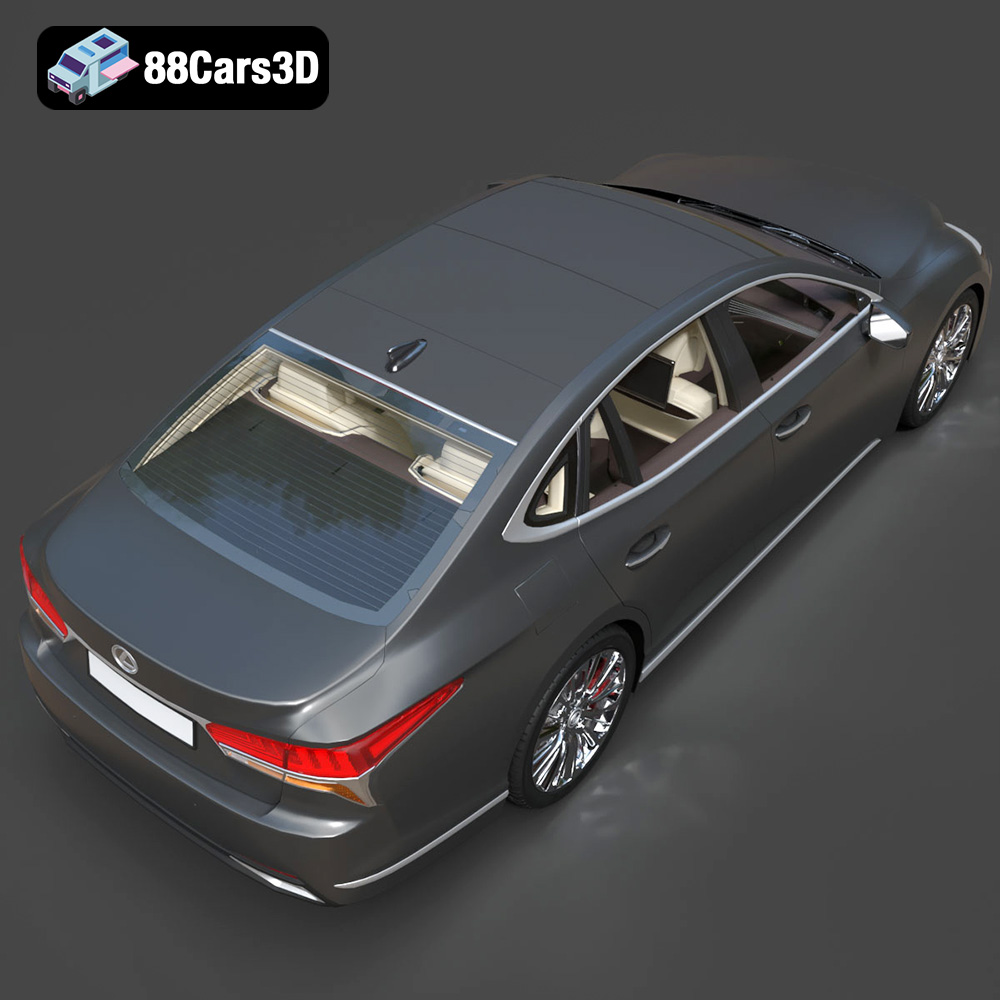
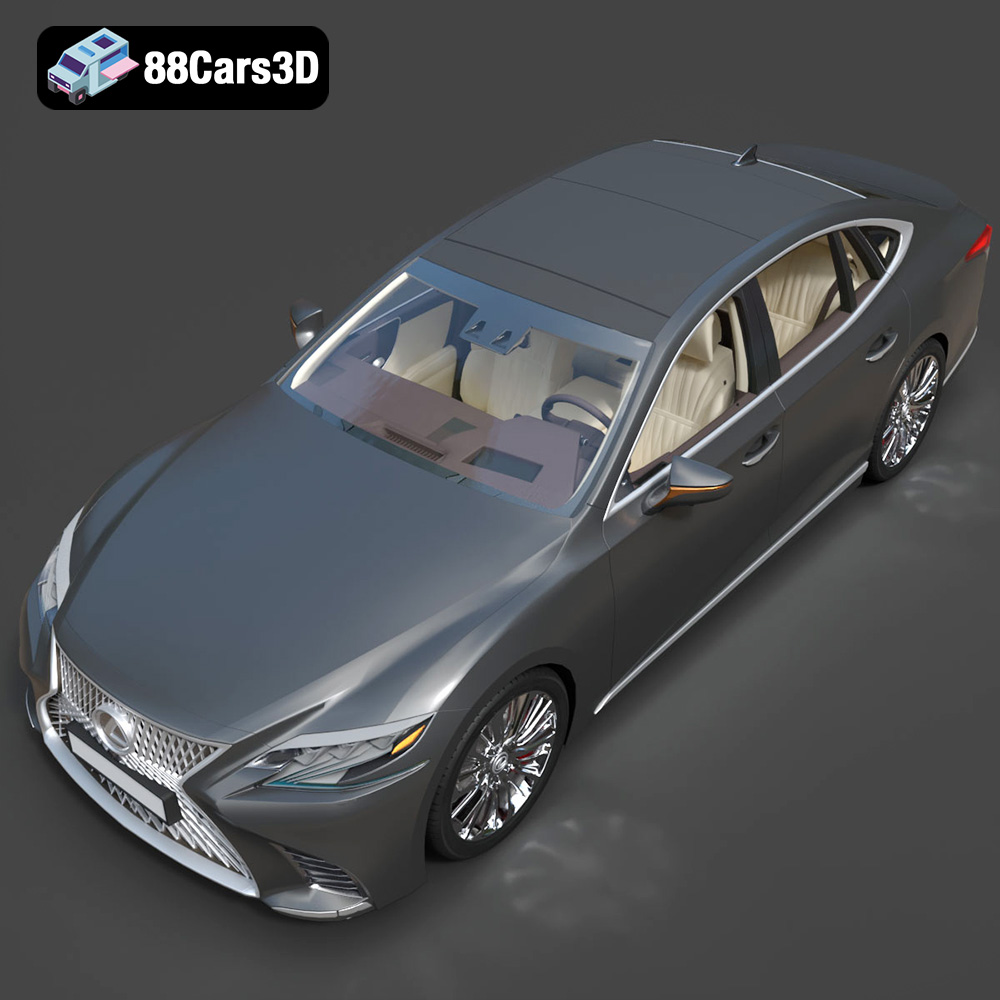
The Lexus LS 500 2018 embodies luxury and sophisticated design, making it a captivating subject for 3D printing enthusiasts. Bringing this iconic vehicle to life through additive manufacturing requires careful planning, precise execution, and a touch of artistry. This comprehensive guide will walk you through every step, from preparing the STL files to applying the final coat of paint, ensuring a stunning replica of the LS 500 graces your shelf. The high-quality 3D models available at 88cars3d.com provide an excellent starting point for this project.
The two primary 3D printing technologies suitable for the Lexus LS 500 2018 model are Fused Deposition Modeling (FDM) and Stereolithography (SLA) or resin printing. Each offers distinct advantages and disadvantages.
FDM printing involves extruding melted plastic filament layer by layer. It’s a versatile and relatively affordable method.
* **Advantages:** FDM printers are generally more affordable than resin printers. FDM filaments like PLA and PETG are also readily available and come in a wide range of colors. FDM prints tend to be more durable and impact-resistant, making them suitable for larger scale models.
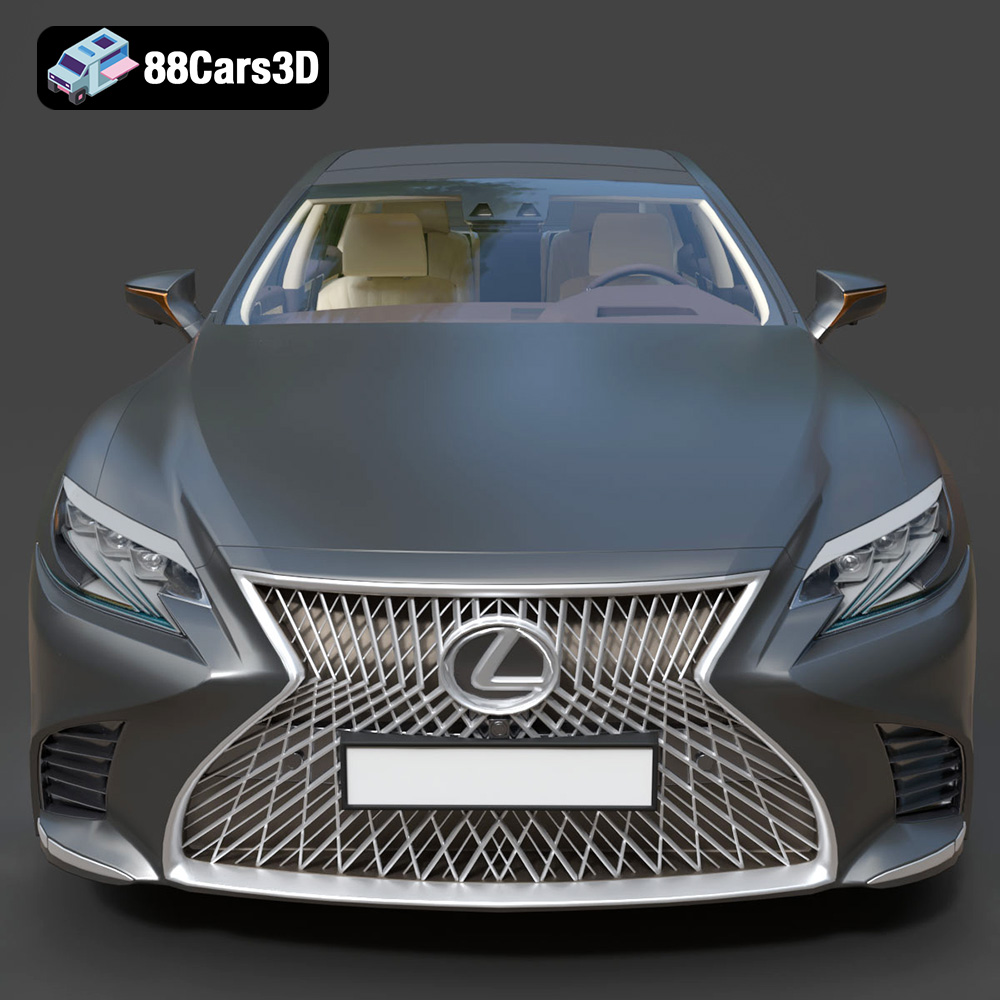
* **Disadvantages:** FDM printing typically produces lower resolution prints compared to resin. Layer lines are often visible, requiring more post-processing. Fine details, such as those found in the LS 500’s spindle grille or headlight clusters, may not be captured as accurately.
Resin printing utilizes UV light to cure liquid resin layer by layer. It excels at producing highly detailed and accurate prints.
* **Advantages:** Resin printing achieves significantly higher resolution than FDM, capturing intricate details with exceptional accuracy. This makes it ideal for reproducing the complex geometries of the Lexus LS 500, especially at smaller scales.
* **Disadvantages:** Resin printers and resins tend to be more expensive than their FDM counterparts. Resin prints can be more brittle and require careful handling. Post-processing involves washing and curing the prints, which can be messy.
Ultimately, the choice between FDM and resin depends on your priorities. For larger models where durability is key, FDM is a good choice. For smaller, highly detailed models, resin printing is the superior option.
Selecting the right file format is crucial for a successful 3D printing experience. While numerous formats exist, some are better suited for additive manufacturing than others. Let’s delve into the common formats and their implications for printing the Lexus LS 500 2018 model.
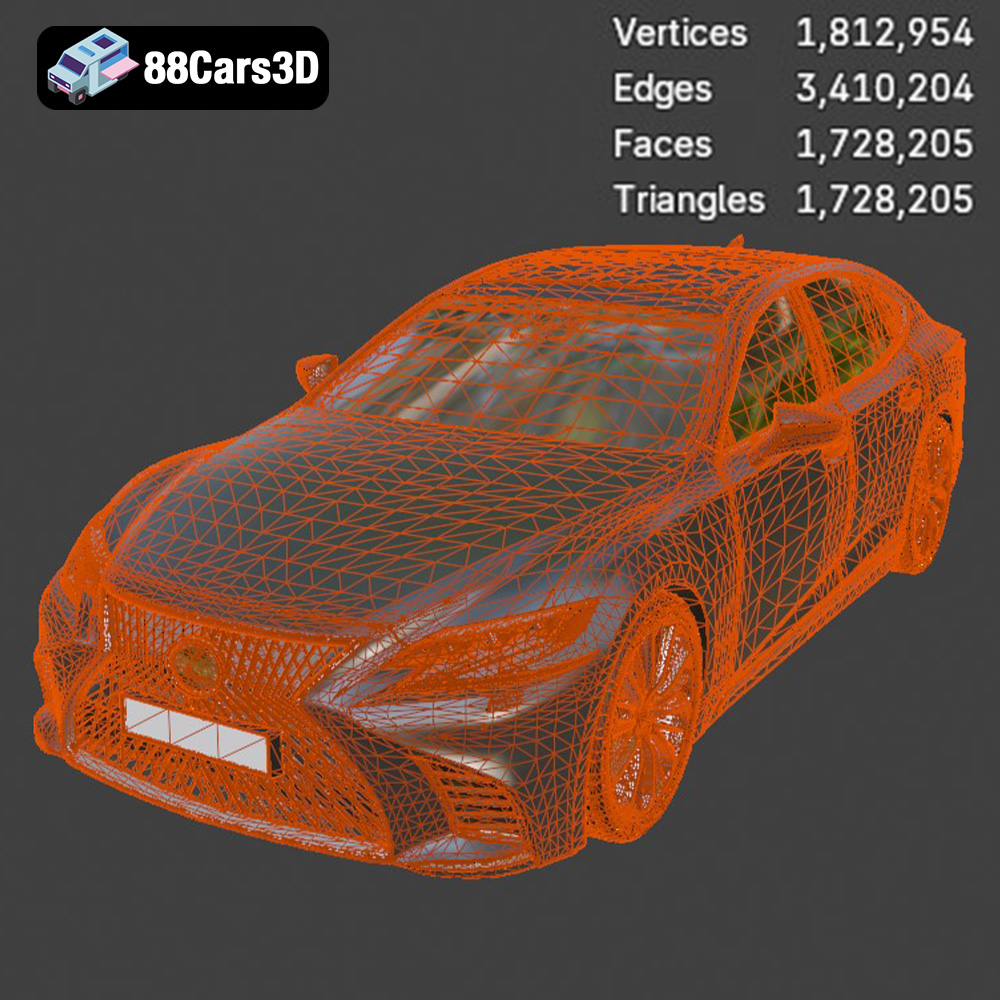
The STL (Stereolithography) format is the undisputed industry standard for 3D printing. It represents the surface geometry of a 3D object as a collection of triangles, forming a mesh. Its simplicity and widespread compatibility make it the go-to choice for most printing applications. For the Lexus LS 500, the STL file contains all the necessary geometric data to recreate the car’s exterior and interior details.
* **Advantages:** Universal compatibility with virtually all slicing software and 3D printers. Simple and efficient for representing complex shapes.
* **Disadvantages:** STL files only store geometric data; they do not contain color, texture, or material information. This means you’ll need to apply these attributes during post-processing. The resolution of the STL mesh (triangle size) directly impacts the print quality. A low-resolution mesh can result in a faceted appearance, while a high-resolution mesh can increase file size and processing time. When preparing the Lexus LS 500 STL file, ensure the mesh density is sufficient to capture the car’s intricate details, such as the spindle grille and the Z-shaped LED headlights.
OBJ (Object) files are a more versatile format than STL, supporting color, texture, and material information in addition to geometry. This allows for the possibility of printing multi-colored models, though this requires specialized multi-material printers.
* **Advantages:** Supports color and texture information. Can represent more complex geometry than STL.
* **Disadvantages:** Not as universally supported as STL. Can be more complex to process and may result in larger file sizes.
PLY (Polygon File Format) is designed to store 3D data acquired from 3D scanners. It can represent color, texture, and surface normals with high precision, making it suitable for capturing intricate details.
* **Advantages:** High-precision representation of 3D data. Supports color and texture.
* **Disadvantages:** Less widely supported than STL and OBJ. Can result in very large file sizes.
BLEND files are native to Blender, a popular open-source 3D modeling software. This format contains the entire Blender scene, including the model’s geometry, textures, materials, lighting, and animation data. The .blend file allows you to make modifications to the Lexus LS 500 model before exporting it to a printable format like STL. You could, for example, adjust the model’s scale, add custom details, or separate parts for easier printing.
* **Advantages:** Full editability within Blender. Access to all model data and settings.
* **Disadvantages:** Requires Blender software. Not directly printable; must be exported to a printable format.
FBX (Filmbox) is a proprietary format developed by Autodesk for interoperability between different 3D software packages. It supports geometry, textures, materials, animation, and rigging data. While not primarily intended for 3D printing, some advanced slicing software can import FBX files to preserve material and texture information (though this is more relevant for visual representations than physical prints with color).
* **Advantages:** Good for transferring complex scenes between different software. Supports animation and rigging data.
* **Disadvantages:** Not universally supported by all slicing software. Material and texture information may not be fully utilized during printing.
GLB (GL Transmission Format Binary) is a binary file format that represents 3D models in a compact and efficient manner. It is often used for displaying 3D models in web browsers and augmented reality (AR) applications. The GLB format allows you to preview the Lexus LS 500 model in AR on your smartphone or tablet before committing to a print, giving you a sense of its size and appearance in the real world.
* **Advantages:** Efficient for web and AR applications. Supports textures and animations.
* **Disadvantages:** Not directly printable. Primarily for visualization purposes.
Similar to .blend files, .max files are native to 3ds Max, another industry-leading 3D modeling software. It contains the complete 3ds Max project, allowing for extensive modification and customization of the Lexus LS 500 model before export.
* **Advantages:** Full editability within 3ds Max. Access to all model data and settings.
* **Disadvantages:** Requires 3ds Max software. Not directly printable; must be exported to a printable format.
**For 3D printing the Lexus LS 500, the STL format remains the most practical and widely supported option.** While other formats offer advantages in terms of color, texture, or editability, these features are typically not directly utilized during the printing process. Focus on optimizing the STL mesh resolution to ensure a detailed and accurate print.
Before sending the Lexus LS 500 STL file to your 3D printer, it’s crucial to prepare it using slicing software. This software converts the 3D model into a series of instructions that the printer can understand. Popular slicing software options include Cura, PrusaSlicer, Simplify3D, and Chitubox (for resin printing).
* **Orientation:** The orientation of the model on the print bed significantly impacts print quality, support requirements, and print time. For the Lexus LS 500, consider printing the body at an angle (e.g., 45 degrees) to minimize the need for supports on the curved surfaces. The wheels should be printed separately, ideally lying flat on the print bed for maximum adhesion.
* **Supports:** Support structures are necessary to hold up overhanging parts of the model during printing. For the LS 500, you’ll likely need supports for the grille, mirrors, exhaust, and potentially the roof. Experiment with different support settings (density, overhang angle) to find a balance between support strength and ease of removal. In Cura, consider using “tree supports” for a more efficient and less intrusive support structure.
* **Layer Height:** Layer height determines the resolution of the print in the Z-axis. Lower layer heights (e.g., 0.1mm for FDM, 0.05mm for resin) result in smoother surfaces and finer details but increase print time. Higher layer heights (e.g., 0.2mm for FDM) print faster but may sacrifice detail.
* **Infill:** Infill is the internal structure of the 3D print. Higher infill percentages (e.g., 30%) increase strength and weight but also consume more material. For a display model like the Lexus LS 500, a moderate infill percentage (20-25%) is usually sufficient. Consider using a gyroid or honeycomb infill pattern for a good balance of strength and weight.
* **Wall Thickness:** Wall thickness refers to the number of perimeters printed around the outside of the model. Thicker walls (e.g., 1.2-2.0mm) increase strength and rigidity.
* **Scaling:** The Lexus LS 500 model can be scaled to your desired size. Common scales for car models are 1:12, 1:18, and 1:24. Keep in mind that scaling down the model will also scale down the fine details, potentially making them harder to print.
* **Model Repair:** Before slicing, it’s essential to check the STL file for errors such as non-manifold geometry or flipped normals. These errors can cause printing problems. Use software like MeshMixer or Netfabb Basic to repair any identified issues.
The choice of material impacts the final appearance, strength, and durability of the 3D printed Lexus LS 500.
PLA (Polylactic Acid) is a biodegradable thermoplastic derived from renewable resources.
* **Pros:** Easy to print, low warping, wide range of colors, eco-friendly.
* **Cons:** Lower heat resistance than other materials, can be brittle.
* **Best For:** Initial prototypes, display models, and parts that don’t require high strength or heat resistance.
PETG (Polyethylene Terephthalate Glycol-modified) is a strong and durable thermoplastic with good heat resistance.
* **Pros:** Stronger and more durable than PLA, good heat resistance, less warping than ABS.
* **Cons:** Can be more challenging to print than PLA, may require higher printing temperatures.
* **Best For:** Parts that require higher strength and durability, functional prototypes.
ABS (Acrylonitrile Butadiene Styrene) is a strong and heat-resistant thermoplastic commonly used in automotive applications.
* **Pros:** High strength, good heat resistance, impact resistant.
* **Cons:** More challenging to print than PLA and PETG, prone to warping, requires a heated bed.
* **Best For:** Parts that require high strength, heat resistance, and impact resistance. Not generally recommended for beginner 3D printing due to warping issues.
Resin, as previously mentioned, excels at capturing fine details.
* **Pros:** High resolution, smooth surfaces, intricate details.
* **Cons:** More brittle than FDM materials, requires post-processing (washing and curing), more expensive than FDM filaments.
* **Best For:** Highly detailed models, miniatures, and parts that require a smooth surface finish.
For the Lexus LS 500, PLA or PETG are good choices for FDM printing, offering a balance of printability and durability. If you’re using a resin printer, standard or engineering resins will provide excellent detail and surface finish.
1. **Download the STL files:** Obtain the Lexus LS 500 2018 STL files from 88cars3d.com.
2. **Import into slicing software:** Import the STL files into your chosen slicing software.
3. **Orient the model:** Orient the body at a 45-degree angle and the wheels flat on the print bed.
4. **Add supports:** Add necessary supports to the grille, mirrors, exhaust, and roof.
5. **Set print settings:** Configure the layer height, infill, wall thickness, and printing temperature based on your chosen material.
6. **Slice the model:** Slice the model to generate the G-code file.
7. **Print the model:** Send the G-code file to your 3D printer and start printing.
8. **Monitor the print:** Monitor the print closely for any issues, such as warping or adhesion problems.
9. **Remove the print:** Once the print is complete, carefully remove it from the print bed.
Post-processing is essential to achieve a professional-looking finish on your 3D printed Lexus LS 500.
* **Sanding:** Start by sanding the print with coarse sandpaper (e.g., 220 grit) to remove any large imperfections or support marks. Gradually move to finer grits (e.g., 400, 600, 800) to smooth the surface. Wet sanding can help to minimize dust and achieve a smoother finish.
* **Priming:** Apply several thin coats of primer to the sanded surface. Primer fills in any remaining imperfections and provides a uniform surface for painting. Sand the primer lightly with fine-grit sandpaper (e.g., 800 grit) between coats.
* **Painting:** Use high-quality automotive paints to achieve an authentic finish. Apply several thin coats of paint, allowing each coat to dry completely before applying the next. Consider using an airbrush for a smoother and more even finish.
* **Detailing:** Add details such as window trim, badges, and lights using fine-tipped paintbrushes or markers. You can also use decals or photo-etched parts for added realism.
* **Assembly:** Once all the parts are painted and detailed, carefully assemble the model using glue or small screws. Ensure that all parts fit together properly and that the model is structurally sound.
* **Warping:** Warping occurs when the print detaches from the print bed due to uneven cooling. Ensure that your print bed is properly leveled and heated. Use a brim or raft to increase adhesion.
* **Stringing:** Stringing occurs when the printer extrudes filament while moving between parts. Increase retraction distance and speed. Lower the printing temperature.
* **Layer Shifting:** Layer shifting occurs when the print head moves out of alignment during printing. Tighten belts and screws. Reduce printing speed.
* **Adhesion Problems:** Ensure that the print bed is clean and properly leveled. Use a bed adhesive such as glue stick or hairspray.
* **Support Removal:** Use appropriate tools like pliers and hobby knives to carefully remove the support structures. Be patient to avoid damaging the model.
The print time and material cost will vary depending on the size of the model, the chosen material, and the printer settings. A typical 1:24 scale Lexus LS 500 model printed with PLA may take 20-30 hours to print and cost $10-20 in material. A resin print of the same model may take 10-15 hours and cost $15-25 in resin.
The Lexus LS 500 2018 3D model offers a fantastic opportunity to explore the capabilities of 3D printing. By carefully selecting your printing technology, preparing the model, and mastering post-processing techniques, you can create a stunning replica of this iconic luxury sedan. Remember to visit 88cars3d.com for high-quality 3D models optimized for 3D printing and other applications.
The 2018 Lexus LS 500 is the pinnacle of Japanese luxury, featuring a striking spindle grille, elegant coupe-like silhouette, and a powerful twin-turbo V6 engine. Known for its meticulous Takumi craftsmanship and aggressive yet refined styling. Perfect for luxury car configurators, urban open-world games, cinematic architectural renderings, and high-end brand showcases.
$39.99
.2018
.blend
.fbx
.glb
.lexus
.max
.obj
.ply
.rendering
.stl
.unreal
car-3d-model
executive-car
game asset
game-ready
low-poly
ls-500
luxury-sedan
optimized
VR/AR