Get 20% OFF All Premium 3D & STL Models!

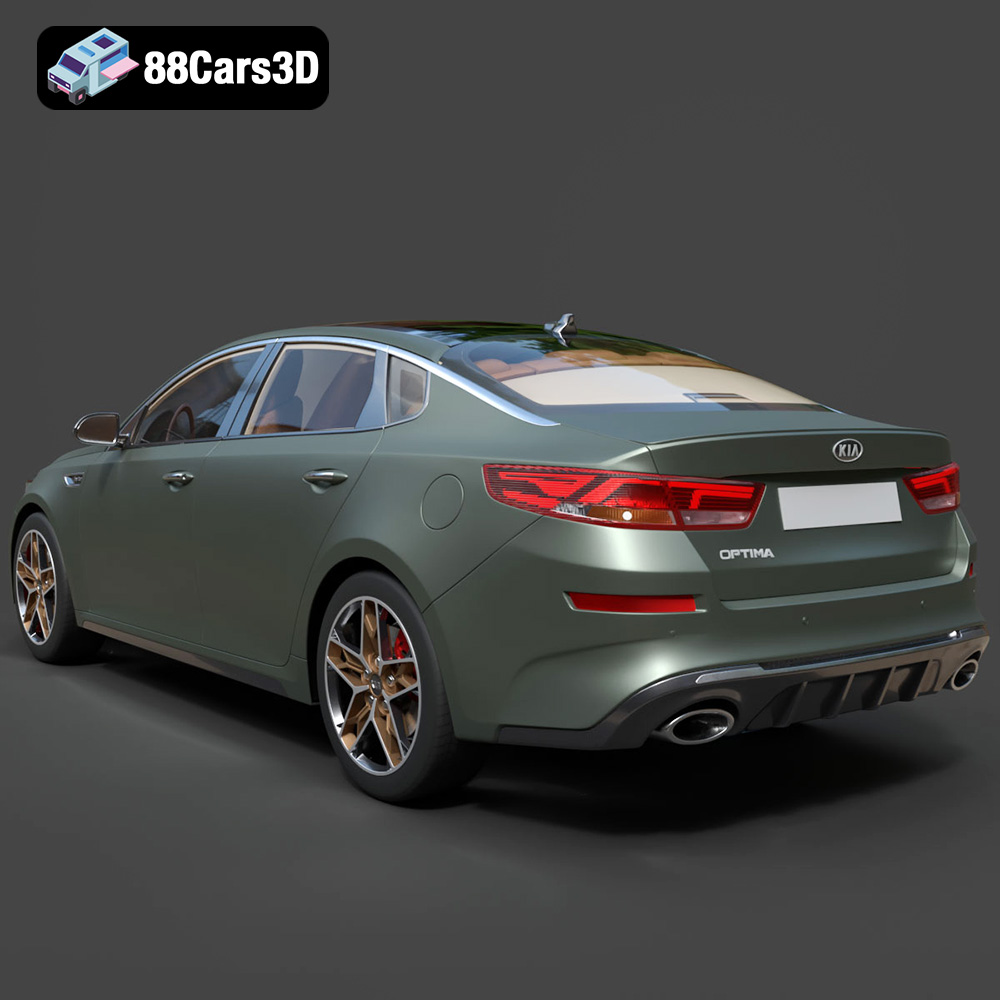
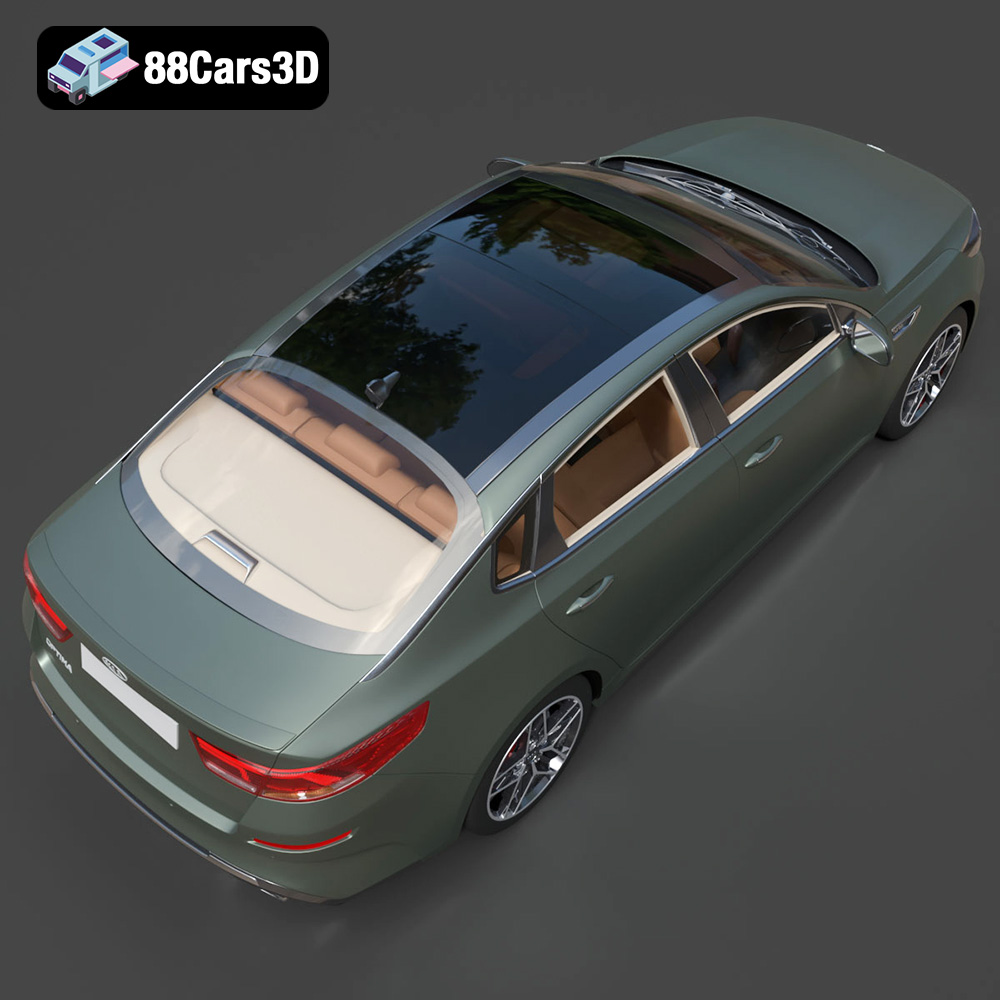
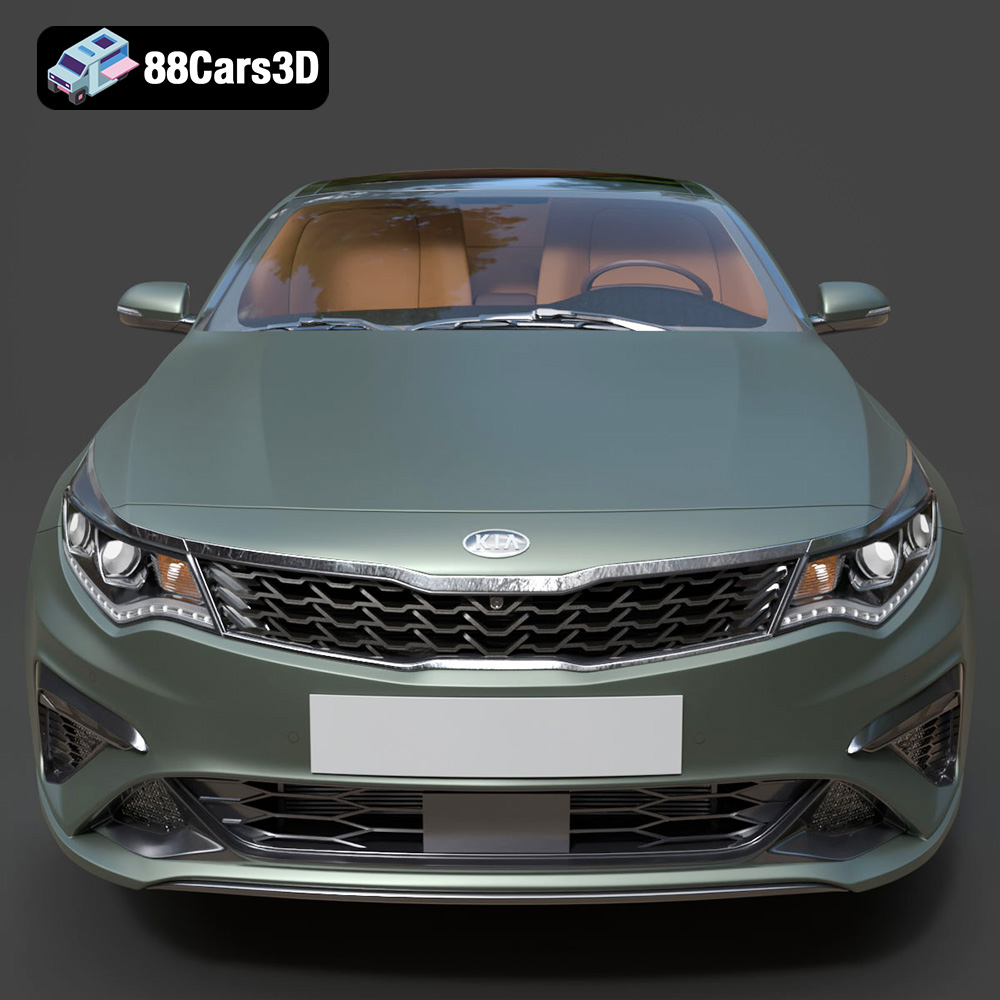
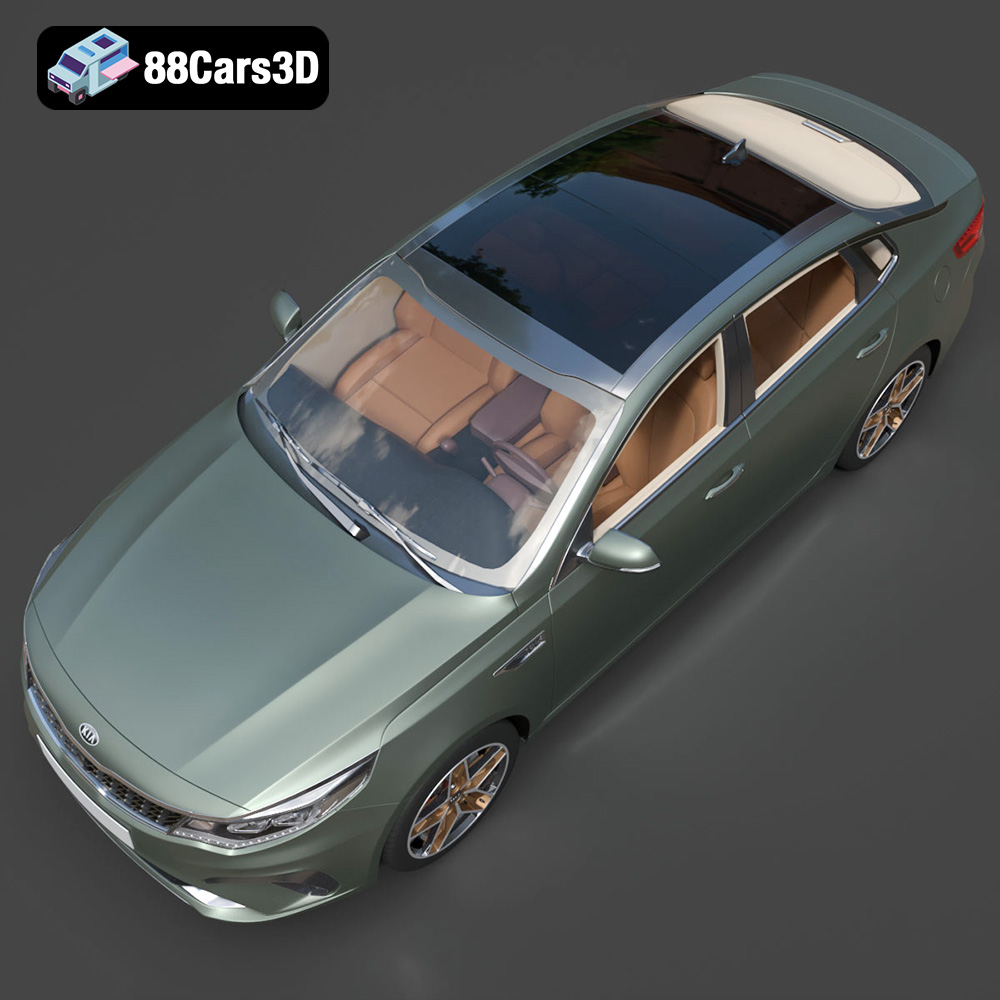
The Kia Optima 2019, with its sleek lines and modern design, is a popular subject for 3D modeling. Now, thanks to websites like 88cars3d.com, you can bring this iconic sedan to life through the power of 3D printing. This guide will walk you through the entire process, from preparing the STL files to post-processing your finished 3D printed model. Whether you’re a seasoned 3D printing enthusiast or a beginner eager to explore the possibilities, this detailed guide will help you achieve stunning results.
Selecting the appropriate 3D printer is the first crucial step in ensuring a successful print. Different 3D printer technologies offer varying levels of detail and accuracy, impacting the final outcome of your Kia Optima 2019 model.
* Pros: FDM printers are generally more affordable and widely accessible. They are suitable for larger prints and offer a wide range of material options like PLA, ABS, and PETG.
* Cons: FDM printers may struggle with intricate details and curved surfaces, resulting in visible layer lines. Support structures are often necessary, which require post-processing.
* Recommendation: If you’re aiming for a larger-scale model and prioritizing affordability, an FDM printer can be a good option. Consider using a smaller nozzle size (0.4mm or smaller) and lower layer height for improved detail.
* Pros: Resin printers excel at producing highly detailed and smooth surfaces, making them ideal for replicating the complex curves and fine features of the Kia Optima 2019.
* Cons: Resin printers typically have a smaller build volume than FDM printers, limiting the size of your model. Resin materials can be more expensive and require careful handling due to their toxicity. Post-processing involves washing and curing the resin.
* Recommendation: If you’re prioritizing detail and a smooth finish, and are willing to invest in the necessary equipment and safety measures, a resin printer is the superior choice for printing the Kia Optima 2019 model.
The type of file format you use for your 3D model can greatly affect the printing process and the final outcome. Here’s a breakdown of common file formats and their suitability for 3D printing:
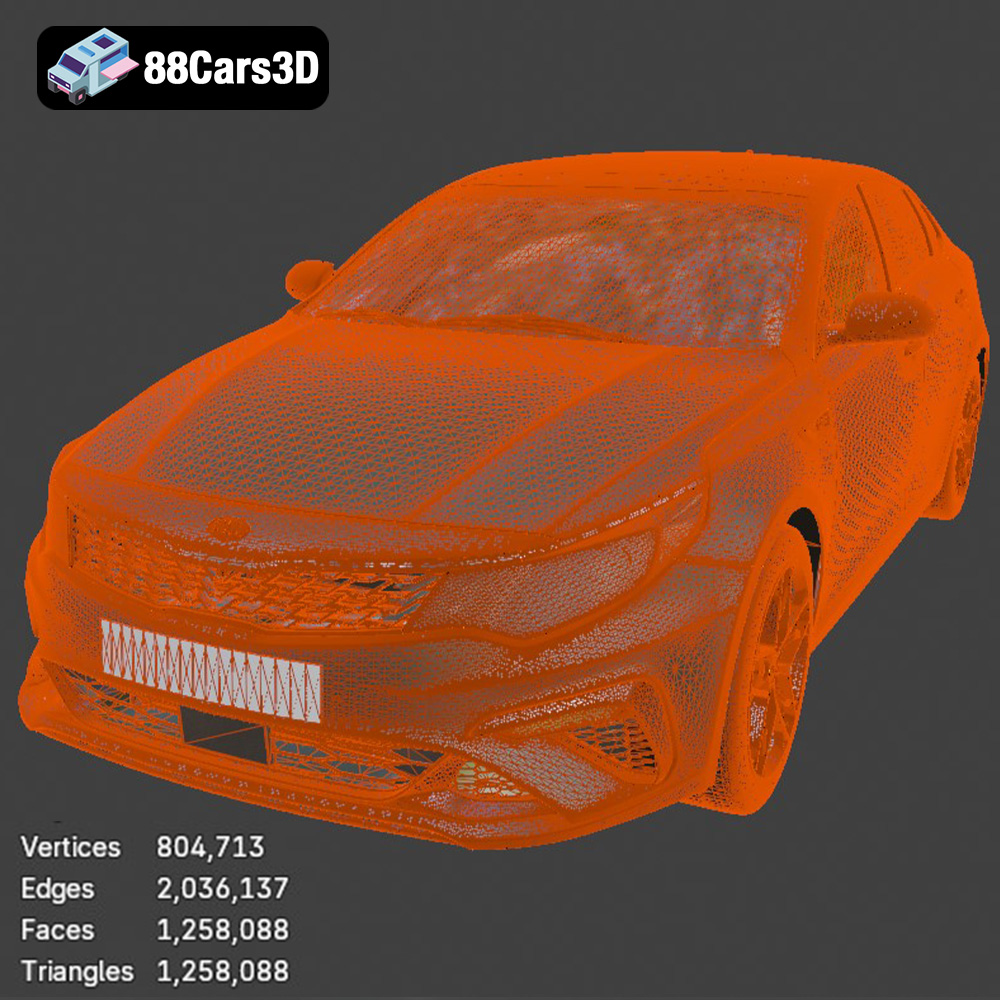
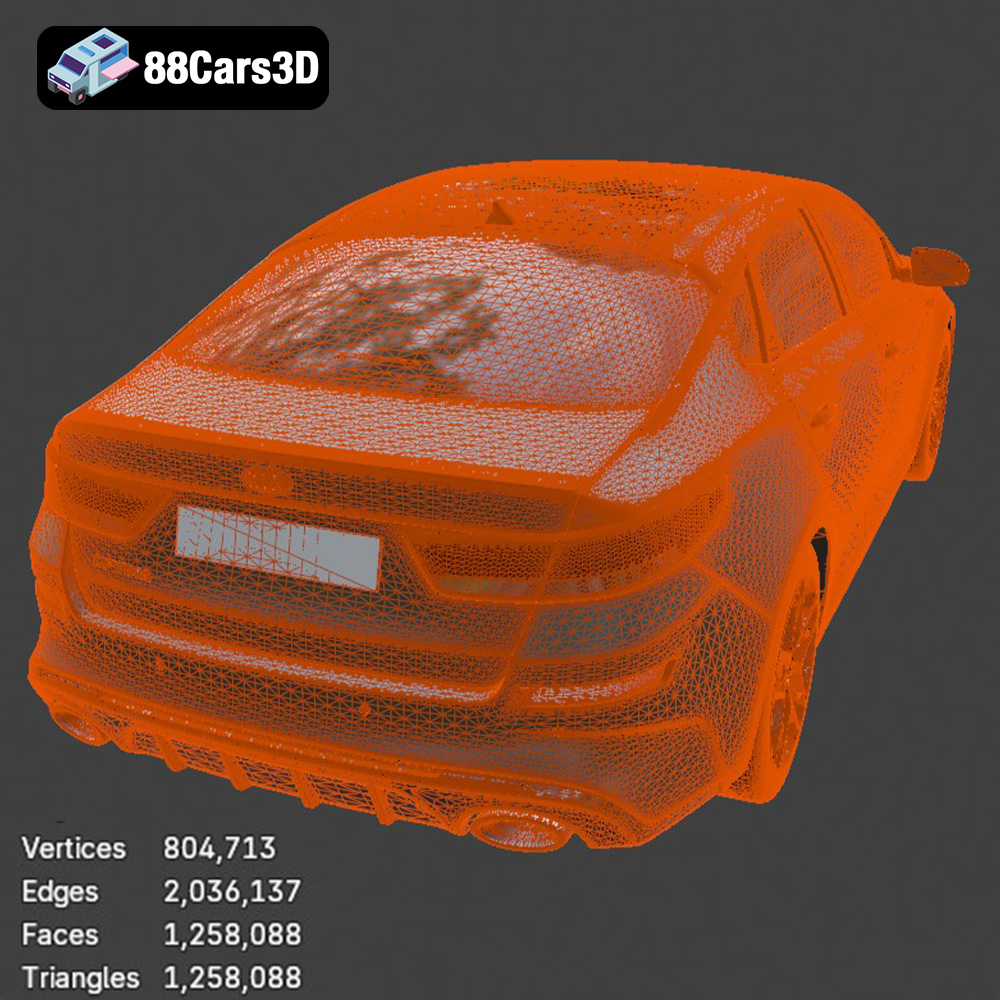
The STL (Stereolithography) file format is the de facto standard for 3D printing. It represents the surface geometry of a 3D object as a collection of triangles. This simplicity makes it universally compatible with slicing software and 3D printers. However, STL files only store the surface mesh data; they do not contain information about color, textures, or materials. When you download the Kia Optima 2019 model from 88cars3d.com, you’ll find an STL version that’s specifically optimized for 3D printing. This ensures a smooth and efficient workflow from download to final printed product. The quality of an STL file depends heavily on the number of triangles used to represent the model. A higher triangle count results in a smoother surface but increases the file size and processing time. Slicing software uses the STL file to generate the toolpath for the 3D printer. It’s important to inspect the STL file for any errors or gaps in the mesh before slicing, as these can lead to printing defects. Mesh repair tools, such as those found in Meshmixer or Netfabb, can be used to fix common issues like non-manifold edges or holes in the model.
OBJ (Object) files are another common format for 3D models. Unlike STL, OBJ files can store color and texture information, making them suitable for printing models with multiple colors (if your printer supports it). However, OBJ files are generally larger than STL files and may not be as widely supported by all slicing software.
PLY (Polygon File Format) is designed for storing 3D data acquired from 3D scanners. It can represent both surface geometry and color information with high precision. While PLY files are excellent for capturing intricate details, they are not as commonly used for 3D printing as STL or OBJ.
BLEND files are the native format for Blender, a popular open-source 3D modeling software. These files contain the entire scene, including the model, materials, lighting, and animation data. You can use Blender to customize the Kia Optima 2019 model before exporting it to a 3D printable format like STL.
FBX (Filmbox) is a proprietary file format developed by Autodesk for interoperability between 3D software packages. It supports complex data, including geometry, materials, textures, and animations. While FBX files can be imported into some slicing software, they are primarily intended for use in game development and animation pipelines.
GLB (GL Transmission Format Binary) is designed for efficient transmission and loading of 3D scenes and models in applications, particularly those using WebGL. Its primary use is in augmented reality (AR) and real-time 3D applications. While it provides a good preview of the model, it’s not ideal for 3D printing directly and needs conversion.
MAX files are the native format for 3ds Max, another popular 3D modeling software from Autodesk. Similar to BLEND files, MAX files contain the entire scene data and can be used to customize the Kia Optima 2019 model before exporting it to a 3D printable format.
Proper preparation of the STL files is critical for a successful print. This involves inspecting the model, repairing any errors, and orienting it for optimal printing.
* Software: Use software like Meshmixer, Netfabb, or Simplify3D to inspect the STL file for errors such as non-manifold edges, holes, or intersecting faces.
* Repair: Repair any identified errors to ensure a watertight mesh. A watertight mesh is essential for successful slicing and printing.
* Optimization: Reduce the triangle count of the model if necessary, especially for complex models. This can improve slicing performance and reduce print time.
* Orientation: Orient the Kia Optima 2019 model in the slicing software to minimize the need for support structures. Consider the model’s geometry and identify areas that may require support. For example, the roof and overhangs may need support.
* Support Settings: Configure the support settings in your slicing software. Adjust the support density, overhang angle, and support interface layer to balance support effectiveness and ease of removal.
* Considerations: The orientation and support structures will affect the surface finish of the printed model. Choose an orientation that minimizes the impact on visible surfaces.
Slicing is the process of converting the 3D model into a set of instructions that the 3D printer can understand. This involves configuring various print settings, such as layer height, infill density, and print speed.
* Layer Height: Lower layer heights result in smoother surfaces but increase print time. A layer height of 0.1mm to 0.2mm is recommended for the Kia Optima 2019 model.
* Infill Density: Infill density affects the strength and weight of the printed model. A higher infill density results in a stronger model but increases material consumption and print time. An infill density of 15% to 25% is generally sufficient for a display model.
* Print Speed: Print speed affects the quality of the print and the likelihood of errors. A slower print speed generally results in a higher quality print but increases print time. Start with a print speed of 40mm/s to 60mm/s and adjust as needed.
* Cura: Cura is a popular open-source slicing software that offers a wide range of features and customization options.
* Simplify3D: Simplify3D is a commercial slicing software that is known for its advanced features and precise control over print settings.
* PrusaSlicer: PrusaSlicer is another excellent open-source option, particularly well-suited for Prusa printers but compatible with many others.
The choice of material impacts the appearance, strength, and durability of the printed Kia Optima 2019 model.
* Pros: PLA is a biodegradable thermoplastic that is easy to print and produces good results with minimal warping. It is available in a wide range of colors and finishes.
* Cons: PLA is not as strong or heat-resistant as other materials. It is also prone to degradation in humid environments.
* Recommendation: PLA is a good choice for a display model that will not be subjected to high temperatures or stress.
* Pros: PETG is a strong and durable thermoplastic that is more heat-resistant than PLA. It is also resistant to chemicals and moisture.
* Cons: PETG can be more challenging to print than PLA and may require higher temperatures and slower print speeds.
* Recommendation: PETG is a good choice for a model that needs to be more durable or heat-resistant.
* Pros: Resin offers the highest level of detail and smoothness. It is ideal for creating intricate and highly accurate models.
* Cons: Resin is more expensive than filament and requires specialized equipment and handling procedures. It is also more brittle than PLA or PETG.
* Recommendation: Resin is the best choice if you are prioritizing detail and surface finish, but it requires a greater investment and more careful handling.
Post-processing enhances the appearance and functionality of the printed model. This can involve removing support structures, sanding, painting, and assembling multiple parts.
* Support Removal: Carefully remove support structures using pliers, cutters, or a specialized support removal tool.
* Sanding: Sand the surface of the model to remove layer lines and smooth out imperfections. Start with a coarse grit sandpaper (e.g., 220 grit) and gradually move to finer grits (e.g., 400 grit, 600 grit, 800 grit).
* Priming: Apply a primer coat to the model to create a smooth and uniform surface for painting.
* Painting: Paint the model with your desired colors using acrylic paints, spray paints, or airbrushing techniques.
* Clear Coat: Apply a clear coat to protect the paint and add a glossy or matte finish.
Even with careful preparation, you may encounter issues during the 3D printing process. Here are some common problems and solutions:
* Cause: Warping occurs when the printed model lifts off the build plate due to uneven cooling.
* Solution: Improve bed adhesion by using a heated bed, applying adhesive (e.g., glue stick or hairspray), or using a brim or raft.
* Cause: Stringing occurs when the printer nozzle oozes filament during travel moves.
* Solution: Reduce the printing temperature, increase retraction distance, or decrease travel speed.
* Cause: Layer shifting occurs when the printer’s axes skip steps, resulting in misaligned layers.
* Solution: Tighten belts, lubricate rods, and reduce print speed.
3D printing the Kia Optima 2019 model is a rewarding project that allows you to bring a digital design to life. By carefully selecting your printer, preparing the STL files, configuring the slicing parameters, choosing the right material, and applying post-processing techniques, you can create a stunning and accurate replica of this iconic sedan. Remember to explore the diverse range of 3D models available at 88cars3d.com to further fuel your 3D printing passion. With patience and attention to detail, you can overcome common printing challenges and achieve exceptional results. Whether you’re creating a display model, a prototype, or a custom part, the possibilities of 3D printing are truly endless. Happy printing!
Experience precision and realism with the Kia Optima 2019 3D model. Designed to replicate the authentic proportions and dynamic styling of the actual vehicle, this model provides exceptional accuracy for various professional projects. This model boasts clean geometry, realistic materials, and an optimized topology that ensures seamless integration into your workflow. It is meticulously crafted to meet industry standards with professional-grade surfacing. Perfect for a wide range of applications, the Kia Optima 2019 3D model is ready to be utilized in game development, architectural rendering, AR/VR experiences, film production, and automotive visualization.
$39.99
.arvr
.blend
.car3dmodel
.familycar
.fbx
.gameasset
.glb
.kia
.max
.obj
.optima
.ply
.rendering
.sedan
.simulation
.stl
.unreal