Get 20% OFF All Premium 3D & STL Models!

The Honda Valkyrie GL1800C 2015 is a motorcycle icon, known for its powerful engine and distinctive cruiser styling. Now, thanks to 88cars3d.com, you can bring this legend to life with the power of 3D printing. This comprehensive guide will walk you through every step, from preparing the 3D model to post-processing the final print, ensuring you achieve stunning results. Whether you’re a seasoned 3D printing enthusiast or a beginner looking for an exciting project, this article will provide the knowledge you need to successfully 3D print your own Honda Valkyrie GL1800C 2015 model.
The preparation stage is crucial for a successful 3D printing project. This involves inspecting the 3D model, making any necessary repairs, and choosing the right orientation for printing. The 88cars3d.com Honda Valkyrie GL1800C 2015 model comes in various formats, including the essential STL for 3D printing.
The first step is to load the STL file into a 3D modeling or slicing software. Programs like MeshLab, Meshmixer, or even the built-in repair tools in your slicer can help identify and fix potential issues. Look for non-manifold edges, holes in the mesh, or intersecting faces. These flaws can lead to printing errors or a weakened final product. Carefully repairing these issues before slicing is paramount. Consider using the “auto-repair” feature in your chosen software, but always double-check the results to ensure the repair didn’t introduce new problems.
Orientation plays a huge role in print quality, support usage, and overall print time. For the Honda Valkyrie GL1800C 2015 model, consider printing the frame and larger body panels with the flattest side down to minimize support material. Smaller, more detailed parts might require a different orientation to preserve fine details. Experiment with different orientations in your slicing software to visualize the support structures and their impact on the final print. Remember, minimizing support material not only saves filament but also reduces the effort required during post-processing.
The Honda Valkyrie GL1800C 2015 model from 88cars3d.com is designed to be accurately scaled. You can easily adjust the size in your slicing software to fit your printer’s build volume or your desired scale. However, remember that scaling the model too small can compromise the finer details, while scaling it too large might exceed your printer’s capabilities. Consider the limitations of your printer and the desired level of detail before committing to a specific scale.
Choosing the right file format is essential for successful 3D printing. While the Honda Valkyrie GL1800C 2015 model from 88cars3d.com comes in a variety of formats, the STL format is the primary choice for 3D printing. Understanding the strengths and weaknesses of different formats is crucial for optimal results.
The STL (Stereolithography) file format is the workhorse of 3D printing. It represents a 3D object as a collection of triangles, forming a mesh. While simple and widely compatible, STL files only contain information about the geometry of the object, lacking color, texture, or material data.
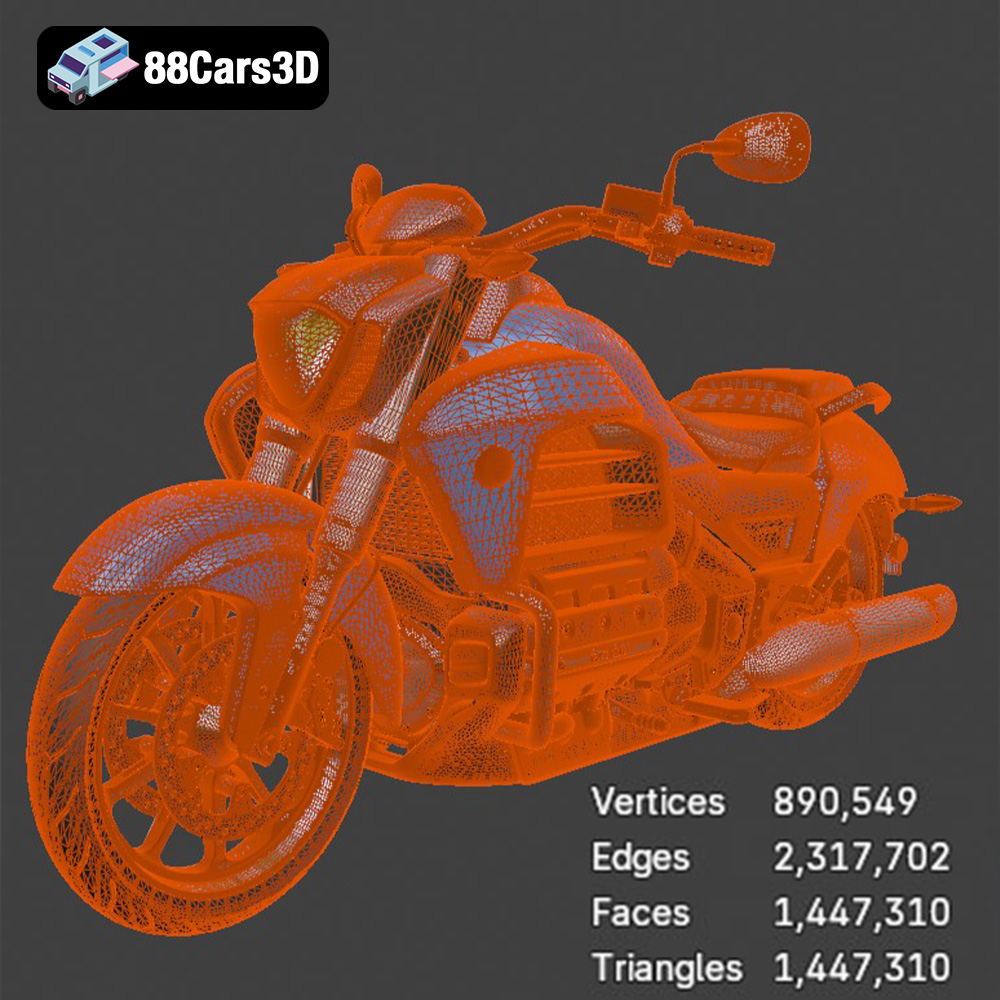
For 3D printing, the STL format’s simplicity is a strength. Most slicing software readily accepts STL files, allowing for easy conversion into machine-readable G-code. However, the mesh-only representation means that the quality of the print heavily depends on the resolution of the STL file. A low-resolution STL will result in a faceted, blocky print, while a high-resolution STL will capture finer details but requires more processing power and can result in larger file sizes. When preparing the Honda Valkyrie GL1800C 2015 model, ensure the STL export settings are optimized for detail without creating an unnecessarily large file. Slicing software can often simplify overly dense meshes with minimal loss of detail.
While STL is the primary format for printing, other formats included with the Honda Valkyrie GL1800C 2015 model offer different functionalities:
* **.obj:** A more universal format than STL, OBJ can store color and texture information, making it suitable for colored 3D prints (though less commonly used).
* **.ply:** A format that supports high-detail mesh data, ideal for capturing intricate details of the Valkyrie. However, it is not as universally supported as STL.
* **.blend:** The native file format for Blender, allowing for extensive customization and modification of the model before exporting to STL for printing.
* **.fbx:** Often used in game development, FBX can store material information, useful if you plan to render the model before printing for visualization purposes.
* **.glb:** Optimized for AR/VR applications, GLB can be used to preview the model in augmented reality before committing to a print.
* **.max:** The native file format for 3ds Max, providing similar editing capabilities to .blend for users familiar with 3ds Max.
Most slicing software packages, like Cura, PrusaSlicer, Simplify3D, and others, are highly compatible with the STL format. These programs take the STL file as input and convert it into G-code, the language that 3D printers understand. Slicing software allows you to control various printing parameters such as layer height, infill density, print speed, and support structures. The ability to fine-tune these settings is crucial for achieving optimal print quality and structural integrity of the Honda Valkyrie GL1800C 2015 model.
The material you choose will significantly impact the appearance, strength, and durability of your 3D printed Honda Valkyrie GL1800C 2015. Here are some recommendations:
PLA (Polylactic Acid) is a popular thermoplastic known for its ease of use and biodegradability. It’s a great choice for beginners because it prints at relatively low temperatures, doesn’t require a heated bed (though it helps), and produces minimal warping. PLA is ideal for creating visually appealing models of the Honda Valkyrie GL1800C 2015, especially if you plan to paint it. However, PLA is not as strong or heat-resistant as other materials.
PETG (Polyethylene Terephthalate Glycol-modified) offers a good balance of strength, flexibility, and ease of printing. It’s more durable and heat-resistant than PLA, making it suitable for parts that might experience some stress or exposure to higher temperatures. PETG is also less prone to warping than ABS, another popular engineering plastic. PETG could be used for components that need a little more strength, like the motorcycle frame.
If you’re looking for the highest level of detail and a smooth surface finish, resin printing is the way to go. Resin printers use liquid photopolymers that are cured by UV light, resulting in incredibly precise and detailed prints. This is ideal for smaller, intricate parts of the Honda Valkyrie GL1800C 2015 model, such as the engine components or emblems. However, resin prints tend to be more brittle than FDM prints and require careful post-processing, including washing and curing.
The right printer settings are crucial for a successful 3D print. These settings will depend on the material you choose and the capabilities of your printer.
Layer height determines the resolution of your print. A smaller layer height results in a smoother surface finish but increases print time. For the Honda Valkyrie GL1800C 2015 model, a layer height of 0.1mm to 0.2mm is a good starting point for FDM printing. For resin printing, layer heights can go even lower, achieving incredibly fine details.
Infill density affects the strength and weight of your print. A higher infill density makes the print stronger but also uses more material. For most parts of the Honda Valkyrie GL1800C 2015 model, an infill density of 15-25% is sufficient. Choose an infill pattern like gyroid or cubic for a good balance of strength and material usage.
Support structures are necessary for printing overhanging features. The type and placement of supports can significantly impact the print quality and post-processing effort. Use the support generation features in your slicing software to automatically create supports. Experiment with different support settings, such as support density and support overhang angle, to optimize the support structures for the Honda Valkyrie GL1800C 2015 model.
Post-processing is the final stage of 3D printing, where you refine the print to achieve the desired appearance and functionality.
Carefully remove support structures using pliers, cutters, or a sharp knife. Take your time and avoid damaging the model. For PLA and PETG, you can use warm water to soften the supports, making them easier to remove. For resin prints, be extra careful as the material is more brittle.
Sanding is essential for smoothing out layer lines and imperfections. Start with a coarse grit sandpaper and gradually move to finer grits. Wet sanding can also help to achieve a smoother surface finish. For resin prints, you can use specialized sanding tools and polishing compounds to achieve a glossy finish.
Painting can bring your 3D printed Honda Valkyrie GL1800C 2015 model to life. Use primer to prepare the surface for paint, and then apply multiple thin coats of your desired color. Consider using masking tape to create intricate designs and details. A clear coat can protect the paint and add a glossy finish. Research the original paint colors of the 2015 Valkyrie to achieve an authentic look.
Even with careful preparation, you might encounter some common 3D printing issues. Here are some troubleshooting tips:
Warping occurs when the corners of the print lift off the build plate. This is often caused by poor bed adhesion or temperature fluctuations. Ensure your build plate is clean and level, and use a heated bed if possible. You can also try using a brim or raft to improve adhesion.
Stringing is caused by molten filament oozing out of the nozzle during travel moves. This can be reduced by adjusting the retraction settings in your slicing software. Increase the retraction distance and speed to pull the filament back into the nozzle more effectively.
Layer separation occurs when the layers of the print don’t adhere properly to each other. This can be caused by low printing temperature, insufficient cooling, or poor bed adhesion. Increase the printing temperature, reduce the cooling fan speed, and ensure your bed is properly leveled and heated.
By following these guidelines and paying attention to detail, you can successfully 3D print a stunning replica of the Honda Valkyrie GL1800C 2015 model from 88cars3d.com. Enjoy the process and the satisfaction of creating your own miniature motorcycle masterpiece!
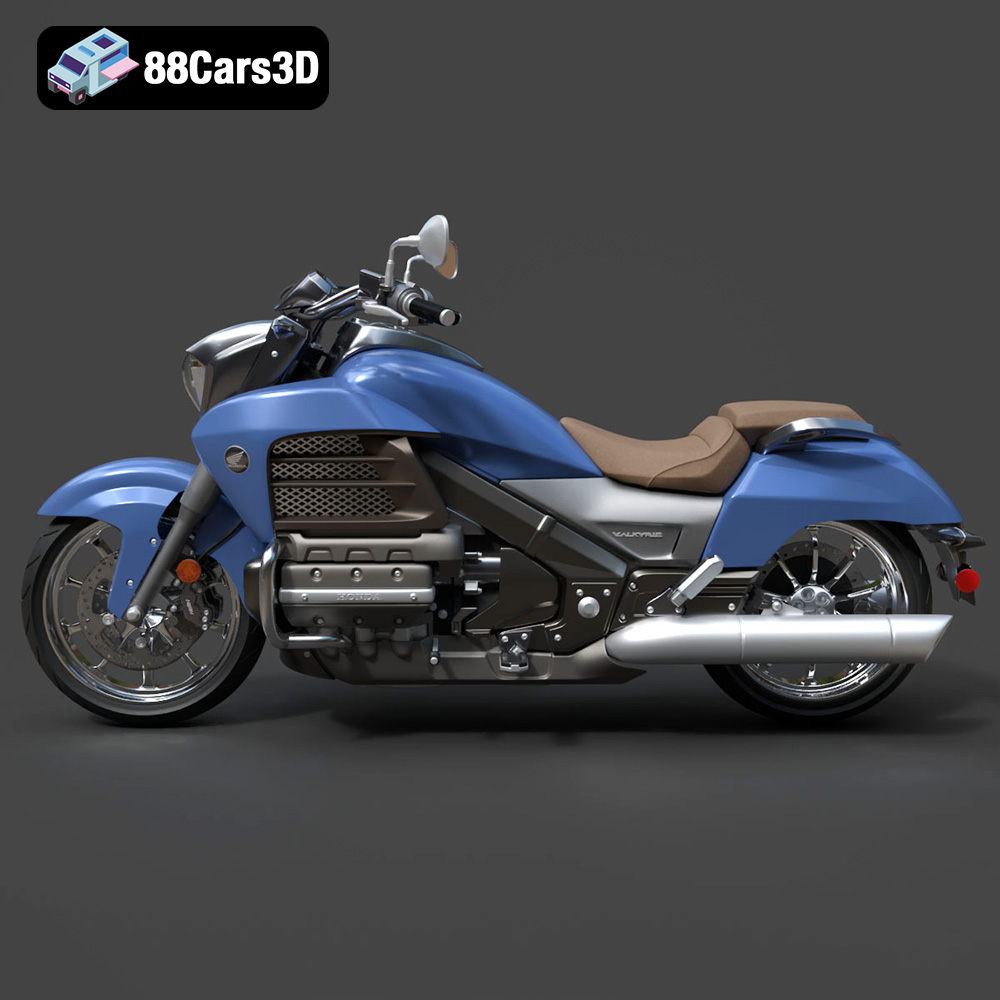
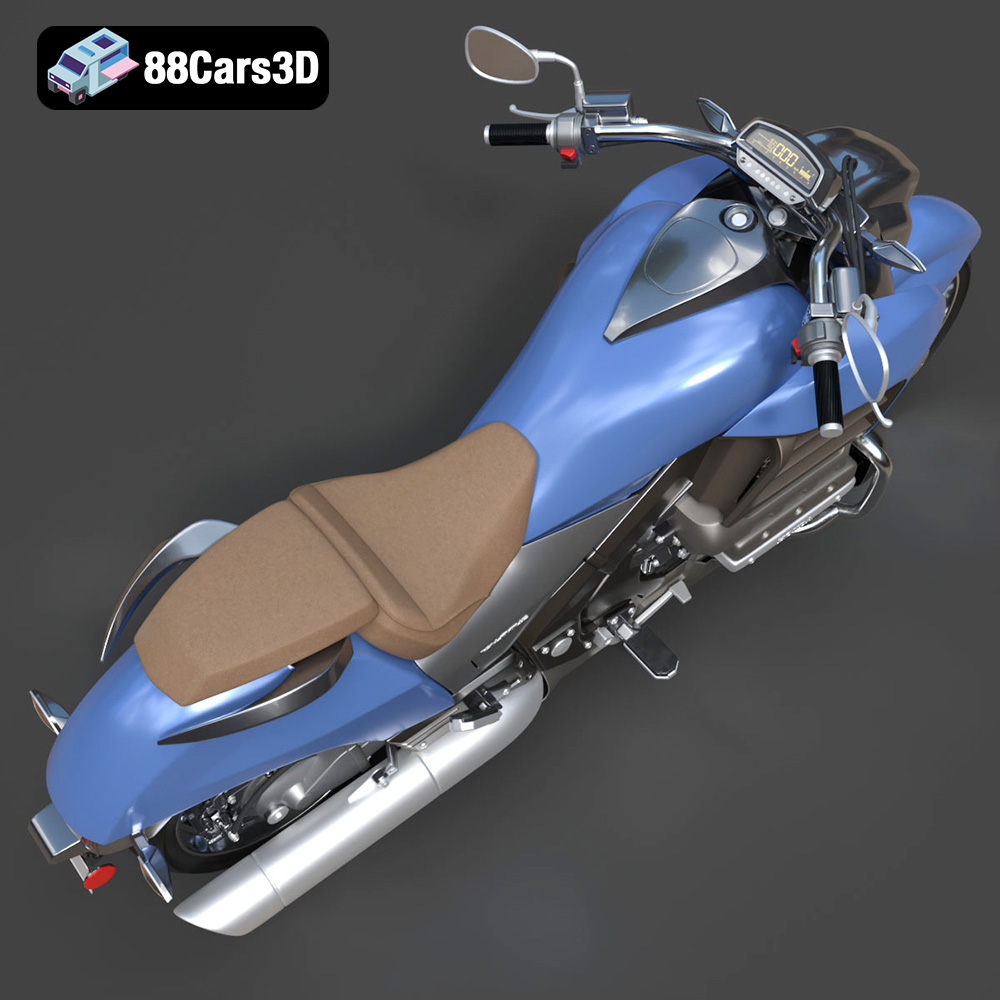
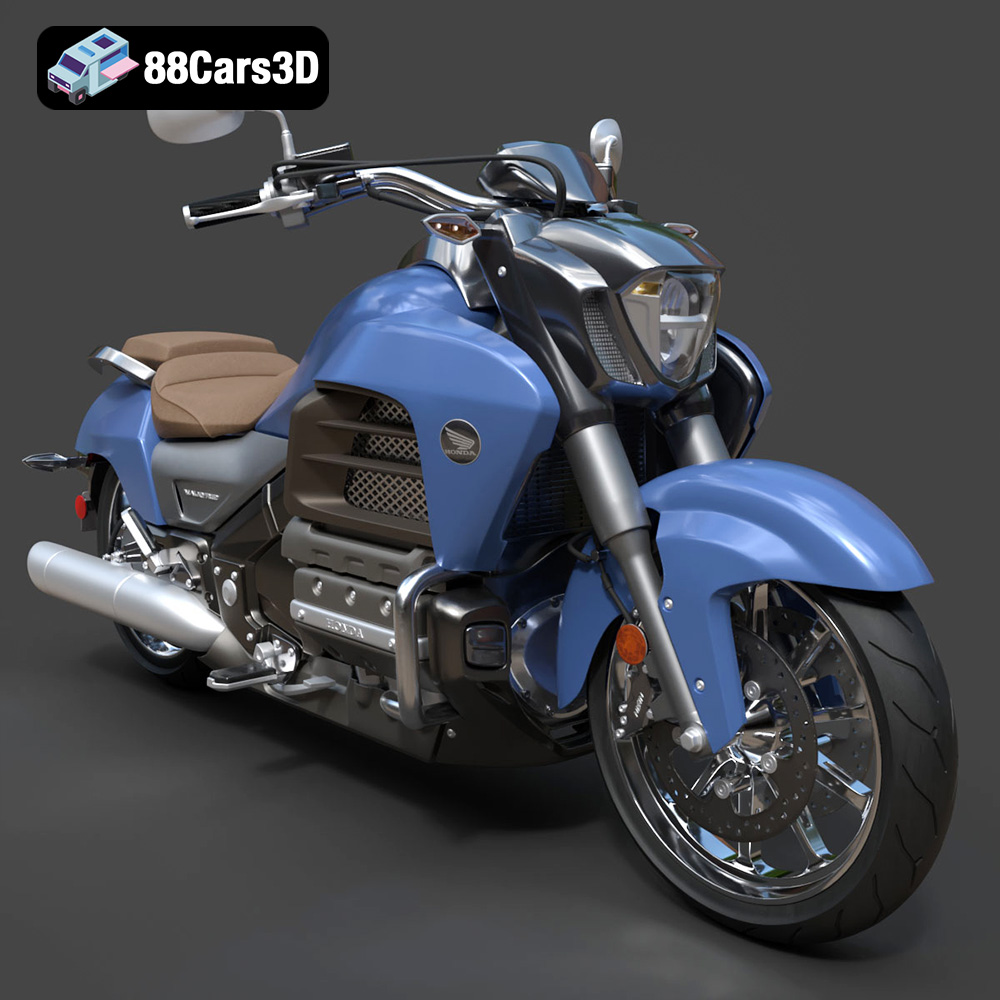
Experience the realistic precision of the Honda Valkyrie GL1800C 2015 3D Model. This authentic digital replica accurately captures the powerful stance and intricate mechanical details of the renowned motorcycle. Built with clean geometry and professional-grade polygon structures, this model ensures seamless integration into any digital pipeline. It features realistic materials and expertly crafted textures, bringing an accurate look to the engine, chassis, and bodywork. Designed for diverse professional applications, this model is perfectly suited for game development, cinematic rendering, AR/VR experiences, and interactive visualization projects.
$39.99
.arvr
.blend
.car3dmodel
.cruiser
.fbx
.gameasset
.gl1800c
.glb
.honda
.max
.motorcycle
.obj
.ply
.rendering
.simulation
.stl
.unreal
.valkyrie