Get 20% OFF All Premium 3D & STL Models!

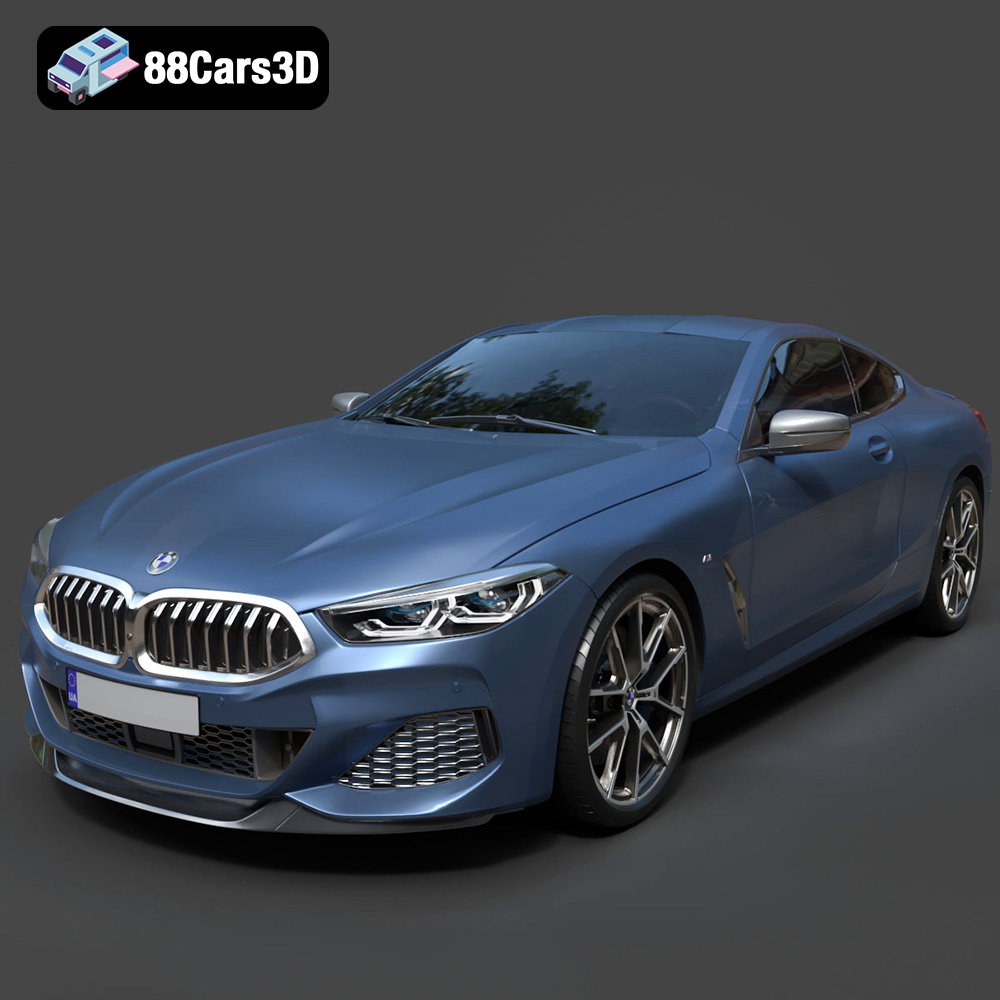
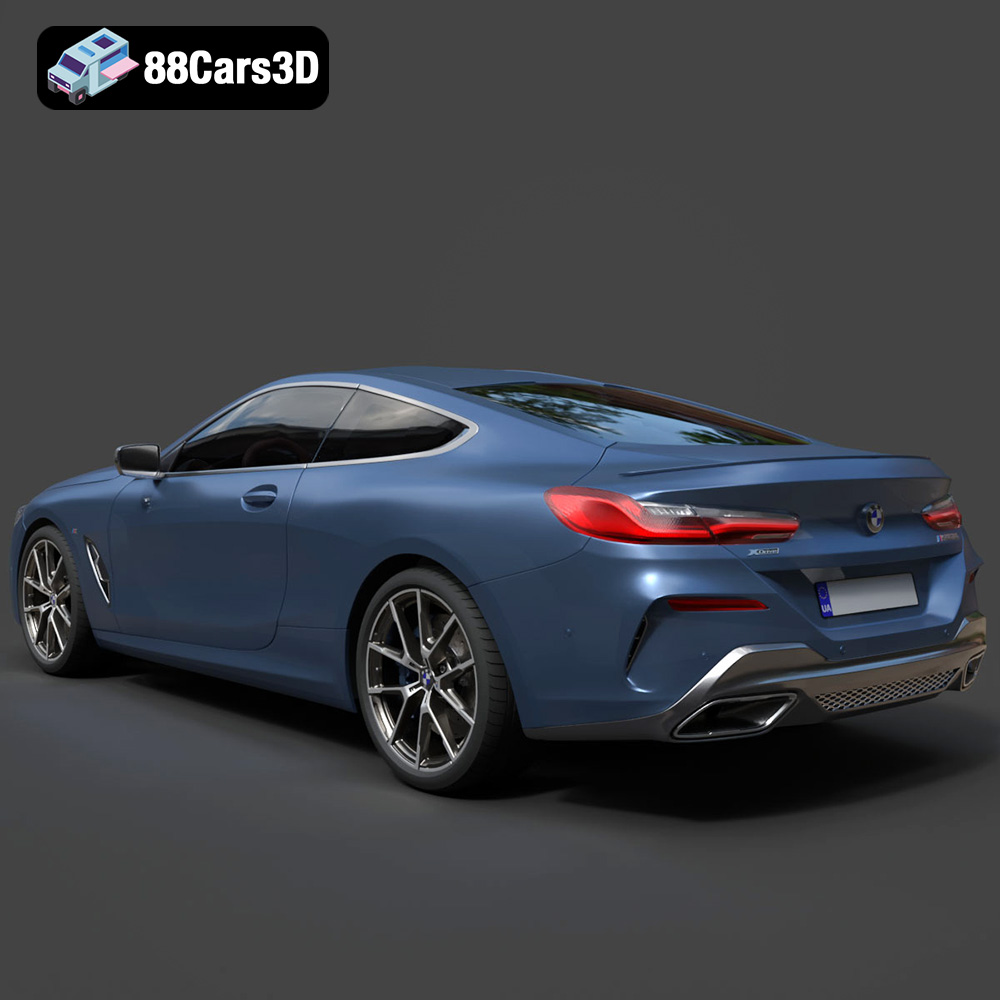
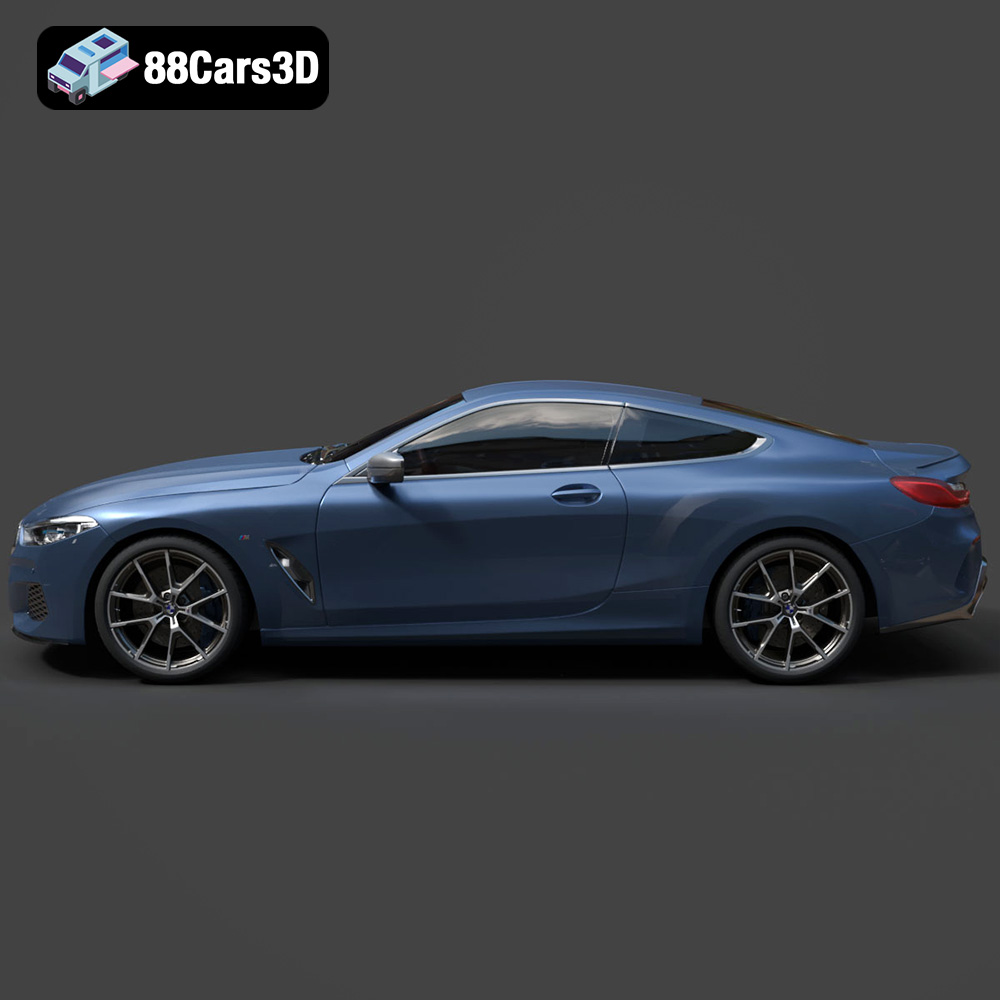
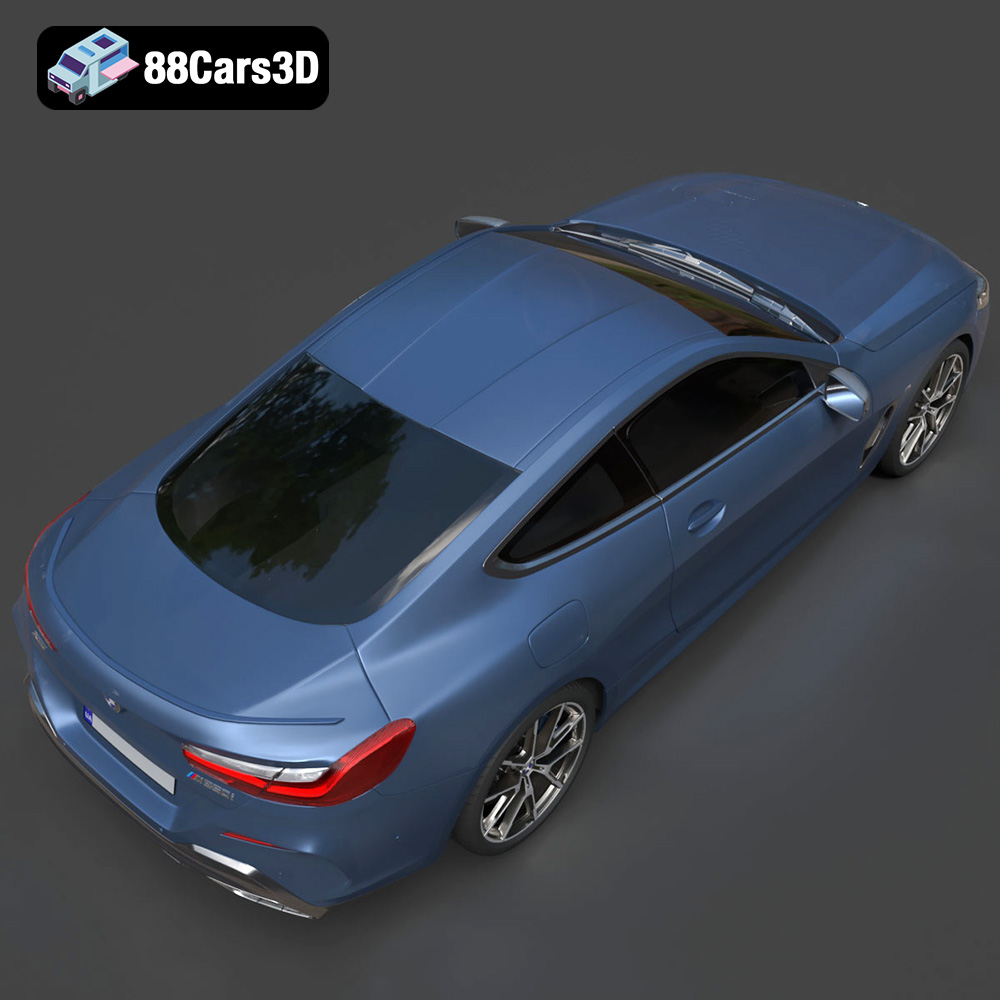
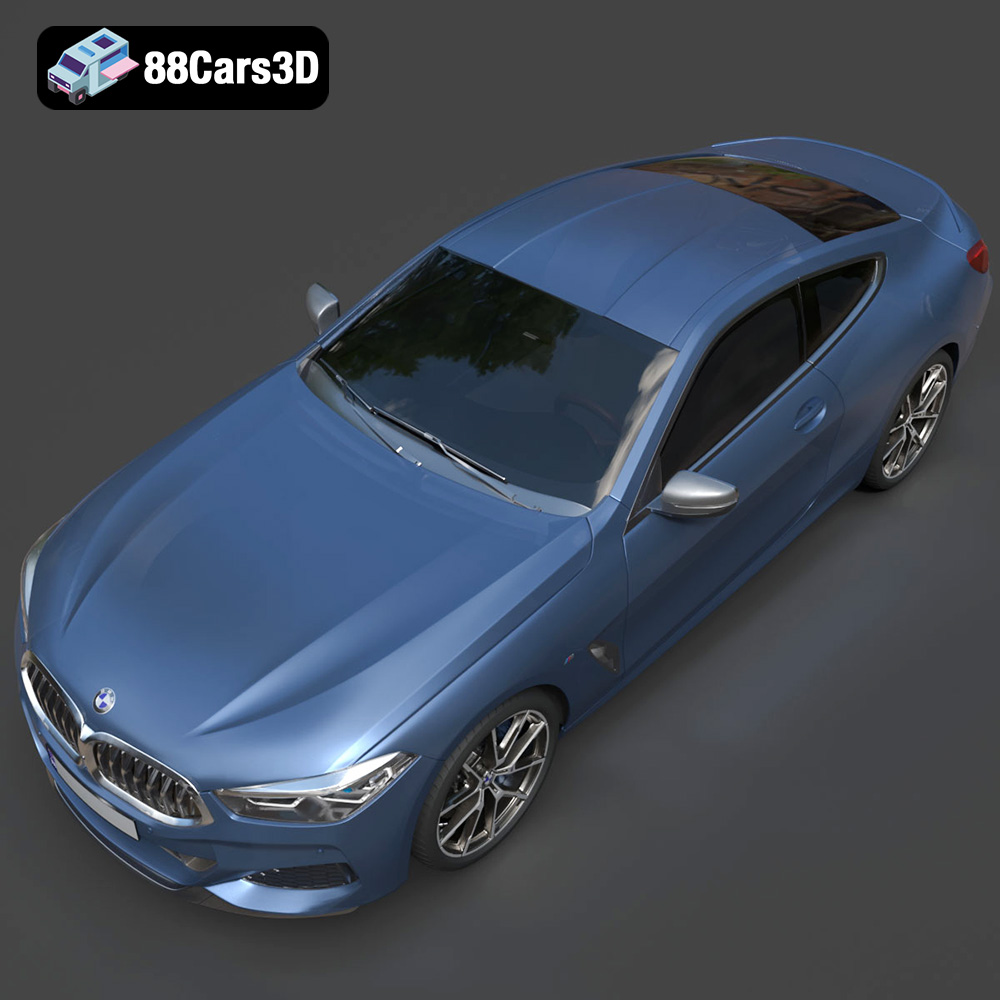
The BMW 8-Series M850i G15 Coupe 2019 is a statement of luxury, performance, and design. Now, thanks to advancements in 3D printing, you can bring this iconic vehicle to life in your own home or workshop. This comprehensive guide will walk you through every step of 3D printing a high-quality model of the M850i, from initial preparation to final finishing touches. Whether you’re a seasoned 3D printing enthusiast or just starting out, this article will provide the technical insights and practical advice you need to achieve stunning results. The detailed STL files available at 88cars3d.com make this project accessible to anyone with a passion for automotive excellence.
The success of your 3D printed BMW 8-Series M850i G15 Coupe hinges on selecting the right equipment and materials. Consider the level of detail you want to achieve, the size of the model, and your budget.
* **FDM (Fused Deposition Modeling):** FDM printers are generally more affordable and user-friendly, making them a great option for beginners. They use filaments like PLA or PETG, which are durable and readily available. However, FDM prints may require more post-processing to achieve a smooth surface finish. The larger build volumes of many FDM printers can be advantageous for printing the M850i in fewer parts.
* **Resin (SLA/DLP/LCD):** Resin printers offer exceptional detail and accuracy, making them ideal for complex geometries and intricate designs. They use liquid resin that is cured by UV light. Resin prints typically have a smoother surface finish than FDM prints but can be more brittle and require more careful handling. Resin printing can also be more expensive due to the cost of the resin and the need for proper ventilation.
* **PLA (Polylactic Acid):** PLA is a biodegradable thermoplastic derived from renewable resources. It’s easy to print, has low warping, and is available in a wide range of colors. PLA is an excellent choice for beginners and for models that don’t require high heat resistance or impact strength.
* **PETG (Polyethylene Terephthalate Glycol-modified):** PETG offers a good balance of strength, flexibility, and heat resistance. It’s more durable than PLA and less prone to warping than ABS. PETG is a great option for parts that need to withstand some stress or heat, such as wheels or suspension components.
* **ABS (Acrylonitrile Butadiene Styrene):** ABS is a strong and heat-resistant plastic commonly used in automotive applications. However, it’s more challenging to print than PLA or PETG due to its tendency to warp. ABS requires a heated bed and an enclosed printer to achieve successful prints.
* **Resin (Various Types):** Resin comes in a variety of formulations with different properties, such as standard resin, tough resin, and flexible resin. The best type of resin for your BMW 8-Series model will depend on the level of detail you want to achieve and the intended use of the model.
Choosing the right file format is crucial for a successful 3D printing experience. Different formats store 3D model data in various ways, impacting compatibility, detail, and ease of use. The availability of multiple file formats for the BMW 8-Series M850i G15 Coupe 2019 at 88cars3d.com ensures compatibility with a wide range of software and printing workflows.
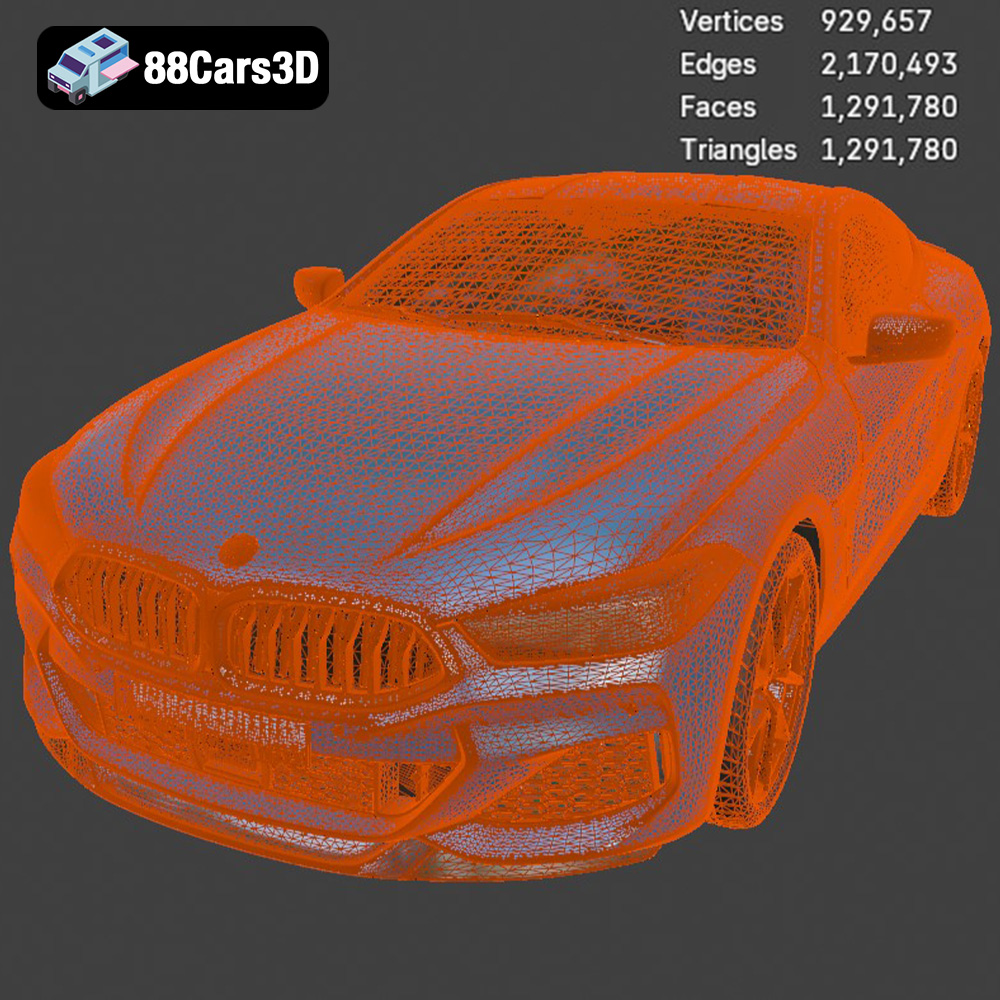
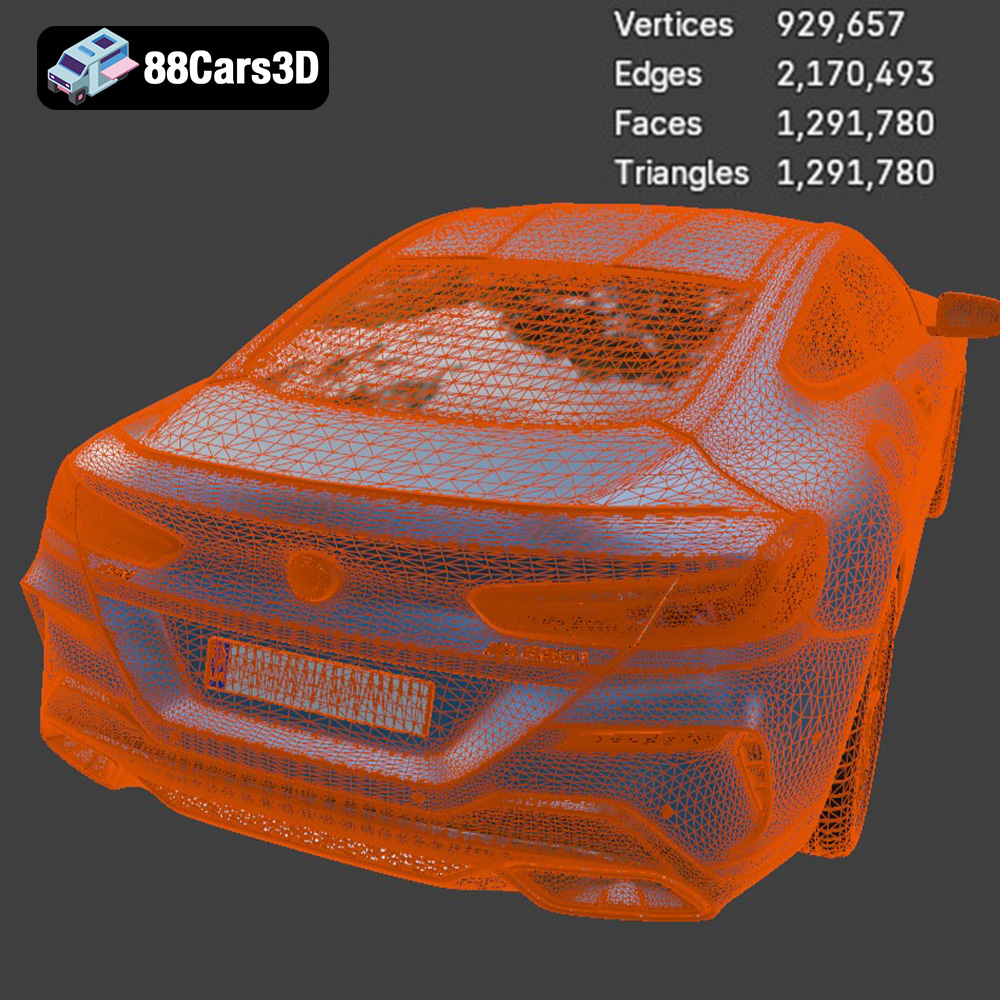
The STL (Stereolithography) format is the workhorse of 3D printing. It represents a 3D object as a collection of triangles, forming a mesh that approximates the surface geometry. STL files are simple, widely supported by slicing software, and efficient for representing complex shapes. However, they only store geometric data, lacking information about color, texture, or material properties. When preparing the STL file for your BMW 8-Series model, ensure the mesh resolution is high enough to capture fine details but not so high that it creates excessively large file sizes or processing burdens. Slicing software analyzes the STL mesh and generates toolpaths for the 3D printer, dictating how the material will be deposited layer by layer. The simplicity of the STL format makes it ideal for 3D printing applications where color and texture are not critical, allowing for faster processing and widespread compatibility. The STL files available from 88cars3d.com are optimized for 3D printing and have undergone thorough quality checks to ensure accurate and printable meshes.
OBJ is a more versatile format than STL, capable of storing color and texture information in addition to geometric data. This makes it suitable for 3D printing models with multiple colors or textures, although this requires a printer capable of multi-material or multi-color printing. While OBJ files can be used for 3D printing, they are more commonly employed in rendering and animation workflows.
PLY (Polygon File Format) is designed to store 3D data acquired from 3D scanners. It can represent color, normals, and other properties, making it suitable for high-detail models. PLY files can be used for 3D printing, but they may require conversion to STL or OBJ for compatibility with some slicing software.
.blend is the native file format for Blender, a popular open-source 3D modeling software. It stores the entire scene, including geometry, materials, textures, lighting, and animation data. .blend files are not directly compatible with 3D printers but can be used to modify the BMW 8-Series M850i G15 Coupe model before exporting it to a printable format like STL.
FBX (Filmbox) is a proprietary file format developed by Autodesk for interoperability between 3D applications. It supports geometry, materials, textures, animation, and other scene data. While FBX is primarily used for game development and animation, it can be imported into some slicing software, allowing for the preservation of material assignments. However, it is important to convert the model to STL for optimal 3D printing compatibility.
GLB is a binary file format that represents 3D models in a compact and efficient way. It is often used for AR/VR applications and web-based visualization. GLB files can be used to preview the BMW 8-Series M850i G15 Coupe model in augmented reality before printing, allowing you to assess its size and appearance in a real-world environment.
.max is the native file format for 3ds Max, a professional 3D modeling, animation, and rendering software package. It stores the entire scene, including geometry, materials, textures, lighting, and animation data. .max files are not directly compatible with 3D printers but can be used to modify the BMW 8-Series M850i G15 Coupe model before exporting it to a printable format like STL.
Before you can start printing, you need to prepare the 3D model using slicing software. This software converts the 3D model into a series of layers that the 3D printer can understand. Popular slicing software options include Cura, Simplify3D, and PrusaSlicer.
* **Layer Height:** Layer height determines the resolution of your print. A lower layer height (e.g., 0.1mm) will result in a smoother surface finish but will also increase print time. A higher layer height (e.g., 0.2mm) will print faster but may result in a more noticeable layer stepping. For the BMW 8-Series M850i G15 Coupe, a layer height of 0.1mm to 0.15mm is recommended for a good balance of detail and print time.
* **Infill Density:** Infill density determines the amount of material inside the model. A higher infill density will result in a stronger but heavier print. For most car models, an infill density of 15-20% is sufficient.
* **Print Speed:** Print speed affects both the quality and the print time. A slower print speed will generally result in a higher-quality print but will also increase print time. A print speed of 40-60mm/s is a good starting point for the BMW 8-Series M850i G15 Coupe.
* **Support Structures:** Support structures are necessary for printing overhangs and complex geometries. Choose a support structure type that is easy to remove and doesn’t leave excessive marks on the model.
* **Bed Adhesion:** Ensure good bed adhesion to prevent warping and detachment during printing. Use a heated bed, apply a bed adhesive like glue stick or hairspray, or use a brim or raft to improve adhesion.
* **Orientation:** The orientation of the model on the print bed can significantly impact print quality and support requirements. Experiment with different orientations to minimize overhangs and reduce the amount of support material needed.
* **Scaling:** You can scale the model to your desired size using the slicing software. Be mindful of the printer’s build volume and ensure that the scaled model fits within the print area. Scaling the model too small may result in a loss of detail, while scaling it too large may exceed the printer’s capabilities.
This section delves into specific strategies for printing the BMW 8-Series M850i G15 Coupe model. Given its intricate design, careful planning is essential.
Consider dividing the model into smaller parts (e.g., body, chassis, wheels, interior) to simplify the printing process and reduce support requirements. This approach allows for printing each part in the optimal orientation and can significantly improve the overall quality of the final model.
* **Manual Supports:** Manually placing support structures in critical areas can provide better control and minimize the impact on the model’s surface finish.
* **Support Interface:** Using a support interface layer can make support removal easier and reduce the risk of damaging the model.
* **Support Density:** Adjust the support density to balance strength and ease of removal. A lower support density will be easier to remove but may not provide sufficient support for complex overhangs.
* **Temperature Calibration:** Calibrate the printing temperature for your chosen material to ensure proper adhesion and prevent warping.
* **Flow Rate Adjustment:** Adjust the flow rate to fine-tune the extrusion of material and achieve consistent layer adhesion.
* **Retraction Settings:** Optimize retraction settings to minimize stringing and oozing, especially when printing complex geometries.
Once the printing is complete, the real work begins. Post-processing is essential for achieving a professional-looking finish.
Carefully remove support structures using pliers, cutters, or a hobby knife. Be patient and avoid applying excessive force, which can damage the model. Use sandpaper or a file to remove any remaining support marks and smooth out the surface.
Sanding is a crucial step in achieving a smooth surface finish. Start with coarse sandpaper (e.g., 200 grit) and gradually work your way up to finer grits (e.g., 400, 600, 800 grit). Wet sanding can help to reduce dust and improve the sanding process.
* **Priming:** Apply a primer to the model to create a uniform surface for painting.
* **Painting:** Use acrylic paints or spray paints to achieve the desired color and finish. Apply multiple thin coats for the best results.
* **Clear Coating:** Apply a clear coat to protect the paint and add a glossy or matte finish.
If you printed the model in multiple parts, carefully assemble them using glue or other adhesives. Add any additional details, such as decals or small parts, to enhance the realism of the model.
Even with careful preparation, you may encounter some challenges during the 3D printing process. Here are some common issues and their solutions:
* **Warping:** Ensure good bed adhesion, use a heated bed, and print in an enclosed environment.
* **Stringing:** Optimize retraction settings, lower the printing temperature, and ensure the filament is dry.
* **Layer Shifting:** Check the printer’s belts and pulleys for tightness, reduce the print speed, and ensure the printer is on a stable surface.
* **Under-Extrusion:** Increase the flow rate, check for nozzle clogs, and ensure the filament is feeding properly.
* **Over-Extrusion:** Decrease the flow rate, lower the printing temperature, and calibrate the extruder.
Before embarking on your 3D printing project, it’s helpful to estimate the print time and material costs. These estimates will vary depending on the size of the model, the printer settings, and the chosen material. Slicing software typically provides estimates of print time and material usage. Use these estimates to plan your printing schedule and budget accordingly. Remember that these are just estimates, and the actual print time and material costs may vary. The detailed models available at 88cars3d.com are designed to be efficiently printable, minimizing both time and material consumption.
By following this comprehensive guide, you’ll be well-equipped to 3D print a stunning replica of the BMW 8-Series M850i G15 Coupe 2019. Enjoy the process and the satisfaction of bringing this iconic vehicle to life!
Experience unparalleled realism with the BMW 8-Series M850i G15 Coupe 2019 3D Model. Designed to meet professional standards, this model captures the sleek proportions and aggressive styling of the iconic luxury sports coupe, ensuring exceptional visual fidelity for any digital project. Built with clean geometry and optimized polygon distribution, the model guarantees smooth subdivisions and excellent performance. It features realistic materials and intricate detailing, making it ideal for close-up shots and demanding environments. This versatile 3D asset is perfectly suited for a wide range of applications, including game development, cinematic rendering, AR/VR experiences, and automotive visualization.
$39.99
.8series
.arvr
.blend
.bmw
.car3dmodel
.coupe
.fbx
.g15
.gameasset
.glb
.luxurycar
.m850i
.max
.obj
.ply
.rendering
.simulation
.sportsCar
.stl
.unreal