Get 20% OFF All Premium 3D & STL Models!

“`html
The world of 3D printing relies heavily on a specific file format: STL. If you’re diving into the exciting realm of creating physical objects from digital designs, especially if you’re interested in printing detailed car models from platforms like 88cars3d.com, understanding STL files is crucial. This seemingly simple format underpins the entire process, defining the shape and surface of your 3D models. In this comprehensive guide, we’ll dissect the anatomy of STL files, exploring the mesh structure, the role of triangles, and the significance of precision. We’ll cover everything from file structure to common issues and fixes, empowering you to confidently prepare your models for successful 3D printing.
This article will guide you through the following key aspects of STL files:
At its core, an STL (Stereolithography) file is a representation of a 3D object’s surface geometry. It does this using a collection of connected triangles, forming a mesh that approximates the object’s shape. Unlike other CAD formats that might store information about curves, surfaces, or design history, STL files only contain surface data in the form of these triangles. This simplicity makes it a widely compatible format for 3D printing, but it also means that the quality of the STL file directly impacts the final print.
STL files come in two main flavors: ASCII and Binary. The ASCII format is human-readable, representing each triangle’s data (vertex coordinates and normal vector) as text. While it’s easier to inspect and edit manually, it results in much larger file sizes. Binary STL, on the other hand, stores the same data in a more compact binary format, leading to significantly smaller files. This is particularly important when dealing with complex models from sites such as 88cars3d.com, where file sizes can quickly become substantial. Generally, the binary format is preferred for its efficiency in storage and processing.
Each triangle in an STL file is defined by three vertices (points in 3D space) and a normal vector. The normal vector is a unit vector perpendicular to the surface of the triangle, indicating its outward-facing direction. This is crucial for determining which side of the triangle is considered “inside” and which is “outside” of the object. Inconsistent normal vectors can lead to problems during slicing, resulting in missing or inverted sections in the printed model. Therefore, ensuring correct normal orientation is a critical step in STL file preparation. Many mesh editing tools offer functionalities to automatically correct normal directions.
The use of triangles as the fundamental building block in STL files directly impacts the print quality, file size, and overall accuracy of the 3D model. The density of the triangle mesh, often referred to as tessellation, determines how closely the triangular approximation matches the original curved surface. A higher triangle count results in a smoother, more detailed representation, but also increases the file size and processing time.
The relationship between triangle count and resolution is direct. More triangles mean a finer mesh and a more accurate representation of the 3D model’s curves and details. However, there’s a trade-off. Extremely high triangle counts can overwhelm your 3D printer and slicing software, leading to slow processing and potentially even crashes. Conversely, a low triangle count can result in a faceted or blocky appearance, especially on curved surfaces. The optimal triangle count depends on the size and complexity of the model, as well as the capabilities of your 3D printer and software. For car models with intricate details, finding a balance is key.
Slicing software processes the STL file by dividing it into layers for the 3D printer to build. A high triangle count can significantly increase the time it takes for the slicer to generate the toolpaths. The slicer needs to analyze each triangle in each layer to determine how to fill the space with the appropriate material. Also, excessive details resulting from a very high triangle count might not be accurately printable, especially with FDM printing, leading to wasted processing power. Therefore, optimizing the triangle count before slicing is an important step to improve efficiency. Models downloaded from 88cars3d.com are generally optimized, but it’s always good to understand the implications.
The precision of the vertex coordinates within an STL file directly affects the accuracy of the printed model. STL files typically store vertex coordinates as single-precision floating-point numbers, which have limited accuracy. This limitation can become significant when printing large models or those with fine details. Tolerance refers to the allowable deviation from the intended dimensions of the model. A lower tolerance means higher accuracy, but it may also increase file size and processing time.
Single-precision floating-point numbers provide a certain level of accuracy, but they are not infinitely precise. When the coordinates are represented in this format, there can be rounding errors. While these errors might be negligible for small models, they can accumulate and become noticeable in larger prints, potentially leading to dimensional inaccuracies or surface artifacts. For critical applications requiring high precision, consider using CAD software that allows exporting STL files with double-precision floating-point numbers, although this is not universally supported by slicing software.
Most CAD software allows you to control the tessellation tolerance when exporting to STL. This tolerance defines how closely the triangle mesh approximates the original curved surfaces. A smaller tolerance results in a more accurate representation but increases the triangle count. It’s crucial to strike a balance between accuracy and file size. For example, when preparing a printable car model, set the tolerance to a value that preserves the key details without creating an excessively dense mesh. Experiment with different tolerance settings and visually inspect the resulting STL file to find the optimal value.
STL files, despite their simplicity, are prone to certain common problems that can hinder the 3D printing process. These issues typically arise from errors in the mesh geometry, such as gaps, holes, overlapping triangles, and non-manifold geometry. Addressing these problems is crucial for generating a clean and printable STL file.
Non-manifold geometry is a common issue where the mesh does not represent a physically realizable object. Examples include edges shared by more than two triangles, zero-area faces, and self-intersecting surfaces. These errors can confuse slicing software and lead to unpredictable print results. Tools like Meshmixer, Netfabb, and even some slicers have built-in functions to detect and automatically repair non-manifold geometry. These tools often employ algorithms to close gaps, remove overlapping faces, and ensure that the mesh is watertight.
Meshmixer is a free and powerful tool for repairing and editing STL files. To repair a mesh in Meshmixer, import the STL file and use the “Analysis” tool to identify errors such as open boundaries, disconnected components, and non-manifold edges. Meshmixer provides options to automatically fix these errors using algorithms that stitch together open edges, fill holes, and remove redundant faces. The “Make Solid” function is particularly useful for converting a non-manifold mesh into a solid, printable object. After running the repair tools, carefully inspect the mesh to ensure that the repairs have not introduced any new artifacts.
While the underlying STL file format is the same, the preparation process for FDM (Fused Deposition Modeling) and resin (Stereolithography, SLA/DLP) printing differs significantly. These differences stem from the distinct printing technologies and the specific challenges associated with each.
For FDM printing, the orientation of the model on the build plate is critical for minimizing support structures and maximizing strength. Orient the model to reduce overhangs, which require support material. Support structures are temporary scaffolds that support overhanging parts during printing. Optimizing the orientation can also improve surface finish on critical areas and reduce the amount of wasted material. Before printing car models, consider their flattest side for bed adhesion. Slicing software like Cura and PrusaSlicer offer advanced support generation options, allowing you to customize the placement, density, and type of support structures. Using adaptive layer height can also help improve the surface finish without significantly increasing print time.
Resin printing often involves hollowing out the model to reduce material consumption and printing time. Hollowing also prevents the build-up of resin within the model, which can cause cracks or explosions. Most resin slicing software (e.g., Chitubox, Lychee Slicer) have tools for automatically hollowing models and adding drain holes to allow resin to escape. Support structures are even more crucial in resin printing due to the weaker initial layer adhesion. Carefully place supports at critical points to prevent warping or detachment during printing. Proper support placement and orientation is key for successful resin printing of complex models. When downloading models from marketplaces such as 88cars3d.com, check if they already include pre-supported versions for resin printing.
Beyond basic repair, there are several techniques you can use to optimize STL files for improved print quality and efficiency. These techniques involve refining the mesh geometry, reducing file size, and tailoring the file to your specific 3D printer and slicing settings.
Mesh simplification algorithms reduce the triangle count while preserving the overall shape and details of the model. This can significantly reduce file size and processing time without noticeably affecting print quality. Tools like Blender and MeshLab offer various mesh simplification algorithms, such as decimation and edge collapsing. Experiment with different simplification settings to find the optimal balance between triangle count and detail preservation. Be careful not to over-simplify the mesh, as this can lead to loss of important features.
Different 3D printers have different capabilities and limitations. When preparing an STL file, consider the resolution, build volume, and material compatibility of your printer. Adjust the model’s scale and orientation to fit within the build volume. Optimize the mesh density and support structures for the printer’s resolution and material properties. For example, if you’re using a printer with a small nozzle size, you might need to increase the level of detail in the STL file to capture fine features. Conversely, if you’re using a printer with a large nozzle, you can simplify the mesh to reduce processing time.
Once you’ve printed your model, the process isn’t necessarily complete. Post-processing techniques can enhance the appearance, strength, and functionality of the printed object. These techniques range from removing support structures to sanding, painting, and assembling multiple parts.
Removing support structures can be a delicate process, especially for intricate models. Use appropriate tools, such as pliers, cutters, and sandpaper, to carefully remove the supports without damaging the model. After removing the supports, you may need to smooth the surface to remove any remaining marks or imperfections. Sanding is a common technique for smoothing FDM prints. Start with coarse-grit sandpaper and gradually move to finer grits to achieve a smooth finish. For resin prints, you can use wet sanding or polishing compounds to achieve a glossy surface.
Painting can significantly enhance the appearance of your 3D printed models. Start by priming the model to create a smooth and uniform surface for the paint to adhere to. Use acrylic paints or spray paints specifically designed for plastics. Apply thin, even coats and allow each coat to dry completely before applying the next. For a professional finish, consider using clear coats to protect the paint and add gloss or matte finish. Remember that for car models, attention to detail in the painting and finishing stage is crucial for achieving a realistic and visually appealing result.
Understanding the intricacies of STL files is fundamental to successful 3D printing. By grasping the role of mesh structures, triangles, precision, and common file problems, you can effectively prepare your models for printing and achieve optimal results. Whether you’re printing detailed car models or prototyping complex mechanical parts, mastering STL file preparation will empower you to bring your digital designs to life. Platforms like 88cars3d.com offer print-ready STL files, but even with these pre-optimized models, understanding the underlying principles will allow you to fine-tune your printing process and achieve the best possible results.
Key takeaways:
Next Steps: Experiment with different STL file settings in your CAD and slicing software. Download some sample models from 88cars3d.com and practice repairing and optimizing them. Explore advanced mesh editing tools like Meshmixer and Netfabb. By putting these concepts into practice, you’ll develop a deeper understanding of STL files and become a more proficient 3D printer.
“`

Texture: Yes | Material: Yes
Download the highly detailed, game-ready Lamborghini Terzo Millenio 2017 3D Model. Features glowing Y-shaped LED signatures, extreme aerodynamic channels, and an aggressive hypercar stance. Includes .blend, .fbx, .obj, .glb, .stl, .ply, .unreal, and .max formats for game development, AR/VR, and rendering.
Price: $19.99

Texture: Yes | Material: Yes
Download the highly detailed, game-ready Mazda CX-5 2011 3D Model. Features the signature Kodo design exterior, detailed alloy wheels, and a fully modeled interior cabin. Includes .blend, .fbx, .obj, .glb, .stl, .ply, .unreal, and .max formats for game development, AR/VR, and rendering.
Price: $19.99

Texture: Yes | Material: Yes
Download the highly detailed, game-ready Toyota FJ Cruiser 2010 3D Model. Features a retro-inspired rugged exterior, iconic white roof, and an ultra-detailed HQ interior. Includes .blend, .fbx, .obj, .glb, .stl, .ply, .unreal, and .max formats for game development, AR/VR, and rendering.
Price: $19.99
Texture: Yes | Material: Yes
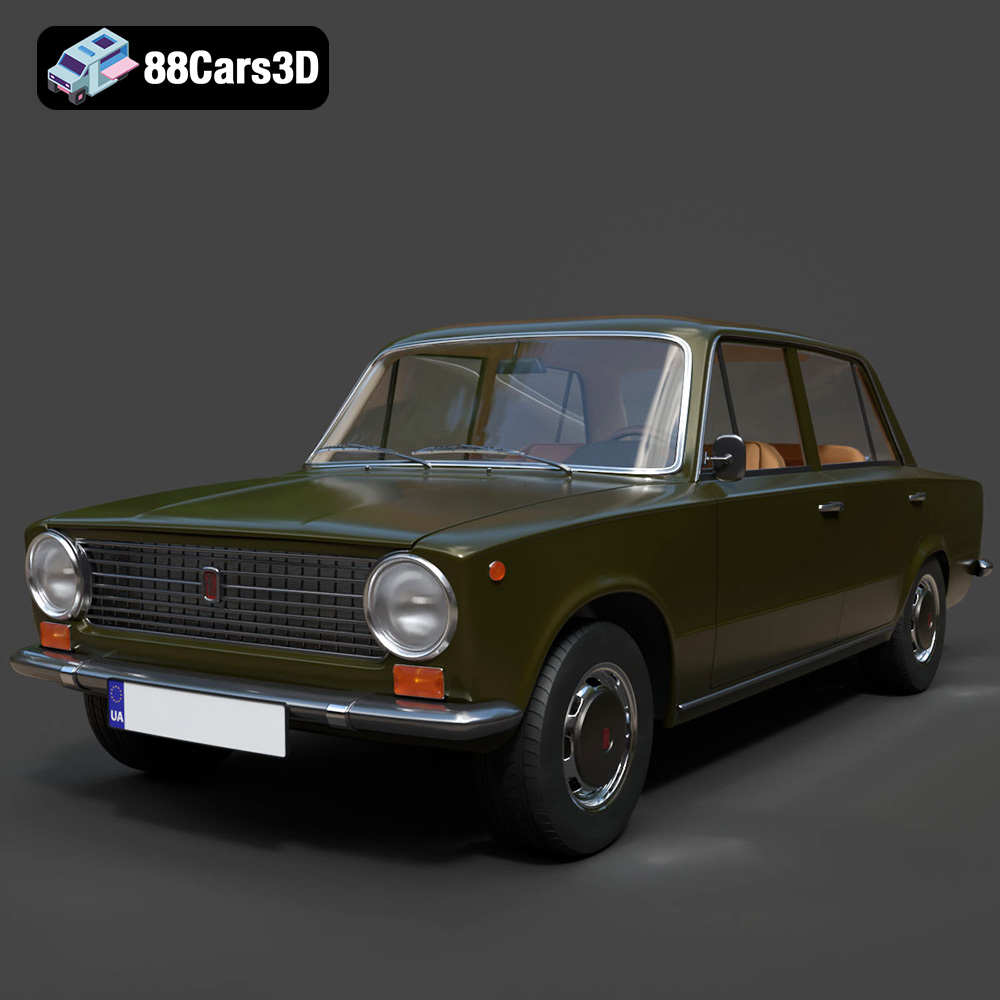
Download the highly detailed, game-ready Fiat 124 Mk1 1966 3D Model. Features classic round headlights, authentic sedan bodywork, and detailed chrome hubcaps. Includes .blend, .fbx, .obj, .glb, .stl, .ply, .unreal, and .max formats for game development, AR/VR, and rendering.
Price: $19.99

Texture: Yes | Material: Yes
Download the highly detailed, game-ready Audi RS6 3D Model. Features aggressive RS bodywork, detailed alloy wheels, and signature LED lighting. Includes .blend, .fbx, .obj, .glb, .stl, .ply, .unreal, and .max formats for game development, AR/VR, and rendering.
Price: $19.99

Texture: Yes | Material: Yes
Download the highly detailed, game-ready Toyota Camry 2018 3D Model. Features an aggressive aerodynamic body, distinct LED lighting signature, and precise interior detailing. Includes .blend, .fbx, .obj, .glb, .stl, .ply, .unreal, and .max formats for game development, AR/VR, and rendering.
Price: $19.99

Texture: Yes | Material: Yes
Download the highly detailed, game-ready Ford Mustang Hardtop 1968 3D Model. Features the iconic galloping pony grille, signature tri-bar taillights, and an authentic vintage interior. Includes .blend, .fbx, .obj, .glb, .stl, .ply, .unreal, and .max formats for game development, AR/VR, and rendering.
Price: $19.99

Texture: Yes | Material: Yes
Download the highly detailed, game-ready Ferrari J50 2017 3D Model. Features aggressive aerodynamic styling, twin-turbo V8 engine details, and targa top design. Includes .blend, .fbx, .obj, .glb, .stl, .ply, .unreal, and .max formats for game development, AR/VR, and rendering.
Price: $19.99
Texture: Yes | Material: Yes
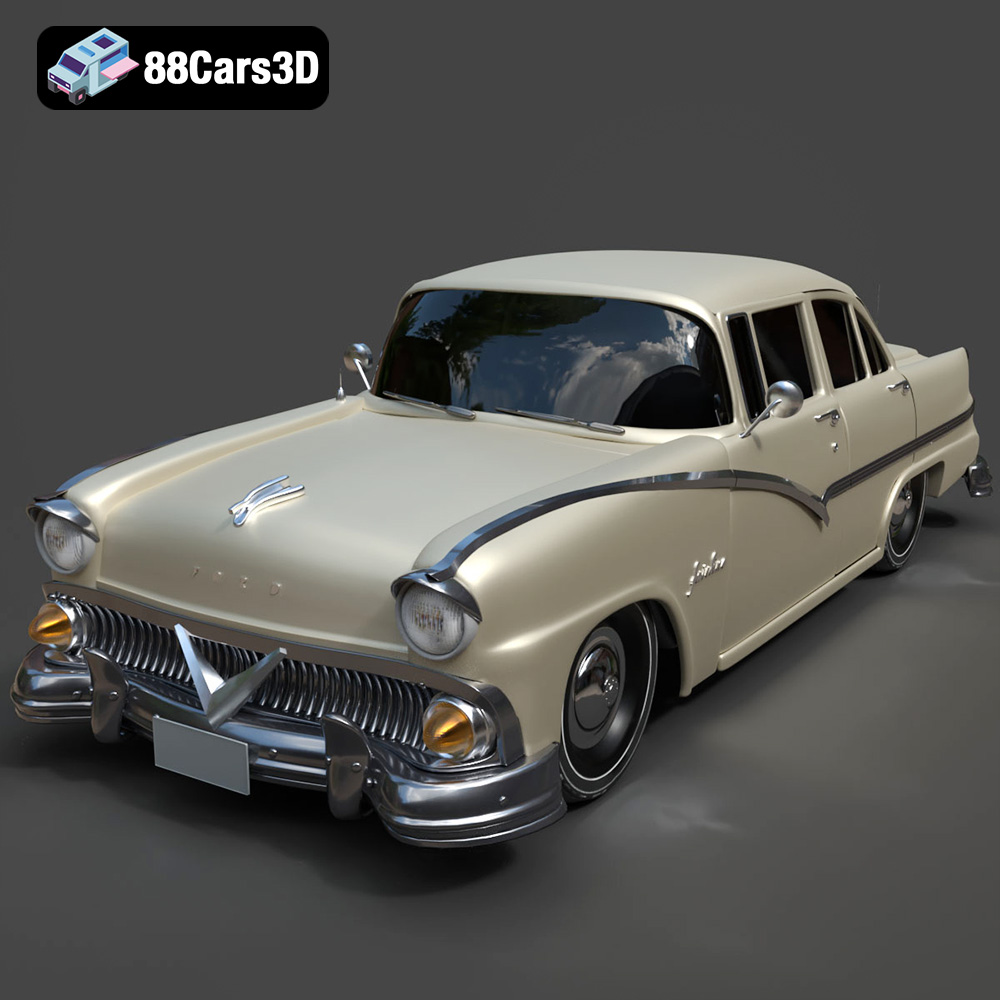
Download the highly detailed, game-ready Ford Fairlin 3D Model. Features iconic classic styling, sweeping bodylines, and an accurate vintage interior. Includes .blend, .fbx, .obj, .glb, .stl, .ply, .unreal, and .max formats for game development, AR/VR, and rendering.
Price: $19.99

Texture: Yes | Material: Yes
Download the highly detailed, game-ready Ford Mustang GT 3D Model. Features aggressive muscle car styling, a highly detailed V8 engine bay, and accurate interior cockpit. Includes .blend, .fbx, .obj, .glb, .stl, .ply, .unreal, and .max formats for game development, AR/VR, and rendering.
Price: $19.99

