Get 20% OFF All Premium 3D & STL Models!

The Kia Sportage 2019 is a stylish and popular SUV, and now you can bring a miniature version of it to life with 3D printing. Thanks to detailed models available at online marketplaces like 88cars3d.com, enthusiasts and hobbyists can create their own scaled-down replicas. This guide will walk you through the process of 3D printing the Kia Sportage 2019 model, covering everything from initial preparation to final finishing touches. We’ll delve into optimal printer settings, material choices, slicing strategies, and post-processing techniques to ensure a successful and satisfying print. Let’s get started on creating your own miniature Kia Sportage!
Before diving into the specifics of printing your Kia Sportage 2019 model, it’s crucial to understand the different file formats it’s available in and which ones are best suited for 3D printing. While the model from 88cars3d.com comes in multiple formats to cater to various applications, the STL format is your primary focus for additive manufacturing.
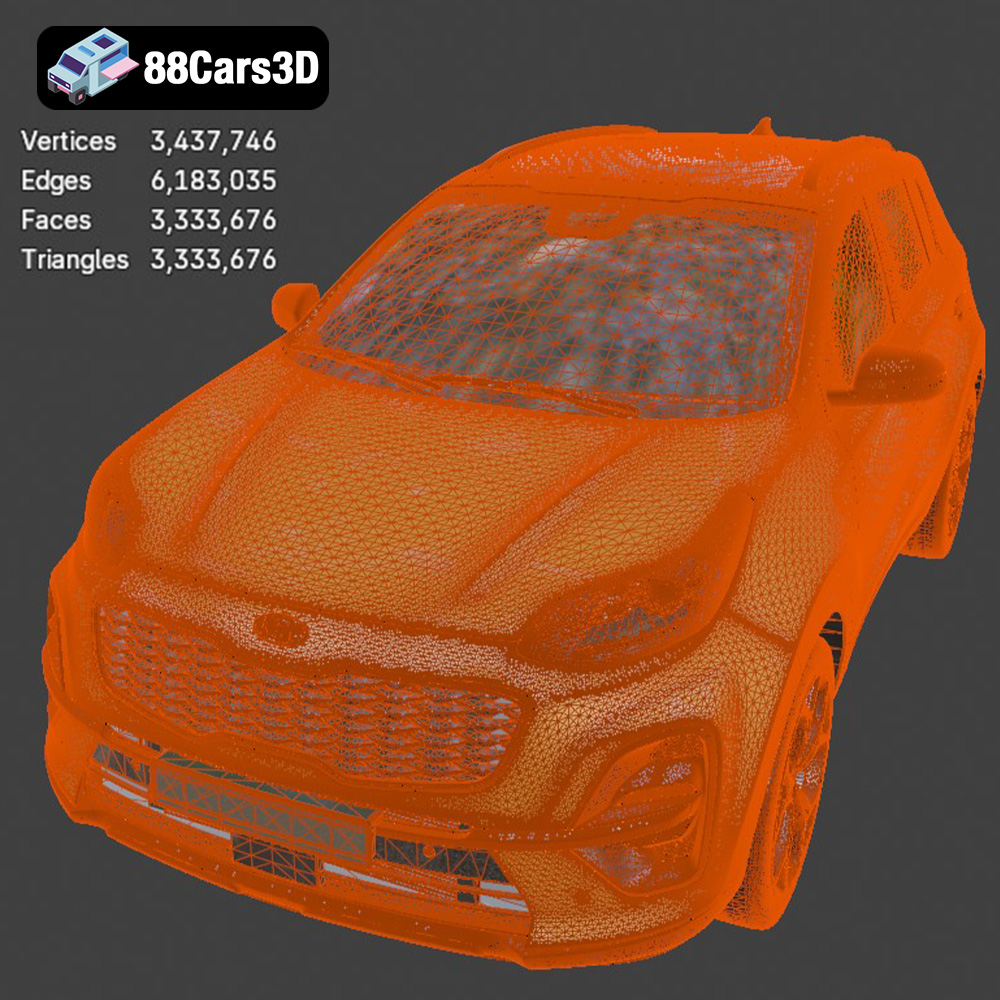
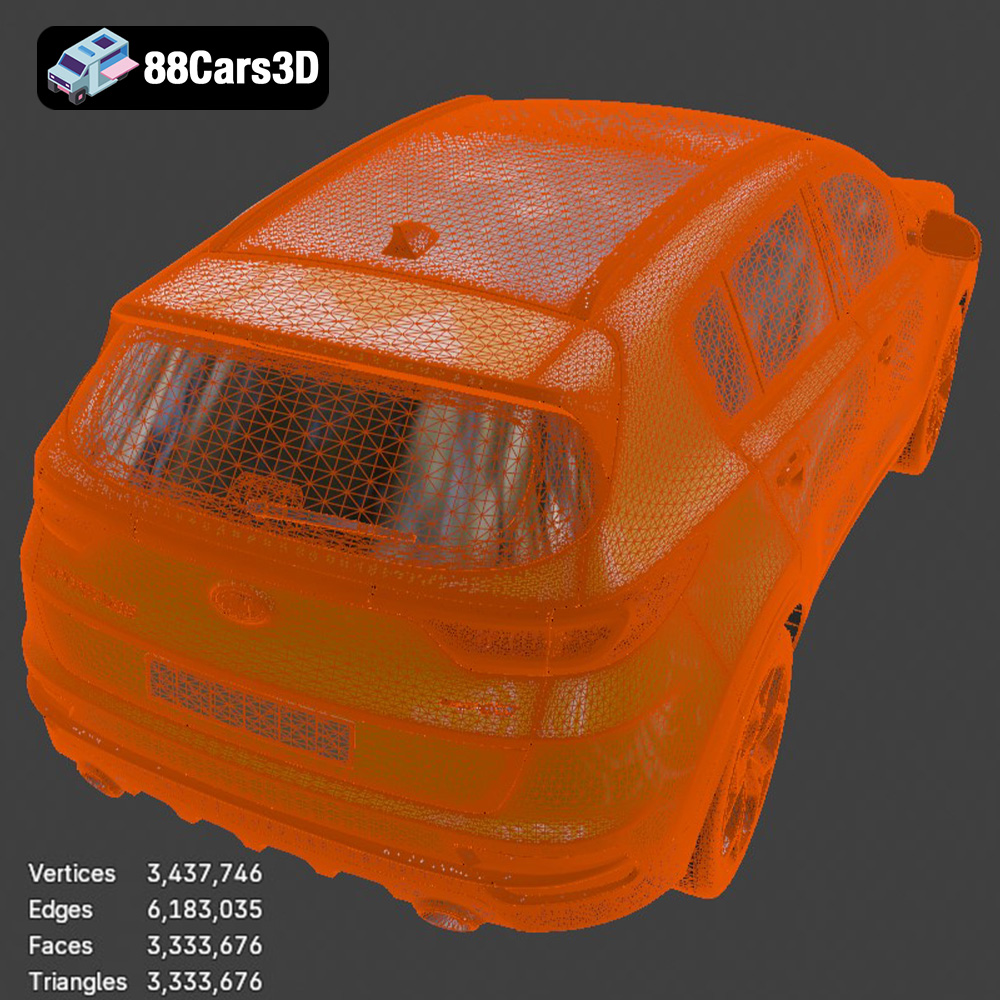
STL, or Stereolithography, is the workhorse of 3D printing. It represents the surface geometry of a 3D object as a collection of triangles. This simplicity is what makes it universally compatible with virtually all 3D printing software and printers. When you download the Kia Sportage 2019 model, the STL file will likely be the one you load into your slicing software. The quality of the STL file is paramount. A poorly generated STL can have gaps, overlaps, or self-intersections, which can lead to print failures. Fortunately, the models sold on 88cars3d.com are optimized for printing, minimizing the risk of these issues. Pay attention to the resolution or number of triangles used to define the model. A higher triangle count results in a smoother surface but can also increase file size and processing time.
OBJ files are another common 3D model format. Unlike STL, OBJ supports color and texture information. While this is useful for rendering and visualization, it’s generally not relevant for most 3D printing processes, especially if you plan to paint the model after printing. Some advanced 3D printers can handle multi-material printing and might be able to utilize the color data in an OBJ file, but these are exceptions rather than the rule.
PLY, or Polygon File Format, is designed to store 3D data acquired from 3D scanners. It excels at capturing detailed geometric information, making it suitable for high-resolution prints. However, it’s not as widely supported as STL, and you might need specific software to work with it. If the Kia Sportage 2019 model is exceptionally detailed, a PLY version might be available, but for general-purpose printing, STL is preferable.
BLEND files are native to Blender, a free and open-source 3D creation suite. This format contains the entire scene, including the model, materials, textures, lighting, and camera settings. If you’re familiar with Blender, you can use this file to modify the model before exporting it as an STL for printing. This allows for customization like adding mounting points, hollowing the model to save material, or splitting it into smaller parts for easier printing.
FBX is a popular format for exchanging 3D data between different software packages, particularly in the gaming industry. It supports animations, materials, and textures. While some slicing software might be able to import FBX files, the material and animation data is usually ignored. The primary advantage of FBX is its ability to preserve more information than STL when transferring models between applications.
GLB is a binary file format that represents 3D models in a compact and efficient manner. It’s commonly used for augmented reality (AR) and web-based visualization. GLB files can be easily viewed on smartphones and tablets, allowing you to preview the Kia Sportage 2019 model in your real-world environment before committing to printing it.
Similar to .blend files, .max files contain the entire scene created in 3ds Max, a professional 3D modeling and animation software. If you have access to 3ds Max, you can use this file to make advanced modifications to the model before exporting it as an STL for printing.
For 3D printing the Kia Sportage 2019 model, the STL format is the most practical and widely supported option. Ensure the STL file is of good quality, free of errors, and has a sufficient triangle count to capture the details of the model. If you need to make modifications, use Blender or 3ds Max (if available) and then export the modified model as an STL.
Once you have your STL file, the next step is to prepare it for 3D printing using slicing software. This software converts the 3D model into a series of instructions (G-code) that your printer can understand. Popular slicing software options include Cura, PrusaSlicer, Simplify3D, and IdeaMaker.
Each slicing software has a plethora of settings that can significantly impact the print quality, strength, and speed. Here are some key settings to consider for the Kia Sportage 2019 model:
* **Layer Height:** This determines the thickness of each printed layer. Lower layer heights (e.g., 0.1mm) result in smoother surfaces and finer details but increase print time. Higher layer heights (e.g., 0.2mm) print faster but may show more visible layer lines. For a balance of speed and quality, 0.15mm to 0.2mm is a good starting point.
* **Infill Density:** This controls the amount of material used inside the model. Higher infill densities (e.g., 20%) increase strength and weight but also increase print time and material usage. For a decorative model, 10-15% infill is usually sufficient. For a functional model that needs to withstand some stress, consider 20-30%.
* **Print Speed:** This affects the speed at which the printer moves. Slower speeds generally result in better quality but increase print time. Experiment with different speeds to find a balance that works for your printer and material. A good starting point is 50-60mm/s.
* **Support Structures:** The Kia Sportage 2019 model likely has overhangs (parts that are not directly supported by the layer below). Support structures are temporary scaffolding that are printed to support these overhangs. Choose a support structure pattern that is easy to remove and doesn’t leave excessive marks on the model.
* **Bed Adhesion:** Ensuring the first layer adheres properly to the print bed is crucial. Use a brim or raft to increase the surface area in contact with the bed.
The orientation of the model on the print bed can significantly affect the print quality, strength, and the amount of support material required. Consider these factors when choosing the orientation:
* **Minimize Overhangs:** Orient the model so that the number and size of overhangs are minimized. This will reduce the amount of support material needed and improve the surface finish.
* **Surface Finish:** The bottom layer of the print will generally be smoother than the top layers. Orient the model so that the most visible surfaces are facing down on the print bed.
* **Strength:** If the model needs to withstand stress in a particular direction, orient it so that the layers are aligned with that direction. This will increase the strength in that direction.
* **Minimize Support Material:** Aim to position the model to naturally support itself, reducing the reliance on support structures. This will save time and material, and reduce the amount of post-processing required.
For the Kia Sportage 2019 model, printing it with the roof facing upwards will likely minimize the need for supports on the body. You may need supports under the bumpers and potentially some for the side mirrors, depending on their design in the STL file.
The choice of material is another critical factor in the 3D printing process. Different materials have different properties, such as strength, flexibility, temperature resistance, and surface finish. Here are some common materials and their suitability for the Kia Sportage 2019 model:
PLA is a biodegradable thermoplastic derived from renewable resources. It’s easy to print, has low warping, and produces good surface finishes. PLA is a good choice for decorative models and beginners. However, it’s not very heat resistant and can become soft in hot environments. If you plan to display your Kia Sportage 2019 model indoors and away from direct sunlight, PLA is a suitable option.
PETG is a strong and durable thermoplastic that is also relatively easy to print. It has good temperature resistance and is more flexible than PLA. PETG is a good choice for functional models and parts that need to withstand some stress. It is also a food-safe material. PETG is a good all-around choice for the Kia Sportage 2019 model, especially if you want a durable and long-lasting print.
ABS is a strong and heat-resistant thermoplastic commonly used in automotive parts. It can withstand higher temperatures than PLA and PETG. However, ABS is more difficult to print and requires a heated bed and enclosure to prevent warping. It also emits fumes during printing, so proper ventilation is necessary. While ABS would be a great material in terms of real-world accuracy for car parts, it is not recommended for beginners due to the challenging print requirements.
Resin 3D printing (SLA/DLP) uses liquid resin that is cured by UV light. Resin prints offer exceptionally high detail and smooth surfaces, making them ideal for intricate models. However, resin prints are generally more brittle than FDM prints and require post-processing, such as washing and curing. Resin is an excellent option if you want to achieve the highest possible level of detail on your Kia Sportage 2019 model, but be prepared for the extra steps involved in resin printing.
For most hobbyists, PLA or PETG will be the best choices for printing the Kia Sportage 2019 model. PLA is easier to print and produces good results for decorative models, while PETG offers better durability and temperature resistance.
Once your Kia Sportage 2019 model is printed, you’ll likely want to post-process it to improve its appearance and finish. Post-processing can include removing support structures, sanding, priming, painting, and assembling multiple parts.
Carefully remove the support structures using pliers, tweezers, or a sharp knife. Be careful not to damage the model while removing the supports. Some slicing software offers soluble support material that can be dissolved in water, making support removal much easier.
Sanding the model will smooth out any imperfections and layer lines. Start with coarse sandpaper (e.g., 220 grit) and gradually move to finer grits (e.g., 400, 600, 800 grit) to achieve a smooth surface. Wet sanding can help reduce dust and prevent the sandpaper from clogging.
Priming the model will create a uniform surface for painting and help the paint adhere better. Use a spray primer designed for plastics. Apply thin, even coats and allow each coat to dry completely before applying the next.
Painting the model will bring it to life and give it a realistic appearance. Use acrylic paints designed for models. Apply thin, even coats using a brush or airbrush. Consider using masking tape to create clean lines and separate different colors. You could even attempt to match the original Kia Sportage 2019 factory colors!
If the model was printed in multiple parts, assemble them using glue or fasteners. Ensure the parts are properly aligned before gluing them together. Use clamps or tape to hold the parts in place while the glue dries.
The level of post-processing you do will depend on your desired finish. For a quick and simple model, you may only need to remove the support structures and do some light sanding. For a more detailed and realistic model, you’ll want to spend more time on sanding, priming, and painting.
Even with careful preparation, you may encounter some common 3D printing issues. Here are some troubleshooting tips:
* **Warping:** This occurs when the corners of the print lift off the print bed. Ensure the bed is properly leveled and heated. Use a brim or raft to increase bed adhesion. Reduce the printing temperature.
* **Stringing:** This occurs when thin strands of filament are left between parts of the print. Reduce the printing temperature. Increase the retraction distance. Reduce the travel speed.
* **Layer Shifting:** This occurs when the layers of the print are misaligned. Check the belts and pulleys for tightness. Reduce the printing speed. Ensure the printer is stable and not vibrating excessively.
* **Under-Extrusion:** This occurs when the printer is not extruding enough filament. Increase the printing temperature. Increase the flow rate. Check the nozzle for clogs.
* **Over-Extrusion:** This occurs when the printer is extruding too much filament. Reduce the printing temperature. Decrease the flow rate. Calibrate the extruder.
* **Support Structure Problems:** Supports might be difficult to remove or may damage the model during removal. Adjust the support density, pattern, and interface settings in your slicing software. Experiment with different support materials or soluble support options.
By understanding these common issues and their solutions, you can minimize print failures and improve your 3D printing success rate.
Estimating the print time and material cost for the Kia Sportage 2019 model requires some calculations based on your specific printer settings and material choices.
* **Print Time:** The slicing software will provide an estimated print time based on the layer height, infill density, print speed, and support structure settings. This is just an estimate, and the actual print time may vary depending on your printer and the complexity of the model. Expect a print time of anywhere from 8-24 hours for a model around 20cm in length.
* **Material Cost:** The slicing software will also provide an estimate of the amount of material required for the print. Multiply the material usage by the cost per kilogram of your chosen filament to estimate the material cost. For example, if the model requires 200 grams of PLA and PLA costs $20 per kilogram, the material cost would be $4.
These are rough estimates, and the actual print time and material cost may vary. Experiment with different settings and materials to optimize your print for speed and cost.
Remember to factor in the cost of electricity and any other consumables, such as glue, sandpaper, and paint, when calculating the total cost of the project.
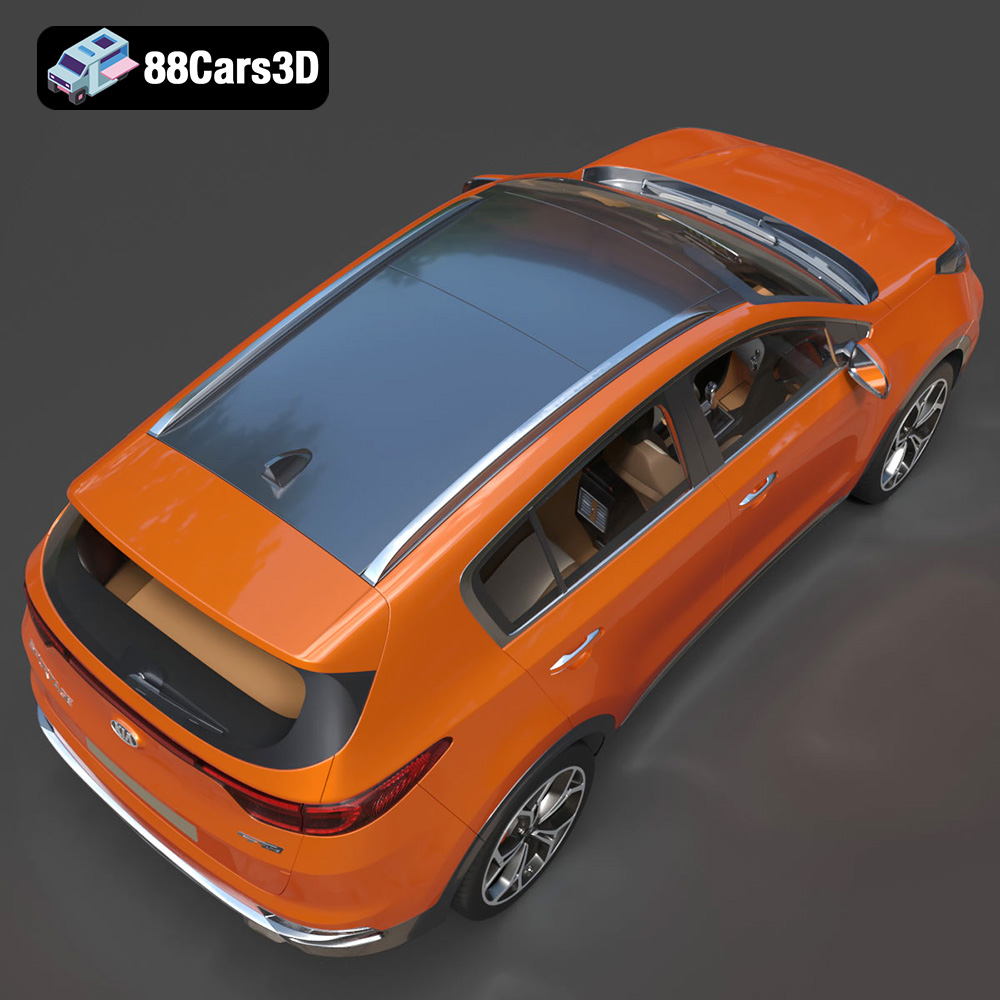
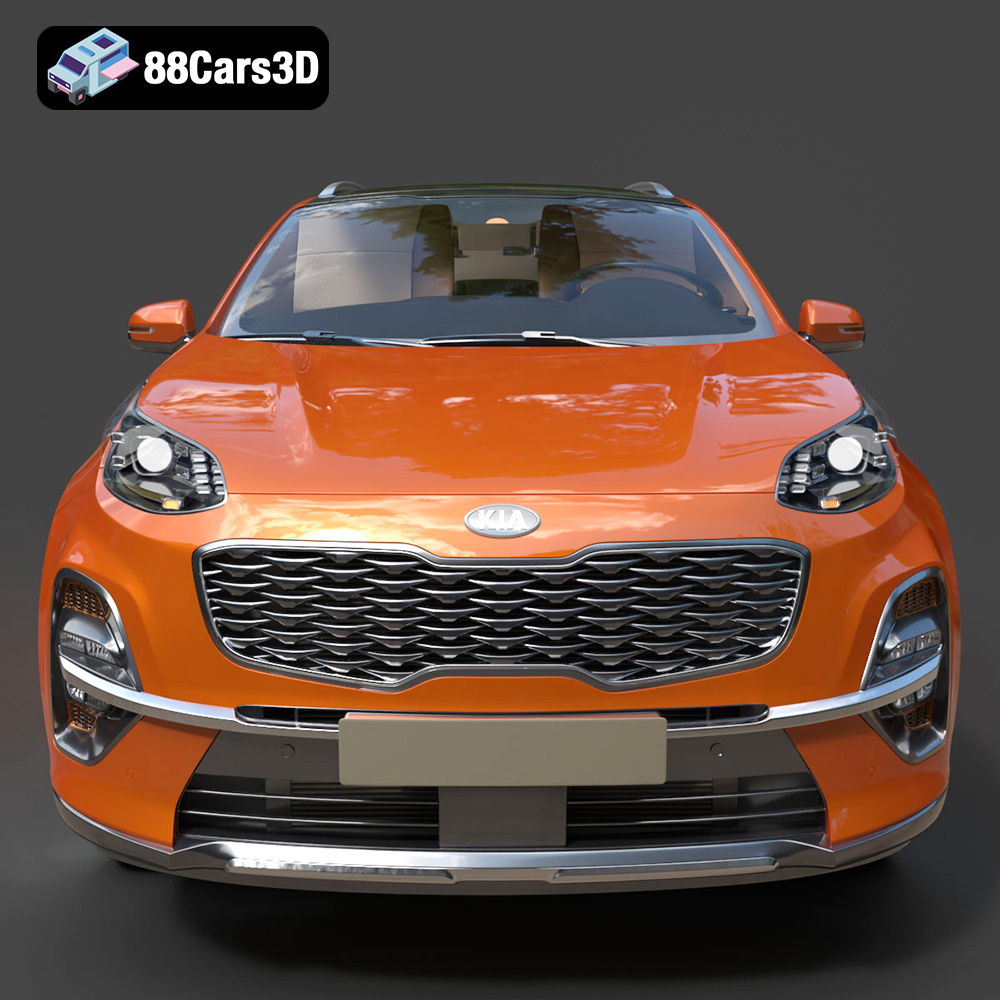
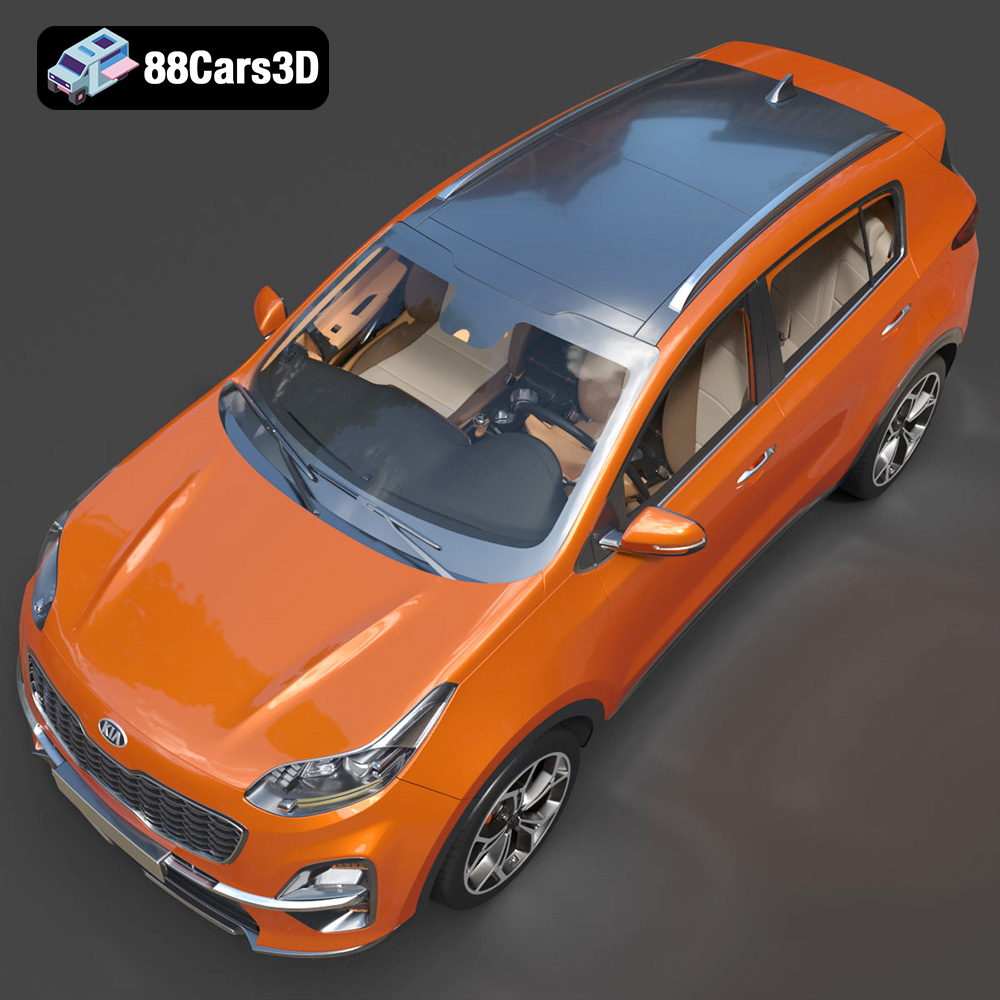
Experience unparalleled realism with the meticulously detailed Kia Sportage 2019 3D Model, complete with a fully replicated interior. Engineered for absolute precision, this digital asset accurately represents the vehicle’s signature exterior design and intricate cabin elements. Built with professional standards in mind, this asset features clean geometry and realistic materials. The optimized edge flow and careful topology provide outstanding performance and accurate surface reflections, ensuring professional-grade visual fidelity. This versatile asset is ready for a multitude of demanding applications. From advanced game development and cinematic rendering to immersive AR/VR simulations and professional visualizations, the model adapts seamlessly to any project requirement.
$39.99
.arvr
.blend
.car3dmodel
.crossover
.fbx
.gameasset
.glb
.kia
.max
.obj
.ply
.rendering
.simulation
.sportage
.stl
.unreal
SUV