Get 20% OFF All Premium 3D & STL Models!

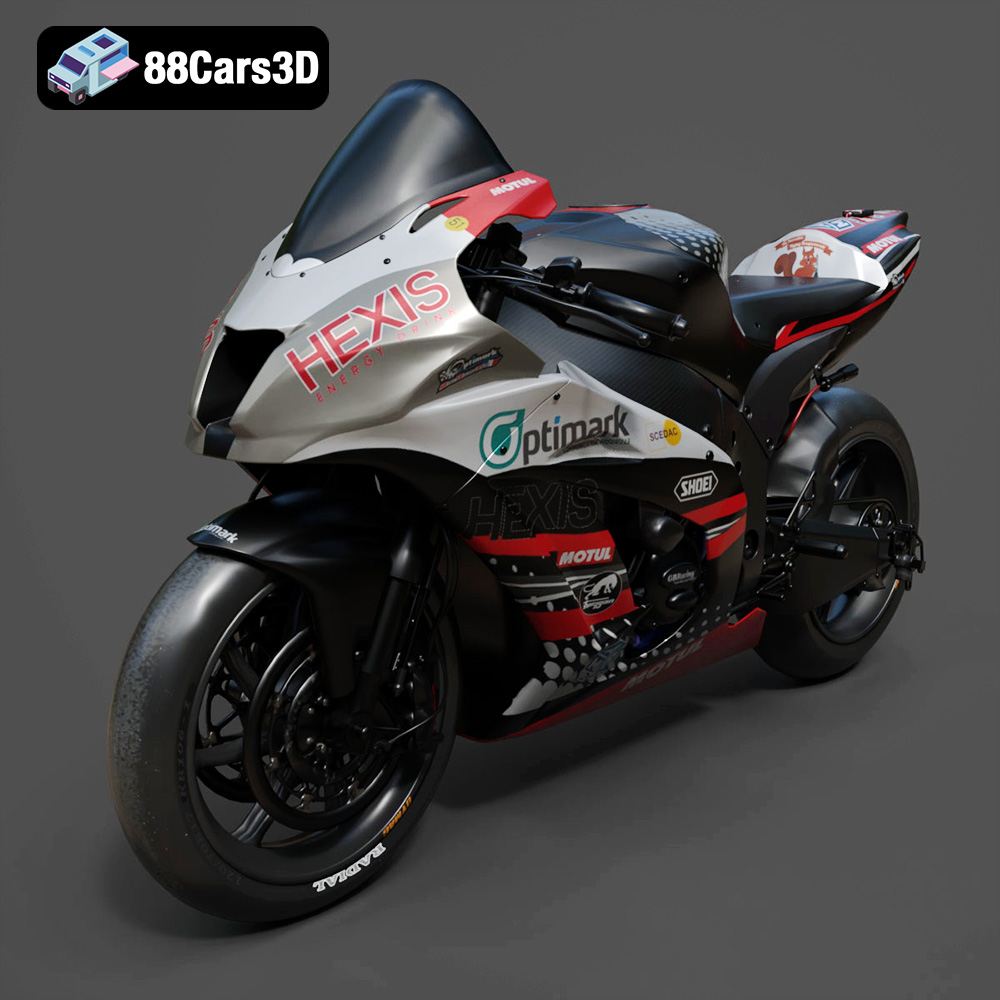
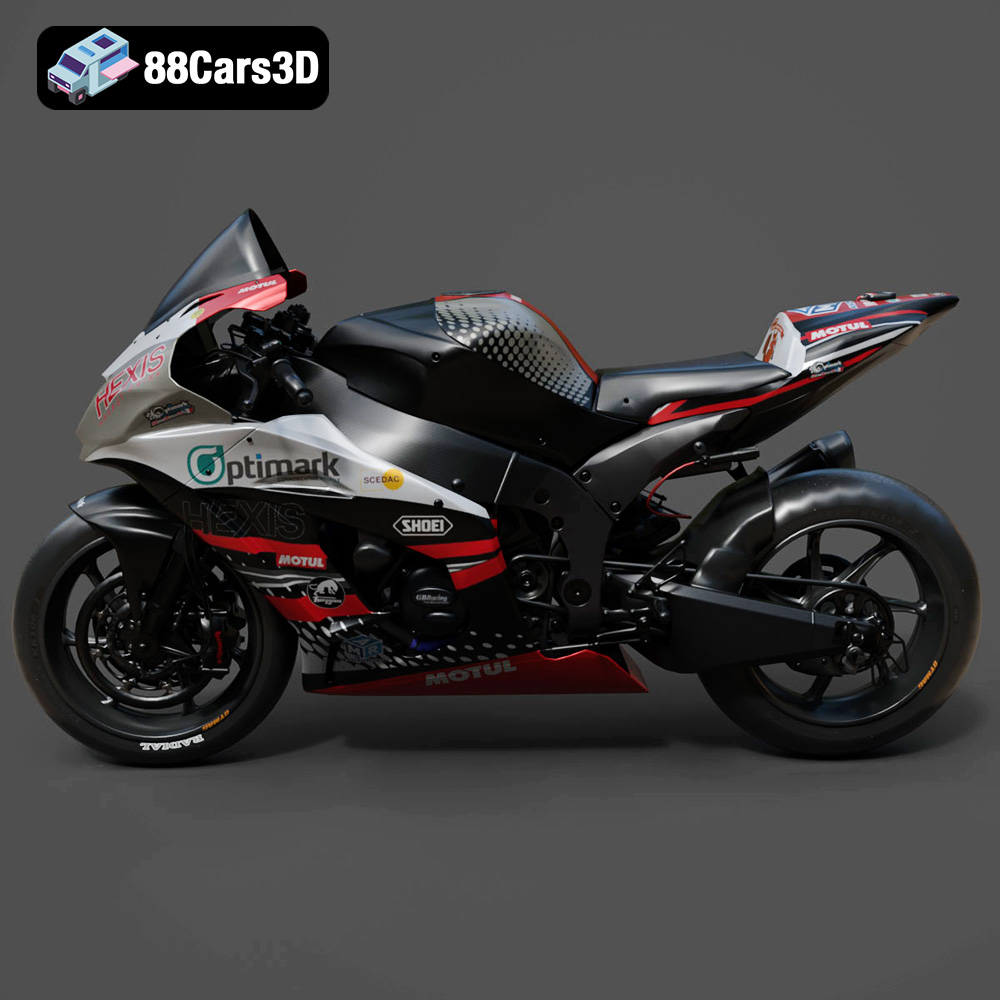
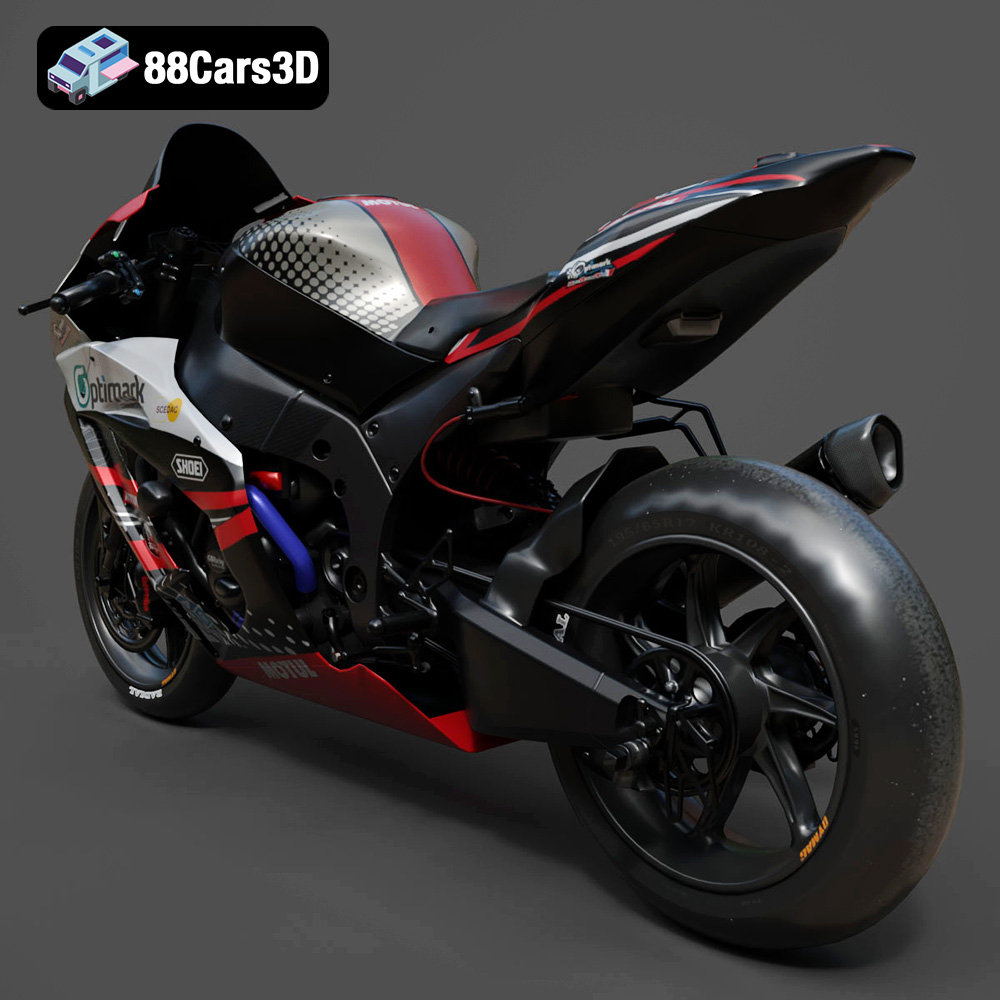
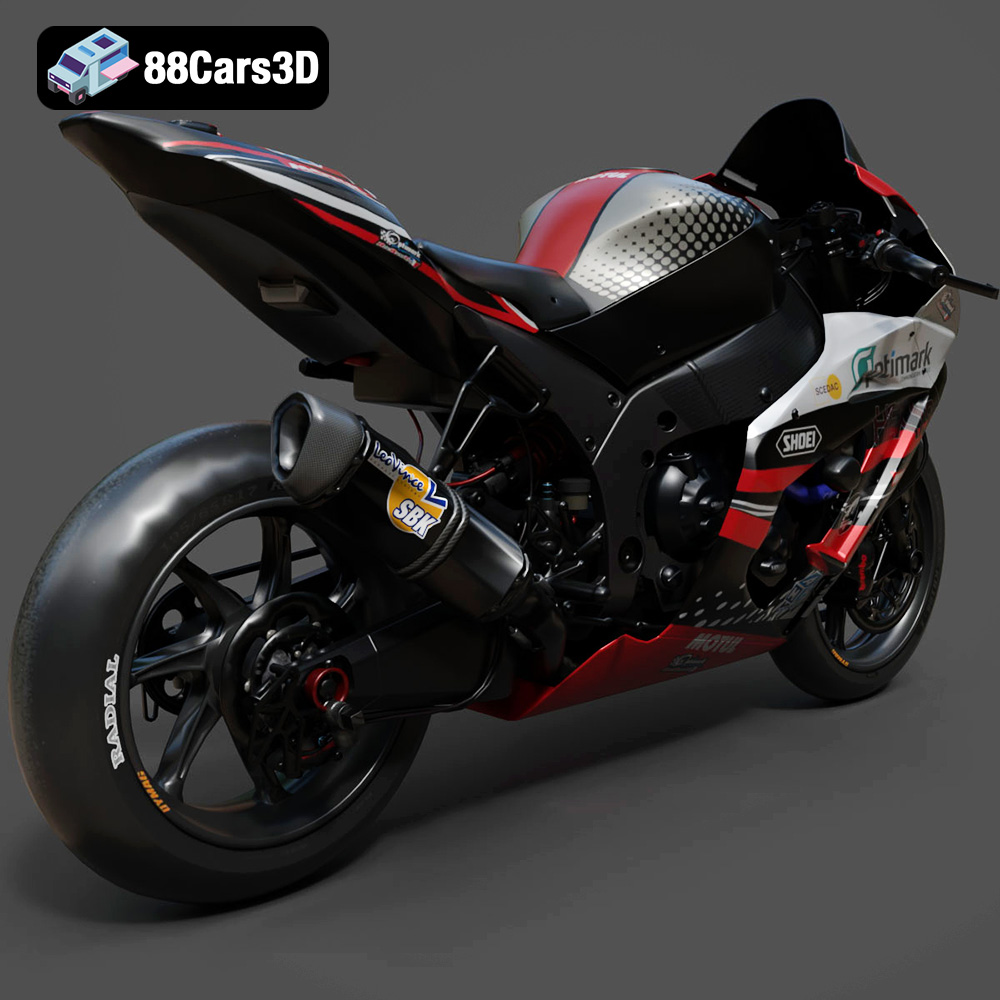
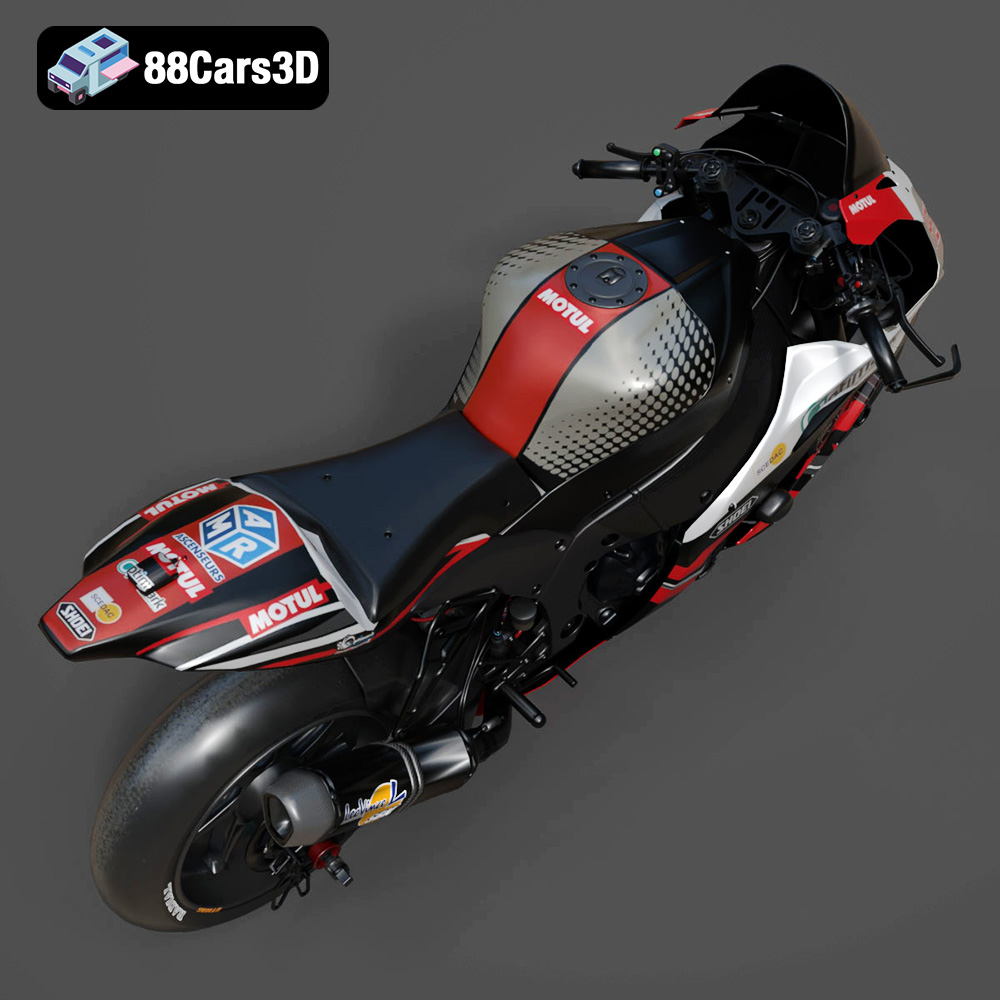
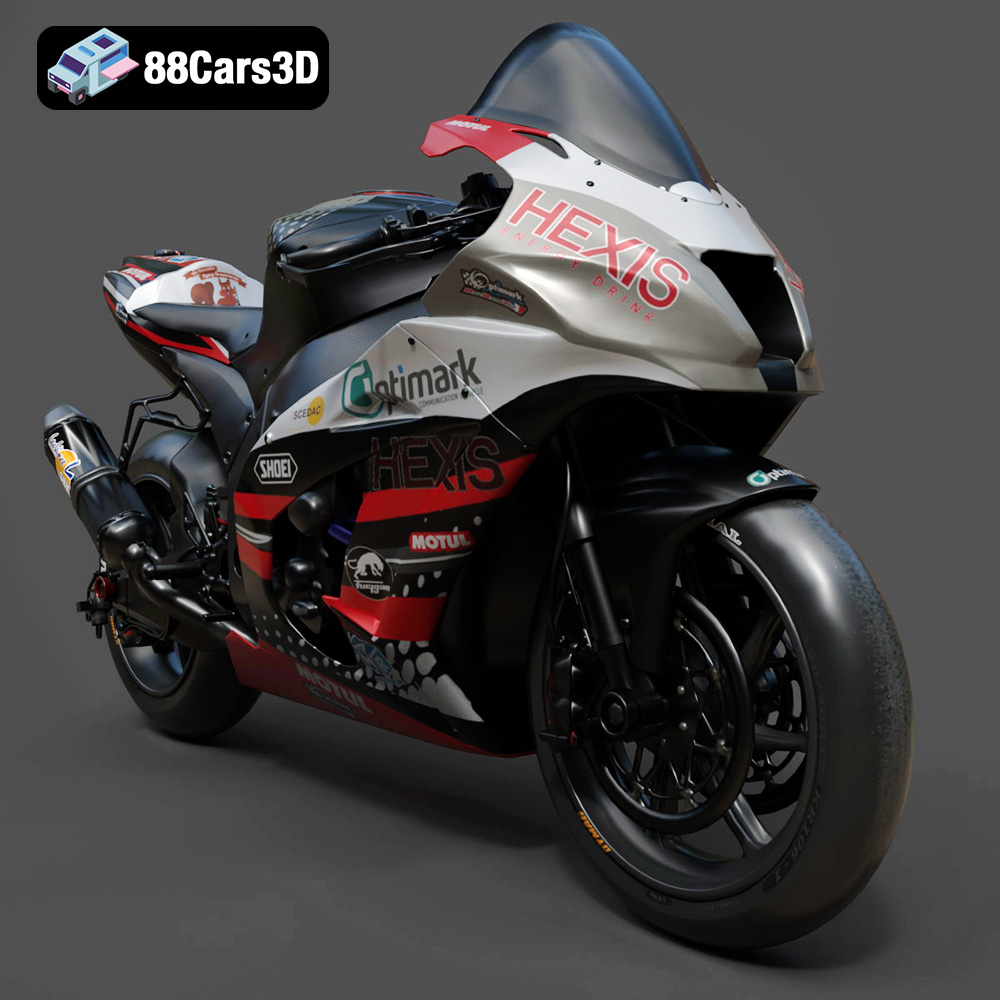
The Kawasaki ZX-10R, a legendary superbike known for its aggressive styling and blistering performance, can now grace your desk or display shelf, thanks to the power of 3D printing. This blog post will guide you through the process of bringing the 88cars3d.com Kawasaki ZX-10R 3D model to life, covering everything from pre-print preparation to post-processing finesse. Prepare to delve into the world of additive manufacturing and create a stunning replica of this iconic machine.
The success of your 3D printed ZX-10R heavily relies on your choice of printer and material. Both Fused Deposition Modeling (FDM) and Stereolithography (SLA) printers can produce excellent results, each with its own set of advantages.
FDM printers, which extrude thermoplastic filaments layer by layer, are a popular choice for their affordability and ease of use. For the ZX-10R, consider these materials:
* **PLA (Polylactic Acid):** A biodegradable thermoplastic known for its ease of printing and smooth surface finish. PLA is ideal for beginners and provides a good balance of strength and aesthetics. It’s readily available in a wide range of colors.
* **PETG (Polyethylene Terephthalate Glycol-modified):** PETG offers superior strength, flexibility, and heat resistance compared to PLA. It’s a great option for parts that require more durability or will be exposed to higher temperatures. PETG can be slightly more challenging to print than PLA, requiring careful temperature calibration.
* **ABS (Acrylonitrile Butadiene Styrene):** While offering excellent strength and heat resistance, ABS is more difficult to print due to its tendency to warp. Unless you have a printer with an enclosed build chamber and experience printing with ABS, it’s best to stick with PLA or PETG for the ZX-10R model.
SLA printers, which use light to cure liquid resin, excel at producing highly detailed and accurate prints. If you prioritize capturing every intricate detail of the ZX-10R, resin printing is the way to go.
* **Standard Resin:** Offers a good balance of strength and detail. It’s readily available and relatively affordable.
* **Tough Resin:** Designed for parts that require high impact resistance and durability. Consider using tough resin for parts like the wheels and suspension components.
* **Flexible Resin:** Can be used for parts like the tires, allowing for a more realistic feel and appearance.
Choosing the right file format is crucial for a smooth 3D printing experience. While the 88cars3d.com ZX-10R model provides multiple options, some are better suited for 3D printing than others.
The .stl (Stereolithography) format is the industry standard for 3D printing. It represents the 3D model as a collection of triangles, forming a mesh that defines the object’s surface. STL files are universally compatible with slicing software and 3D printers, making them the go-to choice for most 3D printing applications.
STL files store only the surface geometry of the object, lacking information about color, texture, or materials. This simplicity makes them efficient and easy to process, but it also means that you’ll need to add color and texture during post-processing.
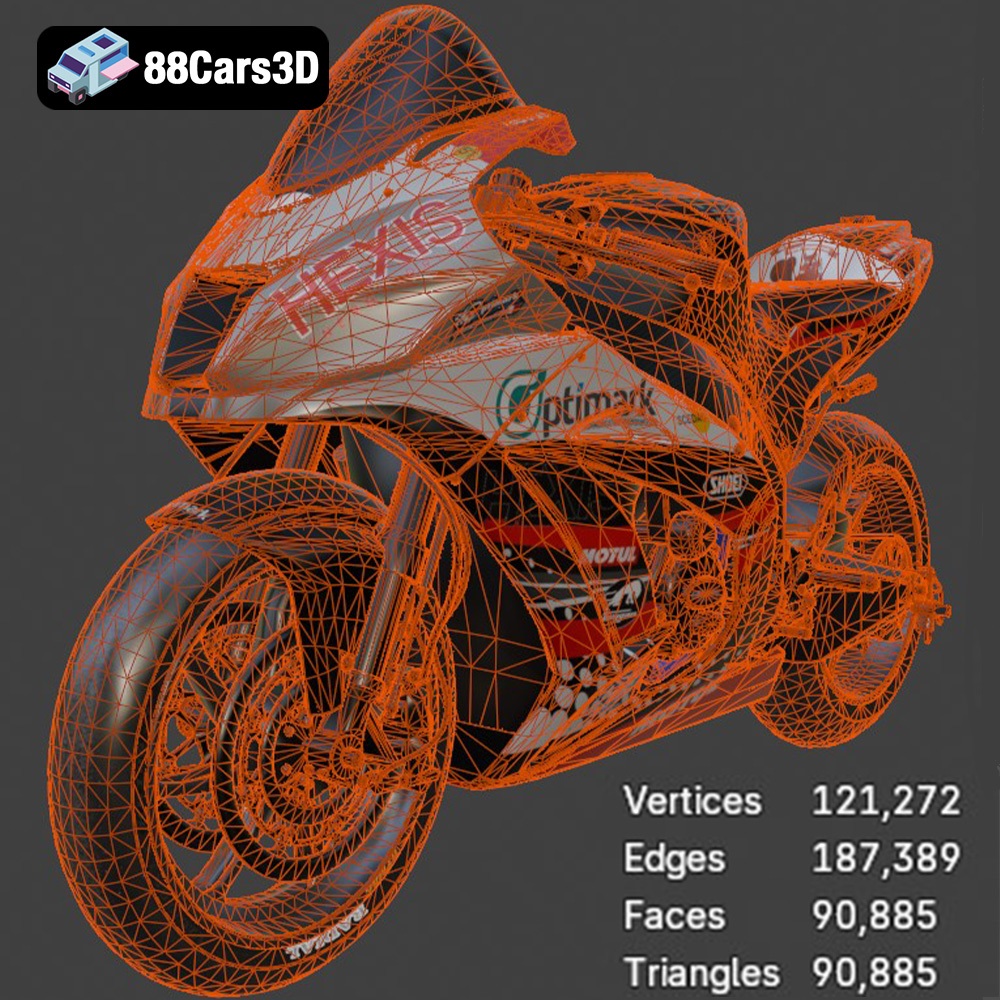
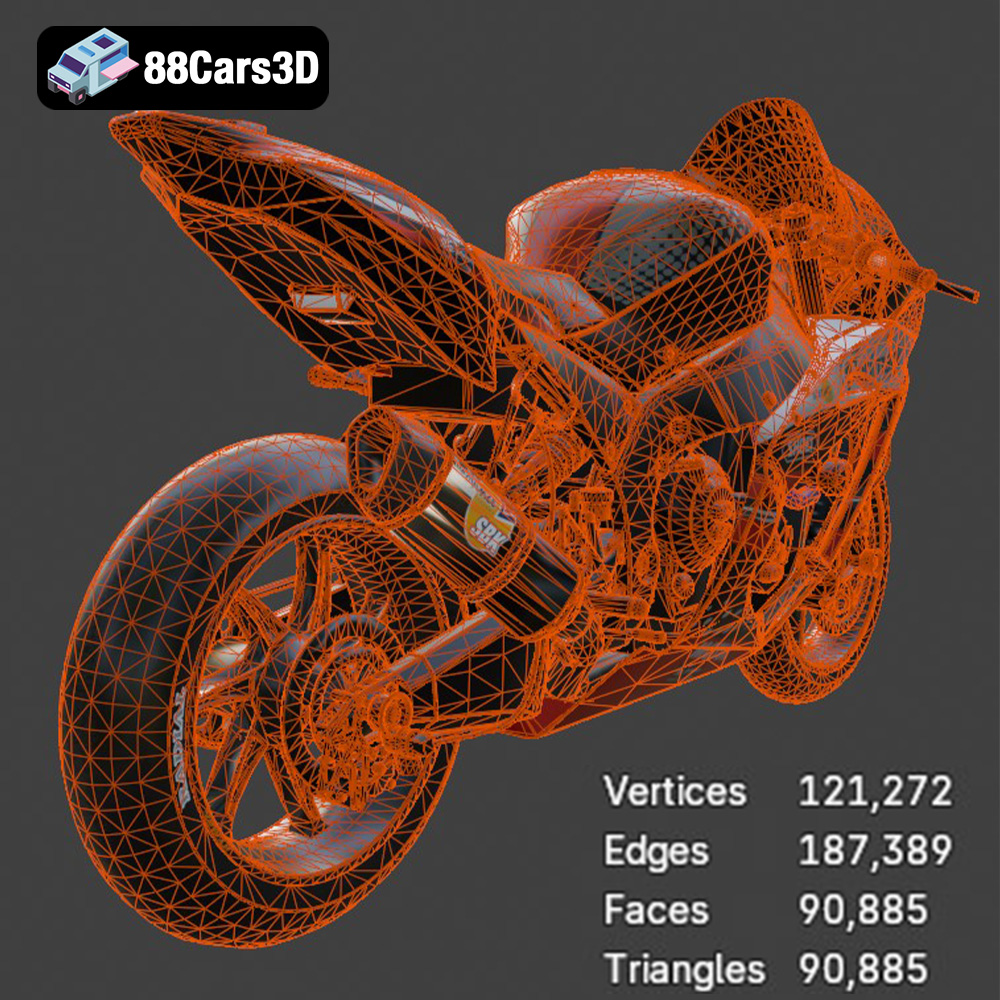
When working with STL files, it’s essential to ensure the mesh quality is adequate for your desired print resolution. A higher triangle count results in a smoother surface but also increases file size and processing time. Slicing software typically allows you to adjust the mesh resolution, balancing detail with performance. If the STL file has errors, such as holes or self-intersecting triangles, you’ll need to repair it using software like MeshMixer or Netfabb before printing.
The .obj (Wavefront Object) format is another popular 3D model format that, unlike STL, can store color and texture information. This makes it suitable for applications where visual appearance is important, but it’s not as widely supported for 3D printing directly without additional processing. Some advanced printers can handle OBJ files with color data, but it’s more common to use OBJ for rendering and visualization.
The .ply (Polygon File Format or Stanford Triangle Format) is designed for storing 3D data acquired from 3D scanners. It excels at capturing high-resolution meshes with color information, making it ideal for applications requiring precise surface representation. While .ply can be used for 3D printing, it’s less common than STL due to its larger file size and potential compatibility issues.
The .blend format is the native file format for Blender, a free and open-source 3D creation suite. It contains the entire Blender scene, including the model’s geometry, textures, materials, lighting, and animation data. While .blend files are not directly printable, they offer unparalleled flexibility for customizing the ZX-10R model before exporting it to a printable format like STL.
The .fbx (Filmbox) format is a proprietary file format developed by Autodesk for interoperability between 3D software packages. It supports a wide range of data, including geometry, textures, materials, animation, and skeletal rigs. While some slicing software may be able to import FBX files, it’s primarily used for transferring models between different applications, such as game engines and 3D modeling software.
The .glb (GL Transmission Format Binary) is a binary file format designed for efficient transmission and loading of 3D models. It’s particularly well-suited for web-based applications and augmented reality (AR) experiences. GLB files are typically smaller and load faster than other formats, making them ideal for previewing the ZX-10R model in AR before committing to a 3D print.
The .max format is the native file format for 3ds Max, a professional 3D modeling and animation software package. Similar to .blend, .max files contain the entire scene setup, allowing for extensive customization of the ZX-10R model before exporting it for 3D printing.
**For 3D printing the Kawasaki ZX-10R model from 88cars3d.com, the .STL format is the recommended choice.** Ensure the STL file is free of errors and that the mesh resolution is appropriate for your desired print quality. You can use Blender or 3ds Max (if you have those programs) to modify the model, and then export it as an STL file for 3D printing.
Once you’ve chosen your printer and material, the next step is preparing the 3D model for printing using slicing software like Cura, Simplify3D, or PrusaSlicer.
The orientation of the ZX-10R model on the build plate significantly impacts print quality, support structure requirements, and overall print time. Consider these factors:
* **Minimize Overhangs:** Orient the model to reduce the amount of unsupported overhangs, which require support structures. Excessive overhangs can lead to sagging and poor surface finish.
* **Hide Layer Lines:** Orient the model to minimize the visibility of layer lines on critical surfaces. For example, tilting the model slightly can help smooth out the curves of the fairing.
* **Strength Considerations:** If certain parts of the ZX-10R model require greater strength, orient them so that the layers are aligned in the direction of the stress.
* **Consider the wheels and tires:** Printing the wheels flat will require minimal supports but might result in a less detailed print on the tire treads. Printing them vertically will give better detail but need more support.
Support structures are necessary to support overhangs and prevent the model from collapsing during printing.
* **Support Type:** Choose the appropriate support type based on your printer and material. Tree supports are often a good option for complex models like the ZX-10R, as they use less material and are easier to remove than linear supports.
* **Support Density:** Adjust the support density to balance support strength with ease of removal. A higher density provides more support but can be more difficult to remove and may leave behind blemishes on the model’s surface.
* **Support Placement:** Manually place supports in areas where they are most needed, such as under overhangs and bridges. Avoid placing supports on delicate surfaces or areas where they will be difficult to remove.
Adjusting the slicing parameters is crucial for achieving optimal print quality and strength.
* **Layer Height:** A lower layer height results in a smoother surface finish but increases print time. A layer height of 0.1mm to 0.2mm is generally recommended for detailed models like the ZX-10R.
* **Infill Density:** The infill density determines the internal solidity of the model. A higher infill density increases strength but also increases print time and material consumption. An infill density of 15% to 25% is usually sufficient for models that are primarily for display. Increase the infill if you need specific parts to be strong.
* **Print Speed:** Adjust the print speed to balance print time with print quality. A slower print speed generally results in a smoother surface finish and fewer errors.
* **Temperature Settings:** Use the recommended temperature settings for your chosen material. Refer to the manufacturer’s specifications for optimal results.
Estimating print time and material costs helps you plan your 3D printing project and avoid unexpected expenses.
The print time for the Kawasaki ZX-10R model will vary depending on the printer, material, and slicing parameters used. A rough estimate for an FDM print is between 20-40 hours, and for a resin print between 15-30 hours.
The material cost will depend on the type and quantity of material used. A typical FDM print will require approximately 200-400 grams of filament, while a resin print may require 200-500 ml of resin.
Post-processing is essential for refining the surface finish, removing support structures, and adding color to your 3D printed ZX-10R model.
Carefully remove the support structures using pliers, a hobby knife, or other suitable tools. Take your time to avoid damaging the model’s surface.
Sand the model with progressively finer grits of sandpaper to smooth out layer lines and imperfections. Start with a coarse grit (e.g., 220) and gradually move to finer grits (e.g., 400, 600, 800) for a polished finish. Wet sanding can help reduce dust and improve the smoothness of the surface.
Painting can transform your 3D printed ZX-10R model into a realistic replica of the iconic superbike.
* **Priming:** Apply a primer to the model’s surface to create a smooth base for the paint.
* **Painting:** Use acrylic paints or spray paints to apply the desired colors. Apply multiple thin coats for a smooth and even finish.
* **Detailing:** Use fine brushes to add details such as logos, decals, and panel lines.
* **Clear Coating:** Apply a clear coat to protect the paint and add a glossy or matte finish.
If the ZX-10R model is printed in multiple parts, carefully assemble them using glue or other suitable adhesives. Ensure proper alignment and secure bonding for a strong and durable assembly.
Encountering problems during 3D printing is common, but with the right troubleshooting techniques, you can overcome these challenges.
Warping occurs when the printed part lifts off the build plate due to uneven cooling. To prevent warping, ensure the build plate is properly leveled, use a heated bed, and apply an adhesive like glue stick or hairspray.
Stringing occurs when the printer extrudes material while moving between different parts of the model. To reduce stringing, adjust the retraction settings in your slicing software and ensure the printing temperature is optimal.
Layer shifting occurs when the printer’s axes shift during printing, resulting in misaligned layers. To prevent layer shifting, ensure the printer’s belts are properly tensioned and that there are no obstructions preventing smooth movement.
3D printing the Kawasaki ZX-10R model from 88cars3d.com is a rewarding project that combines technical skill with creative expression. By carefully selecting your printer and materials, preparing the model with appropriate slicing parameters, and employing effective post-processing techniques, you can create a stunning replica of this iconic superbike. Remember to pay close attention to model orientation, support structures, and troubleshooting common 3D printing issues. With patience and persistence, you’ll be able to proudly display your 3D printed ZX-10R and appreciate the power of additive manufacturing. This model is also excellent for rendering and simulations. You can find even more exciting models at 88cars3d.com.
Bring dynamic realism to your digital projects with the Kawasaki ZX-10R 3D Model. This exceptionally detailed replica captures the aggressive styling, aerodynamic profile, and intricate mechanical components of the legendary superbike, making it an essential asset for digital environments requiring absolute precision.
$39.99
.arvr
.blend
.car3dmodel
.fbx
.gameasset
.glb
.kawasaki
.max
.motorcycle
.obj
.ply
.rendering
.simulation
.sportbike
.stl
.superbike
.unreal
zx10r