Get 20% OFF All Premium 3D & STL Models!

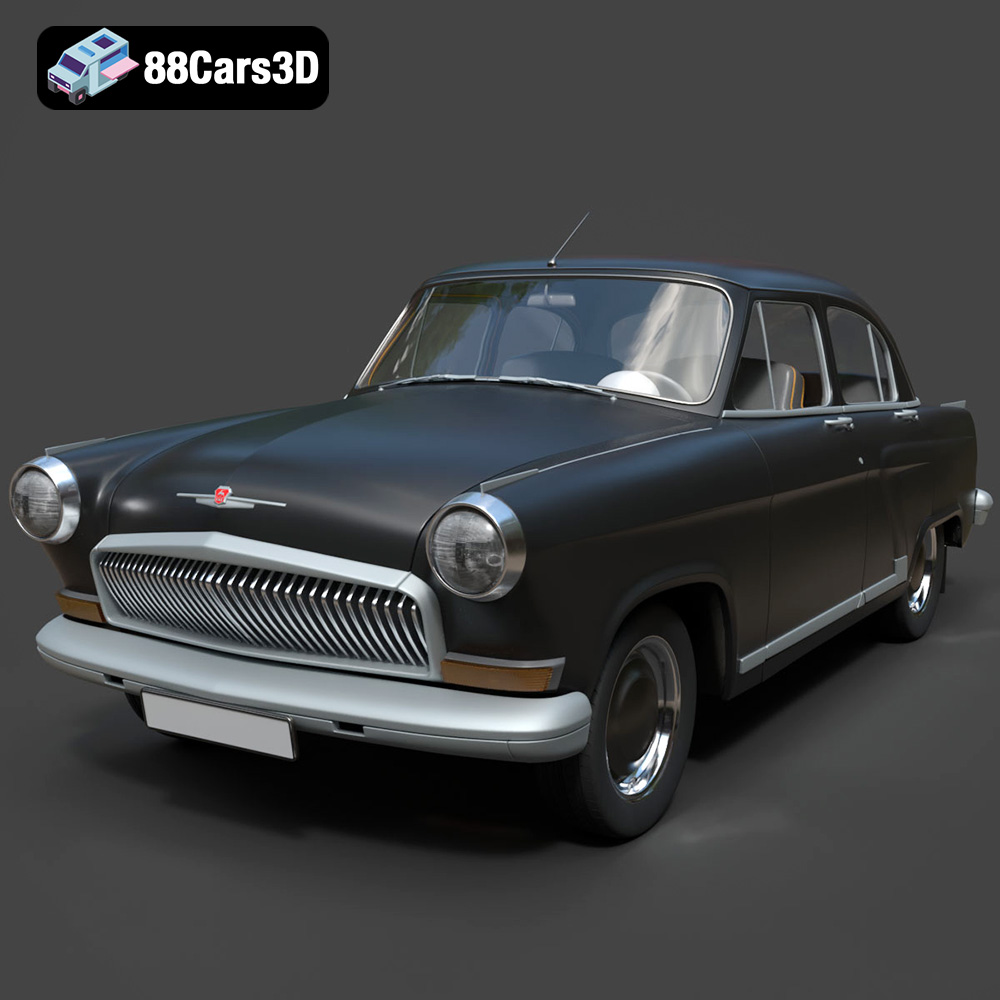
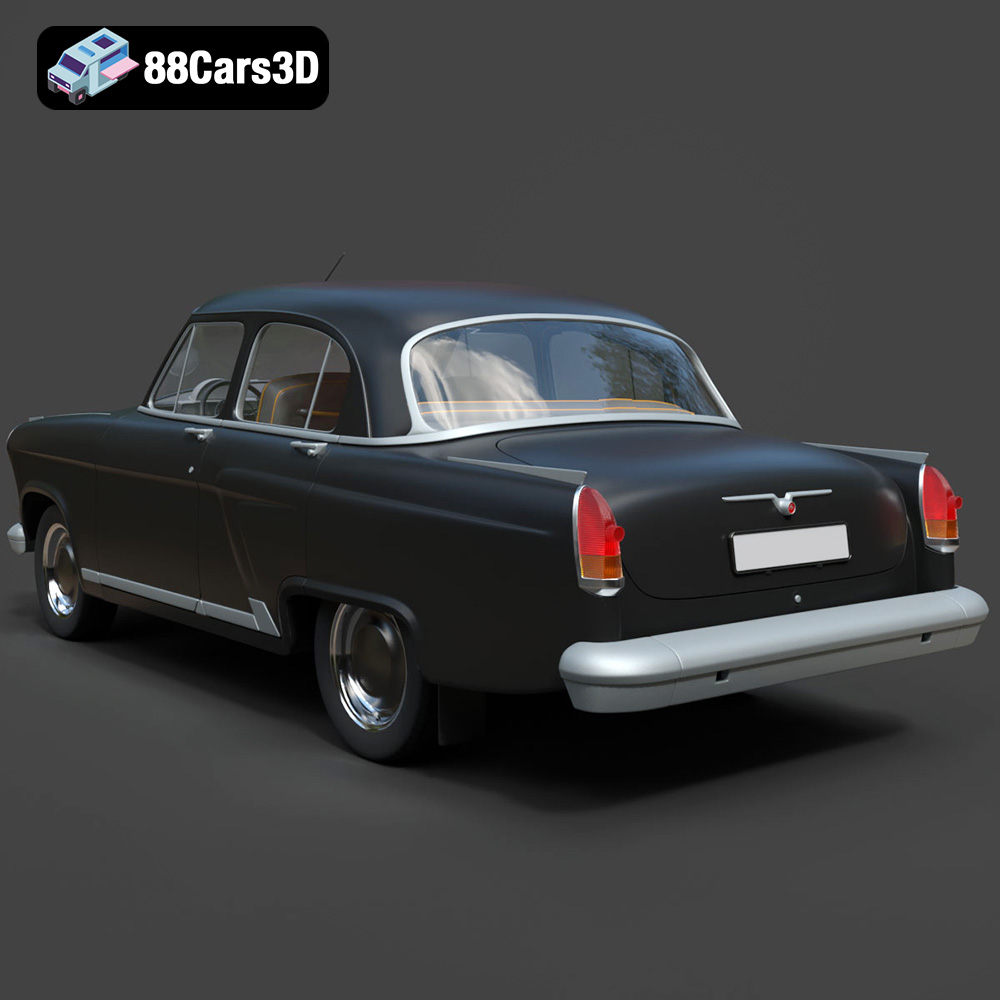
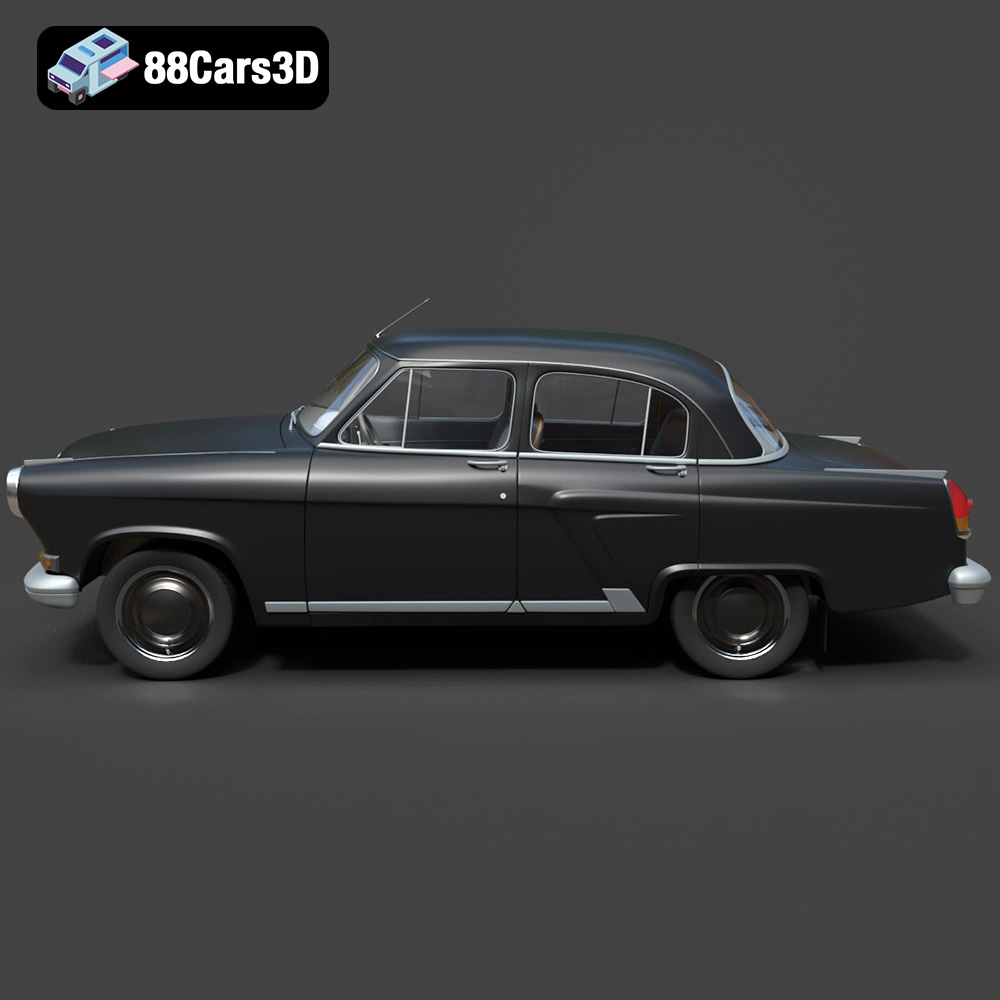
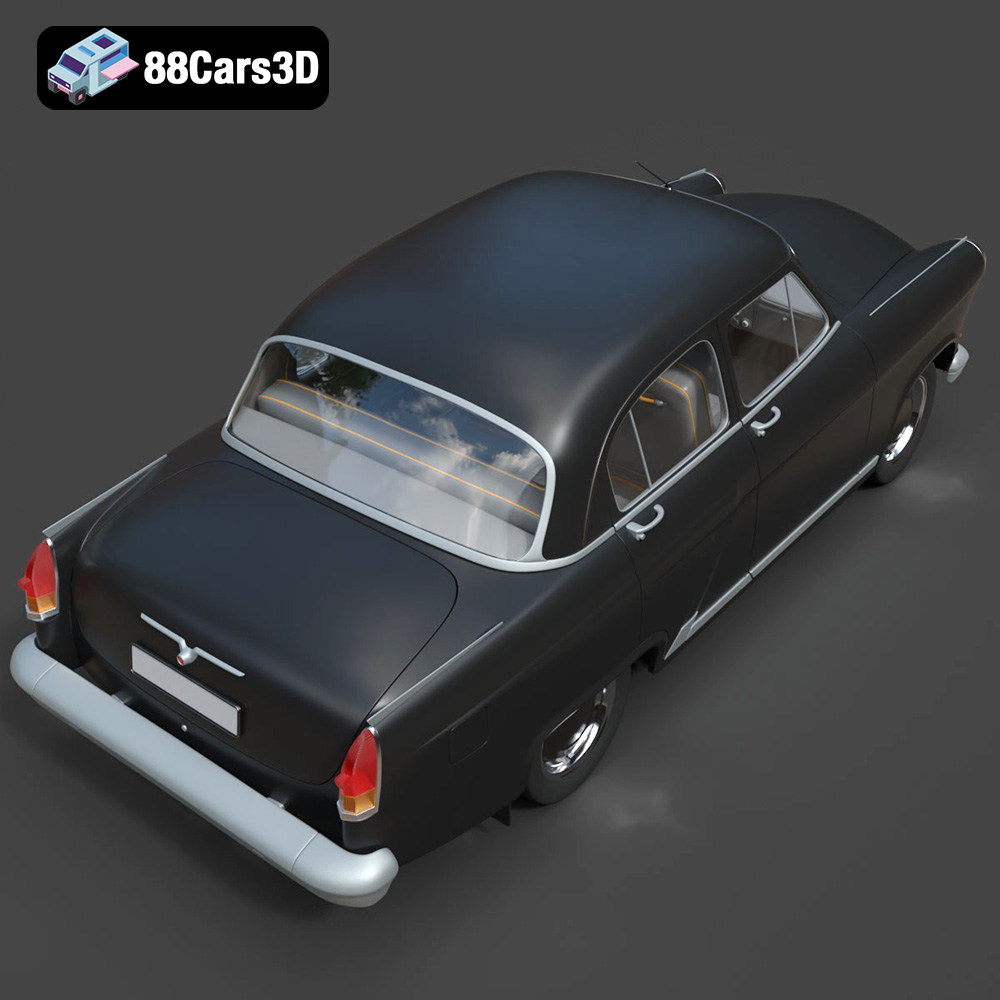
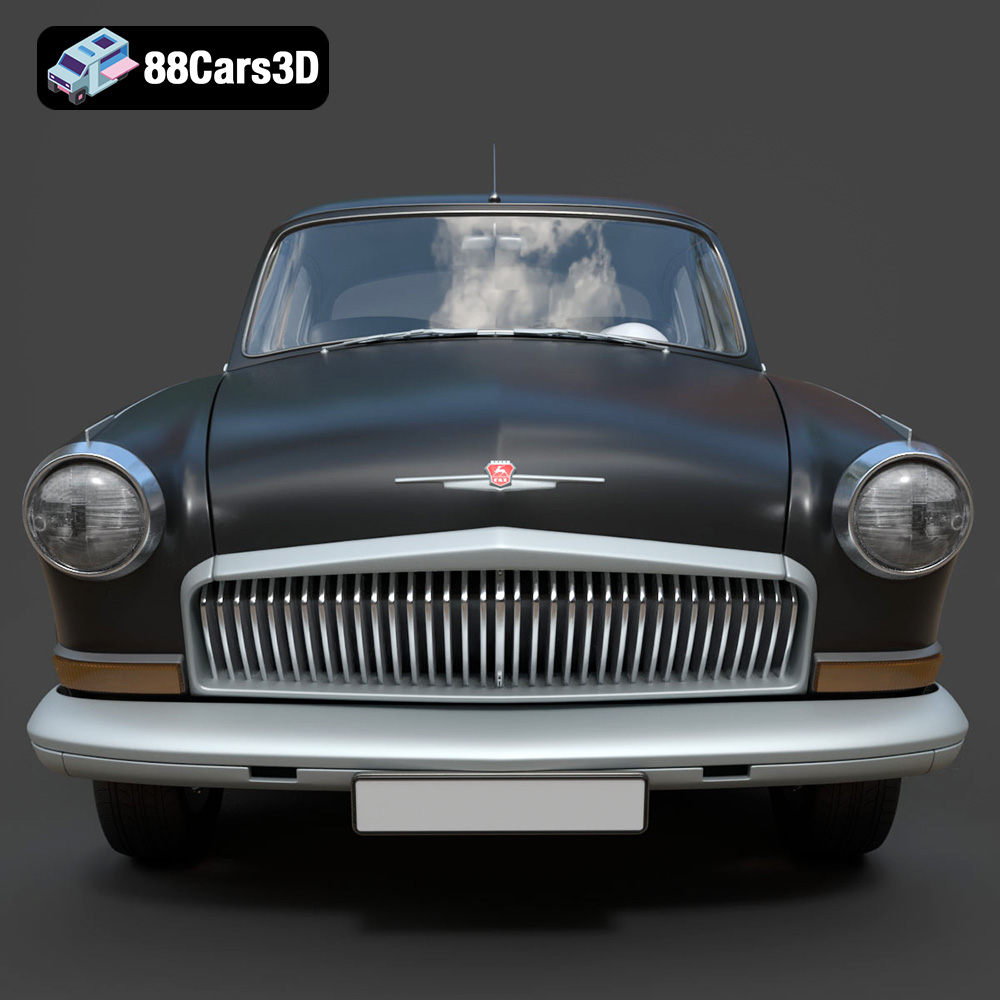
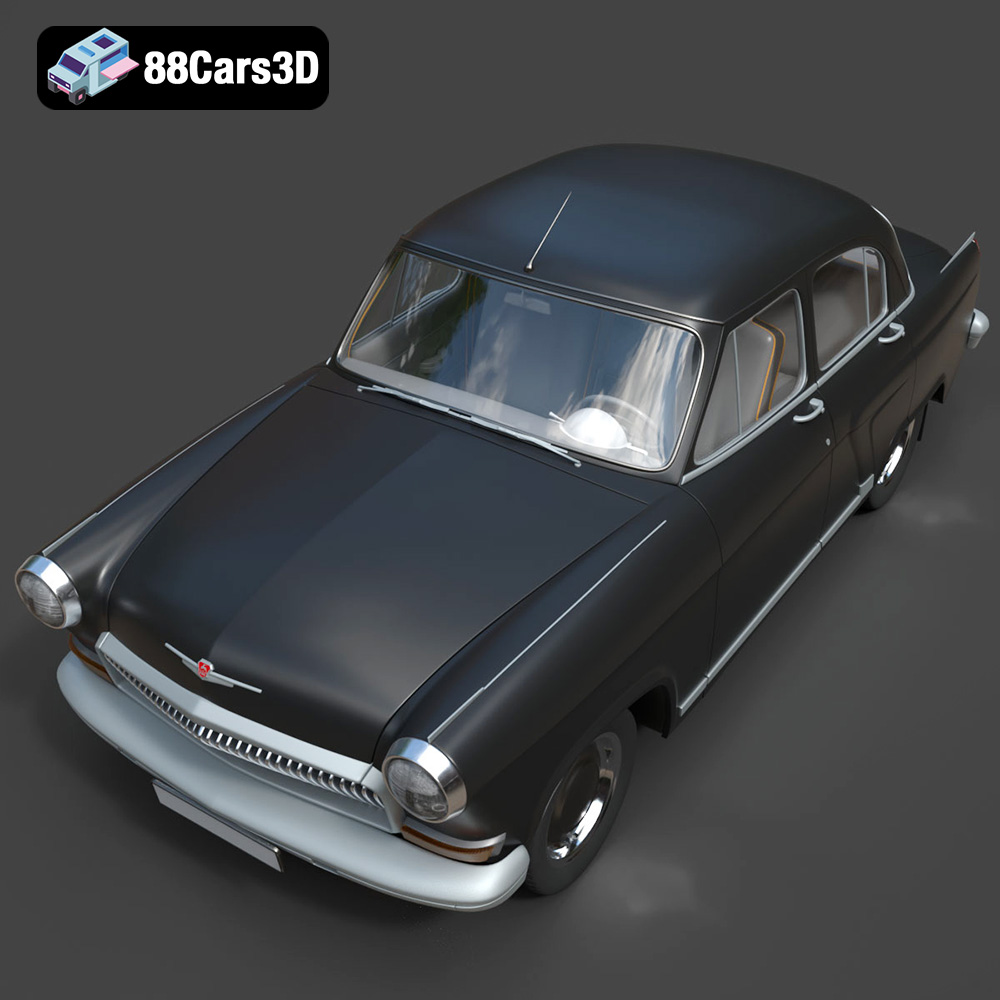
The GAZ 21-001 is a classic vehicle steeped in history and design. Now, thanks to advancements in 3D printing technology, you can bring this iconic car to life in your own home. This guide provides a detailed walkthrough on how to successfully 3D print a high-quality model of the GAZ 21-001, utilizing the STL file available from 88cars3d.com. We will cover everything from pre-print preparation and slicer settings to post-processing techniques, ensuring you achieve the best possible results. This model, with its realistic materials and accurate proportions, is ideal for enthusiasts and hobbyists looking to add a piece of automotive history to their collection.
Choosing the right file format is crucial for a successful 3D printing experience. While various formats exist, each caters to specific applications and software compatibility. For 3D printing, some formats reign supreme due to their ability to translate geometric data accurately. The GAZ 21-001 3D model is available in multiple formats, but let’s delve into which ones are best suited for additive manufacturing.
The STL (Stereolithography) file format is the industry standard for 3D printing. It represents the surface geometry of a 3D object as a collection of triangles. This simplicity makes it universally compatible with virtually all 3D printers and slicing software. When downloading the GAZ 21-001 model, the STL file is your primary choice for 3D printing purposes. It contains all the necessary information for your slicer to generate toolpaths and build the physical object layer by layer. While STL files only store the geometry (shape) of the model, this is typically sufficient for most 3D printing applications, especially when you plan to paint or finish the model after printing. The STL files available on 88cars3d.com are optimized for 3D printing, ensuring a smooth and efficient printing process.
OBJ files are another common 3D model format, offering the advantage of supporting color and texture information alongside the geometry. While less frequently used for purely functional prints, they can be valuable if you intend to create a multi-colored 3D print using specialized printers. However, for single-color prints of the GAZ 21-001, the STL format is generally preferred for its simplicity and widespread support.
PLY files are designed to store 3D data acquired from 3D scanners. They can represent complex geometry with high accuracy. If the GAZ 21-001 model’s PLY file contains substantially more detail than the STL, it might be useful for very high-resolution prints, but typically, the difference is negligible for most desktop 3D printers. Slicing a very dense PLY file can also be computationally demanding.
The .blend, .fbx, .glb, and .max files are valuable for rendering, animation, and game development, but they are not directly used for 3D printing. These formats require conversion to STL (usually done within the respective software like Blender, 3ds Max, or game engines) before they can be imported into a slicing program. Ensure the exported STL retains the desired level of detail and doesn’t introduce any errors during the conversion process. For example, when exporting from Blender, pay attention to the “Apply Modifiers” option to ensure all applied modifiers are baked into the final mesh. The Unreal Engine versions are proprietary and only compatible within the Unreal Engine environment.
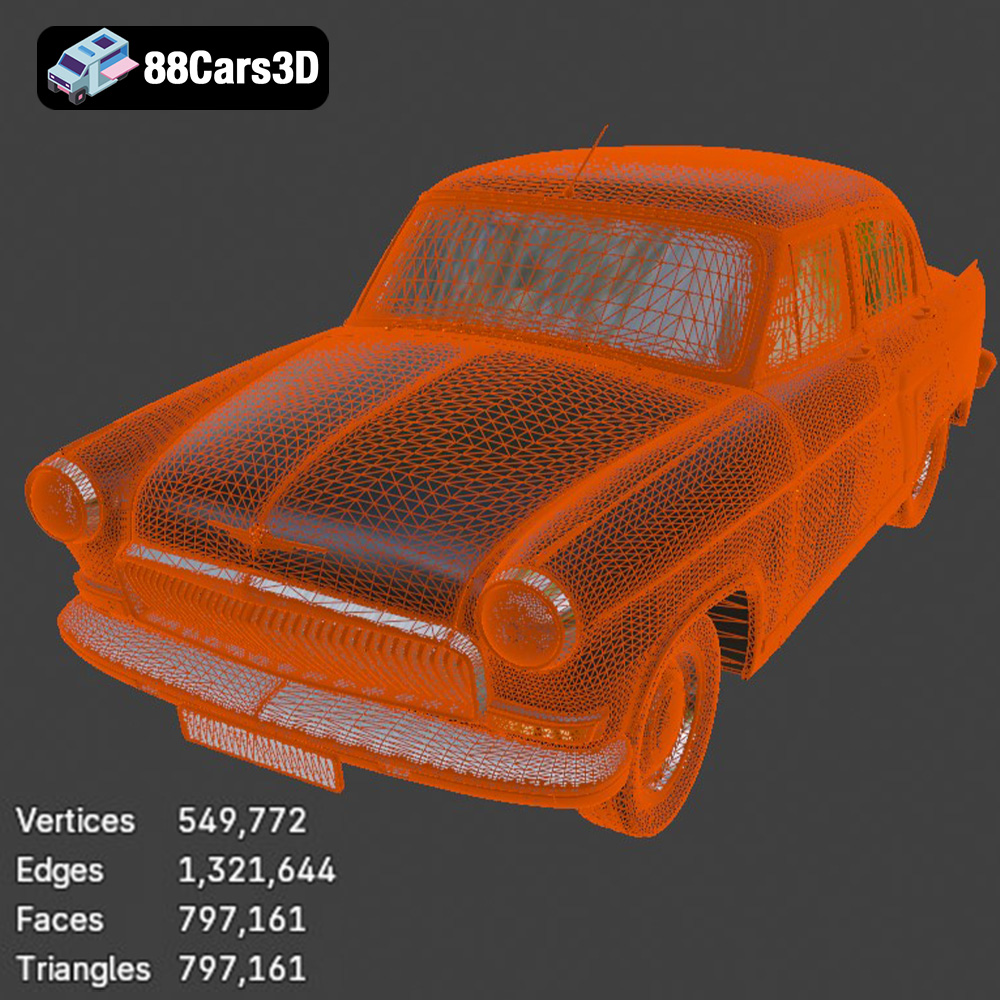
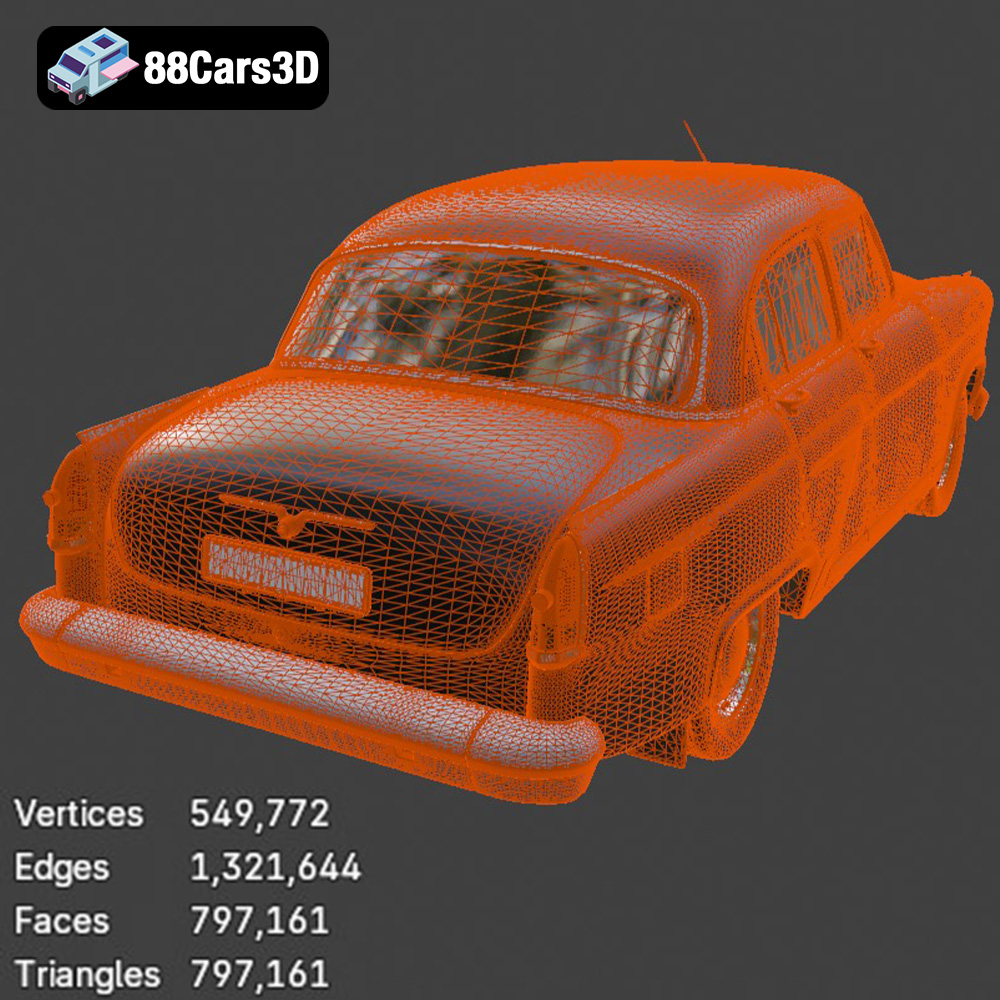
Regardless of the initial file format, the quality of the mesh within the STL file is crucial for 3D printing. A well-designed mesh should be watertight (no holes), non-manifold (no overlapping faces), and have an appropriate level of detail. The models on 88cars3d.com are designed with clean geometry and are optimized for 3D printing, which minimizes the likelihood of these issues. However, it’s always a good practice to inspect the STL file in a mesh editing program or within your slicer to identify any potential problems before printing. Mesh repair tools, readily available in most slicing software, can often automatically fix minor issues.
Before you can begin 3D printing your GAZ 21-001 model, you need to prepare the STL file using slicing software. This process involves converting the 3D model into a series of instructions that your 3D printer can understand. Several slicing software options are available, including Cura, PrusaSlicer, Simplify3D, and others. The choice of software depends on your printer, experience level, and specific requirements.
The orientation of the model on the print bed significantly impacts the print quality, support requirements, and overall success of the print. For the GAZ 21-001, consider these factors:
* **Minimize Overhangs:** Orient the model to minimize the amount of overhanging structures that require support. This will reduce the amount of material used for supports and improve the surface finish of the printed model.
* **Maximize Bed Adhesion:** Ensure a large surface area is in contact with the print bed to prevent warping or detachment during printing.
* **Detail Preservation:** Orient the model to preserve the fine details of the car, such as the body lines, trim, and grill. Experiment with different orientations to find the optimal balance between these factors.
Support structures are often necessary to support overhanging features during 3D printing. Choose the appropriate support type (e.g., tree supports, linear supports) and adjust the support density, overhang angle, and support interface settings to optimize support removal and surface finish. Using tree supports can reduce material usage and improve the aesthetic appearance of the support structure.
The GAZ 21-001 3D model from 88cars3d.com can be scaled to your desired size within the slicing software. Consider the limitations of your printer’s build volume and the level of detail you want to achieve when determining the appropriate scale. Keep in mind that smaller scales may result in a loss of fine details, while larger scales will increase print time and material consumption.
Before slicing, it’s good practice to inspect the STL file for any potential errors or issues. Slicing software often includes built-in mesh repair tools that can automatically fix common problems, such as non-manifold edges or holes in the mesh. These tools can help ensure a successful and error-free print.
The choice of material greatly influences the final look and feel of your 3D printed GAZ 21-001 model. Each material possesses different properties, making it suitable for various applications.
PLA is a biodegradable thermoplastic derived from renewable resources like corn starch or sugarcane. It is one of the most popular materials for 3D printing due to its ease of use, low printing temperature, and wide availability. PLA is ideal for printing the GAZ 21-001 model, especially for beginners, as it offers good detail resolution and minimal warping.
* **Pros:** Easy to print, low warping, good detail resolution, biodegradable, wide color selection.
* **Cons:** Lower heat resistance, less durable than other materials.
PETG is a modified version of PET (commonly used in water bottles) that offers improved strength, flexibility, and temperature resistance compared to PLA. It is a good choice for the GAZ 21-001 model if you require a more durable print that can withstand higher temperatures.
* **Pros:** Stronger and more flexible than PLA, good temperature resistance, chemical resistance.
* **Cons:** Slightly more difficult to print than PLA, requires higher printing temperatures.
For exceptional detail and smooth surface finish, resin printing is an excellent option. Resin printers use liquid photopolymer resins that are cured by UV light. This technology allows for much finer layer heights and higher resolution than FDM printing.
* **Pros:** Exceptional detail, smooth surface finish, suitable for small and intricate models.
* **Cons:** More expensive than FDM printing, requires post-processing (washing and curing), resins can be toxic.
Achieving a high-quality 3D print of the GAZ 21-001 requires careful tuning of your printer settings within the slicing software. These settings will vary depending on your printer, material, and desired print quality.
Layer height determines the resolution and smoothness of the printed model. Lower layer heights result in finer details but also increase print time. For the GAZ 21-001, a layer height of 0.1mm to 0.2mm is recommended for PLA or PETG. For resin printing, layer heights can be as low as 0.025mm for exceptional detail.
Print speed also affects the quality of the print. Slower print speeds generally result in better adhesion, reduced warping, and improved detail resolution. Start with a print speed of 40-60 mm/s for PLA and PETG, and adjust as needed. For resin printing, the lift speed and exposure time are crucial parameters.
Infill density determines the internal structure of the 3D printed model. Higher infill densities increase the strength and weight of the print but also consume more material. For the GAZ 21-001, an infill density of 15-20% is generally sufficient for most applications.
The infill pattern also affects the strength and weight of the print. Common infill patterns include grid, honeycomb, and gyroid. Gyroid infill offers excellent strength-to-weight ratio and is a good choice for functional parts.
Printing temperature is critical for proper adhesion and layer bonding. Consult the filament manufacturer’s recommendations for the optimal printing temperature for your chosen material. For PLA, a nozzle temperature of 200-220°C and a bed temperature of 60°C are typically recommended. For PETG, a nozzle temperature of 230-250°C and a bed temperature of 70-80°C are common.
Proper cooling is essential to prevent warping and ensure good surface finish. Use the part cooling fan to cool down each layer as it is printed. Adjust the fan speed according to the material and the geometry of the model. PLA generally requires more cooling than PETG.
After 3D printing, the GAZ 21-001 model may require some post-processing to achieve the desired finish. This can involve removing support structures, sanding, filling gaps, and painting.
Carefully remove support structures using pliers, a hobby knife, or other suitable tools. Be cautious not to damage the model during support removal. After removing supports, sand the surface of the model to remove any remaining support marks or imperfections. Start with coarse grit sandpaper (e.g., 220 grit) and gradually move to finer grits (e.g., 400 grit, 600 grit) for a smooth finish.
For larger gaps or imperfections, use a filler material such as spot putty or epoxy putty. Apply the filler to the affected areas and allow it to dry completely. Sand the filled areas smooth to blend them seamlessly with the surrounding surface.
Before painting, apply a primer coat to the model. Primer helps to improve paint adhesion and create a uniform surface for painting. Choose a primer that is compatible with your chosen paint and material.
Paint the GAZ 21-001 model with your desired colors using spray paint, airbrush, or hand painting. Apply multiple thin coats of paint for a smooth and even finish. Consider using masking tape to create sharp lines and details.
After painting, add additional details to the model using fine-tipped brushes and model paints. This can include painting the trim, lights, and other small features of the car. Applying a clear coat after painting can protect the finish and add a glossy or matte sheen.
Even with careful preparation and optimized settings, you may encounter some common 3D printing issues. Here are some tips for troubleshooting:
* **Warping:** This occurs when the corners of the print lift off the print bed. Ensure the print bed is properly leveled and heated. Use a brim or raft to increase bed adhesion.
* **Stringing:** This occurs when thin strands of filament are left between different parts of the print. Reduce the printing temperature and increase retraction settings in your slicing software.
* **Layer Separation:** This occurs when the layers of the print do not adhere properly. Increase the printing temperature and reduce the print speed.
* **Under-Extrusion:** This occurs when the printer is not extruding enough material. Increase the printing temperature, check for clogs in the nozzle, and ensure the filament is feeding properly.
* **Over-Extrusion:** This occurs when the printer is extruding too much material. Reduce the printing temperature and decrease the flow rate.
By understanding these common issues and their solutions, you can overcome challenges and achieve successful 3D prints of the GAZ 21-001 model.
88cars3d.com offers a variety of 3D car models, and understanding these troubleshooting steps will improve your overall 3D printing experience.
Experience precision and realism with the GAZ 21-001 3D Model. This meticulously modeled digital asset delivers an accurate representation of the iconic classic vehicle, offering realistic materials, accurate proportions, and professional detailing suitable for a wide variety of digital projects.
$39.99
.21001
.arvr
.blend
.car3dmodel
.classiccar
.fbx
.gameasset
.gaz
.glb
.max
.obj
.ply
.rendering
.sedan
.simulation
.stl
.unreal
.vintagecar