Get 20% OFF All Premium 3D & STL Models!

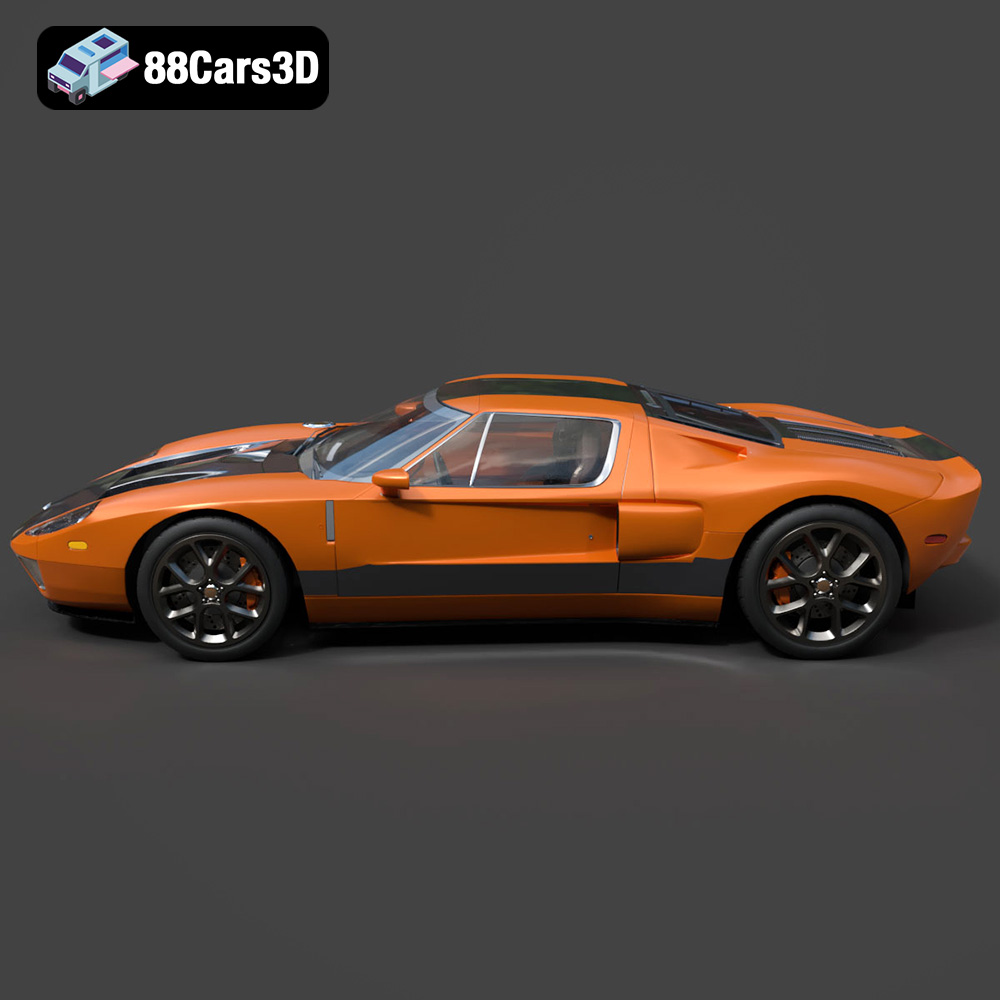
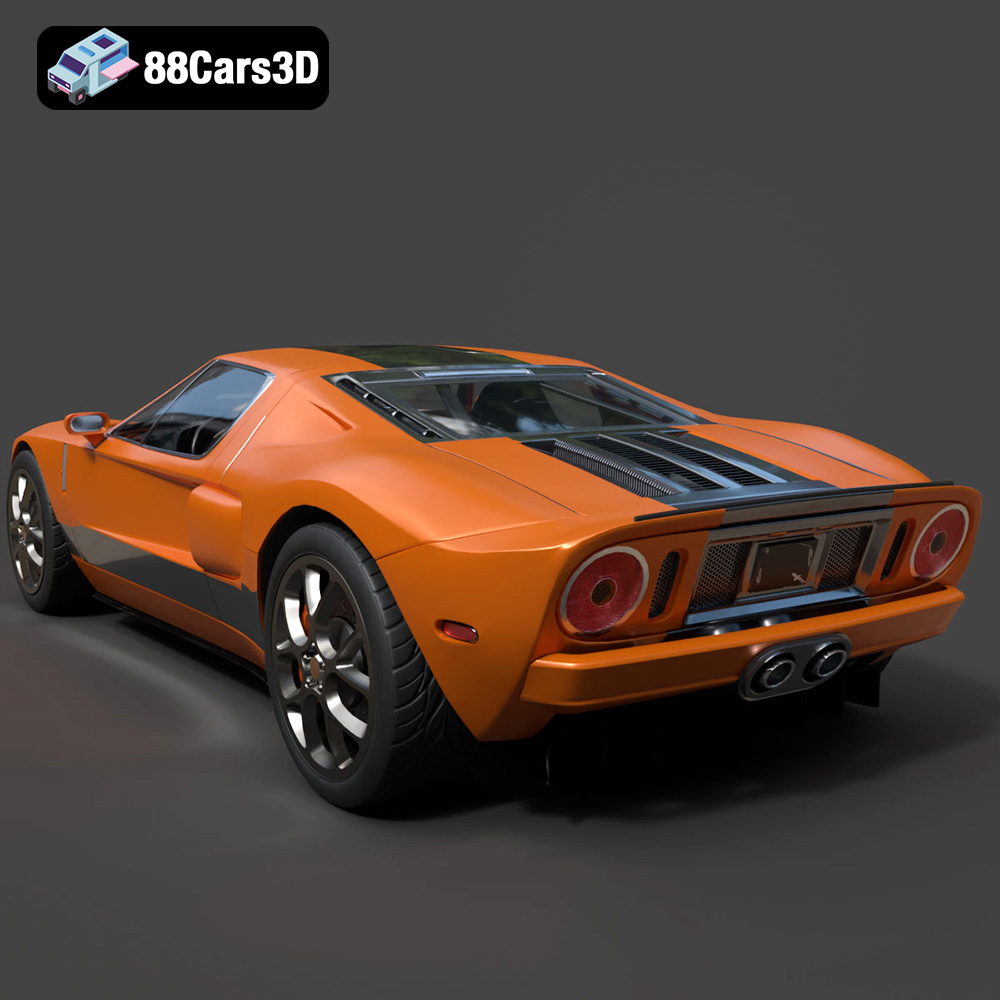
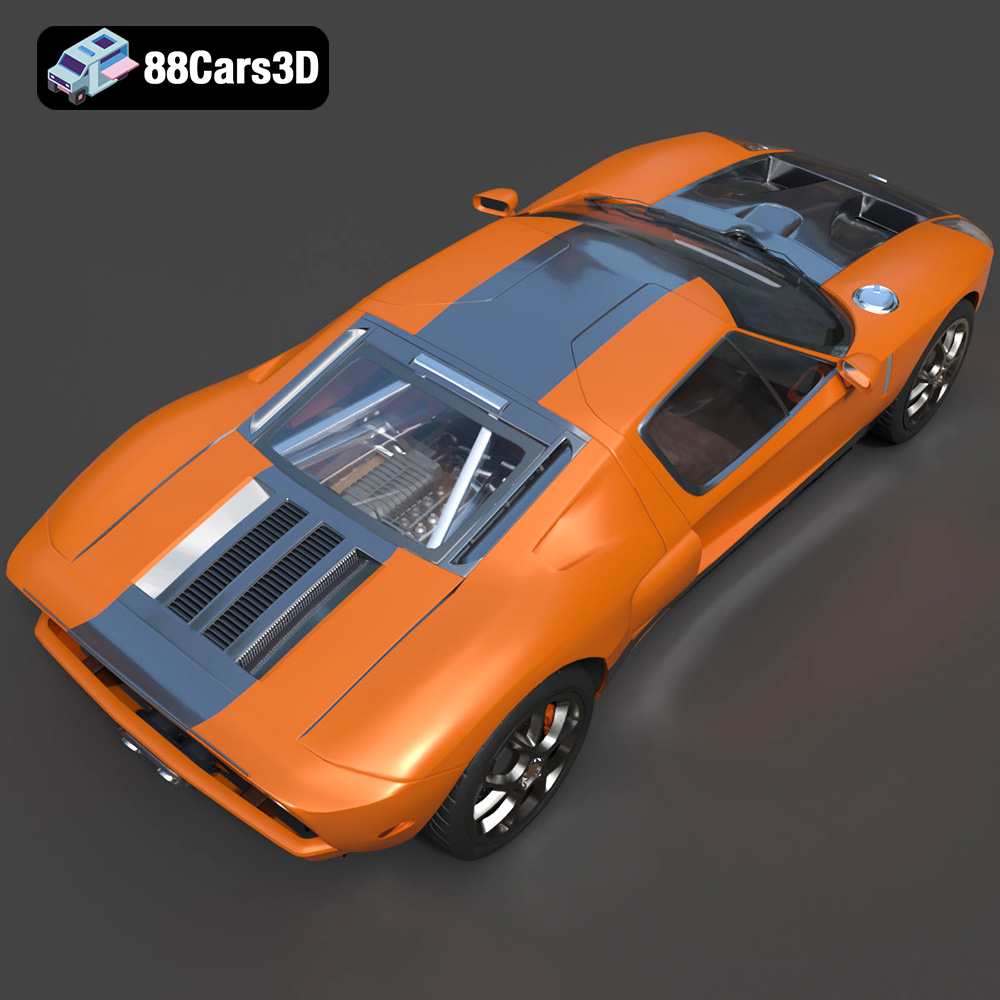
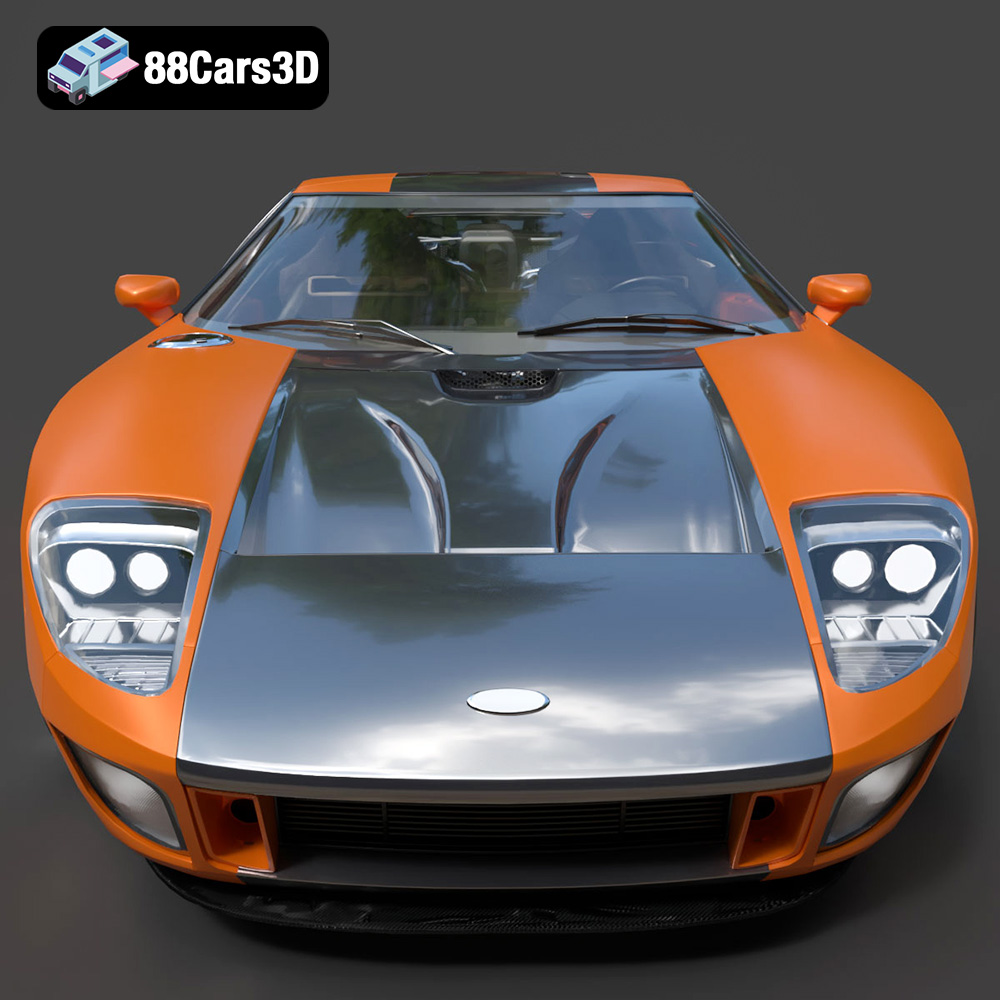
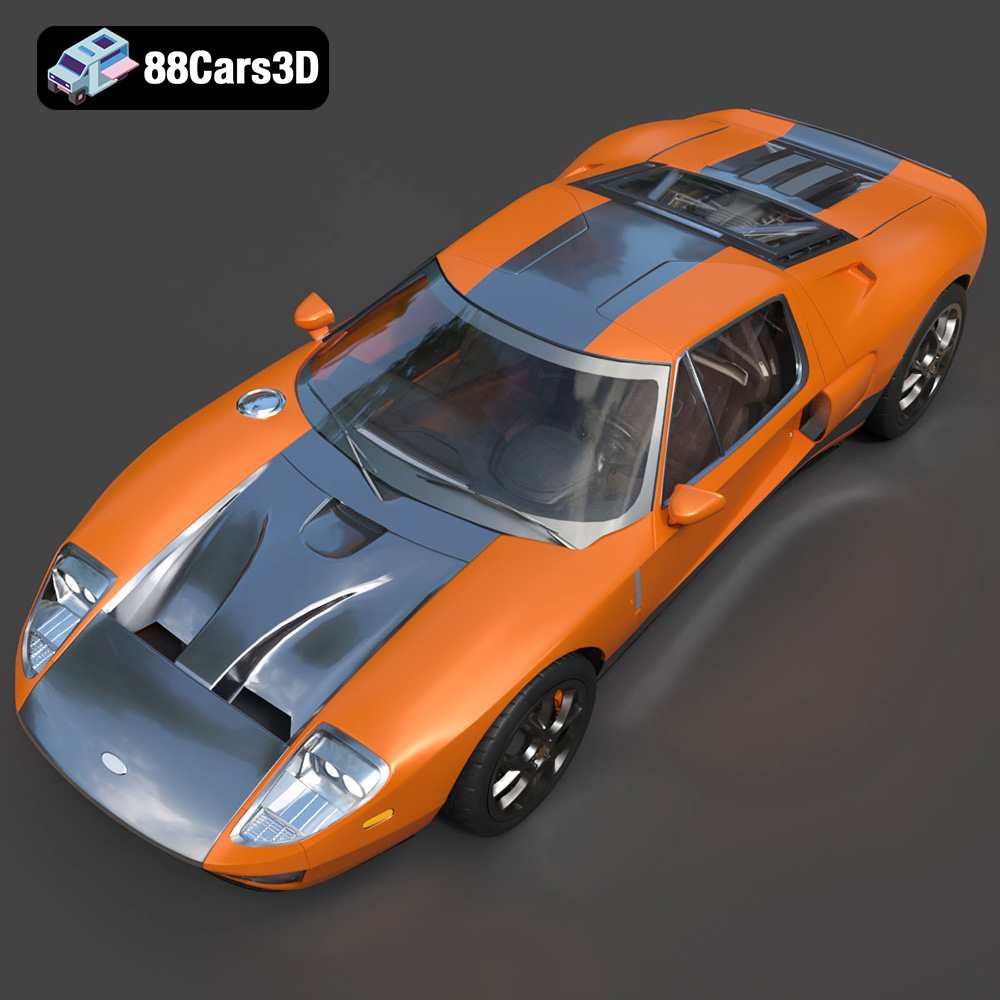
The 2005 Ford GT is a legend, a modern reimagining of the iconic GT40 that dominated Le Mans in the 1960s. Its sleek lines, powerful engine, and unmistakable presence have made it a dream car for enthusiasts worldwide. Thanks to advancements in 3D printing technology, you can now bring a piece of that automotive history into your own home. This guide will walk you through the process of 3D printing a highly detailed 2005 Ford GT model, specifically focusing on the files available at 88cars3d.com. We’ll cover everything from choosing the right materials and printer settings to post-processing techniques that will elevate your finished model to a display-worthy masterpiece.
The first step in successfully 3D printing the 2005 Ford GT is selecting the appropriate 3D printing technology. Two primary options exist: Fused Deposition Modeling (FDM) and Stereolithography (SLA) or resin printing.
FDM printing involves melting and extruding plastic filament layer by layer. It’s a cost-effective option that allows for larger print volumes. For the Ford GT, FDM is suitable for larger scales (1:12 or 1:18) where fine details are less critical. Materials like PLA or PETG are commonly used. PLA is biodegradable and easy to print, while PETG offers better strength and temperature resistance.
Resin printing uses ultraviolet light to cure liquid resin layer by layer. This technology excels at producing incredibly detailed parts with smooth surfaces. For the Ford GT, resin printing is highly recommended, especially for smaller scales (1:24 or smaller) or when capturing intricate details like the wheels, exhaust system, or interior components is crucial.
Before you even think about slicing, it’s essential to understand the different file formats included in the 88cars3d.com package and how they relate to 3D printing. Different formats serve different purposes, and choosing the right one is crucial for a successful print.
The .stl (stereolithography) file format is the workhorse of 3D printing. It represents the 3D model as a collection of triangles, forming a mesh that describes the surface geometry. This format is universally compatible with slicing software, making it the go-to choice for preparing models for printing. The simplicity of .stl files means they only store geometric data, lacking information about color, texture, or materials.
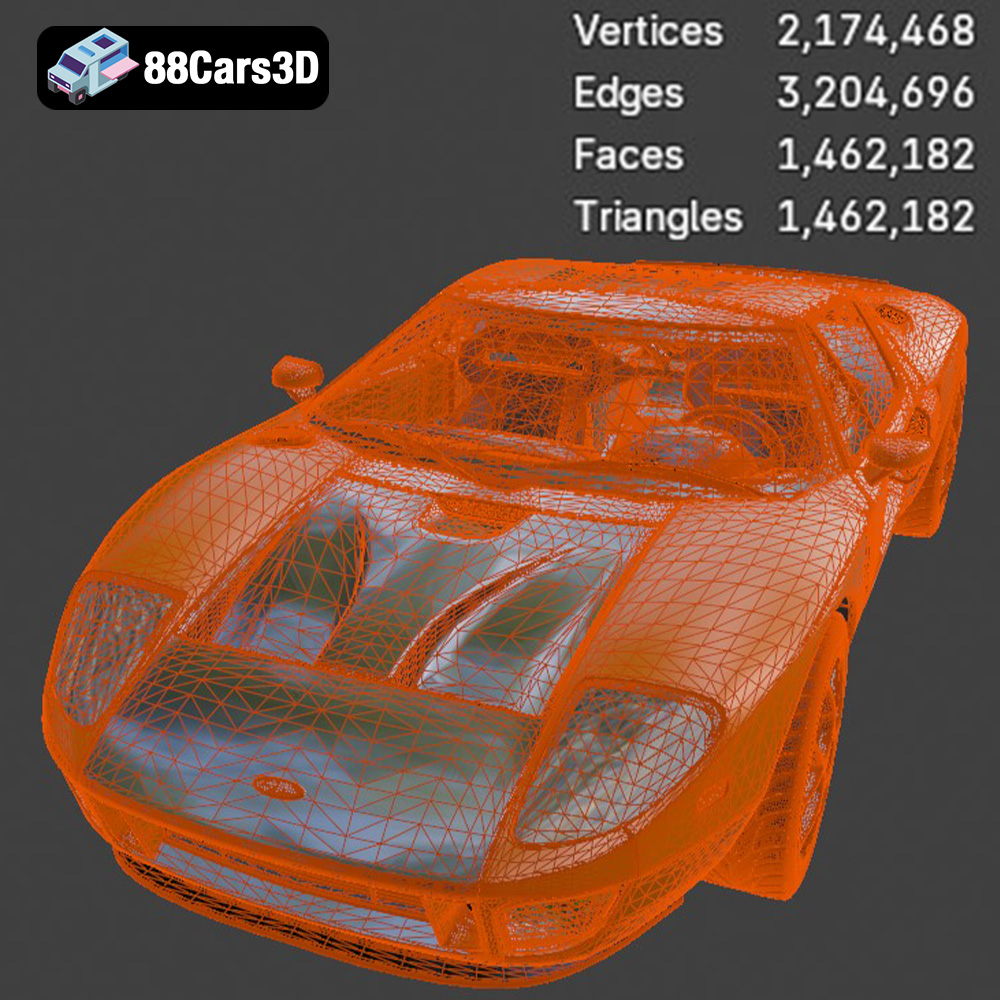
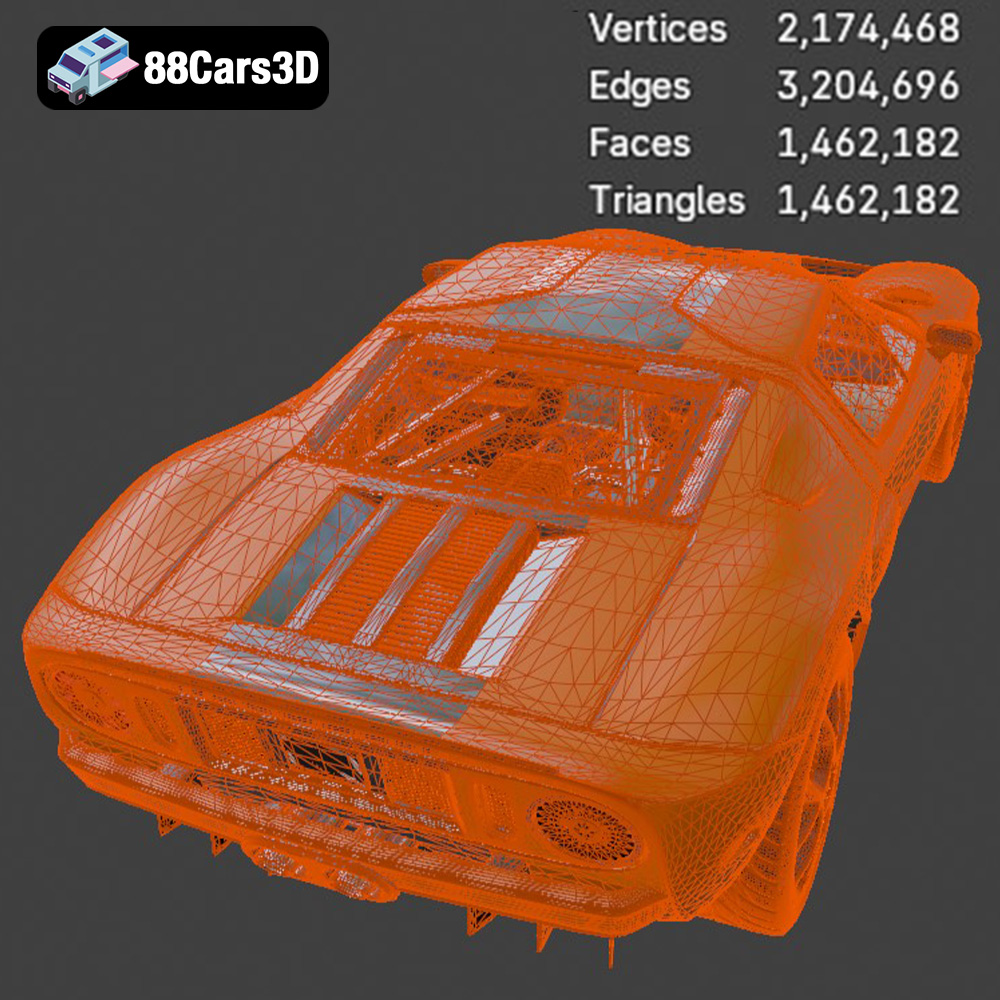
When working with .stl files for the Ford GT, it’s important to inspect the mesh quality. Gaps, non-manifold edges, or self-intersecting triangles can cause printing errors. Mesh repair tools in software like MeshMixer or Netfabb can automatically fix these issues. A higher triangle count in the .stl file generally results in a smoother surface on the final print, but it also increases file size and processing time. The sweet spot for the Ford GT model is a mesh density that captures the car’s curves and details without overwhelming your printer’s processing capabilities. It’s best to start with the provided STL and only increase the resolution if your printer struggles to capture the model’s intricacies.
The .obj (object) file format is another common format that, unlike .stl, can store color and texture information along with the geometry. This makes it suitable for printing on full-color 3D printers, although these printers are less common and typically more expensive.
The .ply (polygon) file format is designed for storing 3D data acquired from 3D scanners. It can handle complex meshes with high precision, making it suitable for capturing intricate details. While less common for direct 3D printing than .stl, it can be useful as an intermediate format for importing into mesh editing software before exporting as .stl.
The .blend file format is the native format for Blender, a popular open-source 3D modeling software. This is where you can make modifications to the model before exporting it to a printable format like STL.
The .fbx (Filmbox) file format is primarily used for animation and game development. It can store geometric data, textures, materials, and animation data. While some advanced slicing software might support importing .fbx files, they are not typically used for direct 3D printing.
The .glb (GL Transmission Format Binary) file format is designed for efficient delivery of 3D models, especially for web-based applications and augmented reality (AR) experiences. It’s a compact format that can store geometric data, textures, and animations. While not directly used for 3D printing, it allows you to preview the Ford GT model in AR before committing to a print, giving you a better sense of its size and appearance in the real world.
The .max file format is the native format for 3ds Max, a professional 3D modeling and animation software. Similar to .blend, this format is ideal for those who want to extensively modify the 3D model of the Ford GT before preparing it for 3D printing.
For 3D printing the Ford GT, focus on the .stl file. Ensure it’s clean, watertight, and free of errors. If you want to customize the model, use the .blend or .max files to make changes and then export the modified model as an .stl file.
Once you’ve chosen your 3D printing technology and understand the file formats, it’s time to prepare the Ford GT model for printing using slicing software. This software converts the 3D model into a set of instructions that your 3D printer can understand. Popular slicing software options include Cura, Simplify3D, and PrusaSlicer.
The orientation of the Ford GT model on the print bed significantly impacts the print’s strength, surface finish, and the amount of support material required. For FDM printing, consider printing the car body at an angle (approximately 45 degrees) to minimize the need for supports on curved surfaces. For resin printing, experiment with different orientations to minimize suction forces and layer lines. The product description recommends printing the frame angled for structural integrity. This is solid advice, especially for larger FDM prints.
Support structures are necessary for overhangs and intricate details like the exhaust, mirrors, and steering wheel. In your slicing software, carefully configure support settings to provide adequate support without being overly difficult to remove. Consider using tree supports or light supports to minimize the contact area with the model’s surface. The product description explicitly mentions that supports are required for detailed parts like the exhaust, mirrors, and steering wheel, so be sure to pay special attention to these areas.
The choice of slicing parameters determines the print quality, strength, and print time.
* **Layer Height:** A smaller layer height (e.g., 0.1mm for FDM, 0.04mm for resin) produces smoother surfaces and finer details but increases print time. A larger layer height (e.g., 0.2mm for FDM) prints faster but results in more noticeable layer lines.
* **Infill:** Infill percentage determines the internal density of the print. A higher infill percentage (e.g., 30%) increases strength but also increases print time and material usage. A lower infill percentage (e.g., 10%) prints faster and uses less material but may compromise strength. The product description suggests 20-30% infill, which is a good starting point.
* **Wall Thickness:** Wall thickness affects the strength and appearance of the outer surfaces. A thicker wall (e.g., 1.2mm-2.0mm) provides greater strength and hides the infill pattern but may increase print time.
The choice of material depends on the printing technology and the desired properties of the final model.
For FDM printing, PLA and PETG are popular choices. PLA is easy to print and offers good detail, while PETG is more durable and heat-resistant. Consider using a high-quality filament for best results.
For resin printing, standard resin is a good option for general-purpose printing. However, for functional parts or parts that require greater durability, consider using a tough resin or a resin blend.
The optimal printer settings vary depending on the specific 3D printer and material used. However, here are some general guidelines:
* **Nozzle Temperature:** Refer to the filament manufacturer’s recommendations.
* **Bed Temperature:** 60°C for PLA, 70-80°C for PETG.
* **Print Speed:** 40-60mm/s.
* **Retraction:** Adjust retraction settings to minimize stringing.
* **Layer Exposure Time:** Refer to the resin manufacturer’s recommendations.
* **Lift Speed:** Adjust lift speed to minimize suction forces.
* **Bottom Layer Exposure Time:** Use a longer exposure time for the initial layers to ensure good adhesion to the build plate.
Once the 3D printing is complete, post-processing is essential to achieve a professional-looking finish.
Carefully remove support structures using pliers or a sharp knife. Sand the surface of the model to remove layer lines and imperfections. Start with coarse sandpaper (e.g., 220 grit) and gradually move to finer sandpaper (e.g., 400 grit, 600 grit) for a smooth finish.
Apply a primer coat to the model to create a smooth surface for painting. Use spray paint or an airbrush to apply the desired color. Consider using multiple thin coats for a more even finish. The product description suggests using authentic factory colors with metallic finishes, so research the correct color codes for the 2005 Ford GT.
If the model consists of multiple parts, assemble them using glue or screws. Add details like decals, badges, or painted accents to enhance the realism of the model.
Even with careful preparation, 3D printing can sometimes present challenges. Here are some common issues and their solutions:
* **Warping:** Warping occurs when the corners of the print lift off the build plate. To prevent warping, ensure the build plate is clean and level, use a brim or raft, and increase the bed temperature.
* **Stringing:** Stringing occurs when thin strands of filament are left between different parts of the print. To prevent stringing, adjust retraction settings, lower the nozzle temperature, and increase travel speed.
* **Layer Shifting:** Layer shifting occurs when the print layers are misaligned. To prevent layer shifting, ensure the printer is stable, tighten belts and screws, and reduce print speed.
* **Support Failure:** Ensure you are using the proper supports and are not removing them before the model is fully cured (in the case of resin printing).
With careful planning, execution, and a little bit of patience, you can 3D print a stunning replica of the 2005 Ford GT that will be the envy of any car enthusiast. Remember to check out 88cars3d.com for more high-quality 3D car models!
Experience the legendary performance and retro-futuristic styling of the 2005 Ford GT with this high-fidelity 3D model. Built as a tribute to the four-time Le Mans-winning GT40, this iconic mid-engine supercar boasts a timeless design characterized by its aerodynamic silhouette and muscular presence.
$19.99
.blend
.fbx
.ford
.glb
.max
.obj
.ply
.rendering
.sports car
.stl
.supercar
.unreal
car-3d-model
classic-car
game asset
game-ready
gt-2005
low-poly
optimized
VR/AR