Get 20% OFF All Premium 3D & STL Models!

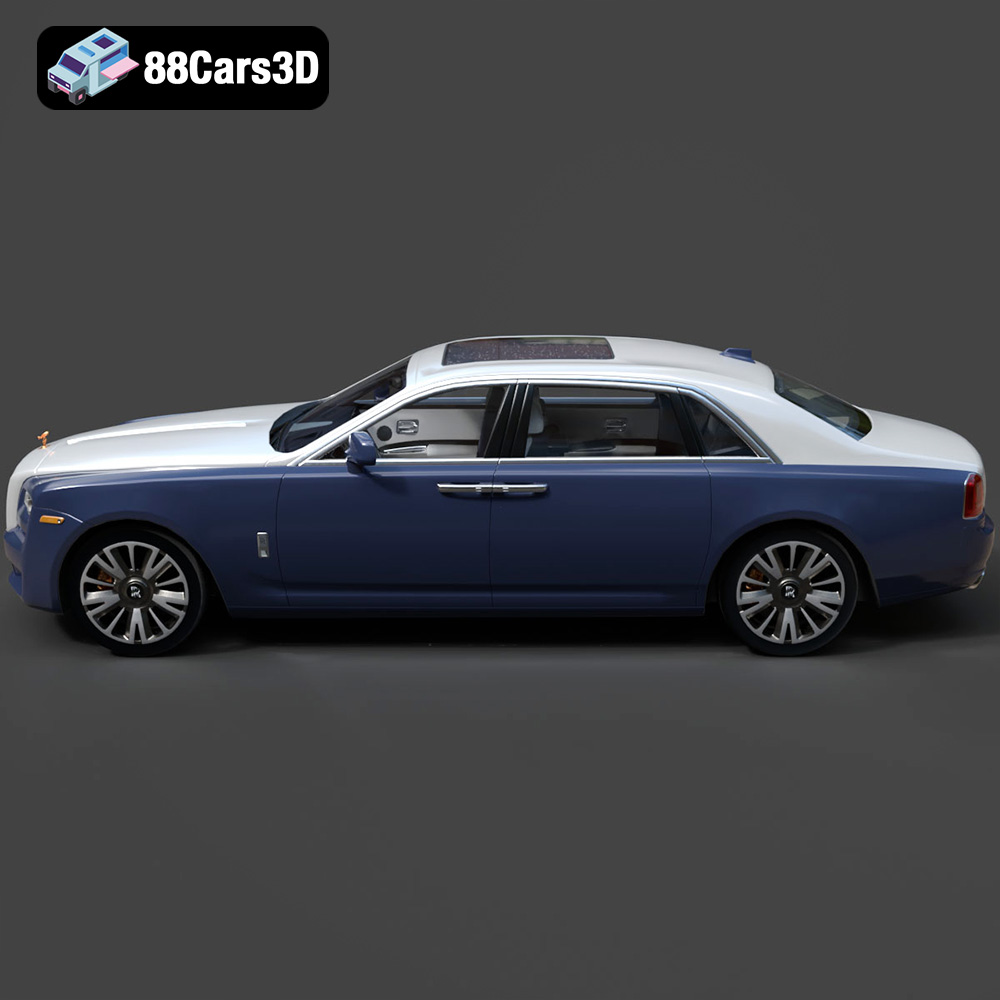
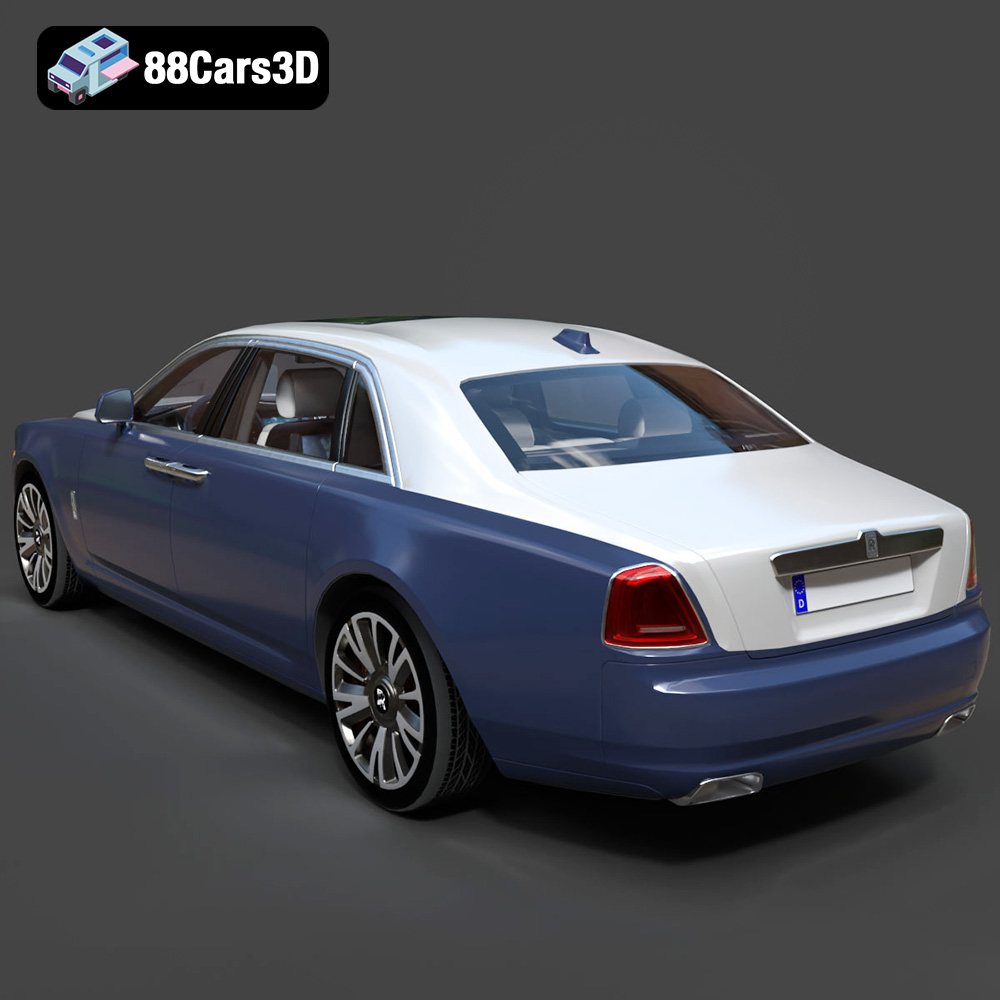
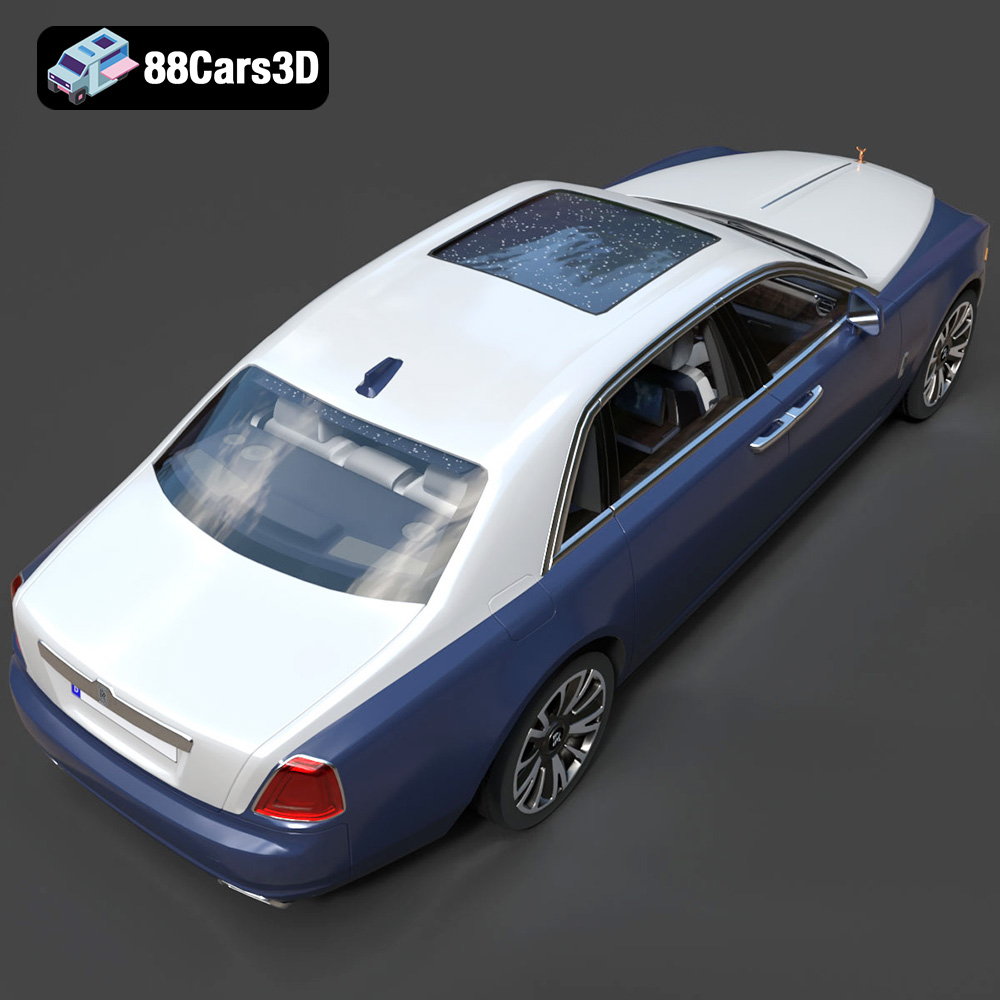
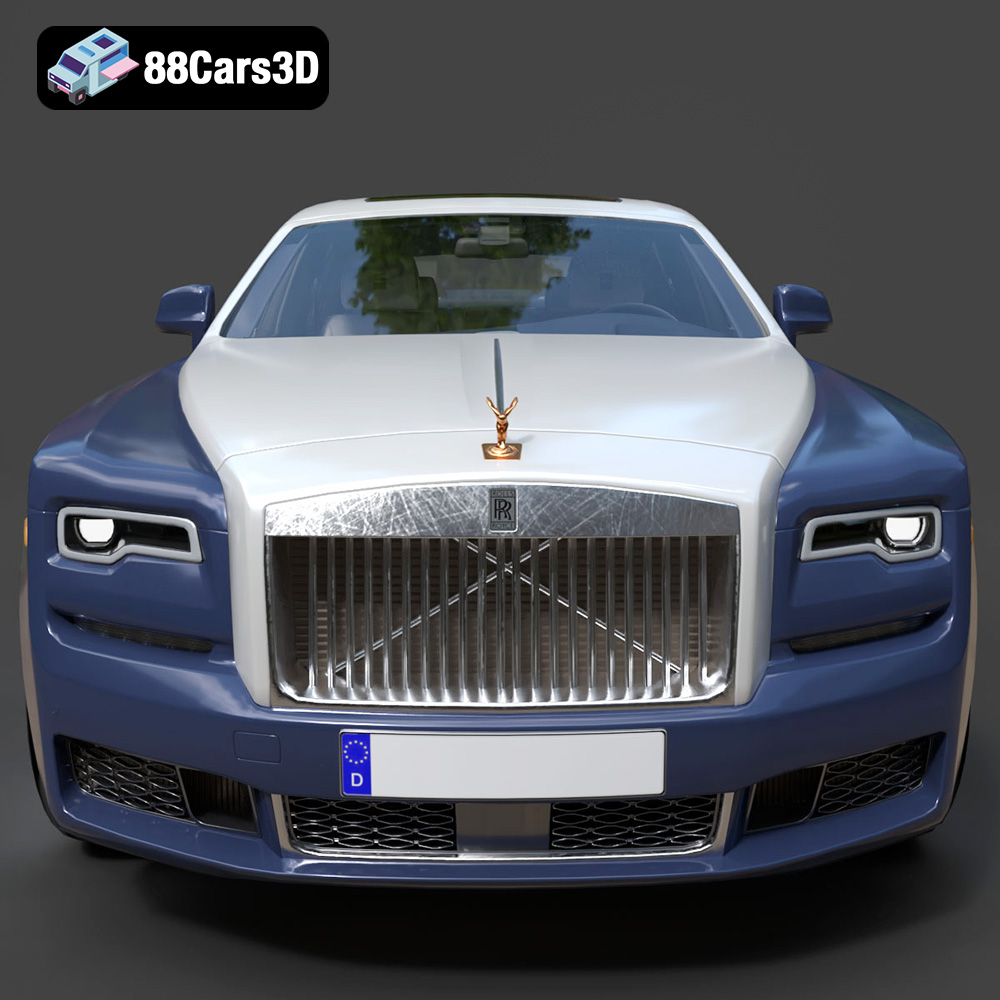
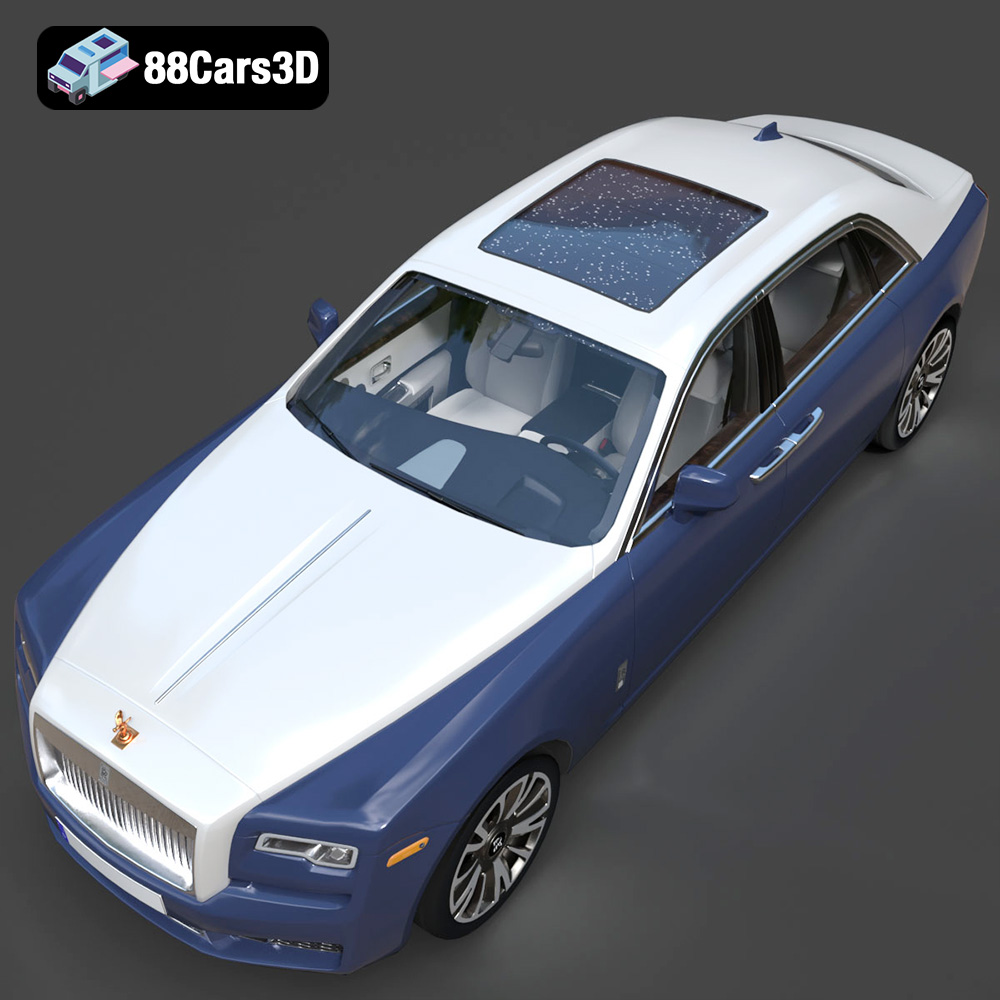
The Rolls-Royce Ghost EWB 2018 is a symbol of automotive excellence, representing the pinnacle of luxury and sophisticated engineering. Now, thanks to 88cars3d.com, you can bring a piece of that elegance into your home or office by 3D printing your own scale model. This blog post will guide you through the process of 3D printing the Rolls-Royce Ghost EWB 2018 model, ensuring a successful and satisfying project. We’ll cover everything from pre-print preparation and slicing to material selection, printer settings, and post-processing techniques. Whether you’re a seasoned 3D printing enthusiast or a beginner looking for a rewarding challenge, this guide will provide the knowledge and insights needed to create a stunning replica of this iconic vehicle.
Before diving into the specifics of printing the Rolls-Royce Ghost EWB 2018, it’s crucial to understand the various 3D model file formats available and their suitability for additive manufacturing. Each format stores geometric data differently, affecting compatibility with slicing software and the final print quality. The Rolls-Royce Ghost EWB 2018 model from 88cars3d.com includes a wide range of file types to accommodate different user needs.
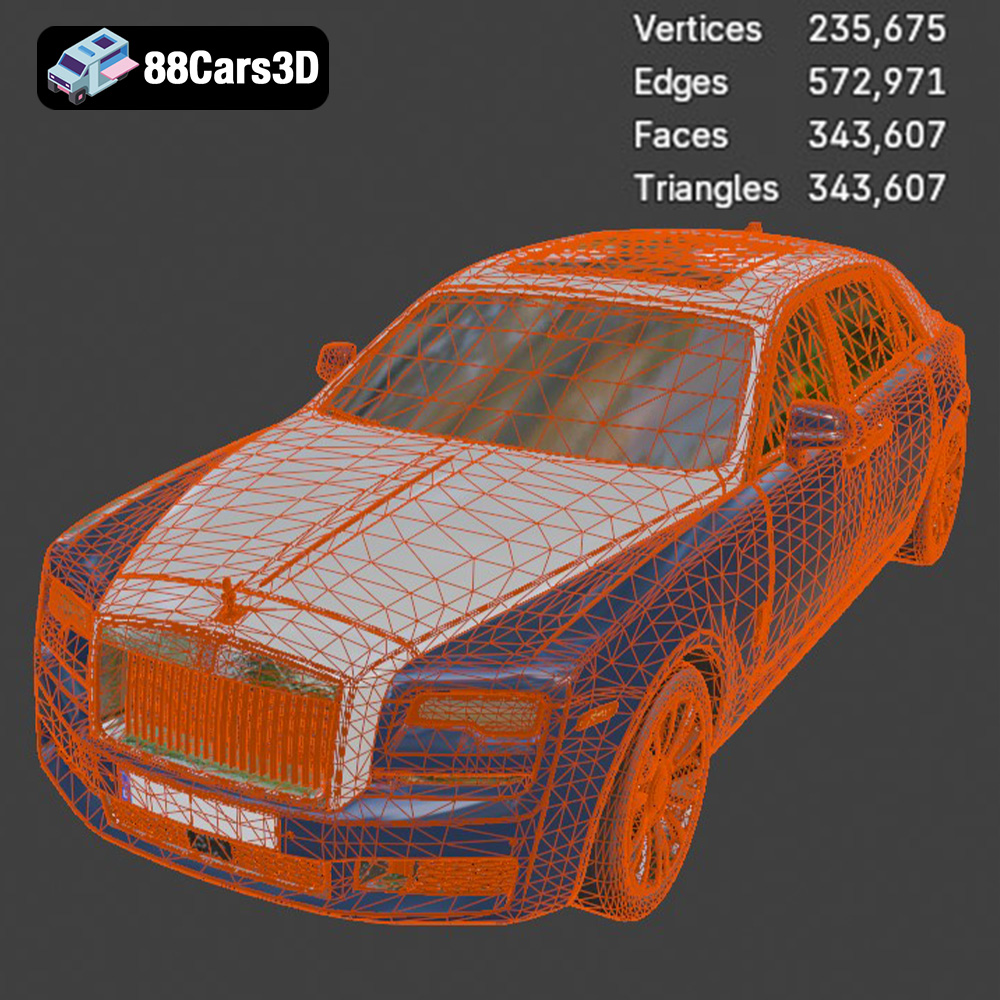
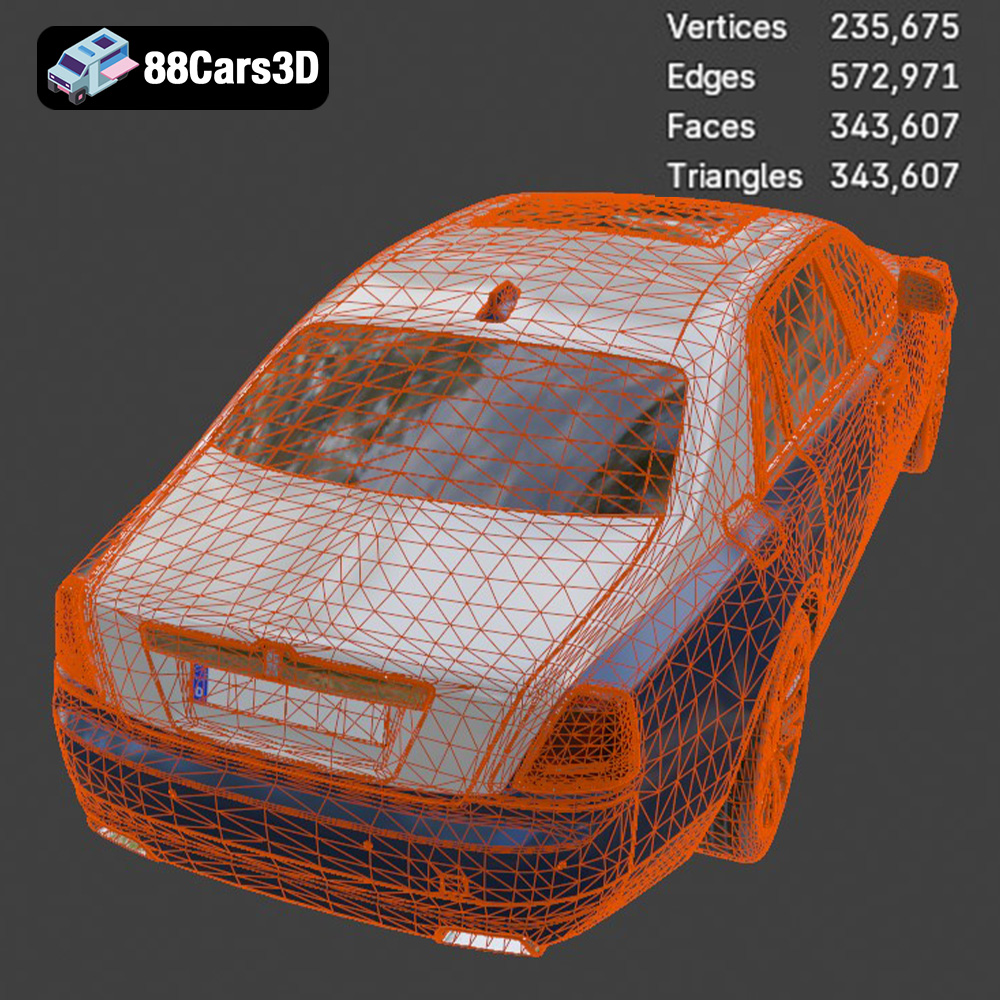
The STL (Stereolithography) file format is the workhorse of 3D printing. It represents the surface geometry of a 3D object as a collection of triangles. This simplicity makes it universally compatible with almost all 3D printing software and hardware. However, STL files only store the mesh data; they do not contain information about color, texture, or materials. When preparing an STL file for printing, it’s vital to ensure the mesh is watertight (no holes or gaps) and has a suitable resolution. A higher resolution STL will result in a smoother printed surface but will also increase the file size and processing time. For the Rolls-Royce Ghost EWB 2018, the STL file should be carefully inspected in your slicing software to identify and repair any potential issues before printing. Because it is a mesh only format, it works best with single color prints and is easily compatible with most slicing software.
OBJ is another widely used 3D model format that, unlike STL, can store color and texture information. This makes it suitable for printing multi-colored objects or applying textures to the model after printing. However, OBJ files can be more complex than STL files, potentially leading to compatibility issues with some slicing software.
PLY (Polygon File Format or Stanford Triangle Format) is designed to store 3D data from scanners. It is capable of capturing detailed information about the surface of an object, including color, normals, and texture coordinates. PLY files are often used for high-resolution 3D scans and are well-suited for printing objects with complex geometries and intricate details.
.Blend is the native file format for Blender, a popular open-source 3D creation suite. It contains the entire Blender scene, including the model geometry, textures, materials, lighting, and animation data. The .blend format is ideal for users who want to customize the Rolls-Royce Ghost EWB 2018 model before printing. For instance, you might want to modify the design, add details, or adjust the scale before exporting the model to a printable format like STL.
FBX (Filmbox) is a proprietary file format developed by Autodesk. It is commonly used for exchanging 3D data between different software applications, particularly in the game development and animation industries. FBX files can store geometry, textures, materials, and animation data.
GLB is a binary file format that represents 3D models in the glTF (GL Transmission Format) standard. GLB files are designed to be compact and efficient, making them ideal for web and mobile applications. They can store geometry, textures, materials, and animations. One of the key advantages of GLB files is their ability to be easily previewed in augmented reality (AR) applications. This allows users to visualize the 3D model in their physical environment before printing, ensuring that it meets their expectations.
.MAX is the native file format for 3ds Max, another popular 3D modeling and animation software package. Similar to .blend, .max files contain the entire scene data, allowing for extensive customization of the 3D model. This format is suitable for advanced users who are familiar with 3ds Max and want to make significant alterations to the Rolls-Royce Ghost EWB 2018 model before printing.
**Choosing the Right Format for 3D Printing:**
For 3D printing, the **STL** format is generally the most reliable and widely supported option. However, if you plan to print the model in multiple colors or with textures, OBJ or PLY might be more suitable. If you intend to modify the model before printing, start with the .blend or .max file and then export it to STL once you’re done editing. Regardless of the format you choose, always ensure that the mesh is clean, watertight, and properly scaled before sending it to the printer.
Before you even think about hitting the “print” button, thorough preparation is key to a successful 3D printing experience. This stage involves inspecting the 3D model, making necessary repairs, and choosing the right orientation and supports.
The first step is to load the STL file of the Rolls-Royce Ghost EWB 2018 into your slicing software. Examine the model closely for any potential issues, such as:
* **Non-manifold geometry:** This refers to edges or faces that are not properly connected, creating gaps or holes in the mesh.
* **Inverted normals:** Normals are vectors that define the direction of a surface. Inverted normals can cause printing errors.
* **Floating geometry:** Small, disconnected parts of the model that are not attached to the main body.
Most slicing software includes tools for automatically repairing these issues. Use these tools to ensure that the model is watertight and error-free before proceeding. Meshmixer and MeshLab are also excellent free software options for more advanced mesh editing and repair.
The orientation of the model on the print bed can significantly impact the print quality, strength, and the amount of support material required. Consider the following factors when choosing the orientation:
* **Minimize overhangs:** Overhangs are parts of the model that are not supported by the layer below. Excessive overhangs can lead to sagging or deformation. Orient the model to minimize the area of overhangs.
* **Reduce support material:** Support material is necessary to print overhangs, but it can be difficult to remove and can leave blemishes on the finished print. Choose an orientation that minimizes the need for supports.
* **Structural integrity:** Orient the model so that the strongest parts are aligned with the direction of stress. For example, if the model is likely to be handled or subjected to force, orient it so that the layers are perpendicular to the force.
* **Aesthetics:** Consider which surfaces are most visible and orient the model to minimize the visibility of layer lines on those surfaces.
For the Rolls-Royce Ghost EWB 2018, a slight angle (around 30-45 degrees) relative to the print bed is recommended. This will help to minimize overhangs on the roof and hood while providing a stable base for printing.
Once you’ve chosen the orientation, you’ll need to add supports to any areas that have significant overhangs. Pay particular attention to the following areas:
* **Exhaust pipes:** These are delicate and require strong supports.
* **Mirrors:** The mirrors are small and angled, so they will need supports.
* **Spirit of Ecstasy:** This iconic emblem is highly detailed and requires careful support placement.
* **Wheel Arches:** Can sometimes require support depending on the angle
Experiment with different support settings in your slicing software to find the optimal balance between support strength and ease of removal. Consider using tree supports, which are more efficient and leave fewer marks than traditional linear supports.
The choice of material is crucial for the final outcome of your 3D printed Rolls-Royce Ghost EWB 2018. Different materials offer varying levels of detail, strength, flexibility, and aesthetic appeal.
For Fused Deposition Modeling (FDM) printers, the most common materials are PLA, PETG, and ABS.
* **PLA (Polylactic Acid):** PLA is a biodegradable thermoplastic derived from renewable resources. It’s easy to print, has low warping, and produces good detail. PLA is a good choice for the Rolls-Royce Ghost EWB 2018 if you prioritize ease of printing and aesthetic appearance. However, PLA is not as strong or heat-resistant as other materials.
* **PETG (Polyethylene Terephthalate Glycol-modified):** PETG is a strong, durable, and heat-resistant material that is also relatively easy to print. It offers a good balance between strength, flexibility, and printability. PETG is a good choice for the Rolls-Royce Ghost EWB 2018 if you want a more robust and functional model.
* **ABS (Acrylonitrile Butadiene Styrene):** ABS is a strong, impact-resistant, and heat-resistant material that is commonly used in automotive and industrial applications. However, ABS is more difficult to print than PLA and PETG, as it is prone to warping and requires a heated bed and enclosure. ABS may be a good choice for the Rolls-Royce Ghost EWB 2018 if you need a very strong and durable model, but be prepared for a more challenging printing experience.
For Stereolithography (SLA) and Digital Light Processing (DLP) printers, the primary material is resin.
* **Standard Resin:** Standard resins offer high detail and smooth surfaces, making them ideal for creating visually appealing models. However, they tend to be brittle and less durable than other resin types.
* **Tough Resin:** Tough resins are formulated to be more impact-resistant and durable than standard resins. They offer a good balance between detail and strength, making them suitable for functional parts and models that will be handled frequently.
* **Flexible Resin:** Flexible resins are designed to be elastic and bendable. They can be used to create parts that need to withstand bending or stretching without breaking.
Given the intricate details of the Rolls-Royce Ghost EWB 2018, resin printing is highly recommended. A standard or tough resin will capture the fine features of the model and provide a smooth surface finish.
Achieving a high-quality 3D print requires careful adjustment of printer settings. These settings will vary depending on your printer, material, and desired outcome.
* **Layer Height:** The layer height determines the resolution of the print. Lower layer heights result in smoother surfaces and finer details, but also increase the print time. For the Rolls-Royce Ghost EWB 2018, a layer height of 0.1mm or less is recommended for FDM printing and 0.05mm or less for resin printing.
* **Print Speed:** The print speed affects both the print quality and the print time. Slower print speeds generally result in better quality, but also increase the print time. For FDM printing, a print speed of 40-60 mm/s is recommended. For resin printing, the recommended lift speed and exposure time will vary depending on the resin used.
* **Infill Density:** The infill density determines the amount of material inside the model. Higher infill densities result in stronger prints, but also increase the print time and material usage. For the Rolls-Royce Ghost EWB 2018, an infill density of 20-30% is generally sufficient.
* **Infill Pattern:** The infill pattern affects the strength and weight of the print. Common infill patterns include grid, honeycomb, and gyroid. For the Rolls-Royce Ghost EWB 2018, a gyroid infill pattern is recommended, as it provides good strength and is relatively lightweight.
* **Temperature:** The printing temperature should be set according to the material manufacturer’s recommendations. For PLA, a nozzle temperature of 200-220°C and a bed temperature of 60-70°C are typically used. For PETG, a nozzle temperature of 230-250°C and a bed temperature of 70-80°C are recommended. For ABS, a nozzle temperature of 230-260°C and a bed temperature of 80-110°C are necessary.
* **Cooling:** Proper cooling is essential for preventing warping and ensuring good layer adhesion. For PLA, strong cooling is recommended. For PETG and ABS, cooling should be reduced or disabled to prevent warping.
Once the 3D print is complete, the post-processing stage is where you transform a raw print into a polished masterpiece. This typically involves removing supports, sanding, priming, painting, and assembling any separate parts.
Carefully remove the supports from the 3D print using pliers, a hobby knife, or specialized support removal tools. Take your time and avoid damaging the model. Once the supports are removed, use sandpaper to smooth out any rough edges or blemishes. Start with a coarse grit sandpaper (e.g., 220 grit) and gradually move to finer grits (e.g., 400, 600, 800 grit) to achieve a smooth surface.
Apply a thin coat of primer to the model to create a smooth and uniform surface for painting. Once the primer is dry, sand it lightly with fine-grit sandpaper. Then, apply multiple thin coats of paint, allowing each coat to dry completely before applying the next. For the Rolls-Royce Ghost EWB 2018, consider using authentic factory colors with metallic finishes to capture the car’s luxurious appearance.
If the model consists of multiple parts (e.g., wheels, doors, etc.), carefully assemble them using glue or other appropriate adhesives. Add any final details, such as decals, badges, or interior trim, to complete the model.
Even with careful preparation and optimized settings, 3D printing can sometimes present challenges. Here are some common issues and their solutions:
* **Warping:** Warping occurs when the corners of the print lift off the print bed. This is often caused by poor bed adhesion or uneven cooling. To prevent warping, ensure that the print bed is level, use a bed adhesive (e.g., glue stick, hairspray), and reduce cooling.
* **Stringing:** Stringing refers to thin strands of filament that are left between different parts of the print. This is often caused by excessive nozzle temperature or retraction settings. To prevent stringing, lower the nozzle temperature, increase the retraction distance, and decrease the retraction speed.
* **Layer Shifting:** Layer shifting occurs when the layers of the print are misaligned. This can be caused by loose belts, stepper motor issues, or vibrations. To prevent layer shifting, tighten the belts, lubricate the stepper motors, and ensure that the printer is placed on a stable surface.
* **Elephant Foot:** An elephant’s foot occurs when the bottom layers of the print are wider than the rest of the model. This is often caused by excessive bed temperature or pressure. To prevent an elephant’s foot, lower the bed temperature and reduce the initial layer height.
By understanding these common issues and their solutions, you can troubleshoot any problems that arise during the 3D printing process and achieve a successful outcome.
Experience the pinnacle of automotive luxury with this meticulous 3D model of the 2018 Rolls-Royce Ghost EWB (Extended Wheelbase). Renowned for its unparalleled elegance, whisper-quiet V12 engine, and majestic road presence, the Ghost EWB represents the ultimate in bespoke craftsmanship. This model faithfully recreates the vehicle’s sweeping lines, iconic Pantheon grille, and signature rear-hinged coach doors, capturing the essence of modern British luxury.
$19.99
.2018
.blend
.fbx
.glb
.limousine
.max
.obj
.ply
.rendering
.sedan
.stl
.unreal
car-3d-model
game asset
game-ready
ghost-ewb
low-poly
luxury car
optimized
rolls-royce
VR/AR