Get 20% OFF All Premium 3D & STL Models!

The Mazda CX-5 2011 marked a turning point for the Japanese automaker, introducing the now-iconic “Kodo: Soul of Motion” design language. Now, you can bring this stylish compact crossover to life with 3D printing. This guide will walk you through the entire process, from selecting the right file format and preparing your model, to choosing optimal printer settings and applying finishing touches. Whether you’re a seasoned 3D printing enthusiast or a beginner eager to tackle your first car model, this comprehensive breakdown will help you achieve a stunning 3D printed Mazda CX-5 2011. Let’s dive in and explore how to successfully transform the digital design from 88cars3d.com into a tangible creation.
Choosing the correct file format is crucial for a successful 3D printing project. While the Mazda CX-5 2011 model available on 88cars3d.com comes in various formats, not all are equally suited for additive manufacturing. Here’s a detailed look at each format and its compatibility with 3D printing:
The STL (Stereolithography) file format is the workhorse of 3D printing. It represents the 3D model’s surface geometry as a collection of triangles, essentially a mesh. This simplicity makes it universally compatible with virtually all slicing software and 3D printers. For the Mazda CX-5 2011, the STL format will likely be your primary choice for printing.
* **Strengths:** Universal compatibility, small file size compared to other formats, widely supported by slicing software.
* **Weaknesses:** Does not store color or texture information, can sometimes result in faceted surfaces if the mesh resolution is low. To avoid this, ensure the STL file you download from 88cars3d.com has a sufficiently high triangle count.
* **Slicing Software:** Compatible with all slicing programs (e.g., Cura, PrusaSlicer, Simplify3D).
* **Mesh Quality:** The visual quality of the final print heavily depends on the mesh quality of the STL file. A high-resolution STL will capture the intricate details of the CX-5, while a low-resolution STL will result in a blockier, less detailed print.
The OBJ (Object) file format is another common 3D model format. Unlike STL, OBJ files can store color and texture information. This makes it suitable for models that have complex surface details or require multiple colors. However, printing in full color usually requires specialized printers.
* **Strengths:** Supports color and texture information, relatively universal.
* **Weaknesses:** Can be larger in file size than STL, color printing requires specialized hardware and software.
* **Slicing Software:** Compatible with many slicing programs, but color information might not be directly translatable to printing parameters for standard FDM or resin printers.
The PLY (Polygon File Format) is designed to store 3D data acquired from 3D scanners. It is capable of representing high-resolution meshes with detailed surface information, making it ideal for capturing intricate details.
* **Strengths:** High-detail mesh representation.
* **Weaknesses:** Not as universally supported as STL or OBJ, larger file sizes.
The BLEND file is the native file format for Blender, a popular open-source 3D modeling software. This format allows you to directly edit and customize the Mazda CX-5 2011 model before exporting it to a printable format like STL. If you want to modify the model (e.g., add custom parts, simplify the mesh), using the BLEND file is a great option.
* **Strengths:** Fully editable in Blender, allows for complete customization.
* **Weaknesses:** Requires Blender software, not directly printable.
The FBX (Filmbox) format is primarily used for exchanging 3D models between different software applications. It supports animations, materials, and textures, making it suitable for game development and visual effects. However, its primary use is not direct 3D printing.
* **Strengths:** Supports animations and materials.
* **Weaknesses:** Not typically used directly for 3D printing; requires conversion to STL.
The GLB (GL Transmission Format Binary) is a binary file format that represents 3D models in a compact and efficient manner. It is commonly used for displaying 3D models in web browsers and augmented reality (AR) applications. You can use the GLB file to preview the Mazda CX-5 2011 model in AR before committing to a print.
* **Strengths:** Efficient format for web and AR applications, allows for pre-print visualization.
* **Weaknesses:** Not directly printable; primarily for visualization.
.MAX files are native to Autodesk 3ds Max, a professional 3D modeling and animation software. Like .BLEND files for Blender, .MAX files allow extensive modification and customization of the 3D model within 3ds Max. These files are not directly printable and are best used for pre-processing and refinement of the model before exporting to STL.
* **Strengths:** Highly detailed editing capabilities in 3ds Max.
* **Weaknesses:** Requires 3ds Max; not directly printable.
For 3D printing the Mazda CX-5 2011 from 88cars3d.com, prioritize using the STL format. If you need to customize the model, use the BLEND or MAX file to modify it in Blender or 3ds Max and then export it as an STL file for slicing and printing.
Before hitting the print button, several crucial steps ensure a high-quality 3D printed Mazda CX-5 2011. These steps involve scaling the model to your desired size, choosing the optimal print orientation, and repairing any potential issues with the STL file.
The provided product description on 88cars3d.com suggests recommended scales of 1:12, 1:18, and 1:24. Choose the scale that best suits your printer’s build volume and desired level of detail.
* **Larger Scales (e.g., 1:12):** Offer more detail and allow for easier post-processing but require more material and longer print times. They are also more demanding on the printer’s build volume.
* **Smaller Scales (e.g., 1:24):** Are more economical in terms of material and print time but may sacrifice some finer details.
* **How to Scale:** Most slicing software allows you to scale the model uniformly along all axes. Simply input the desired scale factor. For example, to scale the model to 1:12, you’ll need to calculate the appropriate scale factor based on the real-world dimensions of the Mazda CX-5 2011.
Print orientation significantly impacts the print’s strength, surface finish, and support requirements.
* **Frame/Body:** Printing the body at an angle (e.g., 45 degrees) can improve structural integrity and minimize the need for supports on large flat surfaces. However, this may increase the overall print height and require more support material.
* **Wheels:** Printing the wheels separately and vertically often yields the best results. This reduces the need for supports on the curved surfaces of the tires.
* **Considerations:** Minimize overhangs, which require supports. Hide support scars on less visible surfaces.
Even high-quality 3D models can sometimes have minor issues that can affect print quality. Use a mesh repair tool like Meshmixer or Netfabb to check for and fix any errors in the STL file.
* **Common Issues:** Non-manifold edges, holes, flipped normals.
* **Repair Tools:** Meshmixer (free), Netfabb (paid).
* **Why Repair?** Repairing the model ensures that the slicing software can correctly interpret the geometry and generate a valid toolpath.
The choice of material depends on your desired print quality, strength, and aesthetic. For the Mazda CX-5 2011 model, PLA, PETG, and resin are all viable options, each with its own advantages and disadvantages.
PLA is a biodegradable thermoplastic polymer derived from renewable resources. It is easy to print, has low warping, and produces excellent surface details.
* **Pros:** Easy to print, low warping, good surface finish, wide range of colors.
* **Cons:** Lower strength and heat resistance compared to PETG, can be brittle.
* **Ideal For:** Display models, prototypes, and parts that are not subjected to high stress or temperature.
PETG offers a good balance of strength, flexibility, and ease of printing. It is more durable and heat-resistant than PLA.
* **Pros:** Stronger and more heat-resistant than PLA, good layer adhesion, less brittle than PLA.
* **Cons:** Can be more prone to stringing than PLA, requires slightly higher printing temperatures.
* **Ideal For:** Functional parts, parts that require some flexibility, and parts that may be exposed to higher temperatures.
Resin 3D printing (SLA or DLP) offers the highest level of detail and surface finish. It is ideal for printing small, intricate parts like the Mazda CX-5 2011 model at smaller scales.
* **Pros:** Exceptional detail, smooth surface finish, ideal for small parts.
* **Cons:** Requires post-processing (washing and curing), resins can be brittle, limited build volume, can be more expensive than FDM printing.
* **Ideal For:** Highly detailed display models, miniatures, and parts that require a flawless surface finish. The 3D Print Settings from the product description on 88cars3d.com recommends Resin printing for fine details.
Regardless of the material you choose, dialing in the right printer settings is crucial for a successful print. These settings include layer height, infill density, print speed, and support settings.
Layer height affects the print’s resolution and surface finish. Smaller layer heights result in smoother surfaces but increase print time.
* **PLA/PETG:** 0.1mm – 0.2mm is a good starting point. You can go lower (e.g., 0.05mm – 0.1mm) for finer details.
* **Resin:** Layer heights typically range from 0.025mm to 0.05mm.
Infill density affects the print’s strength and weight. A higher infill density results in a stronger but heavier print. The product description on 88cars3d.com recommends 20-30%.
* **PLA/PETG:** 20-30% infill is sufficient for most display models. You can increase the infill for parts that require more strength.
* **Resin:** Typically, resin prints are solid (100% infill).
Supports are necessary for printing overhangs and bridging gaps.
* **Type:** Use tree supports or linear supports depending on the model’s geometry.
* **Density:** Adjust the support density to balance support strength and ease of removal.
* **Interface Layer:** Adding an interface layer between the support and the model can improve surface finish and reduce scarring.
* **Resin:** Supports are crucial for resin printing. Use a well-supported base and strategically place supports to minimize warping and distortion.
Print speed affects the print quality and print time. Slower print speeds generally result in better print quality.
* **PLA/PETG:** Start with a print speed of 40-60 mm/s.
* **Resin:** Print speed is determined by the exposure time per layer.
* **PLA:** 200-220°C nozzle temperature, 60°C bed temperature. Use a heated bed and apply a bed adhesion agent (e.g., glue stick, hairspray) to prevent warping.
* **PETG:** 230-250°C nozzle temperature, 70-80°C bed temperature. PETG can adhere too strongly to the bed, so using a release agent is recommended.
* **Resin:** Follow the resin manufacturer’s recommendations for exposure time, lift speed, and other settings.
Once the printing is complete, post-processing steps enhance the appearance and functionality of your 3D printed Mazda CX-5 2011.
Carefully remove the supports using pliers or a sharp knife. Take your time to avoid damaging the model.
* **PLA/PETG:** Supports are generally easy to remove.
* **Resin:** Soaking the print in warm water can soften the supports and make them easier to remove.
Sanding smooths the surface and removes any imperfections.
* **PLA/PETG:** Start with a coarse grit sandpaper (e.g., 220 grit) and gradually move to finer grits (e.g., 400, 600, 800 grit). Wet sanding can help to minimize dust.
* **Resin:** Resin prints are typically smoother than FDM prints, but sanding can still improve the surface finish.
Priming provides a smooth, uniform surface for painting.
* **Primer:** Use a filler primer to fill in any remaining imperfections. Sand the primer after it dries.
* **Paint:** Apply thin coats of paint to avoid runs and drips. Consider using an airbrush for a smoother finish. The product description on 88cars3d.com suggests using authentic Mazda factory colors with metallic finishes for the best results.
If you printed the model in multiple parts (e.g., wheels, body), assemble them using glue or fasteners.
* **Glue:** Cyanoacrylate (super glue) or epoxy are good choices for bonding 3D printed parts.
* **Fasteners:** Small screws or bolts can provide a stronger and more durable connection.
Even with careful preparation, you may encounter some printing issues. Here are some common problems and their solutions.
Warping occurs when the corners of the print lift off the bed.
* **Causes:** Inadequate bed adhesion, insufficient bed temperature, drafts.
* **Solutions:** Use a heated bed, apply a bed adhesion agent, enclose the printer to reduce drafts.
Stringing occurs when thin strands of plastic are left between parts of the print.
* **Causes:** High nozzle temperature, slow retraction speed, long travel distances.
* **Solutions:** Lower the nozzle temperature, increase the retraction speed, reduce the travel distance.
Layer separation occurs when the layers of the print do not adhere properly.
* **Causes:** Low nozzle temperature, insufficient layer adhesion, under-extrusion.
* **Solutions:** Increase the nozzle temperature, increase the layer height, increase the extrusion multiplier.
Support failure occurs when the supports collapse during printing.
* **Causes:** Insufficient support density, weak support structure, inadequate bed adhesion.
* **Solutions:** Increase the support density, use a stronger support structure, ensure good bed adhesion.
By following these steps and troubleshooting common issues, you can successfully 3D print the Mazda CX-5 2011 model from 88cars3d.com and create a stunning replica of this iconic vehicle. Remember to experiment with different settings and materials to find what works best for your printer and your desired outcome.
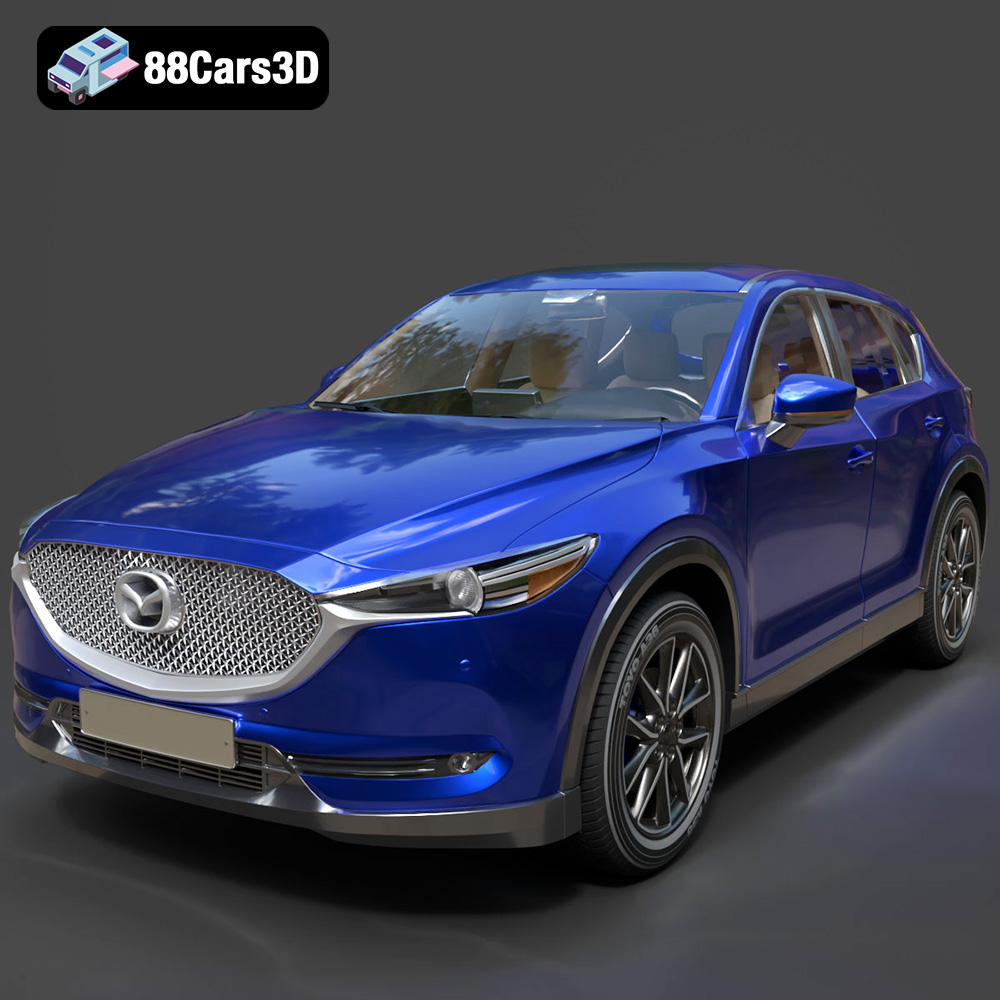
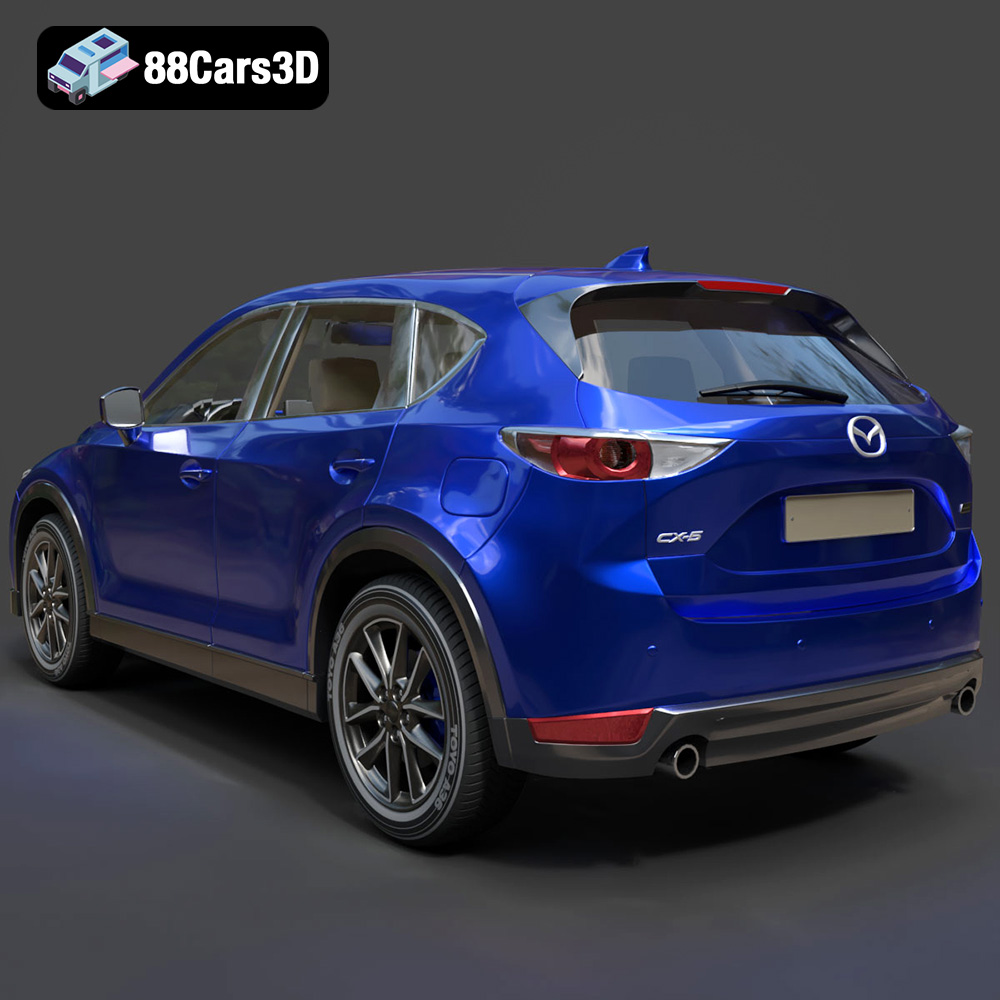
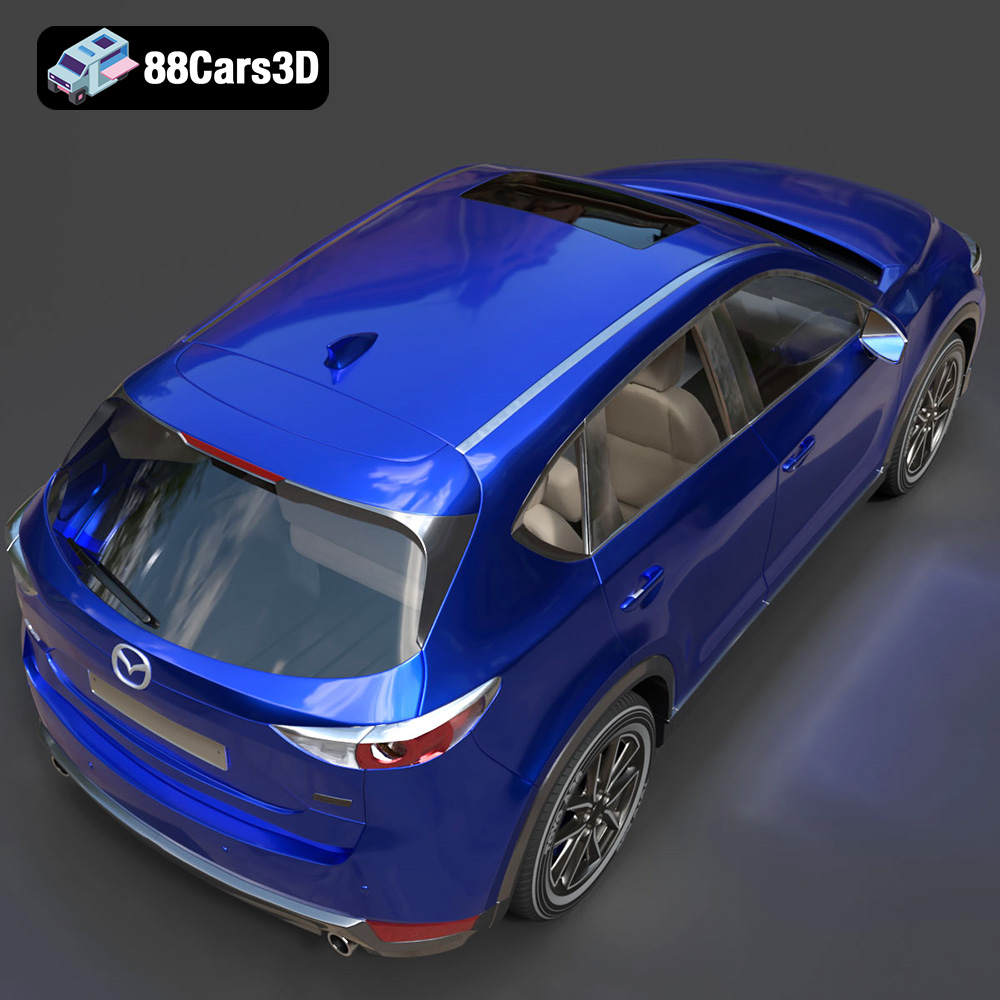
Experience the vehicle that debuted Mazda’s iconic “Kodo: Soul of Motion” design language with this highly detailed 3D model of the 2011 Mazda CX-5. This compact crossover SUV revolutionized its segment by blending sleek, athletic styling with exceptional functionality. Our 3D model captures its dynamic stance, prominent five-point front grille, swept-back headlights, and aerodynamic profile, offering a perfect digital twin of the beloved family vehicle.
$19.99
.2011
.blend
.crossover
.fbx
.glb
.max
.mazda
.obj
.ply
.rendering
.stl
.unreal
car-3d-model
cx-5
game asset
game-ready
kodo-design
low-poly
optimized
SUV
VR/AR