Get 20% OFF All Premium 3D & STL Models!

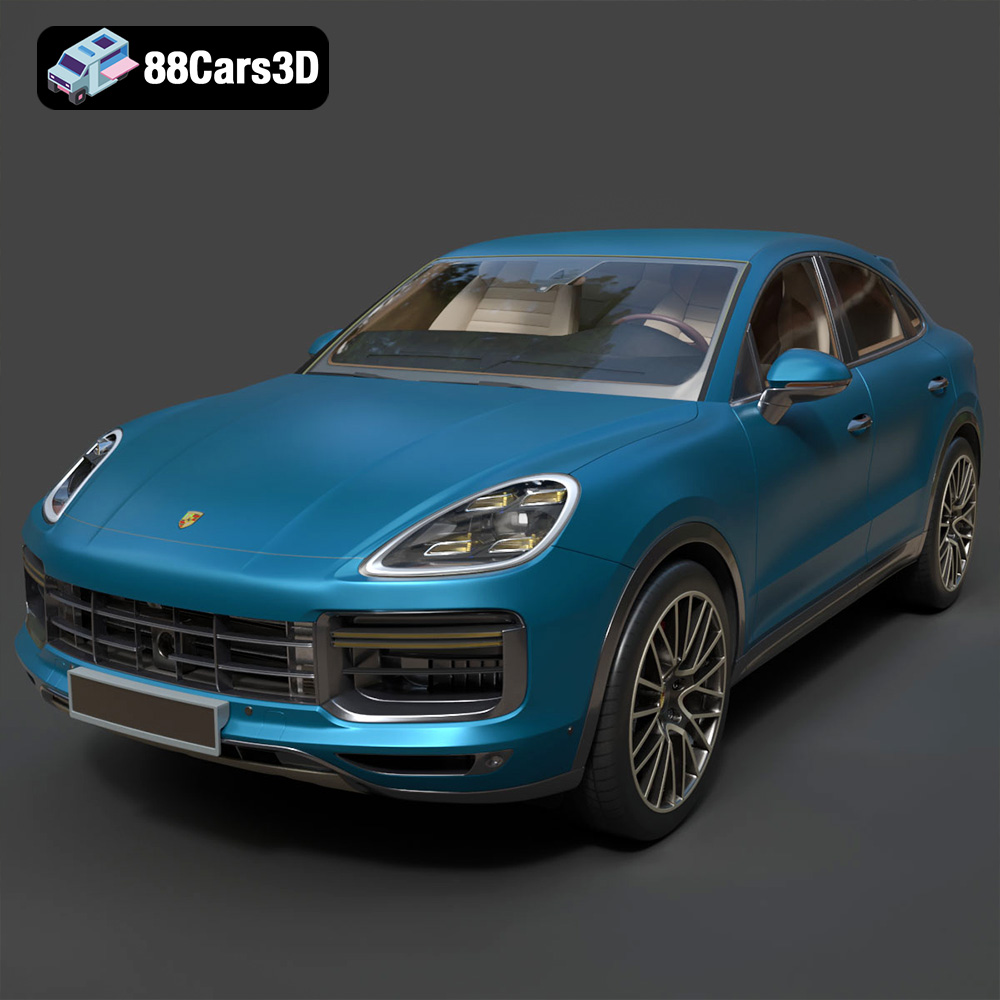
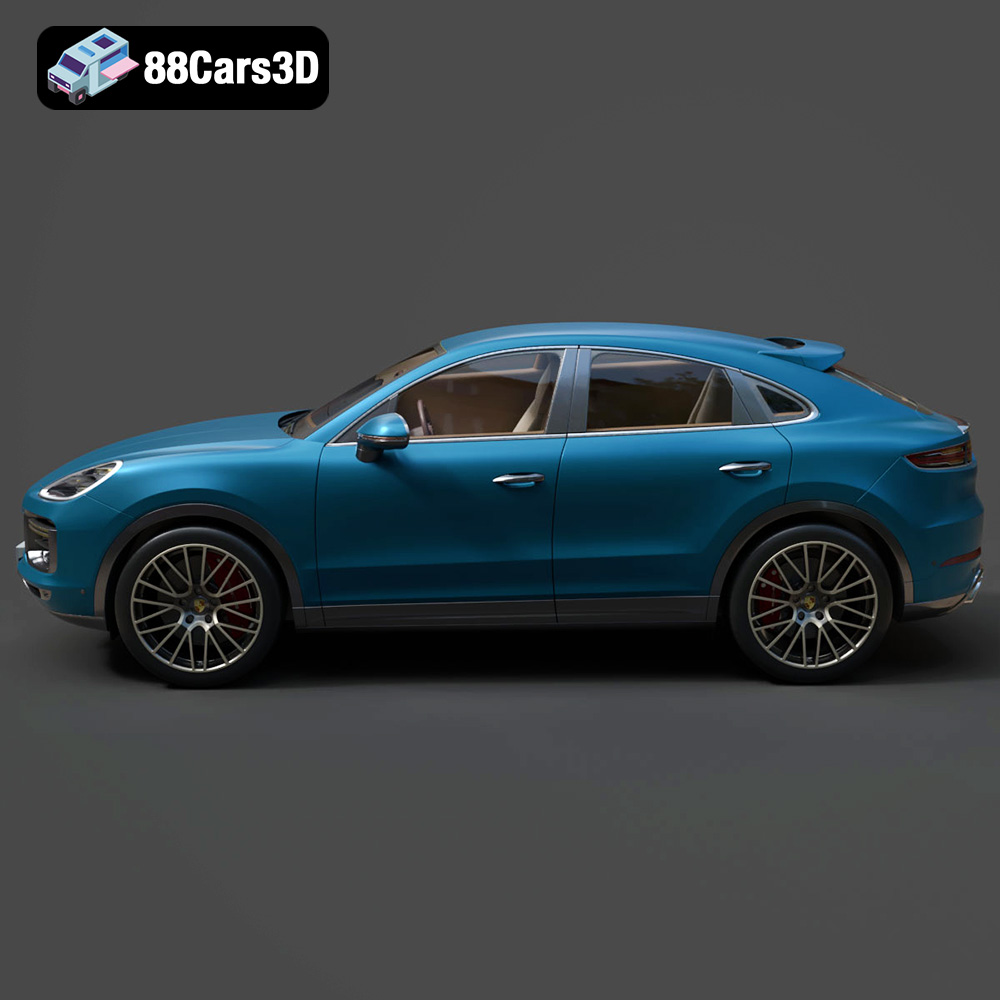
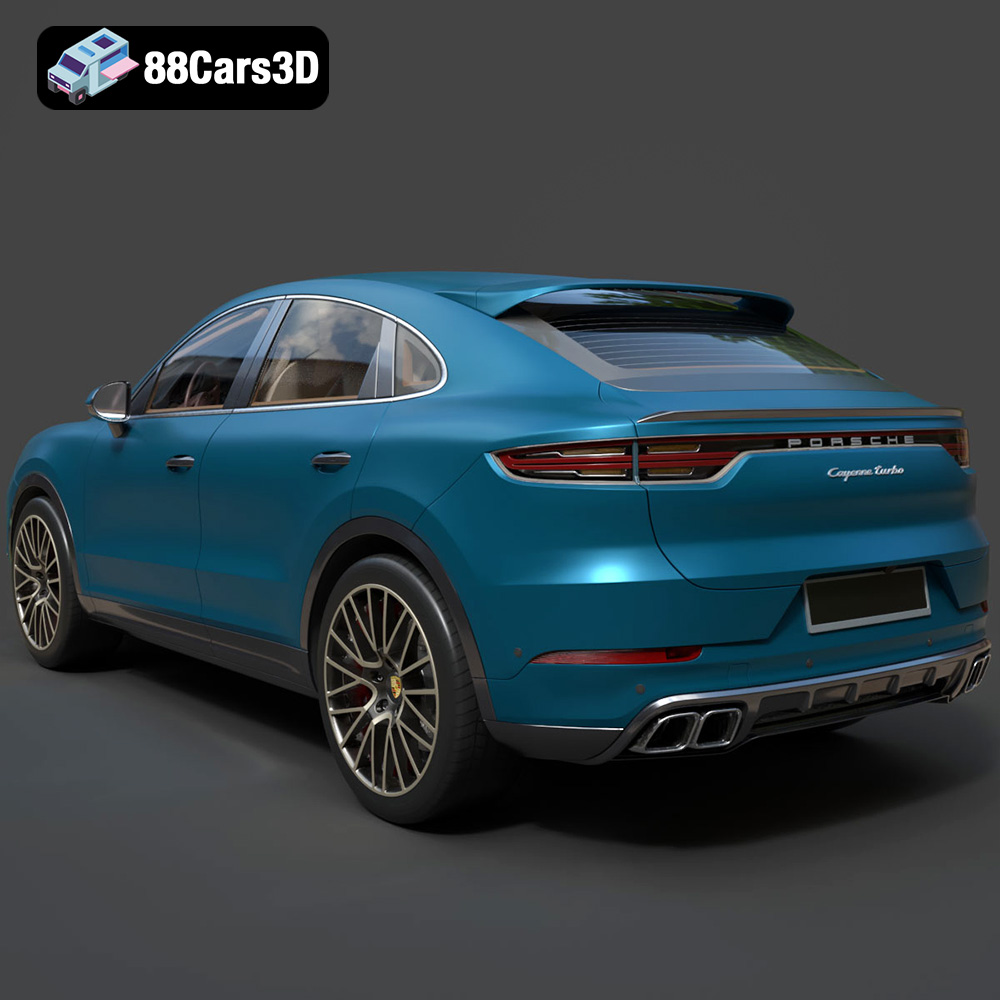
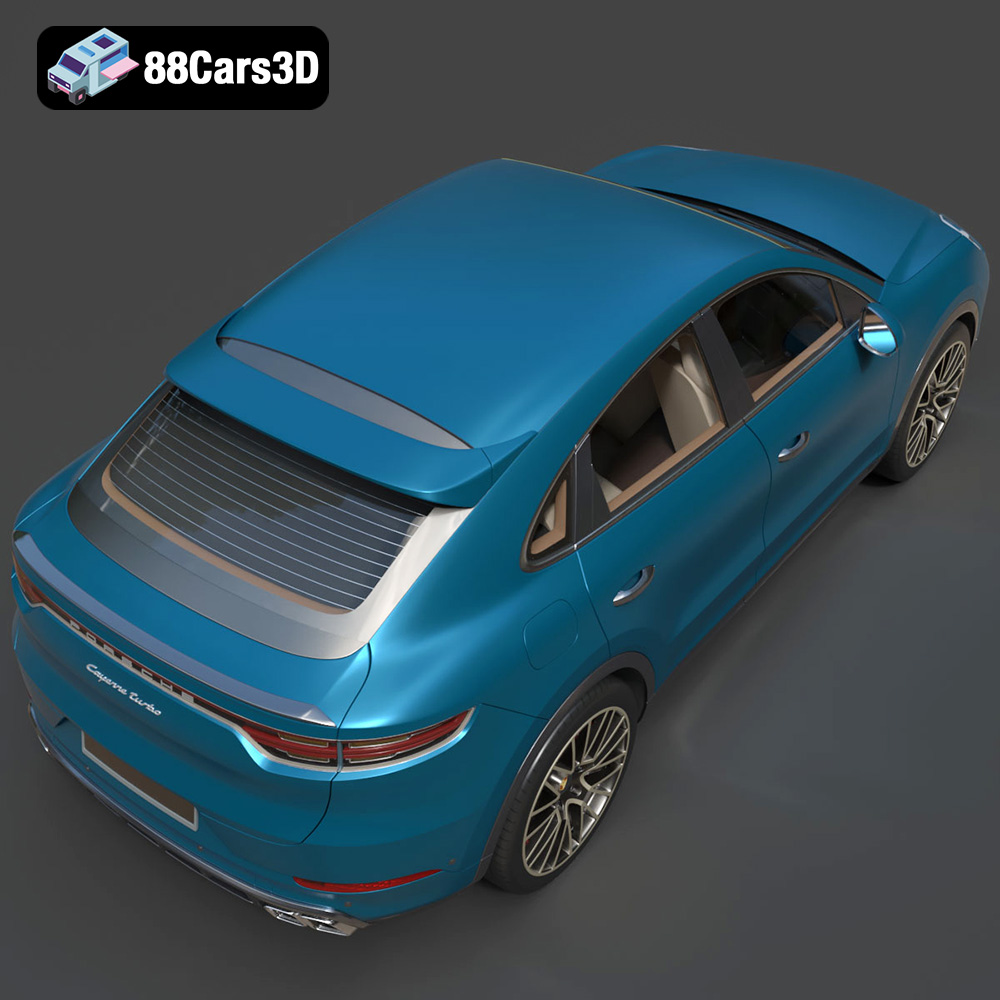
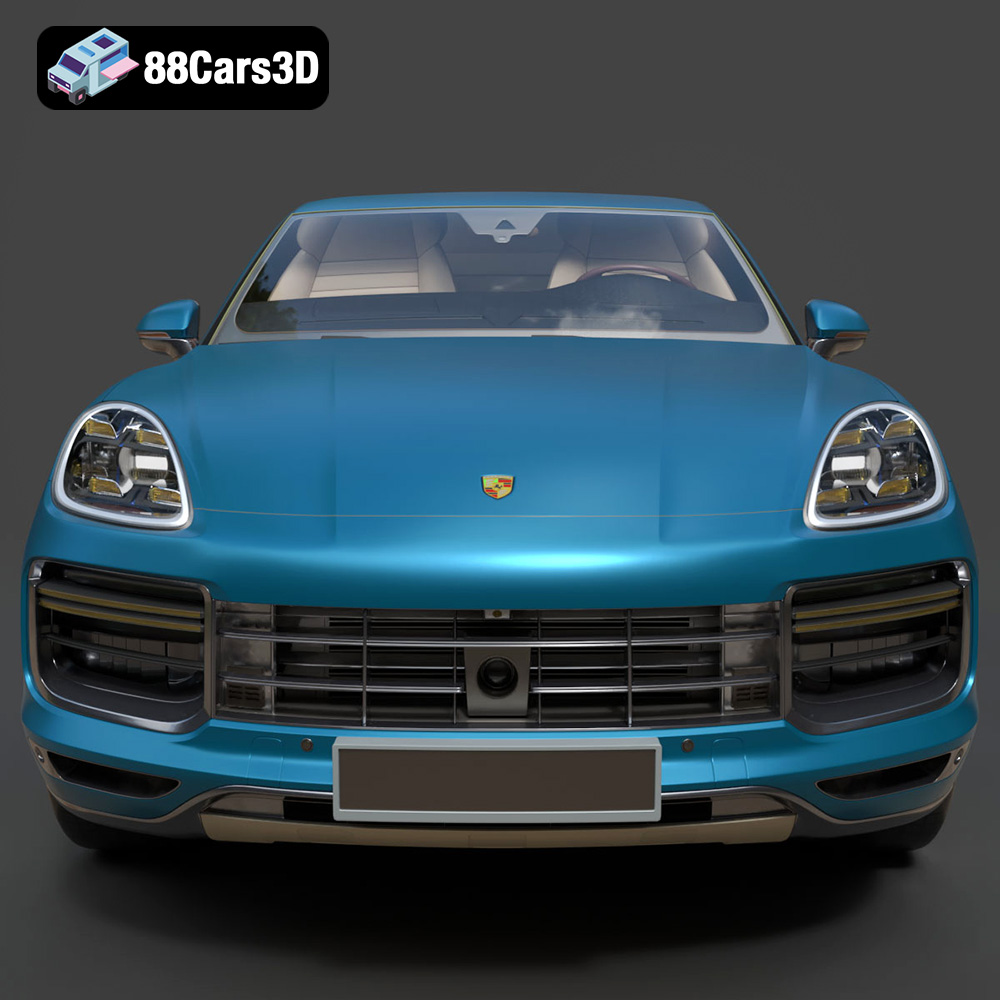
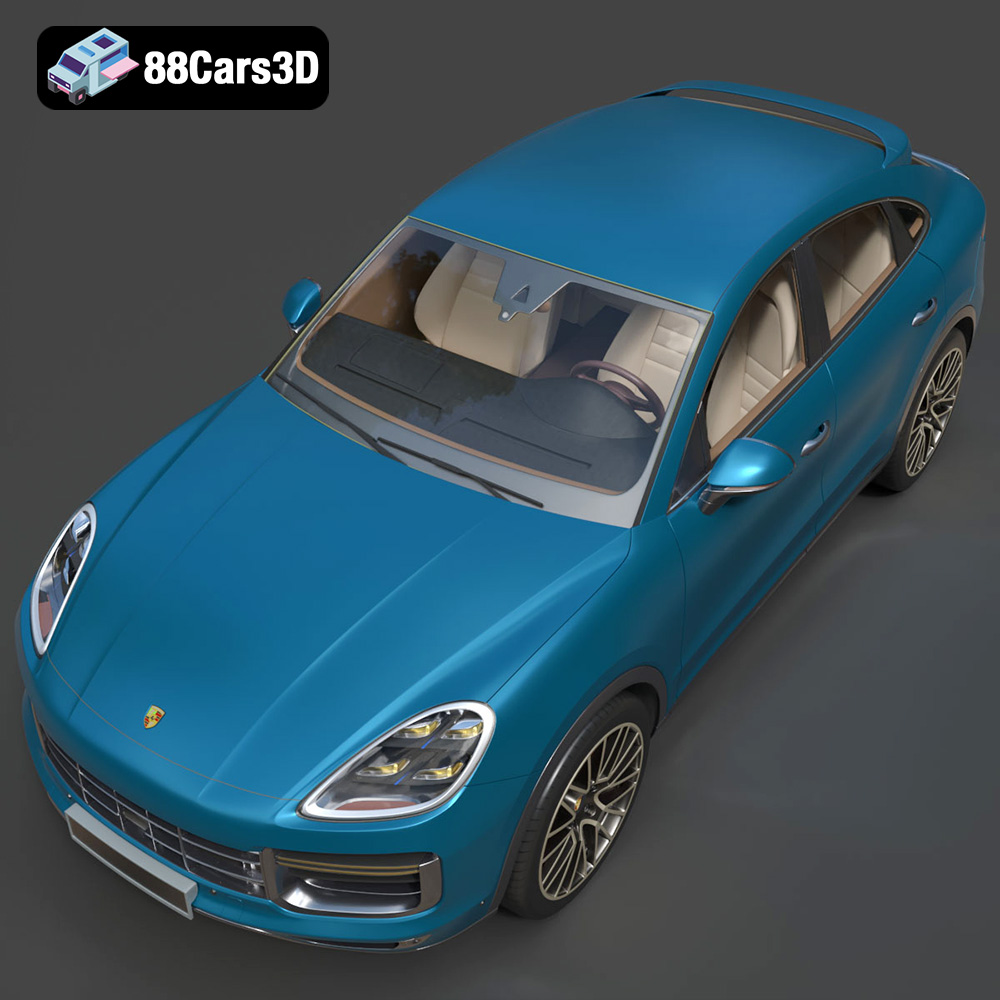
The Porsche Cayenne Turbo Coupe 2020 isn’t just an SUV; it’s a statement. A fusion of raw power and refined luxury, captured in a breathtaking coupe silhouette. Now, thanks to advancements in 3D printing technology and the availability of meticulously crafted models like the one on 88cars3d.com, you can bring this iconic vehicle to life in your own home workshop. This article will guide you through the entire process of 3D printing the Porsche Cayenne Turbo Coupe 2020 model, from pre-print preparation to post-processing perfection. We’ll cover crucial settings, material choices, and techniques to ensure your print is a true reflection of the original vehicle’s stunning design.
The success of your 3D printed Porsche Cayenne Turbo Coupe 2020 hinges on the right combination of printer and material. While both Fused Deposition Modeling (FDM) and Stereolithography (SLA) printers can produce excellent results, the intricate details of this model often benefit from the higher resolution offered by SLA resin printing.
* Material Recommendations: PLA and PETG are excellent choices for FDM printing. PLA is biodegradable, easy to print, and offers a good balance of strength and detail. PETG provides increased durability and heat resistance, making it ideal for models that might be exposed to sunlight.
* Printer Settings: Aim for a layer height of 0.1mm to 0.15mm to balance print time and detail. A nozzle diameter of 0.4mm is standard, but a smaller nozzle (0.25mm) can further enhance fine details. Infill density should be around 20-30% for structural integrity without adding excessive weight.
* Material Recommendations: Standard resin is a good starting point for resin printing. However, for increased durability and impact resistance, consider using a tough or ABS-like resin.
* Printer Settings: Layer height is crucial in resin printing. Aim for a layer height of 0.04mm to 0.08mm to maximize detail. Exposure time will vary depending on your resin and printer, but a good starting point is around 6-8 seconds per layer.
The world of 3D models is filled with different file formats, each serving a specific purpose. When it comes to 3D printing, understanding these formats is critical for a smooth and successful printing experience. The Porsche Cayenne Turbo Coupe 2020 model available on 88cars3d.com is offered in a variety of formats, but some are better suited for 3D printing than others.
The STL (Stereolithography) file format is the industry standard for 3D printing. It represents the surface geometry of a 3D object as a collection of triangles. This simplicity makes it universally compatible with slicing software and 3D printers. When you download the Porsche Cayenne Turbo Coupe 2020 model for printing, the STL file will be your primary focus. STL files contain no color or texture information, only the raw mesh data.
* Slicing Software Compatibility: Virtually all slicing software packages, such as Cura, PrusaSlicer, Simplify3D, and others, readily accept STL files. These programs convert the 3D model into a series of layers that the 3D printer can then build.
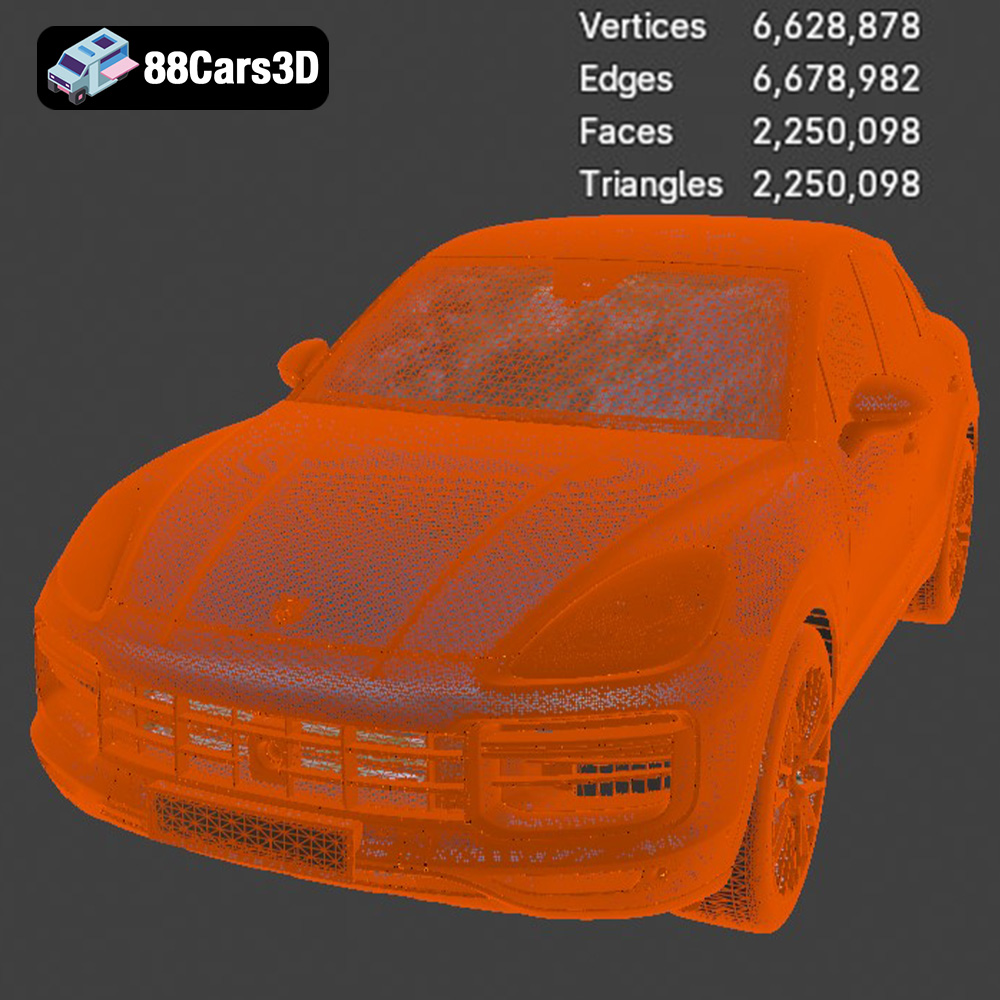
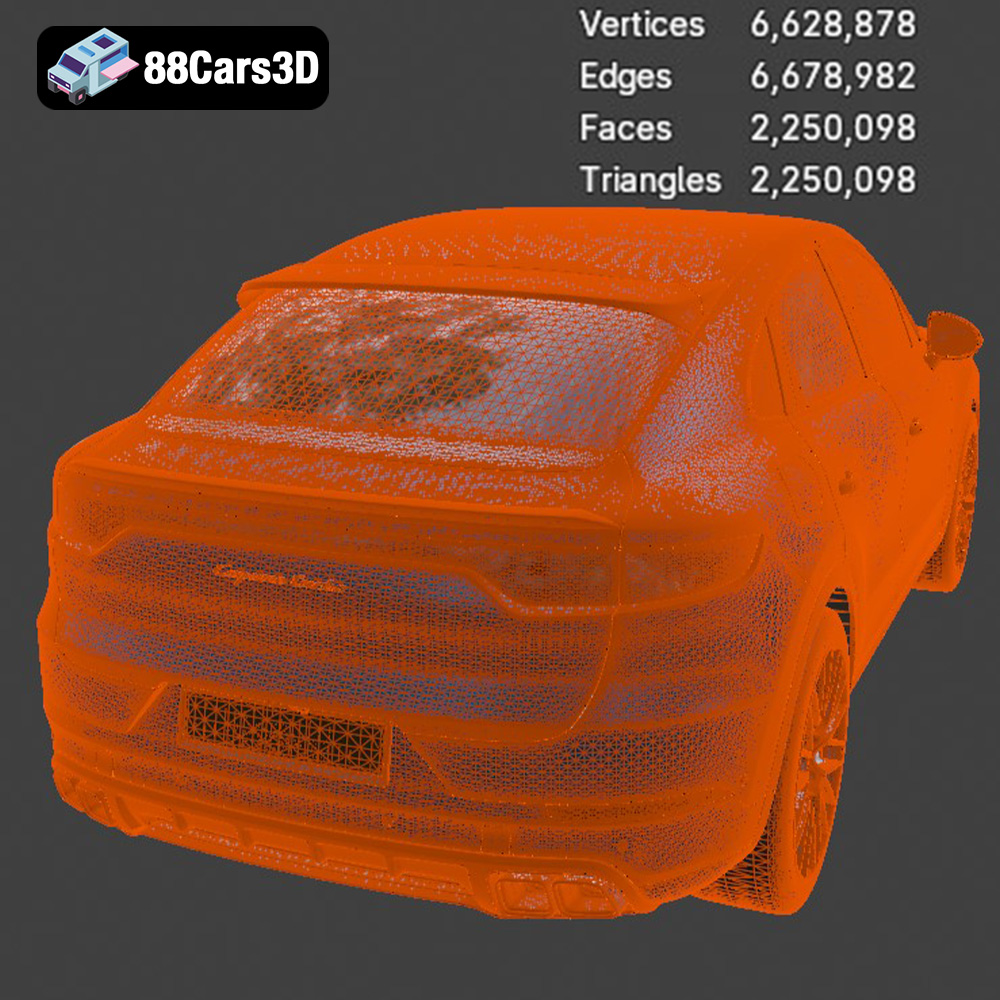
* Mesh Quality: The quality of the STL file directly impacts the final print. A high-resolution STL file will have a greater number of smaller triangles, resulting in a smoother surface finish and more accurate representation of the original design. However, excessively high-resolution STL files can be large and slow down slicing and printing. Striking a balance between detail and file size is important. Most models on 88cars3d.com are optimized to offer a good balance of quality and performance.
* Repairing STL Files: Sometimes, STL files can contain errors such as holes, self-intersections, or inverted normals. These errors can cause problems during slicing and printing. Fortunately, several free and paid software tools, like MeshMixer or Netfabb, can automatically detect and repair these issues.
The OBJ (Object) file format is a more versatile format that, in addition to geometry, can also store color and texture information. This makes it suitable for colored 3D prints or for rendering applications where visual appearance is paramount. However, many 3D printers cannot directly print OBJ files with color information, requiring specialized hardware and software.
The PLY (Polygon File Format) is designed for storing 3D data acquired from 3D scanners. It’s known for its ability to represent complex geometries with high precision. While suitable for 3D printing, it’s not as widely supported as STL, and the large file sizes can be a challenge.
The remaining formats (.blend, .fbx, .glb, and .max) are primarily intended for editing, animation, and visualization purposes:
* .blend: A native Blender file, allowing for full modification of the model within Blender.
* .fbx: A widely used format for animation and game development, supporting materials and animations.
* .glb: A binary file format used for transmitting 3D models efficiently, often used for AR/VR applications.
* .max: A native 3ds Max file, similar to .blend but for 3ds Max users.
For 3D printing the Porsche Cayenne Turbo Coupe 2020, your primary focus will be on the .STL format. The other formats are valuable for modifying the model before creating the final STL for printing.
Once you’ve chosen your printer and material, the next crucial step is pre-print preparation. This involves using slicing software to convert the 3D model into a series of instructions for your printer and optimizing the model for successful printing.
* Choosing the Right Software: Several excellent slicing software options are available, both free and paid. Cura and PrusaSlicer are popular free choices, offering a wide range of features and customization options. Simplify3D is a powerful paid option known for its advanced features and precise control.
* Importing and Orienting the Model: Import the STL file of the Porsche Cayenne Turbo Coupe 2020 into your chosen slicing software. The orientation of the model on the print bed significantly impacts print time, support requirements, and surface finish. For the car’s body, printing it at an angle (e.g., 45 degrees) can minimize the need for supports on the curved surfaces. Wheels and other detailed parts are best printed vertically.
* Types of Supports: Slicing software offers various support structures, including tree supports, linear supports, and hybrid options. Tree supports are generally more efficient and easier to remove, especially for complex geometries.
* Support Settings: Adjust support density and overhang angle to optimize support performance. Higher density supports provide more stability but can be harder to remove. Experiment with different settings to find the best balance for your printer and material. The recommended settings for the Porsche Cayenne Turbo Coupe 2020 model on 88cars3d.com specify supports for detailed parts like the exhaust, side mirrors, wheels, and aerodynamic features, so pay close attention to these areas.
The specific print settings will vary depending on your printer, material, and desired level of detail. However, here are some general guidelines to get you started:
* FDM Printing: A layer height of 0.1mm to 0.15mm offers a good balance of detail and print time.
* Resin Printing: A layer height of 0.04mm to 0.08mm maximizes detail, especially for intricate features.
* Infill Density: 20-30% infill is sufficient for most parts of the Porsche Cayenne Turbo Coupe 2020 model. For parts that require more strength, such as the chassis, consider increasing the infill density to 40-50%.
* Infill Pattern: Gyroid infill is a strong and efficient pattern that provides good support in all directions.
* Print Speed: A moderate print speed (e.g., 40-60mm/s for FDM, standard settings for resin) will help ensure accurate layer adhesion and minimize warping.
* Temperature: Follow the manufacturer’s recommendations for your chosen material. PLA typically prints at around 200-220°C, while PETG prints at around 230-250°C. Resin printing does not involve temperature settings.
Once the printing is complete, the real work begins. Post-processing is essential for removing supports, smoothing surfaces, and adding the finishing touches that transform a 3D print into a stunning replica of the Porsche Cayenne Turbo Coupe 2020.
* Tools: Use a combination of pliers, cutters, and hobby knives to carefully remove support structures. Take your time to avoid damaging the model.
* Technique: Start by removing the bulk of the support material, then use a hobby knife to carefully trim away any remaining pieces.
* Sanding: Start with coarse sandpaper (e.g., 220 grit) to remove any major imperfections. Gradually move to finer grits (e.g., 400, 600, 800 grit) to smooth the surface.
* Priming: Apply a few thin coats of primer to fill in any remaining imperfections and provide a smooth surface for painting.
* Paint Selection: Use high-quality acrylic paints designed for model making. Consider using authentic Porsche factory colors for a realistic finish.
* Techniques: Apply multiple thin coats of paint for a smooth, even finish. Use masking tape to create clean lines and details. Consider using an airbrush for a professional-looking finish. The Porsche Cayenne Turbo Coupe 2020 model descriptions suggests applying gloss or metallic finishes to stay true to the original.
Even with careful planning and execution, 3D printing can present challenges. Here are some common issues and their solutions:
* Cause: Uneven cooling can cause the corners of the print to lift off the build plate.
* Solution: Ensure the build plate is properly leveled and heated. Use a brim or raft to improve adhesion. Reduce print speed.
* Cause: Excess material oozing from the nozzle during travel moves.
* Solution: Increase retraction distance and speed. Lower print temperature. Adjust travel speed.
* Cause: Poor adhesion between layers can cause the print to delaminate.
* Solution: Increase print temperature. Reduce print speed. Ensure proper bed adhesion.
* Cause: Insufficient support structures can cause overhangs to collapse.
* Solution: Increase support density. Adjust support placement. Use a stronger support material.
By understanding these potential issues and their solutions, you can overcome challenges and achieve a successful 3D print of the Porsche Cayenne Turbo Coupe 2020 model.
Experience the ultimate fusion of sports car performance and SUV versatility with the Porsche Cayenne Turbo Coupe 2020. This exceptional 3D model captures the striking athletic stance, the dramatically sloping coupe-style roofline, and the legendary Porsche design DNA.
$39.99
.blend
.fbx
.glb
.luxury suv
.max
.obj
.ply
.porsche
.rendering
.stl
.unreal
car-3d-model
cayenne-turbo-coupe-2020
game asset
game-ready
low-poly
optimized
performance suv
VR/AR