Get 20% OFF All Premium 3D & STL Models!

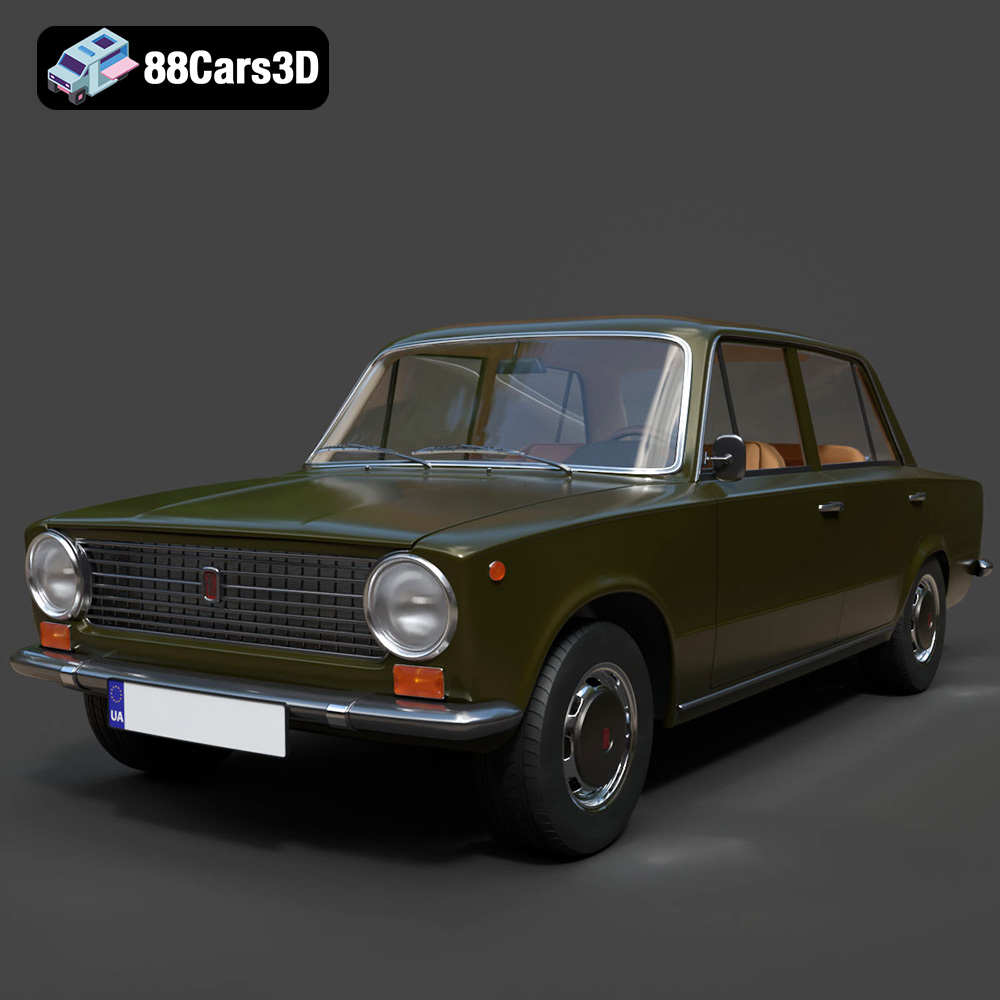
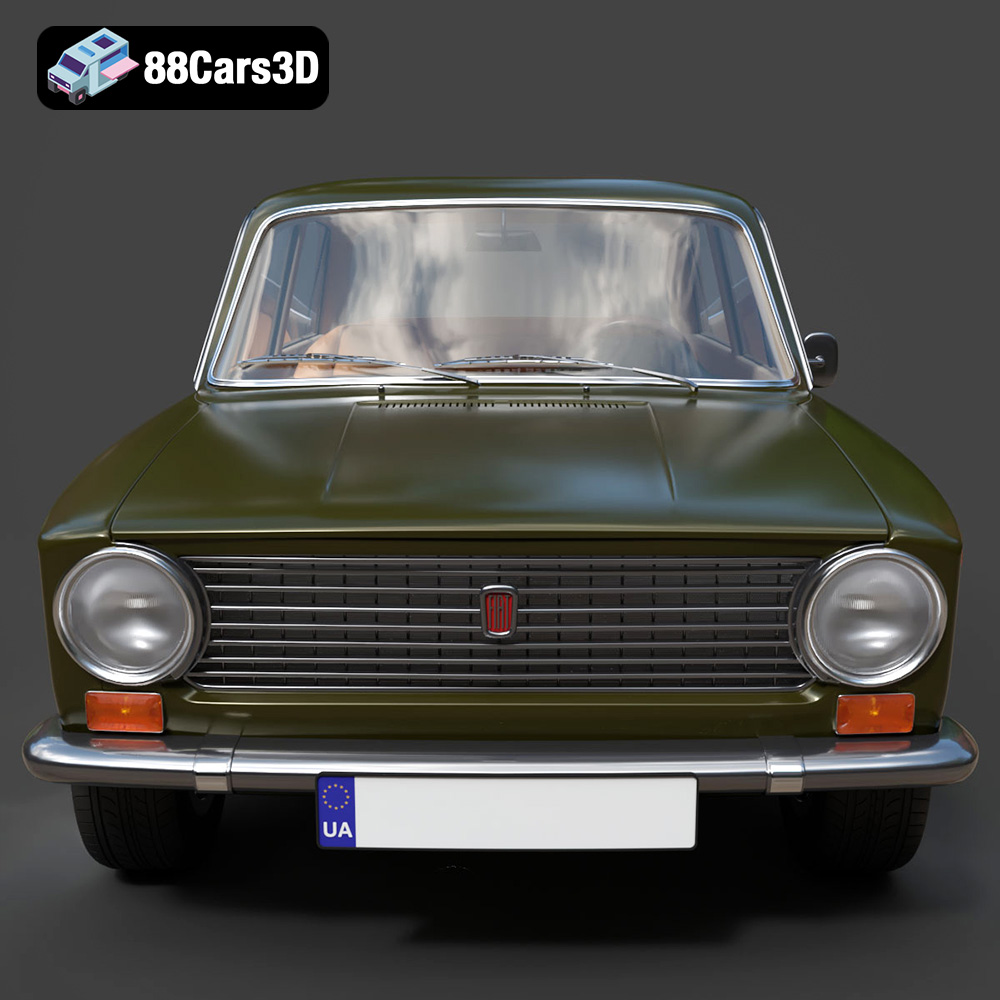
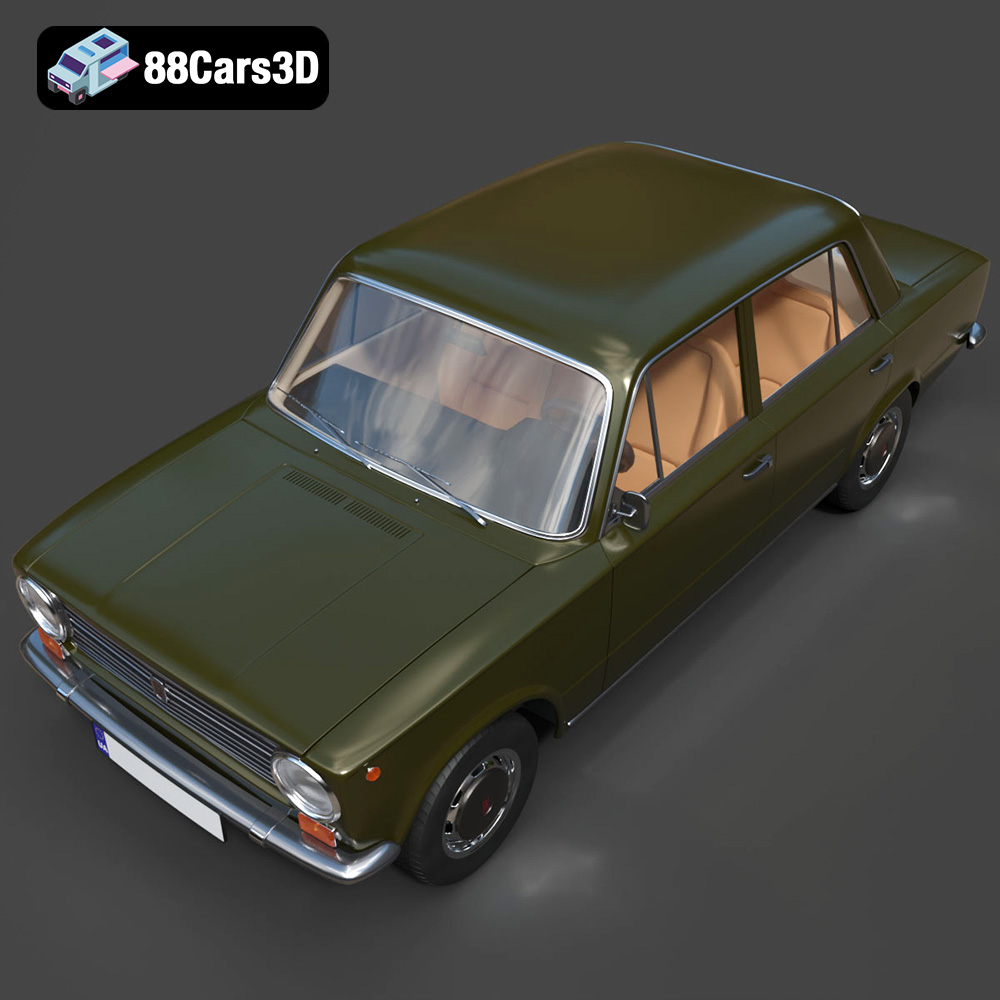
The Fiat 124 Mk1 1966, an icon of Italian automotive design, can now be brought to life through the magic of 3D printing. This blog post will serve as your comprehensive guide to successfully 3D printing this detailed model, covering everything from selecting the right materials and printer settings to post-processing techniques that will make your miniature Fiat a true standout. Whether you’re a seasoned 3D printing enthusiast or just starting, this guide will provide the knowledge and tips you need to create a stunning replica of this classic car. The 3D model available on 88cars3d.com offers a fantastic starting point, designed for both visual fidelity and optimal 3D printing performance.
Selecting the appropriate 3D printer is crucial for achieving the desired level of detail and accuracy in your 3D printed Fiat 124 Mk1 1966. Both Fused Deposition Modeling (FDM) and Stereolithography (SLA) printers can be used, but each offers unique advantages and disadvantages.
FDM printers are a popular choice due to their affordability and versatility. They work by extruding molten plastic filament layer by layer to build the object. For the Fiat 124, an FDM printer with a nozzle size of 0.4mm or smaller is recommended to capture finer details. Consider printers like the Ender 3 or Prusa i3 series. While FDM printers are great for larger parts of the model like the chassis, complex geometries like the exhaust system or intricate interior details may require more supports, potentially leading to a less refined surface finish.
SLA printers, also known as resin printers, use a laser or projector to cure liquid resin layer by layer. This technology excels at producing highly detailed and accurate prints. For the Fiat 124, an SLA printer like the Anycubic Photon or Elegoo Mars series would be ideal for printing intricate components like the wheels, steering wheel, and dashboard. SLA printing offers superior surface finish compared to FDM, but the build volume is generally smaller, requiring you to potentially split the model into more parts for printing.
Choosing the correct file format is an essential first step when preparing your 3D model for printing. Different file formats store 3D data in various ways, which impacts compatibility, detail retention, and printability. The Fiat 124 Mk1 1966 model from 88cars3d.com comes in multiple formats, so understanding their strengths and weaknesses is crucial.
The STL (Stereolithography) file format is the undisputed industry standard for 3D printing. It represents the surface geometry of a 3D object as a collection of triangles. While simple, this format is universally supported by slicing software and 3D printers. STL files store only the mesh data, lacking color, texture, or material information. This means that any post-processing like painting will be necessary to achieve the desired aesthetic.
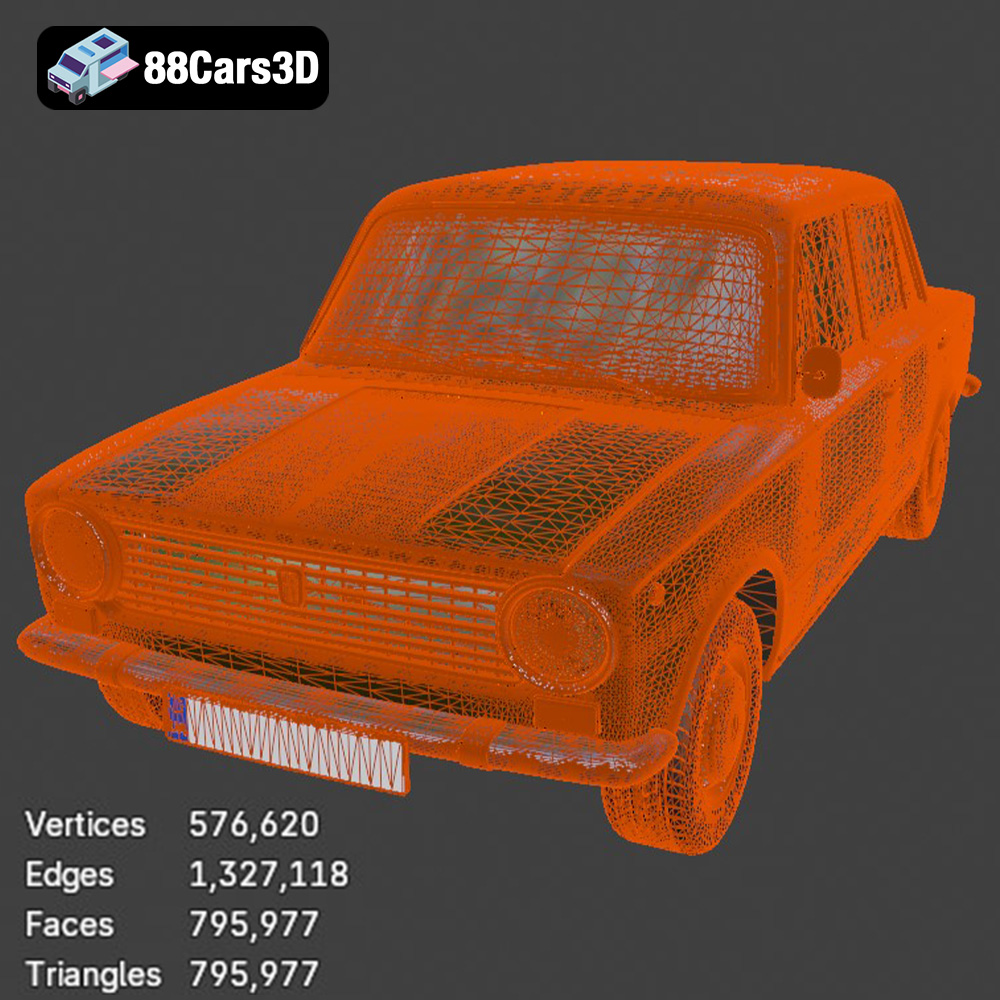
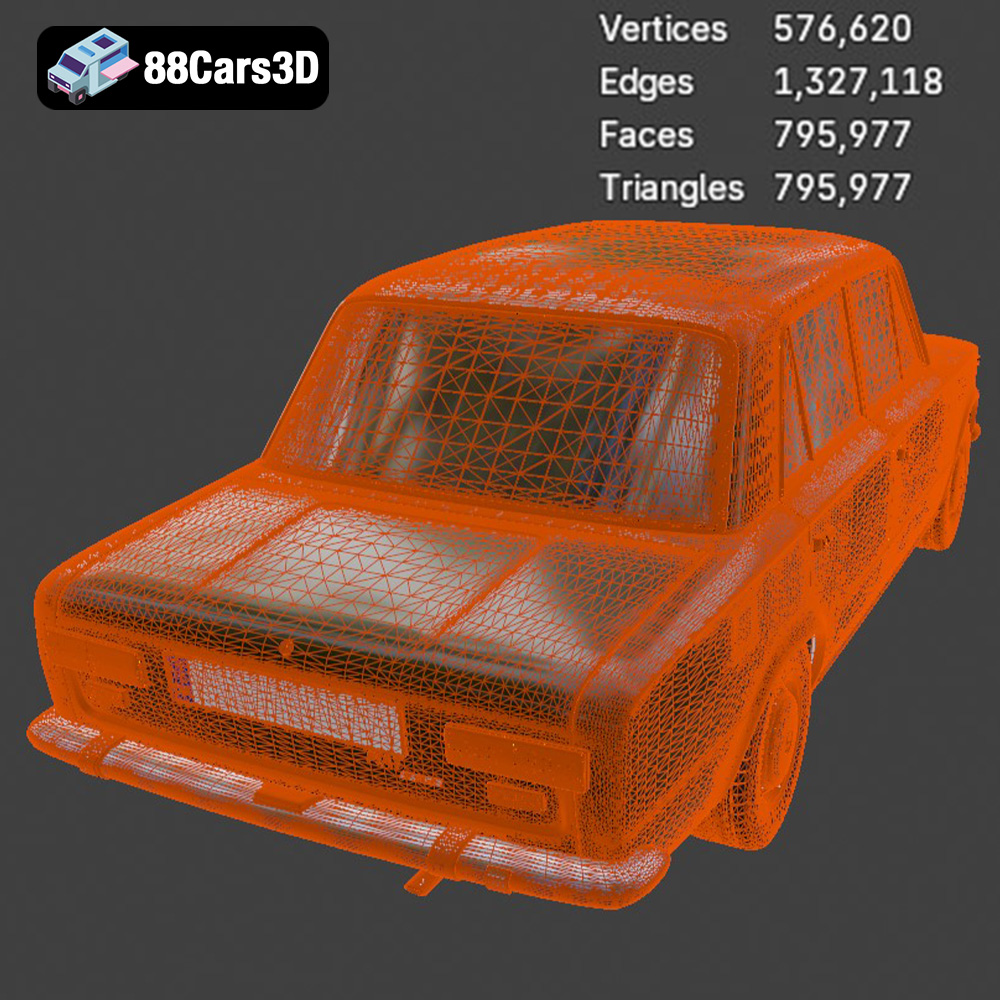
For 3D printing the Fiat 124 Mk1, the STL format is your primary go-to. It’s directly compatible with slicing software like Cura, Simplify3D, or PrusaSlicer. However, the quality of the STL file is paramount. A poorly generated STL file with large triangles will result in a blocky, low-resolution print. Always ensure that the STL file you’re using has a sufficient triangle count to capture the car’s curves and details accurately. Aim for an STL file that balances detail and file size, typically generated with settings optimized for 3D printing. When exporting to STL, adjust the chordal deviation and angle tolerance settings to create a fine mesh suitable for your specific printer’s resolution.
The OBJ file format is another widely supported format. Unlike STL, OBJ can store color and texture information, allowing for the possibility of printing in multiple colors if your 3D printer supports it. However, OBJ files are generally larger than STL files and may not be as universally optimized for 3D printing.
PLY (Polygon File Format) is designed to store 3D data acquired from 3D scanners. It supports color and texture information and is capable of storing high-resolution mesh data. While it can be used for 3D printing, it’s less common than STL due to compatibility issues with some slicing software.
The .blend file is the native format for Blender, a popular open-source 3D modeling software. This format contains the entire Blender scene, including the model, textures, materials, and lighting. If you want to customize the Fiat 124 Mk1 before printing, the .blend file is the perfect starting point. You can modify the model’s geometry, add details, or change its overall design. Once you’re finished, you’ll need to export the model as an STL file for 3D printing.
FBX (Filmbox) is a proprietary file format developed by Autodesk. It’s commonly used for exchanging 3D data between different software applications. FBX files can store geometry, textures, materials, and animation data. While some slicing software can import FBX files, it’s primarily used for transferring assets between different stages of a 3D project.
GLB is a binary file format that represents 3D models in the GL Transmission Format (glTF). It’s designed to be compact and efficient for web-based applications. GLB files are often used for previewing 3D models in augmented reality (AR) applications.
The .max file is the native format for 3ds Max, another professional 3D modeling software. Similar to .blend, it contains the entire project, allowing for extensive customization before exporting for 3D printing. After making modifications, export as STL for printing.
Before you can start printing, you need to prepare the 3D model using slicing software. This software converts the 3D model into a set of instructions that the 3D printer can understand. Popular slicing software options include Cura, Simplify3D, and PrusaSlicer.
The orientation of the model on the print bed is critical for print quality and support material usage. For the Fiat 124, consider printing the chassis at an angle to minimize the need for supports on the exterior surfaces. Wheels, suspension components, and smaller details should be printed separately for optimal results. Slicing software can automatically generate supports, but manual adjustments are often necessary to ensure they are placed strategically and don’t damage delicate features during removal.
Infill density affects the strength and weight of the printed object. For a display model of the Fiat 124, a 20-30% infill should be sufficient. Layer height determines the resolution of the print; lower layer heights (0.1mm or less) result in smoother surfaces but increase print time. Balancing layer height and print time is crucial. A layer height of 0.04-0.12 mm is recommended, as stated on 88cars3d.com’s product page.
Sometimes, 3D models contain errors that can cause printing problems. Slicing software often includes tools to automatically repair these errors. Services like Netfabb Basic can also be used to identify and fix issues such as non-manifold edges, flipped normals, and holes in the mesh. Ensure your model is watertight before proceeding to printing.
The material you choose for 3D printing your Fiat 124 significantly impacts the final product’s appearance, strength, and durability.
PLA (Polylactic Acid) is a popular choice due to its ease of printing and biodegradable nature. It’s ideal for beginners and produces good-quality prints. PLA is suitable for the body and interior parts of the Fiat 124 but may not be the best choice for parts that require high heat resistance.
PETG (Polyethylene Terephthalate Glycol-modified) offers a good balance of strength, flexibility, and temperature resistance. It’s more durable than PLA and suitable for parts that might be subjected to stress or wear, such as the wheels and suspension components.
For incredibly detailed parts, especially when using an SLA printer, resin is the way to go. Resin allows for much finer details, like the dashboard instruments or the intricate patterns on the seats, to be printed with high fidelity. However, resin prints are generally more brittle than FDM prints and require careful post-processing.
Fine-tuning your printer settings is essential for achieving the best possible print quality. Here are some suggested settings:
* **Layer Height:** 0.04-0.12 mm (for resin), 0.1-0.2 mm (for FDM)
* **Infill Density:** 20-30%
* **Print Speed:** 40-60 mm/s (FDM), dependent on resin and printer (SLA)
* **Support Type:** Tree supports or custom supports (FDM), light supports (SLA)
* **Bed Adhesion:** Brim or raft (FDM), adequate base size (SLA)
* **Temperature:** According to filament/resin manufacturer’s recommendations
* **Wall Thickness:** 1.2-2.0 mm
Post-processing is the final stage in bringing your 3D printed Fiat 124 to life. This involves removing supports, sanding surfaces, painting, and assembling the individual parts.
Carefully remove the supports using cutters or pliers. Sand the surfaces with progressively finer grit sandpaper to achieve a smooth finish. For FDM prints, consider using filler primer to fill in any remaining layer lines.
Painting is crucial for achieving a realistic look. Apply primer first, followed by several coats of paint in the desired color. Consider using authentic Fiat factory colors for a true-to-life replica. Apply clear coat for added protection and a glossy finish. For the chrome details, use chrome paint markers or spray paint.
Assemble the individual parts using glue or screws. Ensure all parts fit together properly and align correctly. The detailed interior components should be carefully placed inside the chassis.
Even with careful preparation, 3D printing issues can arise. Here are some common problems and solutions:
* **Warping:** Use a heated bed and ensure good bed adhesion.
* **Stringing:** Adjust retraction settings and temperature.
* **Layer Shifting:** Check belt tension and motor drivers.
* **Support Failure:** Increase support density and thickness.
* **Elephant’s Foot:** Reduce initial layer temperature and flow rate.
By following these guidelines, you’ll be well-equipped to overcome common 3D printing challenges and achieve a high-quality result.
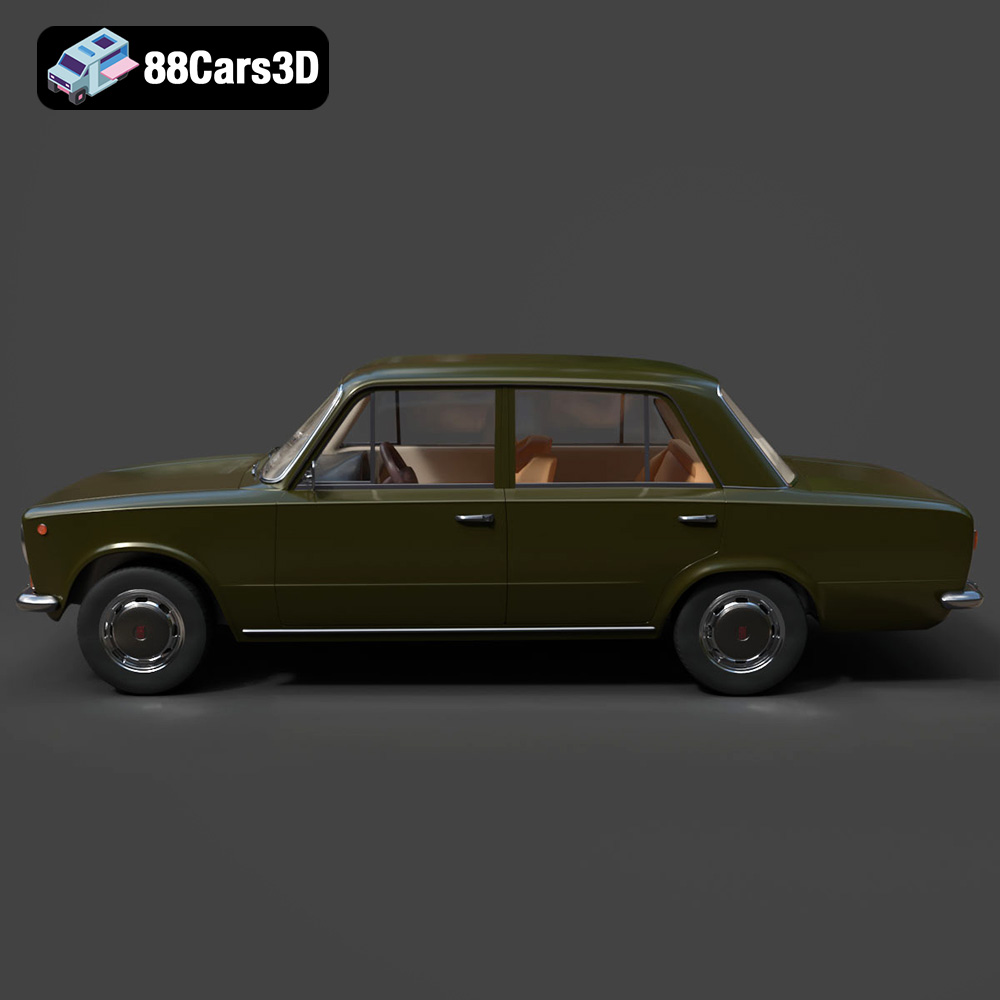
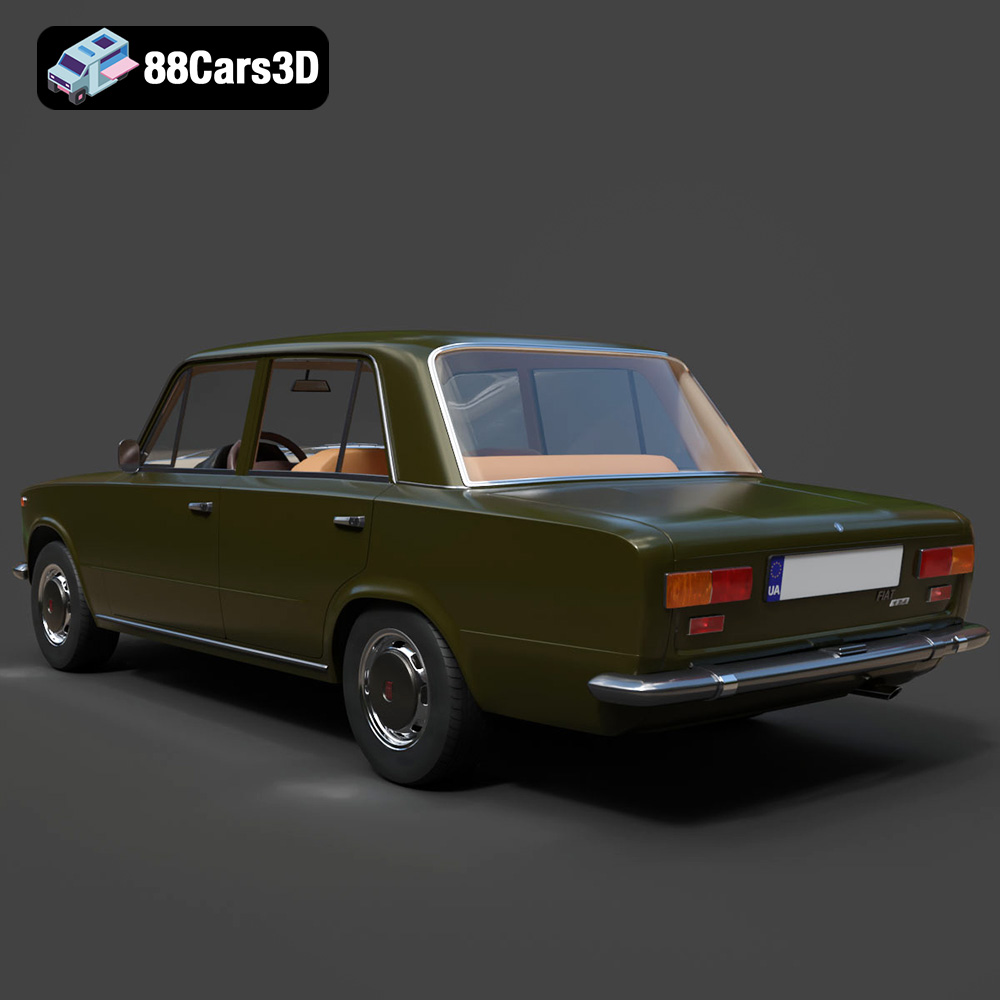
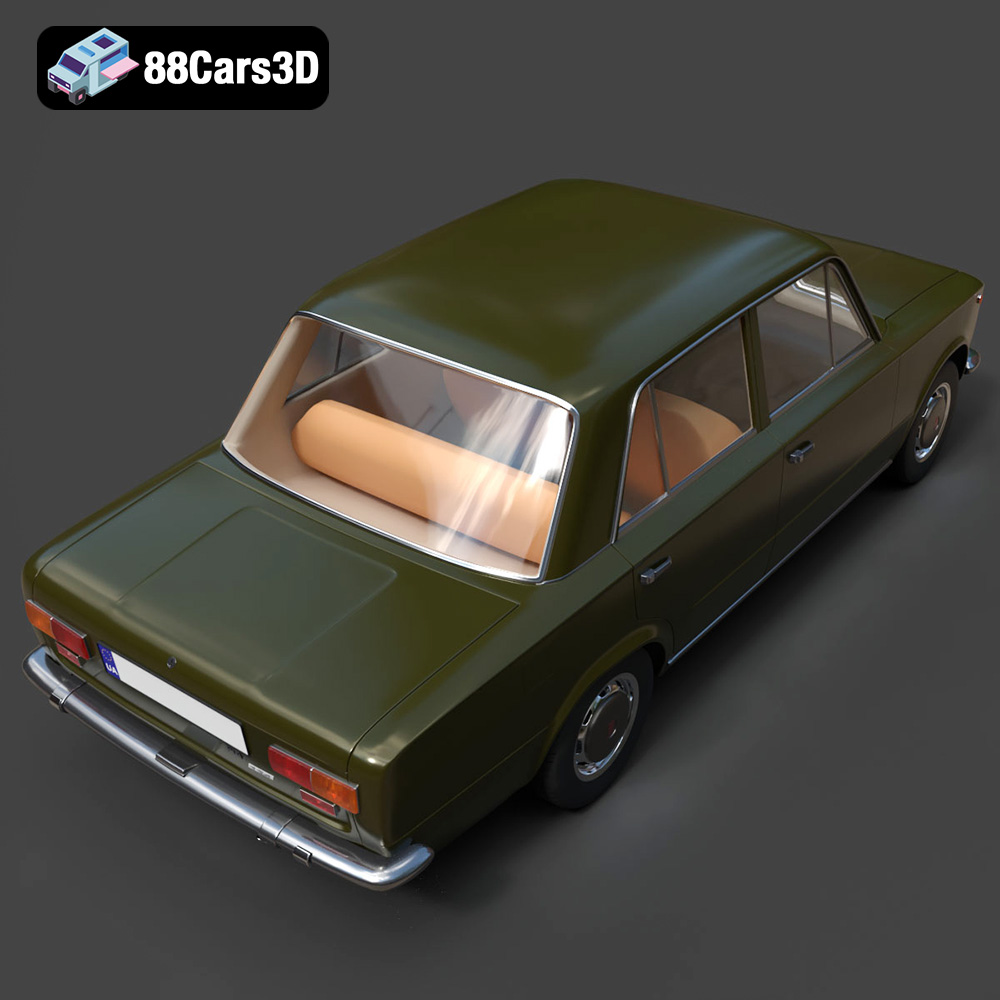
Step into automotive history with the Fiat 124 Mk1 1966, a defining icon of mid-century Italian motoring. Introduced as a spacious yet compact family sedan, the 124 Mk1 is celebrated for its boxy but elegant styling, revolutionary lightweight construction, and peppy inline-four engine. This meticulously crafted 3D model captures the timeless charm of the original, from its distinctive round headlamps and signature chrome grille to the classic rear-wheel-drive stance and period-correct exhaust system.
$19.99
.1966
.blend
.fbx
.fiat
.glb
.max
.mk1
.obj
.ply
.rendering
.sedan
.stl
.unreal
124
car-3d-model
classic-car
game asset
game-ready
low-poly
optimized
vintage-car
VR/AR