Get 20% OFF All Premium 3D & STL Models!

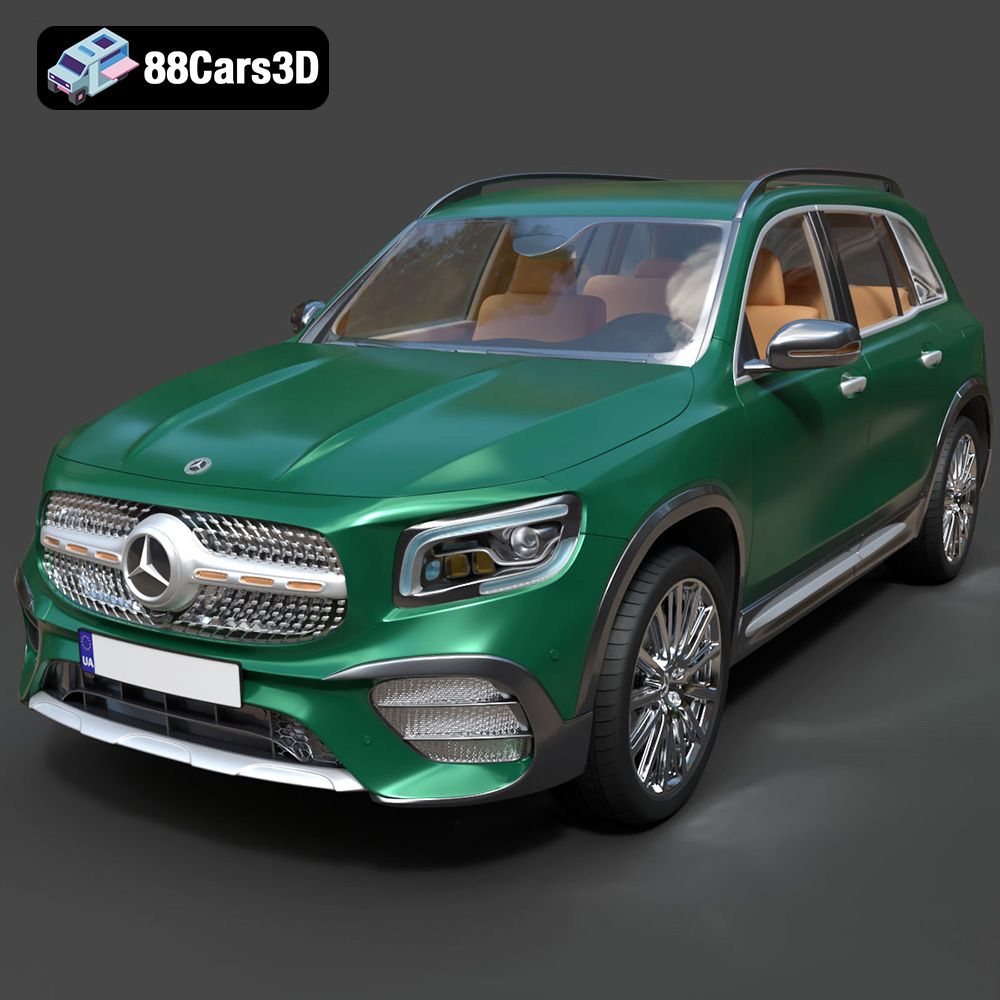
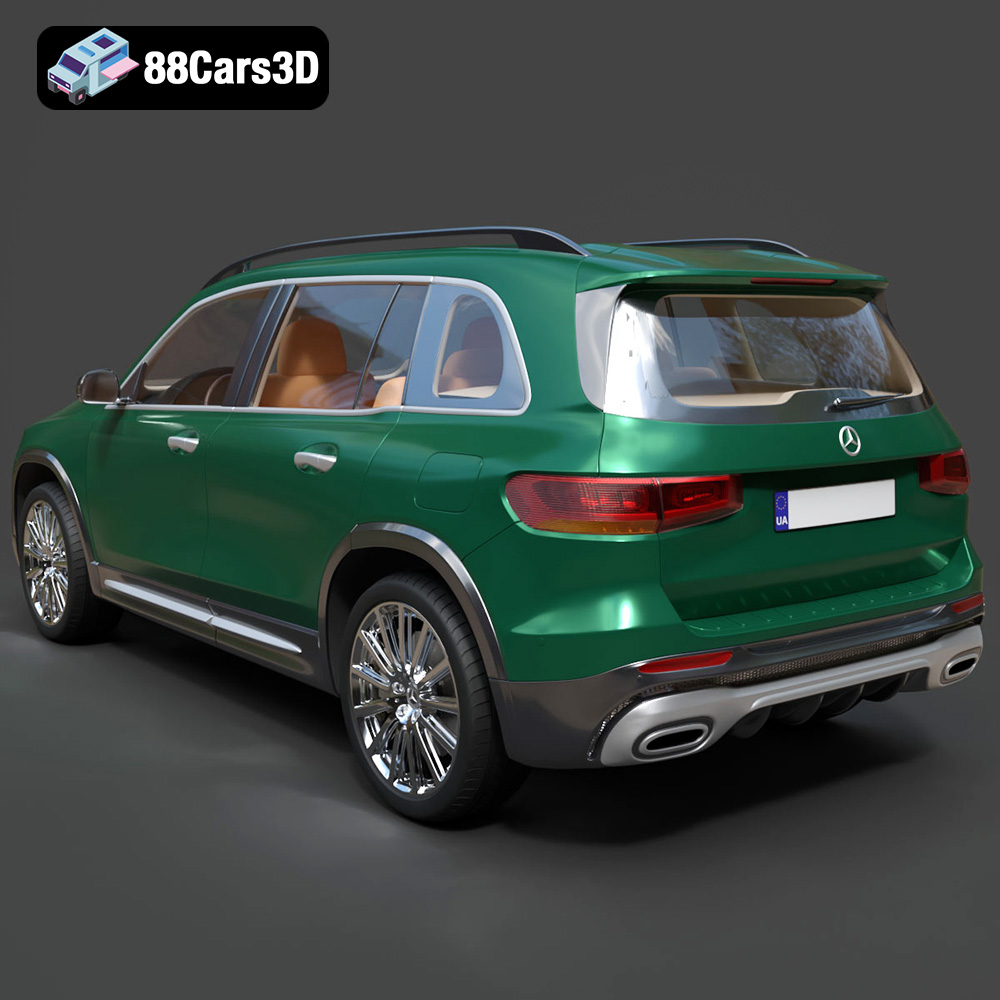
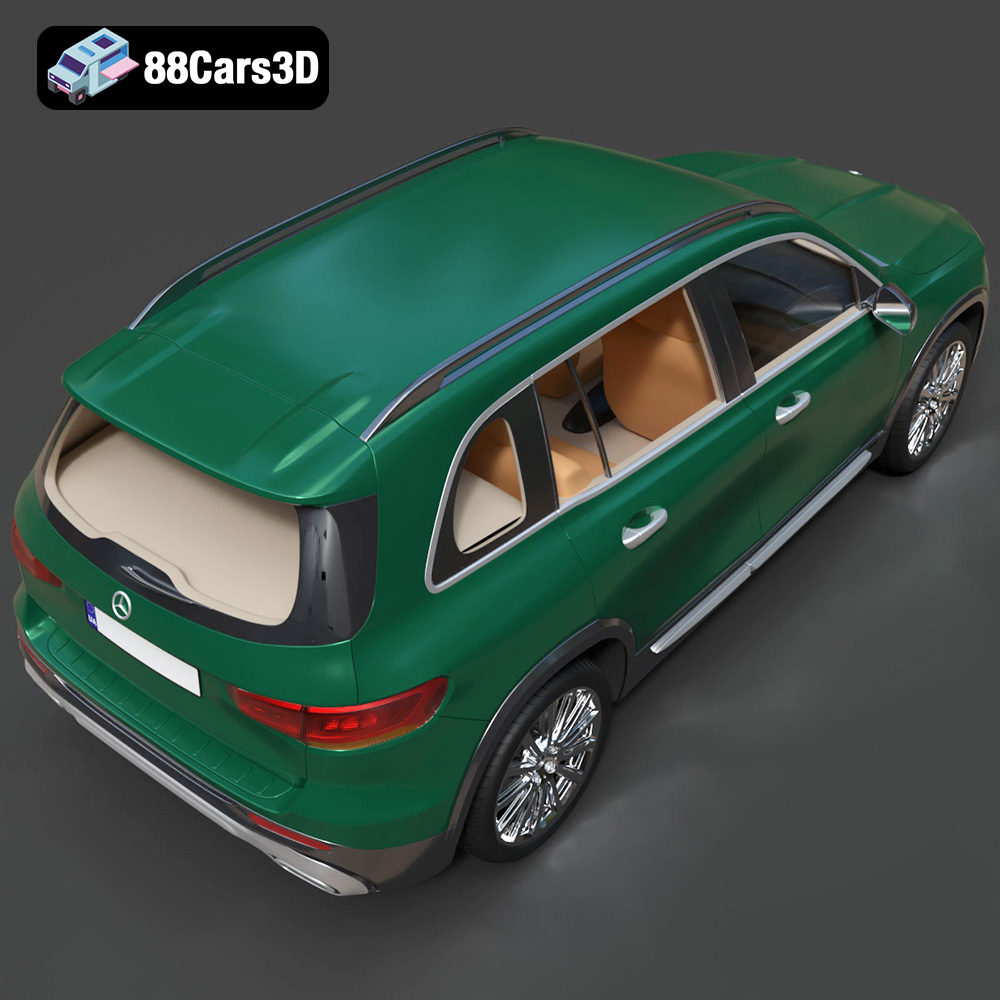
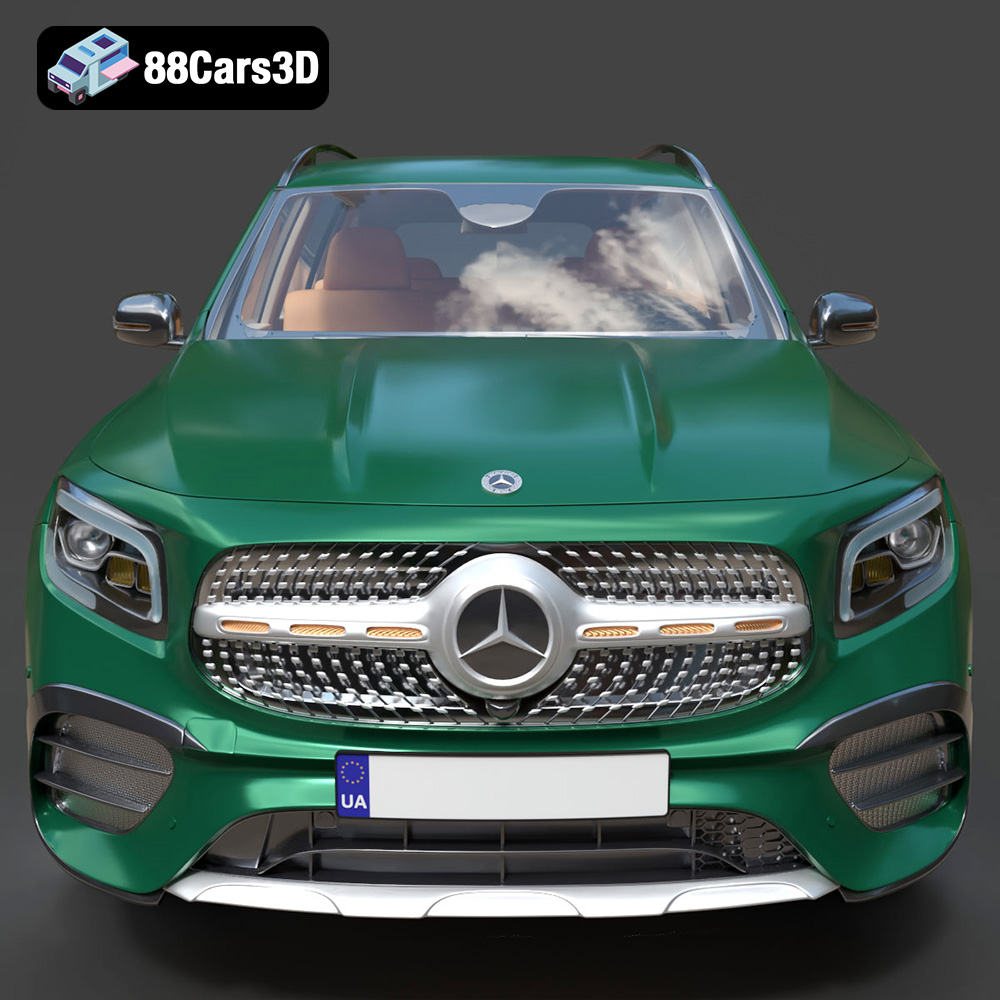
The Mercedes-Benz GLB-Class AMG Line 2019 is a striking vehicle, blending luxury with rugged SUV appeal. Now, thanks to 88cars3d.com, you can bring this iconic car to life in miniature form with a meticulously crafted 3D model. This blog post will provide a comprehensive guide to successfully 3D printing this model, covering everything from selecting the right materials and printer settings to post-processing techniques that will make your printed GLB-Class AMG Line a true showpiece. This detailed guide focuses on preparing the STL files for the best possible printing results.
Before diving into the specifics of printing the Mercedes-Benz GLB-Class AMG Line model, it’s crucial to understand the various file formats provided and how they relate to 3D printing. While several formats are included for diverse applications like rendering and game development, the STL format is your primary focus for additive manufacturing.
The STL (Stereolithography) file format is the workhorse of 3D printing. It represents the 3D model’s surface geometry as a collection of triangles, essentially creating a mesh. This simplicity is its strength, making it universally compatible with virtually all 3D printing software and printers. However, STL files only contain geometric data; they don’t store color, texture, or material information. When you download the Mercedes-Benz GLB-Class AMG Line model from 88cars3d.com, the STL files are specifically prepared for 3D printing, ensuring a closed and manifold mesh – essential characteristics for successful printing. A closed mesh means there are no holes or gaps in the surface, while a manifold mesh implies that the triangles are correctly oriented and connected. Any errors in these aspects can lead to slicing problems and failed prints. The STL format is the most compatible with slicing software so it’s recommended you start there.
OBJ files are more versatile than STL files as they can store color and texture information alongside the geometric data. This is particularly useful if you intend to print a multi-colored model, although this requires a printer capable of handling multiple filaments or resin colors. However, for most 3D printing applications, the added complexity of OBJ files isn’t necessary, and STL remains the preferred choice for its simplicity and widespread compatibility.
PLY files, originally developed at Stanford, are designed to store 3D data acquired from 3D scanners. They excel at representing high-detail meshes and can also store color and texture information. While offering greater precision than STL in some cases, PLY files are not as universally supported by 3D printing software.
The .blend format is the native file format for Blender, a popular open-source 3D modeling software. It contains the entire Blender scene, including the model’s geometry, textures, materials, lighting, and animations. This format is invaluable if you want to customize the Mercedes-Benz GLB-Class AMG Line model before printing, such as modifying the design or adding personalized details. However, you’ll need Blender installed to open and edit .blend files, and you’ll ultimately need to export the modified model as an STL file for 3D printing.
FBX (Filmbox) is a proprietary file format developed by Autodesk, widely used for exchanging 3D data between different software applications. It supports geometry, textures, materials, animations, and even skeletal rigging. While some advanced slicing software might be able to import FBX files directly, it’s more commonly used for transferring models between design and animation software. It’s great for keeping the material properties of the model, but ultimately, you’ll need the STL for slicing and printing.
GLB is a binary file format representing 3D models, often used for augmented reality (AR) and virtual reality (VR) applications. It is a compact format that includes all the necessary data (geometry, textures, animations) in a single file, making it efficient for sharing and displaying 3D models on the web and mobile devices. While GLB is excellent for previewing the Mercedes-Benz GLB-Class AMG Line model in AR before printing, it is not directly used in the 3D printing process.
.max is the native file format for Autodesk 3ds Max, a professional 3D modeling, animation, and rendering software. It’s similar to Blender’s .blend format, containing the complete scene setup. If you’re a 3ds Max user, this format allows for extensive customization before exporting to STL for printing.
Regardless of the original file format, the quality of the resulting STL mesh is paramount for successful 3D printing. A high-quality mesh should be dense enough to capture fine details but not so dense that it becomes unwieldy for your slicing software. The Mercedes-Benz GLB-Class AMG Line model from 88cars3d.com is designed with an optimized topology of approximately 250,000 triangles, striking a good balance between detail and printability.
When importing the STL file into your slicing software, pay attention to any warnings or errors related to the mesh. Common issues include non-manifold edges, flipped normals, or holes in the surface. Most slicing software includes tools to automatically repair these issues, but it’s always best to start with a clean, well-prepared model. If necessary, you can use mesh editing software like MeshLab or Blender to manually repair the mesh before slicing.
Before sending the Mercedes-Benz GLB-Class AMG Line model to your 3D printer, careful preparation is essential to ensure a successful outcome. This involves inspecting the STL files, making any necessary repairs, and strategically orienting the model for optimal printing.
* **Mesh Analysis:** Use mesh analysis tools in software like Meshmixer, MeshLab, or even your slicer to check for non-manifold edges, holes, or flipped normals. These issues can cause slicing errors and print failures.
* **Automatic Repair:** Most slicing software includes automatic repair features that can fix minor mesh errors. Utilize these tools, but be aware that they may sometimes simplify the model, potentially losing fine details.
* **Manual Repair (If Necessary):** For more complex mesh issues, consider using dedicated mesh editing software. Tools like Blender or MeshLab allow you to manually edit the mesh, ensuring a clean and printable model.
* **Minimize Support Material:** Orient the model to minimize the amount of support material needed. This reduces printing time, material usage, and post-processing effort. Consider printing the frame at an angle, as suggested by 88cars3d.com.
* **Structural Integrity:** Orient the model to maximize structural integrity. Printing the frame angled can improve its strength and resistance to warping.
* **Support Placement:** Carefully consider where supports are needed. Focus on areas with significant overhangs, such as the exhaust system, mirrors, and steering wheel. Use customizable support settings to optimize support density and attachment points.
* **Recommended Scales:** 88cars3d.com recommends scales of 1:12, 1:18, or 1:24. Choose a scale that suits your printer’s build volume and desired level of detail.
* **Detail vs. Printability:** Smaller scales may require finer print settings and more precise printers to capture intricate details. Larger scales offer more room for detail but require more material and printing time.
* **Slicing Software Scaling:** Scale the model within your slicing software before generating the G-code. Ensure that all parts are scaled proportionally.
The material you choose significantly impacts the final appearance, strength, and durability of your 3D printed Mercedes-Benz GLB-Class AMG Line. Both FDM (Fused Deposition Modeling) and resin printing offer viable options, each with its own strengths and weaknesses.
* **PLA (Polylactic Acid):** PLA is a biodegradable thermoplastic known for its ease of use and low printing temperature. It’s a good choice for beginners and general-purpose printing. However, PLA is relatively brittle and has low heat resistance, making it less suitable for parts that will be exposed to high temperatures or stress.
* **PETG (Polyethylene Terephthalate Glycol-modified):** PETG offers a good balance of strength, flexibility, and heat resistance. It’s more durable than PLA and easier to print than ABS. PETG is a versatile option for printing the GLB-Class AMG Line model, especially for parts that require some flexibility, such as the wheels or suspension components.
* **ABS (Acrylonitrile Butadiene Styrene):** ABS is a strong and heat-resistant thermoplastic commonly used in automotive and industrial applications. However, ABS is more challenging to print than PLA or PETG, as it requires higher printing temperatures and a heated bed to prevent warping. While ABS offers excellent durability, it may not be the best choice for beginners.
* **SLA (Stereolithography) and DLP (Digital Light Processing):** Resin printing offers superior detail and surface finish compared to FDM printing. SLA and DLP printers use liquid resin that is cured by a laser or projector. Resin printing is ideal for capturing the intricate details of the Mercedes-Benz GLB-Class AMG Line model, such as the AMG Line styling cues, LED headlamps, and interior features. However, resin prints tend to be more brittle than FDM prints and may require post-curing.
* **Resin Types:** Choose a resin that is suitable for your application. Standard resins are good for general-purpose printing, while tough resins offer improved strength and impact resistance. Flexible resins can be used for parts that require some flexibility, such as the tires.
* **Frame:** PETG or ABS for FDM, tough resin for SLA/DLP.
* **Wheels:** PETG or flexible resin for FDM, standard or flexible resin for SLA/DLP.
* **Tires:** Flexible resin for both FDM and SLA/DLP.
* **Detailed Parts (e.g., Mirrors, Exhaust):** Resin printing is highly recommended for these parts to capture the fine details. If using FDM, opt for a small nozzle size and low layer height.
Achieving a high-quality 3D print of the Mercedes-Benz GLB-Class AMG Line model requires careful attention to printer settings. These settings will vary depending on your printer, material, and desired level of detail.
* **FDM Printing:** 88cars3d.com recommends a layer height of 0.04–0.12 mm. Lower layer heights result in smoother surfaces and finer details but increase printing time. Start with a layer height of 0.1 mm and adjust as needed.
* **Resin Printing:** Resin printers typically offer higher resolution than FDM printers. Aim for a layer height of 0.025–0.05 mm for optimal detail.
* **Infill Density:** 88cars3d.com suggests an infill density of 20–30%. This provides a good balance between strength and weight. Increase infill density for parts that require more strength.
* **Infill Pattern:** Choose an infill pattern that suits your application. Gyroid infill offers excellent strength in all directions, while rectilinear infill is faster to print but less isotropic.
* **Print Speed:** Reduce print speed for detailed parts and overhangs. A slower print speed allows for better layer adhesion and reduces the risk of warping.
* **Temperature:** Follow the material manufacturer’s recommendations for printing temperature. Adjust the temperature as needed to optimize layer adhesion and prevent warping or stringing.
* **Support Density:** Adjust support density to provide adequate support for overhangs without wasting material.
* **Support Attachment:** Choose a support attachment method that is easy to remove without damaging the print.
* **Support Placement:** Manually place supports in critical areas to ensure proper support and minimize the impact on surface finish.
Post-processing is the final step in the 3D printing process, transforming a raw print into a polished and visually appealing model. This involves removing supports, sanding surfaces, applying primer, and painting the model to match the authentic Mercedes-Benz GLB-Class AMG Line colors.
* **Support Removal:** Carefully remove supports using pliers, cutters, or a specialized support removal tool. Take care not to damage the model during support removal.
* **Sanding:** Sand the surfaces of the model to remove layer lines and smooth out imperfections. Start with coarse sandpaper and gradually move to finer grits.
* **Filling:** Use filler to fill any remaining gaps or imperfections. Sand the filler smooth after it has dried.
* **Priming:** Apply a primer coat to the model to create a smooth and uniform surface for painting.
* **Painting:** Paint the model using acrylic paints or automotive lacquers. Use masking tape to create clean lines and sharp details. 88cars3d.com recommends using authentic factory colors with metallic finishes.
* **Clear Coat:** Apply a clear coat to protect the paint and add a glossy finish.
* **Separate Parts:** If you printed the wheels and other parts separately, assemble them using glue or screws.
* **Alignment:** Ensure that all parts are properly aligned before attaching them.
Even with careful preparation and optimized settings, 3D printing can sometimes present challenges. Here are some common issues and their solutions:
* **Cause:** Uneven cooling or insufficient bed adhesion.
* **Solution:** Use a heated bed, increase bed adhesion with glue or tape, reduce print speed, and enclose the printer to maintain a consistent temperature.
* **Cause:** Filament oozing from the nozzle during travel moves.
* **Solution:** Reduce printing temperature, increase retraction distance, and adjust travel speed.
* **Cause:** Insufficient printing temperature or poor bed adhesion.
* **Solution:** Increase printing temperature, clean the print bed, and use a bed adhesion aid.
* **Cause:** Insufficient support density or incorrect support placement.
* **Solution:** Increase support density, manually place supports in critical areas, and adjust support attachment settings.
Successfully 3D printing the Mercedes-Benz GLB-Class AMG Line model from 88cars3d.com involves a combination of careful preparation, optimized settings, and skilled post-processing. By understanding the various file formats, choosing the right materials, fine-tuning your printer settings, and mastering post-processing techniques, you can create a stunning replica of this iconic vehicle. Remember to take your time, experiment with different settings, and don’t be afraid to learn from your mistakes. Happy printing!
Experience the perfect blend of rugged versatility and premium luxury with our meticulous 3D model of the Mercedes-Benz GLB-Class (Mk1) AMG Line 2019. This compact crossover SUV stands out with its distinctive boxy silhouette, commanding stance, and aggressive AMG Line styling cues. Perfect for urban racing games, luxury vehicle configurators, architectural visualizations, and mobile AR experiences.
$39.99
.2019
.blend
.fbx
.glb
.luxury suv
.max
.obj
.ply
.rendering
.stl
.unreal
amg-line
car-3d-model
compact-suv
game asset
game-ready
glb-class
low-poly
mercedes-benz
optimized
VR/AR