Get 20% OFF All Premium 3D & STL Models!

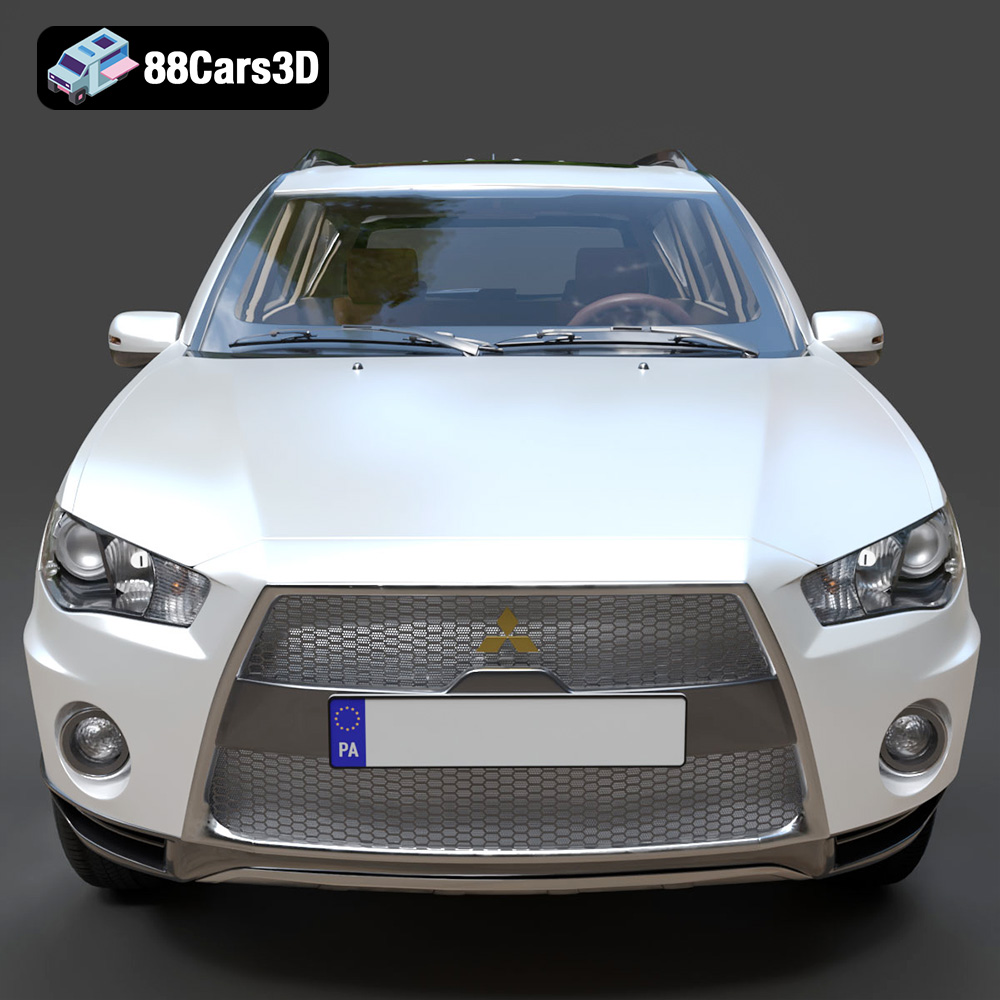
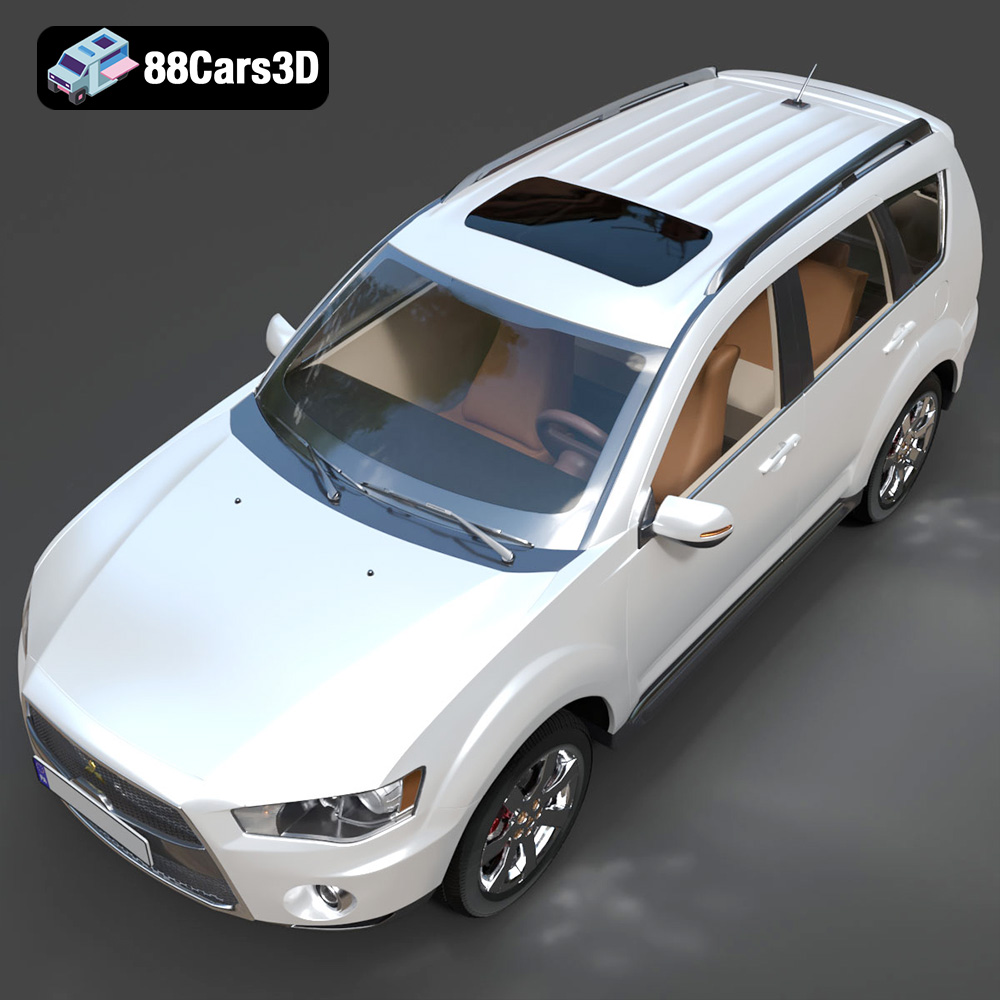
The Mitsubishi Outlander GT 2010, with its distinctive ‘Jet Fighter’ grille and sporty appeal, is a fantastic subject for 3D printing. This guide provides a detailed walkthrough for successfully 3D printing this model, covering everything from pre-print preparation to post-processing techniques. Whether you’re a hobbyist looking for a detailed scale model or a professional using it for visualization purposes, this guide will help you achieve exceptional results. The model available on 88cars3d.com is optimized for various applications, including 3D printing, ensuring a smooth workflow.
The Mitsubishi Outlander GT 2010 model can be effectively 3D printed using both Fused Deposition Modeling (FDM) and Stereolithography (SLA) technologies, each offering distinct advantages.
FDM is a cost-effective method that uses filaments like PLA, ABS, or PETG. It’s ideal for larger prints where fine details are less critical. For the Outlander GT, FDM can be used for the main body and larger components.
* **Pros:** Lower cost, wider material availability, larger build volumes.
* **Cons:** Lower detail resolution, visible layer lines, may require more post-processing.
SLA, also known as resin printing, uses liquid resin cured by UV light. This technology excels in producing highly detailed parts with smooth surfaces. It’s perfect for smaller components like the wheels, lights, and interior details of the Outlander GT.
* **Pros:** High detail resolution, smooth surface finish, ideal for intricate parts.
* **Cons:** Higher cost per part, smaller build volumes, requires careful post-processing to remove uncured resin.
Choosing the correct file format is crucial for a successful 3D printing experience. The Mitsubishi Outlander GT 2010 3D model is available in several formats, each catering to different software and applications. However, for 3D printing, some formats are more suitable than others.
The .stl (stereolithography) format is the most widely accepted file type for 3D printing. It represents the 3D model’s surface geometry as a collection of triangles, forming a mesh. This format is simple, efficient, and compatible with almost all slicing software.
For 3D printing, the .stl format is generally preferred because it contains only the essential data required for printing: the surface geometry. This simplicity ensures compatibility and reduces the chances of errors during slicing. When preparing the Mitsubishi Outlander GT model for printing, the .stl file will be your primary choice.
Keep in mind that the quality of the .stl file directly affects the quality of the print. A higher triangle count results in a smoother surface but also increases file size and processing time. The optimized topology of the Outlander GT model from 88cars3d.com should provide a good balance between detail and performance.
The .obj (object) format is another common 3D model format. Unlike .stl, .obj files can store color and texture information, making them suitable for colored 3D prints or rendering applications. However, not all 3D printers support colored printing, and the added complexity can sometimes cause issues during slicing.
The .ply (polygon) format is designed for storing 3D data acquired from 3D scanners. It can store color, texture, and other properties, but it’s mainly used for high-detail meshes. While suitable for viewing and rendering, .ply files aren’t as widely used for 3D printing as .stl due to their larger file sizes and potential compatibility issues.
The .blend format is the native file format for Blender, a popular open-source 3D modeling software. This format contains the entire Blender scene, including the model, materials, textures, and animations. If you want to customize the Mitsubishi Outlander GT model before printing, you can use Blender to modify the .blend file. However, you’ll need to export the modified model as an .stl file for 3D printing.
The .fbx (filmbox) format is a proprietary format developed by Autodesk. It’s commonly used for exchanging 3D data between different software applications. While .fbx files can store materials and animations, they are not typically used directly for 3D printing. However, some advanced slicing software may support importing .fbx files, allowing you to retain material information (if your printer supports it).
The .glb (GL Transmission Format Binary) is a binary file format representing 3D models. It is designed to be compact, efficient, and easy to use in web applications and augmented reality (AR) experiences. Before 3D printing the Mitsubishi Outlander GT, you could use the .glb file to preview the model in AR on your smartphone or tablet. This can help you visualize the model’s size and details in a real-world context.
The .max format is the native file format for Autodesk 3ds Max, another professional 3D modeling software. Similar to .blend, .max files contain the entire scene setup. If you have access to 3ds Max, you can use the .max file to make detailed modifications to the Mitsubishi Outlander GT model. Once you’re done, export the model as an .stl file for 3D printing.
In summary, while the Mitsubishi Outlander GT 2010 model is available in various formats, the .stl format is the most suitable and widely compatible choice for 3D printing. Ensure the .stl file has sufficient detail and is free of errors before proceeding with slicing and printing.
Before sending the Mitsubishi Outlander GT 2010 model to the printer, proper preparation is essential using slicing software like Cura, Simplify3D, or PrusaSlicer.
The orientation of the model on the print bed significantly impacts print quality and support requirements. For the Outlander GT, printing the frame at an angle (e.g., 45 degrees) can improve structural integrity and reduce the need for extensive supports.
* **Considerations:** Minimize overhangs, orient detailed surfaces upwards, and ensure adequate adhesion to the build plate.
* **Support Settings:** Use tree supports for FDM printing to conserve material and ease removal. For SLA printing, use light supports with minimal contact points to avoid damaging the surface.
Optimal slicing parameters ensure the model prints correctly and with the desired level of detail.
* **Layer Height:** For FDM, a layer height of 0.1mm to 0.2mm provides a good balance between print time and detail. For SLA, use a layer height of 0.025mm to 0.05mm for finer details.
* **Infill Density:** An infill density of 20% to 30% is sufficient for most parts of the Outlander GT. Increase the infill for components that require more strength, such as the chassis.
* **Wall Thickness:** Set the wall thickness to 1.2mm to 2.0mm for adequate strength and surface finish.
* **Print Speed:** Adjust the print speed according to the material and printer capabilities. Generally, slower speeds result in better quality.
Choosing the right material is crucial for achieving the desired aesthetic and functional properties for your 3D printed Mitsubishi Outlander GT.
PLA is a biodegradable thermoplastic and an excellent choice for beginners due to its ease of printing and minimal warping.
* **Pros:** Easy to print, low odor, wide color availability, biodegradable.
* **Cons:** Lower temperature resistance, can be brittle, not suitable for outdoor use.
* **Best For:** Initial prototypes, display models, parts that don’t require high strength.
PETG offers a good balance of strength, flexibility, and temperature resistance, making it a versatile material for more demanding applications.
* **Pros:** High strength, good flexibility, temperature resistance, chemical resistance.
* **Cons:** Can be stringy, requires higher printing temperatures, more prone to warping than PLA.
* **Best For:** Functional parts, components that require durability, parts exposed to higher temperatures.
Resin printing provides exceptional detail and smooth surfaces, ideal for replicating intricate details of the Outlander GT.
* **Pros:** High detail resolution, smooth surface finish, suitable for complex geometries.
* **Cons:** Higher cost, requires post-processing (washing and curing), can be brittle, limited color options.
* **Best For:** Detailed parts like wheels, lights, interior components, display models.
Post-processing is essential for achieving a professional finish on your 3D printed Mitsubishi Outlander GT.
Remove layer lines and imperfections by sanding the printed parts with progressively finer grits of sandpaper (e.g., 220, 400, 600, 800 grit). For resin prints, start with wet sanding to minimize dust.
* **Tips:** Use a sanding block for flat surfaces, and flexible sanding pads for curved areas.
Apply a primer coat to improve paint adhesion and create a uniform surface. Use automotive-grade spray paints for accurate colors and a durable finish.
* **Tips:** Apply multiple thin coats of paint, allowing each coat to dry thoroughly. Use masking tape to create clean lines and protect areas from overspray. Consider using an airbrush for finer details and gradients.
Assemble the individual parts using glue or fasteners. Add final details such as decals, chrome accents, and clear coats for a realistic appearance.
* **Tips:** Use CA (cyanoacrylate) glue for strong bonds. Consider using dedicated model building tools for precise assembly.
Despite careful preparation, 3D printing can sometimes present challenges. Here are some common issues and solutions:
Warping occurs when the printed part detaches from the build plate due to uneven cooling.
* **Solutions:** Use a heated bed, apply adhesive (e.g., glue stick, hairspray) to the build plate, use an enclosure to maintain a consistent temperature, and ensure proper bed leveling.
Stringing is the formation of thin strands of material between printed parts.
* **Solutions:** Reduce the printing temperature, increase retraction distance and speed, adjust travel speed, and ensure the filament is dry.
Layer separation occurs when the layers of the print do not adhere properly.
* **Solutions:** Increase the printing temperature, decrease the layer height, increase the extrusion multiplier, and ensure proper bed leveling.
Support structures can sometimes be difficult to remove or leave marks on the printed part.
* **Solutions:** Optimize support settings, use dissolvable support material (e.g., PVA for PLA), carefully remove supports with specialized tools, and sand down any remaining marks.
Before starting the 3D printing process, it’s helpful to estimate the print time and material costs. Slicing software provides estimates based on the chosen parameters.
* **Print Time:** The Mitsubishi Outlander GT 2010 model, printed at a 1:18 scale, can take anywhere from 10 to 30 hours depending on the printer, material, and settings.
* **Material Costs:** A spool of PLA or PETG filament typically costs between $20 and $50. Resin can range from $30 to $80 per liter. The total material cost will depend on the size and infill density of the print.
3D printing the Mitsubishi Outlander GT 2010 model is a rewarding project that combines technical skills with creative expression. By carefully selecting the right printing technology, preparing the model correctly, choosing appropriate materials, and applying effective post-processing techniques, you can create a stunning replica of this iconic vehicle. The model available on 88cars3d.com provides a solid foundation, and with the knowledge gained from this guide, you’ll be well-equipped to tackle any challenges and achieve exceptional results. Whether you’re a seasoned 3D printing enthusiast or a newcomer to the hobby, the Mitsubishi Outlander GT 2010 is a project that’s sure to impress. Remember that meticulous attention to detail and patience are key to a successful outcome. Happy printing!
Discover the dynamic and versatile 2010 Mitsubishi Outlander GT, a highly acclaimed crossover SUV known for its aggressive Lancer Evolution-inspired ‘Jet Fighter’ front grille and advanced S-AWC all-wheel-drive system. Our meticulously crafted 3D model perfectly captures the vehicle’s sporty aesthetic, featuring accurate exterior lines, a robust V6 engine profile, and its signature dual exhaust setup.
$39.99
.2010
.blend
.crossover
.fbx
.glb
.max
.mitsubishi
.obj
.outlander
.ply
.rendering
.stl
.unreal
car-3d-model
game asset
game-ready
low-poly
optimized
outlander-gt
SUV
VR/AR