Get 20% OFF All Premium 3D & STL Models!

The Polestar 2 2020 is a sleek and modern electric vehicle, and bringing that design to life with 3D printing is an exciting project. Whether you’re a seasoned 3D printing enthusiast or just starting, this guide will provide you with the necessary information to successfully 3D print a detailed model of the Polestar 2 2020. This comprehensive guide will cover everything from choosing the right materials and printer settings to post-processing techniques that will elevate your finished model. This model, available from 88cars3d.com, offers a perfect blend of detail and printability, making it an excellent choice for your next project.
The type of 3D printer you use will significantly impact the final result. For the Polestar 2 2020, both Fused Deposition Modeling (FDM) and Stereolithography (SLA) printers are viable options, but they offer different strengths and weaknesses.
FDM printers are a popular choice due to their affordability and ease of use. They work by extruding a thermoplastic filament layer by layer to build the model. For the Polestar 2 2020, an FDM printer can handle the overall shape and larger details effectively. However, achieving the fine details, such as the intricate pixel LED headlights and the complex patterns on the wheels, can be challenging with standard FDM nozzle sizes.
To improve the print quality with FDM:
* Use a smaller nozzle (0.4mm or even 0.25mm) for better resolution.
* Experiment with layer heights between 0.1mm and 0.2mm to find the optimal balance between detail and print time.
* Ensure proper bed adhesion to prevent warping, especially for larger parts like the car’s body.
SLA printers use liquid resin cured by UV light to create the model. This technology offers superior resolution and the ability to capture incredibly fine details. SLA is highly recommended for printing the Polestar 2 2020, especially if you want to showcase the vehicle’s complex design features like the intricate lighting system and detailed interior.
Consider these points when using an SLA printer:
* Resin can be more expensive than FDM filament.
* Post-processing is more involved, requiring washing and curing the printed parts.
* SLA printers often have smaller build volumes, which may require splitting the model into multiple parts.
Choosing the right file format is critical for a successful 3D printing experience. The Polestar 2 2020 3D model from 88cars3d.com is available in several formats, each with its own advantages and suitability for different applications. Here’s a breakdown:
STL (Stereolithography) is the most common and widely supported file format for 3D printing. It represents the surface geometry of a 3D object as a collection of triangles. This simplicity makes it universally compatible with slicing software and 3D printers.
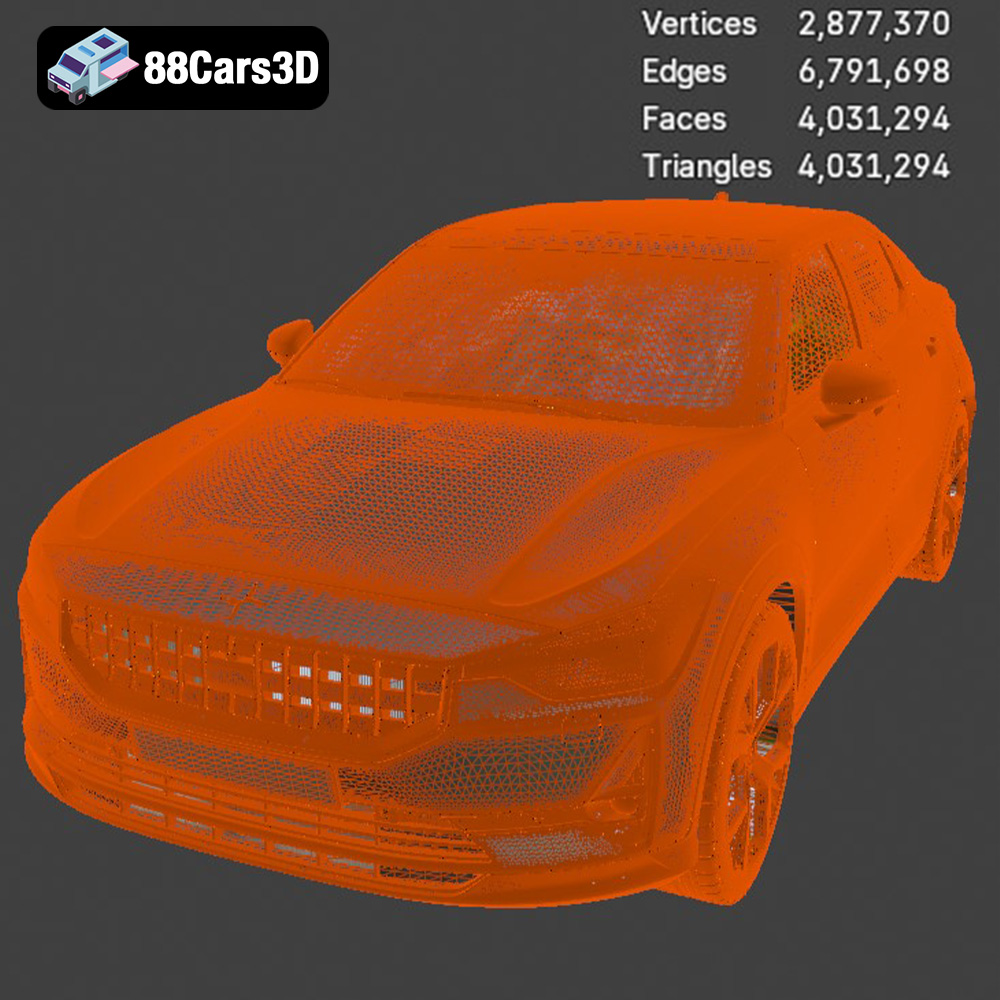
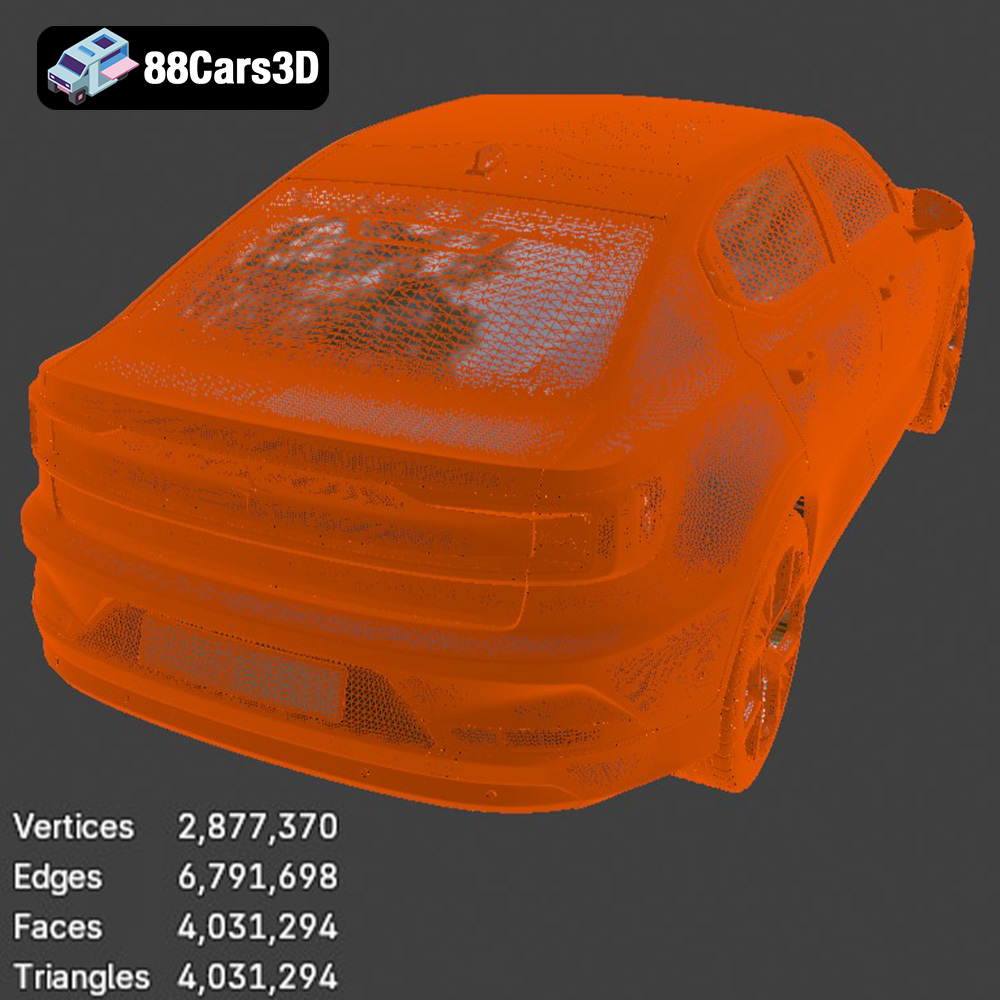
For the Polestar 2 2020, the STL format is ideal for printing a physical model. However, it’s essential to ensure the STL file has sufficient mesh resolution to capture the vehicle’s details accurately. If the mesh is too coarse, the printed model may appear blocky or lack definition. Most slicing software allows you to adjust the mesh resolution during import. A well-prepared STL file, optimized for 3D printing, is key to a successful project.
OBJ is a more versatile format than STL, as it can store color and texture information in addition to the geometric data. While less common for pure 3D printing, it can be useful if you plan to add color to your Polestar 2 2020 model through techniques like multi-material printing or projecting textures onto the printed surface.
PLY is another format that supports color and textures, but it’s primarily known for its ability to store high-resolution mesh data. This makes it suitable for models with complex surface details, such as the Polestar 2’s aerodynamic features and interior elements. However, PLY files can be larger than STL files, and not all slicing software may fully support the format.
.blend is the native file format for Blender, a popular open-source 3D modeling software. Having the .blend file for the Polestar 2 2020 allows you to make extensive modifications to the model before printing. You can adjust the design, add custom features, or optimize the mesh for your specific printer. This is especially useful for experienced users who want to personalize their 3D printed Polestar 2.
FBX is a widely used format for exchanging 3D data between different software applications. It supports geometry, textures, materials, and animation. While it’s not typically used directly for 3D printing, you can import the FBX file into a 3D modeling program, make any necessary adjustments, and then export it as an STL file for printing.
GLB is a binary file format that is commonly used for displaying 3D models in augmented reality (AR) applications. It can contain geometry, textures, and animations, making it suitable for previewing the Polestar 2 2020 in a real-world environment before committing to a print.
Similar to .blend, .max is the native file format for 3ds Max, another professional 3D modeling software. Having the .max file allows for detailed modifications and adjustments to the model before preparing it for 3D printing.
When preparing the Polestar 2 2020 model for 3D printing, the STL format is generally the best choice due to its wide compatibility and simplicity. Ensure that the STL file has sufficient resolution to capture the model’s details accurately, and use slicing software to optimize the file for your specific printer and material.
Before you start printing, you need to prepare the model using slicing software. This software converts the 3D model into a series of instructions that the printer can understand. Cura, Simplify3D, and PrusaSlicer are popular options, each offering a range of settings to fine-tune your print.
The orientation of the model on the build plate is crucial. For the Polestar 2 2020, consider printing the body at an angle (around 45 degrees) to minimize the need for supports on the top surfaces and improve the overall structural integrity. Printing at an angle also helps to distribute stress evenly across the layers.
Wheels and smaller parts should be printed separately. Orient the wheels vertically to ensure that the tire treads are printed with the highest possible resolution.
Support structures are essential for overhangs and complex geometries, like the side mirrors and rear lightbar. However, they also consume extra material and can leave marks on the printed surface.
* Use tree supports or adaptive supports, which minimize material usage and are easier to remove.
* Adjust the support density and interface layer settings to strike a balance between support strength and ease of removal.
* Carefully plan the support placement to avoid damaging delicate areas during removal.
The material you choose will affect the appearance, strength, and durability of your 3D printed Polestar 2 2020.
PLA (Polylactic Acid) is a biodegradable thermoplastic that’s easy to print and widely available. It’s a good option for beginners due to its low printing temperature and minimal warping. However, PLA is not as strong or heat-resistant as other materials.
* Ideal for display models that won’t be subjected to high temperatures or stress.
* Offers a wide range of colors and finishes.
* Can be easily sanded and painted for a professional look.
PETG (Polyethylene Terephthalate Glycol-modified) offers a good balance of strength, durability, and ease of printing. It’s more heat-resistant and impact-resistant than PLA, making it suitable for parts that need to withstand some wear and tear.
* A good choice for models that will be handled frequently.
* Offers better layer adhesion than PLA, resulting in stronger prints.
* Can be slightly more challenging to print than PLA, requiring higher temperatures and careful bed adhesion.
As mentioned earlier, resin is the top choice for capturing the fine details of the Polestar 2 2020. It can reproduce intricate features and smooth surfaces that FDM printers struggle with.
* Essential for reproducing details like the pixel LED headlights and interior features.
* Requires careful post-processing, including washing and curing, to achieve its final properties.
* Resin prints can be more brittle than FDM prints, so handle with care.
Achieving a high-quality 3D print requires carefully tuning your printer settings. Here are some key parameters to consider:
A smaller layer height results in finer details and smoother surfaces, but it also increases the print time.
* For FDM printing, experiment with layer heights between 0.1mm and 0.2mm.
* For resin printing, layer heights of 0.05mm or even 0.025mm can produce stunning results.
Infill is the internal structure of the printed part. A higher infill density increases the strength of the model but also consumes more material.
* For display models, an infill density of 20-30% is usually sufficient.
* For parts that need to withstand stress, consider increasing the infill density to 50% or higher.
* Use infill patterns like gyroid or honeycomb for optimal strength-to-weight ratio.
A slower print speed generally results in better print quality, especially for intricate details.
* For FDM printing, start with a print speed of 40-60mm/s and adjust as needed.
* For resin printing, follow the manufacturer’s recommendations for exposure time and lift speed.
Once the printing is complete, post-processing is essential to achieve a professional finish.
Sanding removes layer lines and imperfections from the printed surface.
* Start with a coarse-grit sandpaper (e.g., 220 grit) and gradually move to finer grits (e.g., 400, 600, 800 grit).
* Wet sanding can help to minimize dust and create a smoother surface.
* Use filler primer to fill in any remaining imperfections.
Painting brings the Polestar 2 2020 model to life.
* Apply a primer coat to ensure proper paint adhesion.
* Use automotive-grade paints for a durable and realistic finish.
* Consider using stencils or masking tape to create accurate details, such as the Polestar logo and trim.
* Apply a clear coat to protect the paint and add a glossy or matte finish.
If you printed the model in multiple parts, carefully assemble them using adhesive.
* Use super glue or epoxy for a strong and permanent bond.
* Align the parts carefully before applying the adhesive.
* Clamp the parts together until the adhesive is fully cured.
Even with careful planning and preparation, 3D printing can sometimes present challenges. Here are some common issues and their solutions:
* **Warping:** Ensure proper bed adhesion by using a heated bed, applying adhesive to the build plate, and avoiding drafts.
* **Stringing:** Reduce the printing temperature, increase retraction settings, and ensure the filament is dry.
* **Layer separation:** Increase the printing temperature, reduce the print speed, and ensure proper layer adhesion.
* **Support structure issues:** Adjust the support density, support interface layer settings, and support placement.
With patience, persistence, and the right techniques, you can overcome these challenges and create a stunning 3D printed model of the Polestar 2 2020. Remember that sites like 88cars3d.com are excellent resources for high-quality 3D models designed to be 3D printed!
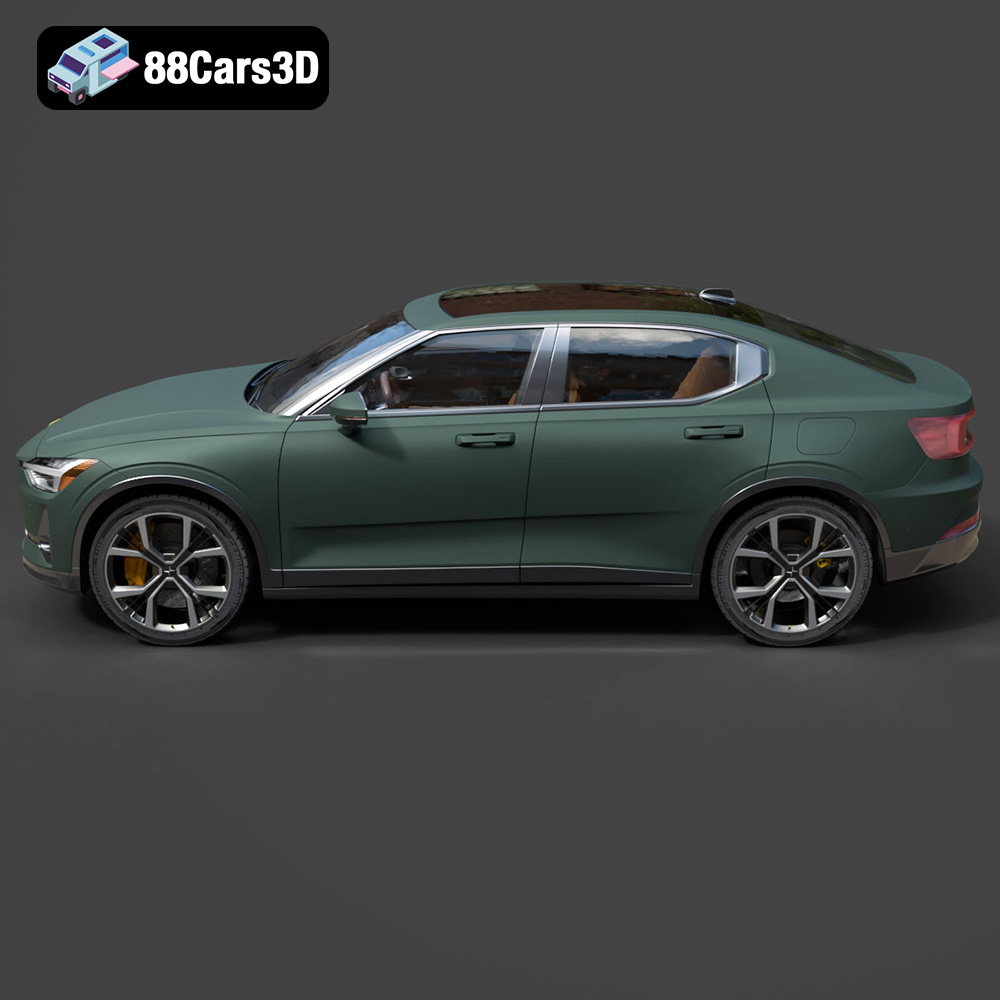
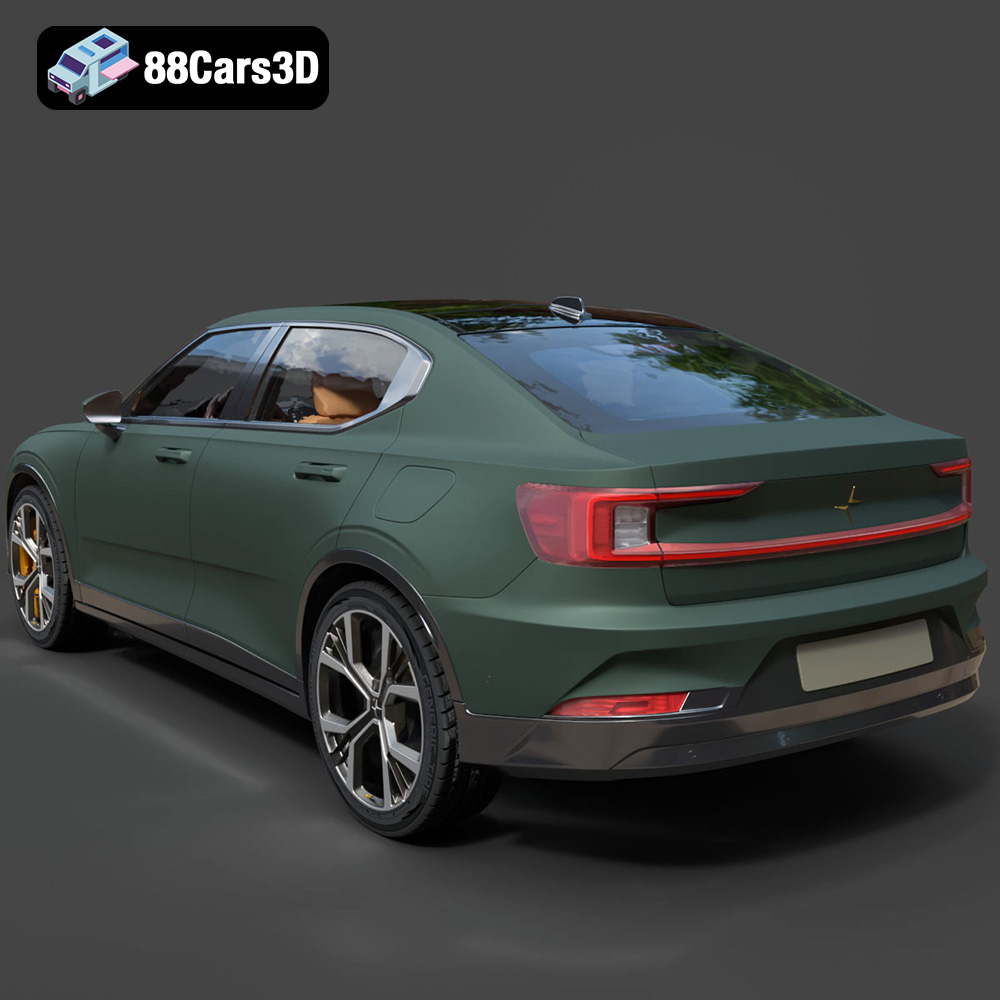
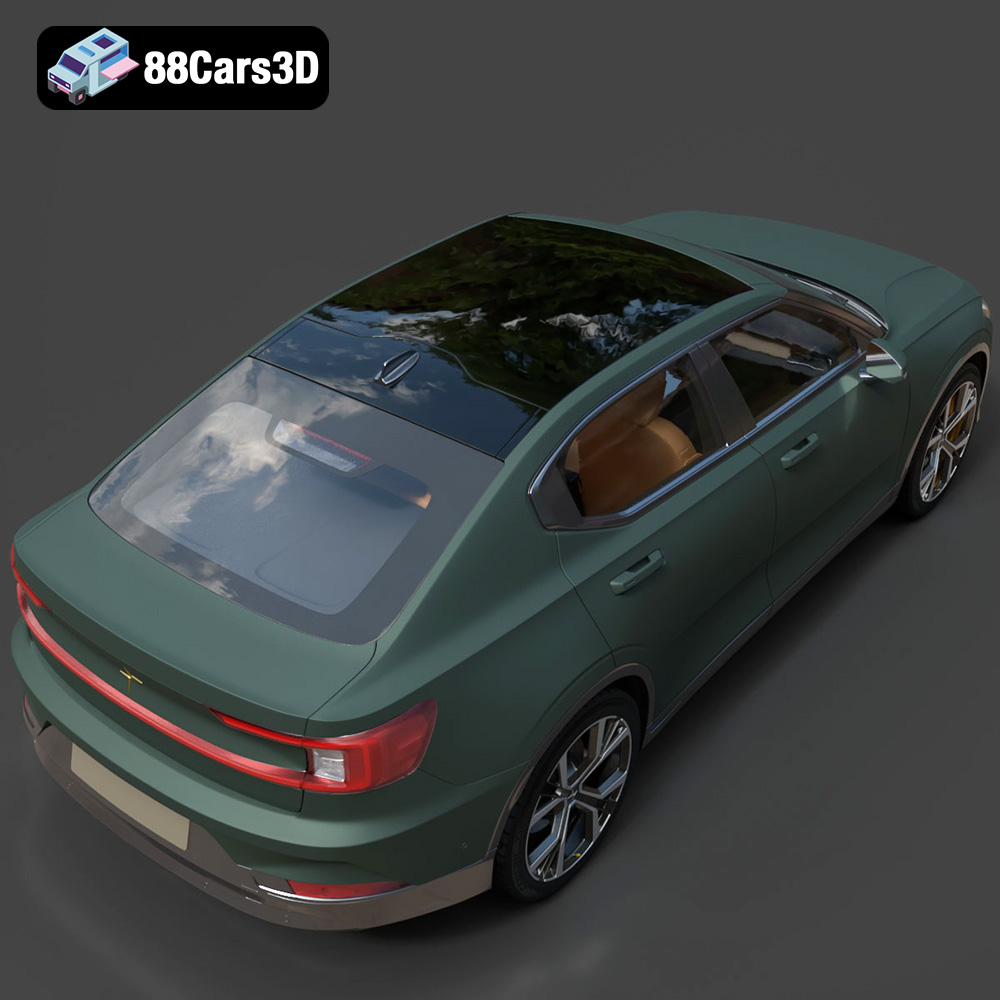
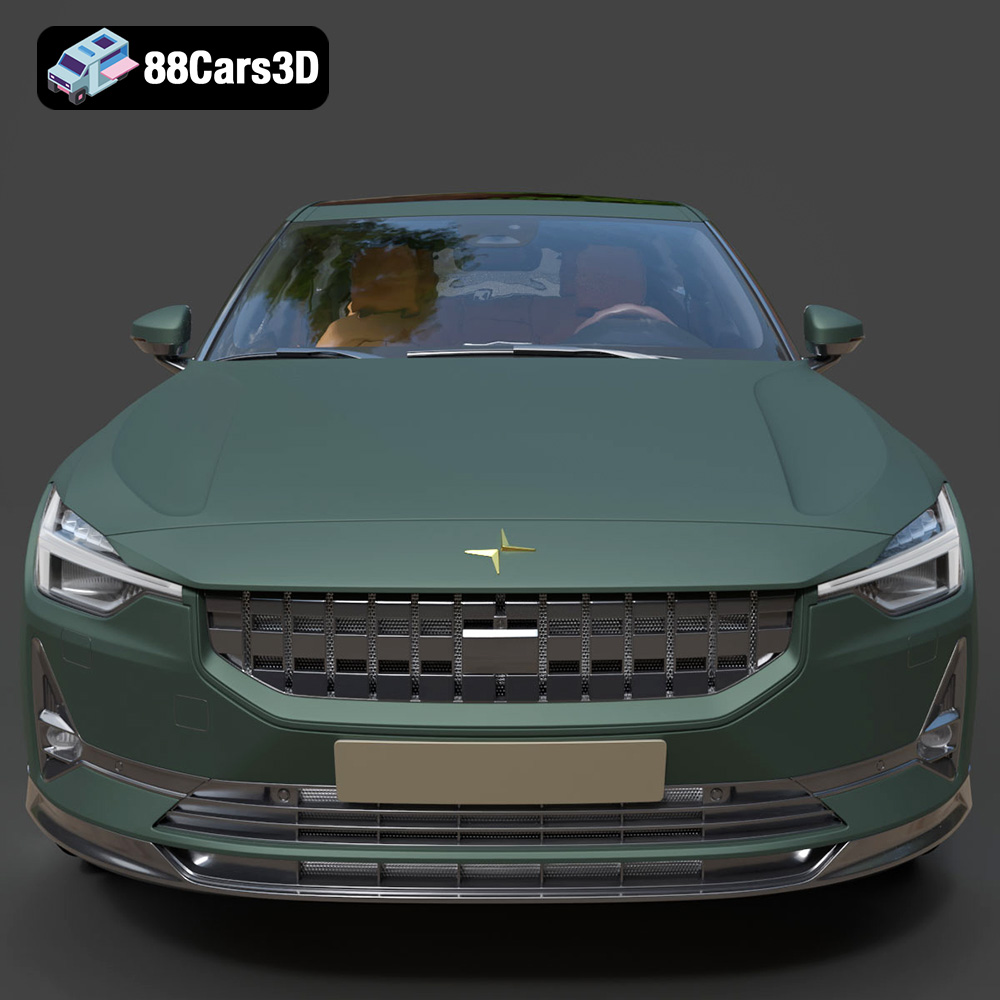
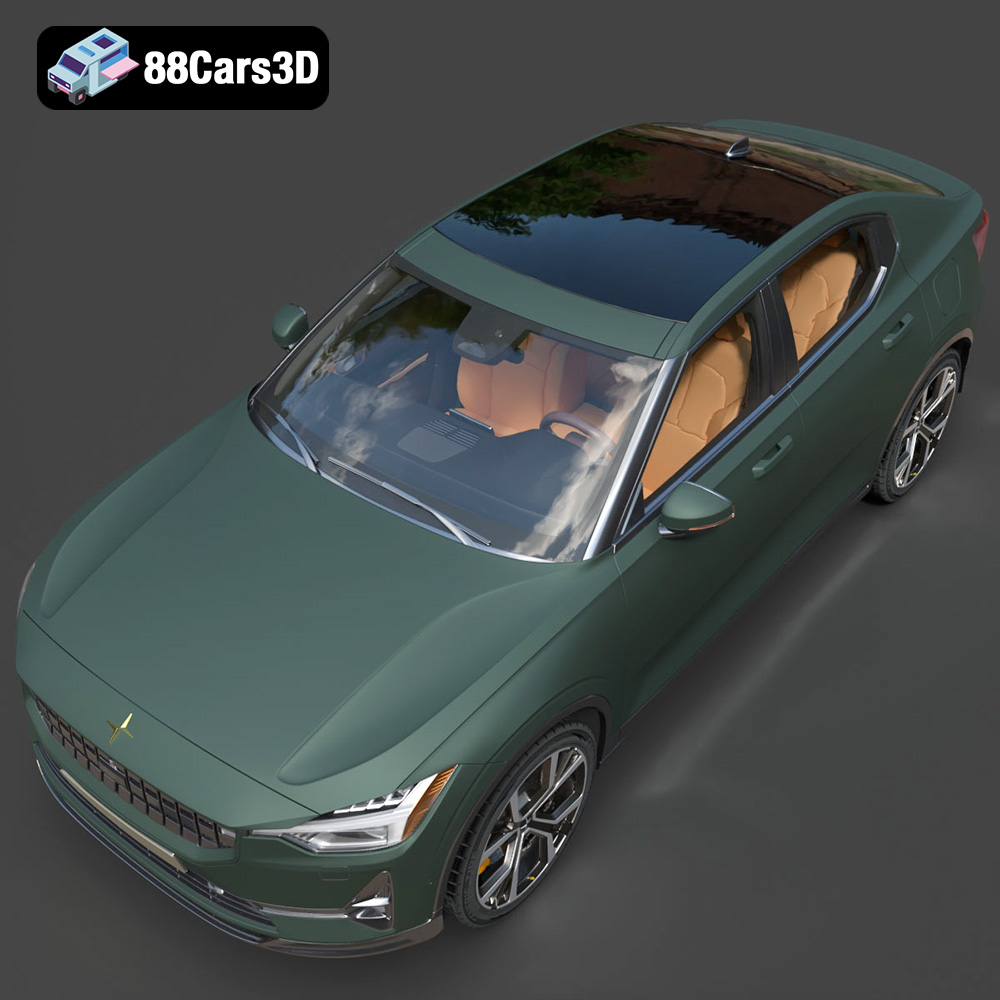
Discover the sleek and innovative Polestar 2 2020, a premium all-electric fastback that redefines Scandinavian minimalist design and sustainable performance. This cutting-edge EV features iconic visual elements such as signature pixel LED headlights, a striking full-width taillight blade, frameless mirrors, and a distinctively aerodynamic profile that sets it apart in the modern electric vehicle market.
$39.99
.blend
.ev
.fastback
.fbx
.glb
.max
.obj
.ply
.polestar
.rendering
.stl
.unreal
car-3d-model
electric-car
game asset
game-ready
low-poly
optimized
polestar-2
VR/AR