Get 20% OFF All Premium 3D & STL Models!

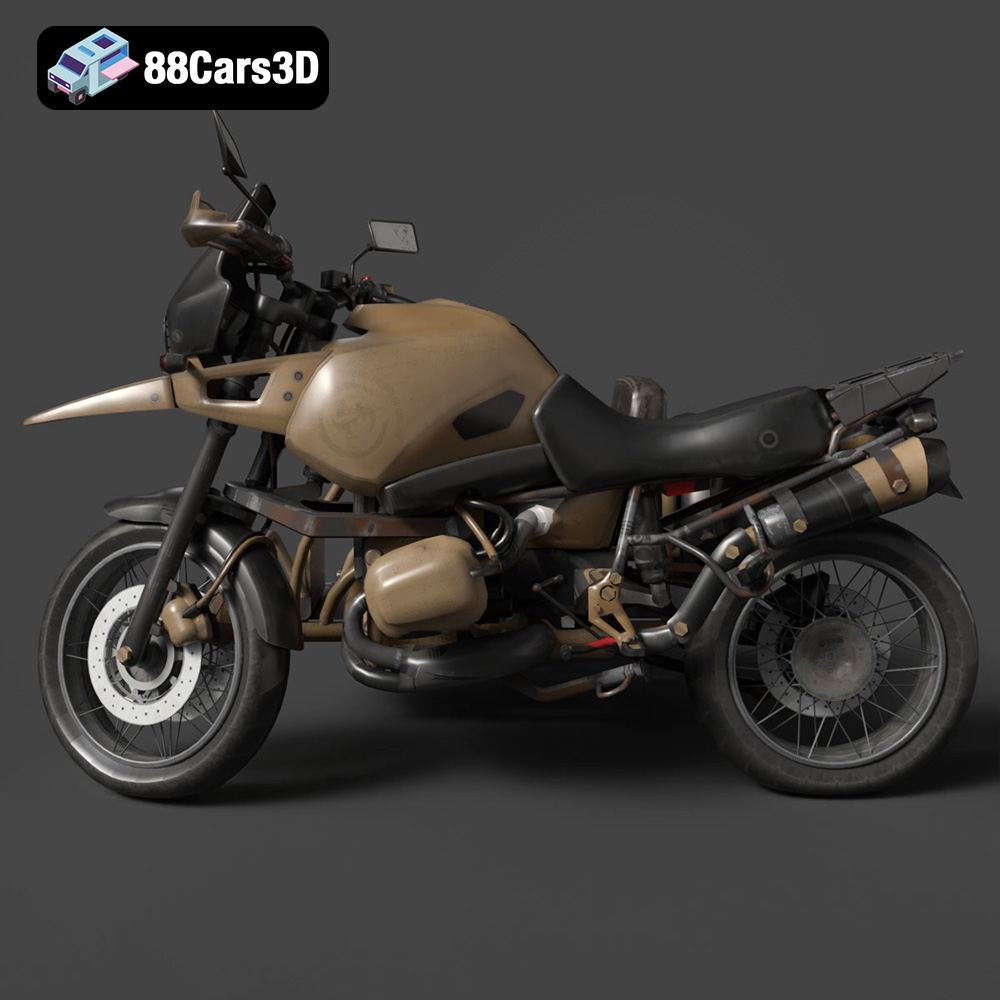
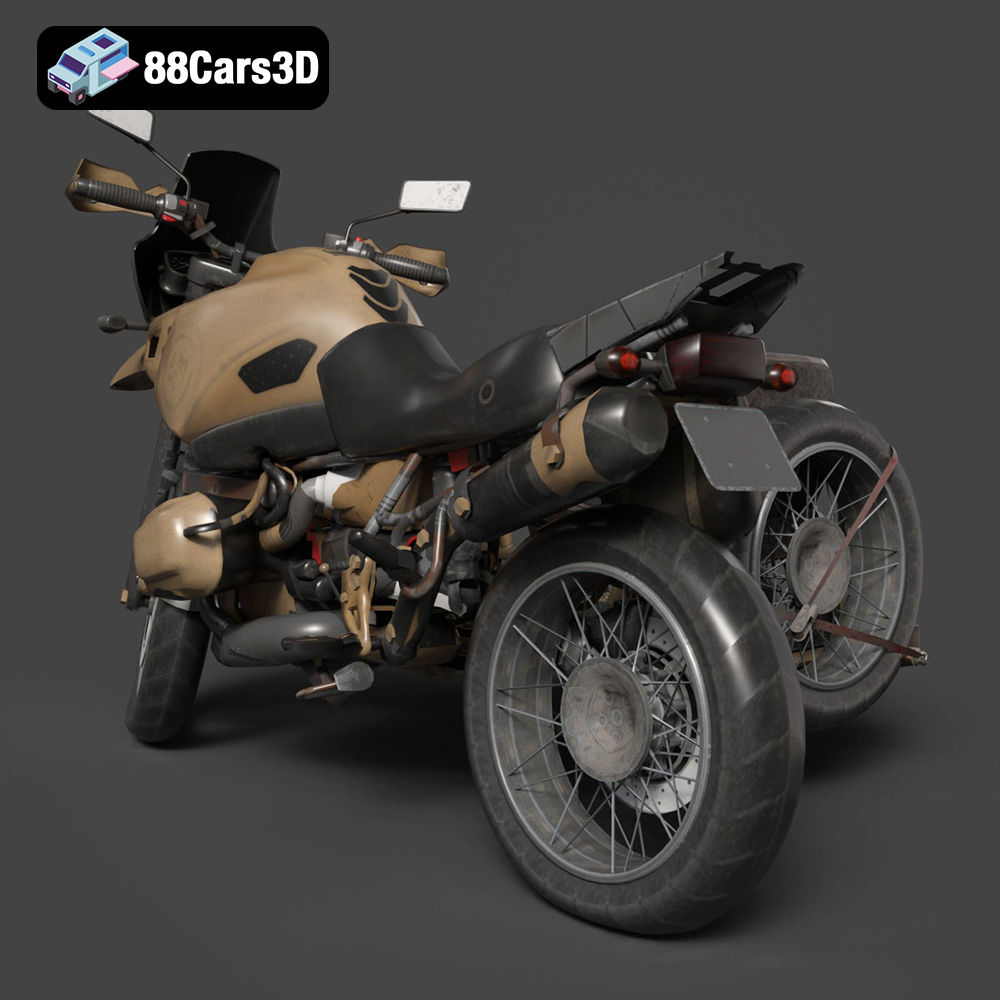
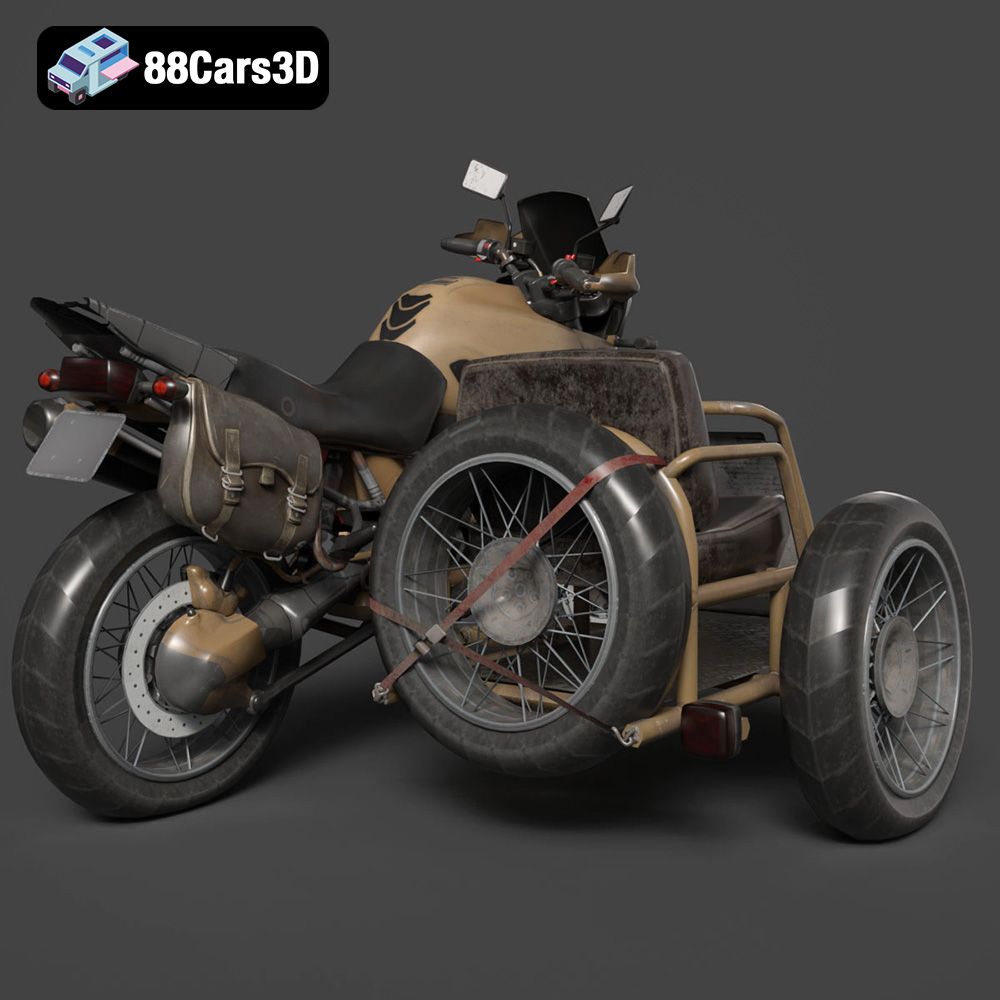
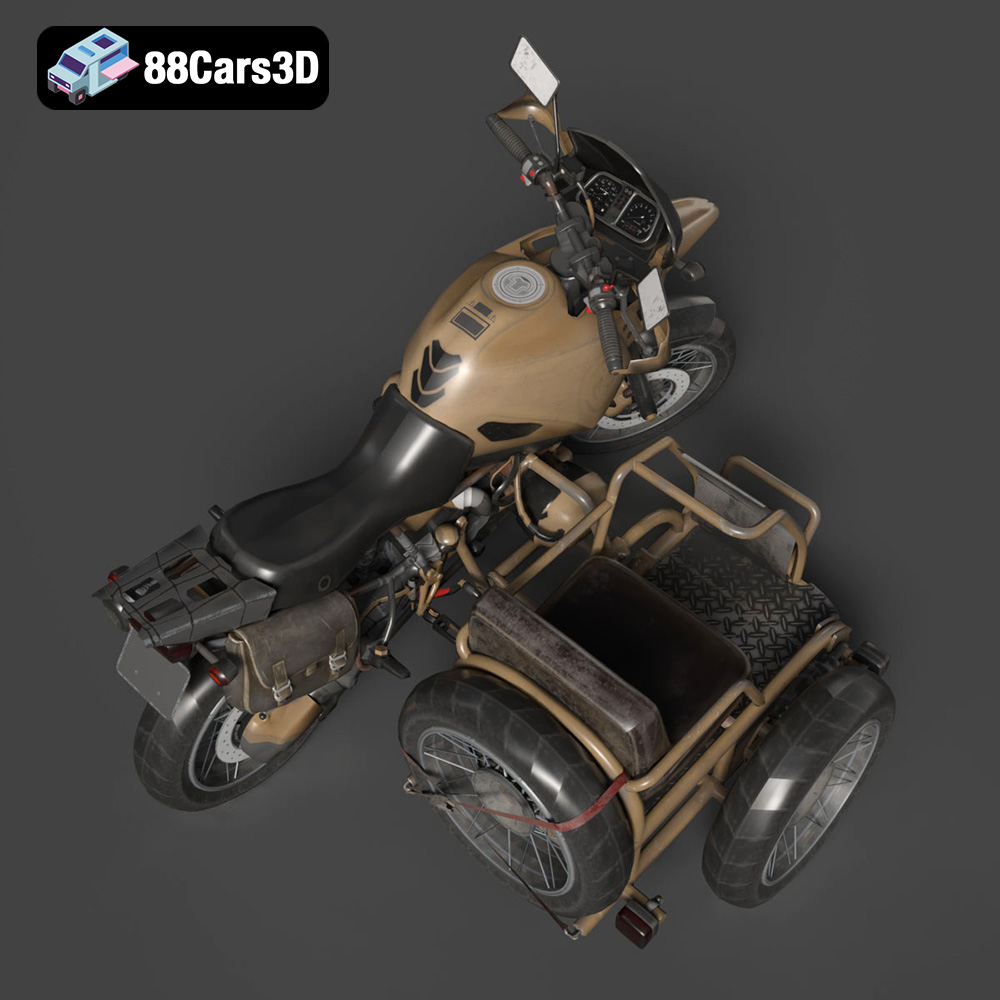
The Custom Off-Road BMW R1150GS Adventure Sidecar is an iconic machine, representing the spirit of adventure and off-road capability. Thanks to readily available 3D models, like the one offered at 88cars3d.com, you can now bring this legendary motorcycle to life on your 3D printer. This guide will walk you through the process of 3D printing this complex and highly detailed model, covering everything from pre-print preparation to post-processing techniques. Whether you’re a seasoned 3D printing enthusiast or just starting out, this comprehensive guide will equip you with the knowledge you need to create a stunning replica of this ultimate adventure rig.
Before diving into the specifics of 3D printing the BMW R1150GS Adventure Sidecar, it’s crucial to understand the various file formats available and their suitability for additive manufacturing. The provided model comes in several formats, each with its own strengths and weaknesses. Choosing the right format is essential for a successful print.
.stl (stereolithography) is the most common file format for 3D printing. It represents the surface geometry of a 3D object as a collection of triangles. Its simplicity and widespread compatibility make it the go-to choice for most 3D printing applications. Slicing software readily accepts .stl files, converting them into instructions (G-code) for your 3D printer. However, .stl files only contain mesh data, meaning they lack information about color, texture, or material properties. When preparing an .stl file for printing, ensure the mesh is watertight (no gaps or holes) and that the normals are correctly oriented (pointing outwards). Mesh quality significantly impacts the final print; a high-resolution mesh results in a smoother surface, but also increases file size and processing time. For the BMW R1150GS Adventure Sidecar, ensure fine details like the engine and exhaust system are adequately represented in the .stl mesh.
.obj (object) is a more versatile format than .stl, as it can store color and texture information in addition to the mesh data. This is particularly useful if you plan to paint or texture your 3D printed model after printing. Some advanced 3D printers can even print in multiple colors based on .obj data, though this is less common for hobbyist printers. While .obj files are compatible with many slicing software programs, they may require additional processing to ensure they are optimized for 3D printing. Check that the textures are properly linked and that the mesh is watertight.
.ply (polygon) is a format designed for storing 3D data acquired from scanning technologies. It can represent both the surface geometry and material properties, including color and texture. .ply files often contain highly detailed meshes, making them suitable for complex models like the BMW R1150GS Adventure Sidecar. However, the high level of detail can also lead to larger file sizes and increased processing time in slicing software. Verify that your slicing software supports .ply files and that you have sufficient computing power to handle the mesh.
Formats like .blend (Blender), .fbx (Filmbox), .glb (GL Transmission Format) and .max (3ds Max) are primarily used for 3D modeling and animation. These formats contain the complete scene data, including the model’s geometry, textures, materials, and animation rigs. While not directly used for 3D printing, they are invaluable for customizing the model before exporting it as an .stl file. For instance, you can use Blender to modify the model’s design, simplify complex areas, or add custom details. Before printing, always export the modified model to a printable format like .stl, ensuring the mesh is properly prepared for additive manufacturing. The .glb format is useful for previewing the model in AR applications before committing to a print, giving you a sense of its size and appearance in the real world.
In Summary: For 3D printing the Custom Off-Road BMW R1150GS Adventure Sidecar, the .stl format will be your primary choice due to its compatibility and simplicity. However, utilize the other formats like .blend if you intend to customize the model before printing. Always verify that the mesh is watertight, normals are oriented correctly, and the level of detail is appropriate for your printer’s capabilities. 88cars3d.com provides models in various formats, ensuring you have the flexibility to choose the best option for your needs.
Once you’ve chosen the right file format (primarily .stl), the next crucial step is pre-print preparation. This involves using slicing software to convert the 3D model into a series of layers that your 3D printer can understand and execute. It also includes optimizing the model for printing, which may involve repairing mesh errors, adjusting the scale, and determining the best orientation.
Slicing software is the bridge between your 3D model and your 3D printer. Popular options include Cura, Simplify3D, PrusaSlicer, and Chitubox (for resin printers). Each slicer has its own strengths and weaknesses, but they all perform the same fundamental task: converting a 3D model into G-code, the language of 3D printers. When configuring your slicer, you’ll need to input specific settings for your printer, material, and desired print quality. Key settings include layer height, infill density, print speed, nozzle temperature, and bed temperature. For the Custom Off-Road BMW R1150GS Adventure Sidecar, start with the recommended settings provided: layer height of 0.04–0.12 mm, wall thickness of 1.2–2.0 mm, and infill of 20–30%. Fine-tune these settings based on your printer’s capabilities and the specific material you’re using.
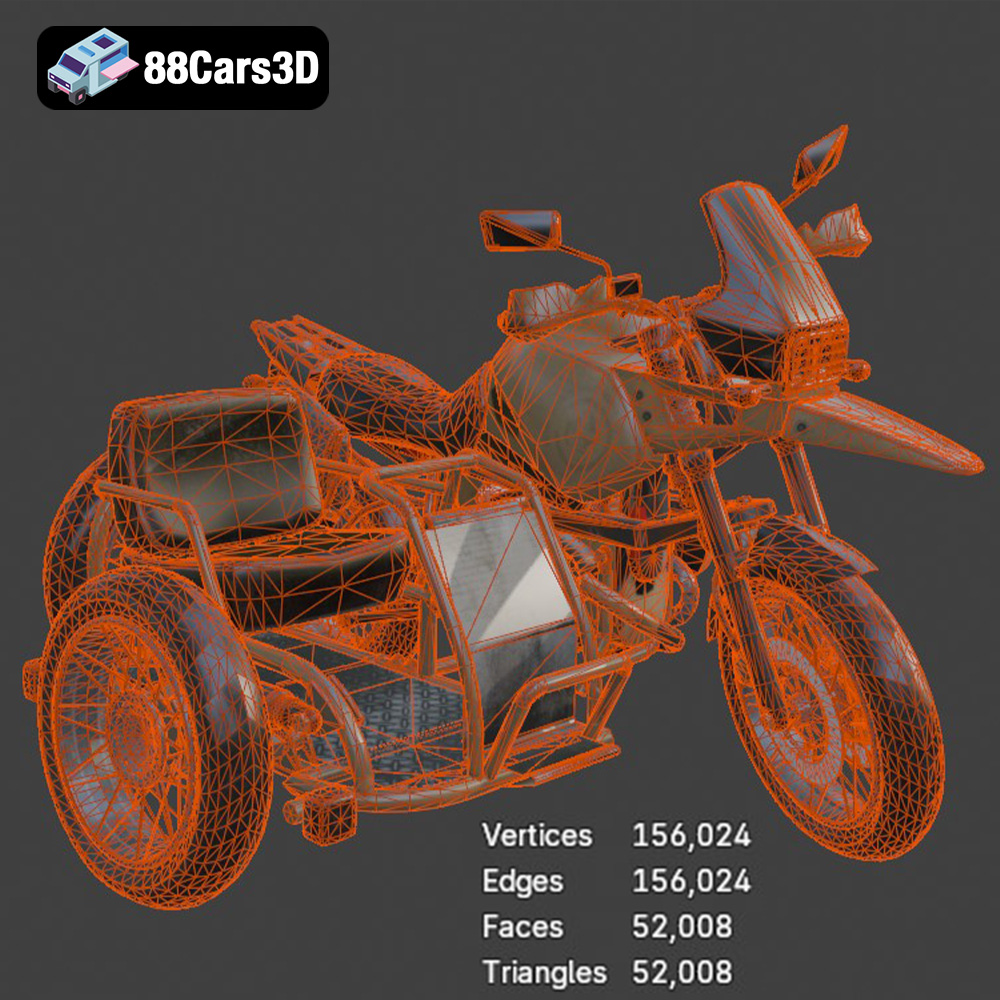
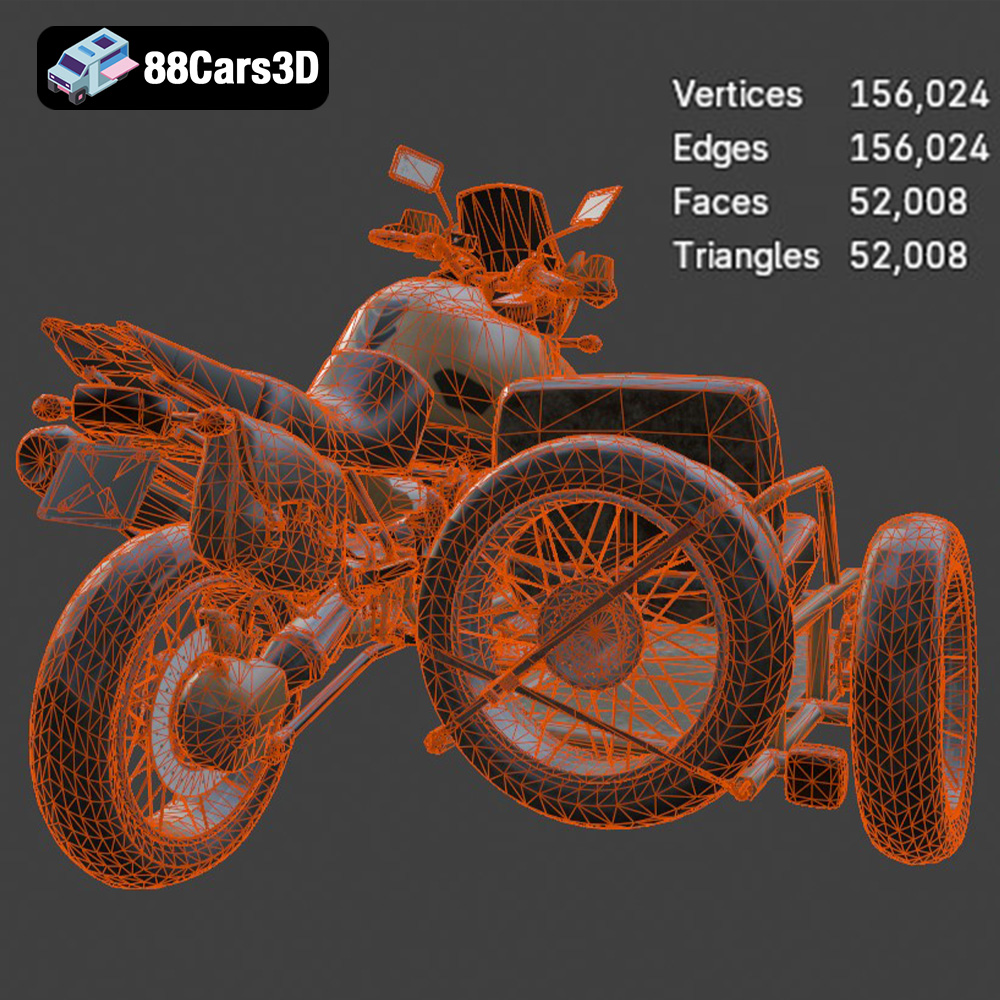
Before slicing, it’s essential to inspect the 3D model for any errors or imperfections in the mesh. These errors can lead to printing problems, such as gaps, holes, or distorted surfaces. Many slicing software programs have built-in mesh repair tools that can automatically fix common issues. Alternatively, you can use dedicated mesh editing software like MeshMixer or Netfabb. Pay close attention to areas with fine details, such as the engine, exhaust system, and wire-spoke wheels. Ensure that these areas are properly connected and that the mesh is watertight. Optimizing the mesh can also improve print quality and reduce printing time. This may involve simplifying complex areas, reducing the number of polygons, or smoothing out sharp edges.
The included product information from 88cars3d.com suggests printing the model at scales of 1:12, 1:18, or 1:24. Choose a scale that is appropriate for your printer’s build volume and the level of detail you want to achieve. When determining the print orientation, consider factors such as support requirements, surface finish, and structural integrity. As the provided details suggest, print the frame angled for enhanced strength, and print the wheels separately. Orienting the model strategically can minimize the need for supports, which can be difficult to remove and may leave blemishes on the printed surface. For parts that require supports, position them in areas that are less visible or easier to access for post-processing. Careful consideration of orientation can significantly improve the final print quality and reduce the amount of post-processing required.
The choice of material greatly influences the final look, feel, and durability of your 3D printed Custom Off-Road BMW R1150GS Adventure Sidecar. Different filaments offer varying properties, making them suitable for different applications. The most common choices for this type of model are PLA, PETG, and resin. Each has its own set of advantages and disadvantages.
PLA (polylactic acid) is a biodegradable thermoplastic derived from renewable resources such as cornstarch or sugarcane. It’s a popular choice for beginners due to its ease of use, low printing temperature, and minimal warping. PLA is available in a wide range of colors and finishes, making it ideal for creating visually appealing models. However, PLA is relatively brittle and has a low heat resistance, meaning it’s not suitable for parts that will be exposed to high temperatures or significant stress. For the BMW R1150GS Adventure Sidecar, PLA is a good option for the body panels, interior components, and other non-structural parts. Consider using a higher infill density for parts that need to be more robust.
PETG (polyethylene terephthalate glycol-modified) is a thermoplastic that offers a good balance of strength, flexibility, and heat resistance. It’s more durable than PLA and less prone to warping than ABS, making it a versatile choice for a wide range of applications. PETG is also food-safe, making it suitable for parts that will come into contact with food or liquids. For the BMW R1150GS Adventure Sidecar, PETG is an excellent choice for the frame, suspension components, and other parts that need to withstand stress and impact. It also provides a slightly more heat-resistant option compared to PLA.
Resin 3D printing, using technologies like SLA (stereolithography) or DLP (digital light processing), offers unparalleled detail and surface finish. Resin printers use liquid resin that is cured by UV light, allowing for much finer layer heights and smoother surfaces compared to FDM (fused deposition modeling) printers that use filament. Resin is the recommended material for the Custom Off-Road BMW R1150GS Adventure Sidecar due to the many fine details, such as the engine components, wire-spoke wheels, and intricate body panels. However, resin prints tend to be more brittle than FDM prints, and they require more post-processing, including washing and curing. Choose a resin that is specifically designed for 3D printing and follow the manufacturer’s instructions carefully. Keep in mind that resin printing typically has a smaller build volume, so you may need to print the model in multiple parts.
Achieving a high-quality 3D print requires careful attention to printer settings. These settings control various aspects of the printing process, such as layer height, print speed, temperature, and support generation. Optimizing these settings for the Custom Off-Road BMW R1150GS Adventure Sidecar will help ensure that you capture all the fine details and produce a strong, accurate model.
Layer height is a critical setting that determines the resolution of your 3D print. A lower layer height results in a smoother surface finish and finer details, but it also increases printing time. The recommended layer height for this model is 0.04–0.12 mm. For resin printing, you can typically go even lower, down to 0.025 mm or even 0.01 mm for exceptional detail. Print speed also affects print quality; slower speeds generally result in better adhesion and more accurate dimensions. Experiment with different print speeds to find the optimal balance between speed and quality. Start with a moderate speed of 40-60 mm/s for PLA or PETG and adjust as needed. For resin printing, follow the manufacturer’s recommended exposure times.
Temperature control is essential for successful 3D printing. The optimal nozzle temperature depends on the material you’re using. PLA typically prints well at around 200-220°C, while PETG requires a higher temperature of 230-250°C. The bed temperature should also be set appropriately to ensure good adhesion. A bed temperature of 60-70°C is generally recommended for PLA and 70-80°C for PETG. Cooling is also important, especially for PLA. Use a cooling fan to prevent warping and improve surface finish. PETG typically requires less cooling than PLA. For resin printing, temperature control is less critical, as the resin is cured by UV light rather than heat.
Support structures are necessary for printing overhanging features and complex geometries. However, supports can be difficult to remove and may leave blemishes on the printed surface. Therefore, it’s important to minimize the need for supports whenever possible. Use the orientation strategies discussed earlier to reduce the number of overhanging features. When supports are necessary, optimize their placement and density. Use a lower support density in areas where surface finish is less critical. Consider using tree supports, which are more efficient and easier to remove than traditional linear supports. The product information at 88cars3d.com mentions that supports are required for detailed parts like the exhaust, mirrors, and handlebars. Pay close attention to these areas when generating supports in your slicing software.
Once the 3D printing process is complete, the real work begins: post-processing. This involves removing supports, sanding and smoothing the surface, painting and detailing the model, and assembling the various parts. Post-processing is crucial for achieving a professional-looking finish and bringing your Custom Off-Road BMW R1150GS Adventure Sidecar to life.
The first step in post-processing is to carefully remove the support structures. Use a sharp hobby knife or pliers to detach the supports, being careful not to damage the model. After removing the supports, sand the surface to remove any blemishes or imperfections. Start with a coarse grit sandpaper (e.g., 220 grit) to remove larger imperfections and gradually move to finer grits (e.g., 400 grit, 600 grit, 800 grit) to achieve a smooth surface. For resin prints, you’ll also need to wash the model in isopropyl alcohol (IPA) to remove any uncured resin. After washing, cure the model under UV light to fully harden the resin. This is especially important for parts that will be handled frequently.
Painting is a key step in transforming your 3D printed model into a realistic replica of the Custom Off-Road BMW R1150GS Adventure Sidecar. Start by applying a primer to the entire model to create a smooth, uniform surface for the paint to adhere to. Choose high-quality acrylic paints that are designed for models. Use masking tape to create clean lines and protect areas that you don’t want to paint. Apply multiple thin coats of paint rather than one thick coat to avoid drips and runs. Once the paint is dry, apply a clear coat to protect the paint and add a glossy or matte finish. Consider adding weathering effects, such as washes or dry brushing, to enhance the realism of the model. Refer to reference images of the real motorcycle to accurately replicate the colors and details.
The final step is to assemble the various parts of the model. Use glue or epoxy to attach the parts together, ensuring that they are properly aligned. Pay attention to the fit and finish of each part, and make any necessary adjustments. Add any final details, such as decals, wires, or other accessories, to complete the model. The product description mentions separate wheels, suspension, and steering components for animation, so ensure these are properly assembled to allow for realistic movement. With careful attention to detail and a bit of patience, you can create a stunning 3D printed replica of the Custom Off-Road BMW R1150GS Adventure Sidecar.
Even with careful preparation and optimized settings, 3D printing can sometimes be challenging. Here are some common issues you may encounter when printing the Custom Off-Road BMW R1150GS Adventure Sidecar, along with potential solutions.
Warping occurs when the corners of the print lift off the build plate. This is often caused by inadequate bed adhesion or uneven cooling. To prevent warping, ensure that your build plate is clean and level. Use a bed adhesive, such as glue stick or hairspray, to improve adhesion. Increase the bed temperature to improve adhesion, but be careful not to overheat the material. Ensure that the cooling fan is not blowing directly on the print during the first few layers. Enclosing the printer can also help to maintain a more consistent temperature and prevent warping.
Stringing occurs when small strands of filament are left between different parts of the print. Blobs are small clumps of material that appear on the surface of the print. Both of these issues are often caused by excessive nozzle temperature or retraction settings that are not properly calibrated. To prevent stringing and blobs, reduce the nozzle temperature slightly. Increase the retraction distance and speed to pull the filament back more effectively. Ensure that the filament is dry and free of moisture. Calibrate your printer’s extruder to ensure that it is extruding the correct amount of material.
Layer delamination occurs when the layers of the print separate from each other. This is often caused by inadequate layer adhesion or insufficient temperature. To prevent layer delamination, increase the nozzle temperature slightly. Ensure that the bed temperature is properly set. Reduce the print speed to allow more time for the layers to bond together. Enclosing the printer can also help to maintain a more consistent temperature and improve layer adhesion.
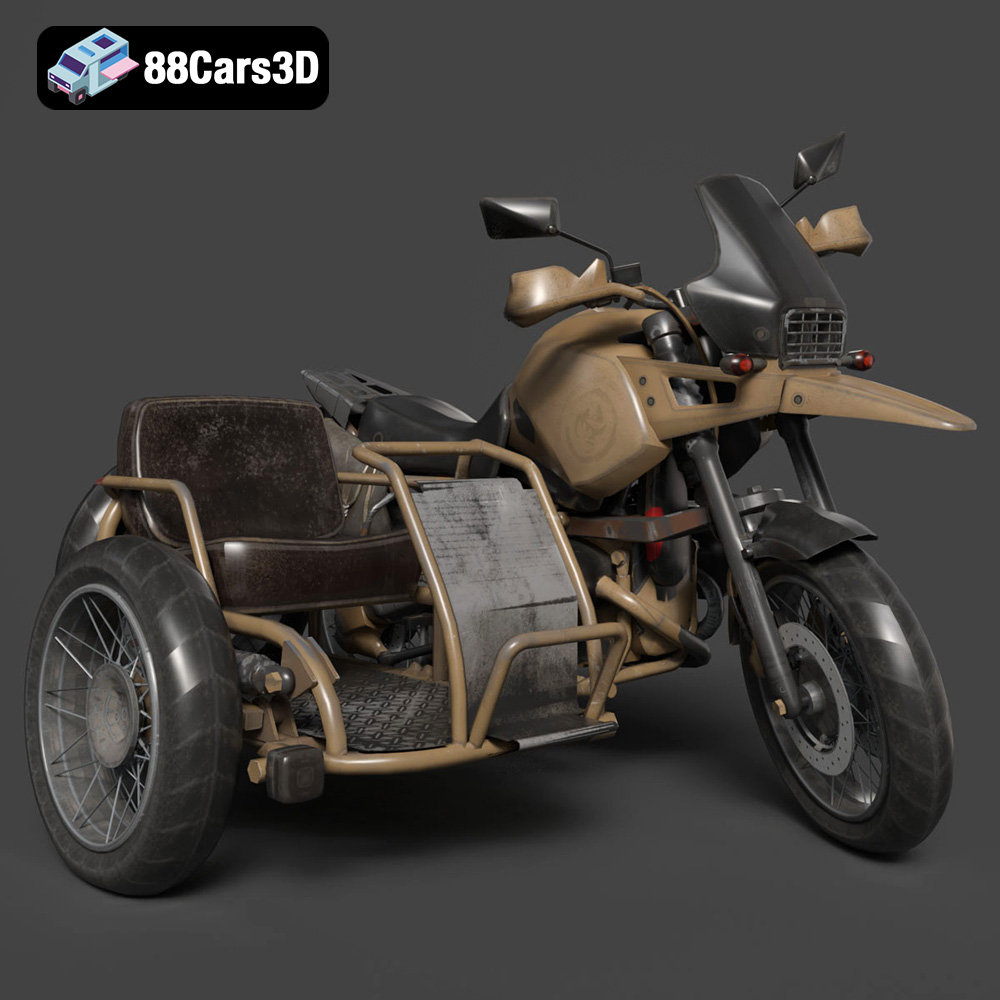
The Custom Off-Road BMW R1150GS Adventure Sidecar represents the pinnacle of overland exploration and rugged dual-sport capability. Renowned for its iconic boxer twin engine and indestructible shaft drive, this customized adventure rig integrates a heavy-duty passenger sidecar, transforming it into an ultimate all-terrain expedition vehicle. Key visual elements include the massive dual-sport fuel tank, aggressive knobby tires, robust crash bars, and the distinctive asymmetric headlights that define the GS lineage.
$39.99
.adventure
.blend
.bmw
.custom
.fbx
.glb
.max
.obj
.ply
.rendering
.sidecar
.stl
.unreal
game asset
game-ready
low-poly
motorcycle-3d-model
off-road
optimized
r1150gs
VR/AR