Get 20% OFF All Premium 3D & STL Models!

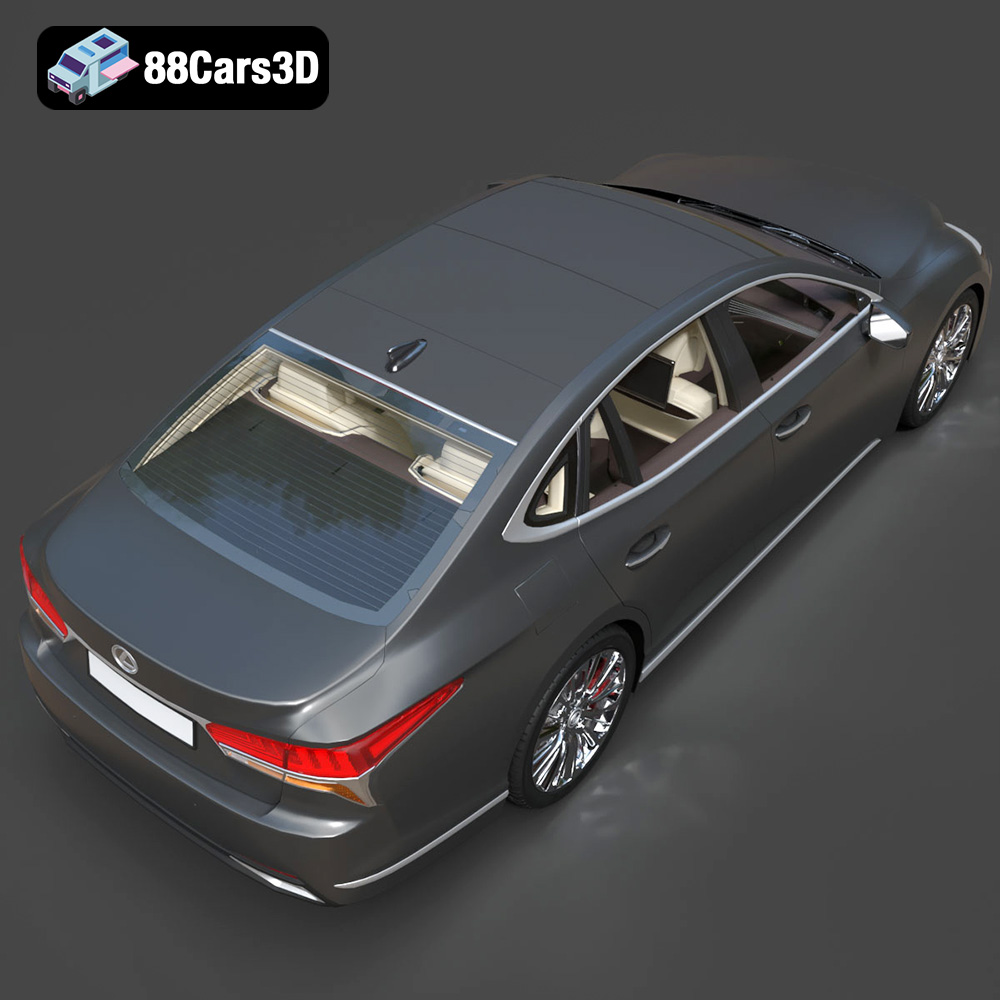
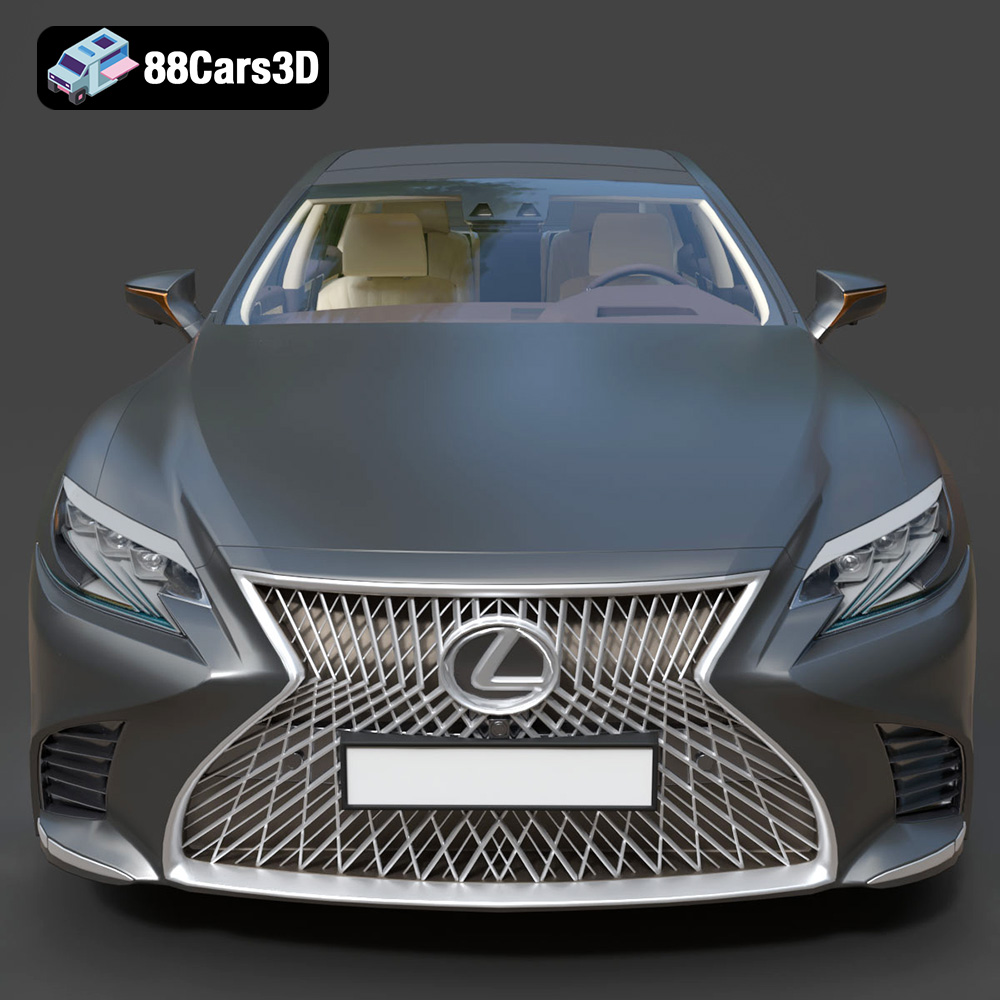
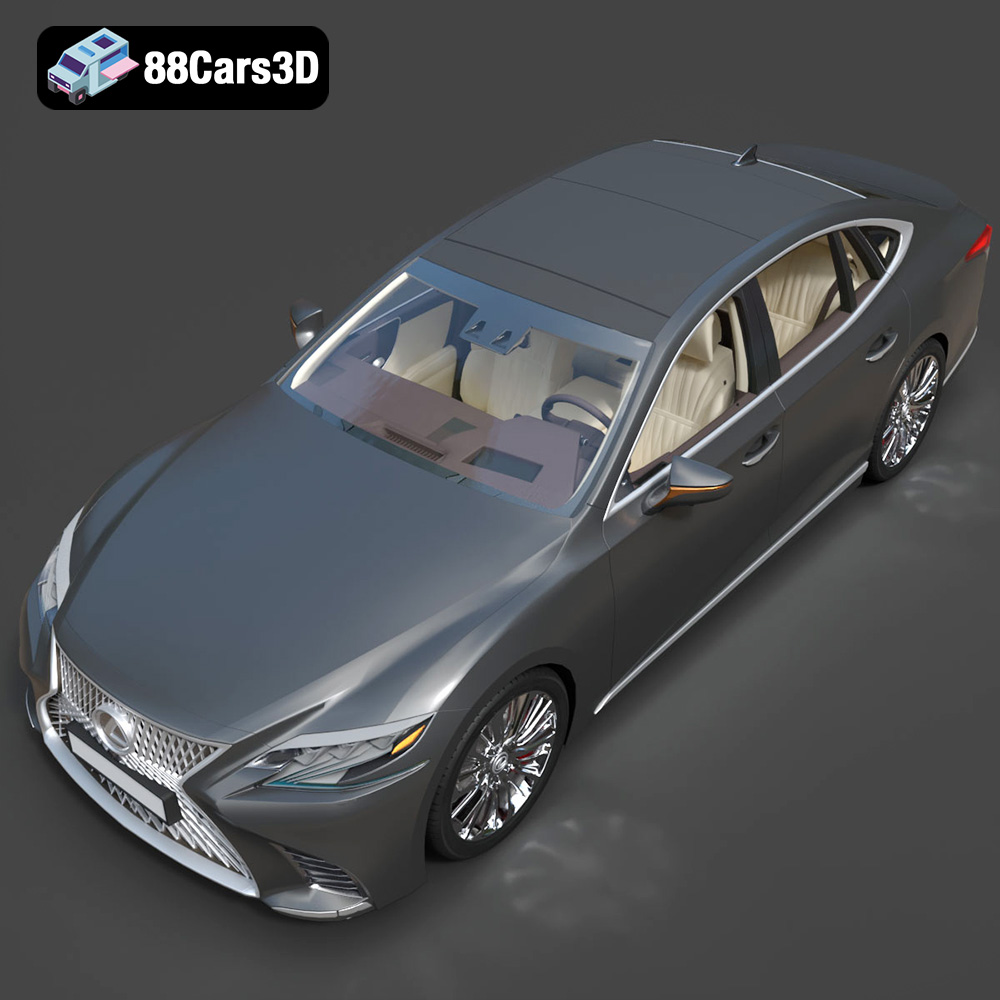
The Lexus LS 500 2018 is a masterpiece of automotive design, blending luxury with a sporty silhouette. Its intricate spindle grille, elegant lines, and meticulous detailing make it a desirable subject for 3D printing enthusiasts. This article will guide you through the process of successfully 3D printing the Lexus LS 500 2018 model, available on 88cars3d.com, covering everything from pre-print preparation to post-processing techniques. Whether you’re a seasoned 3D printing expert or a beginner, this guide will provide the knowledge and insights needed to create a stunning replica of this iconic vehicle.
Choosing the right file format is crucial for a successful 3D printing experience. The Lexus LS 500 2018 model from 88cars3d.com comes in several formats, each suited for different applications. Understanding these formats will help you optimize your workflow.
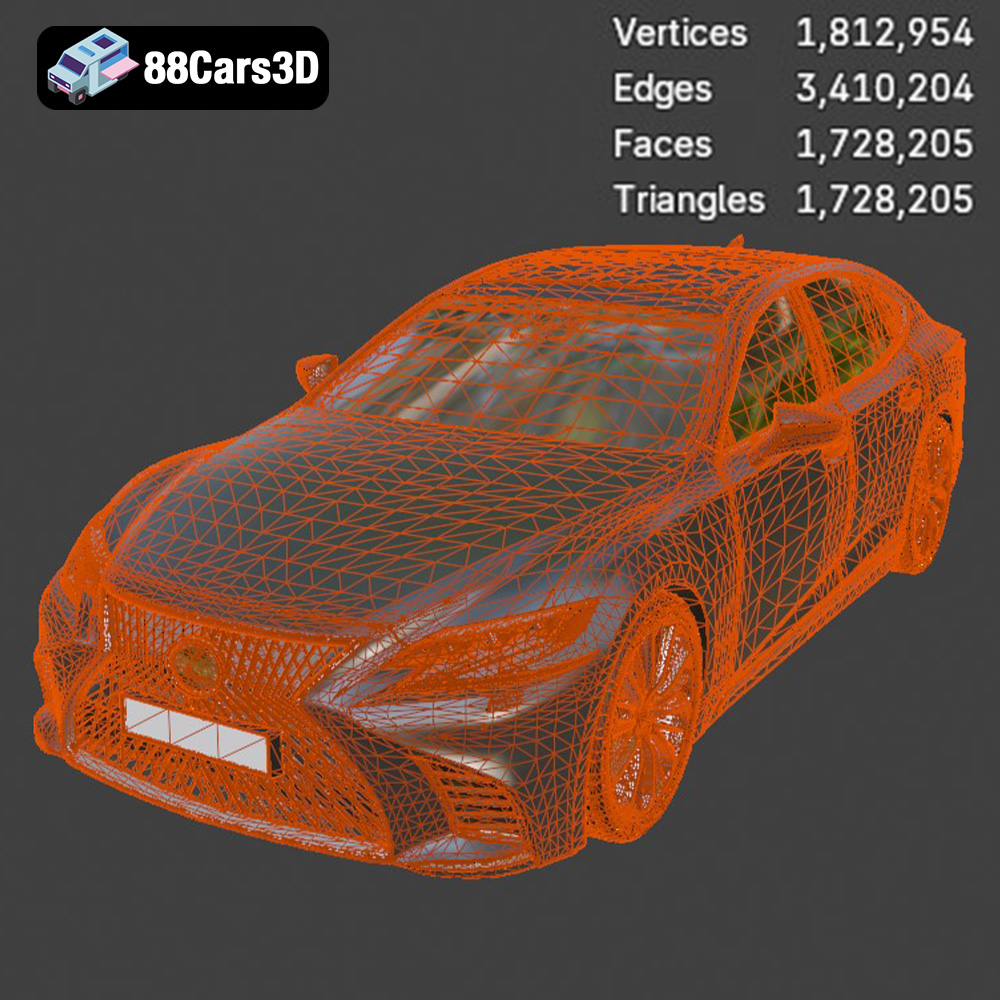
The .stl (stereolithography) format is the industry standard for 3D printing. It represents the 3D model’s surface geometry as a collection of triangles. This simplicity makes it universally compatible with slicing software. When working with the Lexus LS 500 2018, the .stl file is your primary choice for 3D printing. Slicing software takes the .stl file and converts it into a series of instructions (G-code) that your 3D printer can understand. The quality of the final print is heavily influenced by the resolution of the .stl file. Higher resolution means more triangles and a smoother surface, but also a larger file size. It’s a balancing act between detail and processing power.
The .obj (object) format is more versatile than .stl because it can store color and texture information. While most 3D printers are single-color, some advanced machines can print in multiple colors or apply textures. If you plan on experimenting with multi-color printing or applying textures to your 3D printed Lexus LS 500 2018, the .obj format is the way to go. However, be aware that not all slicing software fully supports .obj files with textures, so check compatibility beforehand.
.ply (polygon file format) is designed for capturing 3D data with high precision, often used in 3D scanning. While it can store color and surface properties, it’s less commonly used for general 3D printing compared to .stl. It might be useful if you need to make highly accurate measurements or want to preserve very fine details of the Lexus LS 500 2018, but keep in mind that it can result in very large file sizes and potentially slower slicing times.
* **.blend:** This is the native file format for Blender, a popular open-source 3D modeling software. Use this if you want to make modifications to the model before exporting it for 3D printing.
* **.fbx:** Often used for transferring models between different 3D software packages, preserving materials and animations. While it’s not directly used for 3D printing, it can be imported into Blender for adjustments before exporting as an .stl file.
* **.glb:** A binary file format that includes 3D models, textures, and animations, mainly used for displaying 3D models in web applications. It’s not for 3D printing but can be used to preview the Lexus LS 500 2018 in AR before printing.
* **.max:** This is the native file format for 3ds Max, another professional 3D modeling software. Similar to .blend, it allows for extensive modifications to the model.
In summary, for 3D printing the Lexus LS 500 2018 model, the .stl format is the most suitable option due to its wide compatibility and ease of use with slicing software. Ensure the .stl file has sufficient resolution to capture the car’s details, and always double-check the mesh quality for any errors before proceeding to slicing.
Before sending the Lexus LS 500 2018 STL files to your 3D printer, careful preparation is essential for achieving optimal results. This involves model inspection, orientation planning, and support structure generation.
Examine the STL file for any errors, such as non-manifold edges, holes, or intersecting faces. These imperfections can lead to printing failures or artifacts in the final model. Use software like MeshMixer, Netfabb, or the repair tools within your slicing software to fix any identified issues. A watertight and error-free mesh is crucial for successful 3D printing.
The orientation of the Lexus LS 500 2018 model on the print bed significantly impacts print quality, support requirements, and structural integrity. Printing the car’s frame at an angle (as suggested in the product description) often provides the best balance of detail and strength. Experiment with different orientations in your slicing software to minimize the need for supports on visible surfaces. Consider separating the wheels and other movable parts for individual printing, which can improve the finish and simplify assembly.
Detailed parts of the Lexus LS 500 2018, such as the spindle grille, exhaust outlets, and side mirrors, will likely require support structures to prevent drooping or collapse during printing. Use your slicing software to generate appropriate support structures, paying close attention to the support density and interface settings. The goal is to provide adequate support while minimizing the impact on surface finish and ease of removal. Consider using dissolvable support materials for complex areas to eliminate the risk of damage during removal.
The choice of material has a significant influence on the final appearance, strength, and durability of your 3D printed Lexus LS 500 2018 model. Consider the following options:
PLA is a popular, biodegradable thermoplastic known for its ease of use and wide availability. It’s a good choice for beginners and produces parts with good detail and a smooth surface finish. However, PLA is relatively brittle and has low heat resistance, making it less suitable for functional parts or models that will be exposed to high temperatures.
PETG offers a good balance of strength, flexibility, and heat resistance. It’s more durable than PLA and less prone to warping, making it a suitable choice for parts that require higher mechanical properties. PETG also adheres well to the print bed and produces parts with a glossy finish.
Resin 3D printing (SLA or DLP) offers the highest level of detail and surface finish, making it ideal for intricate models like the Lexus LS 500 2018. Resin printers use liquid photopolymer resins that are cured by UV light, resulting in incredibly fine layers and smooth surfaces. However, resin printing requires more post-processing than filament printing, including washing and curing, and the materials can be more expensive. Resin is highly recommended for fine details like the grille.
Fine-tuning your printer settings is crucial for maximizing the quality of your 3D printed Lexus LS 500 2018 model. The specific settings will depend on your printer, material, and desired level of detail.
Layer height determines the resolution of your print. A smaller layer height (e.g., 0.04-0.12 mm) will result in finer details and a smoother surface finish, but it will also increase print time. Experiment with different layer heights to find the optimal balance between quality and speed. For resin printing, even finer layer heights (e.g., 0.025-0.05 mm) can be achieved.
Infill density determines the internal structure of your 3D printed model. A higher infill density (e.g., 20-30%) will result in a stronger part, but it will also increase material consumption and print time. For the Lexus LS 500 2018 model, a moderate infill density is sufficient for most applications, as the primary focus is on aesthetics rather than structural strength.
Print speed affects both print quality and print time. Printing too fast can lead to poor layer adhesion, warping, and other issues. Start with a conservative print speed and gradually increase it until you find the optimal balance between speed and quality.
Proper temperature settings are essential for successful 3D printing. Follow the material manufacturer’s recommendations for nozzle and bed temperatures. Experiment with small adjustments to optimize adhesion and prevent warping.
Post-processing is the final step in the 3D printing process, and it can significantly enhance the appearance of your Lexus LS 500 2018 model.
Carefully remove the support structures from your 3D printed model using pliers, cutters, or other tools. Take your time and be gentle to avoid damaging the model. For dissolvable supports, simply soak the model in the appropriate solvent until the supports dissolve.
Sanding is essential for smoothing out layer lines and other imperfections on the surface of your 3D printed model. Start with coarse sandpaper and gradually move to finer grits until you achieve a smooth surface. Use filler primer to fill in any remaining imperfections.
Painting is the key to transforming your 3D printed model into a realistic replica of the Lexus LS 500 2018. Apply multiple thin coats of primer, followed by several coats of paint in the desired color. Consider using automotive-grade paints for a durable and authentic finish. Apply clear coat to protect the paint and add a glossy shine. Add details such as window tinting and chrome accents to further enhance the realism of your model.
Even with careful preparation and optimized settings, you may encounter issues during the 3D printing process. Here are some common problems and their solutions:
Warping occurs when the corners of your 3D printed model lift off the print bed. To prevent warping, ensure that your print bed is level and properly heated. Use a bed adhesive such as glue stick or hairspray to improve adhesion.
Stringing occurs when thin strands of filament are left between different parts of your 3D printed model. To prevent stringing, reduce the nozzle temperature and increase retraction settings.
Layer delamination occurs when the layers of your 3D printed model separate from each other. To prevent layer delamination, increase the nozzle temperature and reduce print speed.
Clean the print bed thoroughly before each print. Level the bed carefully. Use a brim or raft to increase the surface area in contact with the bed.
By following these guidelines and troubleshooting tips, you can successfully 3D print a stunning replica of the Lexus LS 500 2018 model. Remember to experiment with different settings and techniques to find what works best for your printer and materials.
The 2018 Lexus LS 500 is the pinnacle of Japanese luxury, featuring a striking spindle grille, elegant coupe-like silhouette, and a powerful twin-turbo V6 engine. Known for its meticulous Takumi craftsmanship, whisper-quiet ride, and aggressive yet refined styling, the LS 500 represents the intersection of executive comfort and cutting-edge automotive design. From its complex front fascia to the dual exhaust outlets, every curve is captured to convey its dynamic road presence. Perfect for luxury car configurators, urban open-world games, cinematic architectural renderings, and high-end brand showcases.
$39.99
.2018
.blend
.fbx
.glb
.lexus
.max
.obj
.ply
.rendering
.stl
.unreal
car-3d-model
executive-car
game asset
game-ready
low-poly
ls-500
luxury-sedan
optimized
VR/AR