Get 20% OFF All Premium 3D & STL Models!

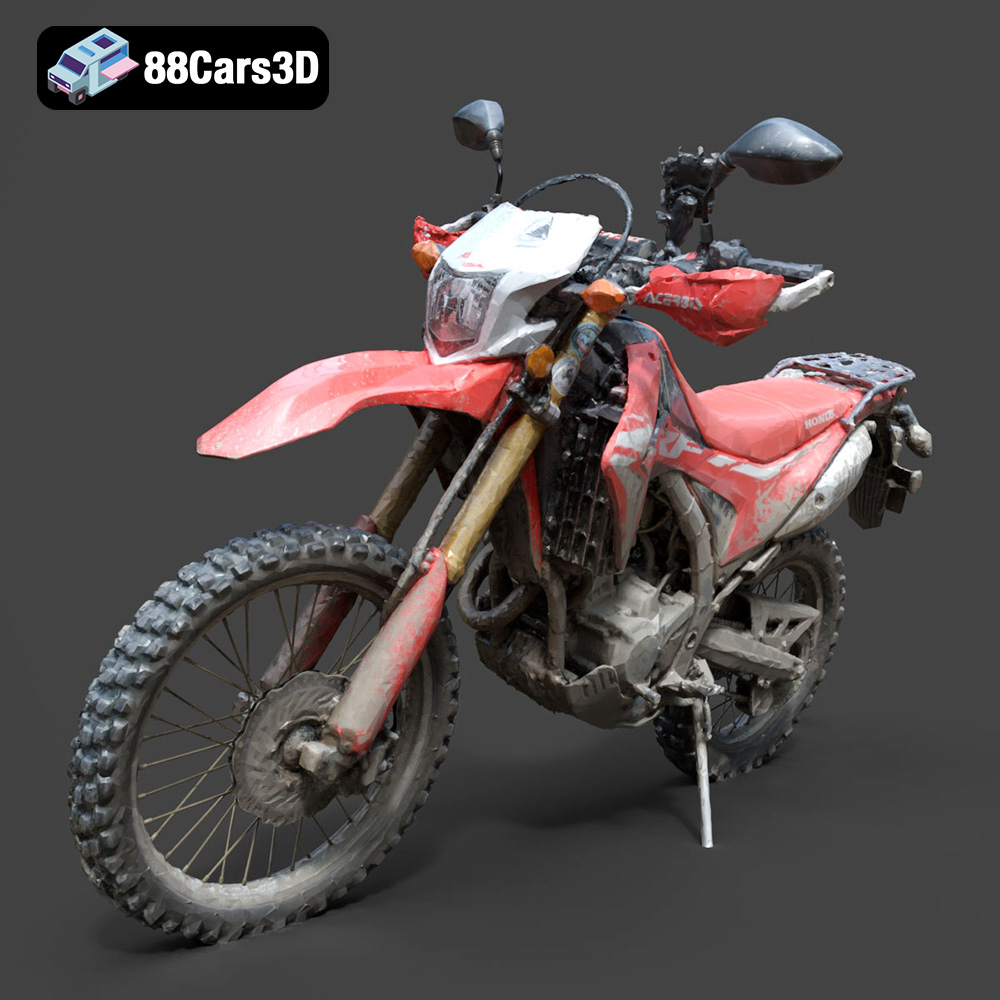
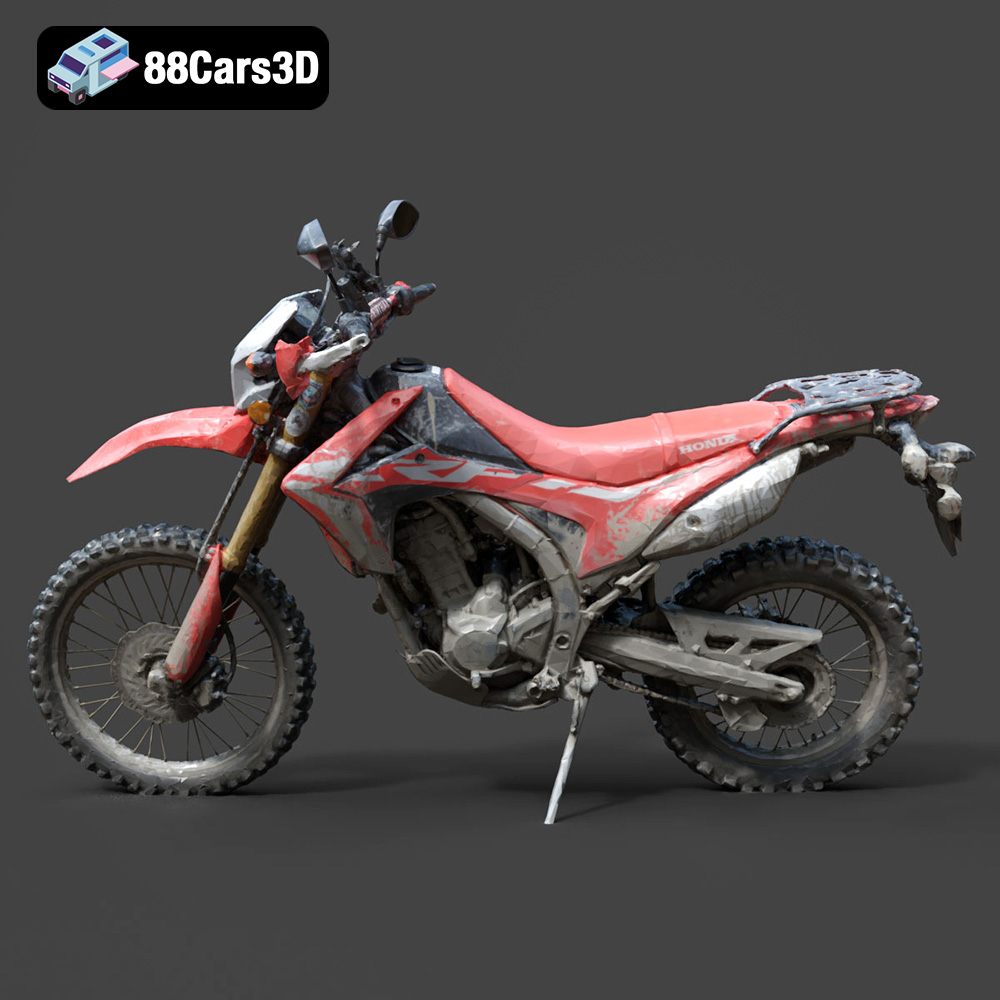
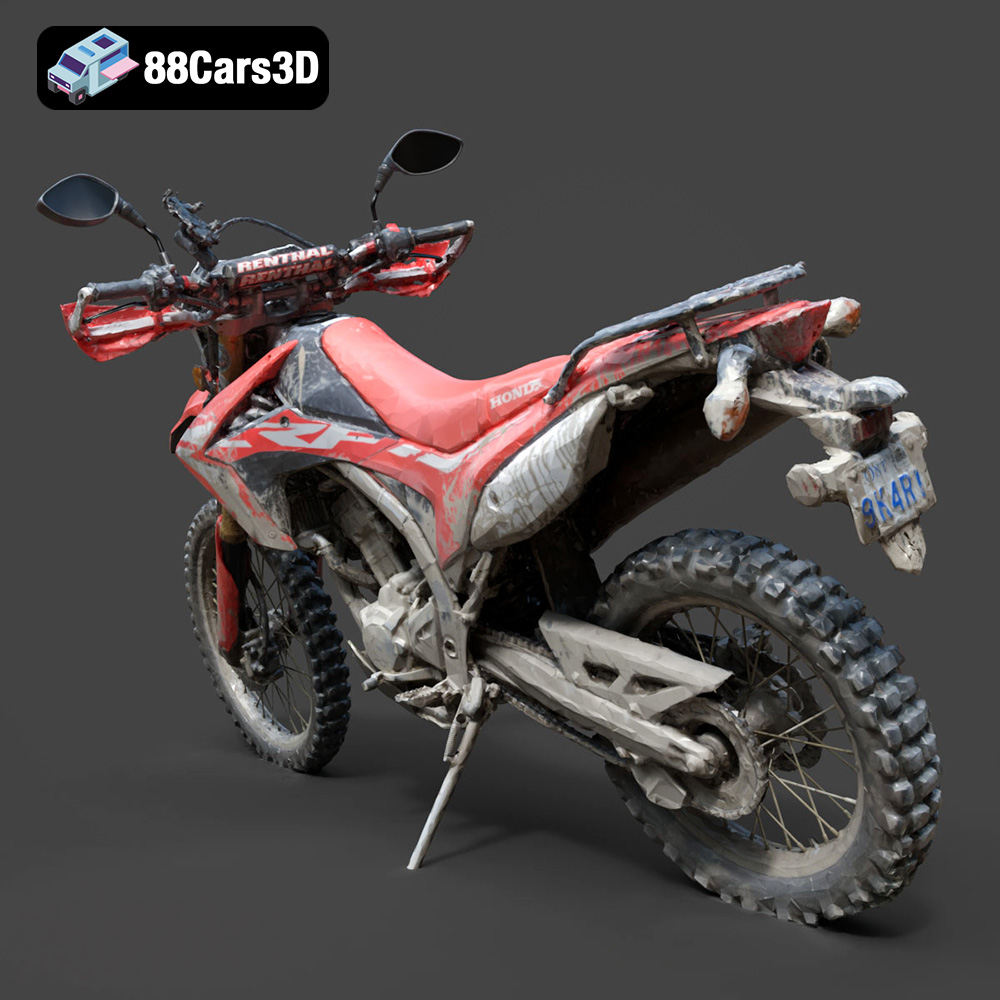
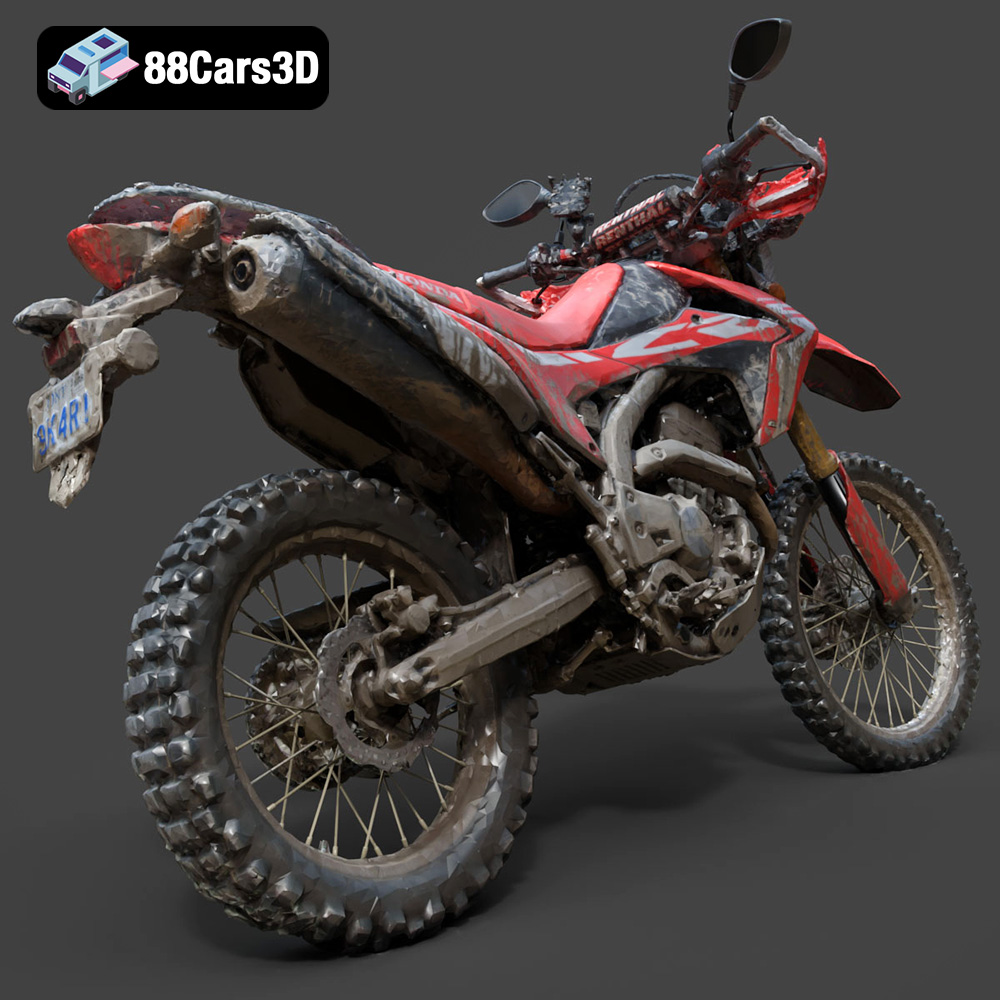
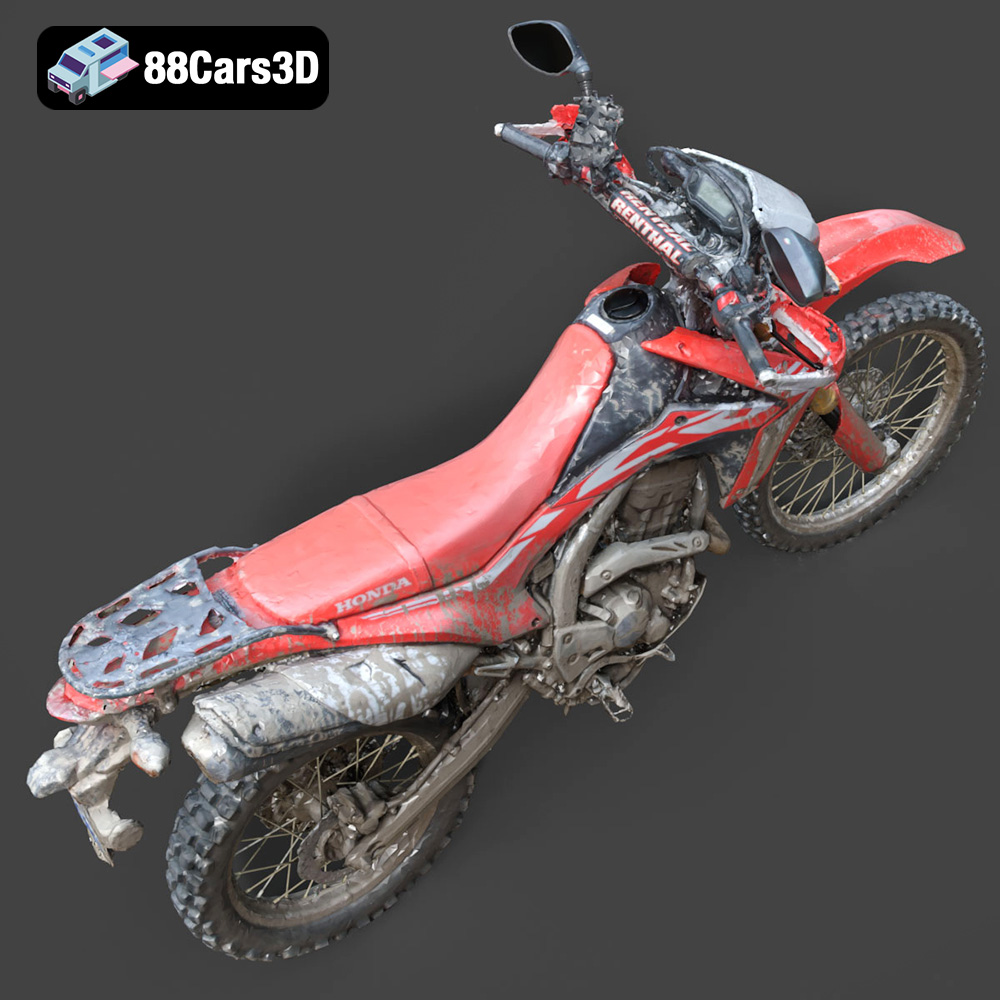
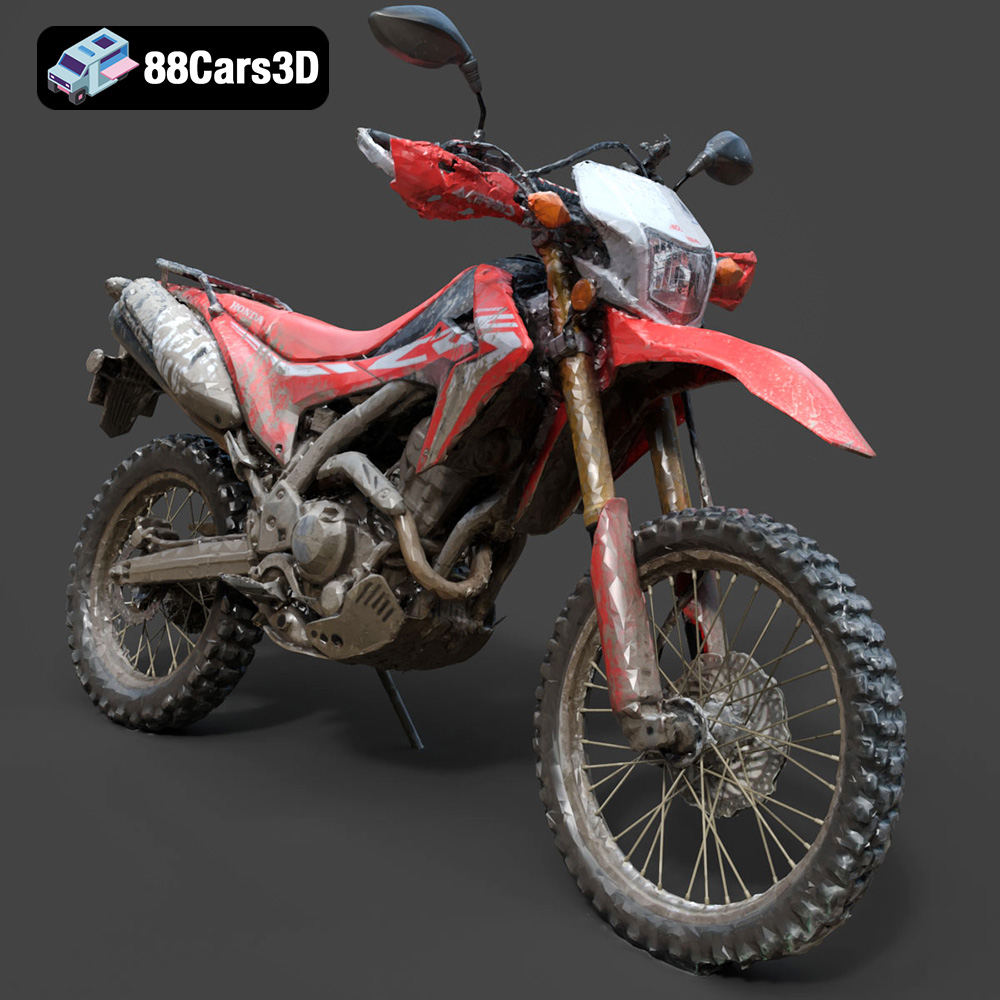
The Honda Motorcycle-001 3D model available on 88cars3d.com offers a fantastic opportunity to bring a detailed replica of this iconic machine into the real world through 3D printing. The intricate details and accurate geometry of this model make it a rewarding, albeit challenging, project. This guide will walk you through the entire 3D printing process, from pre-print preparation to post-processing finishing touches, ensuring a successful and satisfying outcome.
Selecting the appropriate 3D printer is crucial for capturing the nuances of the Honda Motorcycle-001. Both Fused Deposition Modeling (FDM) and Stereolithography (SLA) printers can be used, but each offers different strengths and weaknesses.
FDM printers are more accessible and generally more affordable. They use filaments like PLA, PETG, or ABS.
* **Pros:** Lower cost, larger build volumes, wider material selection.
* **Cons:** Layer lines may be visible, requiring more post-processing. Fine details might be less defined.
SLA printers use liquid resin cured by a light source, resulting in higher resolution prints.
* **Pros:** Exceptional detail, smooth surfaces, ideal for small, intricate parts.
* **Cons:** Higher cost, smaller build volumes, resin can be messy and requires careful handling.
For the Honda Motorcycle-001, if your primary goal is displaying a highly detailed model, SLA printing is recommended. However, if you are aiming for a larger-scale model and are comfortable with post-processing, FDM printing is a viable option.
Choosing the correct file format is a critical first step in the 3D printing process. Different file formats offer varying levels of compatibility and are designed for specific applications. Understanding these nuances will help you achieve the best possible results when 3D printing the Honda Motorcycle-001.
The .stl (Stereolithography) file format is the undisputed champion of 3D printing. It represents the surface geometry of a 3D object as a collection of triangles. This simplicity makes it universally compatible with virtually all slicing software and 3D printers.
* **Why it’s ideal for 3D Printing:** Its widespread adoption means that any software you use is almost guaranteed to support .stl files. It focuses solely on geometry, making it lightweight and efficient for printing.
* **Considerations:** .stl files do not contain color or texture information. They only describe the shape of the object. For the Honda Motorcycle-001, the STL is perfect for creating a base model ready for painting.
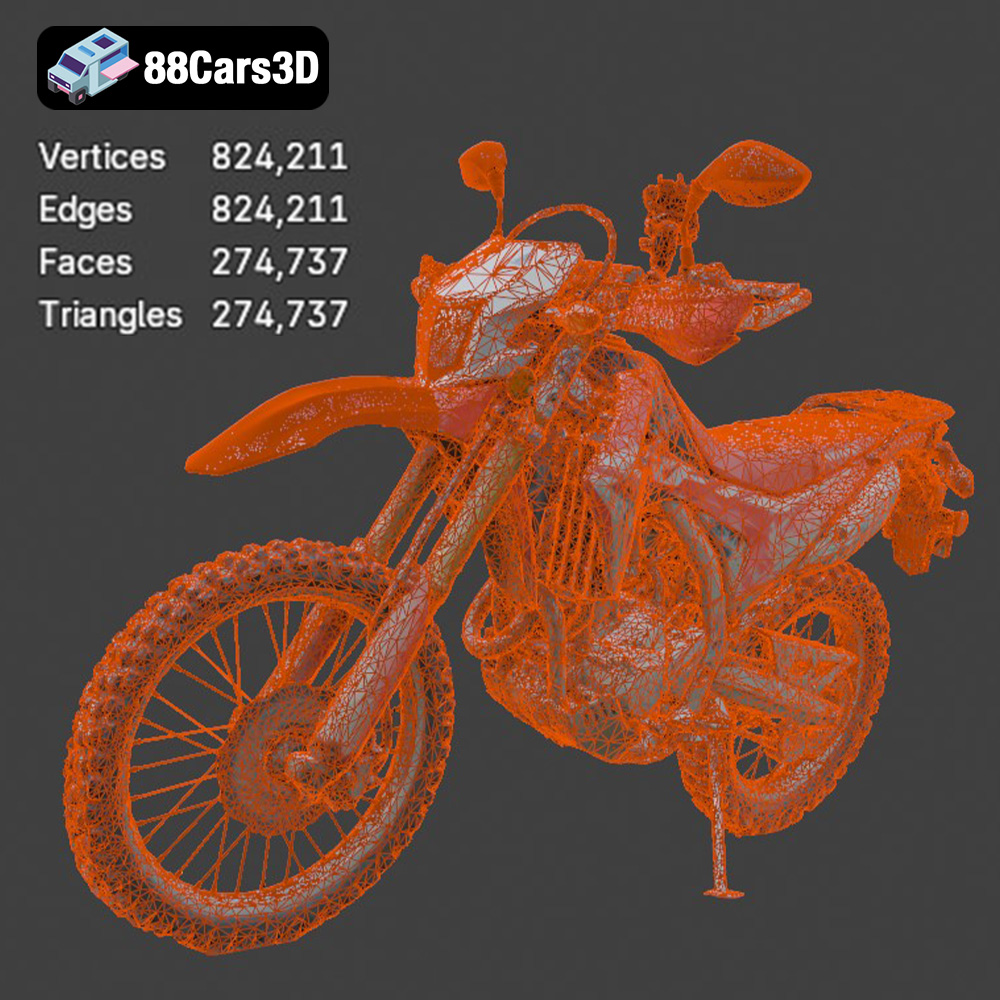
* **Mesh Quality:** The resolution of the triangular mesh in an .stl file is crucial. A low-resolution mesh will result in a faceted, blocky appearance, while a high-resolution mesh will capture finer details but can create a larger file size. When exporting the Honda Motorcycle-001 as an STL, ensure that you select a resolution that balances detail and file size. Aim for a mesh that appears smooth when viewed in your slicing software.
The .obj (Object) file format is another common format that supports both geometry and texture information. This is advantageous if you plan to apply textures to the 3D printed model after printing or if you want to visualize the model with textures in your slicing software.
* **Benefits:** Supports color and texture information, making it suitable for models with complex surface details.
* **Drawbacks:** Can be larger in file size compared to .stl, especially if textures are included. Not as universally supported by all 3D printing software as .stl.
.ply (Polygon File Format) is designed to store 3D data acquired from 3D scanners. It excels at capturing high-resolution mesh data with color information.
* **Strengths:** Captures very fine details and color data accurately.
* **Weaknesses:** Less commonly used for 3D printing compared to .stl or .obj. File sizes can be significantly larger.
.blend files are native to Blender, a popular open-source 3D creation suite. This format contains the entire Blender scene, including the model, materials, lighting, and animations.
* **Usefulness:** Allows for complete customization of the model before exporting it for 3D printing. You can modify the geometry, add details, or prepare the model for printing by adding supports.
* **Workflow:** Open the .blend file in Blender, make any necessary modifications, and then export the model as an .stl file for slicing.
.fbx (Filmbox) is primarily used for exchanging 3D data between different software applications, particularly in game development. It supports geometry, textures, materials, and animations.
* **Advantage:** Retains material information when importing into some slicing software.
* **Limitation:** Not always directly compatible with all 3D printers. Often, the model needs to be exported as an .stl from the slicing software.
.glb (GL Transmission Format Binary) is designed for efficient delivery and loading of 3D models, especially in web-based and augmented reality applications.
* **Functionality:** Allows you to preview the Honda Motorcycle-001 in AR on your smartphone or tablet before printing, giving you a sense of its scale and appearance in the real world.
* **Printing:** Typically not used directly for 3D printing. You would still need to export the model as an .stl file.
.max files are native to 3ds Max, another professional 3D modeling software. Similar to .blend files, they contain the entire scene setup.
* **Benefits:** Allows for detailed modifications and preparation of the model within 3ds Max.
* **Process:** Open the .max file in 3ds Max, adjust the model as needed, and then export it as an .stl file for slicing.
For the Honda Motorcycle-001, the **.stl file format is the most suitable** for 3D printing. It’s universally compatible, lightweight, and efficient. Ensure that the .stl file has sufficient mesh resolution to capture the model’s details. If you wish to make modifications to the model before printing, use the .blend or .max files and export the modified model as an .stl.
Once you have your .stl file, you’ll need to use slicing software to prepare the model for printing. This software converts the 3D model into a series of layers that the 3D printer can understand. Proper orientation and support generation are essential for a successful print.
The orientation of the Honda Motorcycle-001 on the print bed significantly impacts the print quality and the need for supports. Consider the following:
* **Minimize overhangs:** Orient the model to reduce the number of overhanging features that require support structures.
* **Showcase detail:** Position the most detailed areas of the model facing upwards to take advantage of the printer’s best resolution.
* **Structural integrity:** Consider the model’s structural weak points. Orient the model to align strong axes with the direction of stress.
* For the motorcycle, printing the frame at a slight angle (around 30-45 degrees) can help reduce the number of supports needed and improve the surface finish of critical parts.
Support structures are necessary to hold up overhanging features during printing. Choose support settings carefully to balance print quality and ease of removal.
* **Support type:** Use tree supports for FDM printing. They use less material and are easier to remove. For SLA printing, use light supports to minimize surface damage.
* **Support density:** Adjust the support density based on the complexity of the overhangs. Higher density provides more support but can be harder to remove.
* **Support placement:** Manually place supports in critical areas to ensure stability. Avoid placing supports on visible surfaces if possible.
Before slicing, check the model for errors and scale it to your desired size.
* **Model repair:** Use the slicing software’s repair tools or dedicated software like MeshMixer or Netfabb to fix any issues with the model, such as non-manifold edges or holes.
* **Scaling:** Scale the model to your desired size, keeping in mind the limitations of your printer’s build volume. A scale of 1:12 or 1:18 often works well for detailed models like the Honda Motorcycle-001.
Choosing the right material and configuring the printer settings are vital for achieving a high-quality 3D print. The optimal settings will vary depending on your printer, material, and desired level of detail.
* **PLA (Polylactic Acid):** A biodegradable thermoplastic, PLA is easy to print and offers good detail. It’s suitable for beginners and for non-functional parts.
* **PETG (Polyethylene Terephthalate Glycol-modified):** PETG is stronger and more heat-resistant than PLA, making it a good choice for parts that need to withstand some stress. It can be slightly more challenging to print than PLA.
* **ABS (Acrylonitrile Butadiene Styrene):** ABS is a strong, heat-resistant plastic often used for functional parts. However, it requires a heated bed and an enclosed printer to prevent warping.
* **Resin (SLA/DLP):** Resin offers the highest level of detail and smooth surfaces. Different types of resin are available, with varying properties such as flexibility, strength, and heat resistance.
* **Layer Height:** A lower layer height results in smoother surfaces and finer details but increases print time. A layer height of 0.1mm – 0.2mm is a good starting point for FDM printing. For resin printing, layer heights of 0.025mm – 0.05mm are common.
* **Infill Density:** Infill density affects the strength and weight of the print. For a display model, a low infill density (10-20%) is sufficient. Increase the infill density for parts that need to be stronger.
* **Print Speed:** Slower print speeds generally result in better print quality. Start with a print speed of 40-60 mm/s for FDM printing and adjust as needed.
* **Temperature:** Follow the manufacturer’s recommended temperature settings for your chosen material.
* **Support Settings:** Adjust support density, placement, and overhang angle based on the model’s geometry.
Estimating print time and material cost beforehand helps manage resources effectively.
* **Print Time:** Estimated print time is dependent on model size, layer height, infill, and printing speed. Slicing software usually provides an estimate. A detailed Honda Motorcycle-001 model can take anywhere from 10 to 40 hours to print depending on these settings.
* **Material Cost:** Material cost depends on the material type, density and model size. Most slicing software also estimates material usage. A model of this complexity could cost $5 – $20 in filament or resin.
Post-processing is crucial for achieving a professional finish on your 3D printed Honda Motorcycle-001. These steps help remove imperfections, smooth surfaces, and enhance the model’s overall appearance.
* **Support Removal:** Carefully remove support structures using pliers, cutters, or a hobby knife. Take care not to damage the model.
* **Sanding:** Start with coarse sandpaper (e.g., 220 grit) to remove any remaining support marks and layer lines. Gradually move to finer grits (e.g., 400, 600, 800 grit) to smooth the surface. Wet sanding can help reduce dust and improve the finish.
* **Priming:** Apply a primer coat to the model to create a smooth, uniform surface for painting. Primer also helps the paint adhere better.
* **Painting:** Use acrylic paints or spray paints to add color to the model. Apply multiple thin coats for best results. Consider using stencils or masking tape to create detailed patterns.
* **Clear Coat:** Apply a clear coat to protect the paint and add a glossy or matte finish.
The Honda Motorcycle-001 model may consist of multiple parts that need to be assembled.
* **Adhesive:** Use super glue or epoxy to join the parts together.
* **Alignment:** Ensure proper alignment of the parts before the adhesive sets.
* **Finishing Touches:** Fill any gaps with putty or filler and sand smooth.
Even with careful preparation, 3D printing can sometimes present challenges. Here are some common issues and their solutions:
* **Warping:** Warping occurs when the plastic cools unevenly and pulls away from the print bed. Use a heated bed, increase bed adhesion (e.g., using glue stick or hairspray), and enclose the printer to maintain a consistent temperature.
* **Stringing:** Stringing is caused by molten plastic oozing from the nozzle during travel moves. Reduce the printing temperature, increase retraction settings, and decrease travel speed.
* **Layer Shifting:** Layer shifting occurs when the print head moves out of alignment during printing. Check the belts and pulleys for tightness and ensure the printer is stable.
* **Under-Extrusion:** Under-extrusion happens when the printer doesn’t extrude enough plastic. Increase the printing temperature, decrease the print speed, and check for clogs in the nozzle.
By carefully following these steps and troubleshooting any issues that arise, you can successfully 3D print a stunning replica of the Honda Motorcycle-001 from 88cars3d.com. The level of detail and realism you can achieve with 3D printing is truly remarkable, making this a rewarding and engaging project for any enthusiast of additive manufacturing.
Experience an exceptional level of realism with the Honda Motorcycle-001 3D model. Meticulously constructed to capture the exact engineering, sleek aesthetic, and dynamic profile of this renowned motorcycle, it serves as an authoritative digital twin for demanding professional projects.
$39.99
.arvr
.bike
.blend
.car3dmodel
.fbx
.gameasset
.glb
.honda
.max
.motorcycle
.motorcycle001
.obj
.ply
.rendering
.simulation
.stl
.streetbike
.twowheeler
.unreal