Get 20% OFF All Premium 3D & STL Models!

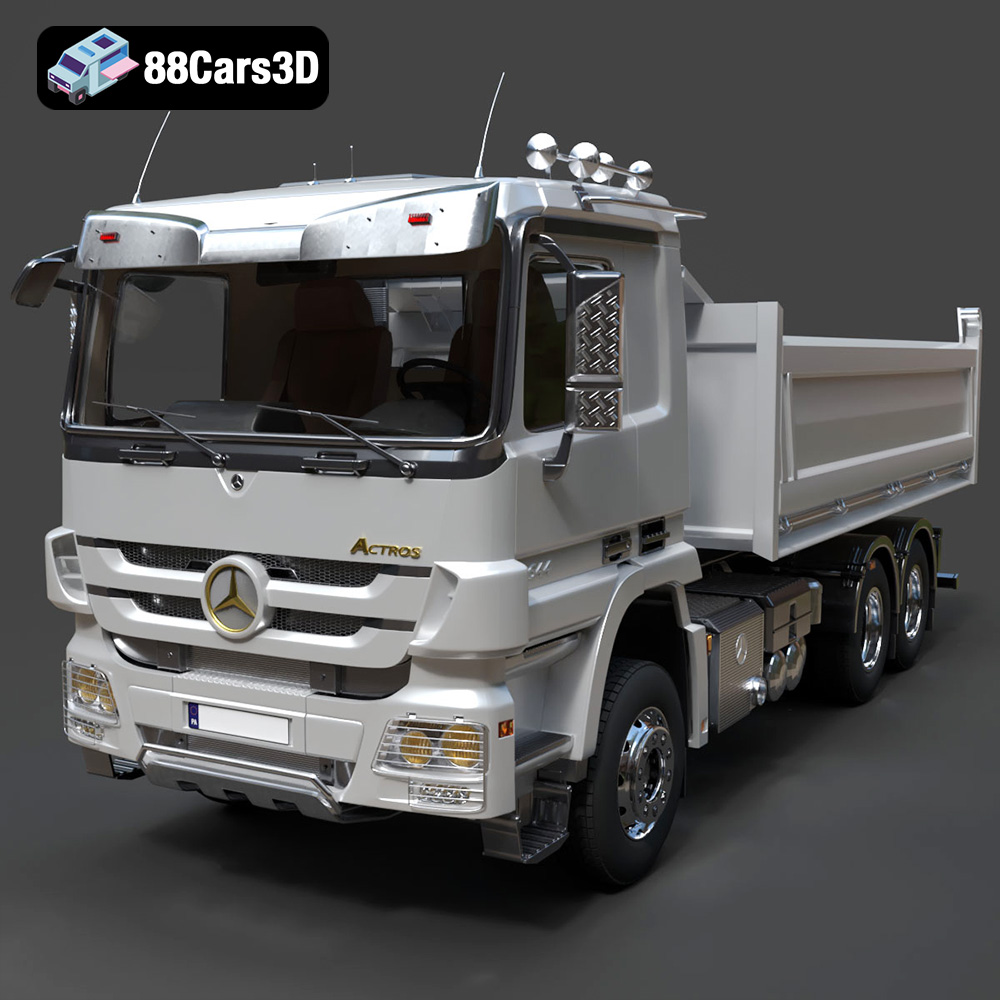
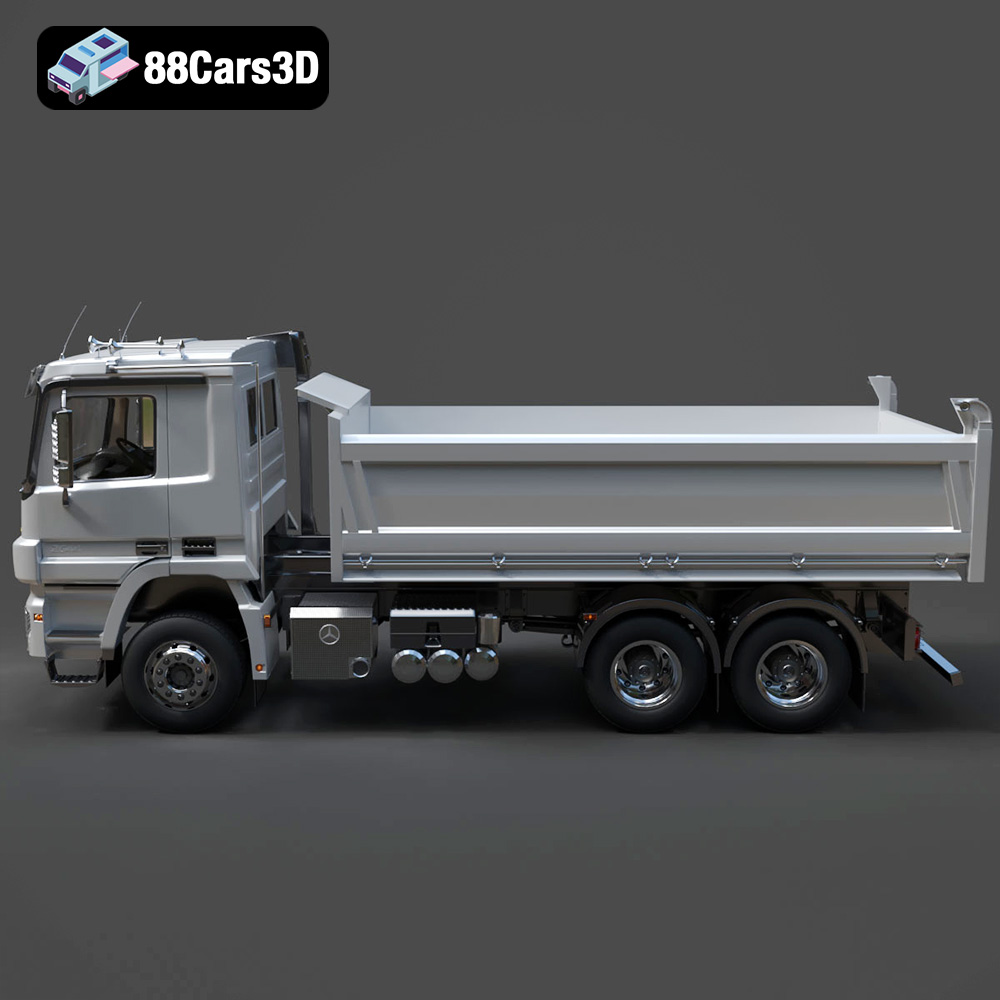
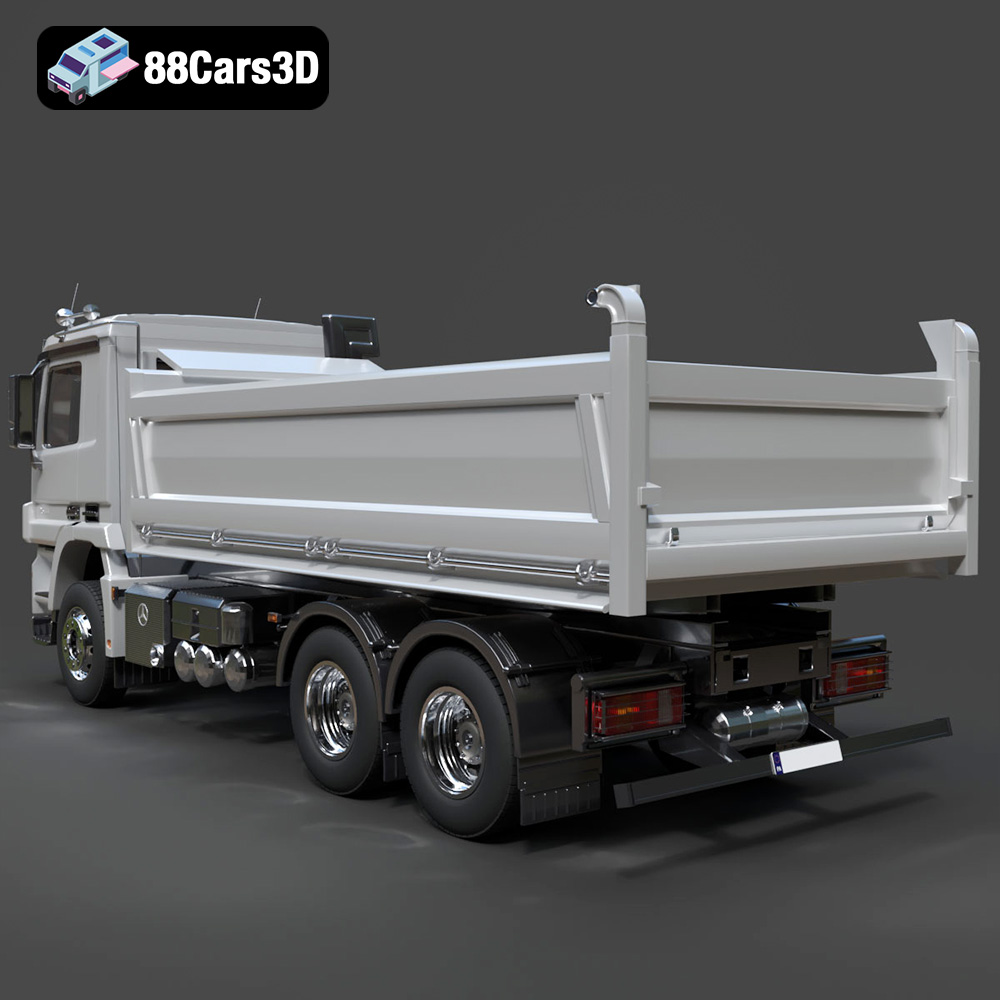
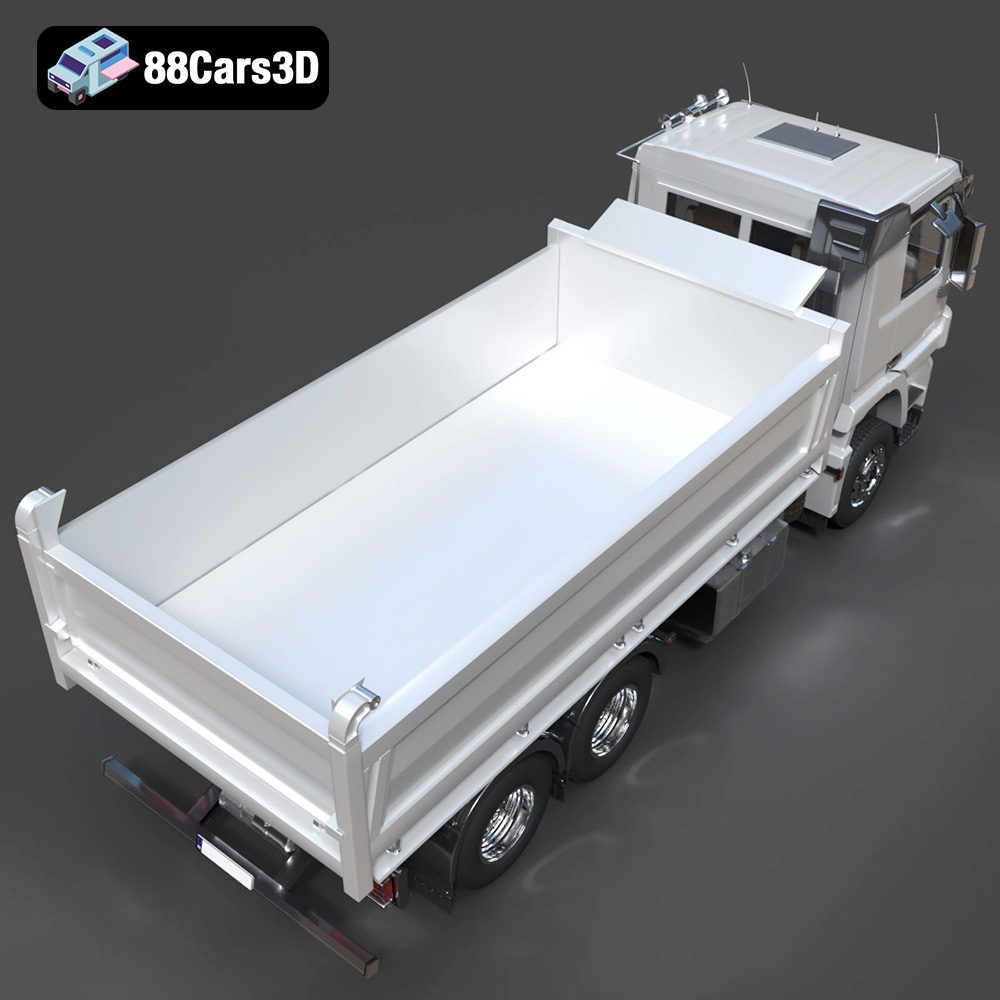
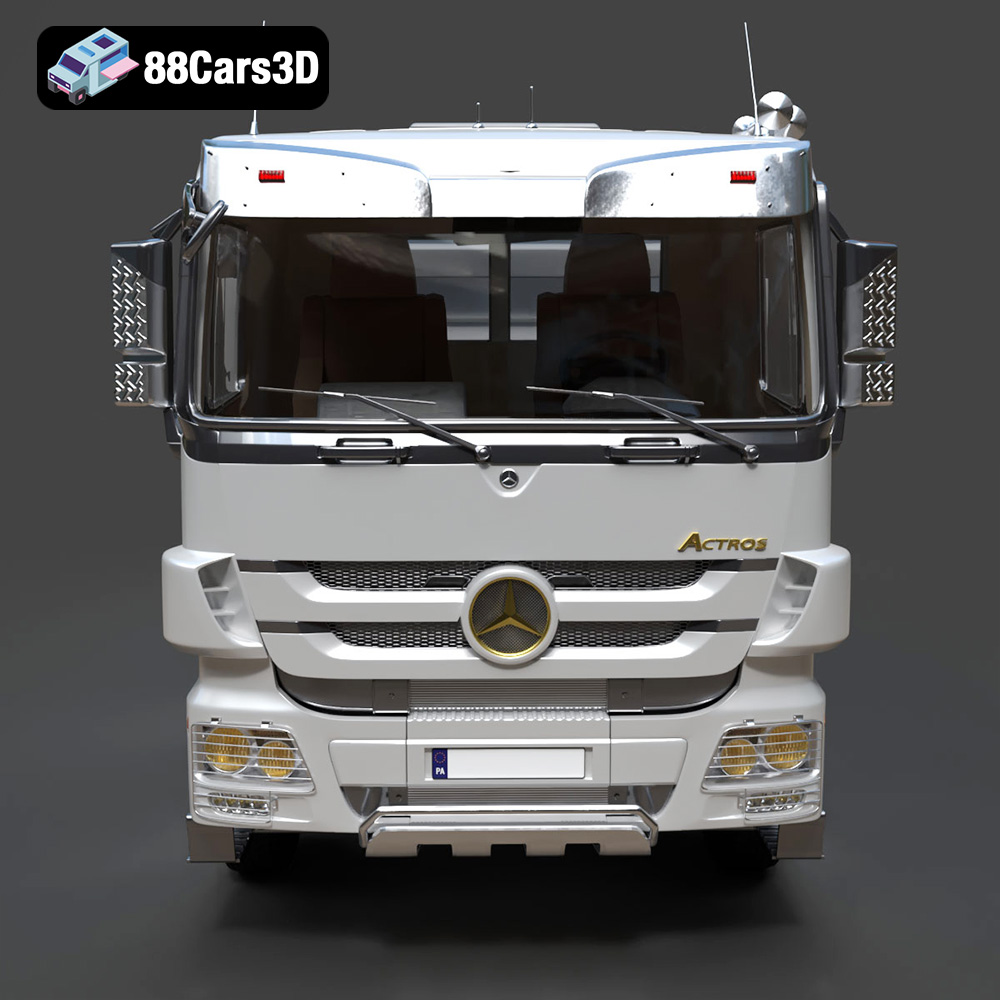
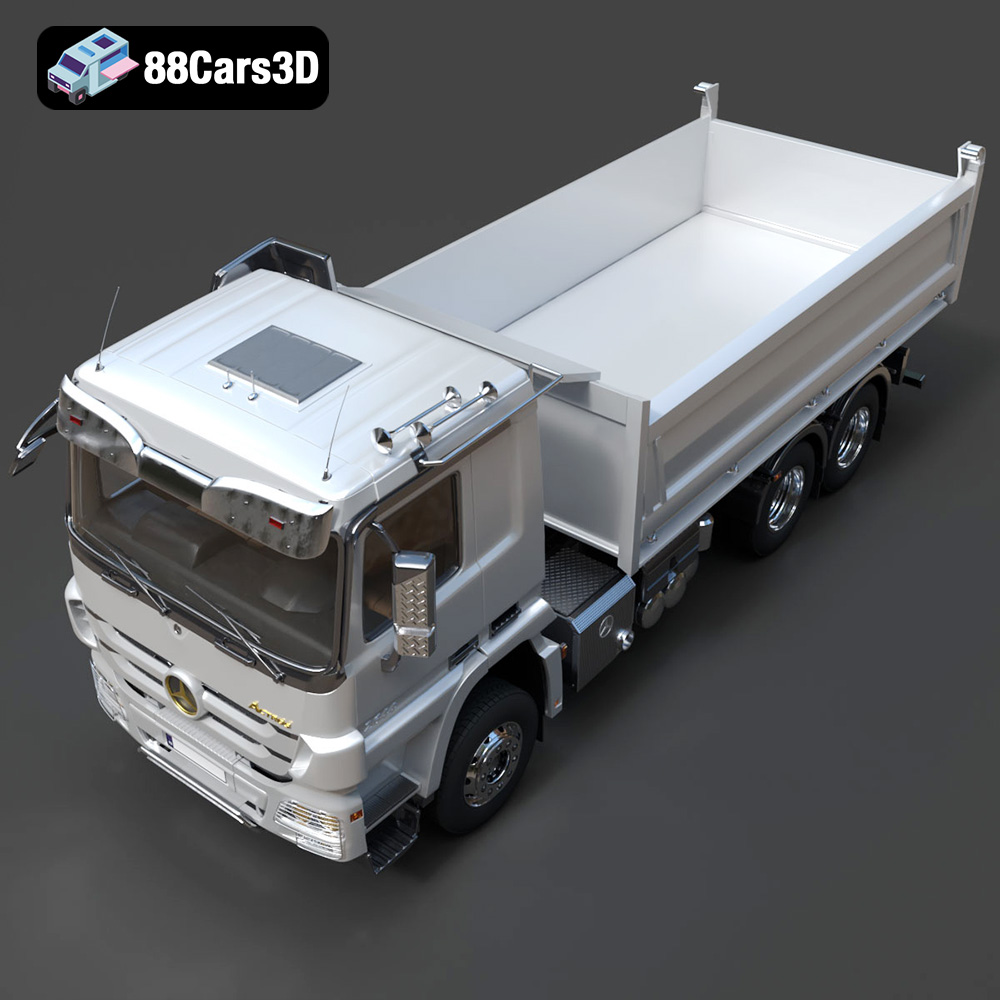
The Mercedes-Benz Actros Tipper 3-Axle 2011 is a formidable machine, and now you can bring a piece of that heavy-duty engineering to your desk with a 3D printed model. Thanks to meticulously crafted 3D models available on platforms like 88cars3d.com, enthusiasts and hobbyists alike can recreate this iconic commercial truck. This guide provides a comprehensive walkthrough of 3D printing this model, covering everything from selecting the right materials and settings to post-processing techniques. Let’s dive into the world of additive manufacturing and turn this digital file into a tangible replica.
Selecting the appropriate 3D printer is crucial for achieving a high-quality print of the Mercedes-Benz Actros Tipper. Two primary types of 3D printers are suitable: Fused Deposition Modeling (FDM) and Stereolithography (SLA) resin printers.
FDM printers are generally more accessible and affordable, using filaments like PLA or PETG. These printers are excellent for producing larger components of the Actros Tipper, such as the chassis, cab, and tipper bed. The build volume of your FDM printer will dictate the maximum size of these parts.
SLA resin printers excel at capturing fine details, making them ideal for smaller, more intricate parts like the exhaust system, mirrors, hydraulic rams, and smaller interior components. The higher resolution of resin printing allows for smoother surfaces and more accurate representation of complex geometries.
Before you can begin 3D printing the Mercedes-Benz Actros Tipper, understanding the different file formats available is crucial. While 88cars3d.com offers multiple formats for various applications, some are more suitable for 3D printing than others.
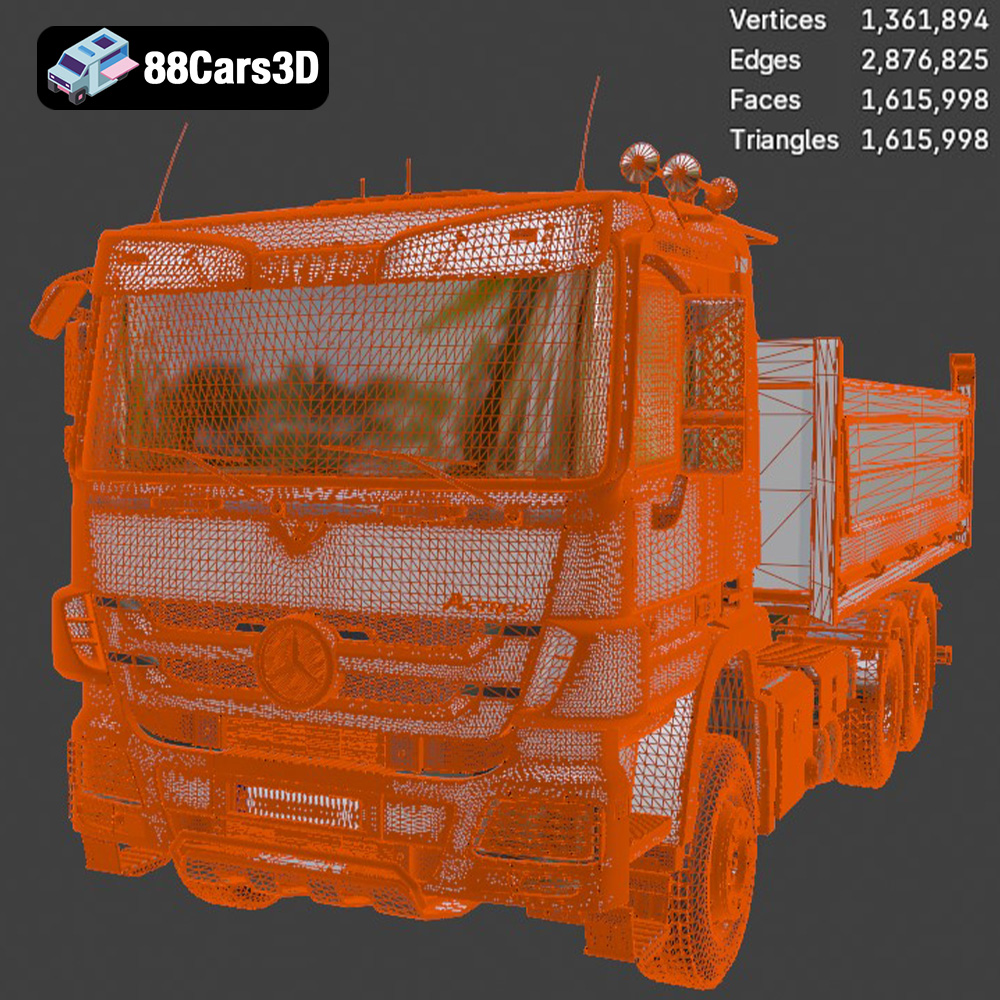
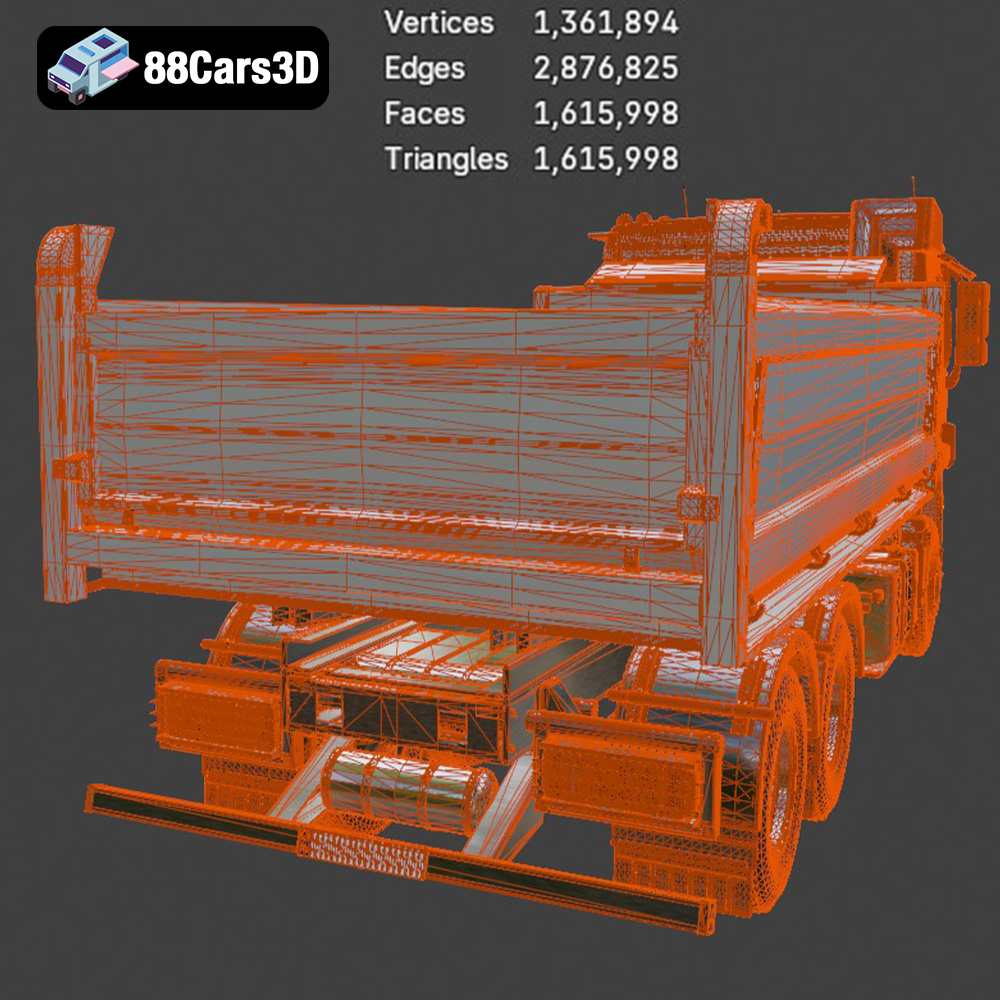
The STL (stereolithography) file format is the undisputed champion of 3D printing. It represents the 3D model’s surface geometry as a mesh of triangles. This simplicity makes it universally compatible with virtually all 3D printing software and hardware. The Mercedes-Benz Actros Tipper model provided in STL format is ready for slicing and printing. When working with STL files, pay close attention to the mesh quality. A higher triangle count results in a smoother surface, but it also increases file size and processing time. The sweet spot is a balance between visual fidelity and manageable file size, especially for larger prints. Slicing software utilizes the STL data to generate toolpaths, which guide the 3D printer layer by layer. Check for any errors in the STL file before printing, such as non-manifold edges or flipped normals, which can cause printing issues.
The OBJ file format is another common format that supports not only geometry but also color and texture information. This is beneficial if you plan to print the Actros Tipper in multiple colors or apply textures during post-processing. However, not all 3D printers support multi-color printing directly.
PLY files are designed for storing 3D data acquired from 3D scanners. They can represent color, normals, and other properties, making them suitable for high-detail prints where accurate surface representation is critical. The mesh resolution in PLY files is usually very high, allowing for capturing even the smallest details.
The BLEND file is the native format for Blender, a popular open-source 3D modeling software. This format is incredibly versatile, allowing you to modify the Actros Tipper model extensively before exporting it to a printable format like STL. You can adjust the geometry, add details, or customize the model to your liking.
FBX is a proprietary file format developed by Autodesk, commonly used in animation and game development. It supports geometry, textures, materials, and animations. While you can import FBX files into some slicing software, converting to STL is generally recommended for optimal 3D printing compatibility.
GLB files are binary versions of the glTF format, optimized for efficient transmission and loading of 3D models in web and AR/VR applications. While not directly used for 3D printing, GLB files allow you to preview the Actros Tipper model in augmented reality before committing to a print, providing a better understanding of its size and appearance.
Similar to BLEND files, MAX files are the native format for 3ds Max, another professional 3D modeling software. You can use this format to make advanced modifications to the model, leveraging 3ds Max’s powerful toolset before exporting to a printable format.
Ultimately, the STL format is the most reliable choice for 3D printing the Mercedes-Benz Actros Tipper. It’s universally supported, and with proper mesh optimization, it can deliver excellent results.
Once you’ve chosen your printer and understand the file formats, you’ll need to prepare the 3D model for printing using slicing software. This software converts the 3D model into a series of instructions (G-code) that the printer can understand.
Before slicing, inspect the STL file for any errors, such as non-manifold edges or holes. Software like Meshmixer or Netfabb can automatically repair these issues. Also, consider optimizing the model’s triangle count if it’s excessively high, as this can improve slicing performance.
The slicing software settings are crucial for print quality and success. Here are some key parameters to consider:
* **Layer Height:** As recommended by 88cars3d.com, a layer height of 0.04–0.12 mm is ideal, especially for resin printing to capture finer details. For FDM printing, a layer height between 0.1 and 0.2 mm is generally suitable.
* **Wall Thickness:** Set the wall thickness to 1.2–2.0 mm for sufficient strength and durability.
* **Infill Density:** An infill density of 20–30% provides a good balance between strength and material usage. Experiment with different infill patterns (e.g., gyroid, honeycomb) to optimize strength and print time.
* **Supports:** The Mercedes-Benz Actros Tipper model requires supports for overhanging features like the exhaust, mirrors, hydraulic rams, and chassis. Use the slicing software’s support generation feature to automatically create supports. Consider using tree supports for easier removal.
* **Print Orientation:** Orient the frame at an angle to improve structural integrity. Print the wheels and tipper bed separately for optimal detail and ease of assembly.
The recommended scales of 1:24, 1:32, and 1:50 provide a good balance between detail and print size. Consider the available build volume of your printer when choosing a scale. If you’re printing the model in multiple parts, ensure they are designed to fit together seamlessly during assembly.
The choice of material significantly impacts the final look and feel of the 3D printed Mercedes-Benz Actros Tipper.
PLA is a popular choice for FDM printing due to its ease of use, biodegradability, and wide range of colors. It’s suitable for non-functional parts like the cab and tipper bed. However, PLA is not as strong or heat-resistant as other materials.
PETG offers improved strength and heat resistance compared to PLA, making it a good choice for parts that require more durability, such as the chassis and wheels. It also has better layer adhesion, reducing the risk of delamination.
Resin is ideal for printing small, intricate parts with high detail and smooth surfaces. Use it for parts like the exhaust system, mirrors, and smaller interior components. However, resin prints are typically more brittle than FDM prints and require post-curing.
Printing a complex model like the Mercedes-Benz Actros Tipper can present several challenges. Here are some common issues and their solutions:
Warping occurs when the first layer of the print detaches from the build plate due to uneven cooling. To prevent warping, ensure the build plate is clean and level, use a heated bed (if available), and apply an adhesive like glue stick or hairspray.
Stringing is the formation of thin strands of filament between parts of the print. To minimize stringing, optimize retraction settings in the slicing software, reduce printing temperature, and increase travel speed.
Removing supports without damaging the print can be tricky. Use sharp tools like pliers or a hobby knife to carefully remove the supports. Consider using dissolvable support material (e.g., PVA) for complex geometries.
Poor layer adhesion can lead to weak prints that easily break. Ensure the printing temperature is correct for the material, increase the flow rate slightly, and reduce the layer height.
Post-processing is essential for achieving a professional finish on your 3D printed Mercedes-Benz Actros Tipper.
Sanding removes layer lines and imperfections, creating a smoother surface. Start with coarse sandpaper and gradually move to finer grits. Use filler to fill in any gaps or imperfections.
Priming provides a smooth, uniform surface for painting. Apply several thin coats of primer, allowing each coat to dry completely before applying the next.
Use acrylic paints to achieve authentic factory or fleet colors. Consider using an airbrush for a more even finish. Apply multiple thin coats of paint, allowing each coat to dry completely. Add metallic finishes for a realistic look.
Carefully assemble the printed parts, using glue or other adhesives as needed. Ensure all parts fit together seamlessly.
The print time and material cost for the Mercedes-Benz Actros Tipper model depend on several factors, including the size of the model, the chosen settings, and the material used. As a general estimate:
* **Print Time:** A full-scale model can take anywhere from 20 to 50 hours to print, depending on the complexity and size.
* **Material Cost:** The material cost can range from $20 to $50, depending on the material and the amount used.
3D printing the Mercedes-Benz Actros Tipper is a rewarding project that combines technical skill with creative expression. By carefully selecting the right printer, understanding file formats, optimizing slicing settings, and applying post-processing techniques, you can create a stunning replica of this iconic commercial truck. Remember to leverage the resources available on 88cars3d.com for high-quality 3D models and inspiration. With patience and attention to detail, you’ll have a tangible piece of engineering to admire and display. The possibilities are endless with additive manufacturing and allow you to bring amazing vehicles to life.
The Mercedes-Benz Actros Tipper 3-Axle 2011 is a heavy-duty powerhouse, renowned globally for its robust engineering, exceptional payload capacity, and reliability in demanding construction and mining environments. This high-quality 3D model boasts optimized topology with an efficient triangle count, ensuring it is game-ready while maintaining incredible visual fidelity. Designed for maximum performance without sacrificing detail, it is perfectly suited for game development, AR/VR applications, commercial animations, and industrial visualization.
$39.99
.2011
.actros
.blend
.fbx
.glb
.max
.obj
.ply
.rendering
.stl
.truck
.unreal
3-axle
actros-tipper
commercial-vehicle
construction-equipment
dump-truck
game asset
game-ready
heavy-duty
low-poly
mercedes-benz
optimized
tipper-truck
truck-3d-model
VR/AR