Get 20% OFF All Premium 3D & STL Models!

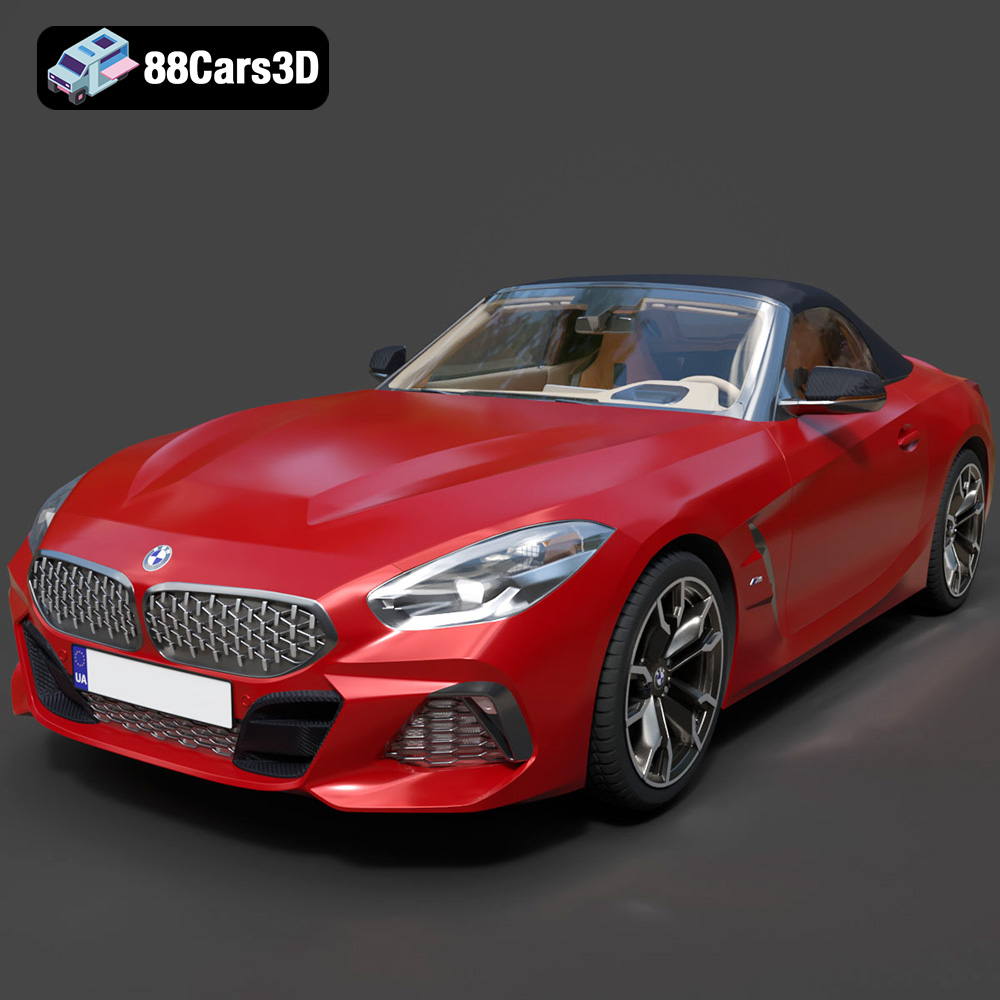
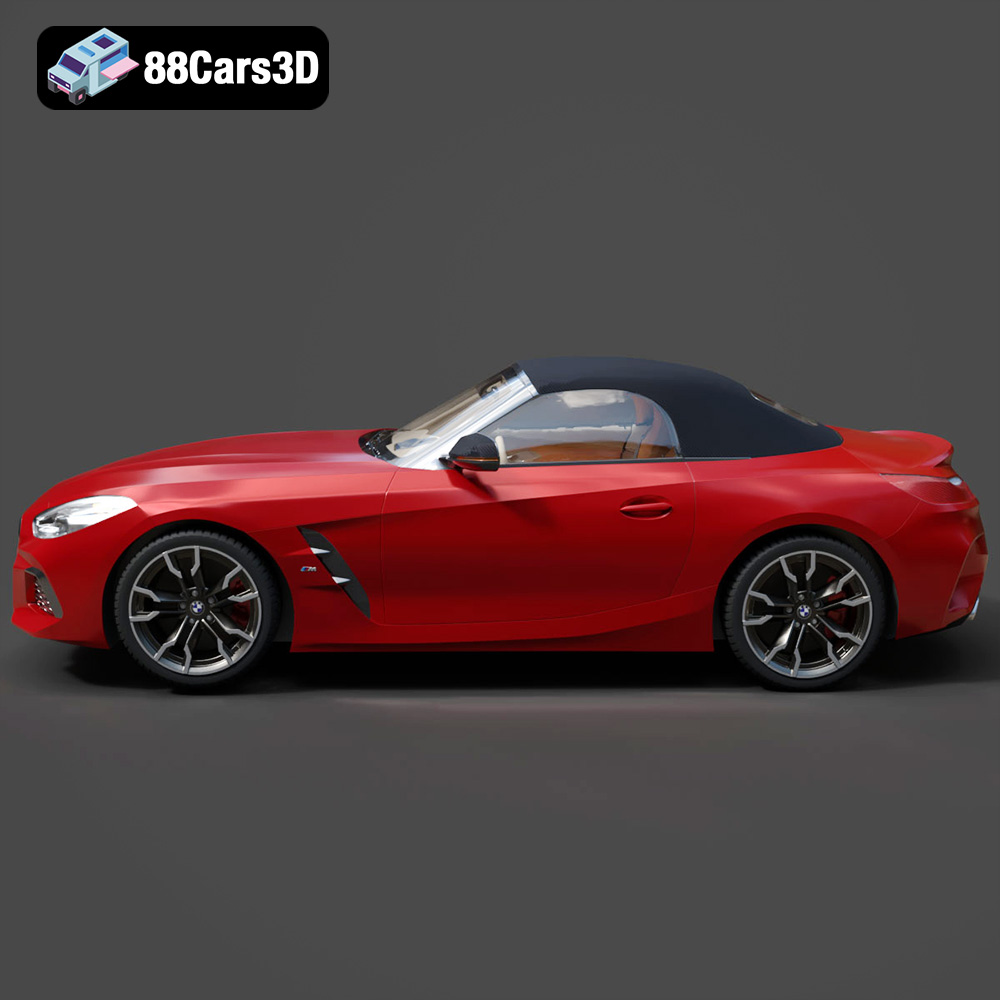
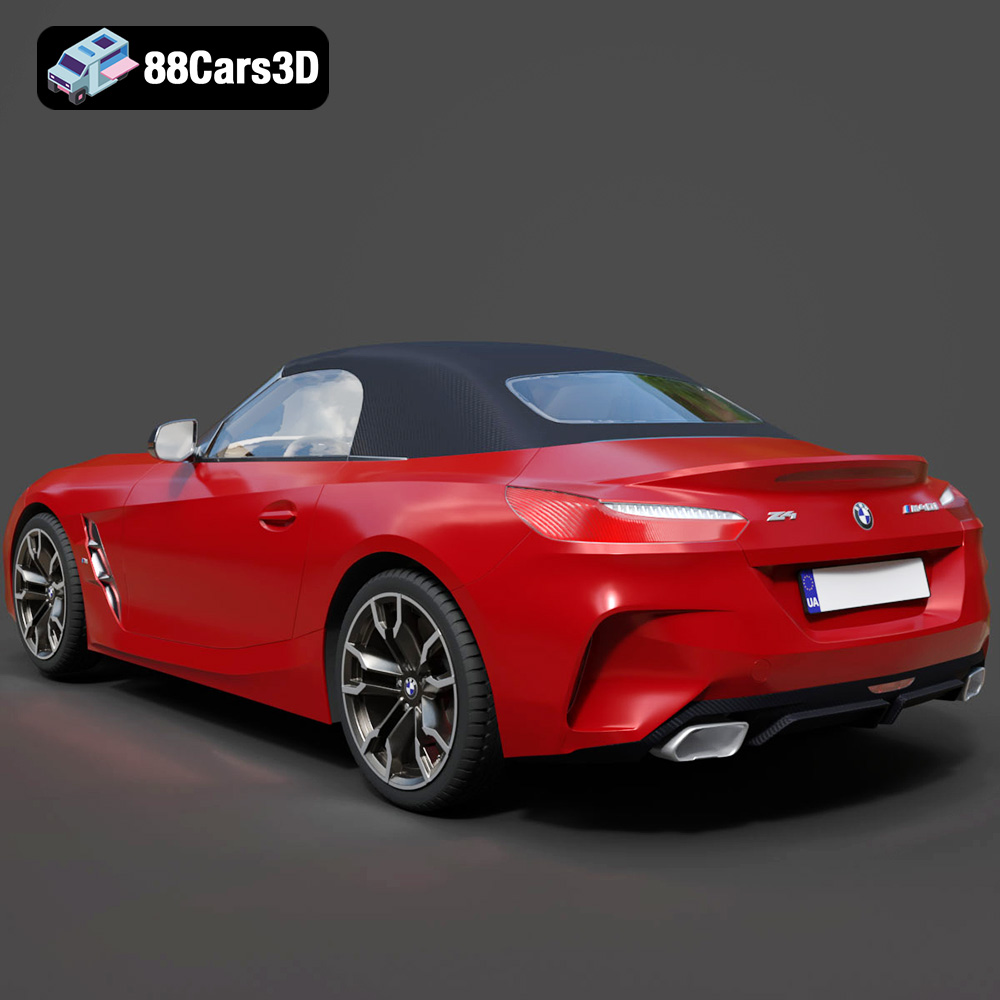
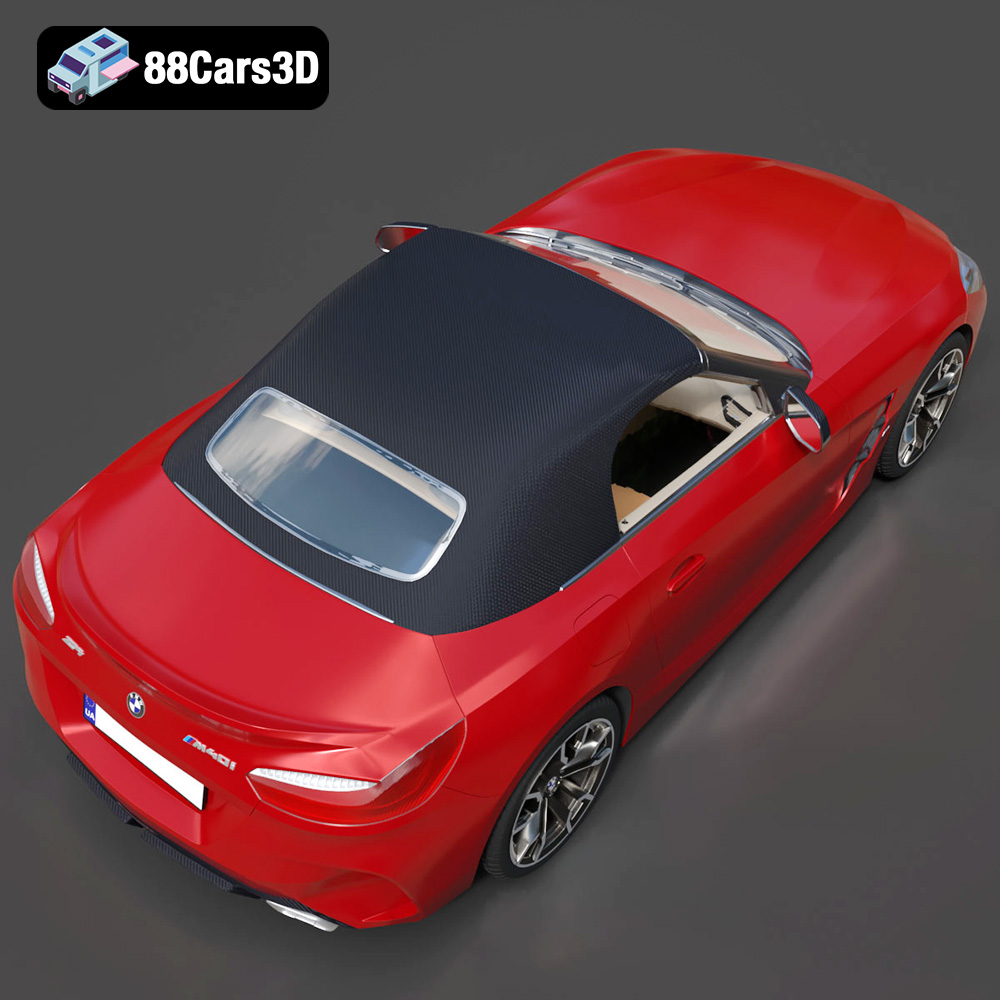
The BMW Z4 Mk3 G29 Roadster M40i 2019 is an iconic vehicle, blending sporty performance with open-top driving pleasure. Thanks to 88cars3d.com, you can now bring this automotive masterpiece to life through the power of 3D printing. This guide will walk you through the entire process, from pre-print preparation to post-processing, ensuring a successful and satisfying 3D printing experience. Whether you’re a seasoned 3D printing enthusiast or a newcomer to additive manufacturing, this article provides the technical insights needed to create a stunning replica of the BMW Z4.
Selecting the appropriate 3D printing technology is paramount for achieving the desired level of detail and finish on your BMW Z4 Mk3 G29 Roadster M40i 2019 model. Two primary technologies are commonly used: Fused Deposition Modeling (FDM) and Stereolithography (SLA).
FDM involves melting and extruding a thermoplastic filament, layer by layer, to build the object. This method is cost-effective and suitable for larger models. For the Z4, consider using materials like PLA or PETG. PLA is biodegradable and easy to print, while PETG offers greater strength and temperature resistance. However, FDM prints often require more post-processing to achieve a smooth surface finish due to the visible layer lines.
SLA utilizes a UV laser to cure liquid resin, layer by layer. This technology offers significantly higher resolution and smoother surfaces compared to FDM. SLA is ideal for capturing the intricate details of the BMW Z4, such as the complex curves and fine lines. However, SLA printers and resins tend to be more expensive than FDM counterparts. Resin prints also require careful post-processing, including washing and curing, to remove uncured resin.
The choice of file format plays a crucial role in the success of your 3D printing endeavor. Different file formats offer varying degrees of compatibility and suitability for additive manufacturing. Understanding these nuances is essential for optimal results.
The .stl (stereolithography) file format has become the de facto standard for 3D printing. It represents the surface geometry of a 3D object using a collection of triangles. While simple and widely supported by all slicing software, .stl files only store mesh data, lacking color, texture, and material information.
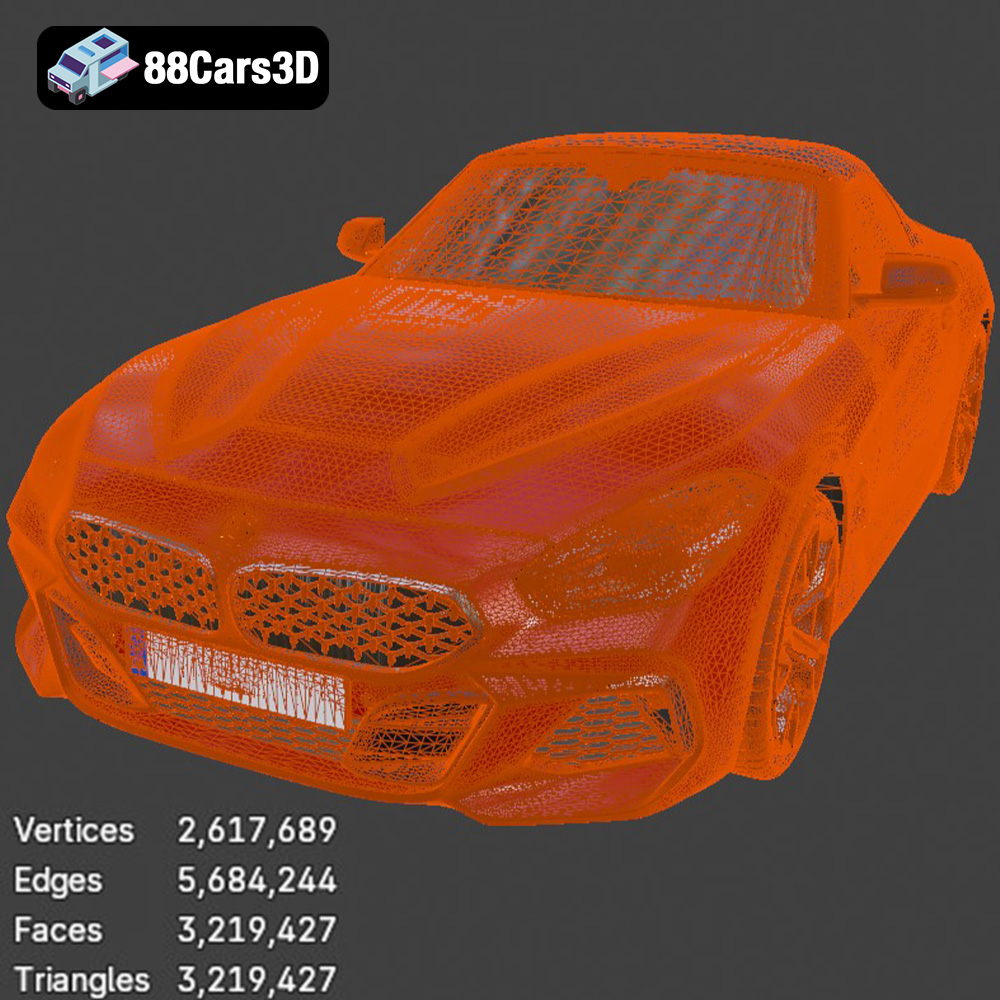
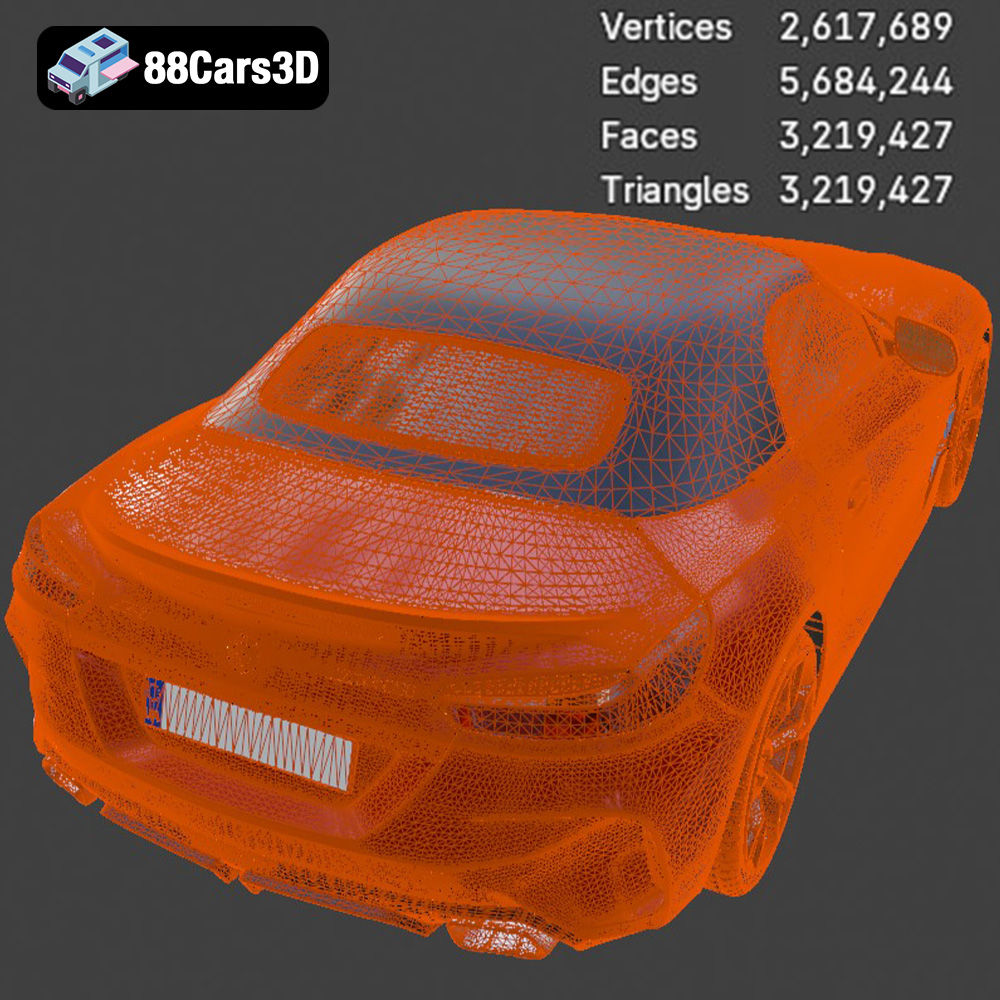
For the BMW Z4 model, the .stl file contains the geometric data needed to reconstruct the car’s shape in three dimensions. The quality of the .stl file directly impacts the final print. A high-resolution .stl with a large number of triangles will capture finer details but may result in larger file sizes and increased processing time. Conversely, a low-resolution .stl will print faster but may exhibit faceted surfaces and lose intricate details.
When preparing the BMW Z4 .stl file, ensure that the mesh is watertight (i.e., no holes or gaps) and that the normals are correctly oriented. Most slicing software includes tools for automatically repairing minor mesh errors. You can also use mesh editing software like MeshMixer or Blender to manually fix more complex issues. Optimize the mesh resolution to strike a balance between detail and file size.
The .obj (object) file format is another common format for 3D models. Unlike .stl, .obj supports color and texture information, making it suitable for colored 3D prints. However, not all 3D printers are capable of printing in color, so this advantage is only relevant in specific cases.
The .ply (polygon) file format is designed for storing high-resolution 3D data, including color and surface normals. It is often used for scanning and reverse engineering applications. While .ply files can be used for 3D printing, they are less widely supported than .stl and .obj.
The .blend file format is the native format for Blender, a free and open-source 3D modeling software. It contains all the data related to a Blender scene, including the 3D model, materials, lighting, and animation. The .blend file provided with the BMW Z4 model allows you to customize the model before exporting it to a printable format like .stl.
The .fbx (Filmbox) file format is a proprietary format developed by Autodesk for storing 3D models, animations, and other scene data. It is widely used in the game development and film industries. While .fbx can store material information, it is not always reliably translated into slicing software.
The .glb (GL Transmission Format Binary) file format is designed for efficient transmission and loading of 3D models in web and AR/VR applications. It is a binary format that includes all the necessary data, such as geometry, textures, and animations, in a single file. .glb is primarily used for previewing and visualizing models rather than 3D printing directly.
The .max file format is the native format for 3ds Max, a professional 3D modeling and animation software. Similar to .blend, the .max file contains all the data related to a 3ds Max project, allowing for extensive customization of the BMW Z4 model.
Before sending the BMW Z4 model to the printer, thorough preparation is essential. This involves inspecting and repairing the .stl file, choosing appropriate print settings in your slicing software, and determining the optimal orientation for printing.
Use a mesh editing software like MeshMixer or Netfabb to inspect the .stl file for errors such as non-manifold edges, holes, and flipped normals. These errors can lead to printing issues and should be corrected before proceeding. Most software offers automatic repair tools to fix common problems.
Slicing software converts the 3D model into a series of instructions (G-code) that the 3D printer can understand. Popular options include Cura, Simplify3D, and PrusaSlicer. Key settings to consider include:
* **Layer Height:** A smaller layer height (e.g., 0.1mm) results in finer details and smoother surfaces, but increases print time. A larger layer height (e.g., 0.2mm) prints faster but may sacrifice detail.
* **Infill Density:** Infill determines the internal structure of the print. A higher infill density (e.g., 20%) provides greater strength but consumes more material. A lower infill density (e.g., 10%) saves material but reduces strength. For the Z4, a moderate infill density is sufficient unless structural integrity is critical.
* **Supports:** Supports are necessary for overhanging features to prevent them from collapsing during printing. Carefully consider the placement and type of supports to minimize their impact on the final print. Choose support settings that are easy to remove without damaging the model.
* **Print Speed:** Adjust the print speed to balance print time and quality. Slower speeds typically result in better surface finish but increase print time.
* **Bed Adhesion:** Ensure proper bed adhesion to prevent warping or detachment during printing. Use a heated bed and consider applying a layer of adhesive such as glue stick or hairspray.
The orientation of the model on the print bed significantly impacts print quality, support requirements, and structural integrity. Orient the BMW Z4 to minimize overhangs and the need for supports. Consider printing the body separately from smaller parts like wheels and mirrors to optimize each part’s orientation.
The choice of material depends on the desired properties of the 3D printed BMW Z4, such as strength, flexibility, and aesthetics. Here are some recommended materials:
PLA is a biodegradable thermoplastic known for its ease of printing and good surface finish. It is a suitable option for creating display models of the BMW Z4. PLA is available in a wide range of colors and is relatively inexpensive.
PETG offers greater strength, durability, and temperature resistance compared to PLA. It is a good choice for functional parts or models that may be exposed to higher temperatures. PETG can be slightly more challenging to print than PLA, requiring careful temperature and speed adjustments.
Resin-based 3D printing, such as SLA and DLP, offers the highest level of detail and surface finish. Different types of resins are available, each with unique properties. Standard resins are suitable for display models, while engineering resins offer greater strength and temperature resistance.
PLA is generally the least expensive material, followed by PETG. Resins tend to be more expensive, especially engineering-grade resins. Consider the overall cost of materials when selecting the appropriate option for your BMW Z4 project. Also, note that some materials require specific printer configurations or enclosures for optimal results.
After printing, post-processing is essential to refine the appearance and functionality of the BMW Z4 model. This may involve removing supports, sanding, painting, and assembling multiple parts.
Carefully remove supports using pliers, cutters, or a deburring tool. Take extra precaution to avoid damaging the model. Sand down any remaining support marks with fine-grit sandpaper.
Sanding is crucial for achieving a smooth surface finish, especially for FDM prints. Start with coarse-grit sandpaper (e.g., 220 grit) and gradually move to finer grits (e.g., 400, 600, 800 grit). Wet sanding can help to reduce dust and improve the surface finish. For resin prints, sanding may be necessary to remove small imperfections or layer lines.
Painting enhances the realism and visual appeal of the BMW Z4 model. Apply a primer coat to prepare the surface for paint. Use acrylic paints or model-specific paints for accurate color representation. Consider using airbrushing techniques for a smoother and more even finish. Add details such as panel lines, headlights, and emblems using fine brushes or decals.
If the model was printed in multiple parts, carefully assemble them using adhesive or mechanical fasteners. Ensure proper alignment and secure connections. Consider using clamps or jigs to hold parts in place while the adhesive cures.
Even with careful preparation, 3D printing can sometimes present challenges. Here are some common issues and their solutions:
Warping occurs when the corners or edges of the print lift off the build plate due to uneven cooling. To prevent warping, ensure proper bed adhesion, use a heated bed, and avoid drafts.
Stringing refers to thin strands of plastic that form between different parts of the print. Reduce stringing by adjusting retraction settings in your slicing software, lowering the print temperature, and increasing travel speed.
Layer shifting occurs when the print head suddenly shifts position, resulting in misaligned layers. Check the printer belts for proper tension, ensure that the build platform is stable, and avoid sudden movements or vibrations.
If the first layer of the print does not adhere properly to the build plate, the print may fail. Clean the build plate with isopropyl alcohol, apply a layer of adhesive, and ensure that the nozzle is properly calibrated.
The BMW Z4 Mk3 G29 Roadster M40i 2019 3D model from 88cars3d.com offers a high level of detail and accuracy, but some adjustments may be necessary to optimize it for 3D printing.
Adjust the scale of the model to suit your desired size and printer capabilities. Be mindful of the minimum feature size limitations of your printer. Scaling the model too small may result in loss of detail.
Consider splitting the model into multiple parts to optimize printing orientation, reduce support requirements, and improve overall print quality. For example, the body, wheels, and interior could be printed separately.
Hollowing the model can save material and reduce print time, especially for larger prints. However, ensure that the walls are thick enough to maintain structural integrity. Add drain holes to allow resin to escape during printing (for resin printers).
By following these guidelines and leveraging the high-quality 3D models available at 88cars3d.com, you can successfully 3D print a stunning replica of the BMW Z4 Mk3 G29 Roadster M40i 2019.
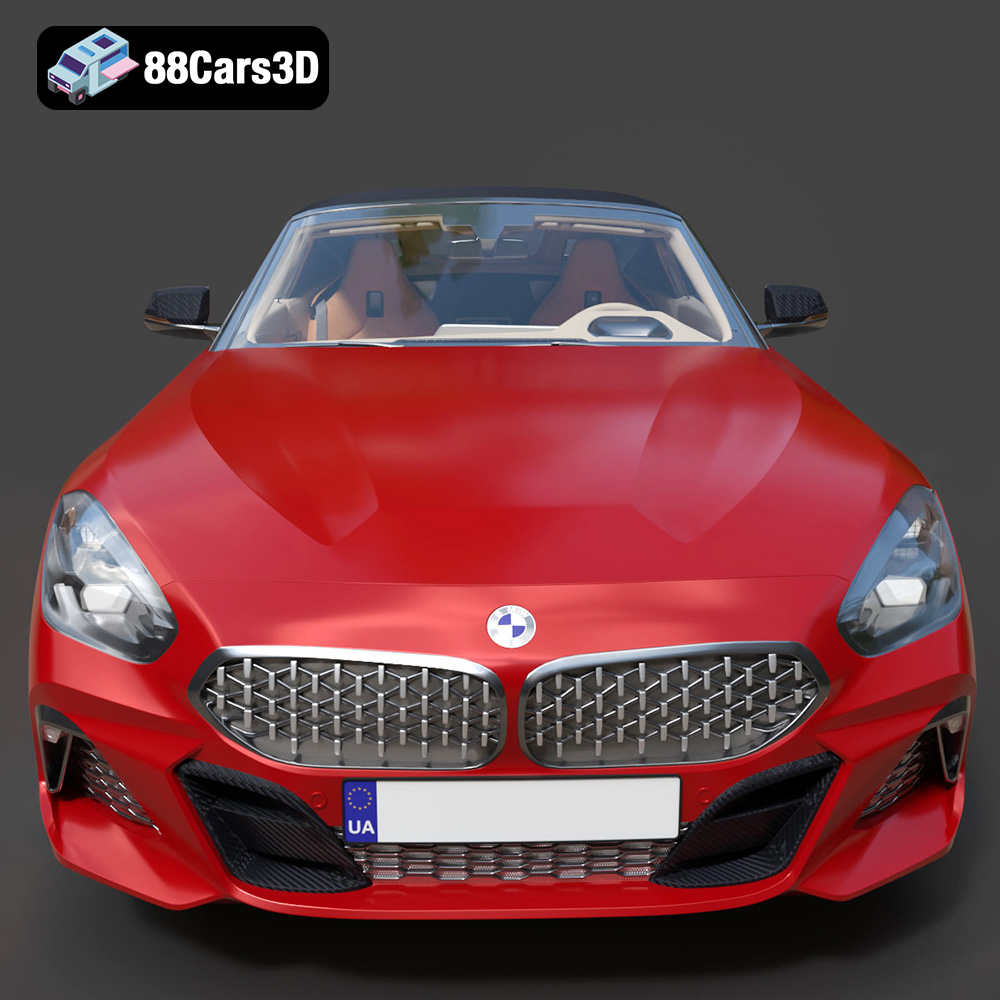
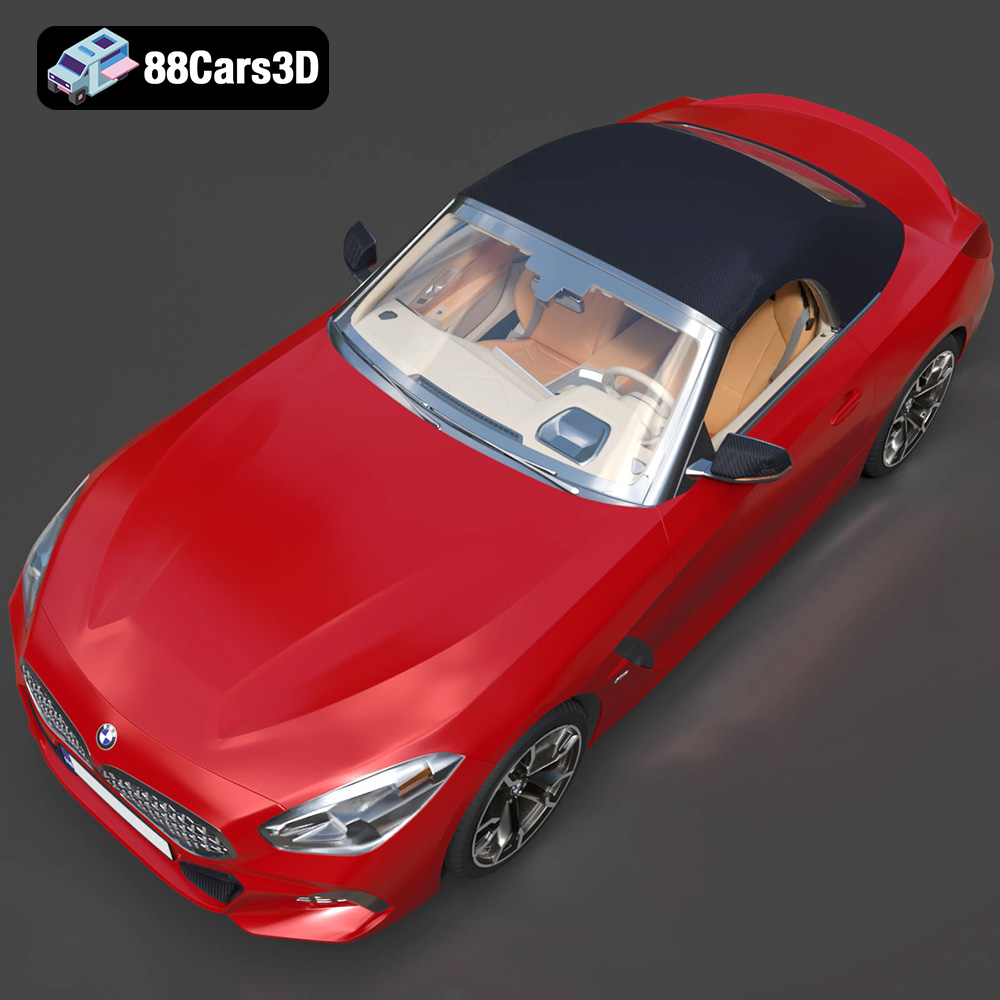
Experience true realism with the BMW Z4 Mk3 G29 Roadster M40i 2019 3D Model. Crafted with precision, this model perfectly captures the dynamic lines, aggressive stance, and elegant curves of the iconic roadster.
This premium 3D model features clean geometry, realistic materials, and professional-grade detailing. The exterior and interior are meticulously built to ensure an accurate representation from every angle, providing a reliable asset for any professional digital workspace.
Ideal for a wide range of applications, this vehicle is perfectly suited for game development, detailed rendering, AR/VR experiences, simulation environments, and commercial visualizations.
$39.99
.arvr
.blend
.bmw
.car3dmodel
.convertible
.fbx
.g29
.gameasset
.glb
.m40i
.max
.mk3
.obj
.ply
.rendering
.roadster
.simulation
.sportsCar
.stl
.unreal
.z4