Get 20% OFF All Premium 3D & STL Models!

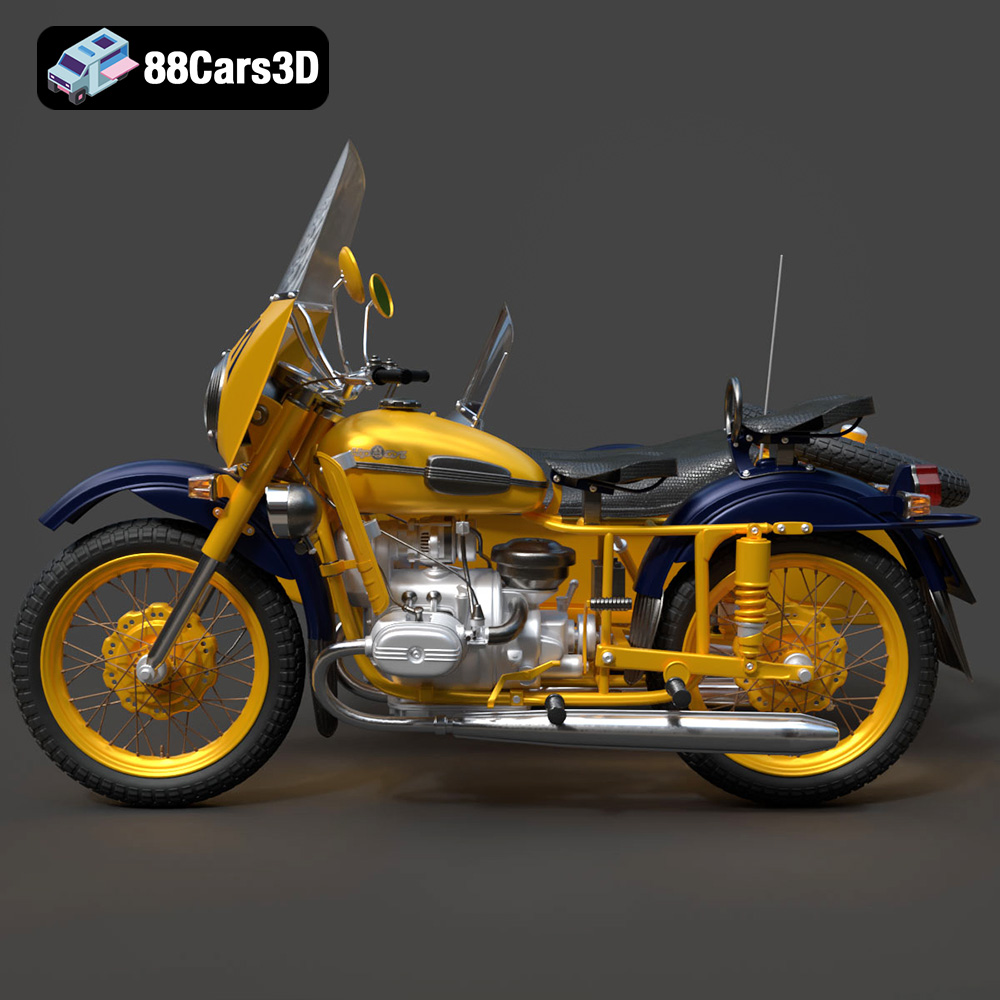
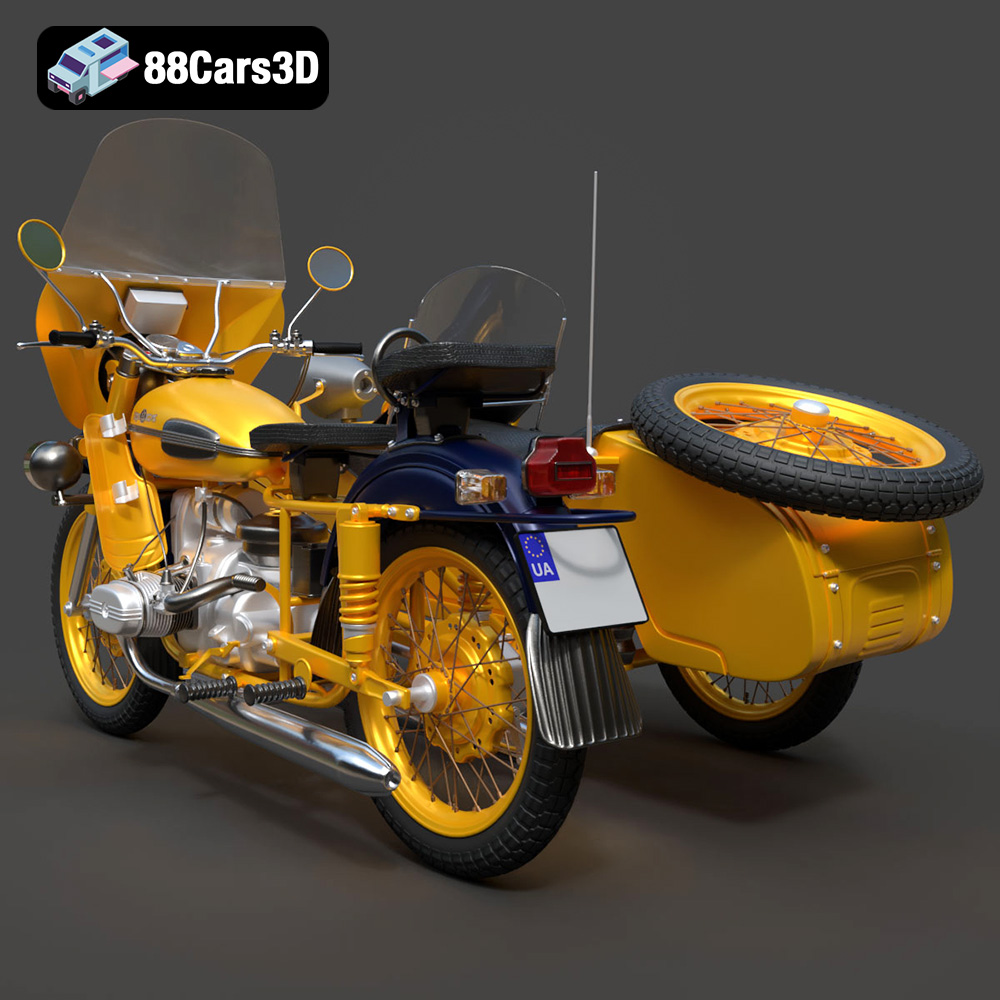
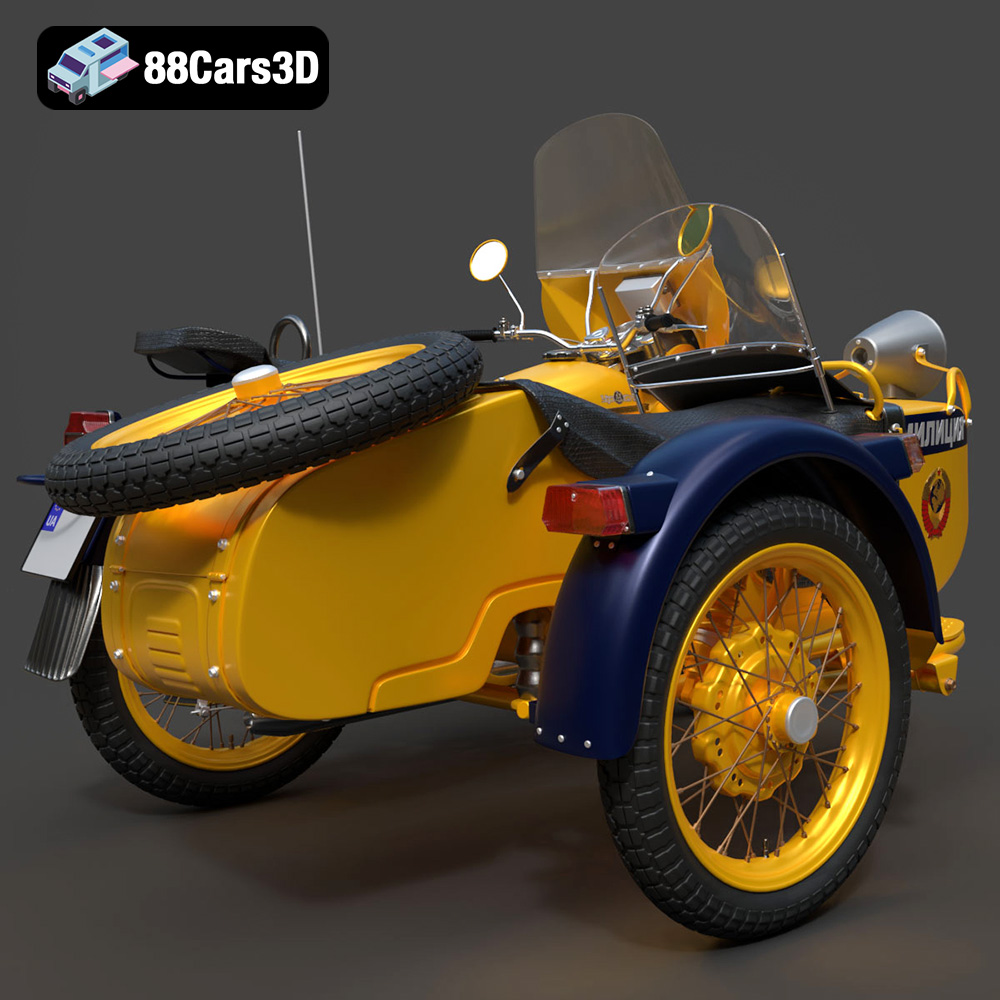
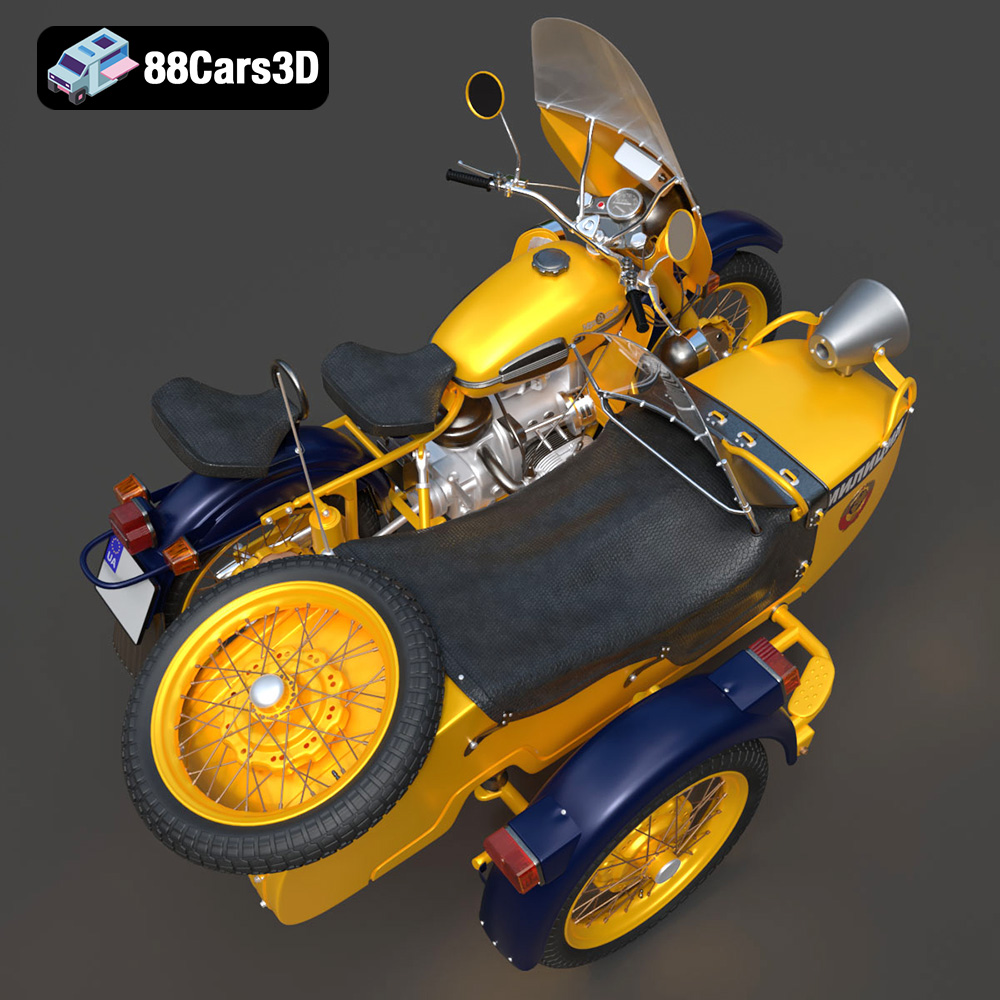
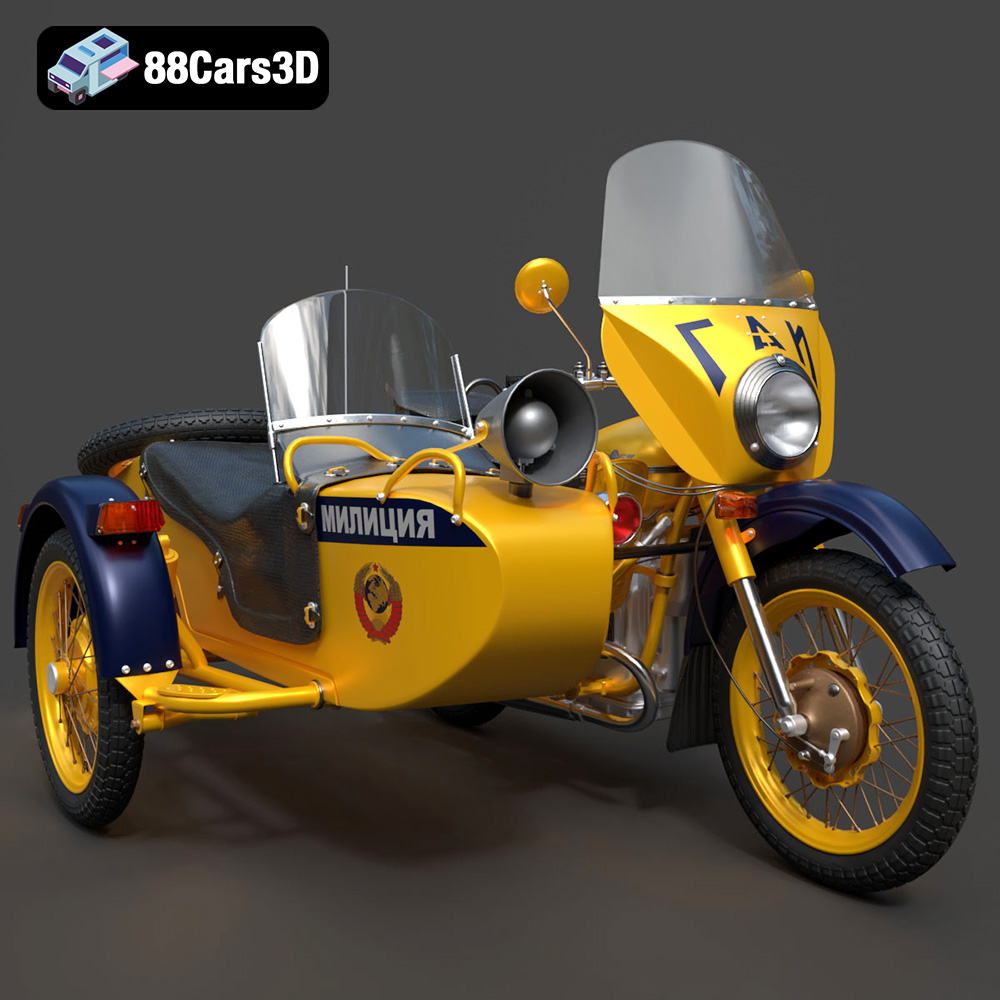
The 1976 Ural M67-36-P is an icon of Soviet-era motorcycle engineering, a symbol of ruggedness and utilitarian design. Now, thanks to 88cars3d.com, you can bring this legendary machine to life in miniature form through the power of 3D printing. This guide will walk you through every step, from preparing the STL files to achieving a museum-quality finish on your 3D printed Ural M67-36-P model. Whether you’re a seasoned 3D printing enthusiast or a newcomer to additive manufacturing, this article provides the knowledge you need to successfully create a stunning replica of this vintage motorcycle.
Before diving into the specifics of printing the Ural M67-36-P, it’s crucial to understand the different file formats available and which ones are best suited for 3D printing. The model from 88cars3d.com comes with a variety of formats, each designed for different applications, but not all are created equal when it comes to 3D printing.
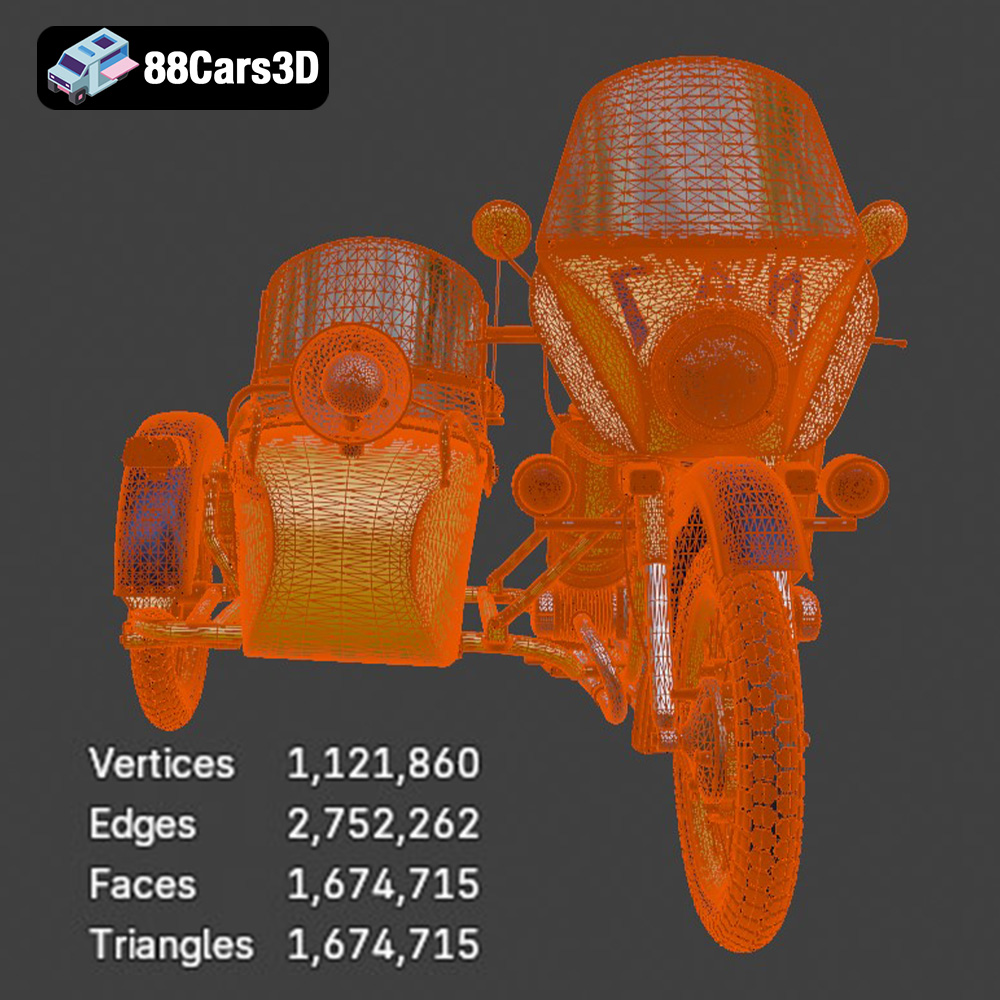
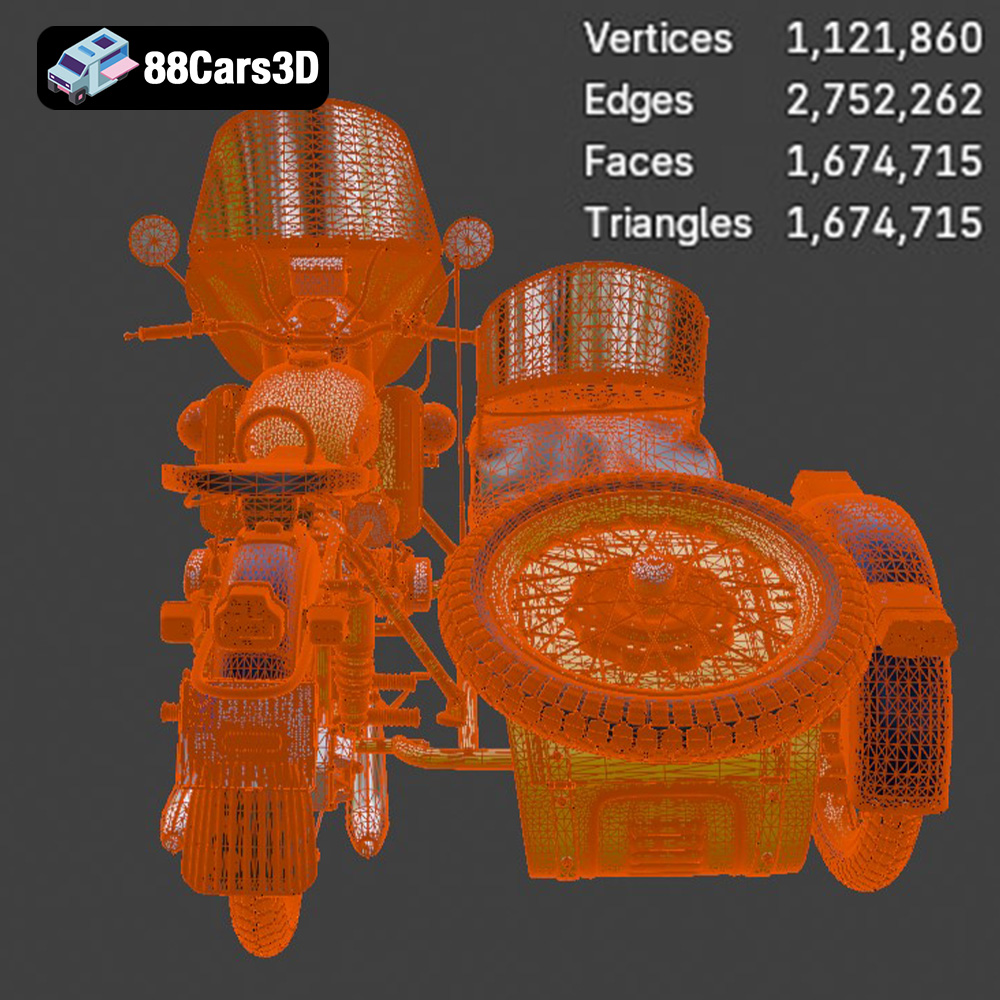
The STL (Stereolithography) file format is the most common and widely supported format for 3D printing. It represents the surface geometry of a 3D object as a collection of triangles. This simplicity makes it universally compatible with almost all slicing software and 3D printers. When preparing the Ural M67-36-P model for 3D printing, the STL file is your primary starting point. The quality of the STL file directly impacts the final print. A high-resolution STL will contain more triangles, resulting in a smoother surface finish on the printed model. However, too many triangles can lead to large file sizes and slower processing times in your slicing software.
The OBJ (Wavefront Object) file format is another popular option, known for its ability to store color and texture information along with the geometry. While the Ural M67-36-P model might not require textures for basic 3D printing (as most printers only print in a single color at a time), the OBJ format can be useful if you plan to paint the model after printing and want to use the texture data as a reference. However, keep in mind that not all slicing software fully supports OBJ files with complex textures, so it’s best to stick with STL for the actual printing process.
The PLY (Polygon File Format) is designed to store 3D data acquired from 3D scanners. It’s capable of representing color, transparency, surface normals, and other properties. While PLY can handle high-detail meshes, it’s not as universally supported as STL, especially in budget-friendly 3D printing software. If you’re working with a highly detailed version of the Ural M67-36-P model and your slicing software supports PLY, it can be a viable option, but STL remains the more reliable choice.
The .blend file is the native format for Blender, a free and open-source 3D creation suite. This format is ideal if you want to make modifications to the Ural M67-36-P model before printing. You can adjust the geometry, add details, or split the model into smaller parts for easier printing and assembly. After making your changes, you’ll need to export the model as an STL file for 3D printing.
The FBX (Filmbox) format is primarily used for transferring 3D models between different software applications, often retaining material information. It’s commonly used in game development and animation pipelines. While FBX can contain material and animation data, it’s not directly usable for 3D printing. You’ll need to import the FBX file into a 3D modeling program and export it as an STL file.
The GLB (GL Transmission Format Binary) format is designed for efficient delivery and loading of 3D models, especially in web and AR/VR applications. It’s great for previewing the Ural M67-36-P model in augmented reality before committing to a print. However, like FBX, GLB is not directly compatible with 3D printing.
The .max file is the native format for 3ds Max, a professional 3D modeling and animation software. Similar to Blender’s .blend file, this format allows for extensive editing and customization of the Ural M67-36-P model. You can modify the geometry, add details, and optimize the model for 3D printing. After making your changes, you’ll need to export the model as an STL file.
In summary, for 3D printing the Ural M67-36-P model, the STL format is your best bet. It ensures compatibility with most slicing software and 3D printers. If you need to make modifications or want to reference textures, you can use the other formats in conjunction with a 3D modeling program, but always export to STL before slicing and printing.
Once you have the STL file, the next step is preparing it for printing using slicing software. This involves adjusting settings like layer height, infill density, support structures, and print orientation to optimize the print quality and structural integrity of the Ural M67-36-P model.
Popular slicing software options include Cura, PrusaSlicer, Simplify3D, and Chitubox (for resin printers). Each slicer has its own interface and features, but the core settings remain the same. For the Ural M67-36-P, start with the following settings as a baseline:
* **Layer Height:** 0.1mm to 0.2mm for FDM printers, 0.025mm to 0.05mm for resin printers. Lower layer heights result in smoother surfaces but increase print time.
* **Infill Density:** 15-25% is typically sufficient for structural support. Consider increasing infill for parts that require greater strength, such as the frame.
* **Wall Thickness:** 1.2mm to 2.0mm (3-5 perimeters) to ensure adequate strength and prevent warping.
* **Print Speed:** 40-60 mm/s for FDM printers. Follow resin manufacturer recommendations for optimal exposure times.
* **Temperature:** According to filament or resin manufacturer recommendations.
* **Support Structures:** Enable supports for overhanging features like the exhaust pipes, handlebars, and mirrors. Use a support density of 15-20% and a support overhang angle of 45-60 degrees.
The orientation of the Ural M67-36-P model on the print bed significantly impacts the print quality and the amount of support material required. Consider the following guidelines:
* **Frame:** Print the frame at a slight angle (e.g., 45 degrees) to minimize the need for supports on the lower sections. This also helps improve the structural integrity of the frame.
* **Wheels:** Print the wheels separately in a vertical orientation. This eliminates the need for supports on the tire treads and ensures a smooth, round surface.
* **Small Parts:** Print smaller, detailed parts like the handlebars, mirrors, and engine components separately. This allows you to optimize the orientation and support placement for each part individually.
* **Support Placement:** Carefully place supports to minimize their impact on visible surfaces. Use tree supports or manually placed supports to target specific overhanging areas.
Before slicing, it’s essential to check the STL file for any errors, such as non-manifold geometry or holes. Most slicing software includes built-in repair tools that can automatically fix these issues. Alternatively, you can use dedicated mesh repair software like MeshLab or Netfabb. Consider these steps:
* **Check for Errors:** Import the STL file into your slicing software and use its mesh analysis tools to identify any errors.
* **Repair Mesh:** Use the automatic repair function to fix any identified errors. If necessary, use manual repair tools to address more complex issues.
* **Optimize Mesh:** Reduce the polygon count of the model if it’s excessively high. This can improve slicing performance without significantly impacting the print quality.
* **Scale the Model:** The product description recommends scales of 1:12, 1:18, or 1:24. Scale the model accordingly in your slicing software before printing.
The choice of material significantly affects the appearance, strength, and durability of the 3D printed Ural M67-36-P model. The two main categories of 3D printing materials are filaments for FDM (Fused Deposition Modeling) printers and resins for SLA/DLP/LCD printers.
* **PLA (Polylactic Acid):** PLA is a biodegradable thermoplastic that is easy to print, making it a popular choice for beginners. It offers good detail and a smooth surface finish, but it’s less heat-resistant and durable than other materials. PLA is suitable for creating display models of the Ural M67-36-P.
* **PETG (Polyethylene Terephthalate Glycol):** PETG is a strong, flexible, and heat-resistant material that offers excellent layer adhesion. It’s more durable than PLA and can withstand higher temperatures. PETG is a good option for printing functional parts of the Ural M67-36-P model, such as the frame or wheels.
* **ABS (Acrylonitrile Butadiene Styrene):** ABS is a strong, heat-resistant, and impact-resistant material that is commonly used in automotive and industrial applications. However, it’s more challenging to print than PLA and PETG, as it requires a heated bed and enclosure to prevent warping. ABS is suitable for printing parts that need to withstand high temperatures or mechanical stress.
Resin 3D printing offers superior detail and surface finish compared to FDM printing, making it ideal for creating highly detailed models like the Ural M67-36-P. There are several types of resins available, each with its own properties and applications:
* **Standard Resin:** Standard resins are affordable and offer good detail, making them suitable for printing display models.
* **Tough Resin:** Tough resins are more durable and impact-resistant than standard resins, making them suitable for printing functional parts.
* **High-Temperature Resin:** High-temperature resins can withstand high temperatures without deforming, making them suitable for printing parts that will be exposed to heat.
* **Flexible Resin:** Flexible resins are elastic and can bend without breaking, making them suitable for printing tires or other flexible components.
The product description recommends resin printing for fine details, and this is good advice.
For the Ural M67-36-P model, I recommend using a combination of materials:
* **Frame and Wheels:** PETG or Tough Resin for durability and strength.
* **Body Panels and Details:** PLA or Standard Resin for good detail and surface finish.
* **Tires:** Flexible Resin for realistic tire feel and appearance.
Now it’s time to start printing the individual components of the Ural M67-36-P model. Follow these steps for each part:
1. **Import the STL File:** Import the STL file for the component into your slicing software.
2. **Adjust Settings:** Adjust the slicing settings according to the material you’re using and the desired print quality. Refer to the recommendations in the “Pre-Print Preparation” section.
3. **Orient the Model:** Orient the model to minimize the need for supports and optimize the surface finish.
4. **Add Supports:** Add support structures to any overhanging features.
5. **Slice the Model:** Slice the model to generate the G-code (for FDM printers) or the sliced image stack (for resin printers).
6. **Print the Component:** Start the 3D printer and monitor the printing process closely.
7. **Remove the Component:** Once the print is complete, carefully remove the component from the print bed.
The print time and material cost will vary depending on the size of the model, the slicing settings, and the material used. However, you can estimate these values using your slicing software. As a rough estimate, a 1:12 scale Ural M67-36-P model printed with PLA on an FDM printer might take 20-30 hours to print and cost $10-$20 in materials.
Once all the components are printed, the next step is post-processing. This involves removing supports, sanding the parts to smooth out the surfaces, painting the model to achieve a realistic finish, and assembling the individual components.
* **Support Removal:** Carefully remove the support structures using pliers or a sharp knife. Take care not to damage the surface of the model.
* **Sanding:** Start with coarse sandpaper (e.g., 220 grit) to remove any imperfections or layer lines. Gradually move to finer grits (e.g., 400, 600, 800 grit) to achieve a smooth surface. Wet sanding can help reduce dust and improve the surface finish.
* **Priming:** Apply a thin coat of primer to the model to provide a uniform surface for painting.
* **Painting:** Use acrylic paints or model paints to achieve the desired colors and finishes. Apply multiple thin coats for best results. Consider using masking tape to create clean lines and details.
* **Detailing:** Add details like weathering, rust, and dirt to enhance the realism of the model. Use washes, dry brushing, and other techniques to create a convincing vintage look.
* **Clear Coat:** Apply a clear coat to protect the paint and add a glossy or matte finish.
* **Glue or Cement:** Use super glue or plastic cement to assemble the individual components. Apply the adhesive sparingly and hold the parts together until the glue sets.
* **Alignment:** Carefully align the parts before gluing to ensure a proper fit. Use clamps or tape to hold the parts in place while the glue dries.
Even with careful preparation, you may encounter issues during the 3D printing process. Here are some common problems and their solutions:
* **Warping:** Warping occurs when the corners of the print lift off the print bed. To prevent warping, use a heated bed, apply an adhesive to the print bed, and avoid drafts.
* **Stringing:** Stringing occurs when thin strands of filament are left between parts of the print. To prevent stringing, reduce the printing temperature, increase retraction settings, and avoid traveling over open spaces.
* **Layer Shifting:** Layer shifting occurs when the layers of the print are misaligned. To prevent layer shifting, tighten the belts and screws on your 3D printer, reduce the printing speed, and ensure that the print bed is level.
* **Poor Bed Adhesion:** If the first layer isn’t sticking well, relevel the bed, clean the bed surface with isopropyl alcohol, or use an adhesive like glue stick or hairspray.
* **Elephant’s Foot:** This is caused by the first layer being squished too much. Increase the Z offset or reduce the initial layer flow.
By following these steps and troubleshooting tips, you can successfully 3D print a stunning replica of the 1976 Ural M67-36-P motorcycle. Remember to experiment with different settings and materials to find what works best for your 3D printer and your desired outcome. Explore other fantastic 3D models at 88cars3d.com to expand your collection!
The 1976 Ural M67-36-P is a legendary Soviet-era motorcycle, renowned for its rugged durability, classic utilitarian styling, and historic patrol heritage. Featuring its iconic opposed-twin (boxer) engine, robust dual exhaust system, and sturdy frame design, this classic workhorse captures the absolute essence of 1970s Eastern Bloc engineering and heavy-duty performance.
$39.99
.blend
.fbx
.glb
.max
.obj
.ply
.rendering
.stl
.unreal
.ural
1976
classic-motorcycle
game asset
game-ready
low-poly
m67-36-p
motorcycle-3d-model
optimized
soviet-motorcycle
vintage-bike
VR/AR