Get 20% OFF All Premium 3D & STL Models!

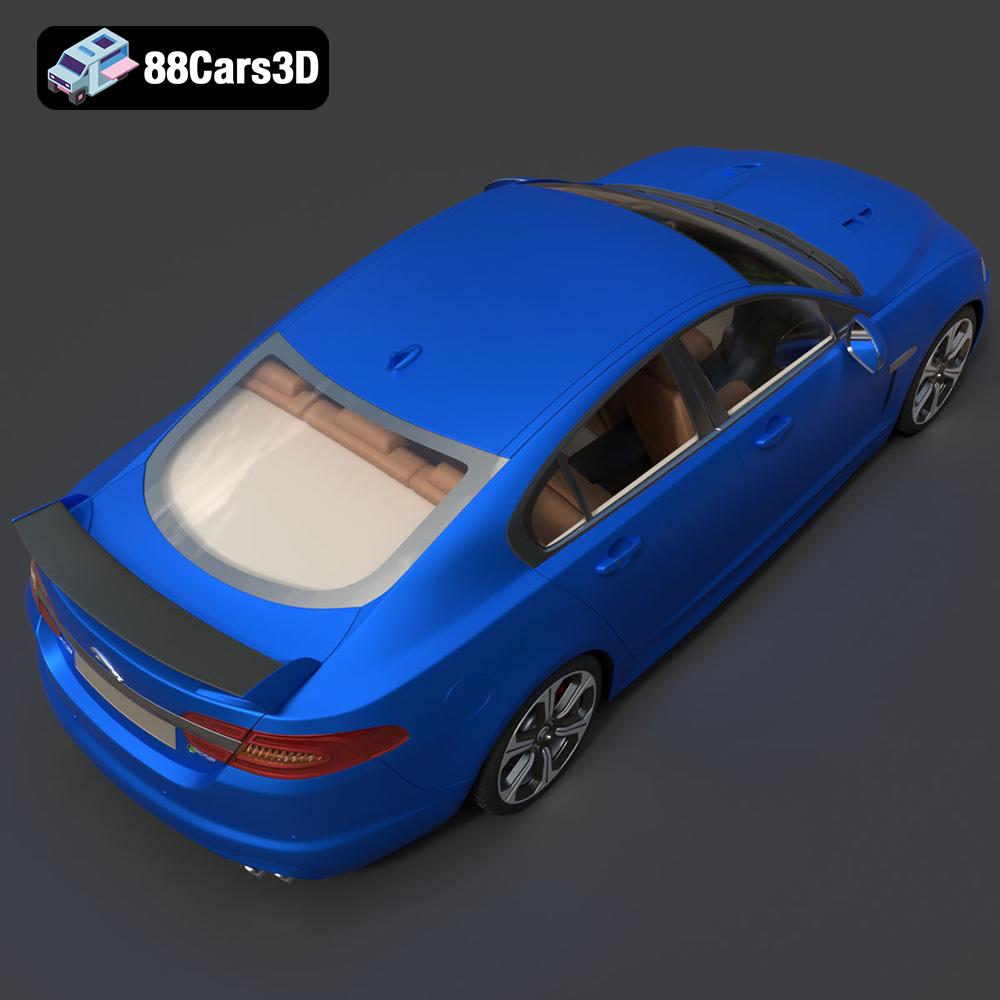
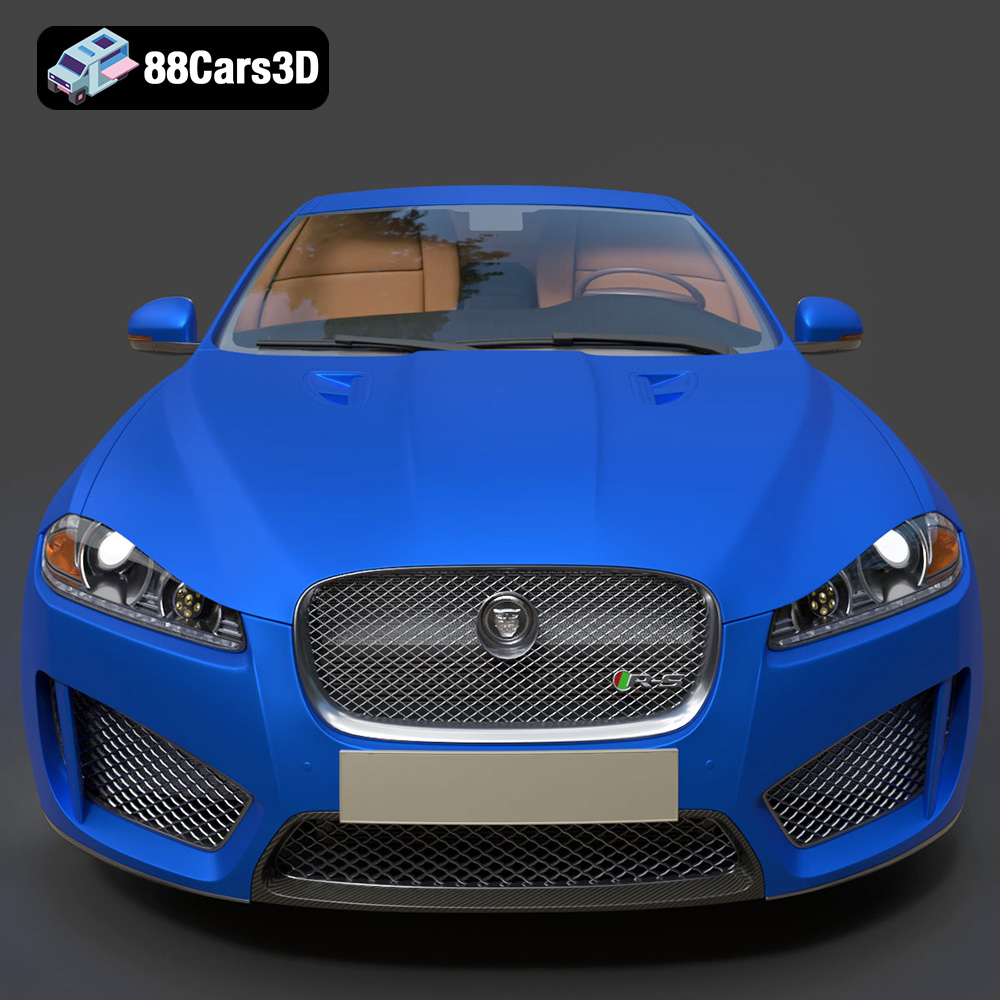
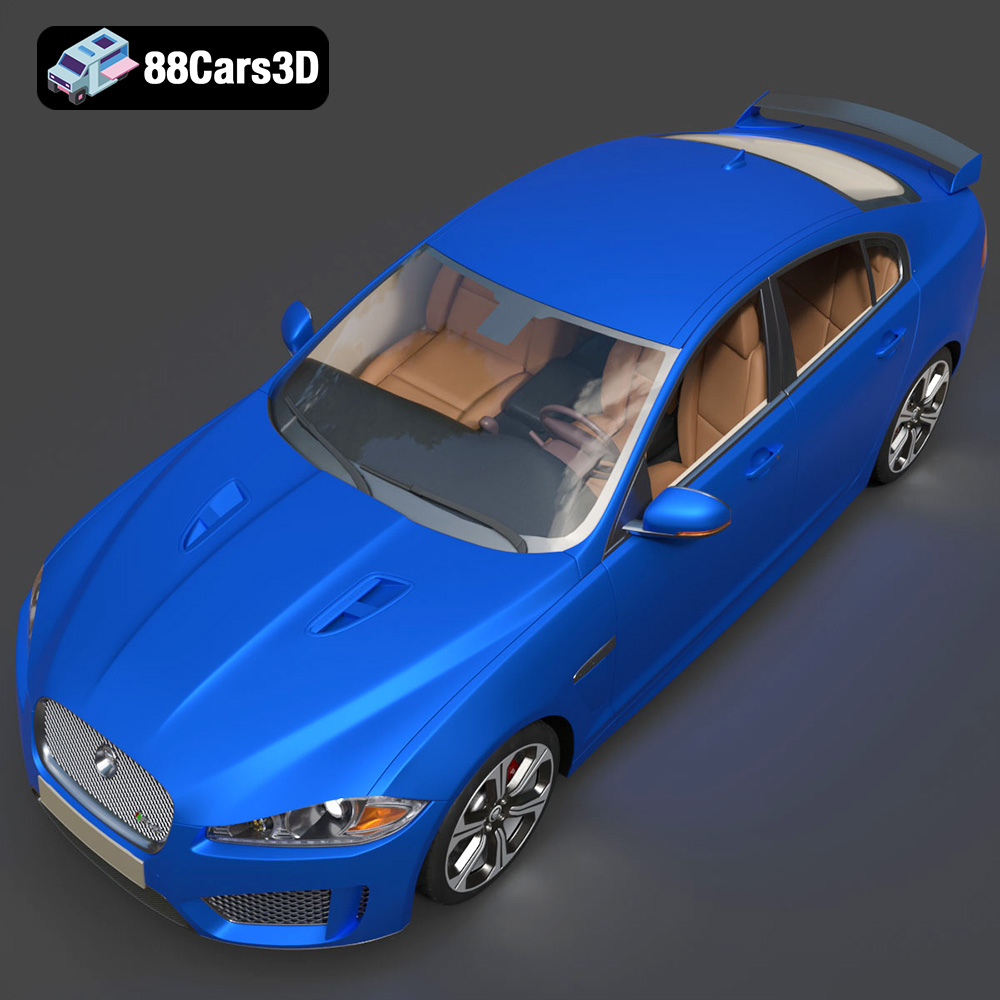
The Jaguar XFR-S 2014 is a striking performance sedan, and now you can bring it to life with 3D printing. This guide provides a detailed walkthrough of how to successfully 3D print the Jaguar XFR-S 2014 3D model available on 88cars3d.com. We’ll cover everything from choosing the right materials and printer settings to pre-print preparation and post-processing techniques. Whether you’re a seasoned 3D printing enthusiast or just starting, this guide will equip you with the knowledge needed to create a stunning replica of this iconic car.
Before diving into the specifics of 3D printing the Jaguar XFR-S 2014 model, it’s crucial to understand the various file formats in which the model is available. Different formats serve different purposes, and knowing which one is best suited for 3D printing is essential for a successful outcome. Let’s explore some common 3D model file formats:
The STL (Stereolithography) format is the industry standard for 3D printing. It represents the surface geometry of a 3D object as a collection of triangles. STL files are mesh-only, meaning they only contain information about the shape of the object and not its color, texture, or material properties. Because of its simplicity and wide compatibility, STL is the most common format for preparing models for additive manufacturing.
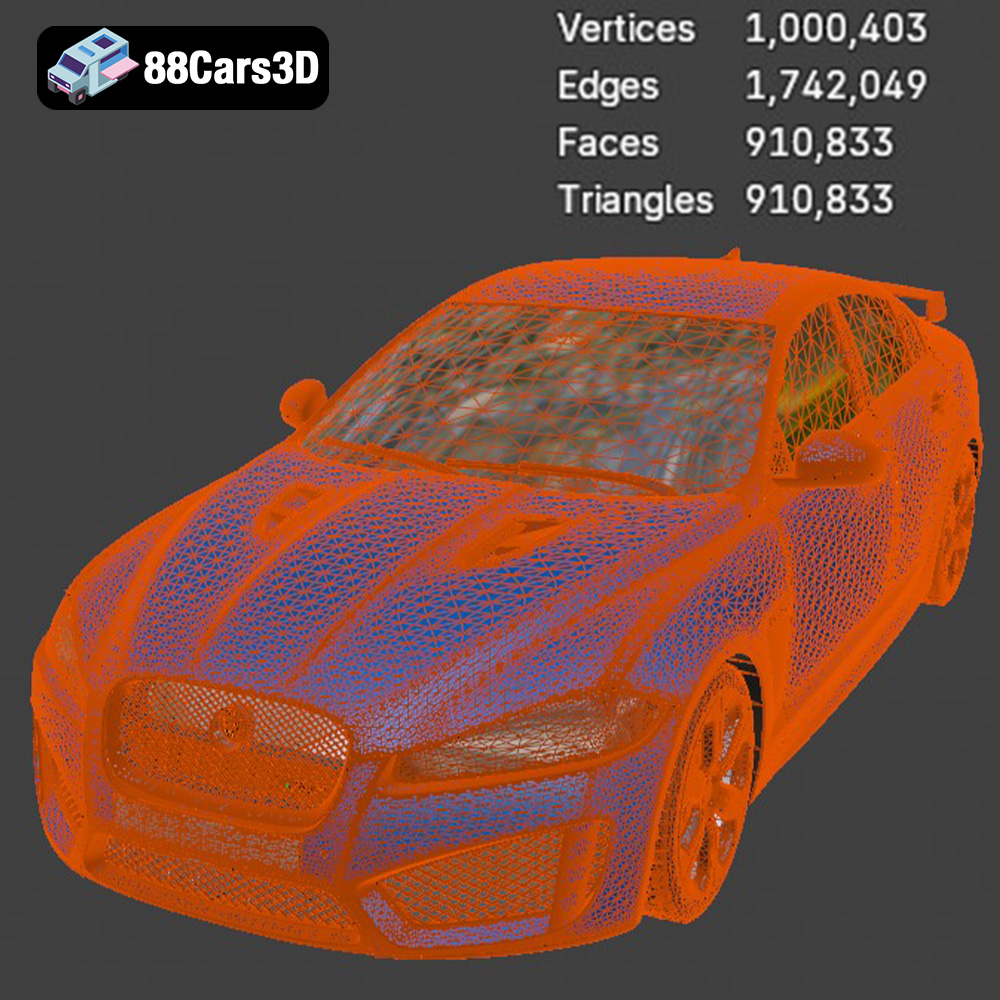
When working with STL files, the mesh quality is paramount. A low-resolution mesh with large triangles can result in a faceted, blocky print. Conversely, an excessively high-resolution mesh can lead to very large file sizes and slow down the slicing process. The goal is to find a balance that provides sufficient detail without overwhelming your 3D printer or slicing software. Most slicing programs allow you to adjust the mesh resolution before printing.
The OBJ (Object) format is another widely used 3D model format. Unlike STL, OBJ supports color and texture information. This is particularly useful if you plan to paint the 3D printed model and want to use the OBJ file as a reference for the original colors. However, for the 3D printing process itself, the color information in an OBJ file is typically ignored unless you have a multi-material or full-color 3D printer.
OBJ files are compatible with most slicing software, but it’s always a good idea to check the specific software’s documentation for any limitations or recommended settings. When importing an OBJ file into your slicer, ensure that the scale is correct and that the model is properly oriented on the build plate.
The PLY (Polygon File Format) is designed to store data from 3D scanners. It can contain color, texture, and normal information per vertex. While PLY offers high precision and detail, it’s not as universally supported by 3D printers and slicing software as STL. If you have a PLY file, you might need to convert it to STL before printing, depending on your specific setup.
For 3D printing the Jaguar XFR-S 2014 model from 88cars3d.com, the STL format is the most suitable. Ensure the STL file is free of errors (e.g., non-manifold edges, holes) before importing it into your slicing software. Use mesh repair tools in software like Meshmixer or Netfabb to fix any issues.
Choosing the right material is crucial for achieving the desired look, feel, and functionality of your 3D printed Jaguar XFR-S 2014 model. Different materials offer varying properties in terms of strength, flexibility, heat resistance, and finish. Here’s a breakdown of common 3D printing materials and their suitability for this project:
PLA is a thermoplastic derived from renewable resources like corn starch or sugarcane. It’s known for its ease of use, low printing temperature, and minimal warping. PLA is an excellent choice for beginners and for creating models with intricate details.
* **Pros:** Easy to print, low odor, biodegradable, good detail resolution.
* **Cons:** Lower heat resistance, less durable than other materials, can be brittle.
* **Recommended Usage:** Ideal for creating a display model of the Jaguar XFR-S. Can be easily painted and finished.
* **Estimated Material Cost:** Relatively low, around $20-$30 per kg.
PETG combines the ease of printing of PLA with improved strength and flexibility. It’s more heat resistant and impact resistant than PLA, making it a good choice for parts that need to withstand some stress.
* **Pros:** Stronger and more durable than PLA, good chemical resistance, low warping.
* **Cons:** Can be more challenging to print than PLA, may require higher printing temperatures.
* **Recommended Usage:** Suitable for creating a more robust model of the Jaguar XFR-S, especially if you plan to handle it frequently.
* **Estimated Material Cost:** Slightly higher than PLA, around $25-$40 per kg.
Resin 3D printing (SLA or DLP) uses liquid resins that are cured by UV light. Resin printing offers unparalleled detail resolution and smooth surface finishes, making it ideal for creating highly detailed and accurate models.
* **Pros:** Exceptional detail, smooth surfaces, high precision.
* **Cons:** More expensive than filament printing, requires post-processing (washing and curing), resins can be toxic, parts tend to be brittle.
* **Recommended Usage:** Best for creating a highly detailed and visually stunning model of the Jaguar XFR-S. Consider clear resin to show the car’s internal structures.
* **Estimated Material Cost:** Significantly higher than filament, around $40-$100 per liter.
While PLA, PETG, and resin are the most common choices for printing models like the Jaguar XFR-S, other materials like ABS, Nylon, and carbon fiber composites offer specialized properties. ABS is known for its high strength and heat resistance but is more challenging to print. Nylon is flexible and durable. Carbon fiber composites offer exceptional strength and stiffness. These materials are generally more suitable for functional parts rather than display models.
Preparing your 3D model for printing involves several crucial steps, including slicing, model orientation, support generation, and ensuring the model is watertight. Proper preparation can significantly impact the final print quality and success rate.
Slicing software takes your 3D model (typically in STL format) and converts it into a series of instructions (G-code) that your 3D printer can understand. Popular slicing software options include Cura, PrusaSlicer, Simplify3D, and Chitubox (for resin printing). Each software offers various settings to control the printing process, such as layer height, infill density, print speed, and support generation.
* **Key Slicing Parameters:**
* **Layer Height:** Determines the resolution of your print. Lower layer heights (e.g., 0.1mm) result in smoother surfaces but increase print time. Higher layer heights (e.g., 0.2mm) are faster but may sacrifice detail.
* **Infill Density:** Controls the amount of material inside the model. Higher infill densities increase strength but also increase print time and material usage. A density of 15-20% is often sufficient for display models.
* **Print Speed:** Affects both print quality and print time. Slower speeds generally result in better quality but increase print time.
* **Support Structures:** Necessary for overhanging features. Choose support settings that provide adequate support while being easy to remove after printing.
* **Bed Adhesion:** Settings like brims or rafts improve adhesion to the build plate, preventing warping and ensuring a successful print.
The orientation of your model on the build plate significantly impacts the print quality, strength, and the amount of support material needed. For the Jaguar XFR-S 2014 model, consider the following:
* **Minimize Overhangs:** Orient the model to reduce the amount of overhanging features that require support.
* **Hide Seams:** Position the model so that the Z-seam (the point where each layer starts and ends) is hidden on less visible areas.
* **Consider Strength:** If the model will be subjected to stress, orient it so that the strongest axis aligns with the direction of the force.
Support structures are essential for printing overhanging features, but they can also leave marks on the surface of the model. Experiment with different support settings to find a balance between adequate support and ease of removal.
* **Support Type:** Choose between tree supports (which use less material and are easier to remove) and linear supports (which provide more robust support but can be more difficult to remove).
* **Support Density:** Adjust the density of the support structures to provide sufficient support without being overly dense.
* **Support Interface:** Add a support interface layer to improve the adhesion between the model and the support structures, making them easier to remove.
The ideal 3D printing parameters depend on the material you’re using and the capabilities of your printer. Here are some recommended starting points for printing the Jaguar XFR-S 2014 model:
* **Layer Height:** 0.1-0.2mm
* **Infill Density:** 15-20%
* **Print Speed:** 40-60mm/s
* **Nozzle Temperature:** 200-220°C
* **Bed Temperature:** 60°C
* **Support:** Enabled for overhangs
* **Bed Adhesion:** Brim recommended
* **Layer Height:** 0.1-0.2mm
* **Infill Density:** 15-20%
* **Print Speed:** 30-50mm/s
* **Nozzle Temperature:** 230-250°C
* **Bed Temperature:** 70-80°C
* **Support:** Enabled for overhangs
* **Bed Adhesion:** Brim recommended
Resin printing parameters depend heavily on the specific resin and printer you’re using. Refer to the resin manufacturer’s recommendations for exposure time, layer height, and other settings. General guidelines include:
* **Layer Height:** 0.025-0.05mm
* **Exposure Time:** Varies based on resin and printer
* **Bottom Layer Exposure Time:** Longer than normal layers
* **Support:** Necessary for overhangs
* **Post-Processing:** Washing with isopropyl alcohol and curing with UV light
Once the printing is complete, post-processing is essential to achieve the desired final look and feel. This involves removing support structures, sanding, filling gaps, priming, and painting.
Carefully remove the support structures using pliers, cutters, or a sharp knife. Take your time to avoid damaging the model. For PLA and PETG, you can use heat to soften the support structures, making them easier to remove. For resin prints, soak the model in warm water to soften the supports.
Sanding is crucial for removing layer lines and achieving a smooth surface. Start with coarse-grit sandpaper (e.g., 220 grit) and gradually move to finer grits (e.g., 400, 600, 800 grit). Wet sanding can help to reduce dust and improve the sanding process.
Use a filler (e.g., Bondo, epoxy putty) to fill any gaps or imperfections in the model. Allow the filler to dry completely before sanding it smooth.
Apply a primer coat to the model to create a uniform surface for painting. Primer also helps the paint to adhere better to the plastic.
Use high-quality acrylic paints to paint the model. Apply multiple thin coats for a smooth and even finish. Consider using masking tape to create clean lines and separate different colors. You can use airbrushing or hand-painting techniques, depending on your preference and skill level. For the Jaguar XFR-S 2014, research the original paint colors to achieve an accurate representation.
Even with careful preparation, 3D printing can sometimes present challenges. Here are some common issues and how to troubleshoot them:
* **Warping:** This occurs when the corners of the model lift off the build plate due to uneven cooling. Increase bed adhesion, use a heated bed, and reduce drafts.
* **Stringing:** This is when thin strands of plastic are left between different parts of the model. Reduce nozzle temperature, increase retraction distance, and decrease print speed.
* **Layer Shifting:** This happens when the layers are misaligned. Check belt tension, ensure the printer is stable, and reduce print speed.
* **Under-Extrusion:** This is when not enough plastic is being extruded, resulting in weak or incomplete prints. Increase nozzle temperature, increase flow rate, and check for clogs in the nozzle.
* **Support Issues:** Supports may fail to adhere to the model or may be difficult to remove. Increase support density, adjust support angles, and use a support interface layer.
By understanding these common issues and their solutions, you can overcome challenges and improve the overall quality of your 3D printed Jaguar XFR-S 2014 model.
The Jaguar XFR-S 2014 3D Model delivers an exceptionally realistic representation of the iconic performance sedan. Designed with precision, this asset captures the aggressive styling, aerodynamic profile, and distinct characteristics of the XFR-S. Featuring clean geometry, meticulously crafted realistic materials, and an optimized polygon count, this model ensures professional-grade performance. The fully modeled interior and detailed exterior make it versatile for close-up shots and expansive scenes. Perfectly suited for game development, architectural visualization, cinematic rendering, and AR/VR applications, it provides a seamless integration into any production pipeline.
$39.99
.arvr
.blend
.car3dmodel
.fbx
.gameasset
.glb
.jaguar
.luxurycar
.max
.obj
.ply
.rendering
.sedan
.simulation
.sportssedan
.stl
.unreal
.xfrs