Get 20% OFF All Premium 3D & STL Models!

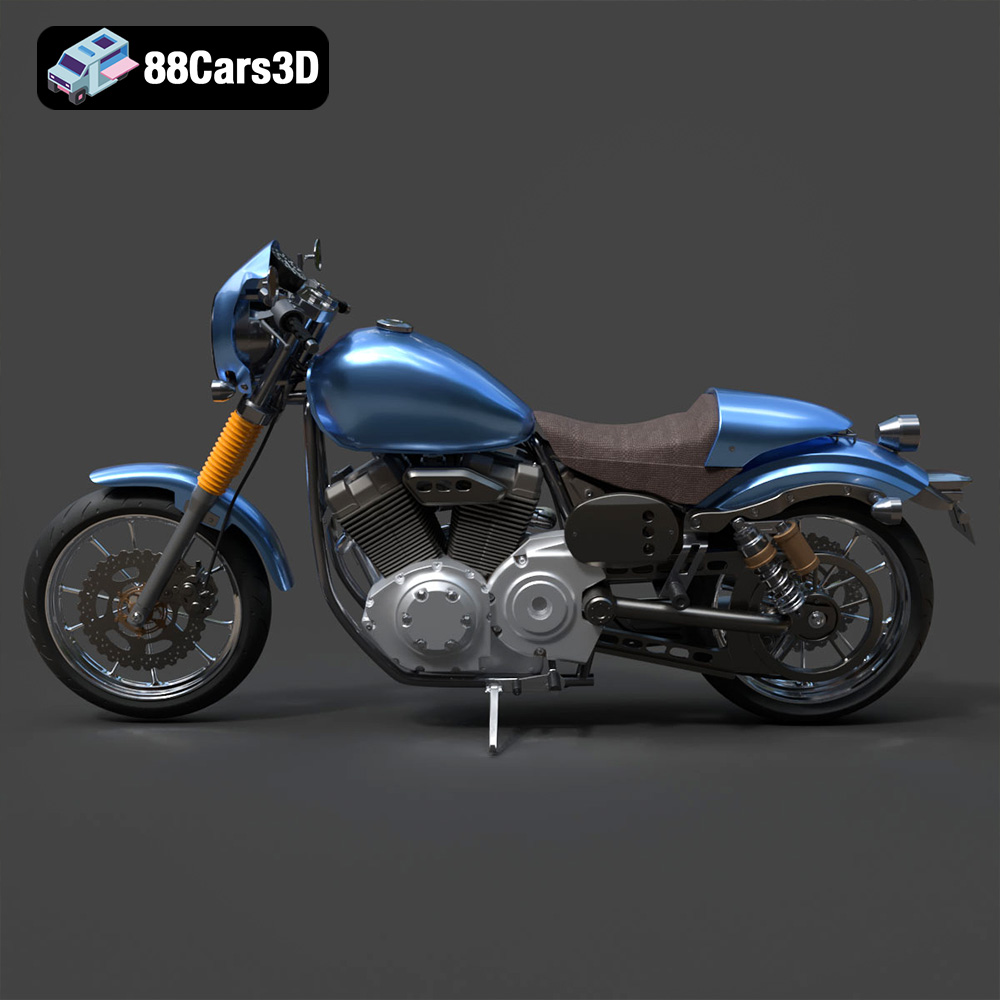
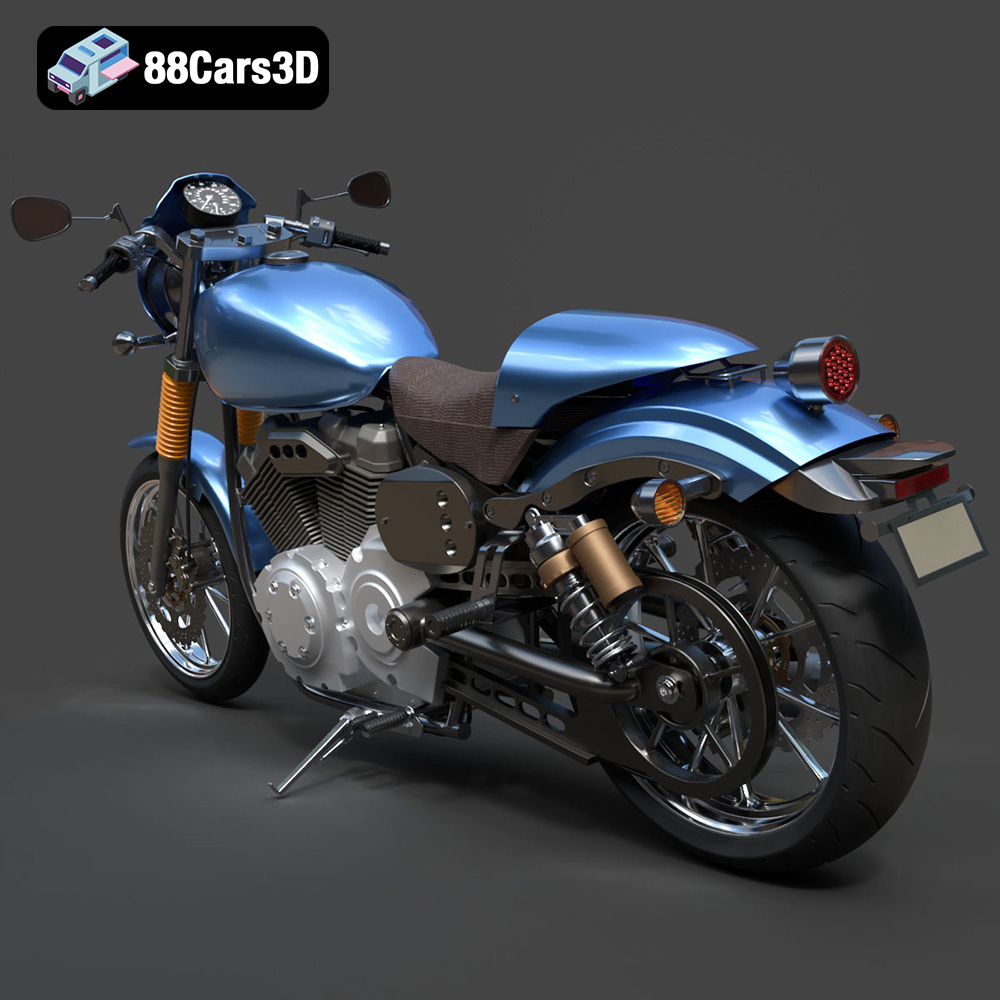
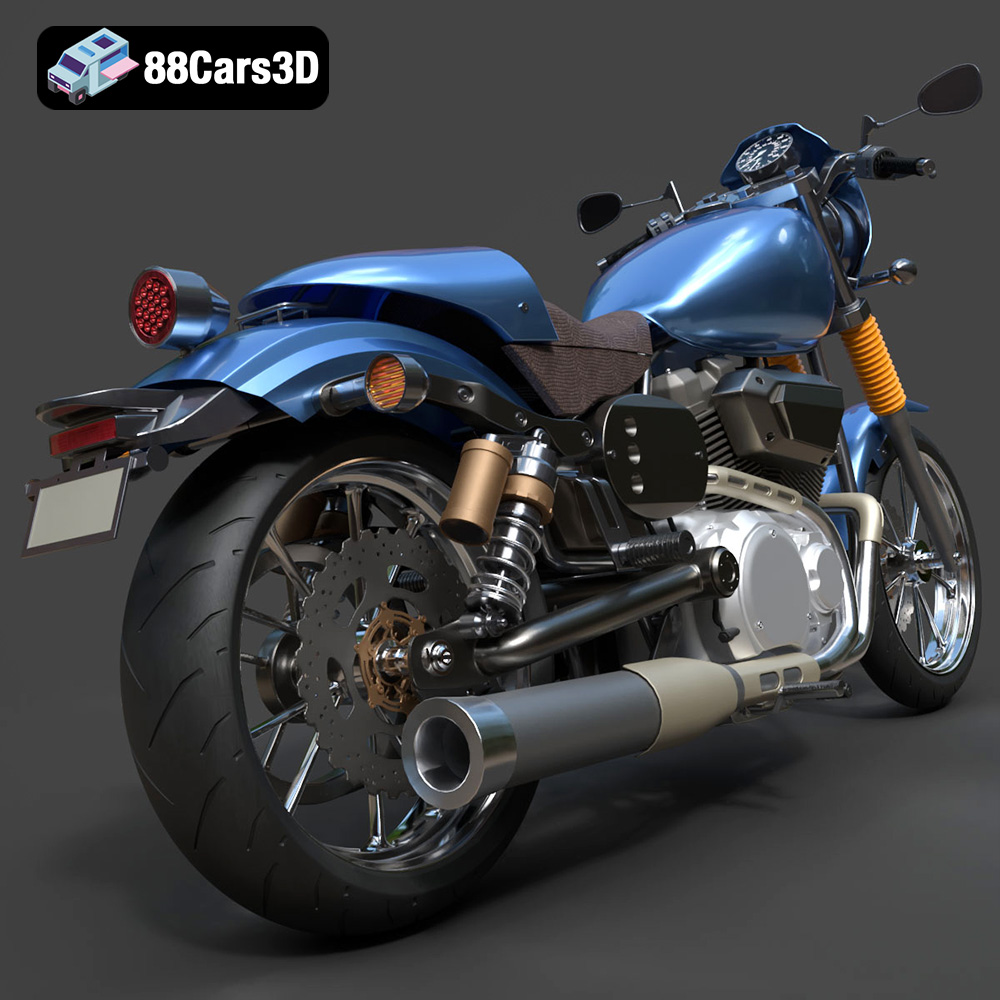
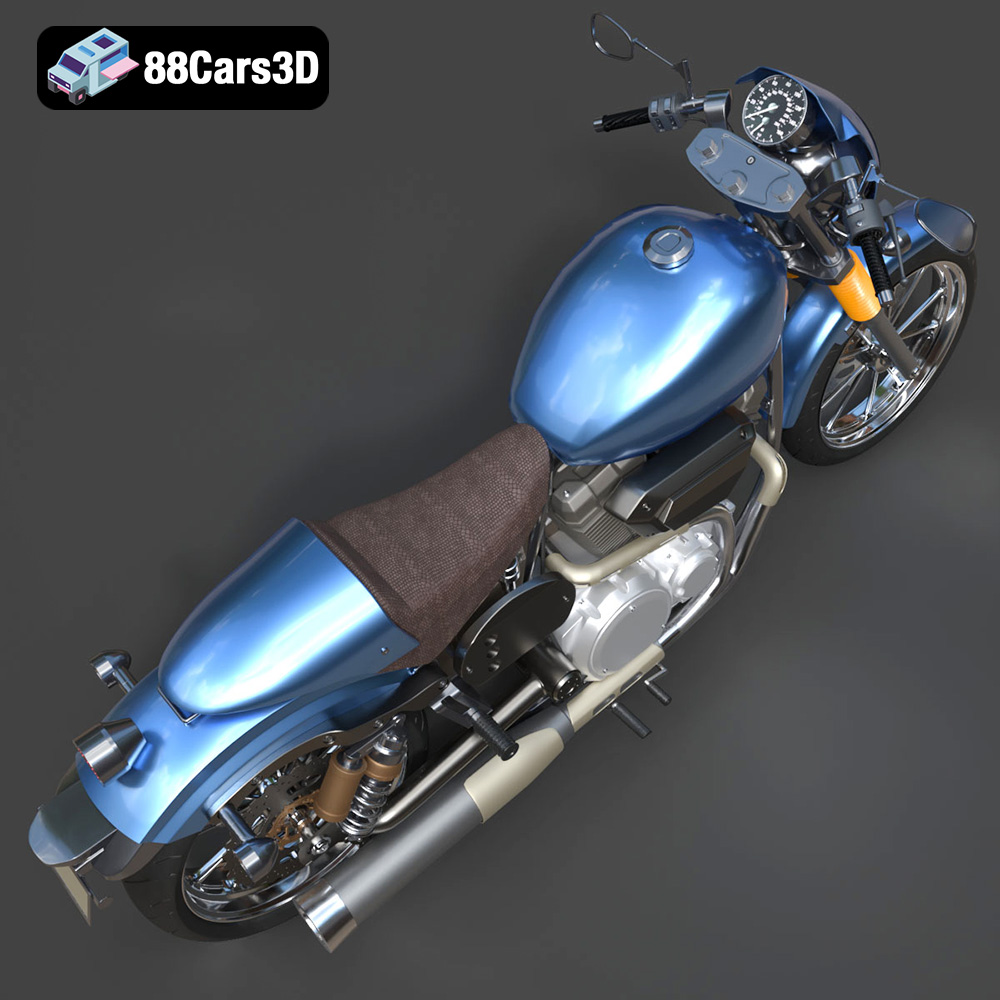
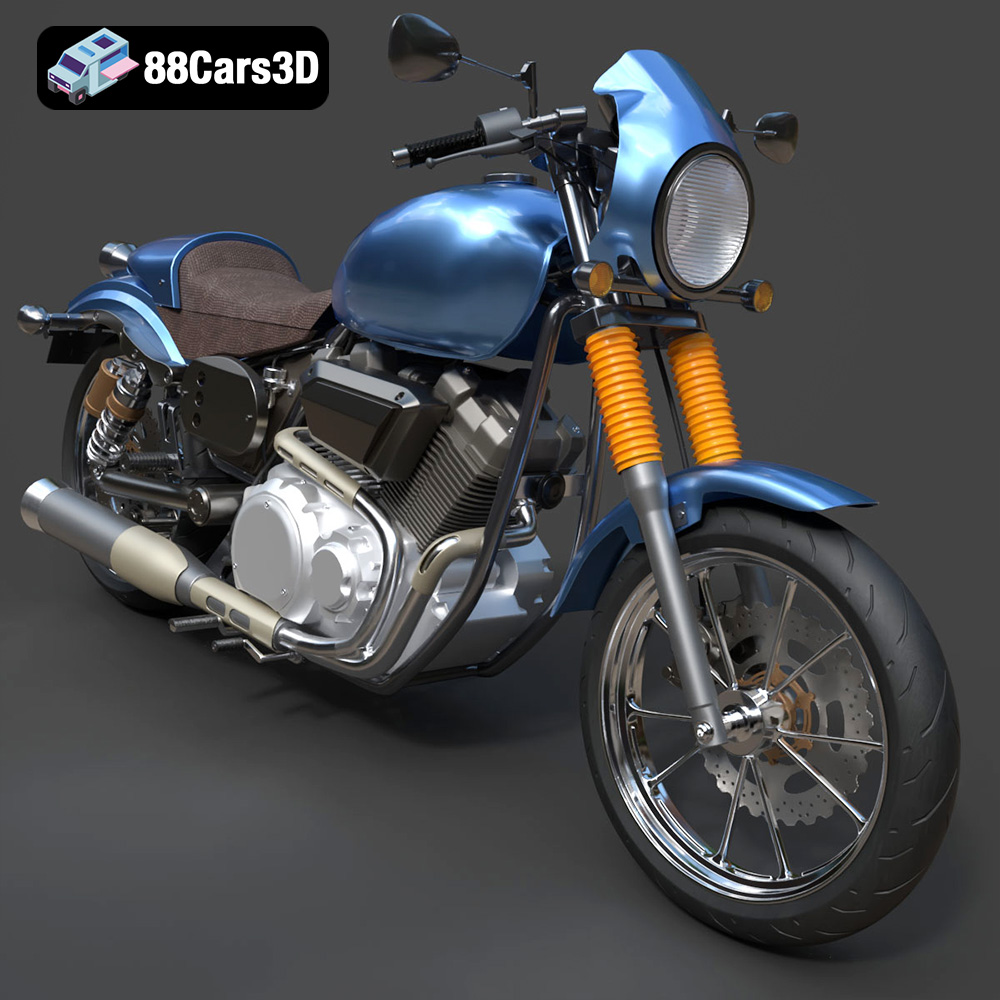
The Yamaha XV950 Racer, with its iconic cafe-racer design and powerful aesthetics, is a dream subject for 3D printing enthusiasts. Transforming this digital model from 88cars3d.com into a tangible, scaled replica allows you to appreciate its intricate details and showcase your 3D printing skills. This guide will walk you through the entire process, from preparing the STL files to applying the final touches.
Before diving into the printing process, meticulous preparation is key. This involves examining the model, making necessary adjustments, and understanding the optimal orientation for printing.
* **Mesh Integrity:** Open the STL file in a mesh editing software like MeshMixer or Blender. Look for any non-manifold edges, holes, or intersecting faces. These imperfections can lead to printing errors. Use the software’s repair tools to fix any detected issues.
* **Detail Level:** Assess the level of detail in the STL. For fine features like the engine cooling fins or the instrument cluster, consider using a resin printer or a high-resolution FDM printer with a small nozzle.
* **Separate Components:** The Yamaha XV950 Racer model from 88cars3d.com includes separate components such as wheels, suspension, and steering. This is ideal for multi-part printing, allowing you to optimize the printing orientation and material for each part.
* **Scaling:** The product description recommends scales of 1:12, 1:18, or 1:24. Choose a scale that suits your printer’s build volume and desired level of detail. Scaling down excessively can make intricate features difficult to print.
* **Orientation:** This is crucial for success. Printing the frame angled is recommended for structural integrity. Determine the optimal angle to minimize the need for supports, especially on visible surfaces. Consider the overhang rule: angles exceeding 45 degrees typically require support structures. The wheels should be printed separately, likely standing upright, to minimize support material on the tire treads.
* **Software Selection:** Choose a slicing software compatible with your 3D printer (e.g., Cura, Simplify3D, PrusaSlicer).
* **Import and Arrange:** Import the STL files into the slicer. Arrange the parts on the build plate, keeping in mind the chosen orientations and any spacing requirements.
* **Support Generation:** Configure the support settings based on the chosen orientation. Focus on supporting overhangs on the frame, exhaust system, handlebars, and other detailed areas. Experiment with support density and placement to balance support strength and ease of removal.
* **Hollowing:** For resin printing, consider hollowing out larger parts like the fuel tank and frame to reduce resin consumption and prevent warping due to internal pressure. Add drain holes strategically to allow resin to escape during printing.
Selecting the right file format for your 3D printing project is essential for achieving optimal results. Different file formats cater to specific needs, ranging from simple mesh representation to complex data storage with textures and material properties.
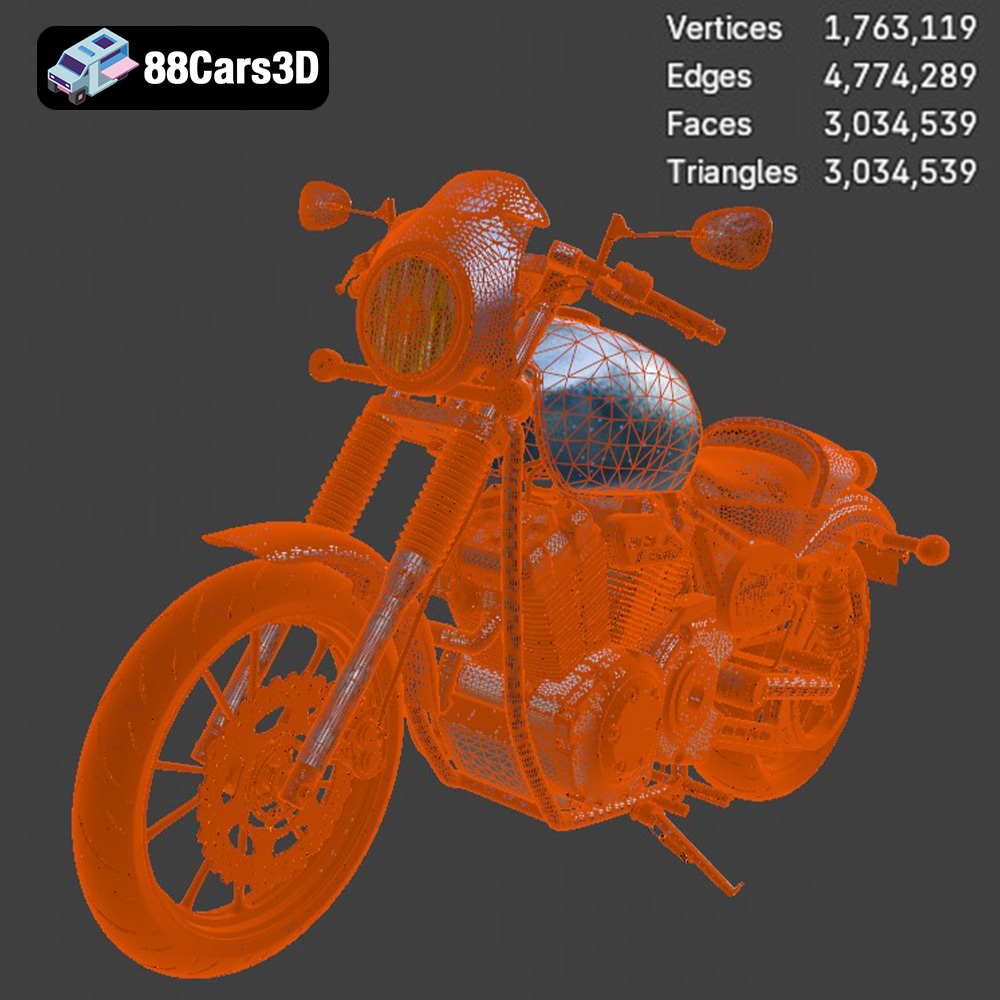
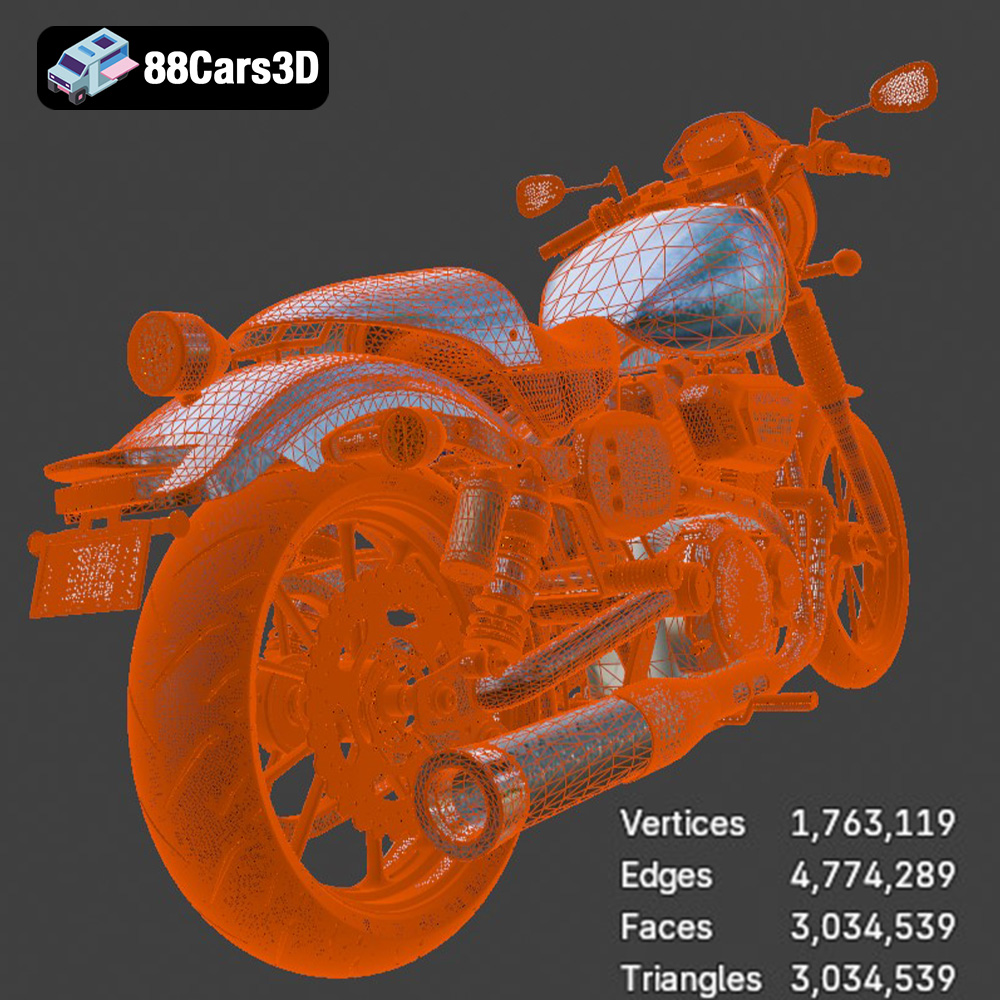
The STL (Stereolithography) format is the undisputed king of 3D printing. It represents the surface geometry of a 3D object as a collection of triangles. Its simplicity and widespread compatibility make it the go-to choice for most 3D printing applications. Slicing software readily accepts STL files, interpreting the triangular mesh to generate toolpaths for the 3D printer. The quality of the STL file directly impacts the printed object’s surface finish. Higher triangle counts result in smoother, more detailed prints, but also lead to larger file sizes and increased processing time. For the Yamaha XV950 Racer, ensure the STL files from 88cars3d.com have sufficient resolution to capture the intricate details of the motorcycle. While STL is the primary format, it lacks color or texture information.
The OBJ format expands upon the capabilities of STL by incorporating color and texture information. It stores the 3D geometry along with material definitions, allowing for the representation of colored 3D models. While primarily used for rendering and visualization, OBJ can be used for multi-material 3D printing where available. However, not all slicing software fully supports OBJ files with textures; ensure compatibility before use. OBJ files are generally larger than STL files due to the additional material data.
PLY (Polygon File Format) is another mesh-based format that excels at representing complex geometries with high precision. It’s often used for storing data from 3D scanners and is capable of capturing intricate details. PLY files can also store color information. This format is compatible with a growing number of slicing programs, but support may not be as universal as STL.
The .blend format is the native file format for Blender, a popular open-source 3D modeling software. It stores the entire Blender scene, including the 3D model, textures, materials, lighting, and animation data. This format is invaluable for customizing the Yamaha XV950 Racer before exporting it for 3D printing. You can modify the model’s geometry, add details, or adjust the textures within Blender. However, .blend files cannot be directly used for 3D printing; you must export the model to a compatible format like STL after making the desired changes.
FBX (Filmbox) is a proprietary format developed by Autodesk, commonly used for exchanging 3D data between different software applications. It supports geometry, textures, materials, and animation data. While some slicing software can import FBX files, it’s mainly intended for use in game development and animation workflows. 3D printing directly from FBX files is less common compared to STL, but it can be useful if you need to preserve material information for visualization purposes.
GLB is a binary file format that represents 3D models in a compact and efficient manner. It’s based on the glTF (GL Transmission Format) standard and is specifically designed for web and AR/VR applications. GLB files can contain geometry, textures, and animations. While primarily used for real-time rendering, GLB can also be helpful for previewing the Yamaha XV950 Racer model in augmented reality before committing to 3D printing. This allows you to visualize the model’s size and appearance in a real-world context.
Similar to .blend for Blender, .max is the native file format for Autodesk 3ds Max, another industry-leading 3D modeling software. It stores the entire 3ds Max project, including the 3D model, scene settings, and other assets. If you have access to 3ds Max, you can use the .max file from 88cars3d.com to make advanced modifications to the Yamaha XV950 Racer before exporting it for 3D printing.
The choice of 3D printing technology and material significantly influences the final outcome of your Yamaha XV950 Racer model.
* **Material Options:** PLA (Polylactic Acid) is a popular choice for its ease of use, biodegradability, and wide availability. PETG (Polyethylene Terephthalate Glycol) offers improved strength, flexibility, and temperature resistance compared to PLA. ABS (Acrylonitrile Butadiene Styrene) is another option, known for its high impact resistance, but it requires a heated bed and good ventilation due to its fumes.
* **Printer Settings:**
* Layer Height: 0.1mm to 0.2mm for a balance of detail and print time. A smaller layer height (e.g., 0.04mm to 0.1mm) is recommended for the engine and other highly detailed parts.
* Infill: 20% to 30% infill provides sufficient strength for most parts. Increase the infill percentage for parts that require higher structural integrity, like the frame.
* Print Speed: Adjust the print speed based on the material and printer capabilities. A slower print speed generally results in better detail and adhesion.
* **Advantages:** FDM printers are relatively affordable and offer a wide range of material options.
* **Disadvantages:** FDM prints typically have visible layer lines, which may require post-processing to achieve a smooth surface finish.
* **Material Options:** Standard resin, ABS-like resin, and flexible resin are common choices. ABS-like resin offers improved strength and impact resistance compared to standard resin. Flexible resin can be used for parts that require some degree of flexibility, such as the tires.
* **Printer Settings:**
* Layer Height: 0.025mm to 0.05mm for high-resolution prints.
* Exposure Time: Calibrate the exposure time based on the resin manufacturer’s recommendations and your printer’s specifications.
* Support Settings: Use a combination of light and medium supports to minimize scarring on the printed surface.
* **Advantages:** Resin printers offer exceptional detail and smooth surface finishes, making them ideal for intricate models like the Yamaha XV950 Racer.
* **Disadvantages:** Resin printers are generally more expensive than FDM printers, and the resin materials can be more brittle. Post-processing is also required to remove supports and cure the resin.
Fine-tuning your printer settings is crucial for achieving the best possible results.
* For FDM printing, a layer height between 0.1mm and 0.2mm offers a good balance between print time and detail. However, for intricate parts like the engine and exhaust, consider reducing the layer height to 0.04mm or 0.1mm.
* For resin printing, a layer height between 0.025mm and 0.05mm provides excellent resolution and captures fine details.
* Carefully plan the support placement to minimize scarring on visible surfaces.
* Use a combination of light and medium supports for resin printing to balance support strength and ease of removal.
* For FDM printing, experiment with different support patterns and densities to optimize support removal.
* Follow the material manufacturer’s recommendations for printing temperature.
* Adjust the print speed based on the material and printer capabilities. A slower print speed generally results in better detail and adhesion.
* For ABS printing, use a heated bed and enclosure to prevent warping.
Post-processing is essential for refining the printed parts and achieving a professional-looking finish.
* Carefully remove the support structures using pliers, cutters, or a hobby knife.
* Take your time to avoid damaging the printed parts.
* For resin prints, soak the parts in warm water to soften the supports and make them easier to remove.
* Start with coarse sandpaper (e.g., 220 grit) to remove any remaining support marks or imperfections.
* Gradually move to finer grits (e.g., 400, 600, 800) to smooth the surface.
* Wet sanding can help to reduce dust and improve the surface finish.
* Apply a thin coat of primer to the sanded parts to create a uniform surface for painting.
* Use multiple thin coats of primer instead of one thick coat to avoid runs and drips.
* Sand the primer with fine-grit sandpaper (e.g., 800 grit) to further smooth the surface.
* Choose high-quality paints that are compatible with the 3D printing material.
* Apply multiple thin coats of paint instead of one thick coat.
* Use masking tape to create clean lines and separate different colored areas.
* Consider using an airbrush for a more even and professional finish.
* Carefully assemble the printed parts using glue or fasteners.
* Refer to the original 3D model or reference images to ensure proper alignment.
Even with careful preparation, you may encounter some common 3D printing issues.
* Warping occurs when the printed part detaches from the build plate due to uneven cooling or thermal stress.
* To prevent warping, ensure the build plate is properly leveled and heated.
* Use a brim or raft to improve adhesion to the build plate.
* For ABS printing, use a heated bed and enclosure to maintain a consistent temperature.
* Stringing occurs when thin strands of material are left between different parts of the print.
* To prevent stringing, reduce the printing temperature, increase the retraction distance, or adjust the travel speed.
* Layer separation occurs when the layers of the print do not adhere properly to each other.
* To prevent layer separation, increase the printing temperature, reduce the print speed, or increase the layer height.
* Support structures can sometimes be difficult to remove or leave scarring on the printed surface.
* To minimize support issues, carefully plan the support placement and use a combination of light and medium supports.
* Experiment with different support patterns and densities to optimize support removal.
The print time and material cost will vary depending on the chosen scale, printer settings, and material.
* A 1:12 scale Yamaha XV950 Racer model can take anywhere from 20 to 50 hours to print on an FDM printer, depending on the infill, layer height, and support structures.
* A resin print at the same scale might take 15-30 hours.
* Material costs can range from $10 to $50 for an FDM print and $20 to $80 for a resin print, depending on the material and quantity used.
These are estimates. Factors such as print speed adjustments, failed prints and re-dos, and required support material will change the costs.
3D printing the Yamaha XV950 Racer is a rewarding project that combines technical skill with artistic expression. By carefully preparing the model, choosing the right printing technology and materials, optimizing printer settings, and mastering post-processing techniques, you can create a stunning, scaled replica of this iconic motorcycle. Remember to visit 88cars3d.com for more high-quality 3D models optimized for 3D printing. Enjoy the journey!
The Yamaha XV950 Racer is a stunning motorcycle that beautifully merges classic cafe-racer heritage with modern V-twin cruiser performance. Known for its aggressive riding posture and stripped-down aesthetic, this bike boasts a muscular 942cc air-cooled engine, a distinctive front mini-cowl, and swept-back exhaust lines that capture the essence of retro-modern custom culture.
$19.99
.blend
.cruiser
.fbx
.glb
.max
.motorcycle
.obj
.ply
.rendering
.stl
.unreal
.yamaha
cafe-racer
game asset
game-ready
low-poly
motorcycle-3d-model
optimized
VR/AR
xv950-racer