Get 20% OFF All Premium 3D & STL Models!

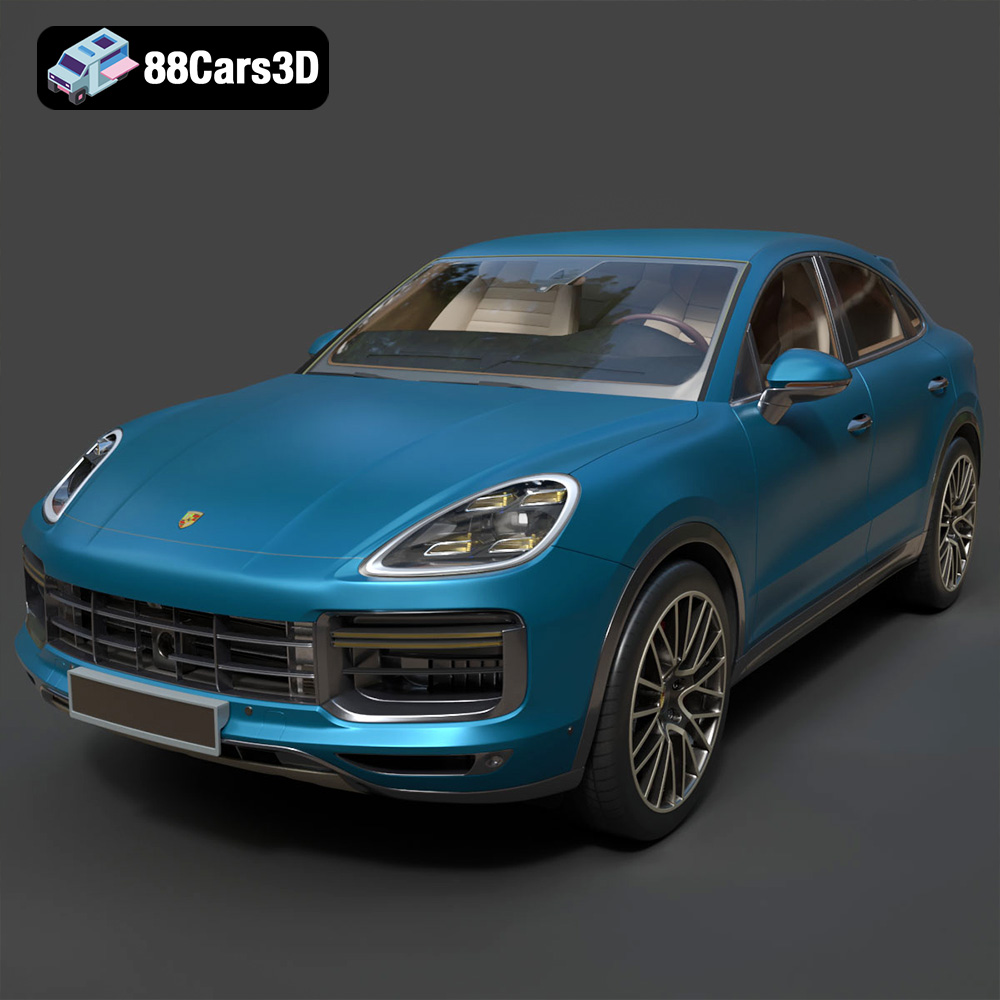
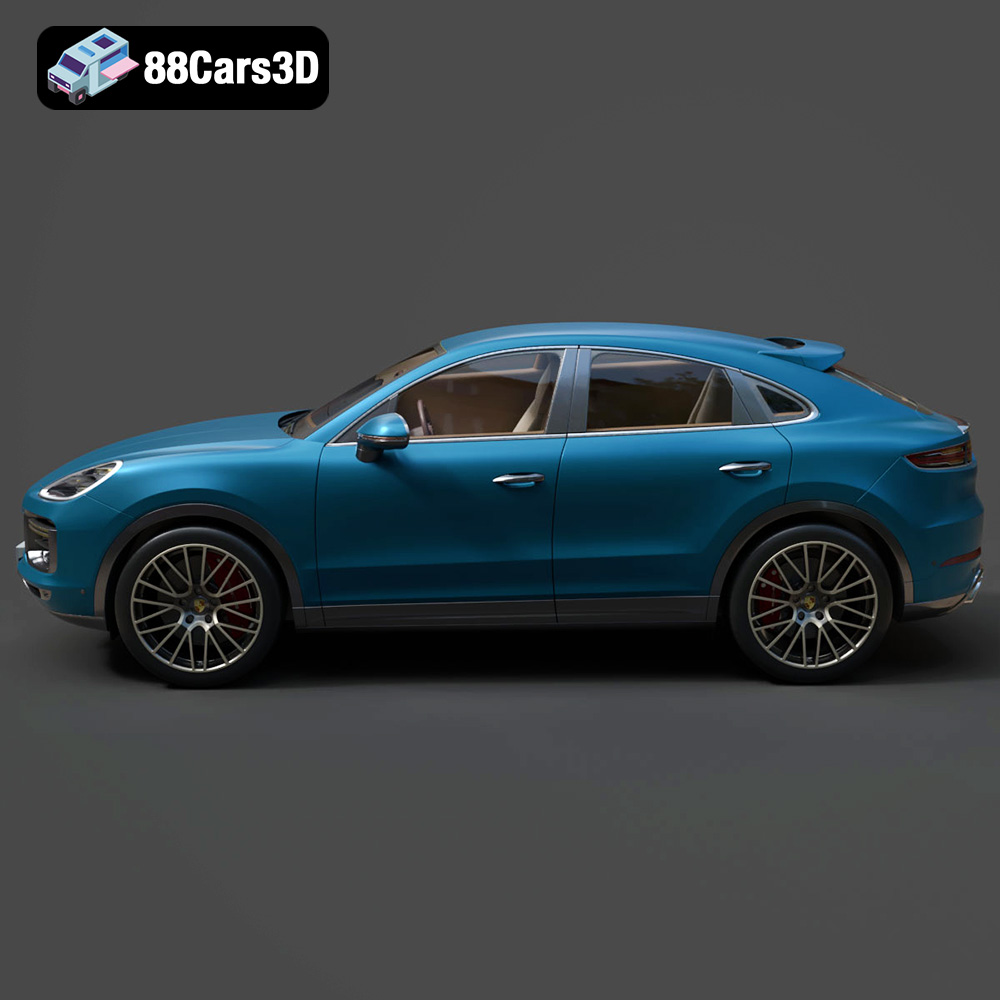
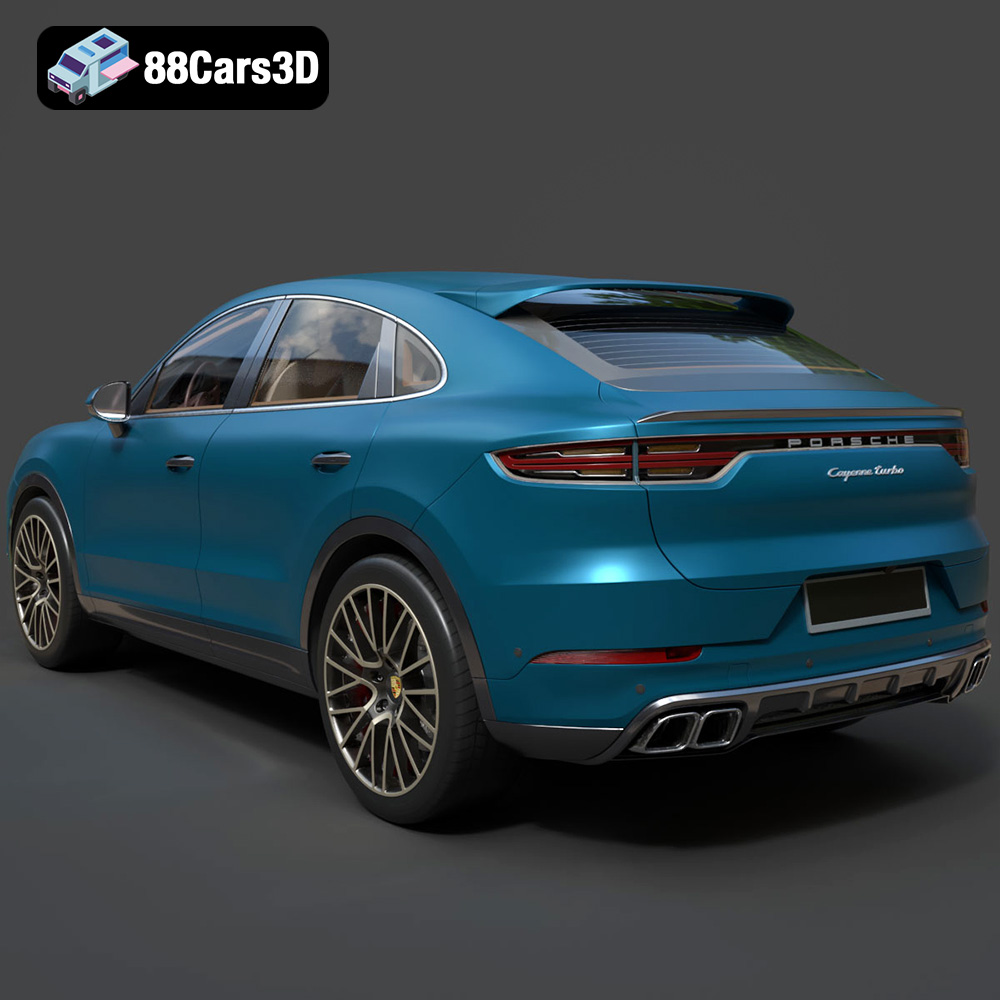
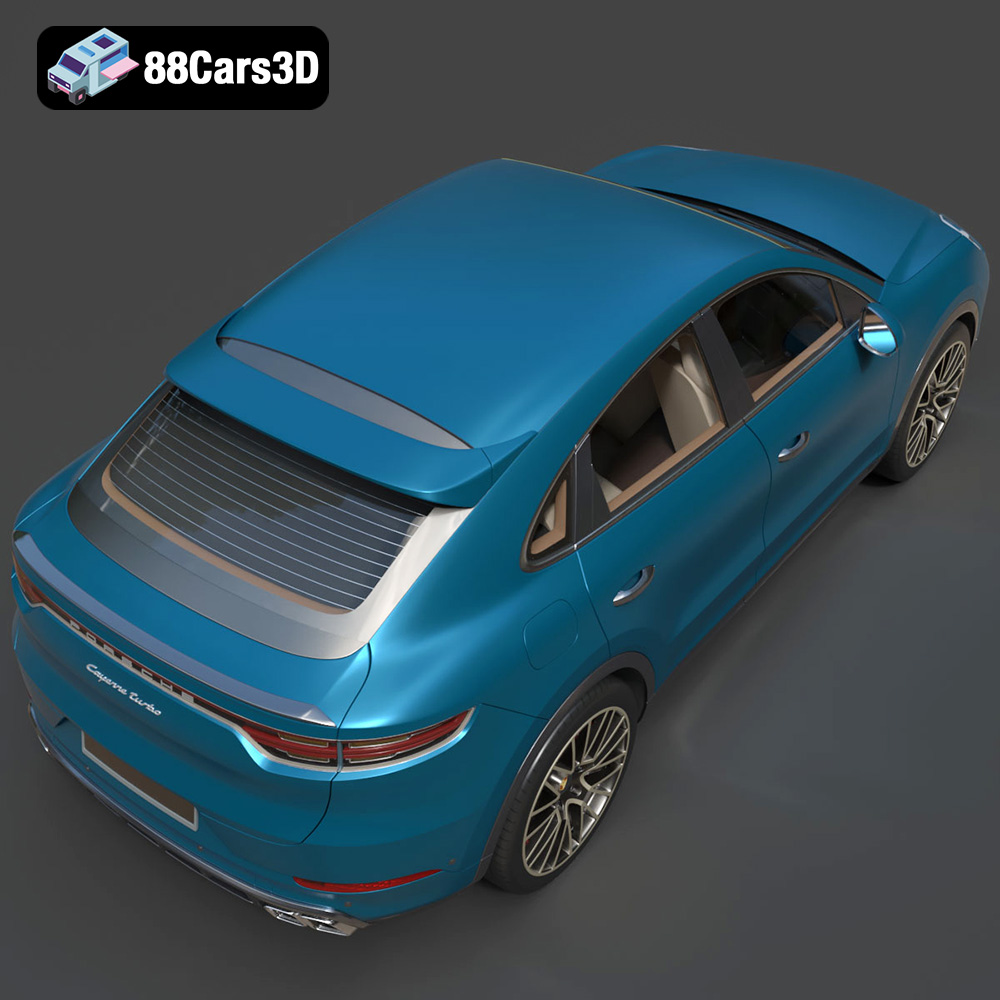
The Porsche Cayenne Turbo Coupe 2020 embodies a striking blend of performance and luxury, and now, thanks to 88cars3d.com, you can bring this iconic vehicle to life with the power of 3D printing. This guide will provide a comprehensive overview of how to successfully 3D print the Porsche Cayenne Turbo Coupe 2020 3D model, covering everything from pre-print preparation to post-processing techniques. Whether you’re a seasoned 3D printing enthusiast or just starting out, this article will equip you with the knowledge you need to create a stunning replica.
The level of detail in the Porsche Cayenne Turbo Coupe 2020 model from 88cars3d.com necessitates a printer capable of high resolution. Two main types of 3D printers are suitable: Fused Deposition Modeling (FDM) and Stereolithography (SLA) or resin printers.
FDM printers are generally more affordable and use filaments like PLA or PETG. While suitable for larger scales (1:12 or 1:18), achieving intricate details like the signature taillight bar or complex wheel designs can be challenging. A smaller nozzle size (0.4mm or even 0.25mm) is recommended to improve resolution, along with careful support placement to avoid marring the surface finish. Expect longer print times with finer layer heights.
SLA or resin printers excel at capturing fine details, making them ideal for smaller scales (1:24 or smaller) where preserving features like the headlight design and interior elements is crucial. Resin printers use liquid resin cured by UV light, resulting in smoother surfaces and higher resolution. However, resin printing requires more involved post-processing, including washing and curing, and resins can be more expensive and require careful handling due to their toxicity. The recommended scale is 1:12 / 1:18 / 1:24 as mentioned in the product description.
Choosing the right file format is critical for a successful 3D printing experience. The Porsche Cayenne Turbo Coupe 2020 3D model is available in several formats, each with its own strengths and weaknesses.
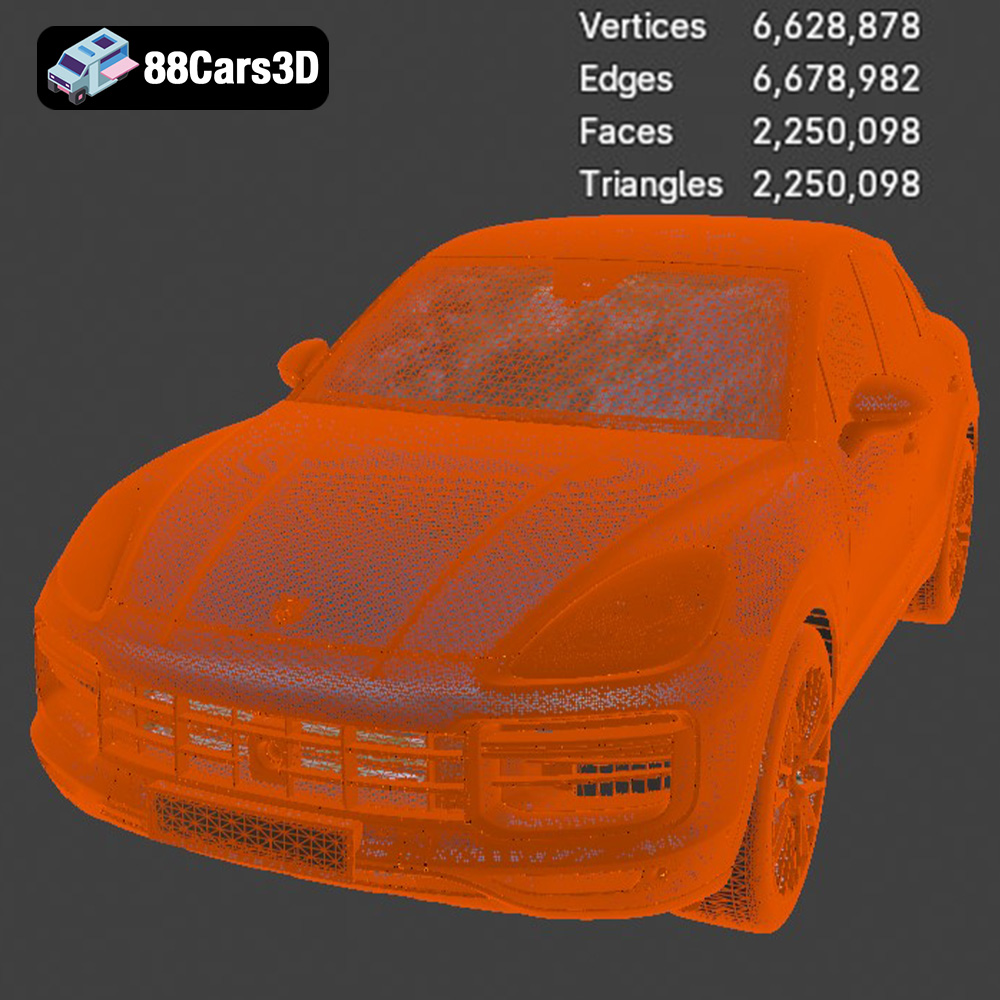
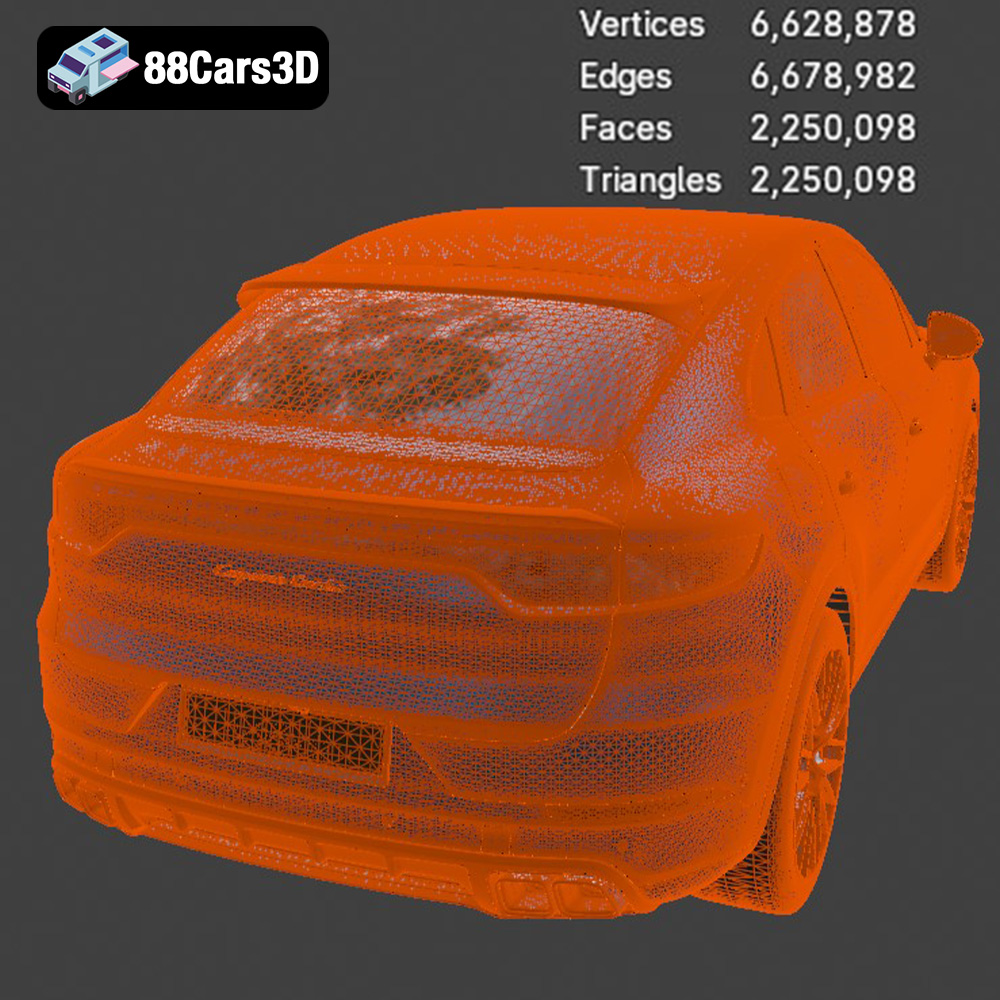
The STL (Stereolithography) format is the most widely accepted file type for 3D printing. It represents the 3D model’s surface as a mesh of triangles, essentially approximating the geometry. While simple and universally compatible with slicing software, STL files only store the geometry of the model, lacking color, texture, or material information. This means that any coloration or surface details need to be added during post-processing. For 3D printing, STL is the go-to format because it focuses on the precise shape of the object, which is what the printer needs to replicate. Mesh quality within the STL file is paramount. A higher triangle count results in a smoother surface but increases file size and processing time. Lower triangle counts can lead to faceted appearances. Carefully balancing detail and file size is crucial for optimal printing results. Most slicing software will allow you to adjust the mesh resolution during import. Before printing, always inspect the STL file for any errors, such as holes or non-manifold geometry, and repair them using mesh editing software like MeshMixer or Netfabb.
OBJ files are more versatile than STL, as they can store color and texture information along with the geometry. While this is beneficial for rendering and visualization, it’s less relevant for most 3D printing applications unless you’re using a multi-material printer capable of handling color. OBJ files are also compatible with most slicing software.
PLY (Polygon File Format) is another mesh-based format known for its ability to store more complex data, including color, normals, and other properties. It is generally used for storing 3D scanned data and is not as commonly used for 3D printing as STL.
.Blend files are native to the Blender 3D modeling software. This format is ideal if you want to modify the model before printing, such as adding custom details, splitting the model into smaller parts for easier printing, or optimizing the mesh for your specific printer. To use a .blend file for 3D printing, you’ll need to export it as an STL file after making your modifications.
FBX (Filmbox) is a proprietary format developed by Autodesk and is often used for exchanging 3D models between different software applications. It supports geometry, textures, materials, and animations. Like OBJ, the material information is less relevant for most 3D printing, but FBX can be useful for transferring models between different design and slicing programs.
GLB (GL Transmission Format Binary) is a binary file format that represents 3D models in a compact and efficient way. It is designed for fast loading and rendering, making it ideal for use in web applications, augmented reality (AR), and virtual reality (VR). While not directly used for 3D printing, GLB files can be useful for previewing the model in AR to get a sense of its size and scale before committing to printing.
Similar to .blend, .max files are native to Autodesk 3ds Max. This format allows for complete modification of the model within 3ds Max, providing options for customization and optimization before exporting to STL for 3D printing.
Once you’ve chosen your printer and file format (ideally STL), you’ll need to use slicing software to prepare the model for printing. Popular options include Cura, PrusaSlicer, Simplify3D, and Chitubox (for resin printers).
Regardless of the software, several key settings will influence the final print quality. As the product description on 88cars3d.com suggests, a layer height of 0.04-0.12mm is recommended. Lower layer heights will produce smoother surfaces but increase print time. Wall thickness should be between 1.2-2.0mm for sufficient strength. An infill density of 20-30% provides a good balance between weight, strength, and print time. Support structures are crucial for overhanging parts like the exhaust, side mirrors, and wheels. Experiment with different support patterns and densities to minimize material usage and potential surface damage during removal.
The orientation of the Porsche Cayenne Turbo Coupe 2020 on the print bed significantly impacts its strength and surface finish. Printing the frame at an angle (as mentioned in the product description) can improve its structural integrity. Consider the placement of supports and how they will affect visible surfaces. For example, tilting the body at an angle can reduce the amount of support needed on the roof and hood. Separate wheels, suspension components, and the active rear spoiler should be printed separately for optimal detail and ease of assembly.
The choice of material depends on your printer type and desired outcome.
PLA (Polylactic Acid) is a biodegradable thermoplastic known for its ease of printing. It’s a good option for FDM printers, especially for beginners. However, PLA has low heat resistance and can warp in direct sunlight or hot environments.
PETG (Polyethylene Terephthalate Glycol-modified) is a stronger and more durable alternative to PLA. It offers better heat resistance and impact resistance, making it suitable for parts that will be handled frequently. PETG can be slightly more challenging to print than PLA, requiring careful temperature and retraction settings.
Resin offers the highest level of detail and is ideal for smaller scales where intricate features need to be preserved. However, resin prints require post-processing, including washing in isopropyl alcohol and curing under UV light. Resins can also be more brittle than PLA or PETG and may require careful handling.
Once the parts are printed, post-processing is essential to achieve a polished and professional finish.
Sanding removes layer lines and imperfections from the 3D printed parts. Start with coarse sandpaper (220 grit) and gradually move to finer grits (400, 600, 800, 1000) to achieve a smooth surface. After sanding, apply a primer to fill in any remaining imperfections and provide a good base for painting.
Painting is crucial for replicating the authentic Porsche Cayenne Turbo Coupe 2020 look. Use high-quality model paints, such as acrylic or enamel paints, and apply them in thin, even coats. As mentioned in the product description, consider using authentic Porsche factory colors like Carmine Red or Lava Orange for a realistic finish. Clear coats (gloss or matte) can be applied to protect the paint and add a desired sheen.
Carefully assemble the printed parts using glue or fasteners. Test-fit the parts before applying glue to ensure proper alignment. The separate wheels, suspension components, and active rear spoiler should be attached according to the model’s design.
Even with careful preparation, 3D printing can sometimes present challenges.
Warping occurs when the corners of the print lift off the build plate due to uneven cooling. Ensure the build plate is level and clean. Use a heated bed (if available) and apply an adhesive like glue stick or hairspray to improve bed adhesion.
Stringing occurs when small strands of filament are left between different parts of the print. Increase retraction distance and speed in your slicing software to minimize stringing.
Carefully remove support structures to avoid damaging the surface of the print. Use specialized support removal tools or a sharp blade. Consider using dissolvable support materials (e.g., PVA for PLA) for complex geometries.
The Porsche Cayenne Turbo Coupe 2020 3D model from 88cars3d.com offers a fantastic opportunity to create a stunning replica of this iconic vehicle. By following this comprehensive guide and carefully considering the printer settings, materials, and post-processing techniques, you can overcome common challenges and achieve a professional-quality 3D printed model. Visit 88cars3d.com to explore their wide selection of high-quality 3D car models and start your next printing project.
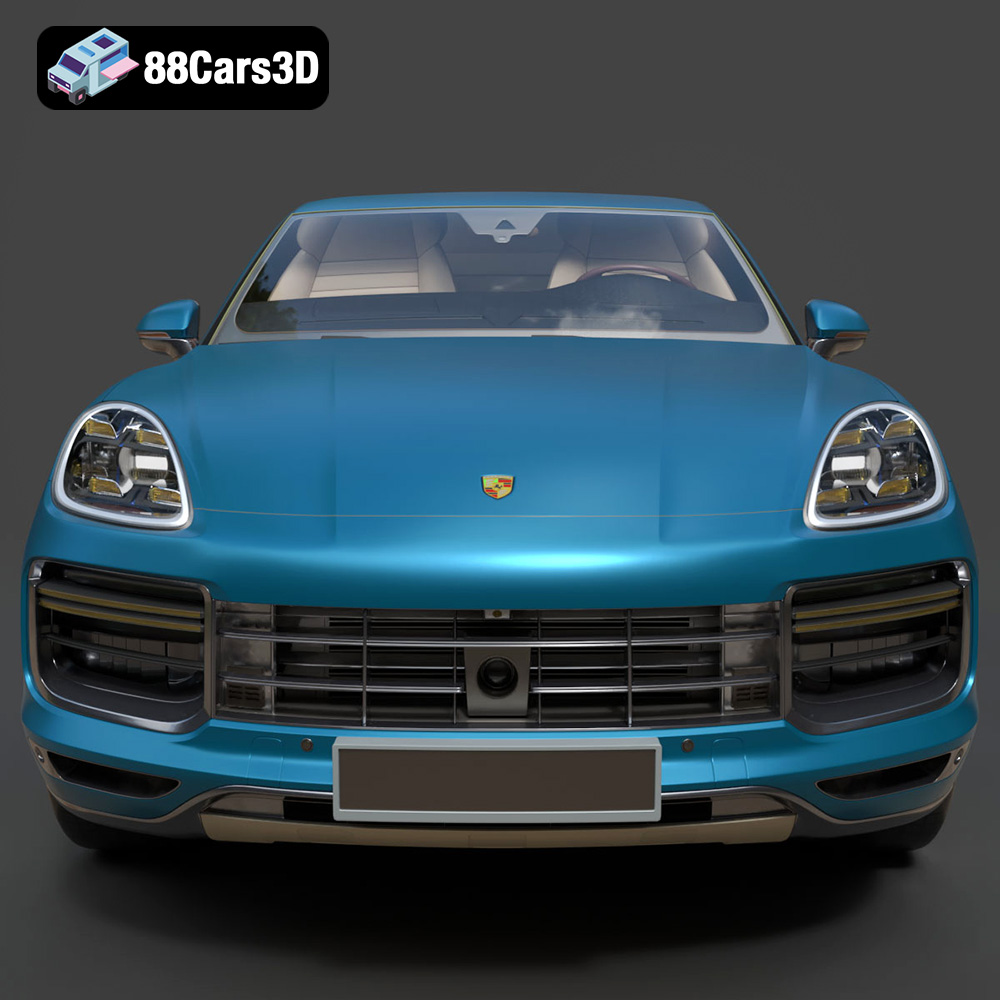
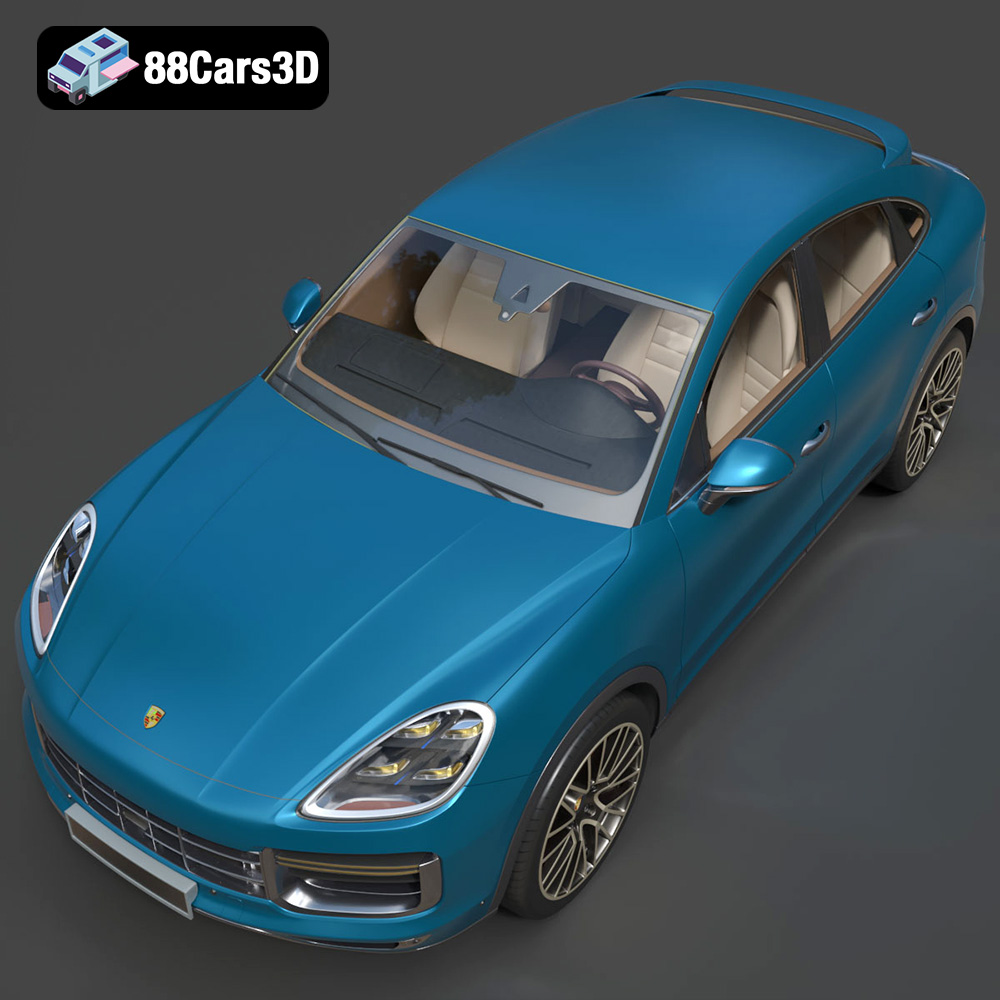
Experience the ultimate fusion of sports car performance and SUV versatility with the Porsche Cayenne Turbo Coupe 2020. This exceptional 3D model captures the striking athletic stance, the dramatically sloping coupe-style roofline, and the legendary Porsche design DNA.
$39.99
.blend
.fbx
.glb
.luxury suv
.max
.obj
.ply
.porsche
.rendering
.stl
.unreal
car-3d-model
cayenne-turbo-coupe-2020
game asset
game-ready
low-poly
optimized
performance suv
VR/AR