Get 20% OFF All Premium 3D & STL Models!

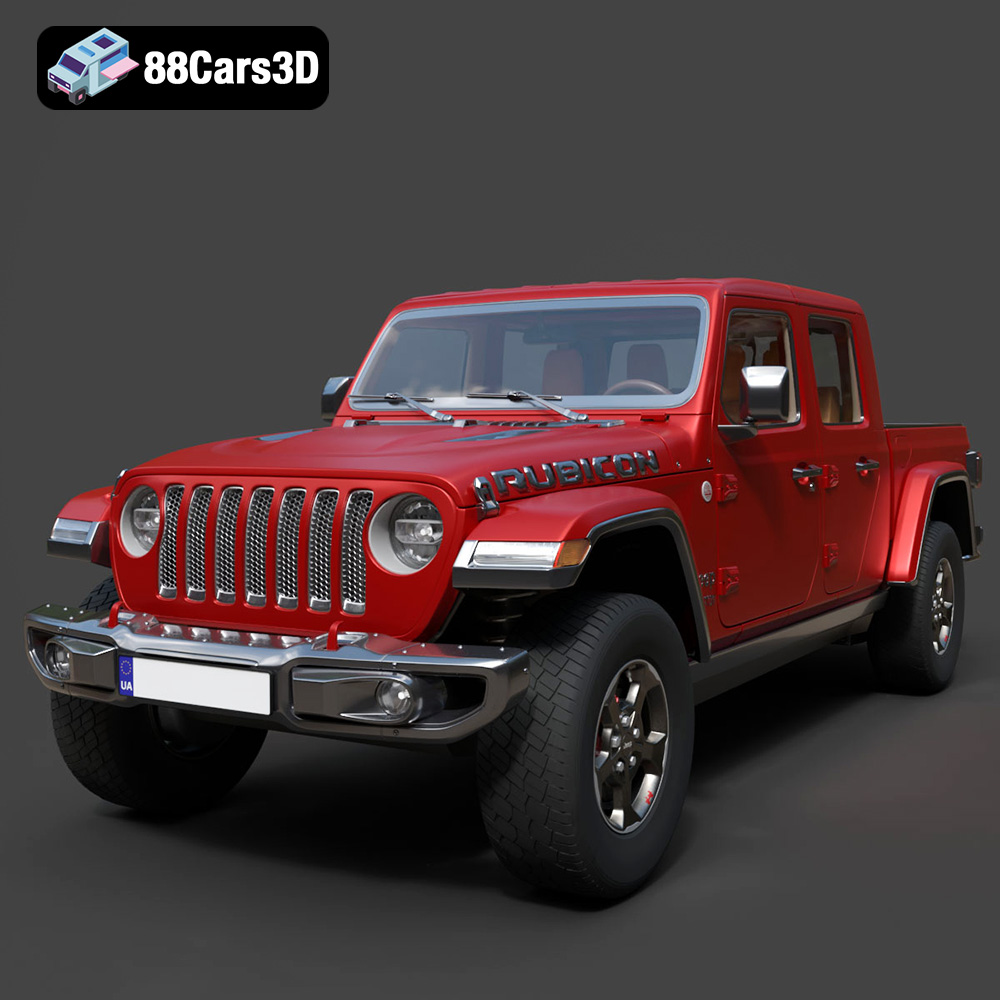
The Jeep Gladiator Rubicon 2020, with its iconic design and off-road prowess, is a dream machine for many. Now, thanks to the detailed 3D model available at 88cars3d.com, you can bring a miniature version of this beast to life through 3D printing. This guide will walk you through the entire process, from preparing the STL files to applying finishing touches, ensuring a successful and satisfying 3D printing experience.
The Jeep Gladiator Rubicon 2020 3D model can be printed using various additive manufacturing technologies, each with its own strengths and weaknesses. Fused Deposition Modeling (FDM) and Stereolithography (SLA) are the most common choices for hobbyists and enthusiasts.
* Pros: FDM printers are affordable, readily available, and can use a wide range of materials like PLA, PETG, ABS, and even flexible filaments.
* Cons: FDM prints typically have visible layer lines, and fine details can be challenging to reproduce accurately. Supports are often necessary, which can leave marks on the finished print.
* Recommendation: If you are new to 3D printing, or if cost is a major concern, FDM is a great starting point. PLA is an excellent material for beginners due to its ease of use and biodegradability.
* Pros: SLA printers excel at producing highly detailed prints with smooth surfaces. They are ideal for capturing the intricate features of the Jeep Gladiator Rubicon 2020 3D model.
* Cons: SLA printers tend to be more expensive than FDM printers, and the resin materials can be more costly and require careful handling. The build volume is also typically smaller than that of FDM printers.
* Recommendation: If you prioritize detail and surface finish, and are willing to invest in a more advanced setup, SLA printing is the way to go. Standard resin is a good starting point, but consider experimenting with tough or engineering resins for added durability.
Before you can start 3D printing the Jeep Gladiator Rubicon 2020 model, it’s essential to understand the different file formats it’s available in and their compatibility with 3D printing processes. The model from 88cars3d.com comes in various formats, each designed for specific applications.
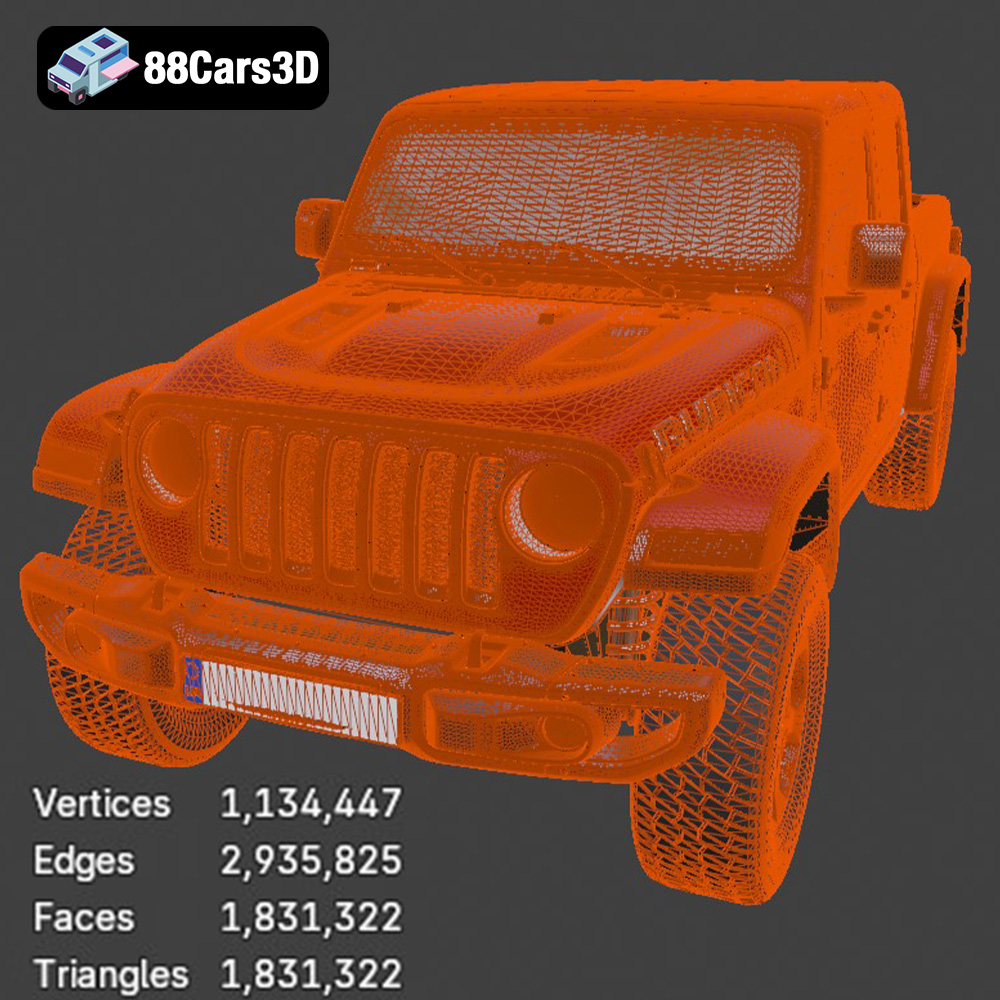
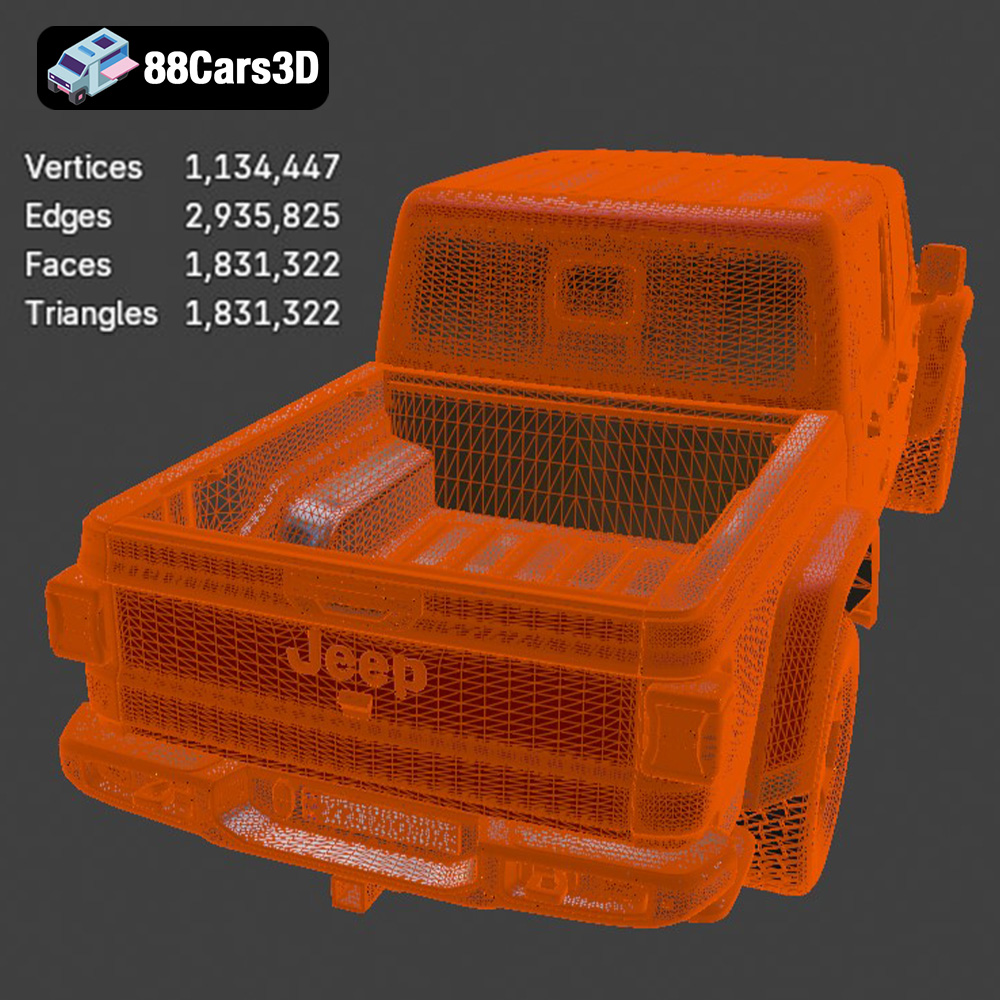
* .stl – Industry Standard for 3D Printing, Mesh-Only Format: The STL (Stereolithography) format is the workhorse of 3D printing. It represents the model’s surface geometry using a mesh of triangles. STL files are universally compatible with slicing software, which converts the 3D model into instructions for the 3D printer. The quality of an STL file is directly related to the density of the mesh; a higher triangle count results in a smoother, more detailed print, but also a larger file size. For the Jeep Gladiator Rubicon 2020, ensure the STL file has a sufficiently high resolution to capture its characteristic lines and details without excessive faceting. STL files do not contain color or texture information, so prints will be in a single color determined by the filament or resin used. Because of its simplicity and widespread support, STL is the recommended format for 3D printing the Gladiator model.
* .obj – Universal Format with Texture Support for Colored Prints: OBJ is a more versatile format than STL, as it can store color and texture information. This is beneficial if you plan to apply textures to the model in a 3D modeling program and want to retain that information. However, many 3D printers do not support multi-color printing directly from OBJ files, so textures may need to be applied manually during post-processing. Slicing software generally supports OBJ files, but it’s crucial to ensure that the textures are correctly interpreted and mapped onto the model.
* .ply – Precision Mesh Format for High-Detail Prints: PLY (Polygon File Format) is designed for storing 3D data acquired from 3D scanners. It can represent color, normals, and other properties more efficiently than OBJ in some cases. PLY files are suitable for high-detail prints where accuracy is paramount. However, not all slicing software fully supports PLY, so compatibility should be verified before use.
* .blend – Editable Blender Scene for Customization Before Export: The BLEND format is the native file format for Blender, a free and open-source 3D creation suite. This is incredibly useful if you want to modify the Jeep Gladiator Rubicon 2020 model before printing. You can adjust the geometry, add details, or even split the model into smaller parts for easier printing. Once you’re satisfied with the modifications, you’ll need to export the model as an STL file for 3D printing. Ensure the mesh is manifold (watertight) and has proper orientation before exporting.
* .fbx – For Importing into Slicing Software with Materials: FBX (Filmbox) is a proprietary format developed by Autodesk and is commonly used for exchanging 3D data between different software packages. It supports materials, textures, and animations. While FBX files can sometimes be imported directly into slicing software, they are primarily intended for use in game engines and animation software. For 3D printing, it is usually better to export the model as an STL file from the software that supports FBX.
* .glb – For Previewing Models in AR Before Printing: GLB (GL Transmission Format Binary) is a binary file format that represents 3D models in a compact and efficient manner. It is often used for displaying 3D models in web browsers and augmented reality (AR) applications. While GLB is not directly used for 3D printing, it can be helpful for previewing the model and ensuring that it looks as expected before you commit to printing it.
* .max – Editable 3ds Max Project for Modifications: MAX is the native file format for 3ds Max, another professional 3D modeling and animation software. Similar to BLEND files, MAX files allow you to fully customize the Jeep Gladiator Rubicon 2020 model before printing. You can modify the geometry, add details, or split the model into smaller parts. After making changes, you’ll need to export the model as an STL file for 3D printing, making sure the mesh is manifold and correctly oriented.
For 3D printing the Jeep Gladiator Rubicon 2020, the STL format is generally the best choice due to its widespread compatibility and simplicity. If you need to make modifications to the model, use the BLEND or MAX files, and then export the modified model as an STL file. Always check the mesh quality and resolution before printing to ensure the best possible results.
Once you’ve selected your 3D printing technology and file format (ideally STL), the next step is to prepare the model for printing using slicing software. Slicing software divides the 3D model into thin layers and generates the G-code instructions that the 3D printer will follow.
Popular slicing software options include Cura, Simplify3D, PrusaSlicer, and Chitubox (for resin printing). Each slicer has its own set of features and settings, so experiment to find the one that works best for you and your printer.
* Layer Height: A smaller layer height results in a smoother surface finish, but also increases print time. For the Jeep Gladiator Rubicon 2020, a layer height of 0.1mm to 0.2mm is a good starting point for FDM printing. For SLA printing, layer heights can be even smaller, typically ranging from 0.025mm to 0.05mm.
* Infill Density: Infill density affects the strength and weight of the print. For a display model like the Jeep Gladiator Rubicon 2020, an infill density of 15% to 20% is usually sufficient. Increase the infill density if you need a stronger print.
* Supports: Supports are necessary to print overhanging features and prevent them from collapsing during printing. Carefully consider the support placement to minimize their impact on the surface finish. In slicing software, you can often customize support density, pattern, and contact point settings to achieve the best balance between support and print quality.
* Print Speed: Slower print speeds generally result in better print quality, especially for intricate details. Experiment with different print speeds to find the optimal setting for your printer and material.
* Orientation: The orientation of the model on the print bed can significantly impact the print quality, support requirements, and print time. Experiment with different orientations to find the one that minimizes the need for supports and maximizes the visibility of smooth surfaces. For the Jeep Gladiator Rubicon 2020, consider printing the body at an angle to minimize the need for supports on the hood and roof.
The Jeep Gladiator Rubicon 2020 3D model can be scaled to your desired size using the slicing software. Keep in mind that scaling the model down too much can make it difficult to print fine details. If you plan to assemble multiple parts, ensure that all parts are scaled uniformly.
The choice of material significantly influences the final appearance, strength, and durability of your 3D printed Jeep Gladiator Rubicon 2020. Here are some recommendations:
* Pros: Biodegradable, easy to print, available in a wide range of colors, low odor.
* Cons: Relatively low heat resistance, can be brittle.
* Use Case: Ideal for creating display models that don’t require high strength or heat resistance.
* Pros: Stronger and more durable than PLA, good heat resistance, flexible.
* Cons: Can be more challenging to print than PLA, prone to stringing.
* Use Case: Suitable for parts that require higher strength and durability, such as wheels or chassis components.
* Pros: High strength and heat resistance, good impact resistance.
* Cons: Requires a heated bed, can warp easily, emits fumes during printing.
* Use Case: Best for experienced users who require high-performance parts.
* Pros: Exceptional detail, smooth surface finish, can be formulated for specific properties (e.g., high strength, flexibility).
* Cons: Requires specialized equipment (SLA printer), can be expensive, requires careful handling, post-curing needed.
* Use Case: Ideal for printing highly detailed parts with smooth surfaces, such as the body of the Jeep Gladiator Rubicon 2020.
Once the 3D printing process is complete, post-processing is essential to refine the appearance and functionality of your Jeep Gladiator Rubicon 2020 model.
Carefully remove the supports using pliers, cutters, or a hobby knife. Take your time to avoid damaging the model. Sand down any remaining support marks using fine-grit sandpaper.
Sand the surface of the print to remove layer lines and imperfections. Start with coarse-grit sandpaper and gradually move to finer grits. For SLA prints, wet sanding can help achieve a smoother finish.
Painting is a great way to enhance the realism of your 3D printed Jeep Gladiator Rubicon 2020. Use primer to prepare the surface for paint. Apply multiple thin coats of paint, allowing each coat to dry completely before applying the next. Consider using masking tape to create clean lines and details.
If the model consists of multiple parts, assemble them using glue, screws, or other fasteners. Ensure that the parts fit together properly before applying glue.
Even with careful preparation, 3D printing can sometimes present challenges. Here are some common issues and their solutions:
* Warping: This occurs when the print detaches from the print bed due to uneven cooling. Ensure the print bed is properly leveled and heated. Use a brim or raft to improve adhesion.
* Stringing: This is caused by excess filament oozing from the nozzle during travel moves. Reduce the nozzle temperature, increase retraction distance, and adjust travel speed.
* Layer Shifting: This can be caused by loose belts, stepper motor issues, or insufficient power supply. Check the belts and tighten them if necessary. Ensure that the stepper motors are functioning correctly and that the power supply is adequate.
* Elephant’s Foot: This occurs when the first layer is squished too much. Adjust the Z-offset and first layer height in the slicing software.
By understanding these common issues and their solutions, you can overcome challenges and achieve successful 3D prints.
The print time and material costs for the Jeep Gladiator Rubicon 2020 3D model will vary depending on the size of the model, the printer settings, and the material used. However, you can expect a print time of several hours to several days for a full-scale model. The material cost can range from a few dollars for a small PLA print to several tens of dollars for a larger print using more expensive materials. Slicing software typically provides estimates of print time and material usage based on your chosen settings.
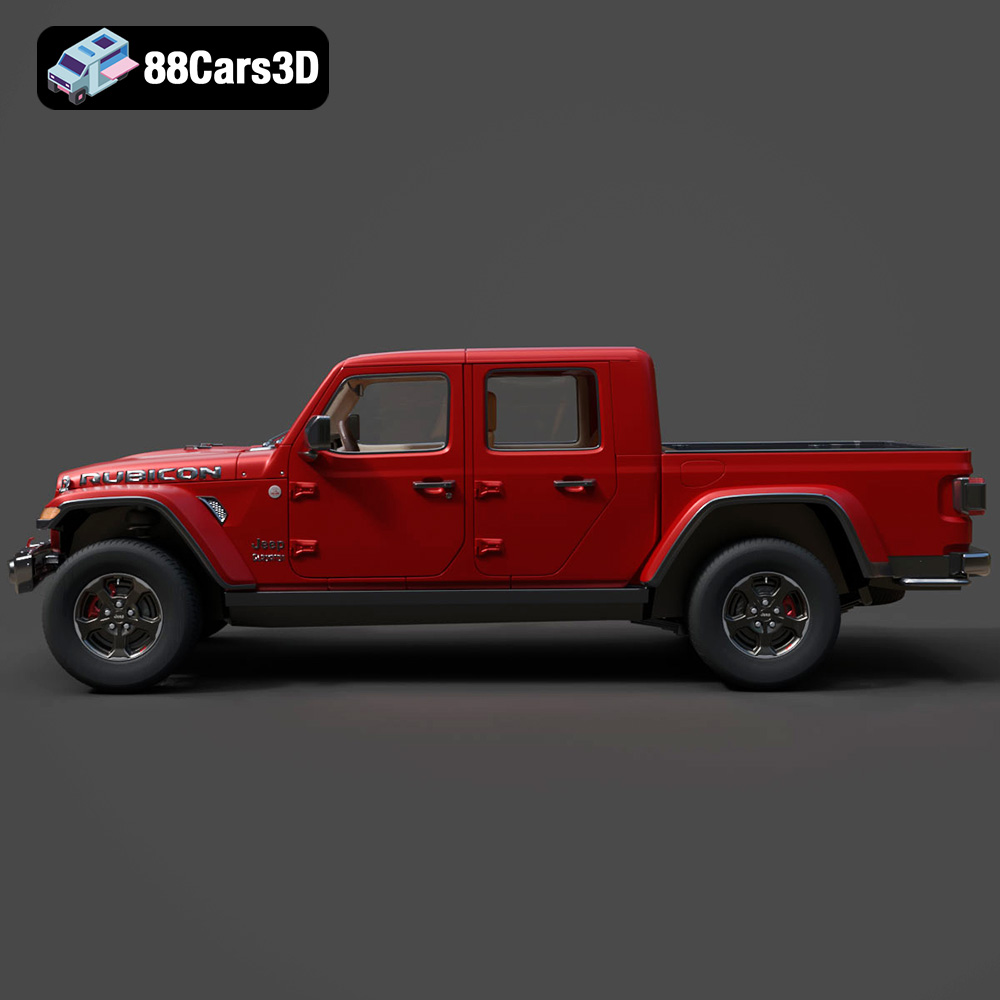
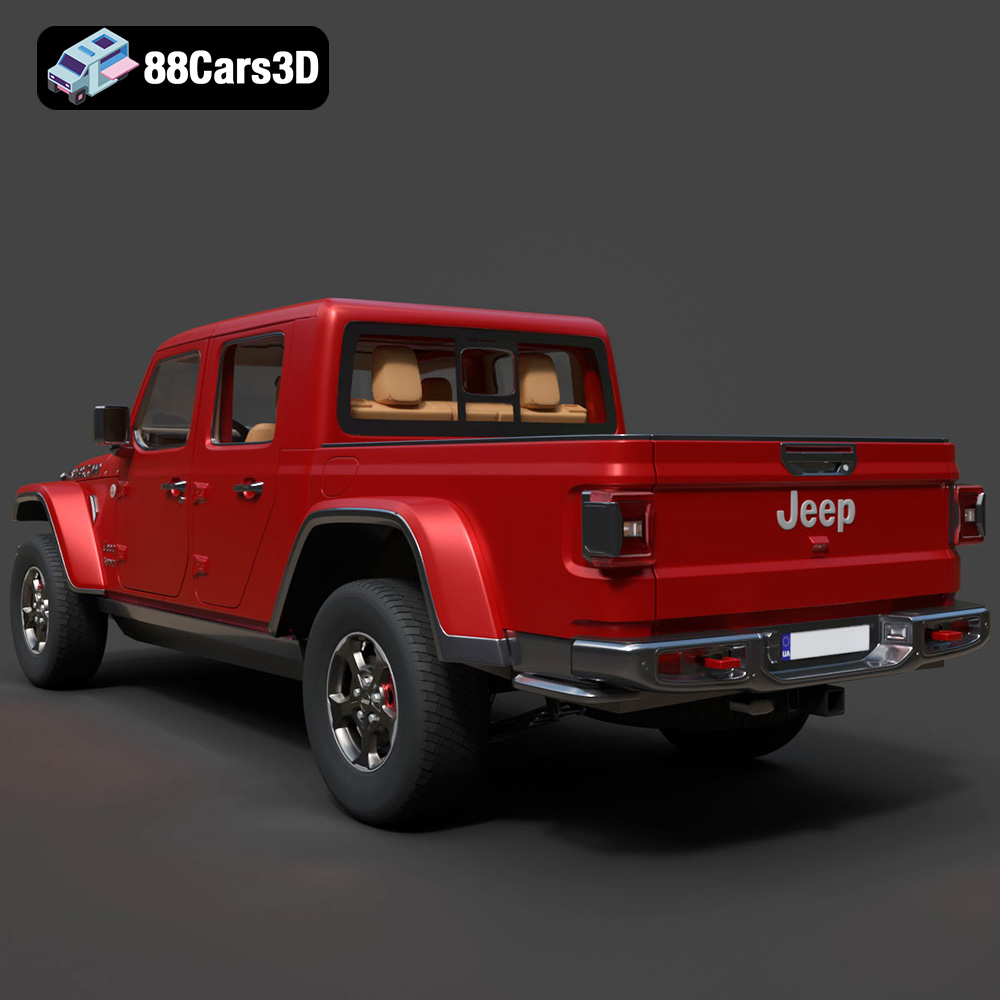
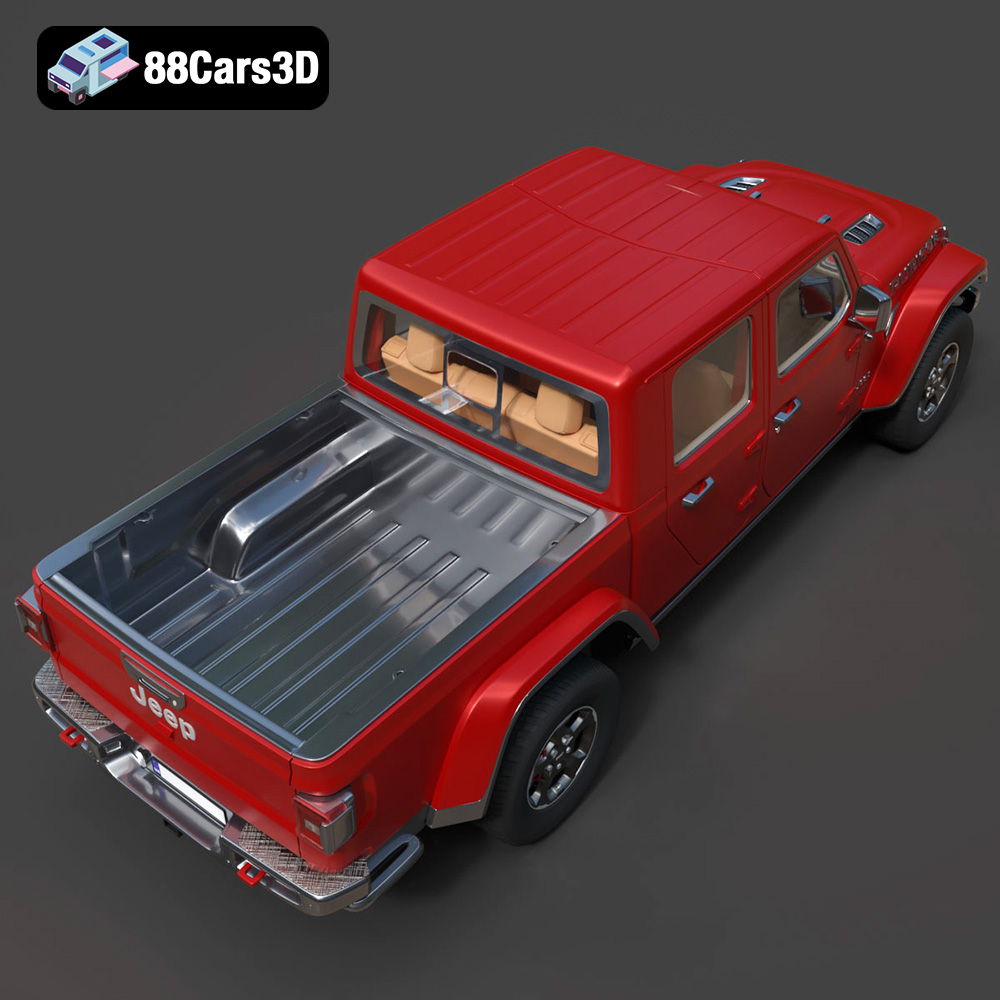
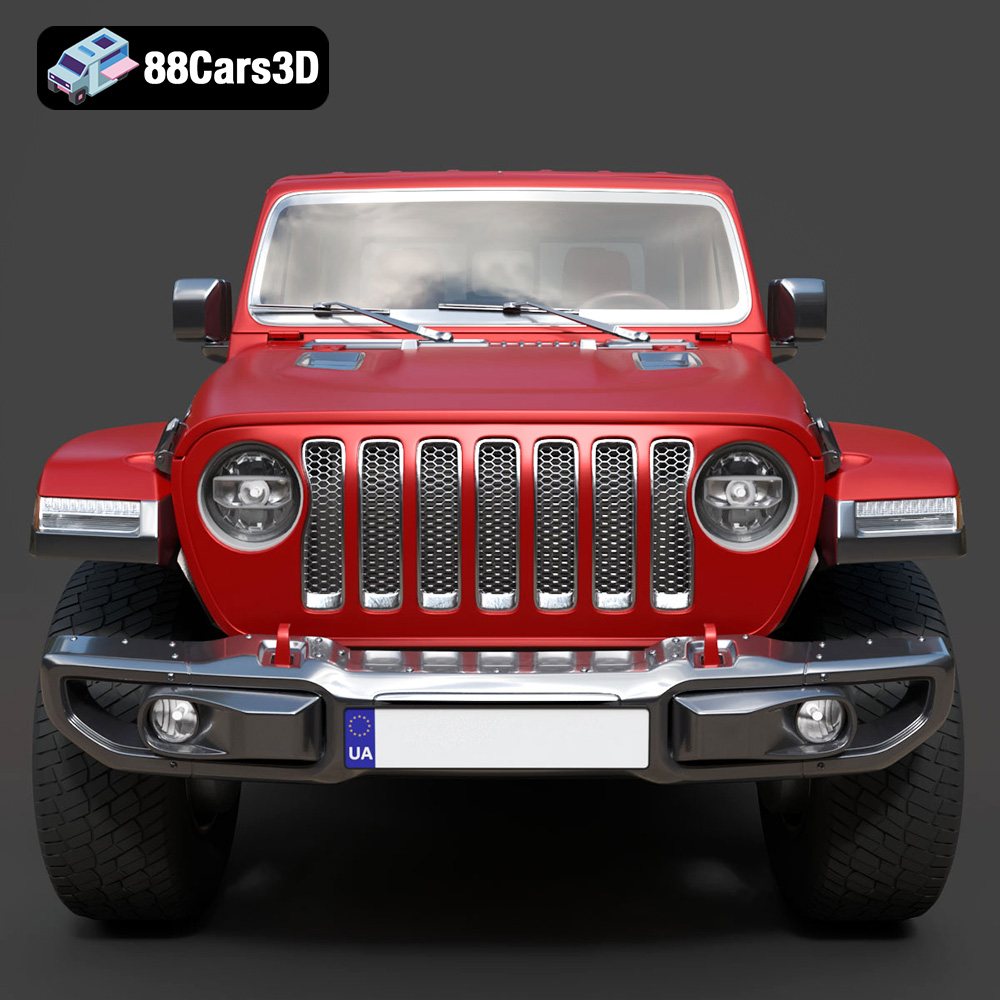
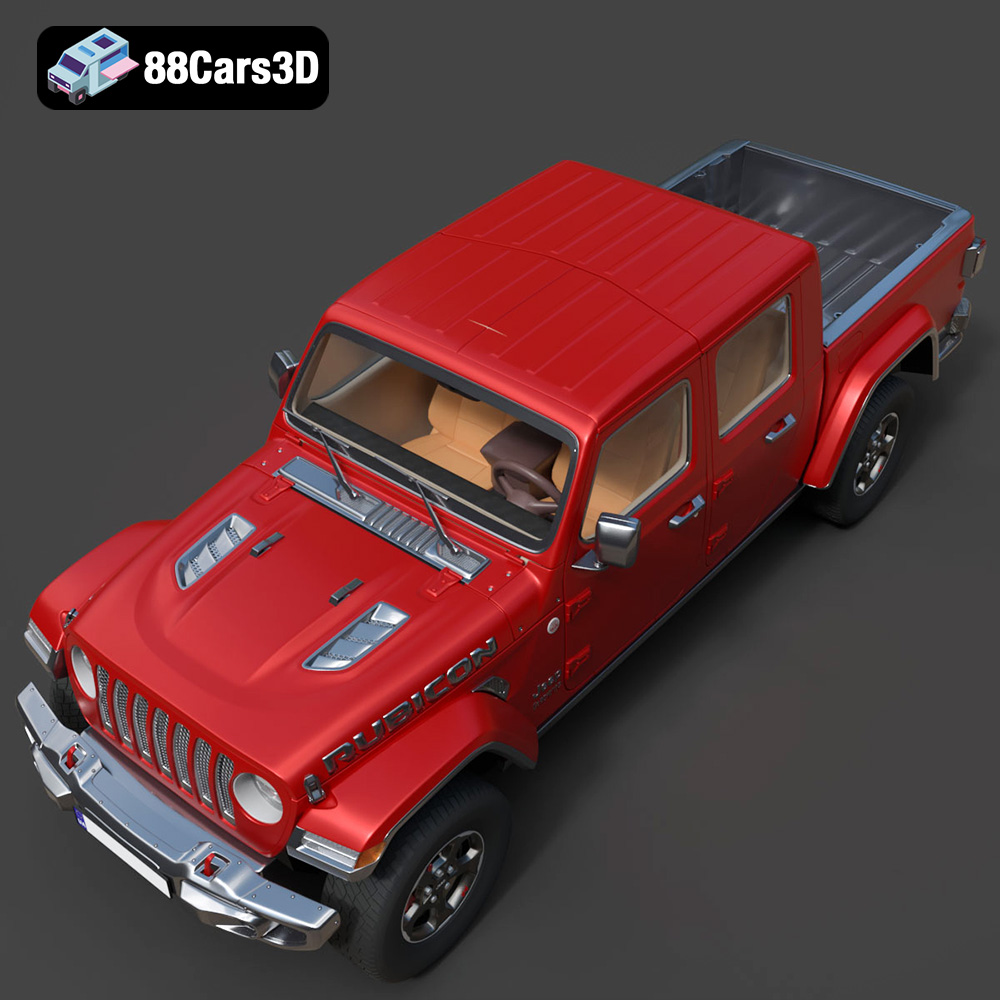
Discover the realistic digital representation of the Jeep Gladiator Rubicon 2020 3D Model, meticulously crafted to deliver an authentic digital twin of this rugged off-road vehicle. This model captures the iconic exterior styling and intricate structural details, making it an ideal asset for professional digital projects.
$39.99
3D printing the Jeep Gladiator Rubicon 2020 model from 88cars3d.com is a rewarding project that combines technical skill with creative expression. By understanding the different 3D printing technologies, file formats, and print settings, you can achieve stunning results. Remember to carefully prepare the model, choose the right materials, and apply post-processing techniques to bring your miniature Jeep Gladiator Rubicon to life. Whether you’re a seasoned 3D printing enthusiast or just starting out, this guide provides the knowledge and insights you need to create a truly impressive 3D printed model.
.4×4
.arvr
.blend
.car3dmodel
.fbx
.gameasset
.gladiator
.glb
.jeep
.jt
.max
.obj
.offroad
.pickup
.ply
.rendering
.rubicon
.simulation
.stl
.truck
.unreal