Get 20% OFF All Premium 3D & STL Models!

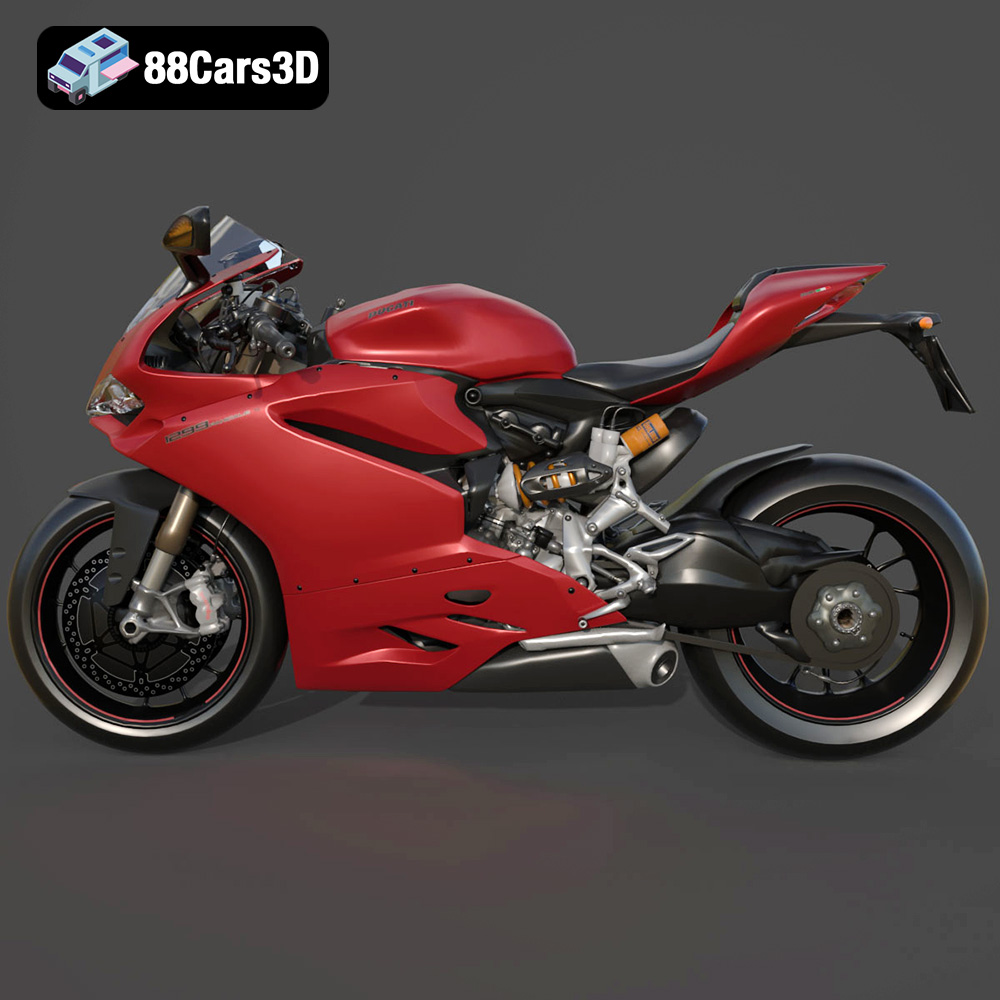
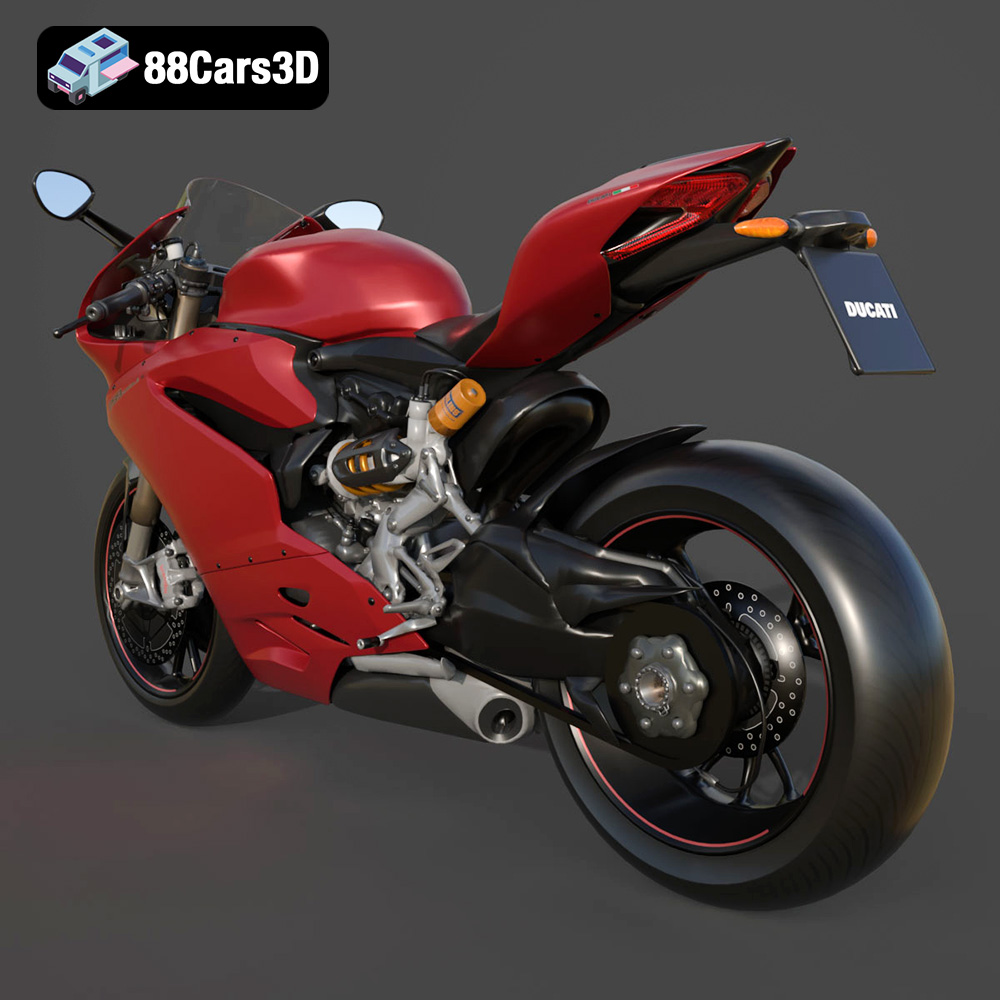
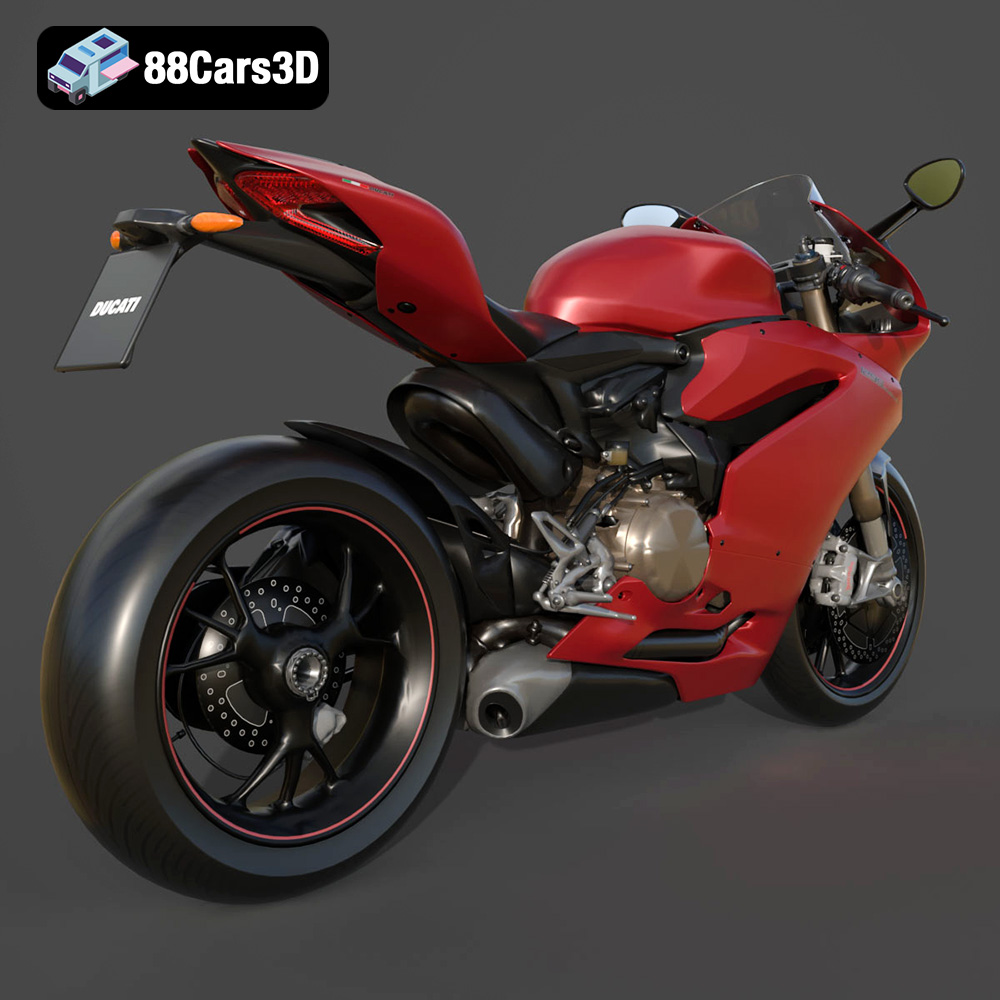
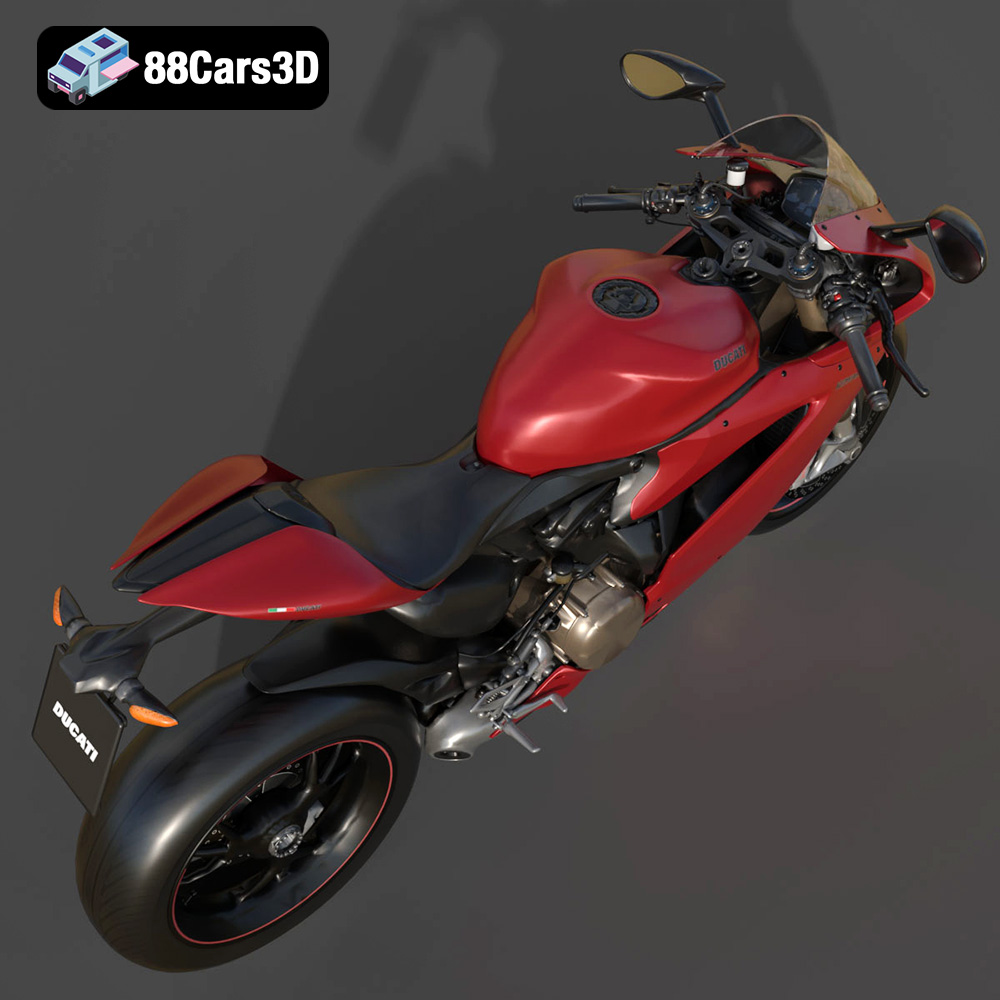
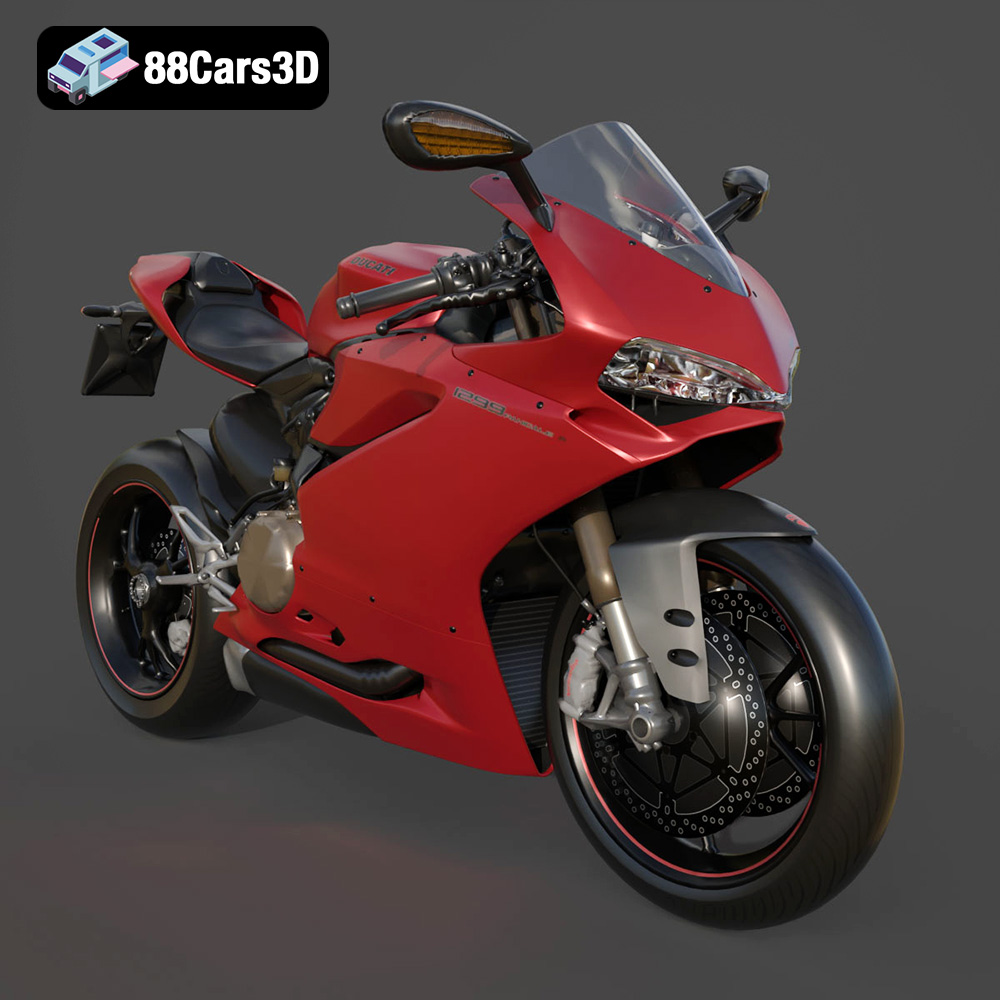
The Ducati 1299 Panigale S 2017. A name synonymous with speed, style, and Italian motorcycle engineering. Now, thanks to 88cars3d.com, you can bring this iconic superbike to life in your own home with the power of 3D printing. This isn’t just about creating a static model; it’s about experiencing the design and engineering prowess of Ducati in a tangible way. This article will guide you through the entire process, from selecting the right 3D printing materials and settings to perfecting the final finish, ensuring your 3D printed Panigale S is a true masterpiece. This detailed 3D model, available in various formats including the all-important STL file, is perfect for additive manufacturing enthusiasts of all skill levels.
Selecting the right 3D printing technology is crucial for achieving the desired level of detail and accuracy with your Ducati 1299 Panigale S 2017 model. Two primary technologies are commonly used for this type of project: Fused Deposition Modeling (FDM) and Stereolithography (SLA) or resin printing.
FDM printing involves melting and extruding a thermoplastic filament, such as PLA or PETG, layer by layer to build the model. While FDM printers are generally more affordable, they may struggle to capture the fine details of the Panigale S, particularly the intricate engine components and aerodynamic fairings. However, with careful selection of printer settings and post-processing techniques, excellent results can still be achieved.
Resin printing, on the other hand, uses a liquid resin that is cured by a UV light source. This allows for much higher resolution and accuracy, making it ideal for capturing the complex geometry and minute details of the Ducati. While resin printers are typically more expensive and require more specialized post-processing, the superior quality and detail of the finished model make them a worthwhile investment for serious enthusiasts. As the product description recommends, resin printing is highly recommended for this model.
Choosing the right file format is a critical first step in ensuring a successful 3D printing experience. The Ducati 1299 Panigale S 2017 model from 88cars3d.com comes in a variety of formats, each suited for different purposes. Understanding the strengths and weaknesses of each format will help you select the best option for your needs.
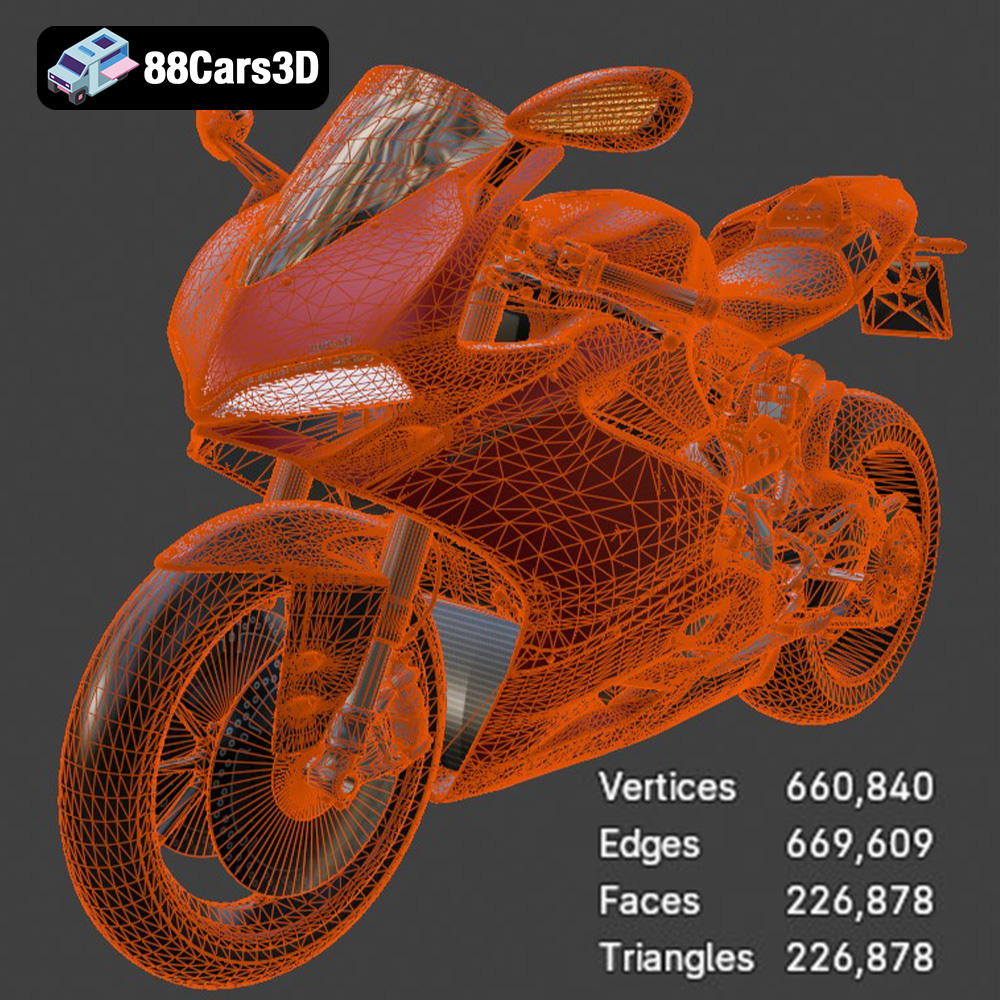
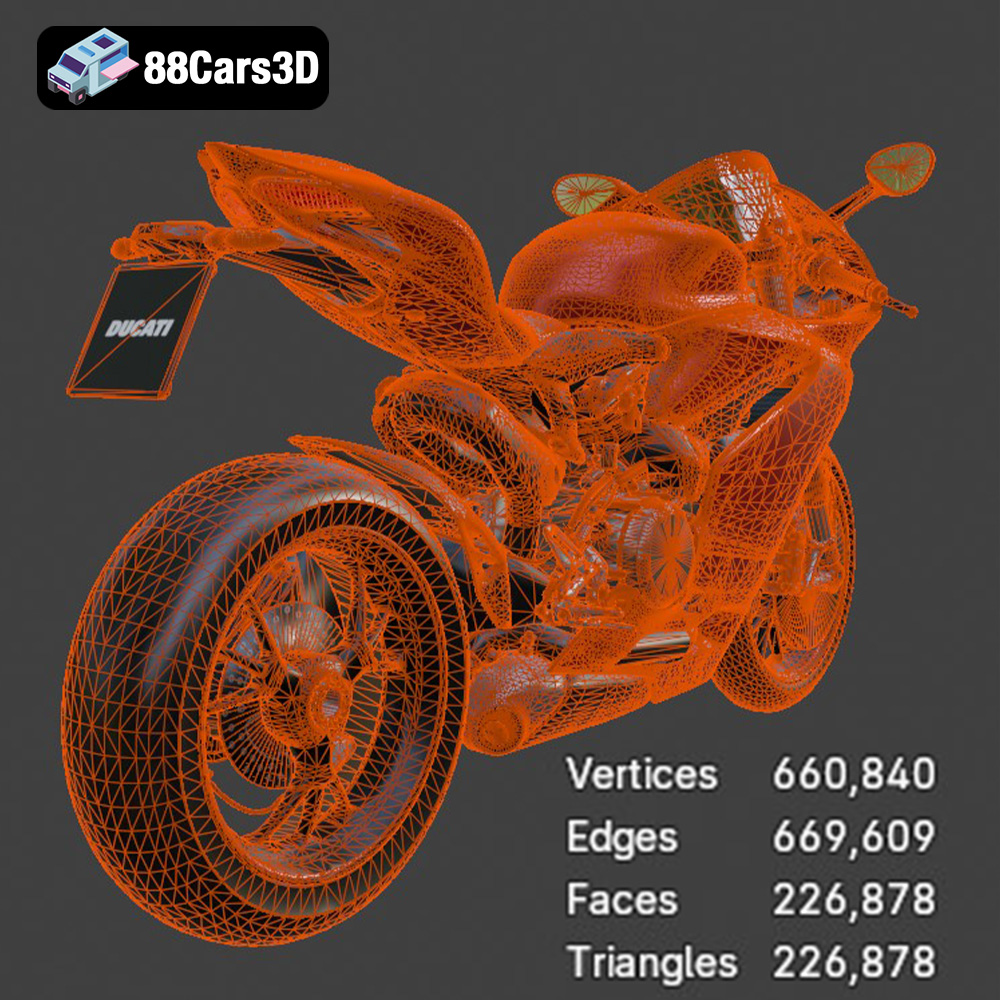
The STL (Stereolithography) file format is the undisputed workhorse of 3D printing. It represents the surface geometry of a 3D object as a collection of triangles. This simplicity makes it universally compatible with slicing software and 3D printers. STL files are mesh-only, meaning they only contain information about the shape of the object and lack color or texture data. The quality of an STL file is determined by the number and size of the triangles used to represent the model. Higher triangle counts result in smoother surfaces and more accurate representations of curves, but also larger file sizes. For 3D printing, the STL format is almost always the first choice due to its widespread support and ease of use. When preparing your Ducati 1299 Panigale S model for printing, the STL file will be the one you import into your slicing software. Carefully inspect the STL file for any errors or gaps in the mesh before proceeding. Repairing these issues early on will save you time and frustration later. The STL format doesn’t account for color or texture, so any coloration will need to be applied after the model is printed.
The OBJ (Object) file format is another common 3D model format. Unlike STL, OBJ files can store color and texture information, making them suitable for colored 3D prints (if you have a multi-material printer) or for use in rendering and visualization applications. However, OBJ files can be more complex than STL files and may not be as widely supported by all slicing software.
The PLY (Polygon File Format) is designed for storing 3D data acquired from scanning technologies. It’s known for its ability to represent high-detail meshes with precision. While not as universally supported as STL, PLY files can be useful for printing models with intricate surfaces or organic shapes.
The .blend file format is the native format for Blender, a popular open-source 3D modeling software. This format allows you to fully edit and customize the Ducati 1299 Panigale S model before exporting it to a printable format like STL. If you want to make modifications to the design, such as adding personalized details or adjusting the geometry, the .blend file is the way to go.
FBX (Filmbox) is a proprietary file format developed by Autodesk. It’s often used for exchanging 3D data between different software applications, including those used in game development and animation. FBX files can store geometry, textures, materials, and animation data. While some slicing software can import FBX files, it’s generally recommended to convert them to STL for optimal 3D printing compatibility.
The GLB (GL Transmission Format Binary) is a file format designed for efficient transmission and loading of 3D models, particularly in web-based applications and augmented reality (AR) experiences. It’s a binary format that includes both the geometry and textures of a 3D model in a single file. While not directly used for 3D printing, GLB files can be helpful for previewing the model in AR to get a sense of its size and appearance before committing to a print.
The .max file format is the native format for 3ds Max, another popular 3D modeling software. Similar to .blend files, .max files allow you to fully edit and customize the Ducati 1299 Panigale S model.
Ultimately, for 3D printing the Ducati 1299 Panigale S model from 88cars3d.com, the STL file format is the most practical and widely supported option. Ensure the STL file is of sufficient quality (high triangle count) to capture the details of the model and that it’s free of errors before importing it into your slicing software.
Once you’ve selected your 3D printing technology and file format, the next step is to prepare the model for printing using slicing software. This software takes the 3D model and divides it into thin layers, generating the instructions that the printer will follow to create the object.
Several excellent slicing software options are available, both free and paid. Popular choices include Cura, Simplify3D, PrusaSlicer, and Chitubox (for resin printing). Each software has its own strengths and weaknesses, so it’s worth experimenting to find one that suits your needs and preferences.
Before slicing, it’s crucial to optimize the model for printing. This may involve:
* **Scaling:** Adjusting the size of the model to your desired dimensions. As the product description suggests, scales of 1:12, 1:18, or 1:24 are recommended.
* **Orientation:** Rotating the model to minimize the need for support structures and improve print quality.
* **Repairing Mesh Errors:** Using the slicing software or a dedicated mesh repair tool to fix any errors or gaps in the model’s geometry.
For the Ducati 1299 Panigale S, consider printing the frame at an angle for improved structural integrity. Separate components like the wheels and swingarm should be printed separately for optimal results.
The choice of material significantly impacts the appearance, strength, and durability of your 3D printed Ducati 1299 Panigale S.
PLA (Polylactic Acid) is a biodegradable thermoplastic that is easy to print with and offers good detail. It’s a great choice for beginners and for creating display models. However, PLA is not as strong or heat-resistant as other materials, so it may not be suitable for functional parts.
PETG (Polyethylene Terephthalate Glycol-modified) offers a good balance of strength, flexibility, and ease of use. It’s more durable and heat-resistant than PLA, making it a good choice for parts that need to withstand some stress or temperature.
ABS (Acrylonitrile Butadiene Styrene) is a strong and durable thermoplastic that is commonly used in engineering applications. However, ABS is more difficult to print with than PLA or PETG, as it requires higher temperatures and is prone to warping.
For resin printing, a variety of resins are available, each with its own properties. Standard resins are a good all-around choice, while tough resins offer increased strength and impact resistance. Flexible resins can be used to create parts that need to bend or flex. Given the intricate details of the Ducati 1299 Panigale S, resin is a highly recommended option for achieving the best possible results.
The right printer settings are crucial for achieving a successful 3D print. Here are some key settings to consider:
Layer height determines the thickness of each layer of plastic or resin. Lower layer heights result in smoother surfaces and finer detail, but also increase print time. For the Ducati 1299 Panigale S, a layer height of 0.04-0.12 mm is recommended for resin printing, as mentioned in the product description. For FDM printing, a layer height of 0.1-0.2 mm is a good starting point.
Infill refers to the density of the material inside the model. Higher infill percentages result in stronger models, but also increase material usage and print time. A 20-30% infill is recommended for the Ducati 1299 Panigale S, providing a good balance of strength and material efficiency.
Support structures are necessary to support overhanging features during printing. The Ducati 1299 Panigale S has several overhanging features, such as the exhaust, mirrors, footpegs, and clip-on handlebars, that will require supports. Carefully consider the placement and type of supports to minimize their impact on the finished model.
Print speed affects both the print time and the quality of the finished model. Slower print speeds generally result in higher quality, but also increase print time. Experiment with different print speeds to find the optimal balance for your printer and material.
Once the 3D print is complete, some post-processing is typically required to achieve a professional look.
The first step is to carefully remove the support structures. This can be done with pliers, a hobby knife, or other specialized tools. Be careful not to damage the model during this process.
Sanding is used to smooth out any imperfections or layer lines on the surface of the model. Start with a coarse grit sandpaper and gradually move to finer grits for a smooth finish.
Priming is essential for creating a smooth and even surface for painting. Apply a thin coat of primer to the model and allow it to dry completely before sanding lightly.
Painting is the final step in the post-processing process. Use high-quality paints and techniques to replicate the authentic factory colors of the Ducati 1299 Panigale S, such as the iconic Ducati Red. Consider using metallic finishes for certain components to add realism.
Even with careful preparation and the right settings, 3D printing can sometimes present challenges. Here are some common issues and how to troubleshoot them:
Warping occurs when the corners of the model lift off the build plate during printing. This is often caused by uneven cooling or poor bed adhesion. To prevent warping, ensure the build plate is clean and level, use a heated bed, and apply an adhesive like glue stick or hairspray.
Stringing occurs when thin strands of plastic are left between different parts of the model. This is often caused by excessive material flow or retraction settings. To prevent stringing, adjust the retraction settings in your slicing software and ensure the nozzle temperature is not too high.
Layer shifting occurs when the layers of the model are misaligned. This is often caused by loose belts or pulleys, or by vibrations during printing. To prevent layer shifting, ensure all mechanical components are properly tightened and that the printer is placed on a stable surface.
The print time and material cost for the Ducati 1299 Panigale S model will vary depending on the size of the model, the chosen material, and the printer settings. However, as a general estimate:
* **Print Time:** 20-50 hours (depending on size and complexity)
* **Material Cost:** $10-50 (depending on material and infill)
Keep in mind that these are just estimates and the actual values may vary.
By following these guidelines and taking the time to experiment with different settings and techniques, you can successfully 3D print your own stunning Ducati 1299 Panigale S 2017 model. The level of detail available on 88cars3d.com will allow you to create a truly impressive replica of this iconic superbike. Remember to check 88cars3d.com for more amazing 3D models!
Experience the apex of Italian engineering with this highly detailed 3D model of the Ducati 1299 Panigale S 2017. Renowned for its stunning aesthetics and blistering track performance, this superbike boasts iconic visual elements such as its aerodynamic fairings, monocoque chassis structure, and the legendary Superquadro L-twin engine.
$19.99
.2017
.blend
.ducati
.fbx
.glb
.max
.obj
.ply
.rendering
.sportbike
.stl
.superbike
.unreal
1299-panigale-s
game asset
game-ready
low-poly
motorcycle-3d-model
optimized
VR/AR