Get 20% OFF All Premium 3D & STL Models!

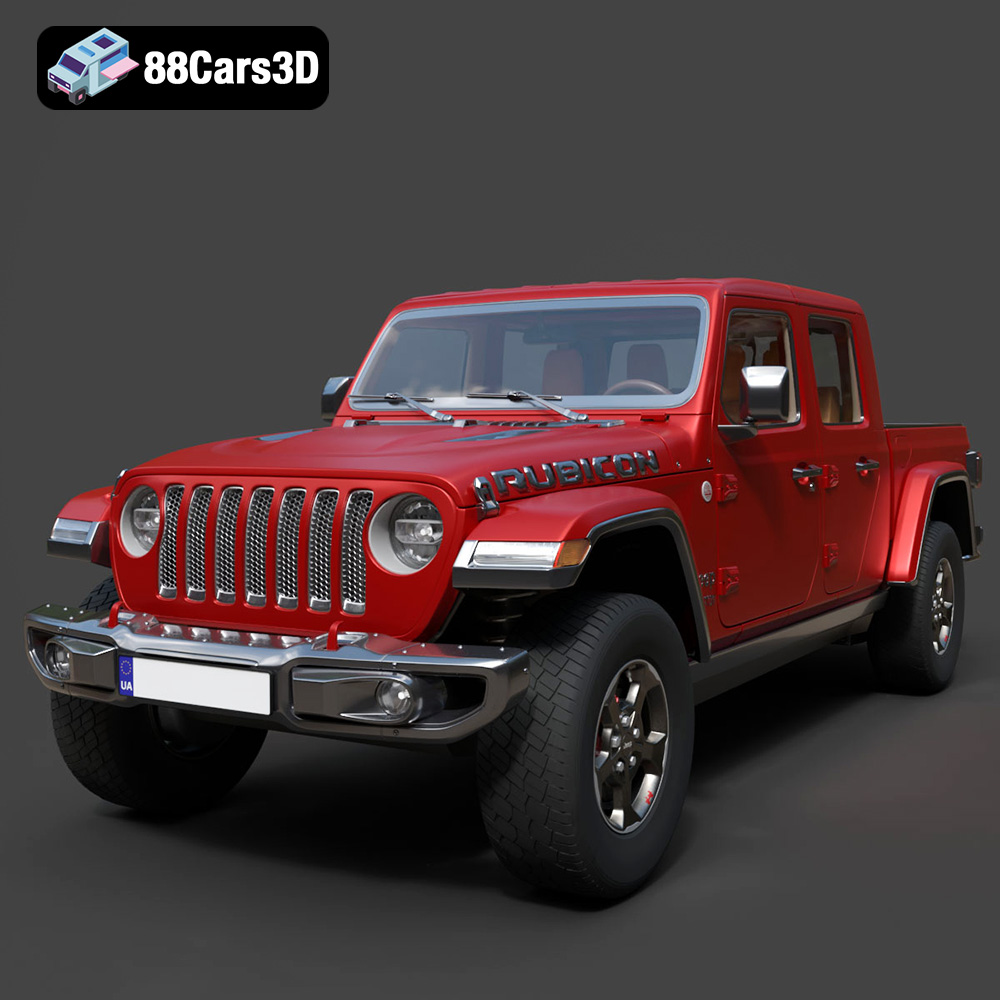
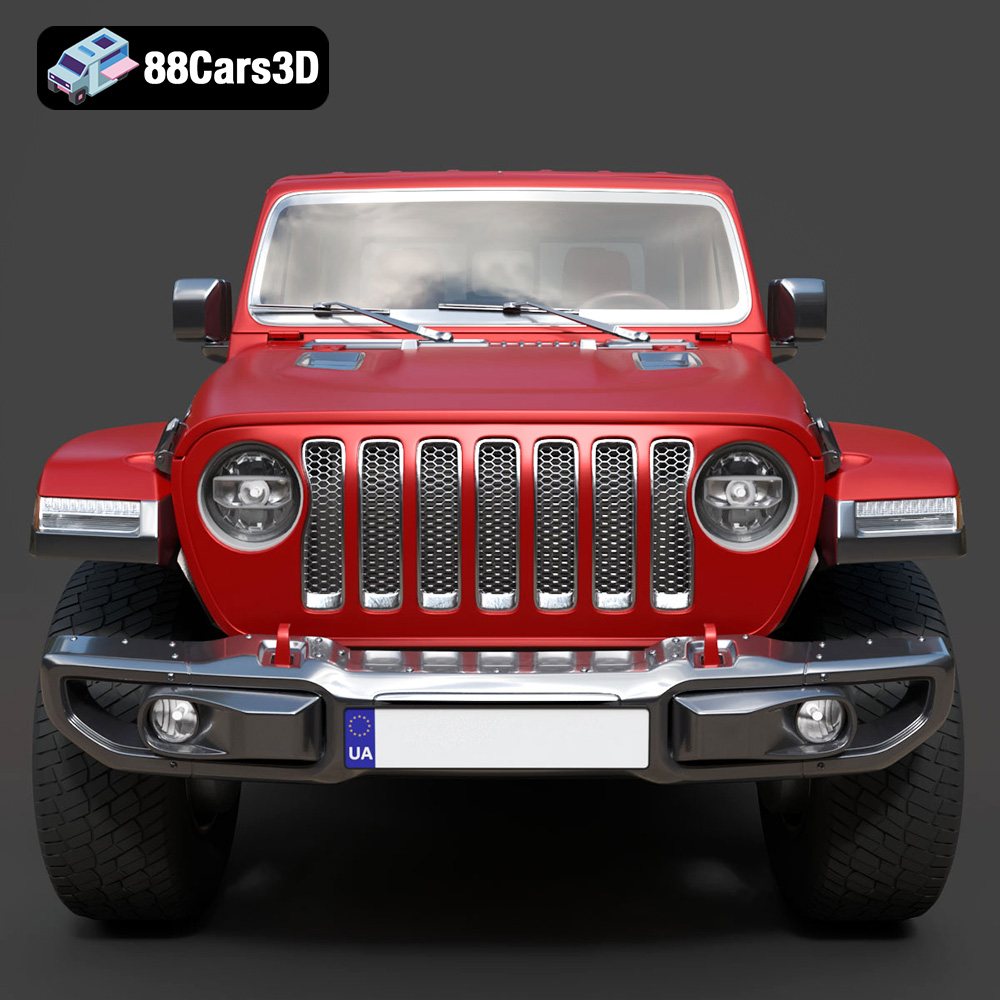
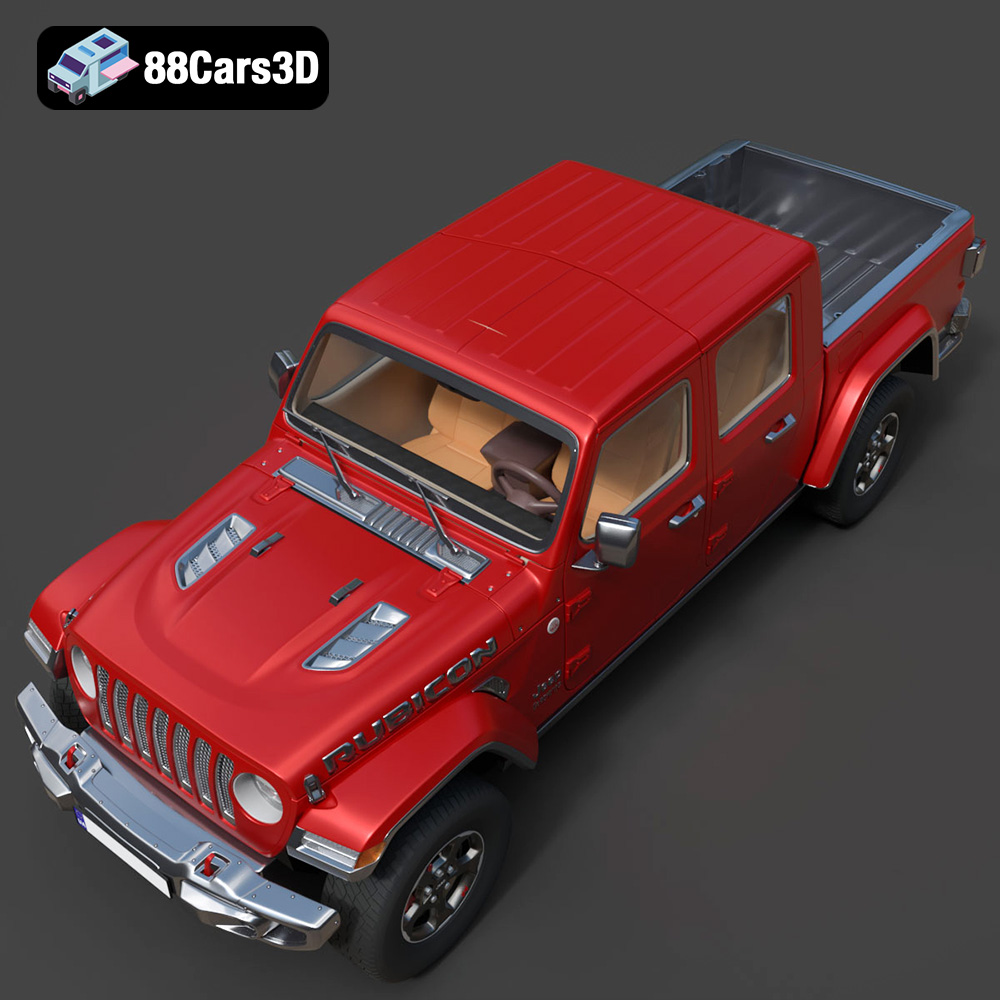
The Jeep Gladiator Rubicon 2020 is an iconic vehicle, known for its off-road prowess and distinctive styling. Thanks to the detailed 3D model available at 88cars3d.com, enthusiasts and makers can now bring this rugged machine to life through the magic of 3D printing. This guide provides a comprehensive overview of the process, covering everything from pre-print preparation to post-processing, ensuring a successful and satisfying 3D printing experience. Whether you’re a seasoned 3D printing veteran or a newcomer to the world of additive manufacturing, this article will provide you with the knowledge and techniques needed to create a stunning 3D printed replica of the Jeep Gladiator Rubicon 2020.
Before diving into the specifics of printing the Jeep Gladiator Rubicon 2020, it’s essential to understand the different file formats available and their suitability for 3D printing. Several formats are commonly used, each with its strengths and weaknesses. Understanding these differences will help you choose the best format for your project and avoid potential compatibility issues.
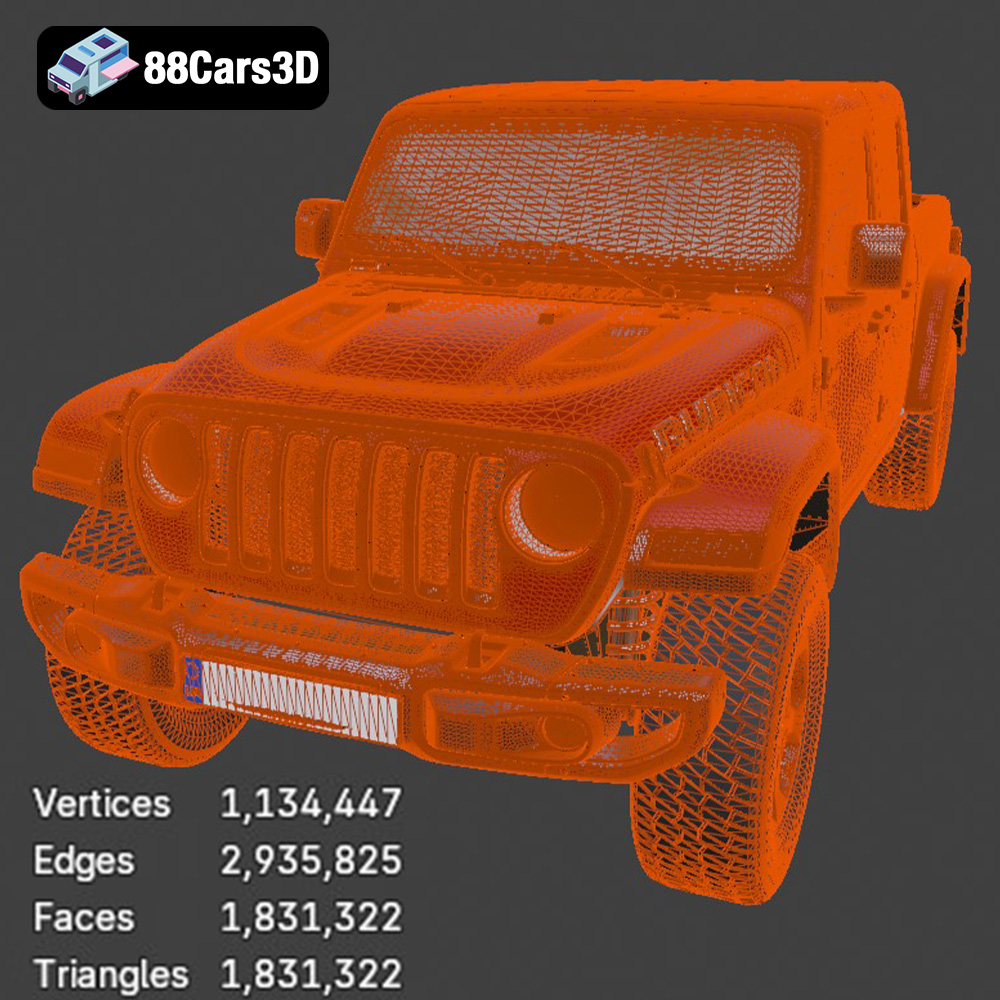
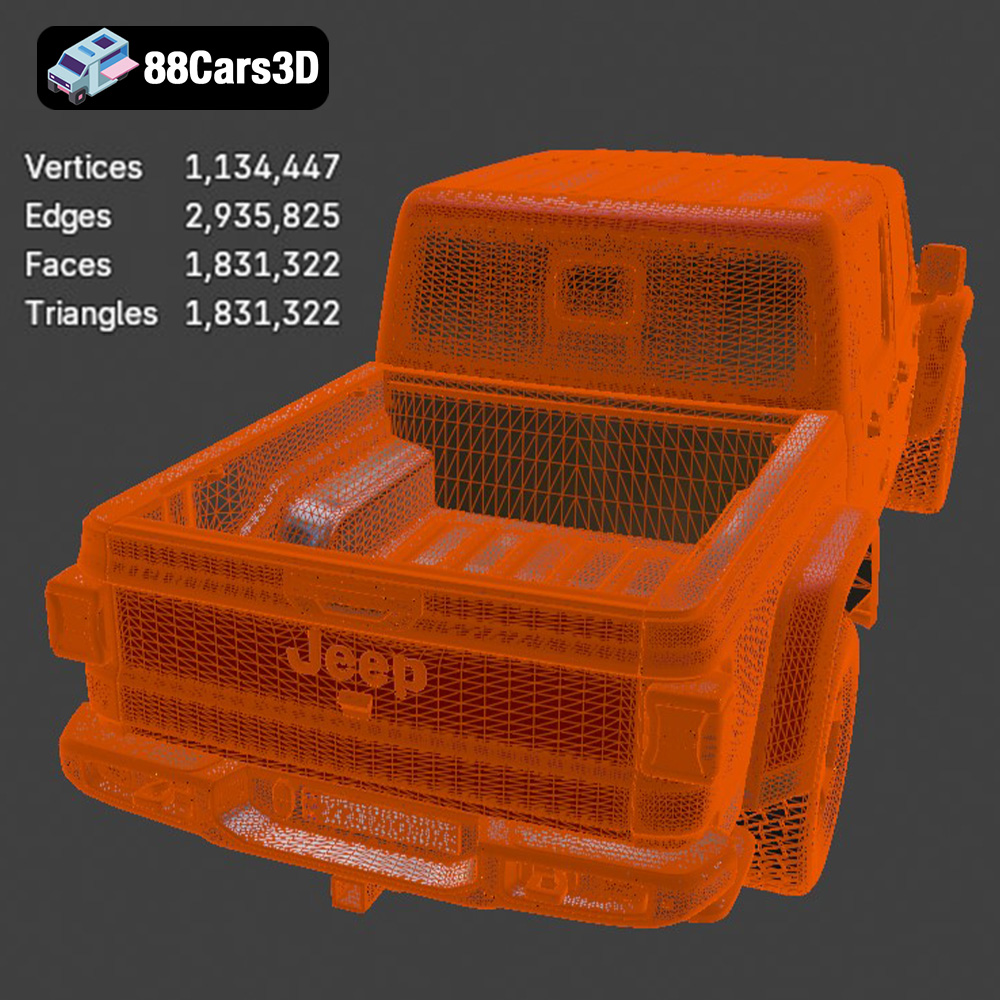
The STL (stereolithography) file format is the undisputed standard for 3D printing. It represents the surface geometry of a 3D object as a collection of triangles. This simplicity makes it universally compatible with slicing software and 3D printers. The STL file from 88cars3d.com is perfect for direct printing. While STL files don’t store color or texture information, they are highly efficient for representing complex shapes. A high-quality STL file will have a dense mesh with small triangles, resulting in a smoother printed surface. However, a very dense mesh can increase file size and processing time. Slicing software excels at converting STL files into machine-readable code (G-code) that guides the 3D printer.
OBJ files are another widely used format, known for their ability to store color and texture information. This makes them suitable for printing models with multiple colors or applying textures during post-processing. However, not all 3D printers can handle color printing directly, so OBJ files are often used in conjunction with post-processing techniques like painting or applying decals. Like STL, OBJ represents the model’s surface as a mesh, but it can also store vertex normals, which improve the appearance of the model. While more versatile than STL, OBJ files can be larger and require more processing power.
PLY (Polygon File Format) is designed for storing 3D data acquired from scanning devices. It can represent complex shapes with high precision, making it ideal for reproducing intricate details. PLY files can store various properties, including color, texture, and surface normals. While PLY offers excellent detail, it can result in very large file sizes, potentially straining slicing software and 3D printers with limited processing power.
The .blend format is the native file format for Blender, a popular open-source 3D modeling software. It contains the entire Blender scene, including the model’s geometry, materials, textures, lighting, and animation data. This format is incredibly powerful for customization, allowing users to modify the Jeep Gladiator Rubicon 2020 model before exporting it to a 3D printable format like STL. However, .blend files require Blender to open and edit.
FBX (Filmbox) is a proprietary file format developed by Autodesk. It’s widely used in the game development and animation industries for exchanging 3D data between different software packages. FBX files can store geometry, materials, textures, animation, and skeletal data. While some slicing software can import FBX files, compatibility can vary, and it’s often necessary to convert the FBX file to STL for 3D printing.
GLB (GL Transmission Format Binary) is a binary file format designed for efficient transmission and loading of 3D models in web applications. It’s particularly well-suited for Augmented Reality (AR) applications, allowing users to preview the Jeep Gladiator Rubicon 2020 model in their physical environment before committing to printing it. GLB files are compact and self-contained, making them easy to share and deploy.
.max files are the native format for Autodesk 3ds Max, another industry-standard 3D modeling and animation software. Like .blend, .max files contain the complete project, enabling extensive customization and modification of the Jeep Gladiator Rubicon 2020 model before exporting for 3D printing.
For 3D printing, the STL format remains the most reliable and widely supported option. Slicing software readily handles STL files, converting them into G-code that your 3D printer can understand. Ensure that the STL file you use is of sufficient quality, with a reasonable polygon count to capture the details of the Jeep Gladiator Rubicon 2020 without creating an excessively large file.
Successful 3D printing relies heavily on proper preparation. This involves inspecting the 3D model for errors, optimizing its orientation, and choosing the right settings in your slicing software. A well-prepared model will significantly reduce the risk of print failures and improve the final quality of your 3D printed Jeep Gladiator Rubicon 2020.
Before loading the STL file into your slicing software, it’s crucial to inspect it for potential errors. These errors can include non-manifold geometry, holes in the mesh, and self-intersecting faces. Several free and paid tools can help you identify and repair these issues. MeshLab and Netfabb Basic are popular choices for STL repair. These tools can automatically fix many common errors, ensuring that your model is printable. If you find significant errors, consider contacting the source (88cars3d.com in this case) to request a corrected file.
The orientation of the Jeep Gladiator Rubicon 2020 model on the print bed can significantly impact the print quality and the amount of support material needed. The goal is to minimize overhangs and maximize the surface area in contact with the build plate. For a model like the Gladiator, printing it with the wheels facing down might be a good starting point, as this provides a stable base and minimizes the need for supports on the main body. However, this may require more supports for the underside of the vehicle. Experiment with different orientations in your slicing software to find the optimal arrangement.
Support structures are necessary for printing overhangs and bridging gaps in the model. The type of support structure (e.g., tree supports, linear supports) and their density can affect the print quality and the ease of support removal. Experiment with different support settings in your slicing software to find the best balance between support strength and ease of removal.
Consider the size of your 3D printer and the desired level of detail when scaling the Jeep Gladiator Rubicon 2020 model. Printing a larger model will capture more detail but will also require more material and time. Smaller models may lose some fine details but can be printed faster and more economically. Ensure that the scaled model remains structurally sound and that any small features are still printable at the chosen size.
The choice of material significantly impacts the appearance, strength, and durability of your 3D printed Jeep Gladiator Rubicon 2020. Different materials offer different properties, and the best choice will depend on your specific needs and expectations.
PLA is a popular and affordable 3D printing material known for its ease of use and biodegradability. It’s a good choice for printing the Jeep Gladiator Rubicon 2020 if you’re primarily concerned with aesthetics and don’t require high strength or heat resistance. PLA prints are generally smooth and detailed, making them ideal for display models. However, PLA is prone to warping and has a relatively low glass transition temperature, meaning it can soften or deform at relatively low temperatures.
PETG is a more durable and heat-resistant alternative to PLA. It offers a good balance of strength, flexibility, and ease of printing. PETG is a good choice for the Jeep Gladiator Rubicon 2020 if you want a model that can withstand some wear and tear and resist higher temperatures. It’s also less prone to warping than PLA and has good layer adhesion.
Resin 3D printing (SLA/DLP) offers unparalleled detail and surface finish. If you’re looking for the highest possible level of detail in your 3D printed Jeep Gladiator Rubicon 2020, resin printing is the way to go. Resin prints are typically very smooth and can capture intricate details that are impossible to achieve with FDM printing. However, resin printers are generally more expensive than FDM printers, and resin materials can be more costly. Resin prints also require post-processing, including washing and curing.
The right 3D printer settings are crucial for achieving a high-quality 3D printed Jeep Gladiator Rubicon 2020. These settings will vary depending on your printer, material, and desired level of detail.
Layer height determines the resolution of your 3D print. Lower layer heights result in smoother surfaces and more detailed prints, but they also increase printing time. A layer height of 0.1mm to 0.2mm is a good starting point for the Jeep Gladiator Rubicon 2020, balancing detail and printing time.
Infill density determines the internal strength of your 3D print. Higher infill densities result in stronger prints but also increase material consumption and printing time. For a display model of the Jeep Gladiator Rubicon 2020, an infill density of 15% to 20% is usually sufficient. For a more durable model, consider increasing the infill density to 30% or higher.
Print speed affects the overall printing time and the quality of the print. Slower print speeds generally result in better layer adhesion and smoother surfaces. A print speed of 40mm/s to 60mm/s is a good starting point for the Jeep Gladiator Rubicon 2020.
Proper temperature settings are crucial for successful 3D printing. The optimal nozzle temperature and bed temperature will depend on the material you are using. Refer to the material manufacturer’s recommendations for specific temperature settings. For PLA, a nozzle temperature of 200°C to 220°C and a bed temperature of 60°C to 70°C are typically recommended. For PETG, a nozzle temperature of 230°C to 250°C and a bed temperature of 70°C to 80°C are common.
Post-processing is an essential step in 3D printing, transforming a raw 3D print into a polished and professional-looking model. The Jeep Gladiator Rubicon 2020, with its intricate details, benefits greatly from careful post-processing.
The first step in post-processing is removing the support structures. Use pliers, a hobby knife, or specialized support removal tools to carefully detach the supports from the model. Be patient and avoid damaging the surface of the print.
Once the supports are removed, sanding is necessary to smooth out any imperfections and layer lines. Start with coarse sandpaper (e.g., 220 grit) and gradually move to finer grits (e.g., 400, 600, 800, 1000 grit) to achieve a smooth surface. Wet sanding can help reduce dust and improve the sanding process.
Priming is essential for creating a smooth and uniform surface for painting. Apply several thin coats of primer, allowing each coat to dry completely before applying the next. Sand the primed surface with fine-grit sandpaper to remove any imperfections.
Painting the Jeep Gladiator Rubicon 2020 can bring it to life with realistic colors and details. Use acrylic paints or specialized model paints for best results. Apply multiple thin coats of paint, allowing each coat to dry completely. Consider using masking tape to create clean lines and separate different colored areas.
If the Jeep Gladiator Rubicon 2020 model consists of multiple parts, carefully assemble them using glue or other appropriate adhesives. Ensure that the parts are properly aligned before applying the adhesive. Clamps or tape can be used to hold the parts together while the adhesive dries.
3D printing can sometimes be challenging, and it’s essential to be prepared to troubleshoot common issues. Here are some potential problems you might encounter when printing the Jeep Gladiator Rubicon 2020 and how to address them.
Warping occurs when the corners of the print lift off the build plate. This is often caused by poor bed adhesion or temperature fluctuations. Ensure that your build plate is clean and level, and use a bed adhesive like glue stick or hairspray to improve adhesion. Enclosing your 3D printer can help maintain a stable temperature and reduce warping.
Stringing occurs when thin strands of plastic are left between different parts of the print. This is often caused by excessive nozzle temperature or retraction settings. Lower the nozzle temperature and increase the retraction distance and speed to reduce stringing.
Layer shifting occurs when the layers of the print are misaligned. This can be caused by loose belts, stepper motor issues, or excessive print speed. Check the tension of your printer’s belts and ensure that the stepper motors are functioning correctly. Reduce the print speed to prevent layer shifting.
If the print detaches from the build plate mid-print, it can be caused by poor bed adhesion or insufficient support structures. Make sure your bed is properly leveled and clean and use a bed adhesive to improve adhesion. Ensure that support structures are properly positioned and strong enough to support the overhangs.
3D printing the Jeep Gladiator Rubicon 2020 is a rewarding project that allows you to bring a beloved vehicle to life in miniature form. By understanding the nuances of 3D model file formats, preparing the model correctly, choosing the right materials and settings, and mastering post-processing techniques, you can create a stunning 3D printed replica of this iconic off-road vehicle. Remember to consult the resources at 88cars3d.com for high-quality 3D models and inspiration for your next 3D printing project. With patience and persistence, you can overcome any challenges and achieve a professional-quality result. The world of additive manufacturing awaits, ready for you to explore its limitless possibilities.
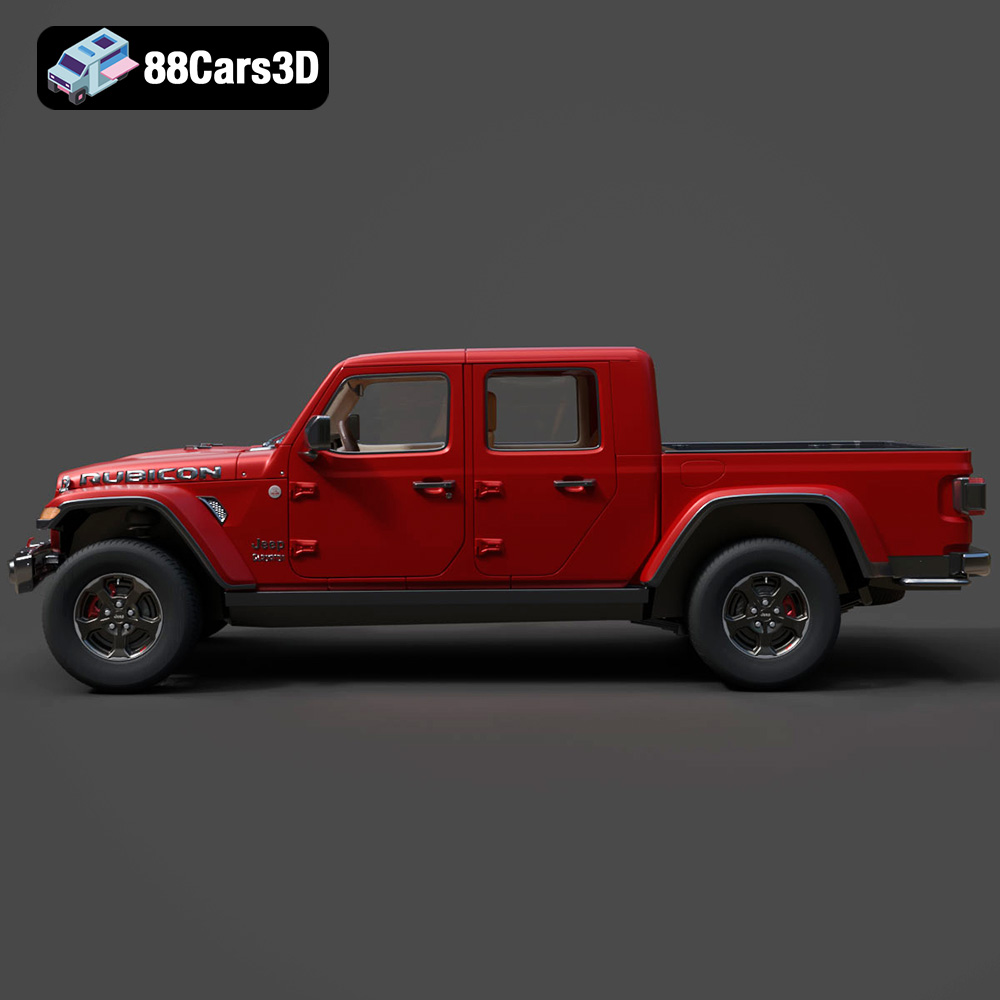
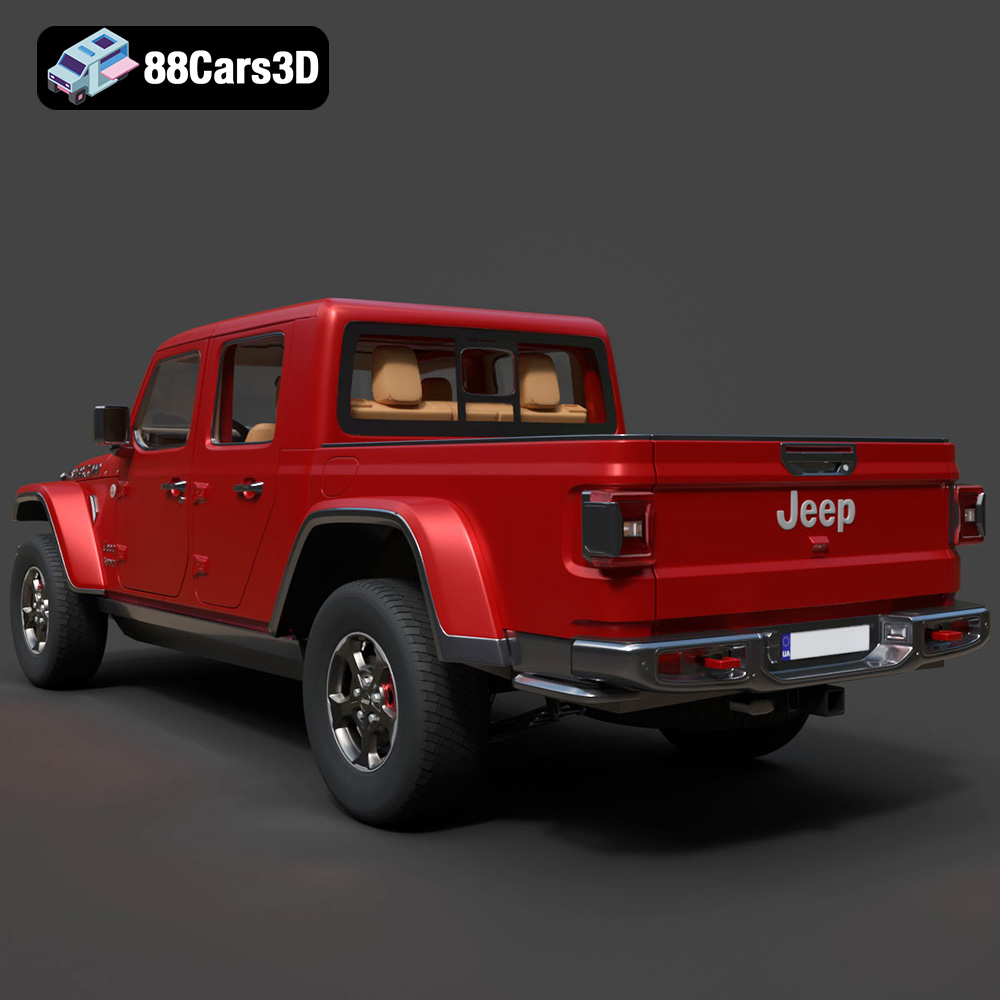
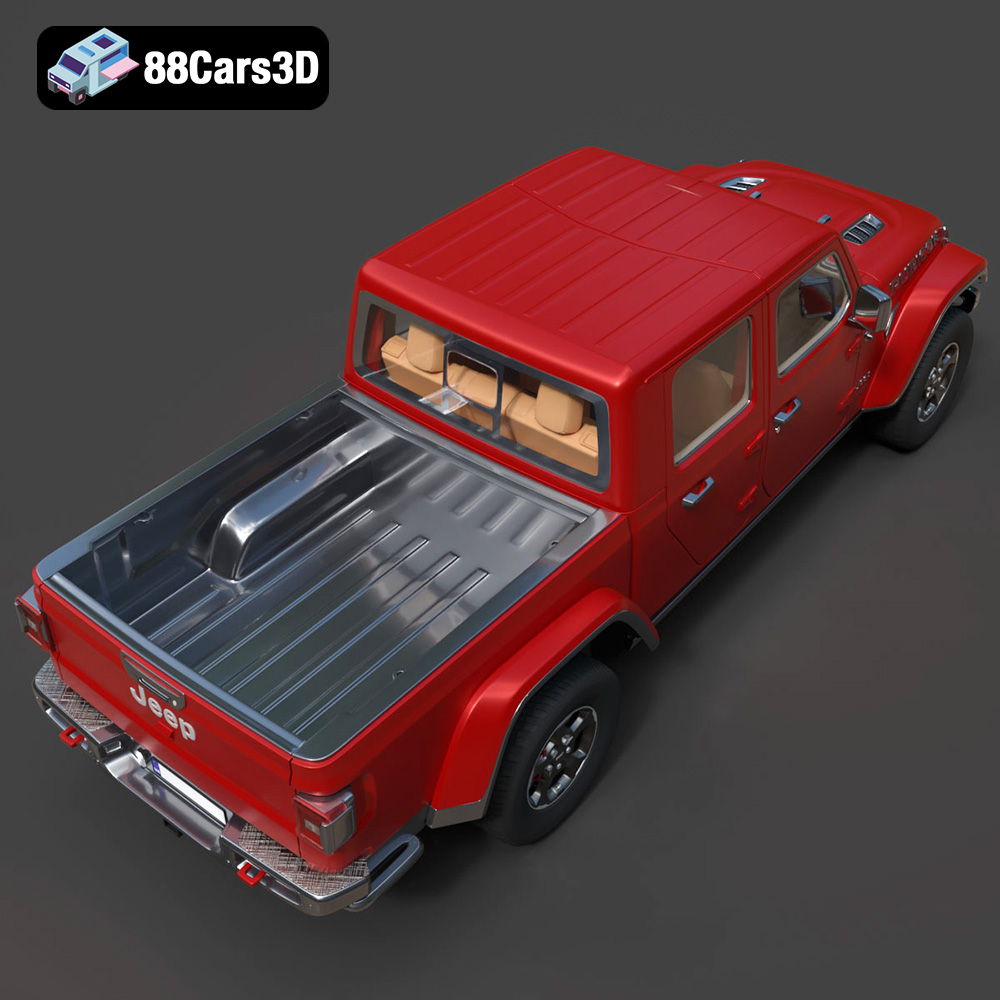
Discover the realistic digital representation of the Jeep Gladiator Rubicon 2020 3D Model, meticulously crafted to deliver an authentic digital twin of this rugged off-road vehicle. This model captures the iconic exterior styling and intricate structural details, making it an ideal asset for professional digital projects.
$39.99
.4×4
.arvr
.blend
.car3dmodel
.fbx
.gameasset
.gladiator
.glb
.jeep
.jt
.max
.obj
.offroad
.pickup
.ply
.rendering
.rubicon
.simulation
.stl
.truck
.unreal