Get 20% OFF All Premium 3D & STL Models!

The Mazda CX-5 2011 marked a turning point for the Japanese automaker, introducing the world to its stunning “Kodo: Soul of Motion” design philosophy. Now, thanks to 88cars3d.com, you can bring this iconic crossover to life with the power of 3D printing. This comprehensive guide will walk you through every step, from preparing the STL files to achieving a showroom-worthy finish on your 3D printed Mazda CX-5 2011 model. Whether you’re a seasoned 3D printing enthusiast or a beginner, this article will provide the knowledge you need to successfully 3D print and showcase this beautiful vehicle. We’ll explore material choices, optimal settings, and post-processing techniques to ensure your project is a resounding success.
The level of detail and desired finish will influence your choice of 3D printing technology. While both Fused Deposition Modeling (FDM) and Stereolithography (SLA) printing can produce excellent results, they have different strengths and weaknesses.
FDM printers, which use thermoplastic filaments like PLA or ABS, are a popular choice due to their affordability and ease of use. For larger scale models of the Mazda CX-5 2011, FDM is a cost-effective solution. However, achieving fine details, such as the intricate grille or complex curves of the body, can be challenging with standard FDM printing. To mitigate this, consider using a smaller nozzle size (0.4mm or even 0.25mm) and optimizing your print orientation.
SLA printers, which use liquid resin cured by UV light, excel at producing highly detailed parts with smooth surfaces. If you’re aiming for a display-quality model of the Mazda CX-5 2011, especially at smaller scales like 1:24, resin printing is the superior choice. SLA printing can accurately reproduce the subtle contours and intricate details of the car’s design, resulting in a more realistic and visually appealing finished product. Remember that resin printing typically requires more post-processing, including washing and curing, compared to FDM.
Choosing the right file format is crucial for successful 3D printing. While the Mazda CX-5 2011 model from 88cars3d.com is available in several formats, some are better suited for additive manufacturing than others.
The STL (Stereolithography) file format is the most widely supported and commonly used format for 3D printing. It represents the surface geometry of a 3D object as a collection of triangles. This simplicity makes it universally compatible with slicing software, which prepares the model for printing by converting it into layer-by-layer instructions for the 3D printer. When working with STL files, it’s essential to ensure the mesh is watertight and free of errors, such as non-manifold edges or holes. Slicing software can often repair minor errors automatically, but complex issues may require manual repair in a 3D modeling program. Given its ubiquity and straightforward structure, STL is the ideal starting point for 3D printing the Mazda CX-5 2011.
While STL is primary, understanding the other formats provided with the Mazda CX-5 2011 model is beneficial:
* **.obj:** OBJ is a more versatile format than STL, as it can store color and texture information. While less common for basic 3D printing, it’s useful if you plan to experiment with multi-material printing or want to incorporate color data into your model.
* **.ply:** PLY is another format that supports color and texture, but it is typically used for scanned 3D data due to its ability to store vertex colors directly. While not frequently used for 3D printing car models, it could be useful if you are looking for ways to add additional details to the surface using textures after printing.
* **.blend:** BLEND files are native to Blender, a popular open-source 3D modeling software. This format allows you to directly edit and customize the Mazda CX-5 2011 model before exporting it to a printable format like STL. If you want to make modifications to the model, such as adding custom features or adjusting the geometry, Blender is the ideal tool.
* **.fbx:** FBX is primarily used for animation and game development. It supports complex hierarchies and animations, making it suitable for importing the Mazda CX-5 2011 model into game engines like Unreal Engine or Unity. While not directly used for 3D printing, FBX can be helpful if you want to create animated visualizations of your 3D printed model.
* **.glb:** GLB is a binary file format that is used to store 3D models for web and AR/VR applications. The GLB format is especially helpful for previewing the model on different platforms and devices.
* **.max:** MAX files are specific to 3ds Max, a professional 3D modeling and animation software. Similar to BLEND files, MAX files allow you to fully edit and customize the Mazda CX-5 2011 model within 3ds Max.
All the file formats listed above can be imported into popular slicing software such as Cura, PrusaSlicer, Simplify3D, and Chitubox. However, slicing software typically works best with STL files. OBJ files can also be used, but they may require additional processing to ensure proper slicing. Before printing, always double-check the sliced preview in your software to catch any potential issues like gaps or unsupported overhangs.
The quality of the STL mesh significantly impacts the final 3D printed result. A high-resolution mesh will capture more details and result in a smoother surface, but it will also increase the file size and processing time. Conversely, a low-resolution mesh will print faster but may exhibit visible faceting or a loss of detail. For the Mazda CX-5 2011, aim for a balance between detail and printability. Experiment with different mesh resolutions in your 3D modeling software to find the optimal trade-off.
Once you’ve chosen your 3D printing technology and file format, the next step is to prepare the model for printing. This involves slicing the STL file and selecting the optimal print orientation.
Slicing software translates the 3D model into a series of layers that the 3D printer can understand. The settings you choose in your slicing software will significantly impact the quality, strength, and print time of your Mazda CX-5 2011 model. Here are some key settings to consider:
* **Layer Height:** Layer height determines the thickness of each printed layer. Lower layer heights (e.g., 0.1mm for FDM, 0.05mm for SLA) result in smoother surfaces and finer details, but they also increase print time. Higher layer heights (e.g., 0.2mm for FDM, 0.1mm for SLA) print faster but may sacrifice surface quality.
* **Infill Density:** Infill density determines the amount of material used inside the model. Higher infill densities (e.g., 50-100%) increase strength and weight but also increase print time and material usage. Lower infill densities (e.g., 10-20%) print faster and use less material but may result in a weaker model.
* **Wall Thickness:** Wall thickness determines the thickness of the outer walls of the model. Thicker walls (e.g., 1.2mm or more) increase strength and durability but also increase print time and material usage.
* **Support Structures:** Support structures are necessary to support overhangs and bridges during printing. Choose a support structure type that is easy to remove and minimizes surface blemishes.
* **Print Speed:** Print speed affects both print time and print quality. Slower print speeds generally result in higher quality prints, but they also increase print time. Experiment with different print speeds to find the optimal balance between speed and quality.
The orientation of the model on the print bed can significantly affect the quality, strength, and support requirements of the print. For the Mazda CX-5 2011, consider the following:
* **Minimize Overhangs:** Orient the model to minimize the amount of unsupported overhangs, as these will require support structures.
* **Maximize Bed Adhesion:** Orient the model to maximize the surface area in contact with the print bed. This will improve bed adhesion and reduce the risk of warping.
* **Hide Seams:** Orient the model to hide the Z-seam (the point where each layer starts and ends) in an inconspicuous location.
* **Consider Aesthetics:** Orient the model to prioritize the appearance of the most visible surfaces.
The choice of material has a significant impact on the final appearance, durability, and functionality of your 3D printed Mazda CX-5 2011 model.
PLA (Polylactic Acid) is a biodegradable thermoplastic that is known for its ease of use and relatively low printing temperature. It’s an excellent choice for beginners and produces good-looking models with a smooth surface finish. PLA is ideal for creating display models of the Mazda CX-5 2011, especially if you plan to paint it afterwards. However, PLA is not as strong or heat-resistant as other materials, so it may not be suitable for functional parts or models that will be exposed to high temperatures.
ABS (Acrylonitrile Butadiene Styrene) is a more durable and heat-resistant thermoplastic than PLA. It’s a good choice for creating functional parts or models that will be exposed to higher temperatures. ABS is also more flexible than PLA, which makes it less prone to cracking. However, ABS is more difficult to print than PLA and requires a heated bed and enclosure to prevent warping. It also emits fumes during printing, so good ventilation is necessary.
PETG (Polyethylene Terephthalate Glycol-modified) is a thermoplastic that combines the best qualities of PLA and ABS. It’s relatively easy to print like PLA, but it’s also more durable and heat-resistant like ABS. PETG is a good choice for creating models that need to be both aesthetically pleasing and functional. It also has good chemical resistance, making it suitable for models that will be exposed to solvents or cleaning agents.
As mentioned earlier, resin printing is ideal for capturing the fine details of the Mazda CX-5 2011. Different types of resin are available, each with its own properties:
* **Standard Resin:** Offers a good balance of strength, detail, and cost.
* **Tough Resin:** Provides increased durability and impact resistance.
* **Flexible Resin:** Allows for creating flexible parts, such as tires.
After printing, you’ll likely need to perform some post-processing to achieve a professional finish on your Mazda CX-5 2011 model.
The first step is to carefully remove any support structures from the model. Use a sharp knife or pliers to gently break away the supports, taking care not to damage the surrounding surface. After removing the supports, use sandpaper or a file to smooth out any rough edges or blemishes. For resin prints, wash the model in isopropyl alcohol to remove any uncured resin, and then cure it under UV light to fully harden the material.
Sanding is essential for achieving a smooth surface finish, especially on FDM prints. Start with a coarse grit sandpaper (e.g., 220 grit) and gradually work your way up to finer grits (e.g., 400, 600, 800 grit). After sanding, apply a primer to the model. Primer helps to fill in any remaining imperfections and provides a good surface for paint to adhere to. After the primer has dried, you can paint the model with your desired colors. Use multiple thin coats of paint for best results. Consider using automotive paints and clear coats for a realistic finish that matches the Mazda CX-5 2011’s original colors.
The Mazda CX-5 2011 model from 88cars3d.com includes separate parts for the wheels, doors, and steering components. After painting, you can assemble these parts using glue or small screws. Add any additional details, such as decals or chrome trim, to complete the model.
Even with careful preparation, you may encounter some issues during the 3D printing process. Here are some common problems and their solutions:
* **Warping:** Warping occurs when the corners of the model lift off the print bed due to uneven cooling. To prevent warping, use a heated bed, apply an adhesive to the print bed, and use an enclosure to maintain a consistent temperature.
* **Stringing:** Stringing occurs when the printer extrudes material while moving between different parts of the model. To prevent stringing, reduce the printing temperature, increase retraction settings, and ensure the filament is dry.
* **Layer Shifting:** Layer shifting occurs when the printer’s axes shift during printing, resulting in misaligned layers. To prevent layer shifting, tighten the belts and screws on the printer, reduce the printing speed, and ensure the printer is stable.
* **Poor Bed Adhesion:** Poor bed adhesion can cause the model to detach from the print bed during printing. To improve bed adhesion, clean the print bed with isopropyl alcohol, level the print bed properly, and use an adhesive such as glue stick or hairspray.
By following these tips and techniques, you can successfully 3D print a stunning replica of the Mazda CX-5 2011 and showcase your passion for automotive design. 88cars3d.com offers a wide range of high-quality 3D car models, making it easy to find your next 3D printing project.
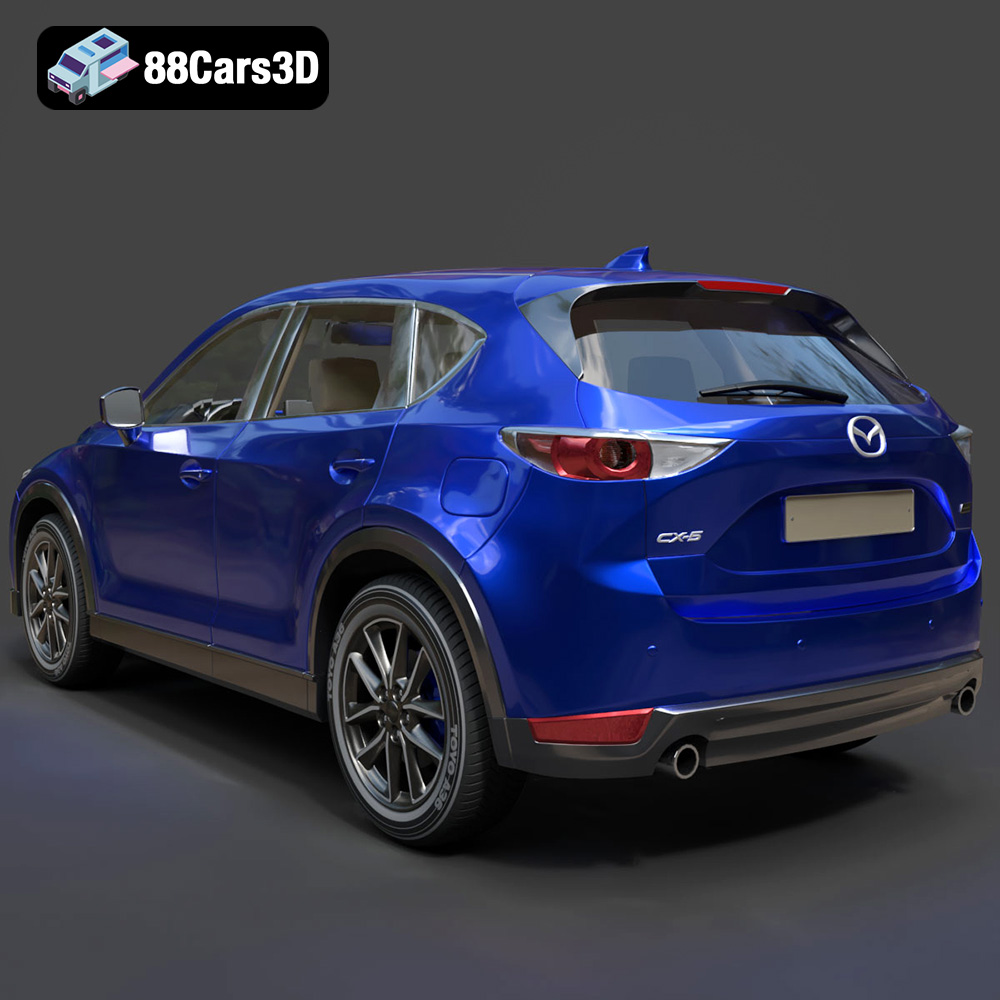
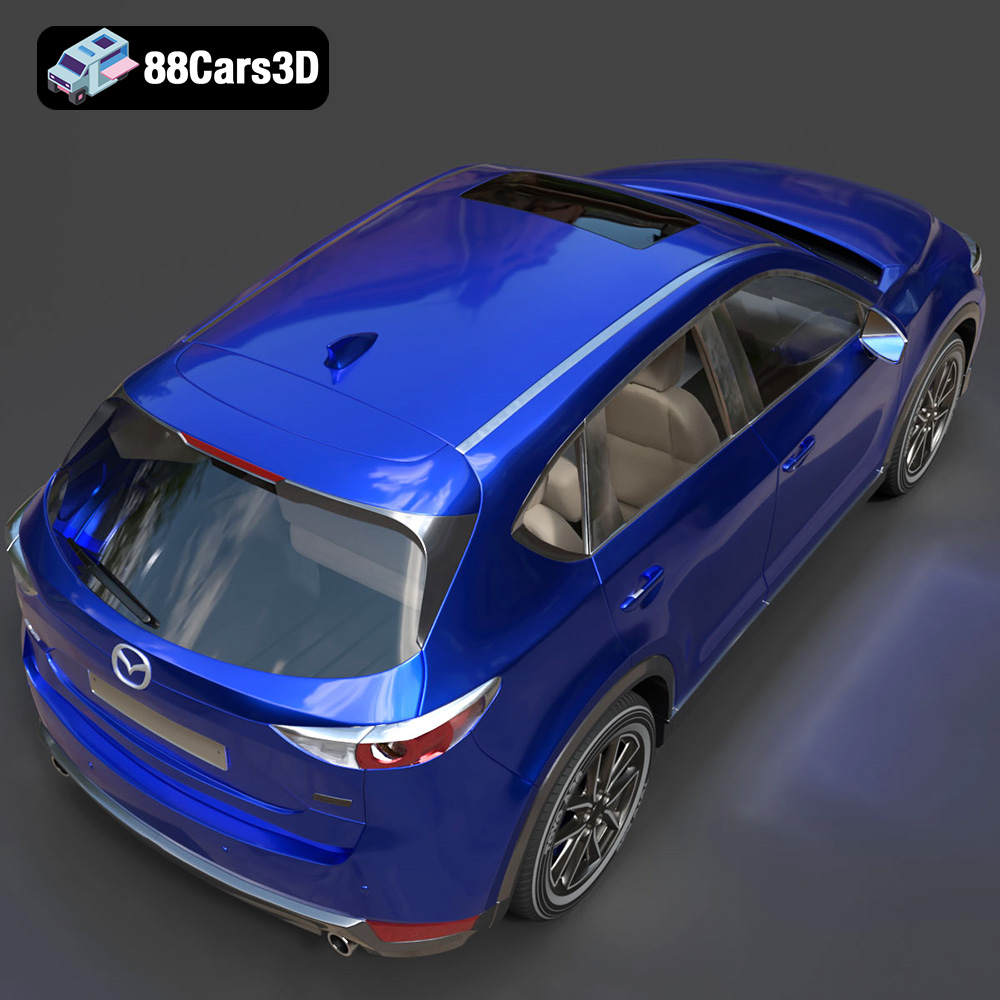
Experience the vehicle that debuted Mazda’s iconic “Kodo: Soul of Motion” design language with this highly detailed 3D model of the 2011 Mazda CX-5. This compact crossover SUV revolutionized its segment by blending sleek, athletic styling with exceptional functionality. Our 3D model captures its dynamic stance, prominent five-point front grille, swept-back headlights, and aerodynamic profile, offering a perfect digital twin of the beloved family vehicle.
$19.99
.2011
.blend
.crossover
.fbx
.glb
.max
.mazda
.obj
.ply
.rendering
.stl
.unreal
car-3d-model
cx-5
game asset
game-ready
kodo-design
low-poly
optimized
SUV
VR/AR